Page 365 of 722
To turn this feature off, turn the
interf ace dial to select the OFF icon,
then press ENTER on the interf ace
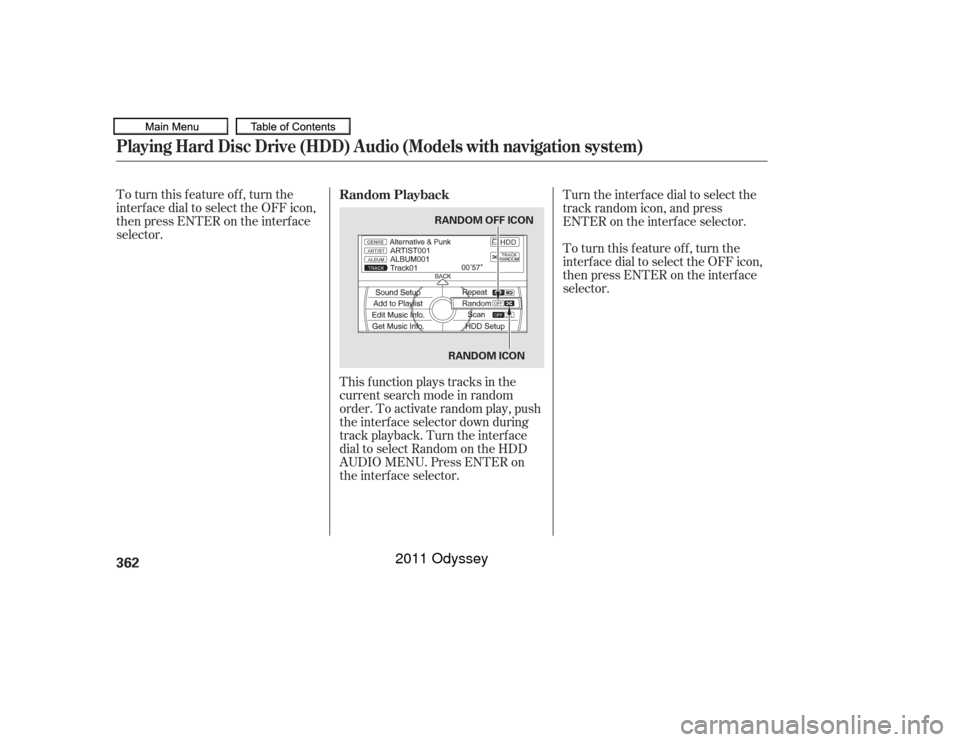
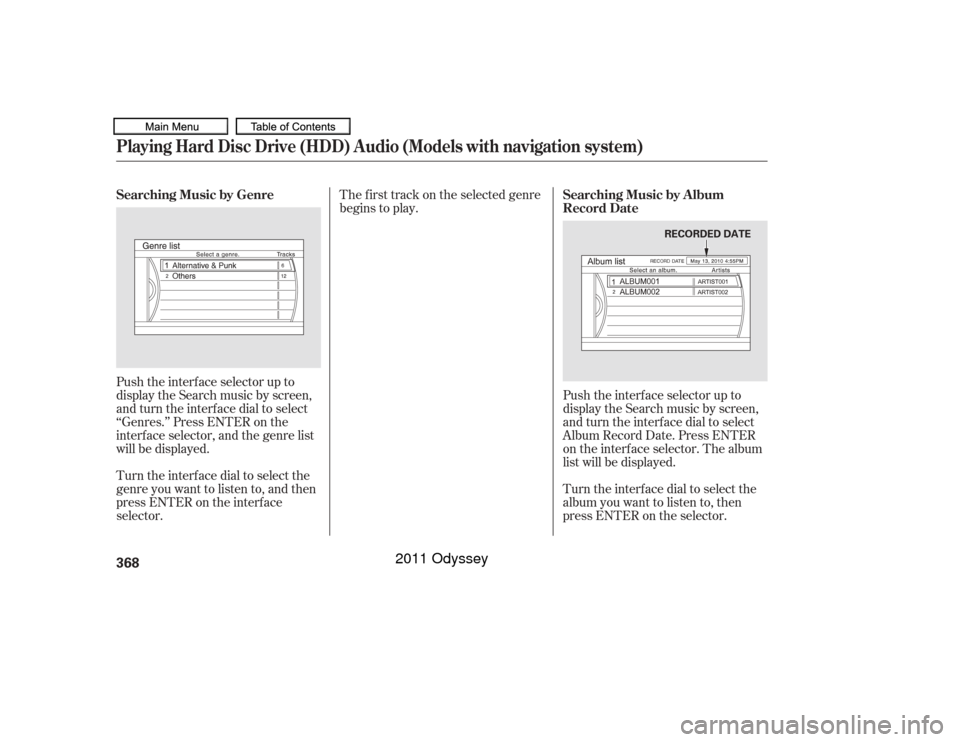
selector.This f unction plays tracks in the
current search mode in random
order. To activate random play, push
the interf ace selector down during
track playback. Turn the interface
dial to select Random on the HDD
AUDIO MENU. Press ENTER on
the interf ace selector. Turn the interface dial to select the
track random icon, and press
ENTER on the interf ace selector.
To turn this feature off, turn the
interf ace dial to select the OFF icon,
then press ENTER on the interf ace
selector.
Random PlaybackPlaying Hard Disc Drive (HDD) Audio (Models with navigation system)362
RANDOM ICON
RANDOM OFF ICON
10/07/17 10:22:29 31TK8600_367
2011 Odyssey
Page 366 of 722
This f unction samples the tracks in
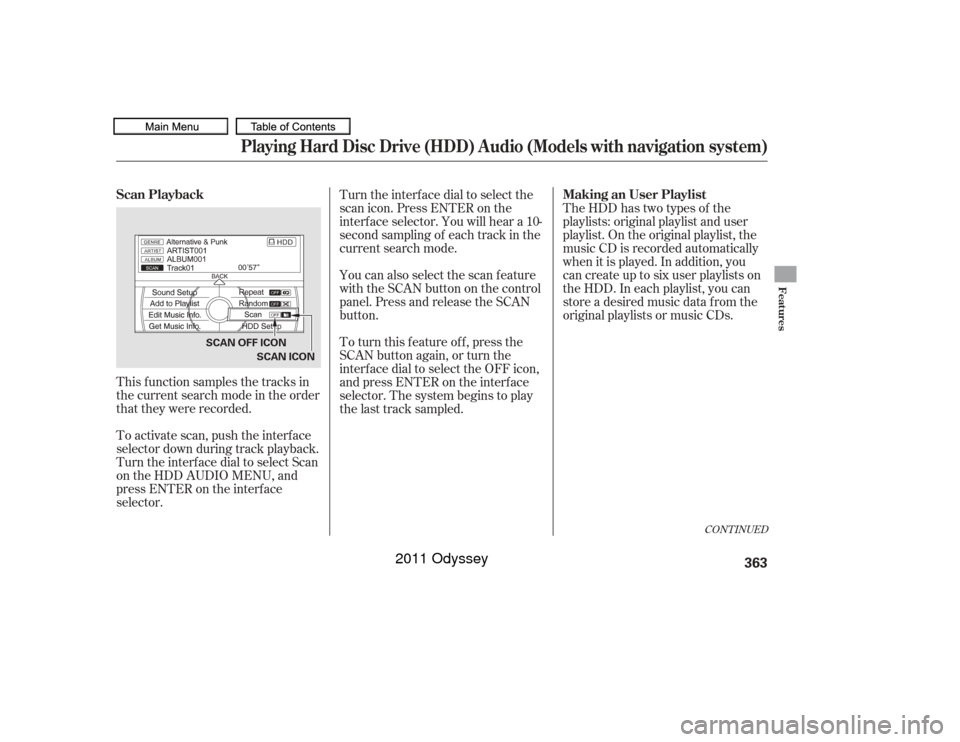
the current search mode in the order
that they were recorded.
To activate scan, push the interface
selector down during track playback.
Turn the interf ace dial to select Scan
on the HDD AUDIO MENU, and
press ENTER on the interf ace
selector.Turn the interface dial to select the
scan icon. Press ENTER on the
interf ace selector. You will hear a 10-
second sampling of each track in the
current search mode.
TheHDDhastwotypesof the
playlists: original playlist and user
playlist. On the original playlist, the
music CD is recorded automatically
when it is played. In addition, you
can create up to six user playlists on
the HDD. In each playlist, you can
store a desired music data f rom the
original playlists or music CDs.
You can also select the scan feature
with the SCAN button on the control
panel. Press and release the SCAN
button.
To turn this feature off, press the
SCAN button again, or turn the
interf ace dial to select the OFF icon,
andpressENTERontheinterface
selector. The system begins to play
the last track sampled.
CONT INUED
Scan Playback
Making an User Playlist
Playing Hard Disc Drive (HDD) Audio (Models with navigation system)
Features
363
SCAN OFF ICON
SCAN ICON
10/07/17 10:22:38 31TK8600_368
2011 Odyssey
Page 367 of 722
While playing music in the HDD
playback screen, push the interf ace
selector up to select MUSIC
SEARCH. You can search a track by
album, artist, track, playlist, genre,
or album record date, or you can
shuf f le all tracks.
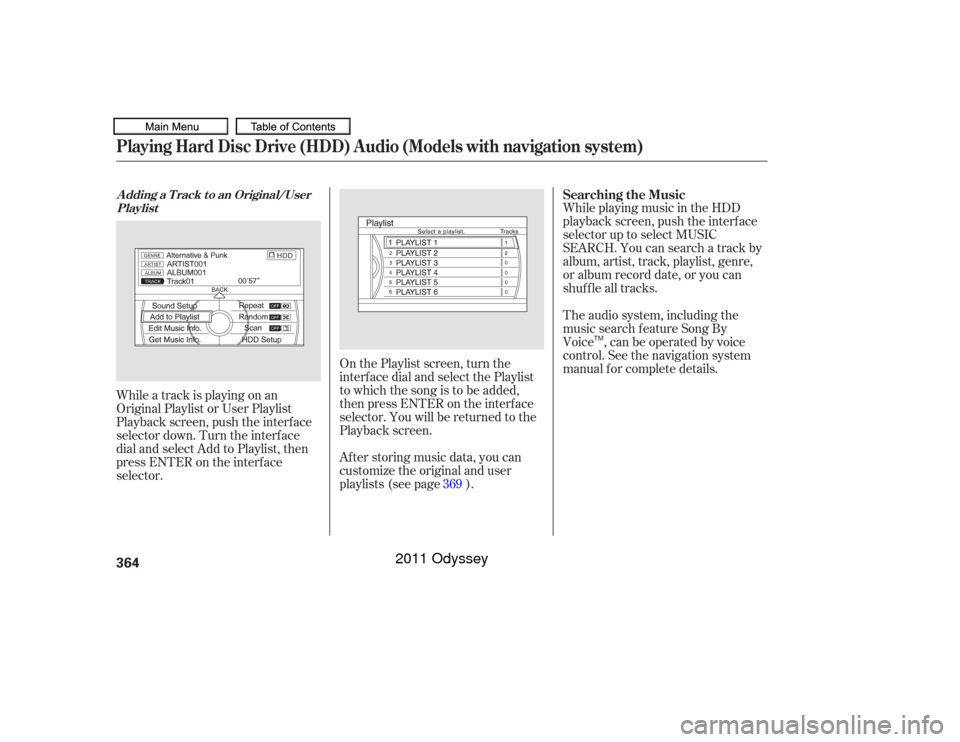
While a track is playing on an
Original Playlist or User Playlist
Playback screen, push the interf ace
selector down. Turn the interf ace
dial and select Add to Playlist, then
press ENTER on the interf ace
selector. After storing music data, you can
customize the original and user
playlists (see page ). On the Playlist screen, turn the
interf ace dial and select the Playlist
to which the song is to be added,
then press ENTER on the interf ace
selector. You will be returned to the
Playback screen.The audio system, including the
music search f eature Song By
Voice , can be operated by voice
control. See the navigation system
manual f or complete details.
369 Searching the Music
A dding a T rack t o an Original/User
PlaylistPlaying Hard Disc Drive (HDD) Audio (Models with navigation system)364
TM
10/07/17 10:22:45 31TK8600_369
2011 Odyssey
Page 368 of 722
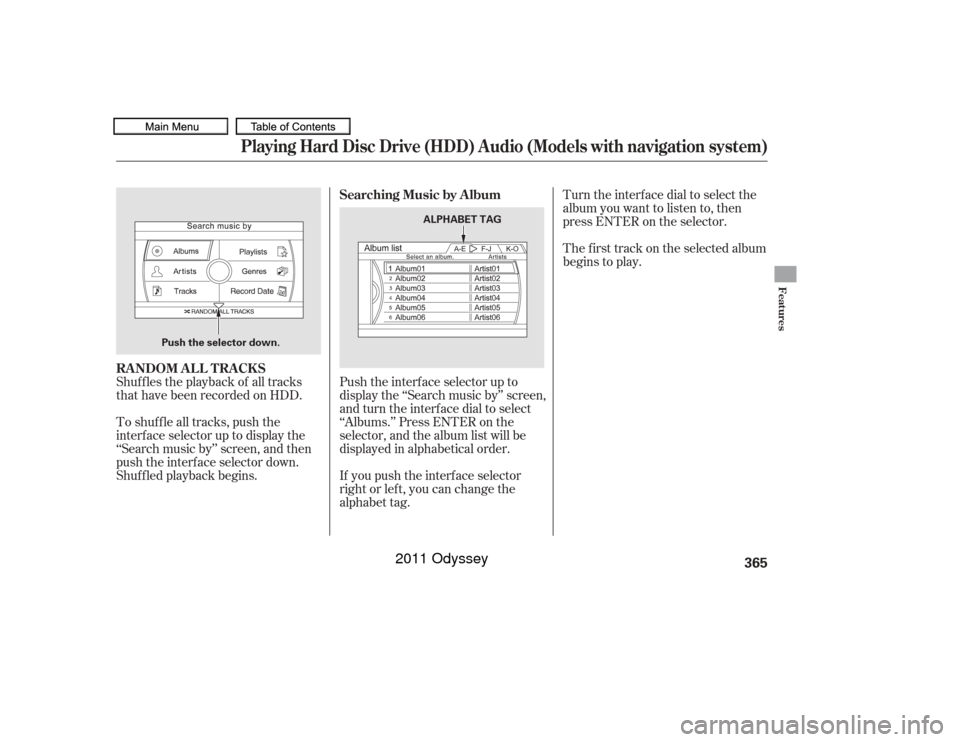
Shuf f les the playback of all tracks
that have been recorded on HDD.
To shuffle all tracks, push the
interface selector up to display the
‘‘Search music by’’ screen, and then
push the interf ace selector down.
Shuf f led playback begins.Push the interf ace selector up to
display the ‘‘Search music by’’ screen,
and turn the interf ace dial to select
‘‘Albums.’’ Press ENTER on the
selector, and the album list will be
displayed in alphabetical order.
If you push the interf ace selector
right or lef t, you can change the
alphabet tag. Turn the interface dial to select the
album you want to listen to, then
press ENTER on the selector.
The f irst track on the selected album
begins to play.
Searching Music by Album
RANDOM ALL TRACKS
Playing Hard Disc Drive (HDD) Audio (Models with navigation system)
Features
365
Push the selector down. ALPHABET TAG
10/07/17 10:22:54 31TK8600_370
2011 Odyssey
Page 369 of 722
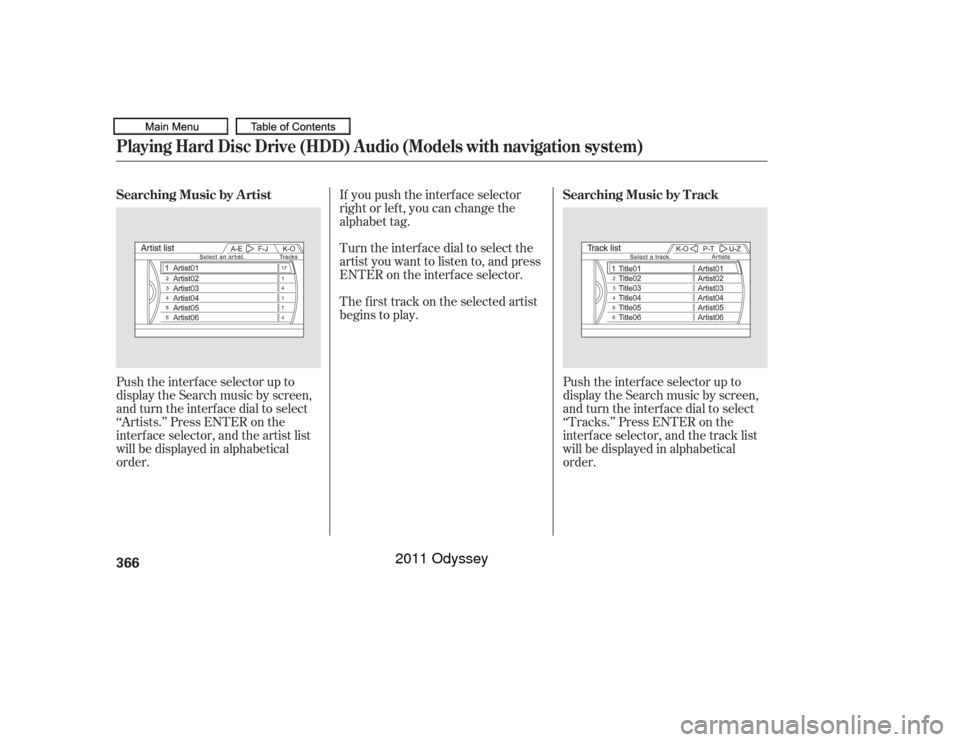
Push the interf ace selector up to
display the Search music by screen,
and turn the interf ace dial to select
‘‘Artists.’’ Press ENTER on the
interface selector, and the artist list
will be displayed in alphabetical
order.Turn the interface dial to select the
artist you want to listen to, and press
ENTER on the interf ace selector. If you push the interf ace selector
right or lef t, you can change the
alphabet tag.
The f irst track on the selected artist
begins to play.
Push the interf ace selector up to
display the Search music by screen,
and turn the interf ace dial to select
‘‘Tracks.’’ Press ENTER on the
interface selector, and the track list
will be displayed in alphabetical
order.
Searching Music by A rtist
Searching Music by T rackPlaying Hard Disc Drive (HDD) Audio (Models with navigation system)366
10/07/17 10:23:01 31TK8600_371
2011 Odyssey
Page 370 of 722
Turn the interf ace dial to select a
track you want to listen to, then
press ENTER on the interf ace
selector. If you push the interf ace selector
right or lef t, you can change the
alphabet tag.
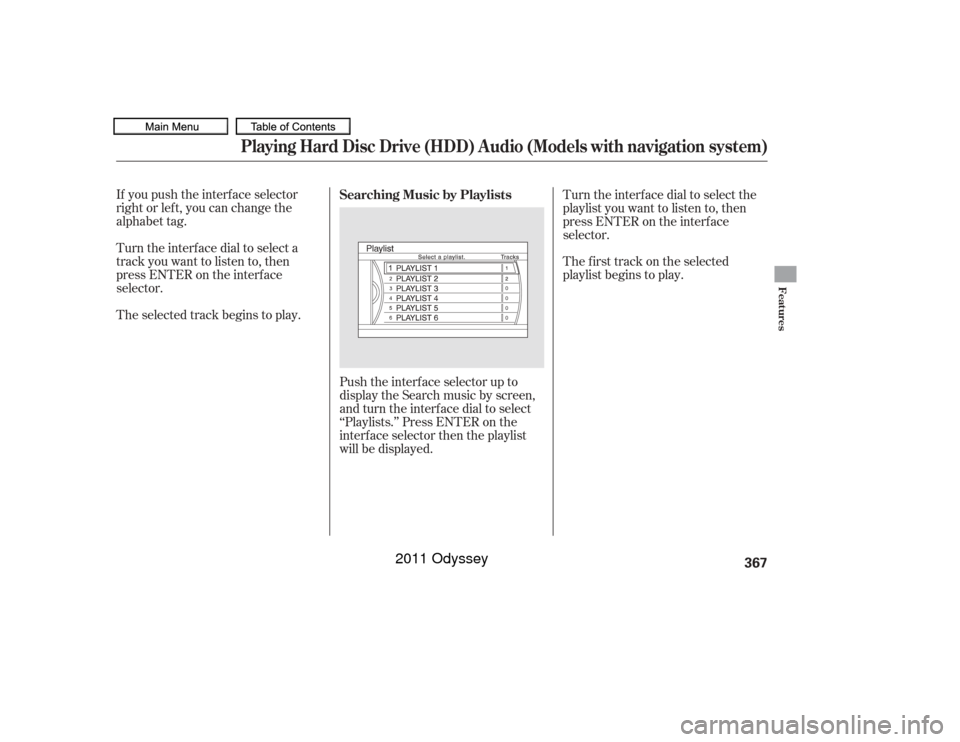
The selected track begins to play.Push the interf ace selector up to
display the Search music by screen,
and turn the interf ace dial to select
‘‘Playlists.’’ Press ENTER on the
interf ace selector then the playlist
will be displayed. The f irst track on the selected
playlist begins to play. Turn the interface dial to select the
playlist you want to listen to, then
press ENTER on the interf ace
selector.
Searching Music by Playlists
Playing Hard Disc Drive (HDD) Audio (Models with navigation system)
Features
367
10/07/17 10:23:08 31TK8600_372
2011 Odyssey
Page 371 of 722
Push the interf ace selector up to
display the Search music by screen,
and turn the interf ace dial to select
‘‘Genres.’’ Press ENTER on the
interf ace selector, and the genre list
will be displayed.
Turn the interface dial to select the
genre you want to listen to, and then
press ENTER on the interf ace
selector.The f irst track on the selected genre
begins to play.
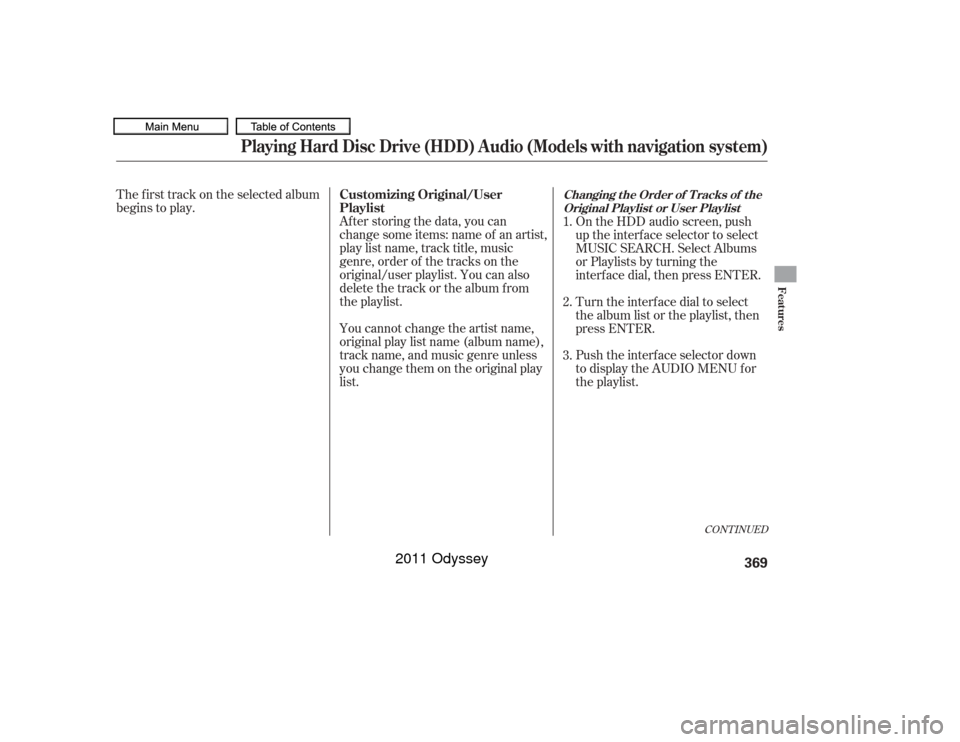
Push the interf ace selector up to
display the Search music by screen,
and turn the interf ace dial to select
Album Record Date. Press ENTER
on the interf ace selector. The album
list will be displayed.
Turn the interface dial to select the
album you want to listen to, then
press ENTER on the selector.
Searching Music by Genre
Searching Music by A lbum
Record DatePlaying Hard Disc Drive (HDD) Audio (Models with navigation system)368
RECORDED DATE
10/07/17 10:23:16 31TK8600_373
2011 Odyssey
Page 372 of 722
The f irst track on the selected album
begins to play.After storing the data, you can
change some items: name of an artist,
play list name, track title, music
genre, order of the tracks on the
original/user playlist. You can also
delete the track or the album from
the playlist.
You cannot change the artist name,
original play list name (album name),
track name, and music genre unless
you change them on the original play
list. On the HDD audio screen, push
up the interf ace selector to select
MUSIC SEARCH. Select Albums
or Playlists by turning the
interf ace dial, then press ENTER.
Turn the interf ace dial to select
the album list or the playlist, then
press ENTER.
Push the interf ace selector down
to display the AUDIO MENU for
the playlist.
1.
2.
3.
CONT INUED
Customizing Original/User
Playlist
Changing the Order of Tracks of the
Original Playlist or User Playlist
Playing Hard Disc Drive (HDD) Audio (Models with navigation system)
Features
369
10/07/17 10:23:24 31TK8600_374
2011 Odyssey