2011 FORD EXPEDITION oil reset
[x] Cancel search: oil resetPage 20 of 395
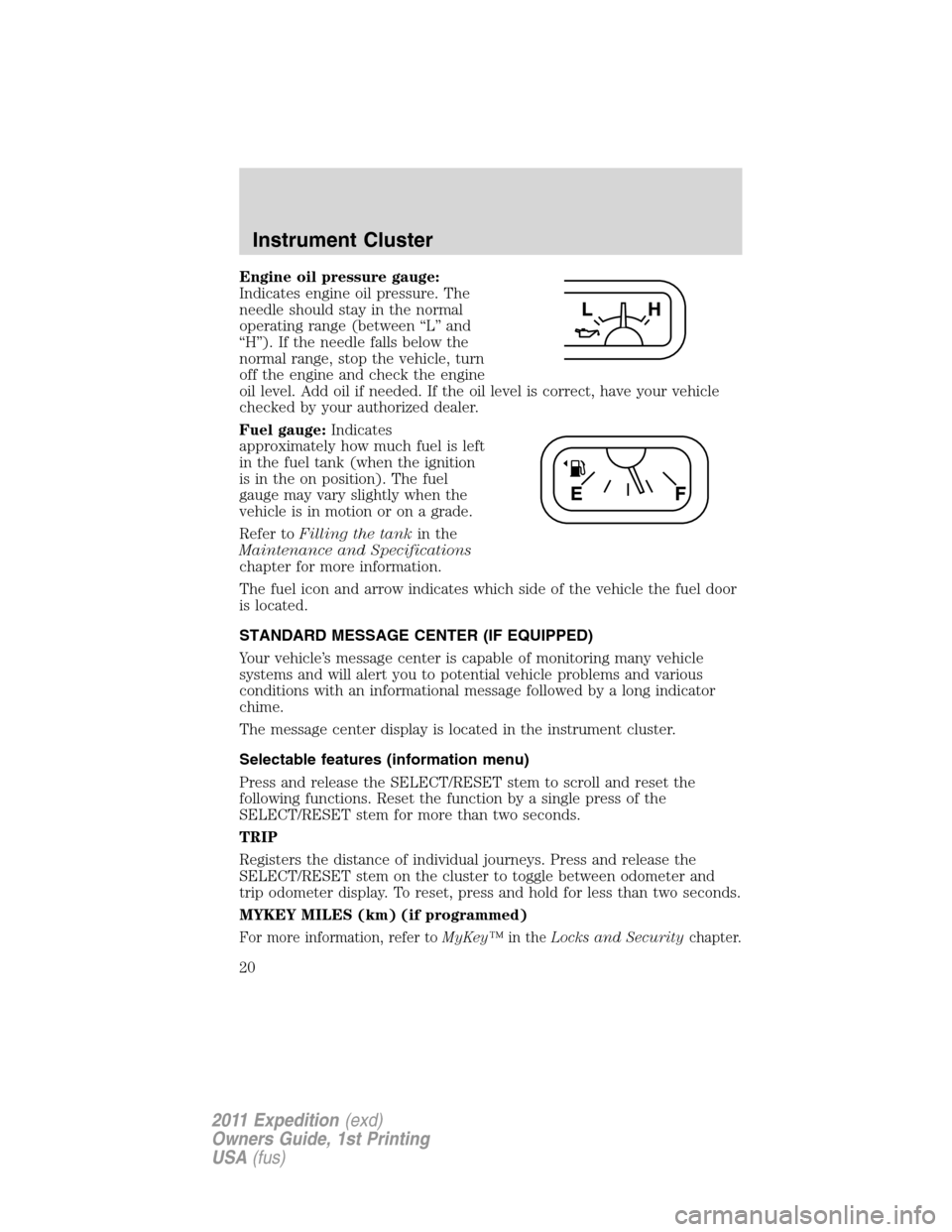
Engine oil pressure gauge:
Indicates engine oil pressure. The
needle should stay in the normal
operating range (between “L” and
“H”). If the needle falls below the
normal range, stop the vehicle, turn
off the engine and check the engine
oil level. Add oil if needed. If the oil level is correct, have your vehicle
checked by your authorized dealer.
Fuel gauge:Indicates
approximately how much fuel is left
in the fuel tank (when the ignition
is in the on position). The fuel
gauge may vary slightly when the
vehicle is in motion or on a grade.
Refer toFilling the tankin the
Maintenance and Specifications
chapter for more information.
The fuel icon and arrow indicates which side of the vehicle the fuel door
is located.
STANDARD MESSAGE CENTER (IF EQUIPPED)
Your vehicle’s message center is capable of monitoring many vehicle
systems and will alert you to potential vehicle problems and various
conditions with an informational message followed by a long indicator
chime.
The message center display is located in the instrument cluster.
Selectable features (information menu)
Press and release the SELECT/RESET stem to scroll and reset the
following functions. Reset the function by a single press of the
SELECT/RESET stem for more than two seconds.
TRIP
Registers the distance of individual journeys. Press and release the
SELECT/RESET stem on the cluster to toggle between odometer and
trip odometer display. To reset, press and hold for less than two seconds.
MYKEY MILES (km) (if programmed)
For more information, refer toMyKey™in theLocks and Securitychapter.
Instrument Cluster
20
2011 Expedition(exd)
Owners Guide, 1st Printing
USA(fus)
Page 24 of 395
HOLD RESET FOR SYSTEM CHECK
Press and hold the SELECT/RESET stem to start the system check when
HOLD RESET FOR SYSTEM CHECK is displayed in the message center.
For each of the monitored systems, the message center will indicate
either an ok message or a warning message for two seconds. Pressing the
SELECT/RESET stem cycles the message center through each of the
systems being monitored.
Note:Some systems show a message only if a condition is present.
1. OIL LIFE
2. CHARGING SYSTEM
3. WASHER FLUID LEVEL
4. DOOR/LIFTGATE/GLASS AJAR
5. BRAKE SYSTEM
6. TIRE PRESSURE
7. FUEL LEVEL (will only display if 50 miles or less to empty)
8. MYKEY DISTANCE (if programmed)
9. MYKEY(S) PROGRAMMED
10. ADMIN KEYS PROGRAMMED
OIL LIFE
This displays the remaining oil life.
An oil change is required whenever indicated by the message center and
according to the recommended maintenance schedule. USE ONLY
RECOMMENDED ENGINE OILS.
To reset the oil monitoring system to 100% after each oil change perform
the following:
1. Press and release SETUP to display “OIL LIFE XXX% HOLD RESET =
NEW”.
2. Press and hold RESET for two seconds and release to reset the oil life
to 100%.
Note:To change oil life 100% value to another value, proceed to Step 3.
3. Once “OIL LIFE SET TO XXX%” is displayed, release and press
RESET to change the Oil Life Start Value. Each release and press will
reduce the value by 10%.
UNITS ENG / METRIC
Displays the current units English or Metric.
Instrument Cluster
24
2011 Expedition(exd)
Owners Guide, 1st Printing
USA(fus)
Page 31 of 395
TIMER
Timer displays the trip elapsed drive time.
To operate, do the following:
1. Press and release RESET in order to start the timer.
2. Press and release RESET to pause the timer.
3. Press and hold RESET until the timer resets.
System check and vehicle feature customization
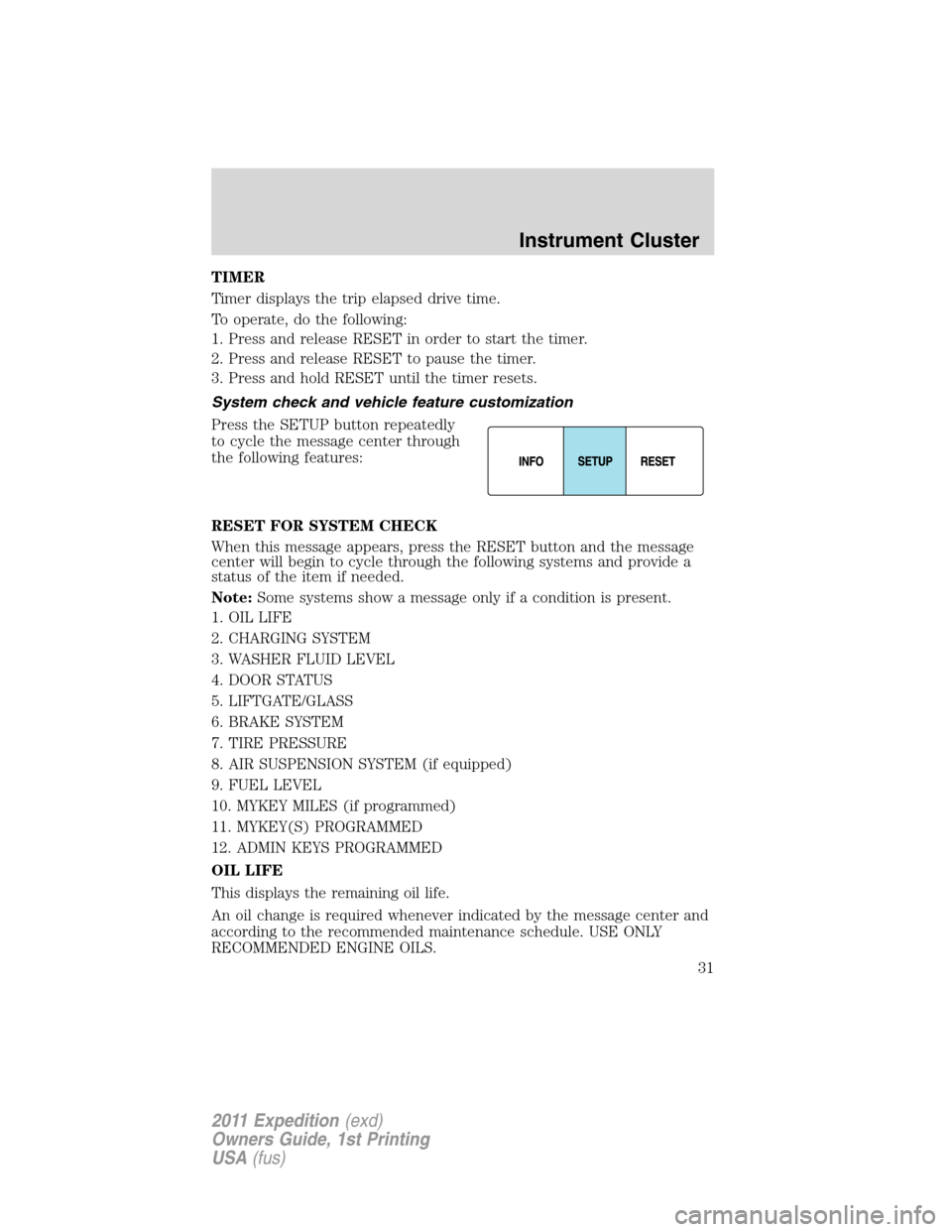
Press the SETUP button repeatedly
to cycle the message center through
the following features:
RESET FOR SYSTEM CHECK
When this message appears, press the RESET button and the message
center will begin to cycle through the following systems and provide a
status of the item if needed.
Note:Some systems show a message only if a condition is present.
1. OIL LIFE
2. CHARGING SYSTEM
3. WASHER FLUID LEVEL
4. DOOR STATUS
5. LIFTGATE/GLASS
6. BRAKE SYSTEM
7. TIRE PRESSURE
8. AIR SUSPENSION SYSTEM (if equipped)
9. FUEL LEVEL
10. MYKEY MILES (if programmed)
11. MYKEY(S) PROGRAMMED
12. ADMIN KEYS PROGRAMMED
OIL LIFE
This displays the remaining oil life.
An oil change is required whenever indicated by the message center and
according to the recommended maintenance schedule. USE ONLY
RECOMMENDED ENGINE OILS.
Instrument Cluster
31
2011 Expedition(exd)
Owners Guide, 1st Printing
USA(fus)
Page 32 of 395
To reset the oil monitoring system to 100% after each oil change perform
the following:
1. Press and release SETUP to display “OIL LIFE XXX% HOLD RESET =
NEW”.
2. Press and hold RESET for two seconds and release to reset the oil life
to 100%.
Note:To change oil life 100% value to another value, proceed to Step 3.
3. Once “OIL LIFE SET TO XXX%” is displayed, release and press
RESET to change the Oil Life Start Value. Each release and press will
reduce the value by 10%.
UNITS
Displays the current units English or Metric.
Press the RESET button to change from English to Metric.
AUTOLAMP (SEC)
This feature keeps your headlights on for up to three minutes after the
ignition is switched off.
Press the RESET button to select the new Autolamp delay values of 0,
10, 20, 30, 60, 90, 120 or 180 seconds.
AUTOLOCK
This feature automatically locks all vehicle doors when the vehicle is
shifted into any gear, putting the vehicle in motion.
Press the RESET button to turn autolock on or off.
AUTOUNLOCK
This feature automatically unlocks all vehicle doors when the driver’s
door is opened within 10 minutes of the ignition being turned off.
Press the RESET button to turn autounlock on or off.
RUNNING BOARDS (if equipped)
This feature automatically deploys the side running boards for easy
entry/exit from the vehicle or for cleaning.
Press the RESET button to select the running boards setting as follows:
•AUTO: the running boards will automatically deploy when a door is
opened and automatically retract when the door is closed,
•OUT: the running boards will remain deployed regardless of the doors
being open/closed. This setting can be used when washing the vehicle, or
accessing the roof rack. The running boards will stow and enter AUTO
mode when the vehicle speed exceeds 5 mph (8 km/h),
•OFF: the running boards will remain in regardless of the doors being
open/closed.
Instrument Cluster
32
2011 Expedition(exd)
Owners Guide, 1st Printing
USA(fus)
Page 328 of 395
•If you do not allow the engine to relearn its idle trim, the idle
quality of your vehicle may be adversely affected until the idle
trim is eventually relearned.
If the battery has been disconnected or a new battery has been installed,
the clock and the preset radio stations must be reset once the battery is
reconnected.
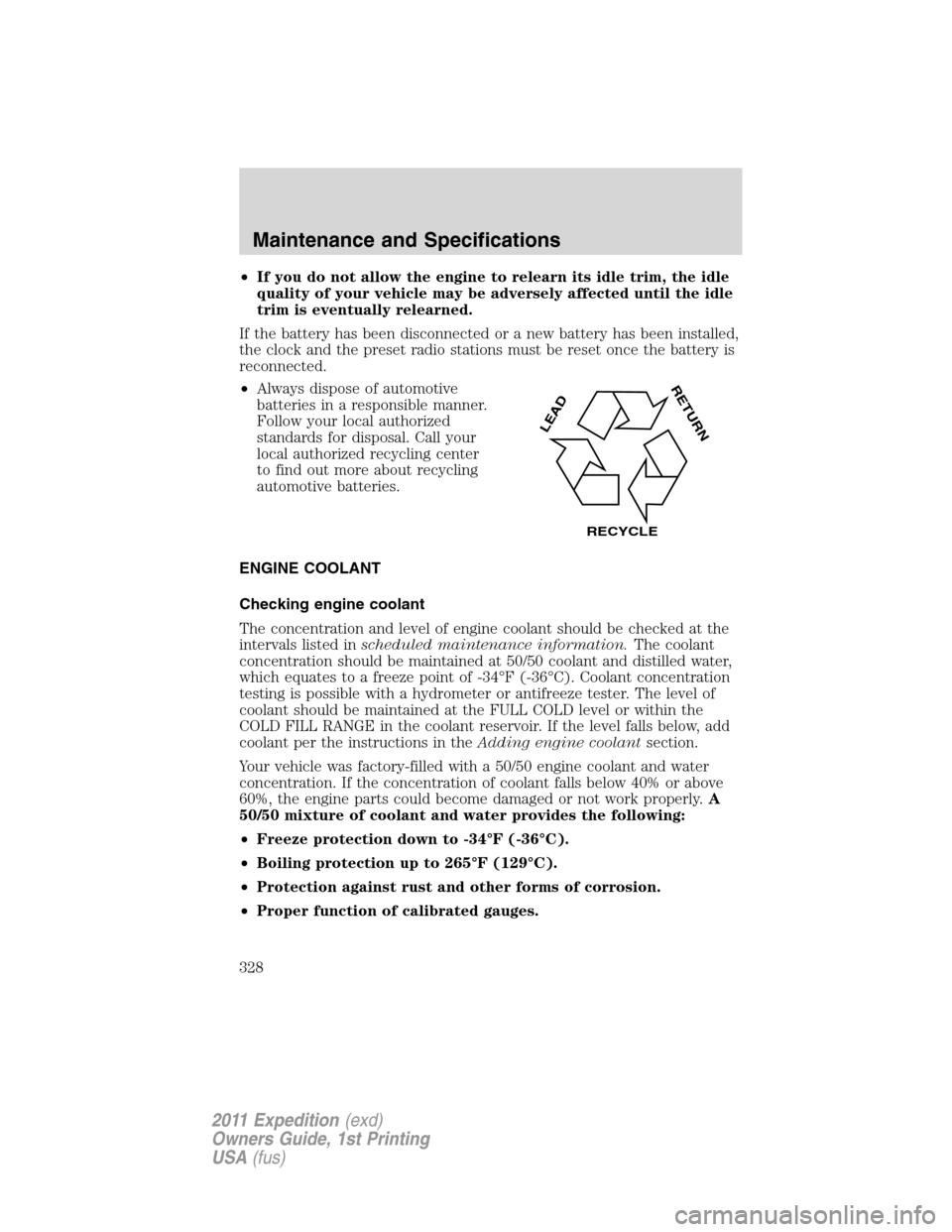
•Always dispose of automotive
batteries in a responsible manner.
Follow your local authorized
standards for disposal. Call your
local authorized recycling center
to find out more about recycling
automotive batteries.
ENGINE COOLANT
Checking engine coolant
The concentration and level of engine coolant should be checked at the
intervals listed inscheduled maintenance information.The coolant
concentration should be maintained at 50/50 coolant and distilled water,
which equates to a freeze point of -34°F (-36°C). Coolant concentration
testing is possible with a hydrometer or antifreeze tester. The level of
coolant should be maintained at the FULL COLD level or within the
COLD FILL RANGE in the coolant reservoir. If the level falls below, add
coolant per the instructions in theAdding engine coolantsection.
Your vehicle was factory-filled with a 50/50 engine coolant and water
concentration. If the concentration of coolant falls below 40% or above
60%, the engine parts could become damaged or not work properly.A
50/50 mixture of coolant and water provides the following:
•Freeze protection down to -34°F (-36°C).
•Boiling protection up to 265°F (129°C).
•Protection against rust and other forms of corrosion.
•Proper function of calibrated gauges.
L
E
A
D
RETURN
RECYCLE
Maintenance and Specifications
328
2011 Expedition(exd)
Owners Guide, 1st Printing
USA(fus)