2011 FORD EXPEDITION maintenance
[x] Cancel search: maintenancePage 3 of 395

Customer Assistance 302
Reporting safety defects (U.S. only) 309
Reporting safety defects (Canada only) 309
Cleaning 310
Maintenance and Specifications 318
Engine compartment 320
Engine oil 323
Battery 326
Engine coolant 328
Fuel information 334
Air filter(s) 348
Part numbers 353
Maintenance product specifications and capacities 354
Engine data 358
Accessories 362
Ford Extended Service Plan 364
Scheduled Maintenance Guide 368
Normal scheduled maintenance and log 373
Index 389
All rights reserved. Reproduction by any means, electronic or mechanical
including photocopying, recording or by any information storage and retrieval
system or translation in whole or part is not permitted without written
authorization from Ford Motor Company. Ford may change the contents without
notice and without incurring obligation.
Copyright © 2010 Ford Motor Company
Table of Contents
3
2011 Expedition(exd)
Owners Guide, 1st Printing
USA(fus)
Page 6 of 395

Do not add friction modifier compounds or special break-in oils since
these additives may prevent piston ring seating. SeeEngine oilin the
Maintenance and Specificationschapter for more information on oil
usage.
SPECIAL NOTICES
New Vehicle Limited Warranty
For a detailed description of what is covered and what is not covered by
your vehicle’s New Vehicle Limited Warranty, refer to theWarranty
Guidethat is provided to you along with your Owner’s Guide.
Special instructions
For your added safety, your vehicle is fitted with sophisticated electronic
controls.
WARNING:Please read the sectionAirbag Supplemental
Restraint System (SRS)in theSeating and Safety Restraints
chapter. Failure to follow the specific warnings and instructions could
result in personal injury.
WARNING:Front seat mounted rear-facing child or infant seats
shouldNEVERbe placed in front of an active passenger airbag.
Notice to owners of pickup trucks and utility type vehicles
WARNING:Utility vehicles have a significantly higher rollover
rate than other types of vehicles.
Before you drive your vehicle, please read this Owner’s Guide carefully.
Your vehicle is not a passenger car. As with other vehicles of this type,
failure to operate this vehicle correctly may result in loss of vehicle
control, vehicle rollover, personal injury or death.
Using your vehicle with a snowplow
Do not use this vehicle for snowplowing.
Your vehicle is not equipped with a snowplowing package.
Introduction
6
2011 Expedition(exd)
Owners Guide, 1st Printing
USA(fus)
Page 12 of 395
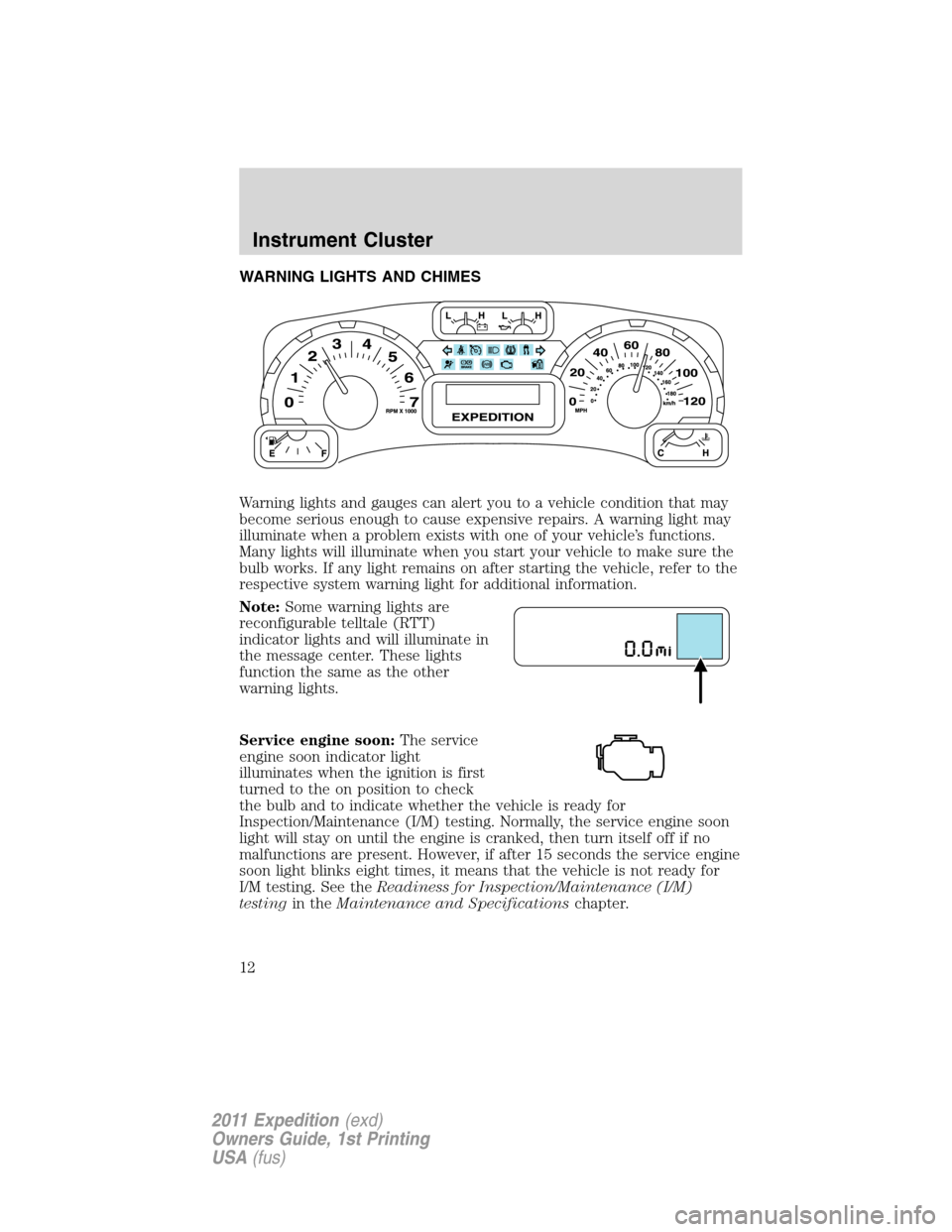
WARNING LIGHTS AND CHIMES
Warning lights and gauges can alert you to a vehicle condition that may
become serious enough to cause expensive repairs. A warning light may
illuminate when a problem exists with one of your vehicle’s functions.
Many lights will illuminate when you start your vehicle to make sure the
bulb works. If any light remains on after starting the vehicle, refer to the
respective system warning light for additional information.
Note:Some warning lights are
reconfigurable telltale (RTT)
indicator lights and will illuminate in
the message center. These lights
function the same as the other
warning lights.
Service engine soon:The service
engine soon indicator light
illuminates when the ignition is first
turned to the on position to check
the bulb and to indicate whether the vehicle is ready for
Inspection/Maintenance (I/M) testing. Normally, the service engine soon
light will stay on until the engine is cranked, then turn itself off if no
malfunctions are present. However, if after 15 seconds the service engine
soon light blinks eight times, it means that the vehicle is not ready for
I/M testing. See theReadiness for Inspection/Maintenance (I/M)
testingin theMaintenance and Specificationschapter.
Instrument Cluster
12
2011 Expedition(exd)
Owners Guide, 1st Printing
USA(fus)
Page 13 of 395
Solid illumination after the engine is started indicates the on-board
diagnostics system (OBD-II) has detected a malfunction. Refer to
On-board diagnostics (OBD-II)in theMaintenance and Specifications
chapter. If the light is blinking, engine misfire is occurring which could
damage your catalytic converter. Drive in a moderate fashion (avoid
heavy acceleration and deceleration) and have your vehicle serviced
immediately by your authorized dealer.
WARNING:Under engine misfire conditions, excessive exhaust
temperatures could damage the catalytic converter, the fuel
system, interior floor coverings or other vehicle components, possibly
causing a fire.
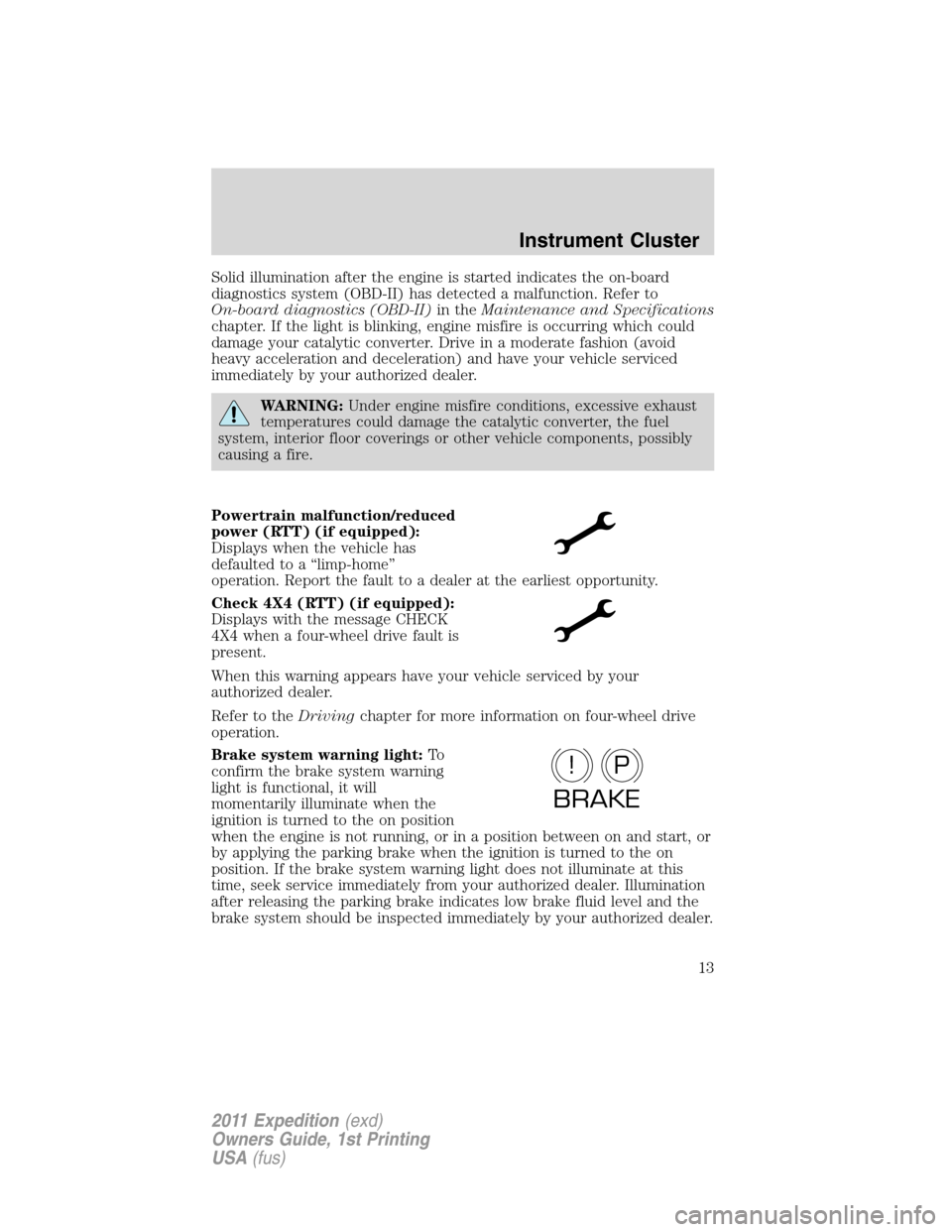
Powertrain malfunction/reduced
power (RTT) (if equipped):
Displays when the vehicle has
defaulted to a “limp-home”
operation. Report the fault to a dealer at the earliest opportunity.
Check 4X4 (RTT) (if equipped):
Displays with the message CHECK
4X4 when a four-wheel drive fault is
present.
When this warning appears have your vehicle serviced by your
authorized dealer.
Refer to theDrivingchapter for more information on four-wheel drive
operation.
Brake system warning light:To
confirm the brake system warning
light is functional, it will
momentarily illuminate when the
ignition is turned to the on position
when the engine is not running, or in a position between on and start, or
by applying the parking brake when the ignition is turned to the on
position. If the brake system warning light does not illuminate at this
time, seek service immediately from your authorized dealer. Illumination
after releasing the parking brake indicates low brake fluid level and the
brake system should be inspected immediately by your authorized dealer.
P!
BRAKE
Instrument Cluster
13
2011 Expedition(exd)
Owners Guide, 1st Printing
USA(fus)
Page 15 of 395
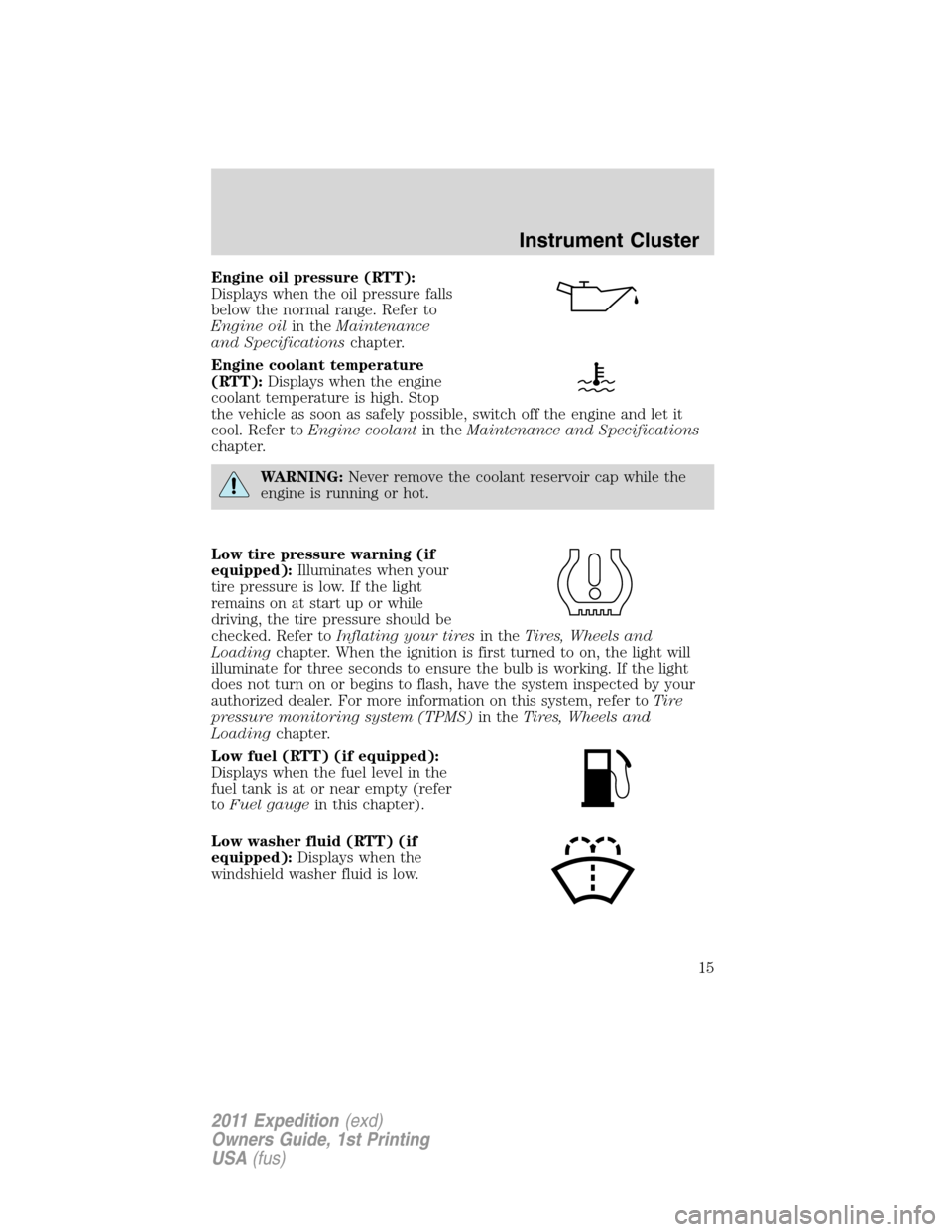
Engine oil pressure (RTT):
Displays when the oil pressure falls
below the normal range. Refer to
Engine oilin theMaintenance
and Specificationschapter.
Engine coolant temperature
(RTT):Displays when the engine
coolant temperature is high. Stop
the vehicle as soon as safely possible, switch off the engine and let it
cool. Refer toEngine coolantin theMaintenance and Specifications
chapter.
WARNING:Never remove the coolant reservoir cap while the
engine is running or hot.
Low tire pressure warning (if
equipped):Illuminates when your
tire pressure is low. If the light
remains on at start up or while
driving, the tire pressure should be
checked. Refer toInflating your tiresin theTires, Wheels and
Loadingchapter. When the ignition is first turned to on, the light will
illuminate for three seconds to ensure the bulb is working. If the light
does not turn on or begins to flash, have the system inspected by your
authorized dealer. For more information on this system, refer toTi r e
pressure monitoring system (TPMS)in theTires, Wheels and
Loadingchapter.
Low fuel (RTT) (if equipped):
Displays when the fuel level in the
fuel tank is at or near empty (refer
toFuel gaugein this chapter).
Low washer fluid (RTT) (if
equipped):Displays when the
windshield washer fluid is low.
Instrument Cluster
15
2011 Expedition(exd)
Owners Guide, 1st Printing
USA(fus)
Page 20 of 395
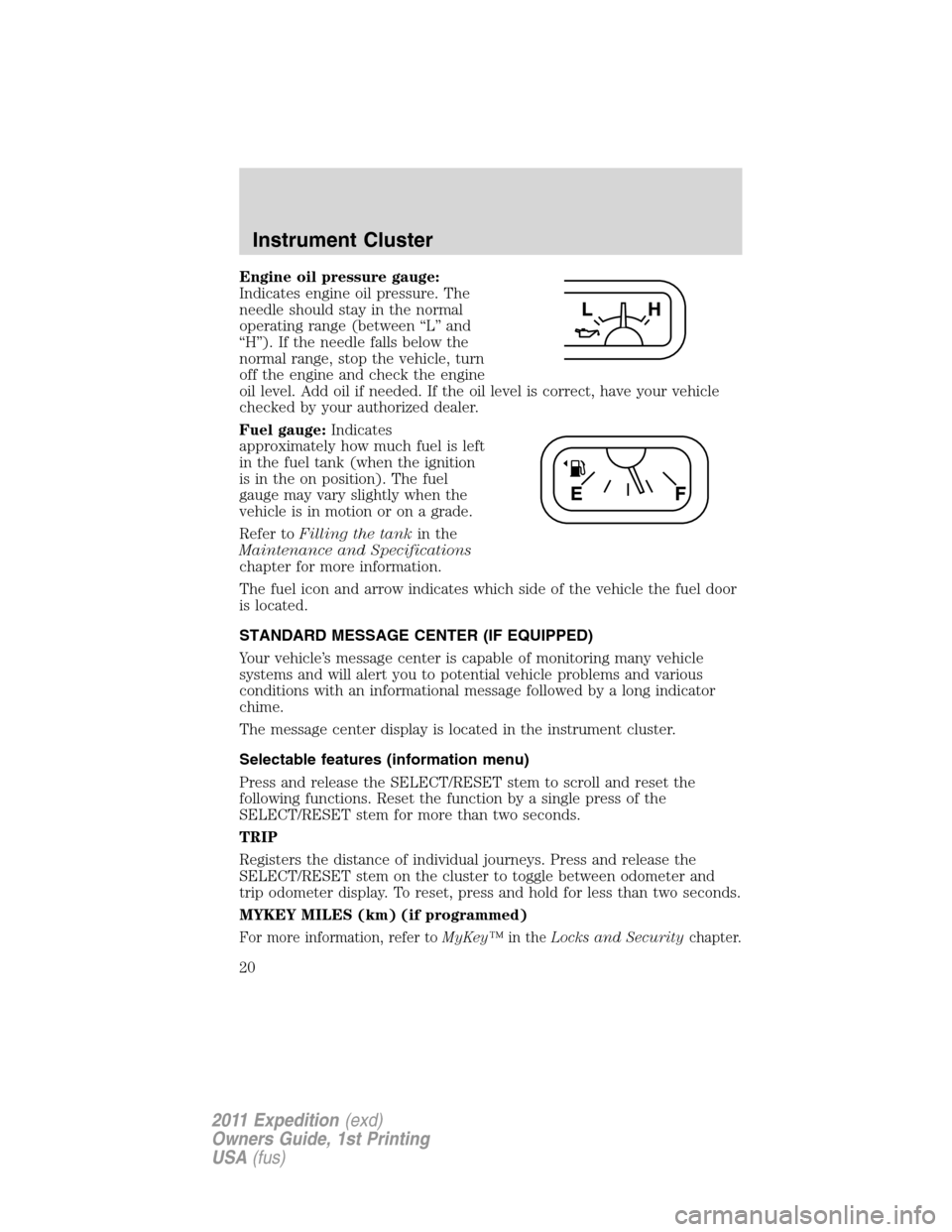
Engine oil pressure gauge:
Indicates engine oil pressure. The
needle should stay in the normal
operating range (between “L” and
“H”). If the needle falls below the
normal range, stop the vehicle, turn
off the engine and check the engine
oil level. Add oil if needed. If the oil level is correct, have your vehicle
checked by your authorized dealer.
Fuel gauge:Indicates
approximately how much fuel is left
in the fuel tank (when the ignition
is in the on position). The fuel
gauge may vary slightly when the
vehicle is in motion or on a grade.
Refer toFilling the tankin the
Maintenance and Specifications
chapter for more information.
The fuel icon and arrow indicates which side of the vehicle the fuel door
is located.
STANDARD MESSAGE CENTER (IF EQUIPPED)
Your vehicle’s message center is capable of monitoring many vehicle
systems and will alert you to potential vehicle problems and various
conditions with an informational message followed by a long indicator
chime.
The message center display is located in the instrument cluster.
Selectable features (information menu)
Press and release the SELECT/RESET stem to scroll and reset the
following functions. Reset the function by a single press of the
SELECT/RESET stem for more than two seconds.
TRIP
Registers the distance of individual journeys. Press and release the
SELECT/RESET stem on the cluster to toggle between odometer and
trip odometer display. To reset, press and hold for less than two seconds.
MYKEY MILES (km) (if programmed)
For more information, refer toMyKey™in theLocks and Securitychapter.
Instrument Cluster
20
2011 Expedition(exd)
Owners Guide, 1st Printing
USA(fus)
Page 24 of 395
HOLD RESET FOR SYSTEM CHECK
Press and hold the SELECT/RESET stem to start the system check when
HOLD RESET FOR SYSTEM CHECK is displayed in the message center.
For each of the monitored systems, the message center will indicate
either an ok message or a warning message for two seconds. Pressing the
SELECT/RESET stem cycles the message center through each of the
systems being monitored.
Note:Some systems show a message only if a condition is present.
1. OIL LIFE
2. CHARGING SYSTEM
3. WASHER FLUID LEVEL
4. DOOR/LIFTGATE/GLASS AJAR
5. BRAKE SYSTEM
6. TIRE PRESSURE
7. FUEL LEVEL (will only display if 50 miles or less to empty)
8. MYKEY DISTANCE (if programmed)
9. MYKEY(S) PROGRAMMED
10. ADMIN KEYS PROGRAMMED
OIL LIFE
This displays the remaining oil life.
An oil change is required whenever indicated by the message center and
according to the recommended maintenance schedule. USE ONLY
RECOMMENDED ENGINE OILS.
To reset the oil monitoring system to 100% after each oil change perform
the following:
1. Press and release SETUP to display “OIL LIFE XXX% HOLD RESET =
NEW”.
2. Press and hold RESET for two seconds and release to reset the oil life
to 100%.
Note:To change oil life 100% value to another value, proceed to Step 3.
3. Once “OIL LIFE SET TO XXX%” is displayed, release and press
RESET to change the Oil Life Start Value. Each release and press will
reduce the value by 10%.
UNITS ENG / METRIC
Displays the current units English or Metric.
Instrument Cluster
24
2011 Expedition(exd)
Owners Guide, 1st Printing
USA(fus)
Page 26 of 395
System warnings
System warnings alert you to possible problems or malfunctions in your
vehicle’s operating systems.
In the event of a multiple warning situation, the message center will
cycle the display to show all warnings by displaying each one for four
seconds.
The message center will display the last selected feature if there are no
more warning messages.
Types of messages and warnings:
•Some messages will appear briefly to inform you of something you
may need to take action on or be informed of.
•Some messages will appear once and then again when the vehicle is
restarted.
•Some messages will reappear after clearing or being reset if a problem
or condition is still present and needs your attention.
•Some messages can be acknowledged and reset by pressing the
SELECT/RESET stem. This allows you to use the full message center
functionality by clearing the message.
DOOR AJAR— Displayed when a door is not completely closed.
LIFTGATE / GLASS AJAR— Displayed when the liftgate or the
liftgate glass is not completely closed.
CHECK CHARGING SYSTEM— Displayed when the electrical system
is not maintaining proper voltage when the engine is running. If you are
operating electrical accessories when the engine is idling at a low speed,
turn off as many of the electrical loads as soon as possible. If the
warning stays on or comes on when the engine is operating at normal
speeds, have the electrical system checked as soon as possible.
PARK BRAKE ENGAGED— Displayed when the parking brake is set,
the engine is running and the vehicle is driven more than 3 mph
(5 km/h). If the warning stays on after the parking brake is released,
contact your authorized dealer as soon as possible.
CHECK BRAKE SYSTEM— Displayed when the braking system is not
operating properly. If the warning stays on or continues to come on,
contact your authorized dealer as soon as possible.
CHECK FUEL FILL INLET— Displayed when the fuel fill inlet may
not be properly closed. Refer toEasy Fuel™ “no cap” fuel systemin
theMaintenance and Specificationschapter.
Instrument Cluster
26
2011 Expedition(exd)
Owners Guide, 1st Printing
USA(fus)