2011 FORD EXPEDITION climate control
[x] Cancel search: climate controlPage 67 of 395
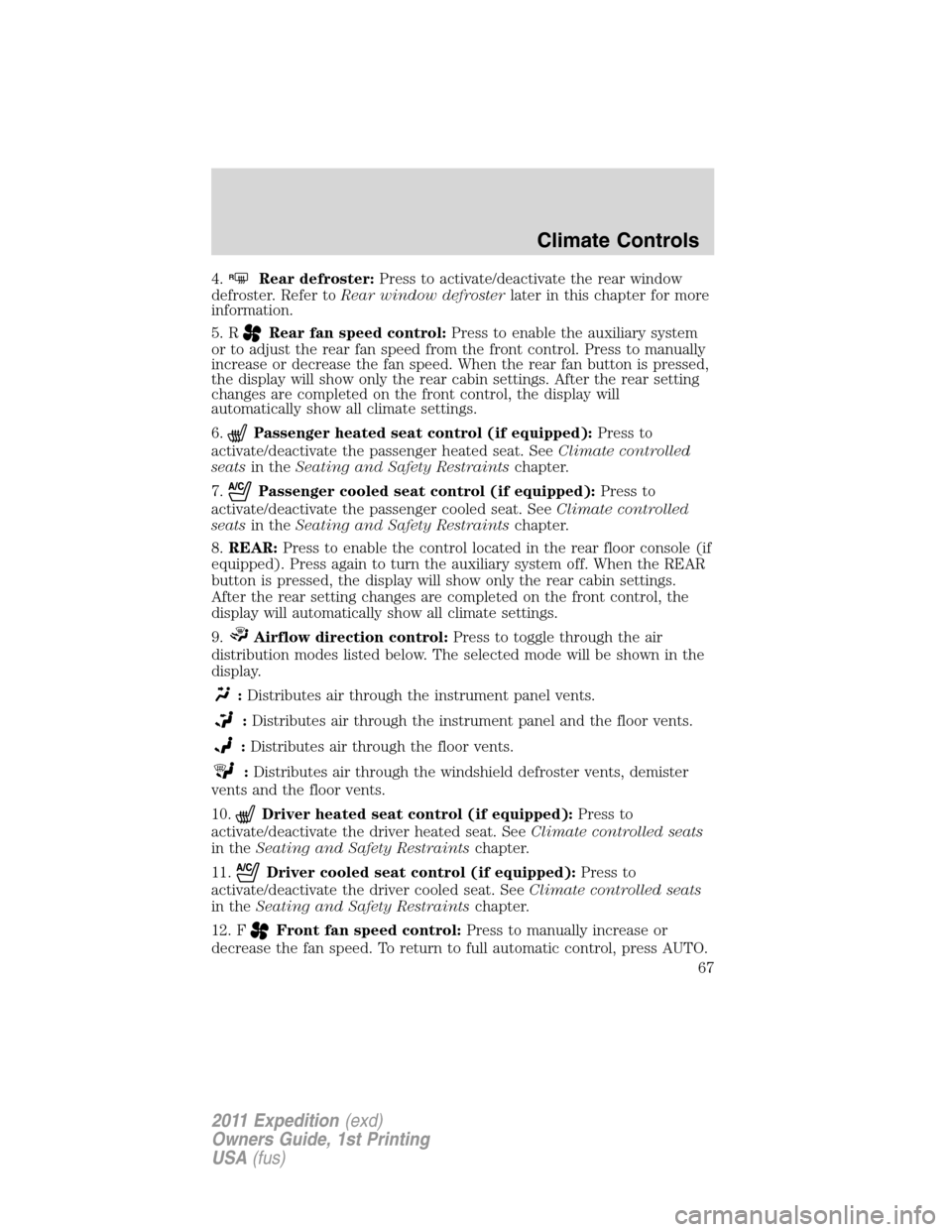
4.RRear defroster:Press to activate/deactivate the rear window
defroster. Refer toRear window defrosterlater in this chapter for more
information.
5. R
Rear fan speed control:Press to enable the auxiliary system
or to adjust the rear fan speed from the front control. Press to manually
increase or decrease the fan speed. When the rear fan button is pressed,
the display will show only the rear cabin settings. After the rear setting
changes are completed on the front control, the display will
automatically show all climate settings.
6.
Passenger heated seat control (if equipped):Press to
activate/deactivate the passenger heated seat. SeeClimate controlled
seatsin theSeating and Safety Restraintschapter.
7.
Passenger cooled seat control (if equipped):Press to
activate/deactivate the passenger cooled seat. SeeClimate controlled
seatsin theSeating and Safety Restraintschapter.
8.REAR:Press to enable the control located in the rear floor console (if
equipped). Press again to turn the auxiliary system off. When the REAR
button is pressed, the display will show only the rear cabin settings.
After the rear setting changes are completed on the front control, the
display will automatically show all climate settings.
9.
Airflow direction control:Press to toggle through the air
distribution modes listed below. The selected mode will be shown in the
display.
:Distributes air through the instrument panel vents.
:Distributes air through the instrument panel and the floor vents.
:Distributes air through the floor vents.
:Distributes air through the windshield defroster vents, demister
vents and the floor vents.
10.
Driver heated seat control (if equipped):Press to
activate/deactivate the driver heated seat. SeeClimate controlled seats
in theSeating and Safety Restraintschapter.
11.
Driver cooled seat control (if equipped):Press to
activate/deactivate the driver cooled seat. SeeClimate controlled seats
in theSeating and Safety Restraintschapter.
12. F
Front fan speed control:Press to manually increase or
decrease the fan speed. To return to full automatic control, press AUTO.
Climate Controls
67
2011 Expedition(exd)
Owners Guide, 1st Printing
USA(fus)
Page 68 of 395
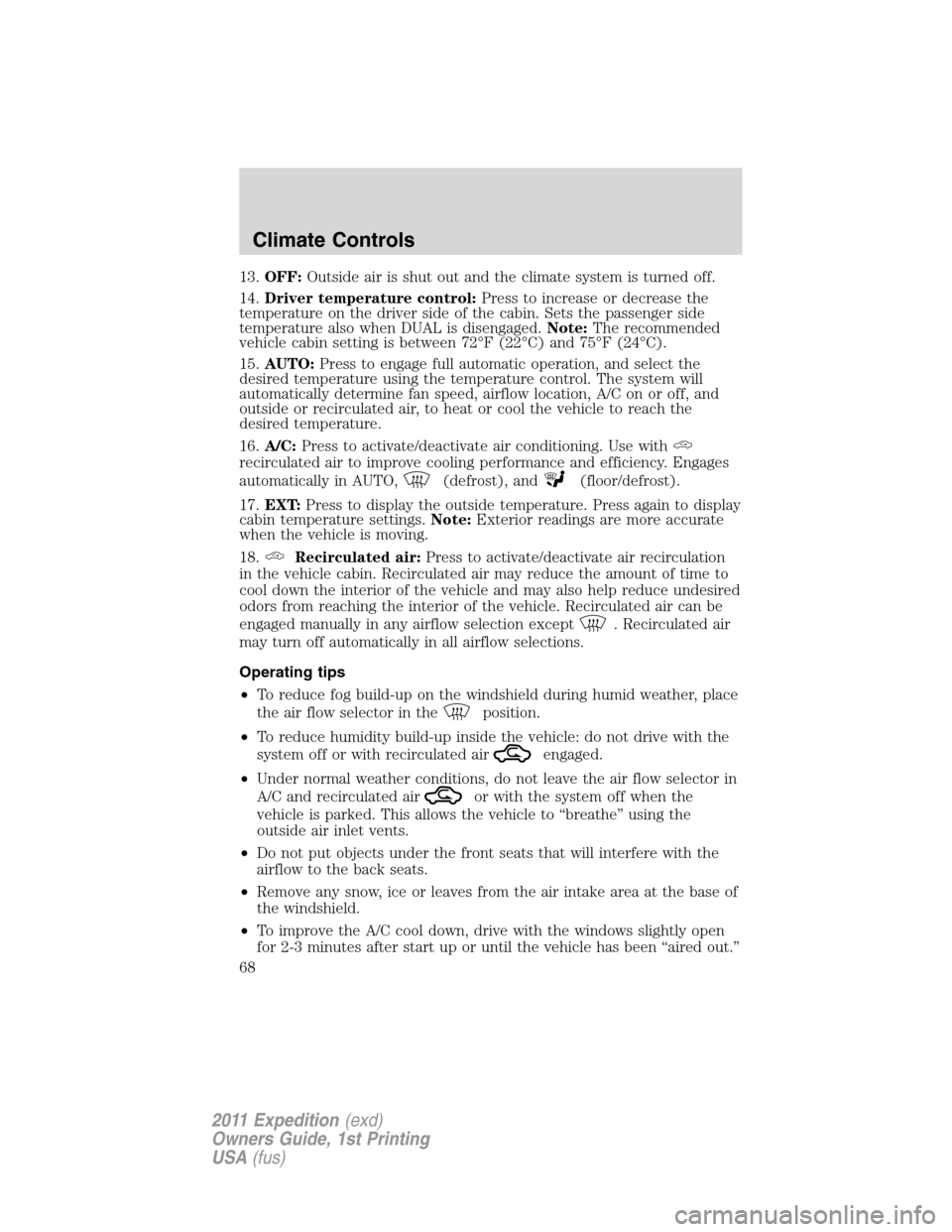
13.OFF:Outside air is shut out and the climate system is turned off.
14.Driver temperature control:Press to increase or decrease the
temperature on the driver side of the cabin. Sets the passenger side
temperature also when DUAL is disengaged.Note:The recommended
vehicle cabin setting is between 72°F (22°C) and 75°F (24°C).
15.AUTO:Press to engage full automatic operation, and select the
desired temperature using the temperature control. The system will
automatically determine fan speed, airflow location, A/C on or off, and
outside or recirculated air, to heat or cool the vehicle to reach the
desired temperature.
16.A/C:Press to activate/deactivate air conditioning. Use with
recirculated air to improve cooling performance and efficiency. Engages
automatically in AUTO,
(defrost), and(floor/defrost).
17.EXT:Press to display the outside temperature. Press again to display
cabin temperature settings.Note:Exterior readings are more accurate
when the vehicle is moving.
18.
Recirculated air:Press to activate/deactivate air recirculation
in the vehicle cabin. Recirculated air may reduce the amount of time to
cool down the interior of the vehicle and may also help reduce undesired
odors from reaching the interior of the vehicle. Recirculated air can be
engaged manually in any airflow selection except
. Recirculated air
may turn off automatically in all airflow selections.
Operating tips
•To reduce fog build-up on the windshield during humid weather, place
the air flow selector in the
position.
•To reduce humidity build-up inside the vehicle: do not drive with the
system off or with recirculated air
engaged.
•Under normal weather conditions, do not leave the air flow selector in
A/C and recirculated air
or with the system off when the
vehicle is parked. This allows the vehicle to “breathe” using the
outside air inlet vents.
•Do not put objects under the front seats that will interfere with the
airflow to the back seats.
•Remove any snow, ice or leaves from the air intake area at the base of
the windshield.
•To improve the A/C cool down, drive with the windows slightly open
for 2-3 minutes after start up or until the vehicle has been “aired out.”
Climate Controls
68
2011 Expedition(exd)
Owners Guide, 1st Printing
USA(fus)
Page 69 of 395
•A small amount of air may be felt from the floor vent regardless of the
air distribution setting that is selected.
During extreme high ambient temperatures when idling stationary for
extended periods of time in gear, it is recommended to run the A/C with
recirculation mode.
selected, turn off the rear A/C unit, reduce blower
fan speed from the highest setting and put the vehicle’s transmission into
the P (Park) position to continue to receive cool air from your A/C
system.
For maximum cooling performance, (MAX A/C):
•In AUTO: Press AUTO control and set to desired temperature.
•In manual override: Press the
(panel), A/C, and recirculated
air
, set the temperature to 60°F (16°C) and the fan to the highest
blower setting.
To aid in side window defogging/demisting in cold weather:
1. Select
.
2. Select A/C.
3. Adjust the temperature control to maintain comfort.
4. Set the fan speed to the highest setting.
5. Direct the outer instrument panel vents towards the side windows.
To increase airflow to the outer instrument panel vents, close the vents
located in the middle of the instrument panel.
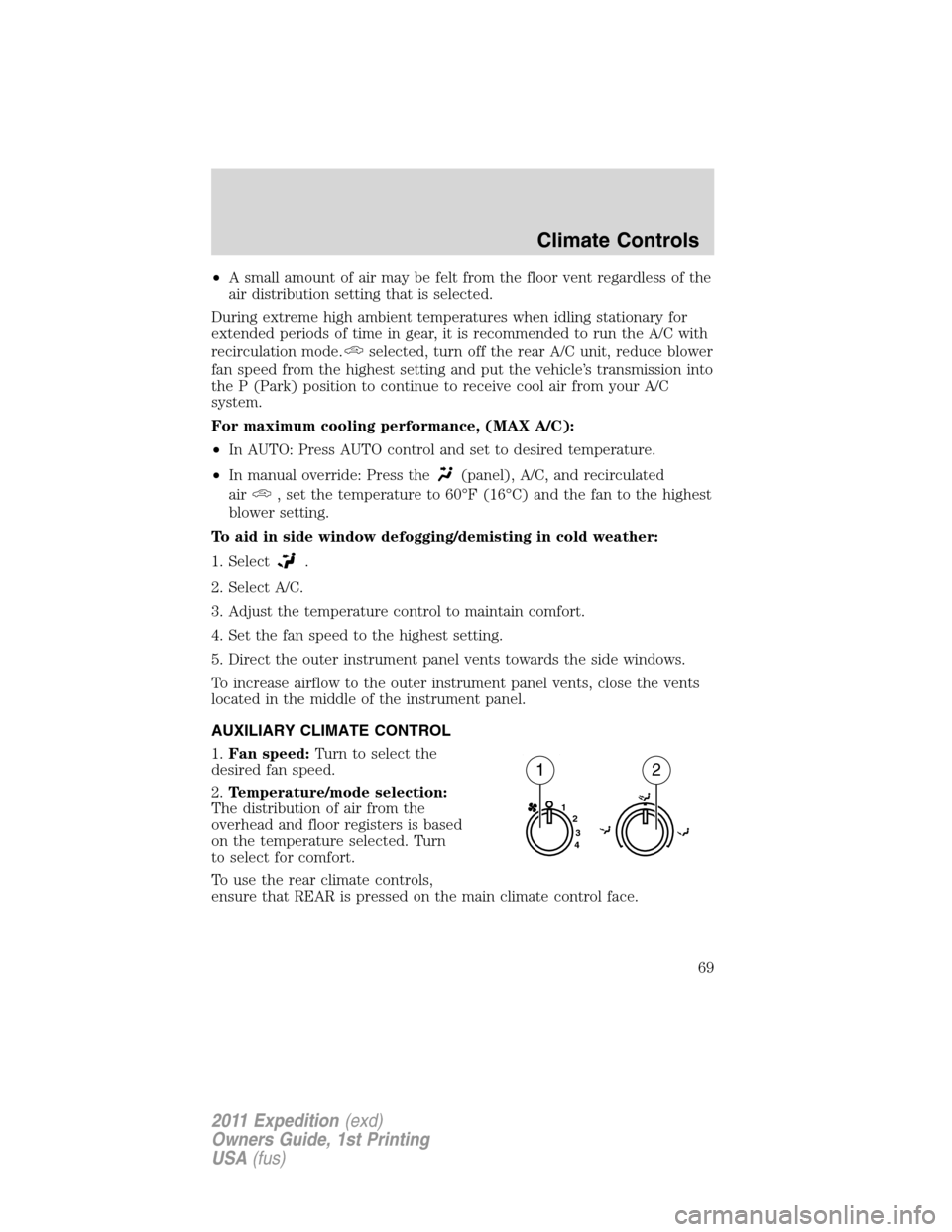
AUXILIARY CLIMATE CONTROL
1.Fan speed:Turn to select the
desired fan speed.
2.Temperature/mode selection:
The distribution of air from the
overhead and floor registers is based
on the temperature selected. Turn
to select for comfort.
To use the rear climate controls,
ensure that REAR is pressed on the main climate control face.
1
2
3
4
12
Climate Controls
69
2011 Expedition(exd)
Owners Guide, 1st Printing
USA(fus)
Page 70 of 395
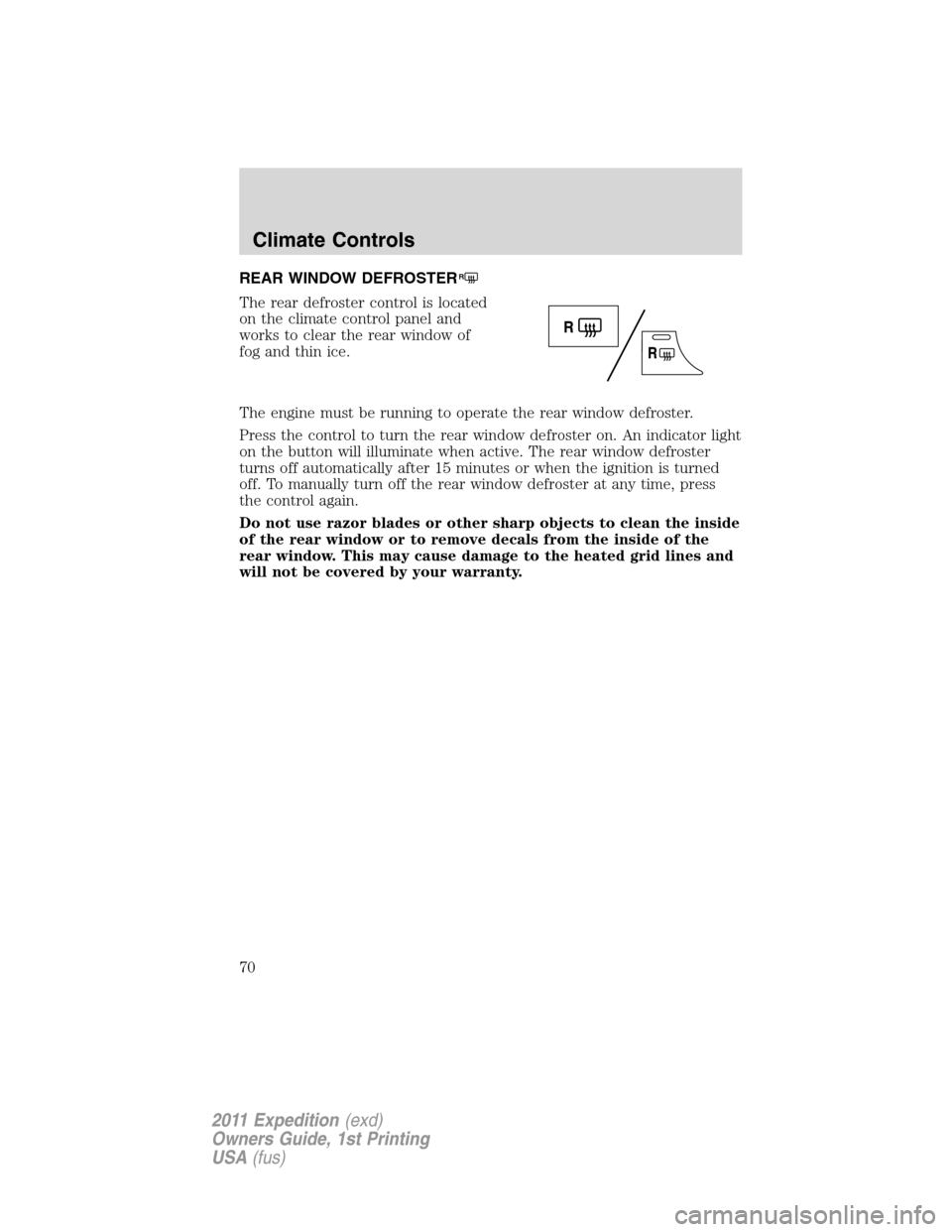
REAR WINDOW DEFROSTERR
The rear defroster control is located
on the climate control panel and
works to clear the rear window of
fog and thin ice.
The engine must be running to operate the rear window defroster.
Press the control to turn the rear window defroster on. An indicator light
on the button will illuminate when active. The rear window defroster
turns off automatically after 15 minutes or when the ignition is turned
off. To manually turn off the rear window defroster at any time, press
the control again.
Do not use razor blades or other sharp objects to clean the inside
of the rear window or to remove decals from the inside of the
rear window. This may cause damage to the heated grid lines and
will not be covered by your warranty.
Climate Controls
70
2011 Expedition(exd)
Owners Guide, 1st Printing
USA(fus)
Page 86 of 395
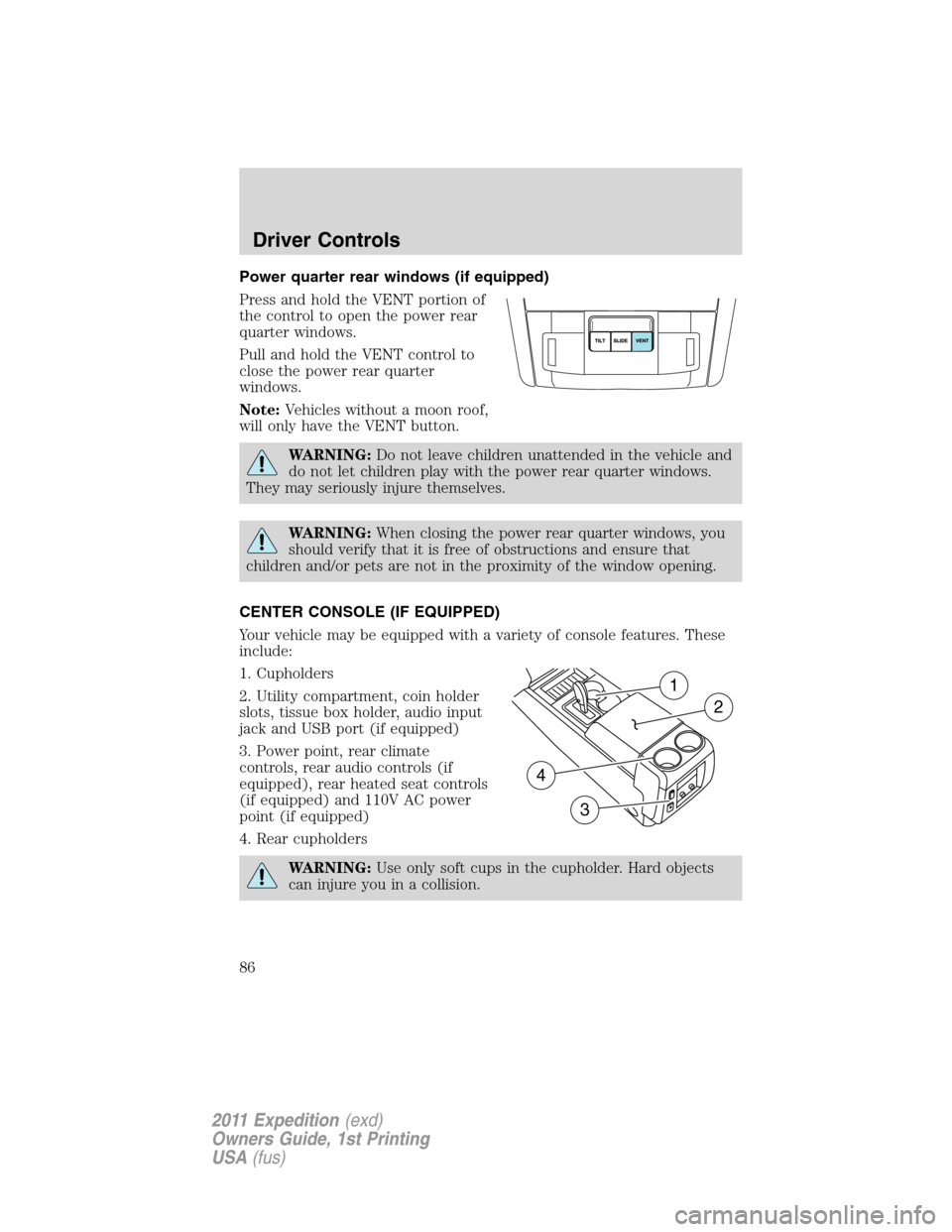
Power quarter rear windows (if equipped)
Press and hold the VENT portion of
the control to open the power rear
quarter windows.
Pull and hold the VENT control to
close the power rear quarter
windows.
Note:Vehicles without a moon roof,
will only have the VENT button.
WARNING:Do not leave children unattended in the vehicle and
do not let children play with the power rear quarter windows.
They may seriously injure themselves.
WARNING:When closing the power rear quarter windows, you
should verify that it is free of obstructions and ensure that
children and/or pets are not in the proximity of the window opening.
CENTER CONSOLE (IF EQUIPPED)
Your vehicle may be equipped with a variety of console features. These
include:
1. Cupholders
2. Utility compartment, coin holder
slots, tissue box holder, audio input
jack and USB port (if equipped)
3. Power point, rear climate
controls, rear audio controls (if
equipped), rear heated seat controls
(if equipped) and 110V AC power
point (if equipped)
4. Rear cupholders
WARNING:Use only soft cups in the cupholder. Hard objects
can injure you in a collision.
1
2
4
3
Driver Controls
86
2011 Expedition(exd)
Owners Guide, 1st Printing
USA(fus)
Page 96 of 395
position and flush the system (in particular the front and rear hinge
arms) with a high-pressure car wash wand.
Note:Do not use the running boards, front and rear hinge assemblies,
running board motors, or the running board under body mounts to lift
the vehicle when jacking. Please utilize proper jacking points. Refer to
Changing the tiresin theRoadside Emergencieschapter.
WARNING:In extreme climates, excessive ice buildup may
occur, causing the running boards not to deploy. Be sure that the
running boards have deployed, and have finished moving before
attempting to step on them. Note: The running boards will resume
normal function once the blockage is cleared.
WARNING:Turn off the running boards before jacking or
placing any object under the vehicle. Never place your hand
between the extended running board and the vehicle. A moving
running board may cause injury.
SPEED CONTROL (IF EQUIPPED)
With speed control set, you can maintain a set speed without keeping
your foot on the accelerator pedal.
WARNING:Do not use the speed control in heavy traffic or on
roads that are winding, slippery or unpaved.
Using speed control
The speed controls are located on the steering wheel. The following
buttons work with speed control:
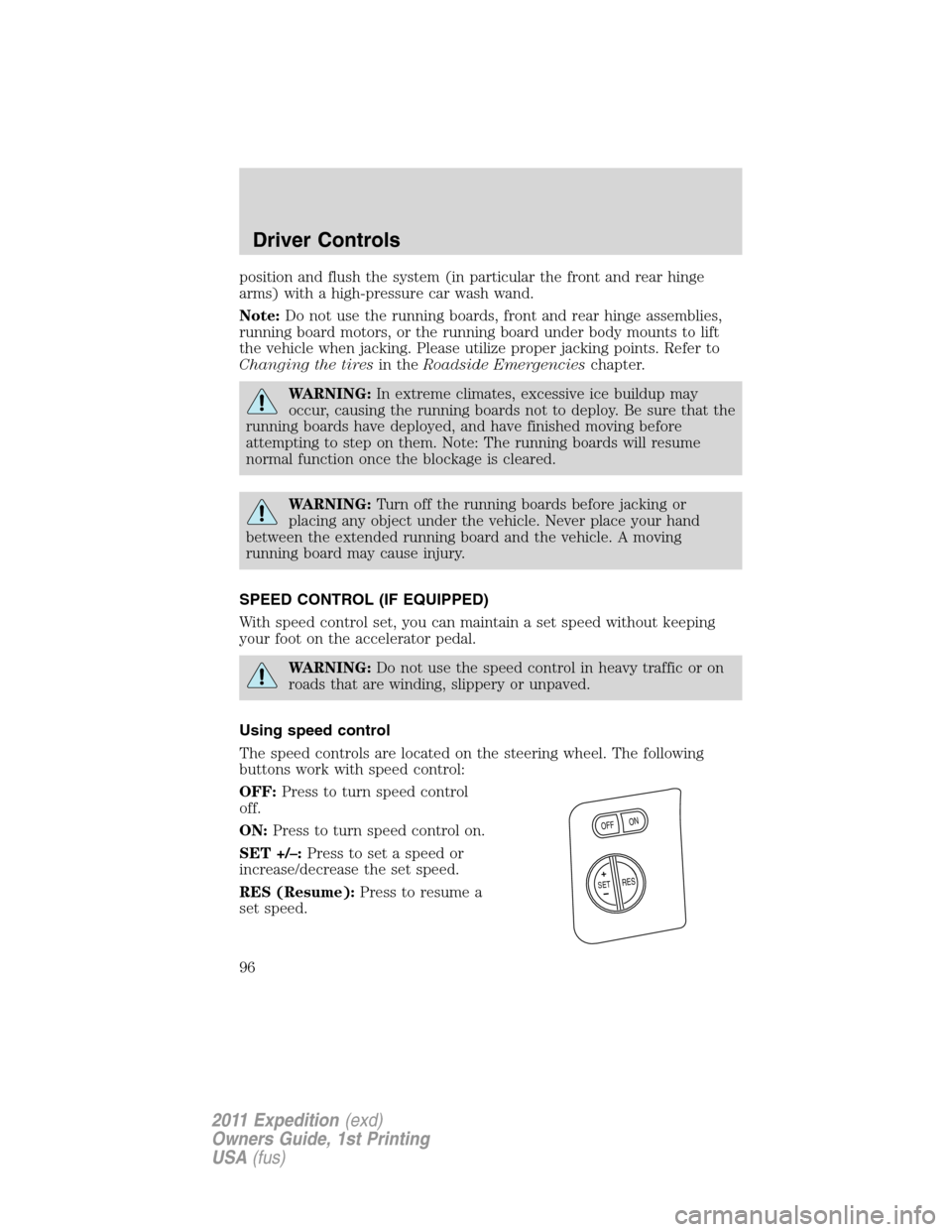
OFF:Press to turn speed control
off.
ON:Press to turn speed control on.
SET +/–:Press to set a speed or
increase/decrease the set speed.
RES (Resume):Press to resume a
set speed.
+
O
N
O
FF
RESS
E
T
Driver Controls
96
2011 Expedition(exd)
Owners Guide, 1st Printing
USA(fus)
Page 145 of 395
Memory seat/power mirrors/adjustable pedals (if equipped)
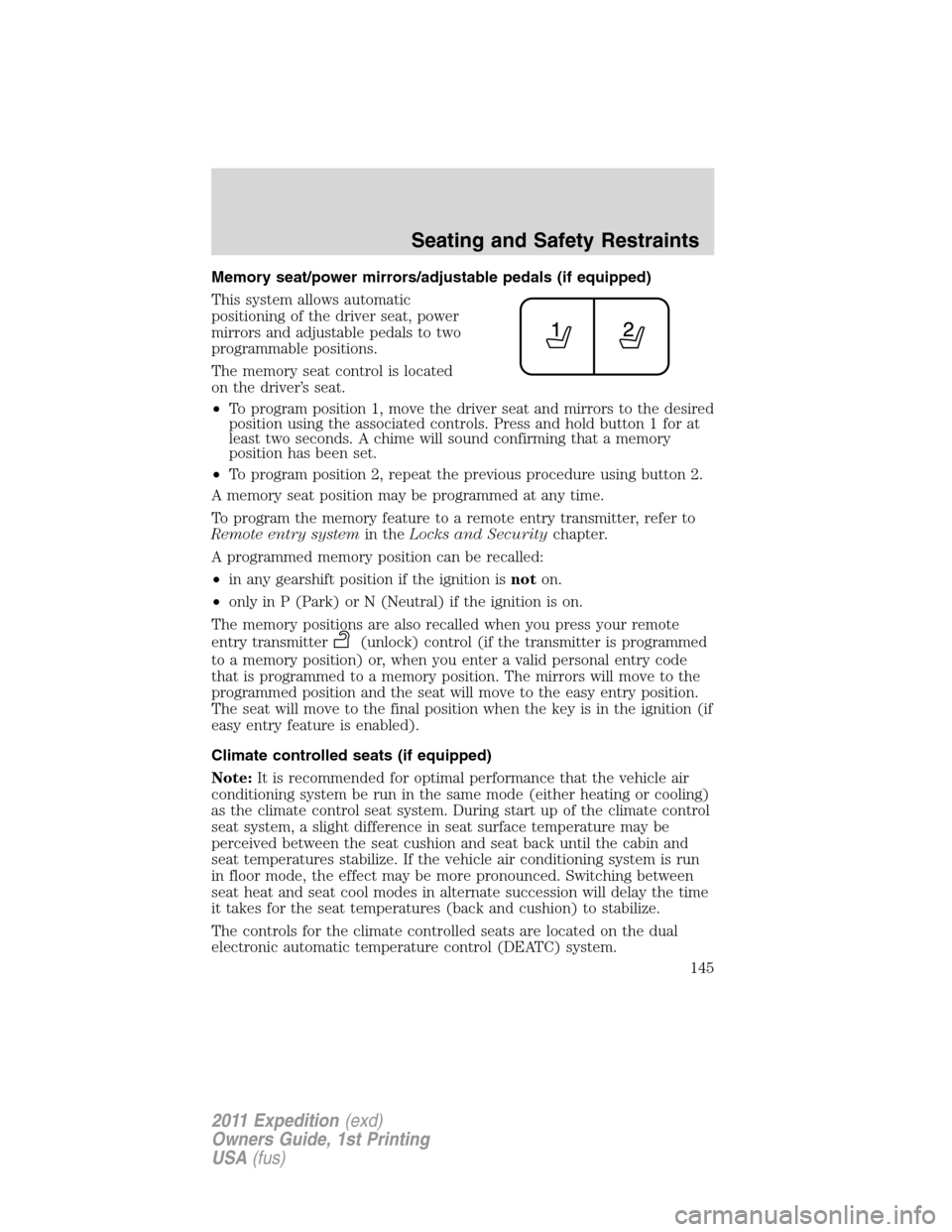
This system allows automatic
positioning of the driver seat, power
mirrors and adjustable pedals to two
programmable positions.
The memory seat control is located
on the driver’s seat.
•To program position 1, move the driver seat and mirrors to the desired
position using the associated controls. Press and hold button 1 for at
least two seconds. A chime will sound confirming that a memory
position has been set.
•To program position 2, repeat the previous procedure using button 2.
A memory seat position may be programmed at any time.
To program the memory feature to a remote entry transmitter, refer to
Remote entry systemin theLocks and Securitychapter.
A programmed memory position can be recalled:
•in any gearshift position if the ignition isnoton.
•only in P (Park) or N (Neutral) if the ignition is on.
The memory positions are also recalled when you press your remote
entry transmitter
(unlock) control (if the transmitter is programmed
to a memory position) or, when you enter a valid personal entry code
that is programmed to a memory position. The mirrors will move to the
programmed position and the seat will move to the easy entry position.
The seat will move to the final position when the key is in the ignition (if
easy entry feature is enabled).
Climate controlled seats (if equipped)
Note:It is recommended for optimal performance that the vehicle air
conditioning system be run in the same mode (either heating or cooling)
as the climate control seat system. During start up of the climate control
seat system, a slight difference in seat surface temperature may be
perceived between the seat cushion and seat back until the cabin and
seat temperatures stabilize. If the vehicle air conditioning system is run
in floor mode, the effect may be more pronounced. Switching between
seat heat and seat cool modes in alternate succession will delay the time
it takes for the seat temperatures (back and cushion) to stabilize.
The controls for the climate controlled seats are located on the dual
electronic automatic temperature control (DEATC) system.
Seating and Safety Restraints
145
2011 Expedition(exd)
Owners Guide, 1st Printing
USA(fus)
Page 147 of 395
Climate controlled seats air filter replacement (if equipped)
The climate controlled seat system includes air filters that must be
replaced periodically. Refer to thescheduled maintenance information
for more information.
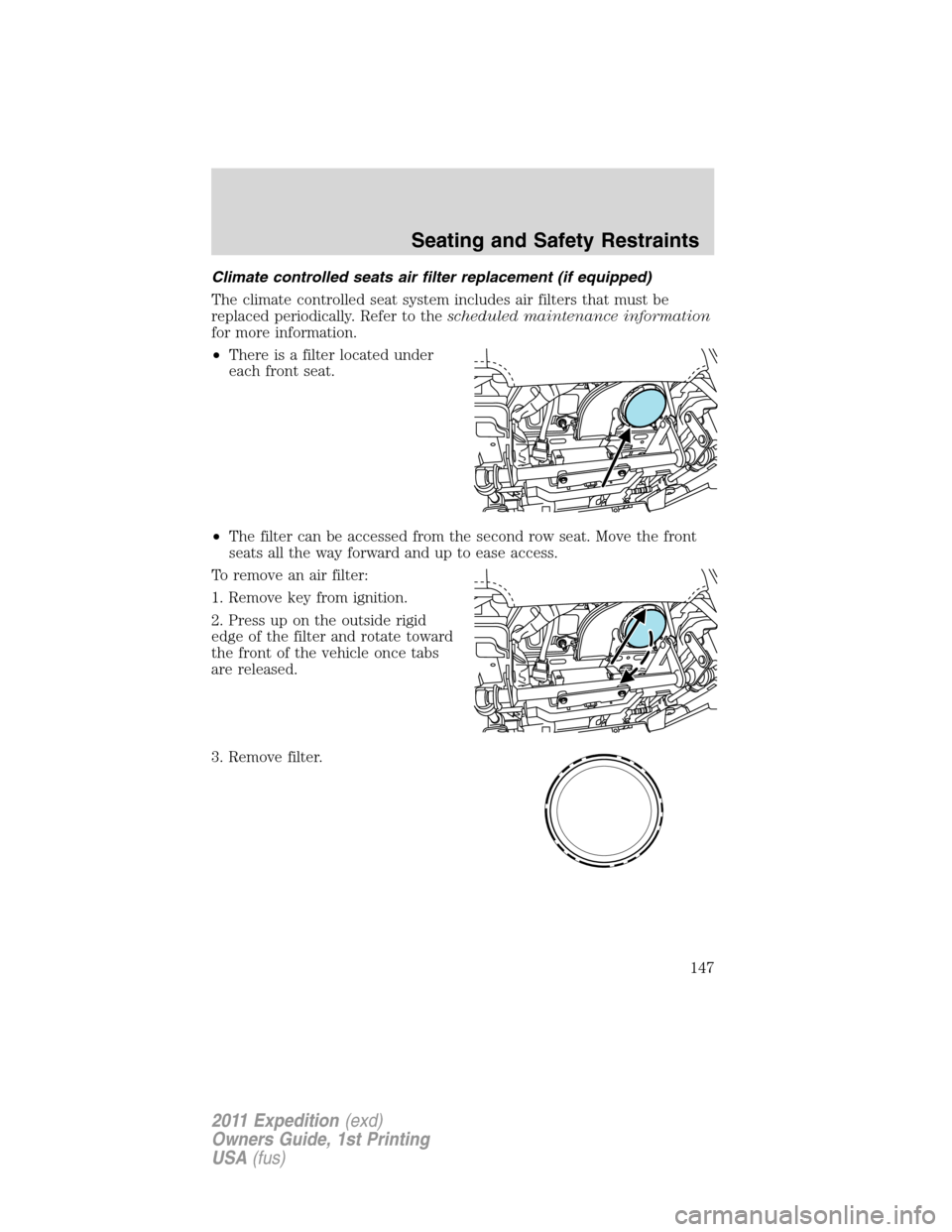
•There is a filter located under
each front seat.
•The filter can be accessed from the second row seat. Move the front
seats all the way forward and up to ease access.
To remove an air filter:
1. Remove key from ignition.
2. Press up on the outside rigid
edge of the filter and rotate toward
the front of the vehicle once tabs
are released.
3. Remove filter.
Seating and Safety Restraints
147
2011 Expedition(exd)
Owners Guide, 1st Printing
USA(fus)