Page 64 of 333
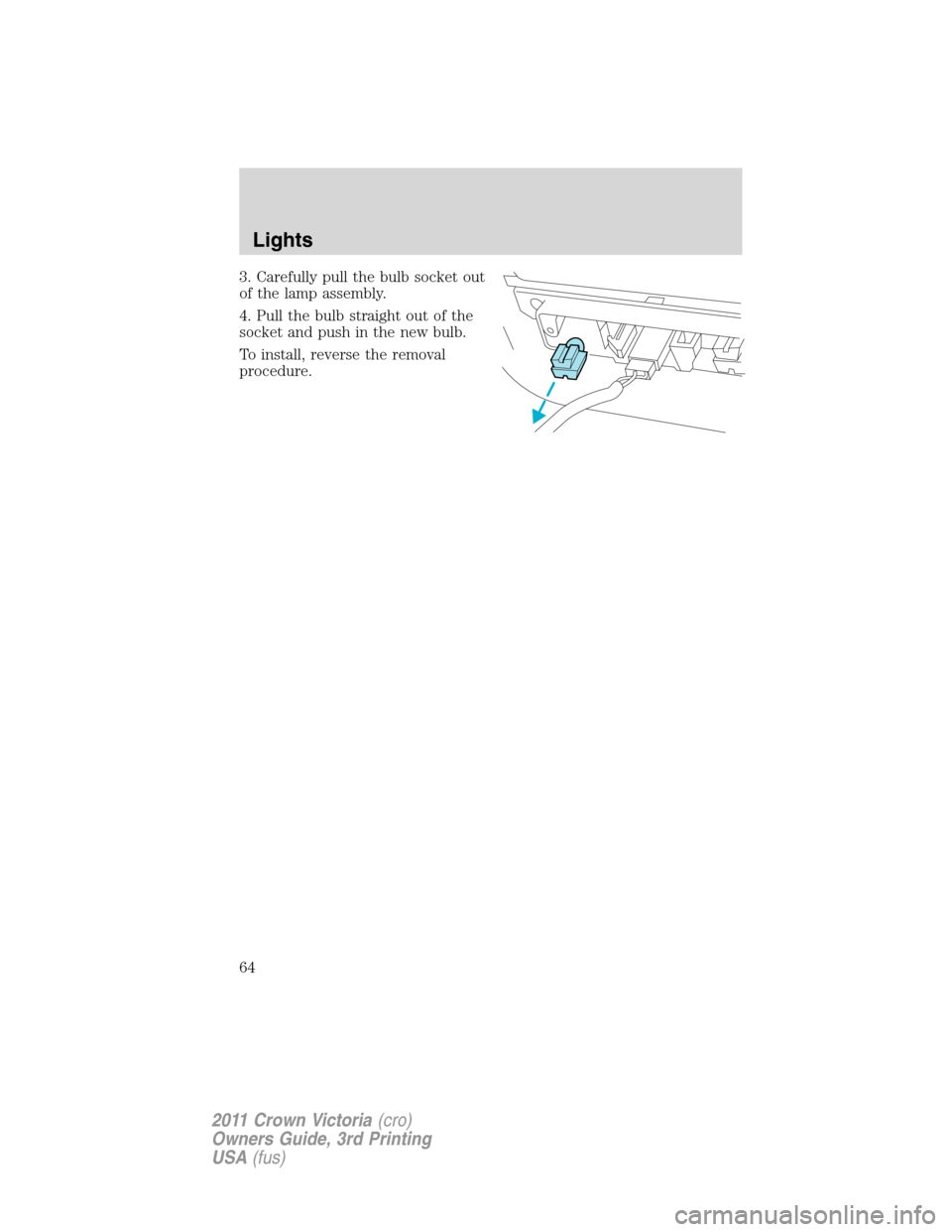
3. Carefully pull the bulb socket out
of the lamp assembly.
4. Pull the bulb straight out of the
socket and push in the new bulb.
To install, reverse the removal
procedure.
Lights
64
2011 Crown Victoria(cro)
Owners Guide, 3rd Printing
USA(fus)
Page 65 of 333
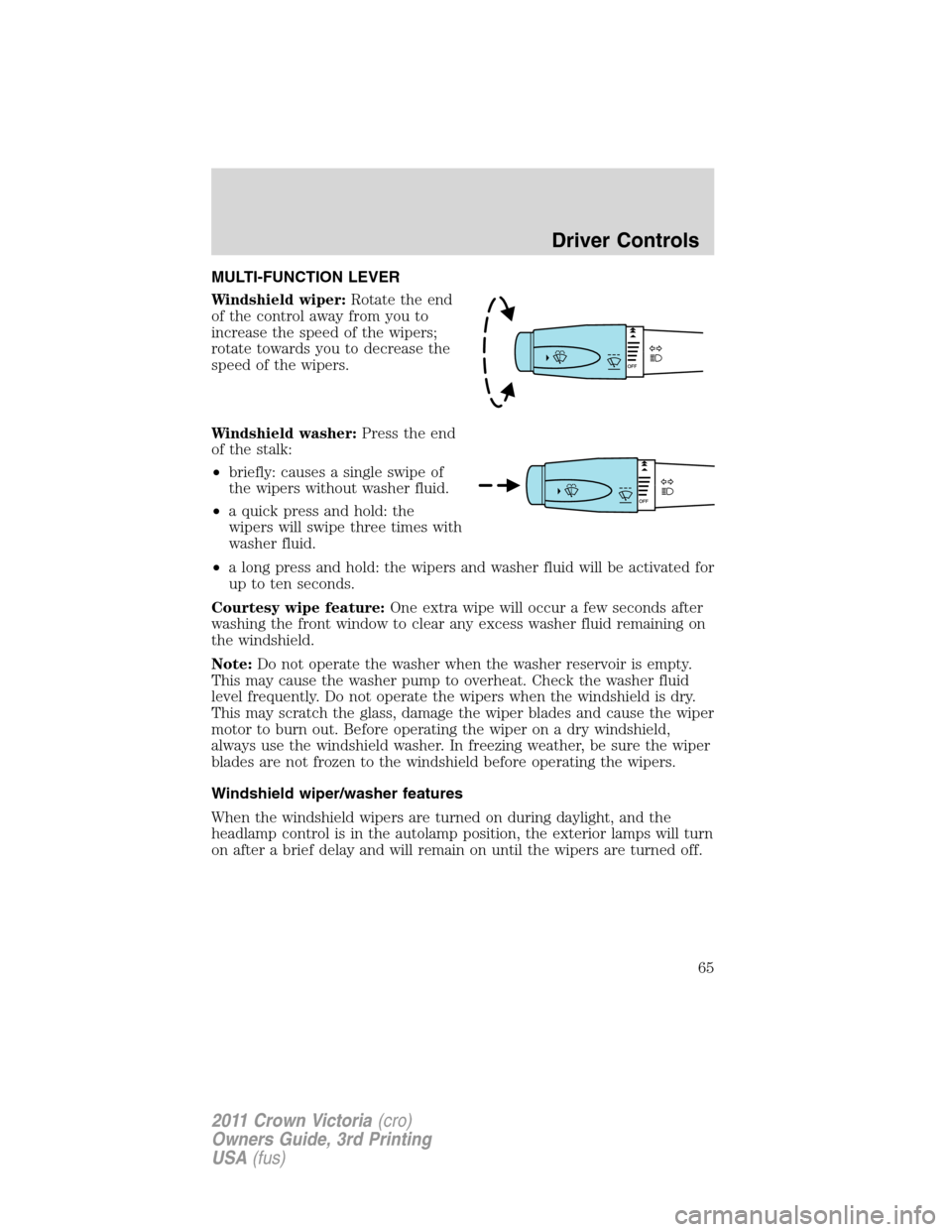
MULTI-FUNCTION LEVER
Windshield wiper:Rotate the end
of the control away from you to
increase the speed of the wipers;
rotate towards you to decrease the
speed of the wipers.
Windshield washer:Press the end
of the stalk:
•briefly: causes a single swipe of
the wipers without washer fluid.
•a quick press and hold: the
wipers will swipe three times with
washer fluid.
•a long press and hold: the wipers and washer fluid will be activated for
up to ten seconds.
Courtesy wipe feature:One extra wipe will occur a few seconds after
washing the front window to clear any excess washer fluid remaining on
the windshield.
Note:Do not operate the washer when the washer reservoir is empty.
This may cause the washer pump to overheat. Check the washer fluid
level frequently. Do not operate the wipers when the windshield is dry.
This may scratch the glass, damage the wiper blades and cause the wiper
motor to burn out. Before operating the wiper on a dry windshield,
always use the windshield washer. In freezing weather, be sure the wiper
blades are not frozen to the windshield before operating the wipers.
Windshield wiper/washer features
When the windshield wipers are turned on during daylight, and the
headlamp control is in the autolamp position, the exterior lamps will turn
on after a brief delay and will remain on until the wipers are turned off.
Driver Controls
65
2011 Crown Victoria(cro)
Owners Guide, 3rd Printing
USA(fus)
Page 66 of 333
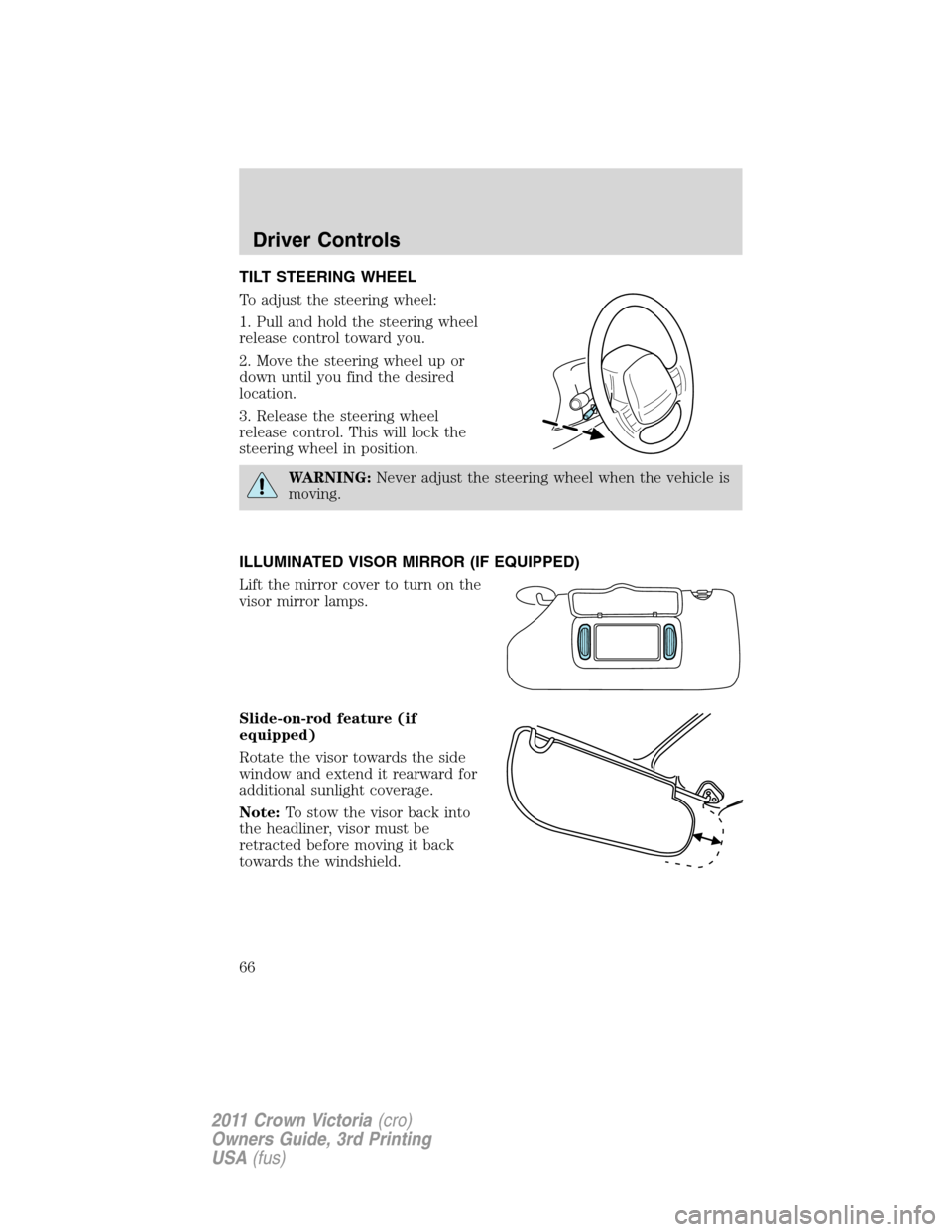
TILT STEERING WHEEL
To adjust the steering wheel:
1. Pull and hold the steering wheel
release control toward you.
2. Move the steering wheel up or
down until you find the desired
location.
3. Release the steering wheel
release control. This will lock the
steering wheel in position.
WARNING:Never adjust the steering wheel when the vehicle is
moving.
ILLUMINATED VISOR MIRROR (IF EQUIPPED)
Lift the mirror cover to turn on the
visor mirror lamps.
Slide-on-rod feature (if
equipped)
Rotate the visor towards the side
window and extend it rearward for
additional sunlight coverage.
Note:To stow the visor back into
the headliner, visor must be
retracted before moving it back
towards the windshield.
Driver Controls
66
2011 Crown Victoria(cro)
Owners Guide, 3rd Printing
USA(fus)
Page 67 of 333
CENTER CONSOLE (IF EQUIPPED)
Your vehicle may be equipped with a variety of console features. These
include:
•Utility compartment
•Power point (inside storage bin)
•Cupholders
•Air vents to the rear seating positions (heat only)
WARNING:Use only soft cups in the cupholder. Hard objects
can injure you in a collision.
AUXILIARY POWER POINT (12V DC)
Power outlets are designed for accessory plugs only. Do not insert
any other object in the power outlet as this will damage the
outlet and blow the fuse. Do not hang any type of accessory or
accessory bracket from the plug. Improper use of the power
outlet can cause damage not covered by your warranty.
The auxiliary power point is located under the cup holder and ashtray
drawer in the center stack. The auxiliary power point for five passenger
vehicles is located in the floor console storage bin.
Do not use the power point for operating the cigarette lighter element (if
equipped).
Note:
Do not plug optional electrical accessories into the cigarette lighter
socket (if equipped). Improper use of the lighter can cause damage not
covered by your warranty, and can result in fire or serious injury.
To prevent the fuse from being blown, do not use the power point(s)
over the vehicle capacity of 12V DC/180W. If the power point or cigar
lighter socket is not working, a fuse may have blown. Refer toFuses and
relaysin theRoadside Emergencieschapter for information on
checking and replacing fuses.
To have full capacity usage of your power point, the engine is required to
be running to avoid unintentional discharge of the battery. To prevent
the battery from being discharged:
•do not use the power point longer than necessary when the engine is
not running,
•do not leave battery chargers, video game adapters, computers and
other devices plugged in overnight or when the vehicle is parked for
extended periods.
Always keep the power point caps closed when not being used.
Driver Controls
67
2011 Crown Victoria(cro)
Owners Guide, 3rd Printing
USA(fus)
Page 69 of 333
INTERIOR MIRROR
The interior rear view mirror has two pivot points on the support arm
which lets you adjust the mirror up or down and from side to side.
WARNING:Do not adjust the mirror while the vehicle is in
motion.
Automatic dimming interior rear view mirror (if equipped)
The interior rear view mirror has an auto-dimming function. The
electronic day/night mirror will change from the normal (high reflective)
state to the non-glare (darkened) state when bright lights (glare) reach
the mirror. When the mirror detects bright light from behind the vehicle,
it will automatically adjust (darken) to minimize glare.
The mirror will automatically return to the normal state whenever the
vehicle is placed in R (Reverse) to ensure a bright clear view when
backing up.
Do not block the sensors on the front and back of the interior
rear view mirror since this may impair proper mirror
performance.
Note:A rear center passenger and/or raised rear center headrest (if
equipped) may also block the light from reaching the sensor.
Do not clean the housing or glass of any mirror with harsh
abrasives, fuel or other petroleum-based cleaning products.
EXTERIOR MIRRORS
Power side view mirrors
WARNING:Do not adjust the mirror while the vehicle is in
motion.
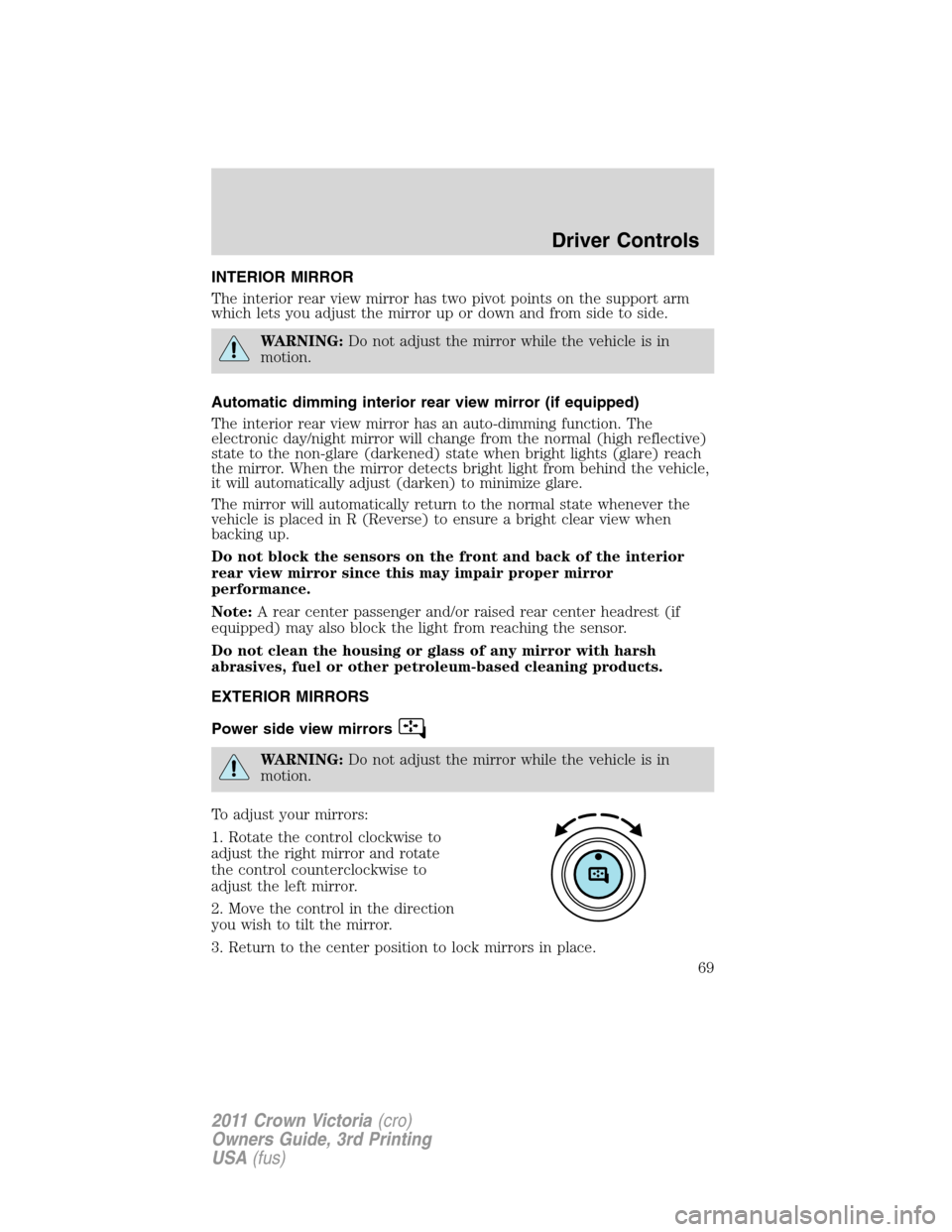
To adjust your mirrors:
1. Rotate the control clockwise to
adjust the right mirror and rotate
the control counterclockwise to
adjust the left mirror.
2. Move the control in the direction
you wish to tilt the mirror.
3. Return to the center position to lock mirrors in place.
Driver Controls
69
2011 Crown Victoria(cro)
Owners Guide, 3rd Printing
USA(fus)
Page 71 of 333
SPEED CONTROL (IF EQUIPPED)
With speed control set, you can maintain a set speed without keeping
your foot on the accelerator pedal.
WARNING:Do not use the speed control in heavy traffic or on
roads that are winding, slippery or unpaved.
Using speed control
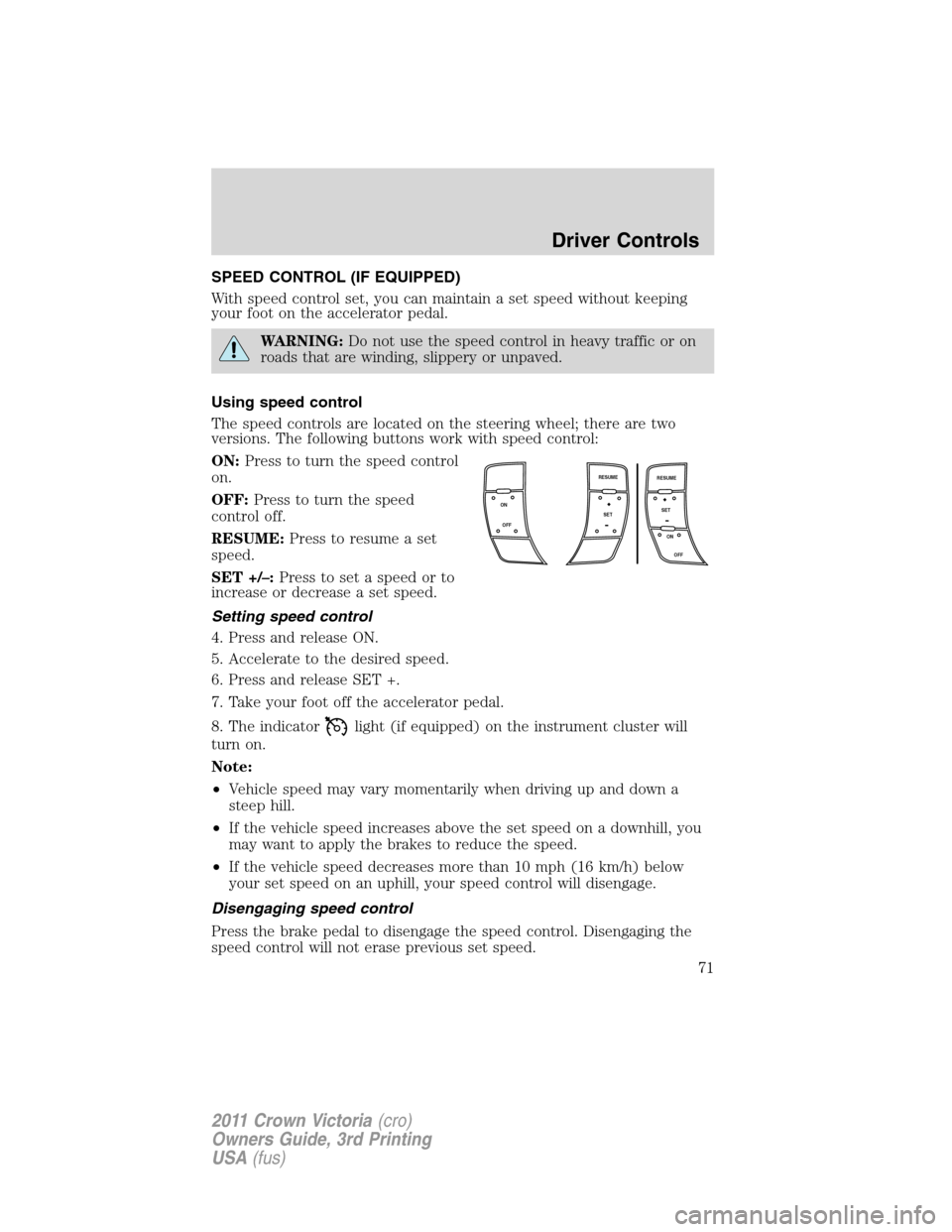
The speed controls are located on the steering wheel; there are two
versions. The following buttons work with speed control:
ON:Press to turn the speed control
on.
OFF:Press to turn the speed
control off.
RESUME:Press to resume a set
speed.
SET +/–:Press to set a speed or to
increase or decrease a set speed.
Setting speed control
4. Press and release ON.
5. Accelerate to the desired speed.
6. Press and release SET +.
7. Take your foot off the accelerator pedal.
8. The indicator
light (if equipped) on the instrument cluster will
turn on.
Note:
•Vehicle speed may vary momentarily when driving up and down a
steep hill.
•If the vehicle speed increases above the set speed on a downhill, you
may want to apply the brakes to reduce the speed.
•If the vehicle speed decreases more than 10 mph (16 km/h) below
your set speed on an uphill, your speed control will disengage.
Disengaging speed control
Press the brake pedal to disengage the speed control. Disengaging the
speed control will not erase previous set speed.
ON
OFFSET
OFF ON RESUME
SET
RESUME
Driver Controls
71
2011 Crown Victoria(cro)
Owners Guide, 3rd Printing
USA(fus)
Page 77 of 333
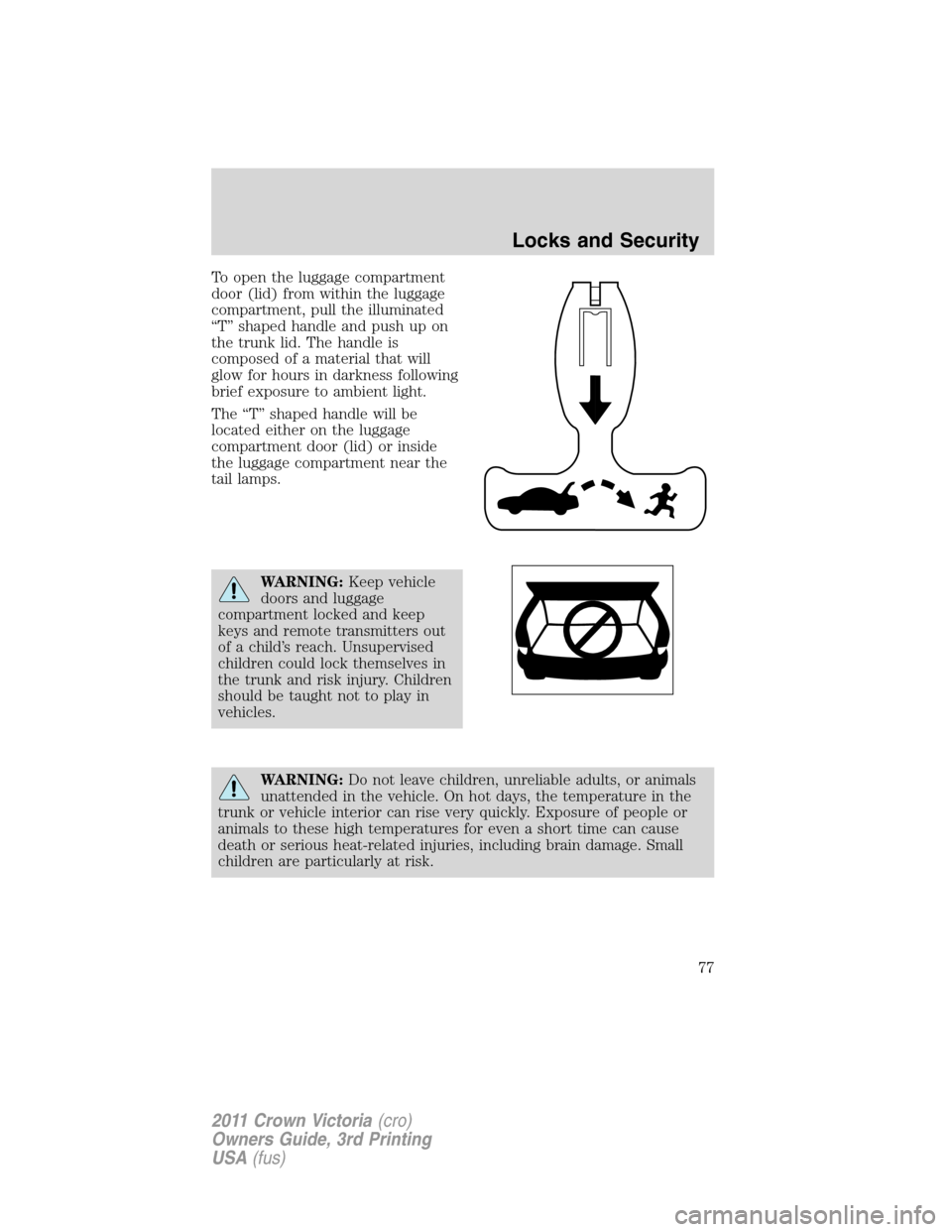
To open the luggage compartment
door (lid) from within the luggage
compartment, pull the illuminated
“T” shaped handle and push up on
the trunk lid. The handle is
composed of a material that will
glow for hours in darkness following
brief exposure to ambient light.
The “T” shaped handle will be
located either on the luggage
compartment door (lid) or inside
the luggage compartment near the
tail lamps.
WARNING:Keep vehicle
doors and luggage
compartment locked and keep
keys and remote transmitters out
of a child’s reach. Unsupervised
children could lock themselves in
the trunk and risk injury. Children
should be taught not to play in
vehicles.
WARNING:Do not leave children, unreliable adults, or animals
unattended in the vehicle. On hot days, the temperature in the
trunk or vehicle interior can rise very quickly. Exposure of people or
animals to these high temperatures for even a short time can cause
death or serious heat-related injuries, including brain damage. Small
children are particularly at risk.
Locks and Security
77
2011 Crown Victoria(cro)
Owners Guide, 3rd Printing
USA(fus)
Page 81 of 333
•Perform the following programming procedure yourself:
Note:Ensure the brake pedal is not
pressed during this sequence.
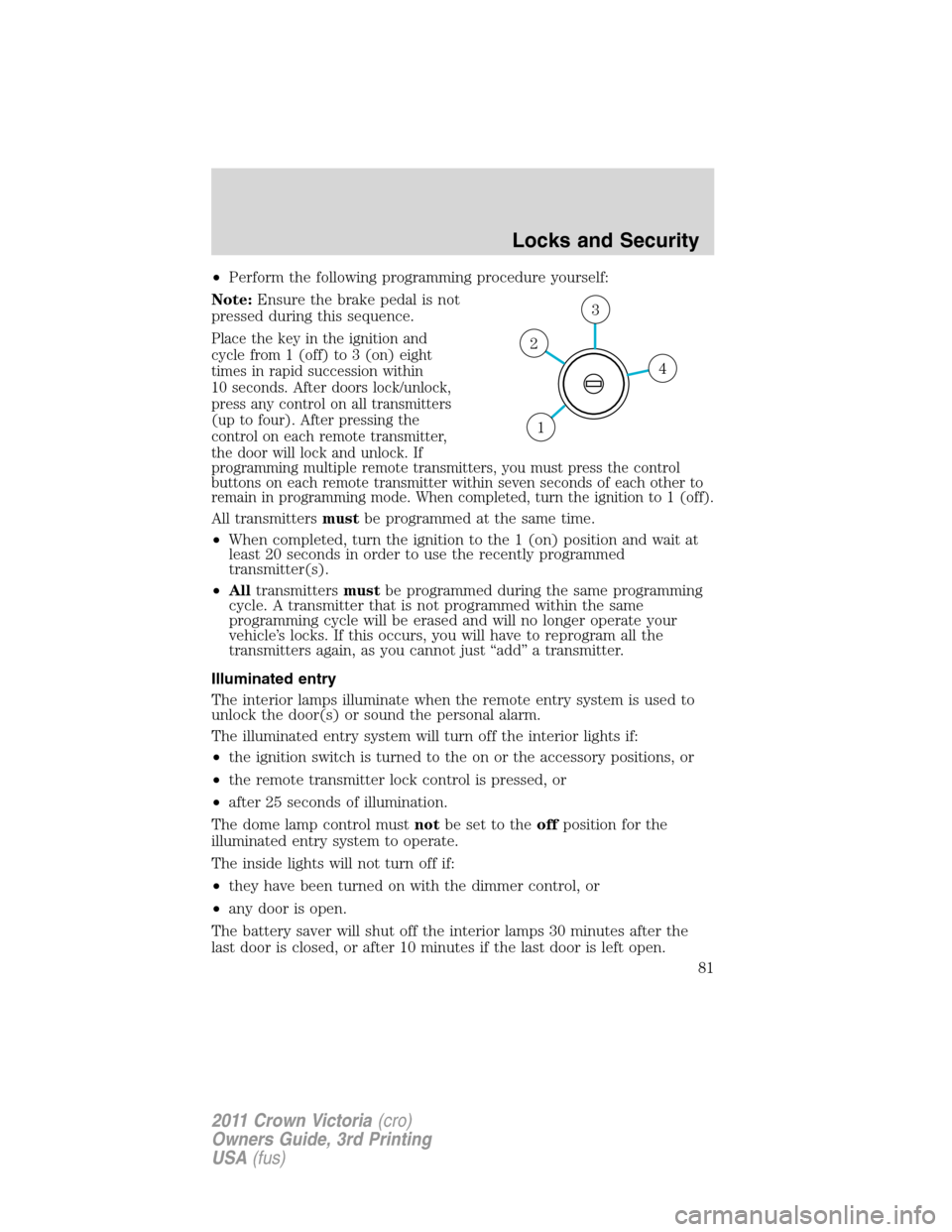
Place the key in the ignition and
cycle from 1 (off) to 3 (on) eight
times in rapid succession within
10 seconds. After doors lock/unlock,
press any control on all transmitters
(up to four). After pressing the
control on each remote transmitter,
the door will lock and unlock. If
programming multiple remote transmitters, you must press the control
buttons on each remote transmitter within seven seconds of each other to
remain in programming mode. When completed, turn the ignition to 1 (off).
All transmittersmustbe programmed at the same time.
•When completed, turn the ignition to the 1 (on) position and wait at
least 20 seconds in order to use the recently programmed
transmitter(s).
•Alltransmittersmustbe programmed during the same programming
cycle. A transmitter that is not programmed within the same
programming cycle will be erased and will no longer operate your
vehicle’s locks. If this occurs, you will have to reprogram all the
transmitters again, as you cannot just “add” a transmitter.
Illuminated entry
The interior lamps illuminate when the remote entry system is used to
unlock the door(s) or sound the personal alarm.
The illuminated entry system will turn off the interior lights if:
•the ignition switch is turned to the on or the accessory positions, or
•the remote transmitter lock control is pressed, or
•after 25 seconds of illumination.
The dome lamp control mustnotbe set to theoffposition for the
illuminated entry system to operate.
The inside lights will not turn off if:
•they have been turned on with the dimmer control, or
•any door is open.
The battery saver will shut off the interior lamps 30 minutes after the
last door is closed, or after 10 minutes if the last door is left open.
4
3
2
1
Locks and Security
81
2011 Crown Victoria(cro)
Owners Guide, 3rd Printing
USA(fus)