Page 268 of 566
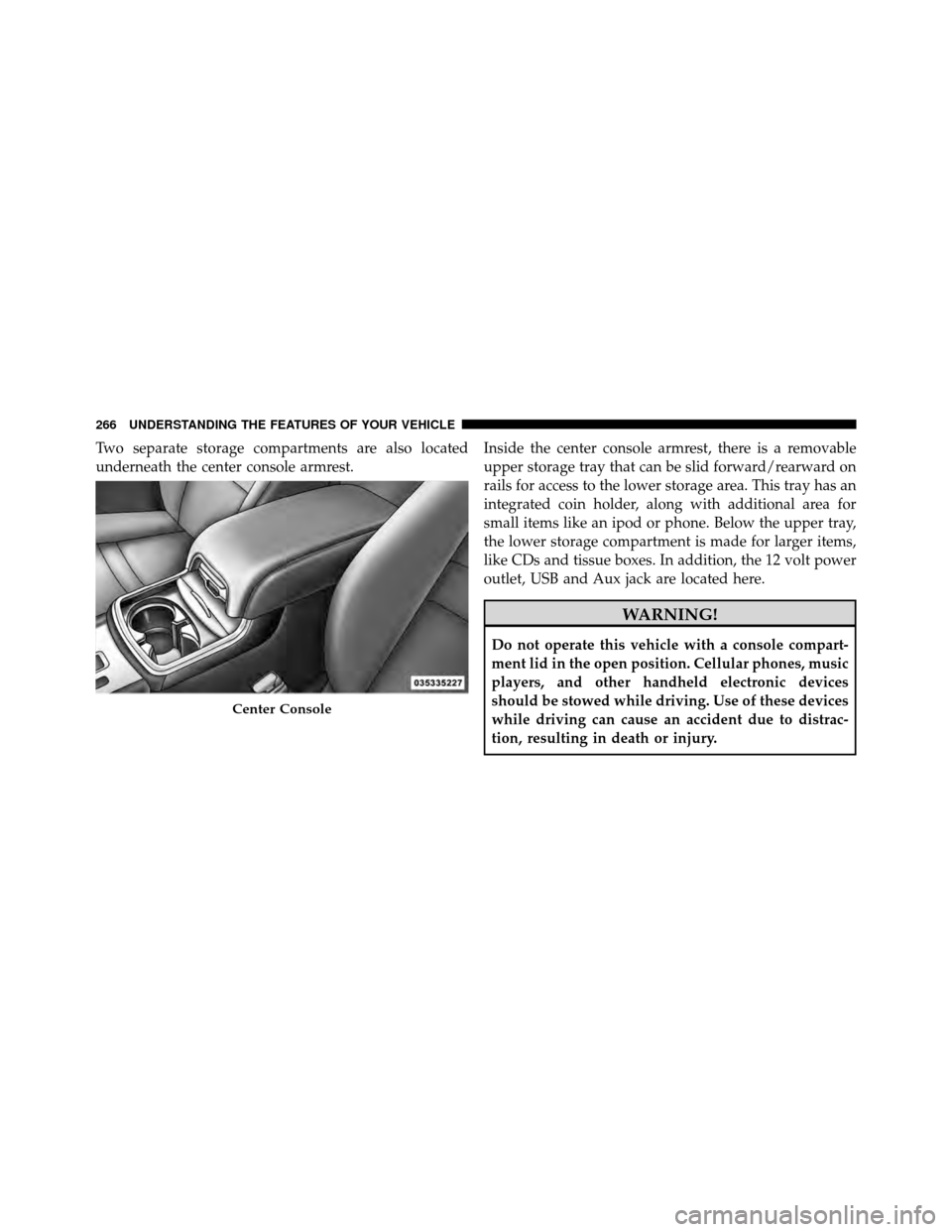
Two separate storage compartments are also located
underneath the center console armrest.Inside the center console armrest, there is a removable
upper storage tray that can be slid forward/rearward on
rails for access to the lower storage area. This tray has an
integrated coin holder, along with additional area for
small items like an ipod or phone. Below the upper tray,
the lower storage compartment is made for larger items,
like CDs and tissue boxes. In addition, the 12 volt power
outlet, USB and Aux jack are located here.
WARNING!
Do not operate this vehicle with a console compart-
ment lid in the open position. Cellular phones, music
players, and other handheld electronic devices
should be stowed while driving. Use of these devices
while driving can cause an accident due to distrac-
tion, resulting in death or injury.
Center Console
266 UNDERSTANDING THE FEATURES OF YOUR VEHICLE
Page 330 of 566
Pressing the center button will make the radio switch
between the various modes available (AM/FM/SAT/
CD/AUX/VES, etc.).
The left-hand control is a rocker-type switch with a
pushbutton in the center. The function of the left-hand
control is different depending on which mode you are in.
The following describes the left-hand control operation in
each mode.
Radio Operation
Pressing the top of the switch will “Seek” up for the next
listenable station and pressing the bottom of the switch
will “Seek” down for the next listenable station.
The button located in the center of the left-hand control
will tune to the next preset station that you have pro-
grammed in the radio preset pushbutton.
CD Player
Pressing the top of the switch once will go to the next
track on the CD. Pressing the bottom of the switch once
will go to the beginning of the current track, or to the
beginning of the previous track if it is within one second
after the current track begins to play.
If you press the switch up or down twice, it plays the
second track; three times, it will play the third, etc.
The center button on the left side rocker switch has no
function for a single-disc CD player. However, when a
multiple-disc CD player is equipped on the vehicle, the
center button will select the next available CD in the
player.
328 UNDERSTANDING YOUR INSTRUMENT PANEL
Page 557 of 566
Outside Rearview Mirrors.................. 97
Overhead Console ....................... 245
Overheating, Engine ................... 284,438
Owner’s Manual (Operator Manual) .........4,537
Paint Care ............................. 491
Panic Alarm ............................ 23
Park Sense System, Rear ................... 235
Parking Brake .......................... 366
Passing Light ........................... 194
Pedals, Adjustable ....................... 206
Pets .................................. 84
Placard, Tire and Loading Information ......... 384
Power Deck Lid Release ..................... 42
Distribution Center (Fuses) ...........496,500
Door Locks ......................... 29
Mirrors ............................ 99
Outlet (Auxiliary Electrical Outlet) ........ 257Seats
............................. 171
Steering ........................... 365
Sunroof ........................... 253
Tilt/Telescoping Steering Column ......... 203
Windows ........................... 39
Power Steering Fluid ..................... 512
Pregnant Women and Seat Belts .............. 56
Preparation for Jacking .................... 442
Pretensioners Seat Belts ........................... 54
Programming Transmitters
(Remote Keyless Entry) .................... 20
Radial Ply Tires ......................... 391
Radiator Cap (Coolant Pressure Cap) .......... 483
Radio Operation ........................ 329
Radio Remote Controls .................... 327
Rain Sensitive Wiper System ................ 200
Rear Camera ........................... 243
10
INDEX 555