Page 205 of 428
Black plate (7,1)Chevrolet Corvette Owner Manual - 2011
Infotainment System 7-7
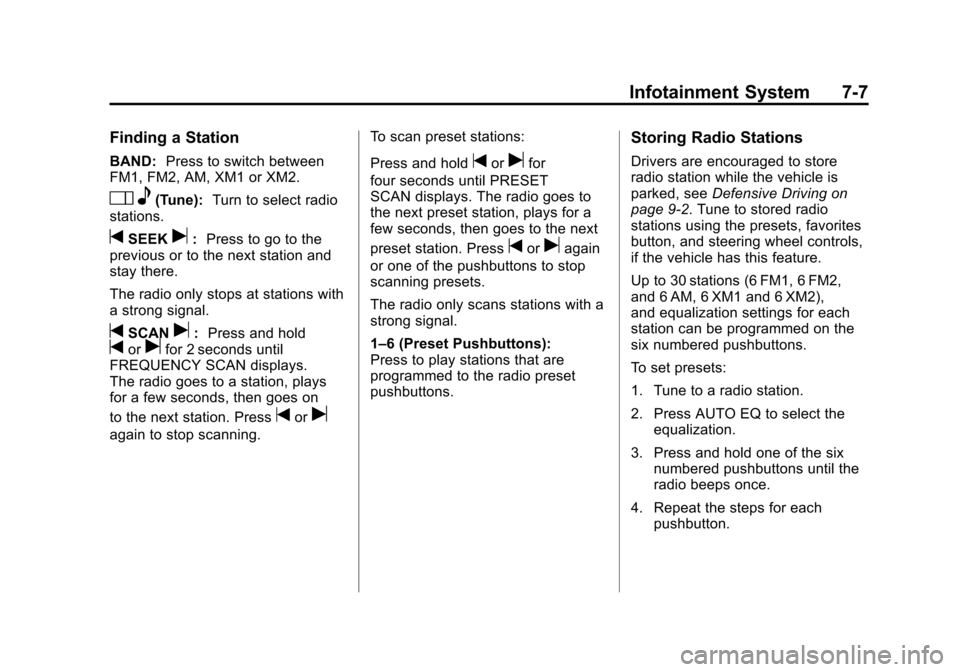
Finding a Station
BAND:Press to switch between
FM1, FM2, AM, XM1 or XM2.
O e(Tune): Turn to select radio
stations.
tSEEKu: Press to go to the
previous or to the next station and
stay there.
The radio only stops at stations with
a strong signal.
tSCANu: Press and holdtorufor 2 seconds until
FREQUENCY SCAN displays.
The radio goes to a station, plays
for a few seconds, then goes on
to the next station. Press
toru
again to stop scanning. To scan preset stations:
Press and hold
torufor
four seconds until PRESET
SCAN displays. The radio goes to
the next preset station, plays for a
few seconds, then goes to the next
preset station. Press
toruagain
or one of the pushbuttons to stop
scanning presets.
The radio only scans stations with a
strong signal.
1–6 (Preset Pushbuttons):
Press to play stations that are
programmed to the radio preset
pushbuttons.
Storing Radio Stations
Drivers are encouraged to store
radio station while the vehicle is
parked, see Defensive Driving on
page 9‑2. Tune to stored radio
stations using the presets, favorites
button, and steering wheel controls,
if the vehicle has this feature.
Up to 30 stations (6 FM1, 6 FM2,
and 6 AM, 6 XM1 and 6 XM2),
and equalization settings for each
station can be programmed on the
six numbered pushbuttons.
To set presets:
1. Tune to a radio station.
2. Press AUTO EQ to select the equalization.
3. Press and hold one of the six numbered pushbuttons until the
radio beeps once.
4. Repeat the steps for each pushbutton.
Page 207 of 428
Black plate (9,1)Chevrolet Corvette Owner Manual - 2011
Infotainment System 7-9
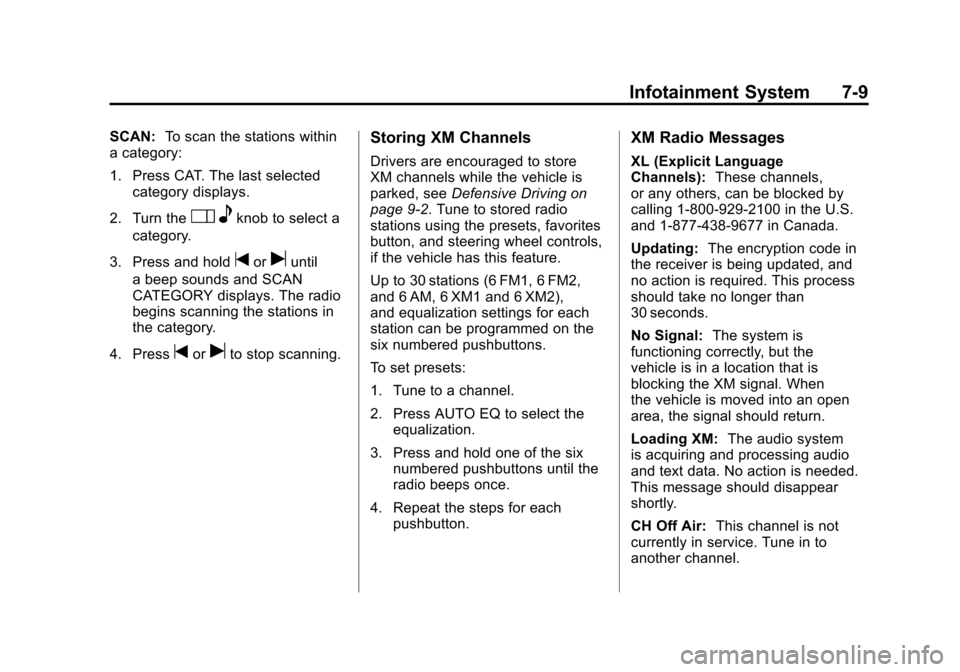
SCAN:To scan the stations within
a category:
1. Press CAT. The last selected
category displays.
2. Turn the
O eknob to select a
category.
3. Press and hold
toruuntil
a beep sounds and SCAN
CATEGORY displays. The radio
begins scanning the stations in
the category.
4. Press
toruto stop scanning.
Storing XM Channels
Drivers are encouraged to store
XM channels while the vehicle is
parked, see Defensive Driving on
page 9‑2. Tune to stored radio
stations using the presets, favorites
button, and steering wheel controls,
if the vehicle has this feature.
Up to 30 stations (6 FM1, 6 FM2,
and 6 AM, 6 XM1 and 6 XM2),
and equalization settings for each
station can be programmed on the
six numbered pushbuttons.
To set presets:
1. Tune to a channel.
2. Press AUTO EQ to select the equalization.
3. Press and hold one of the six numbered pushbuttons until the
radio beeps once.
4. Repeat the steps for each pushbutton.
XM Radio Messages
XL (Explicit Language
Channels): These channels,
or any others, can be blocked by
calling 1-800-929-2100 in the U.S.
and 1-877-438-9677 in Canada.
Updating: The encryption code in
the receiver is being updated, and
no action is required. This process
should take no longer than
30 seconds.
No Signal: The system is
functioning correctly, but the
vehicle is in a location that is
blocking the XM signal. When
the vehicle is moved into an open
area, the signal should return.
Loading XM: The audio system
is acquiring and processing audio
and text data. No action is needed.
This message should disappear
shortly.
CH Off Air: This channel is not
currently in service. Tune in to
another channel.
Page 426 of 428

Black plate (10,1)Chevrolet Corvette Owner Manual - 2011
i-10 INDEX
S
Safety Belts . . . . . . . . . . . . . . . . . . . . 3-9Care . . . . . . . . . . . . . . . . . . . . . . . . . . 3-21
Extender . . . . . . . . . . . . . . . . . . . . . . 3-21
How to Wear Safety BeltsProperly . . . . . . . . . . . . . . . . . . . . . 3-13
Lap-Shoulder Belt . . . . . . . . . . . . 3-18
Messages . . . . . . . . . . . . . . . . . . . . 5-49
Reminders . . . . . . . . . . . . . . . . . . . . 5-16
Replacing After a Crash . . . . . . 3-22
Use During Pregnancy . . . . . . . . 3-20
Safety Defects Reporting Canadian Government . . . . . . 13-16
General Motors . . . . . . . . . . . . . 13-17
U.S. Government . . . . . . . . . . . 13-16
Safety System Check . . . . . . . . . . 3-21
Satellite Radio . . . . . . . . . . . . . . . . . . 7-8
Scheduled Maintenance . . . . . . . 11-2
Scheduling Appointments . . . . . 13-10
Seatback Latches . . . . . . . . . . . . . . 3-8
Seats
Adjustment, Front . . . . . . . . . . . . . . 3-2
Head Restraints . . . . . . . . . . . . . . . 3-2
Heated Front . . . . . . . . . . . . . . . . . . 3-8 Seats (cont.)
Lumbar Adjustment, Front . . . . . 3-6
Power Adjustment, Front . . . . . . 3-3
Reclining Seatbacks . . . . . . . . . . . 3-6
Securing Child Restraints . . . . . . 3-48
Security Light . . . . . . . . . . . . . . . . . . . . . . . . . . 5-24
Vehicle . . . . . . . . . . . . . . . . . . . . . . . 2-12
Selective Ride Control . . . . . . . . . 9-42
Service
Accessories andModifications . . . . . . . . . . . . . . . . 10-4
Doing Your Own Work . . . . . . . . 10-8
Engine Soon Light . . . . . . . . . . . . 5-18
Maintenance Records . . . . . . . . 11-9
Maintenance, General Information . . . . . . . . . . . . . . . . . . 11-1
Parts Identification Label . . . . . 12-1
Publications Ordering
Information . . . . . . . . . . . . . . . . 13-15
Scheduling Appointments . . . 13-10
Vehicle Messages . . . . . . . . . . . . 5-50
Servicing the
Airbag-Equipped Vehicle . . . . . 3-34
Shift Lock Control Function Check, Automatic
Transmission . . . . . . . . . . . . . . . . 10-45 Shifting
Into Park . . . . . . . . . . . . . . . . . . . . . . 9-24
Out of Park . . . . . . . . . . . . . . . . . . . 9-25
Signals, Turn and Lane-Change . . . . . . . . . . . . . . . . . 6-4
Specifications and Capacities . . . . . . . . . . . . . . . . . . . . 12-2
Speedometer . . . . . . . . . . . . . . . . . . 5-11
Starter Switch Check . . . . . . . . . 10-44
Starting the Engine . . . . . . . . . . . . 9-21
Starting the Vehicle Messsages . . . . . . . . . . . . . . . . . . . 5-50
Steering . . . . . . . . . . . . . . . . . . . . . . . . 9-4 Fluid, Power . . . . . . . . . . . . . . . . 10-36
Wheel Adjustment . . . . . . . . . . . . . 5-2
Wheel Controls . . . . . . . . . . . . . . . . 5-3
Storage Rear . . . . . . . . . . . . . . . . . . . . . . . . . . . 4-1
Storage Areas Cargo Cover . . . . . . . . . . . . . . . . . . . 4-2
Center Console . . . . . . . . . . . . . . . . 4-2
Convenience Net . . . . . . . . . . . . . . 4-3
Glove Box . . . . . . . . . . . . . . . . . . . . . 4-1
Stuck Vehicle . . . . . . . . . . . . . . . . . . 9-13
Sun Visors . . . . . . . . . . . . . . . . . . . . . 2-18
Symbols . . . . . . . . . . . . . . . . . . . . . . . . . . iv
Page:
< prev 1-8 9-16 17-24