2011 CHEVROLET AVEO phone
[x] Cancel search: phonePage 155 of 328
Black plate (15,1)Chevrolet Aveo Owner Manual - 2011
Infotainment System 7-15
.The air is very humid. If so, wait
about an hour and try again.
.The format of the CD is not
compatible. See“Using an MP3”
earlier in this section.
.There was a problem while
burning the CD.
.The label is caught in the CD
player.
If the CD is not playing correctly, for
any other reason, try a known
good CD.
If any error occurs repeatedly or if
an error cannot be corrected,
contact your dealer. If the radio
displays an error message, write it
down and provide it to your dealer
when reporting the problem.
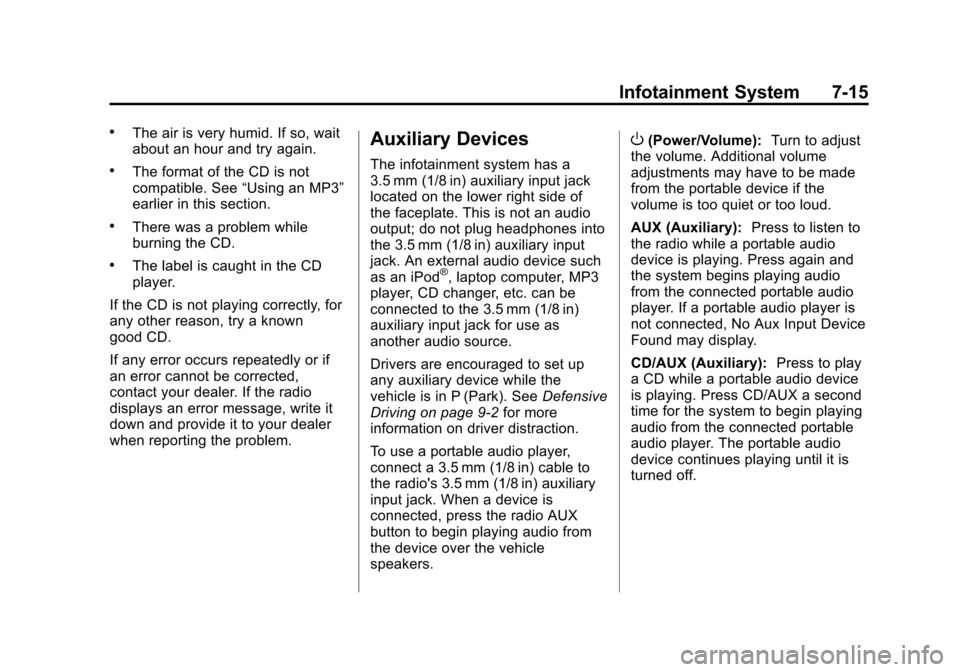
Auxiliary Devices
The infotainment system has a
3.5 mm (1/8 in) auxiliary input jack
located on the lower right side of
the faceplate. This is not an audio
output; do not plug headphones into
the 3.5 mm (1/8 in) auxiliary input
jack. An external audio device such
as an iPod
®, laptop computer, MP3
player, CD changer, etc. can be
connected to the 3.5 mm (1/8 in)
auxiliary input jack for use as
another audio source.
Drivers are encouraged to set up
any auxiliary device while the
vehicle is in P (Park). See Defensive
Driving on page 9‑2 for more
information on driver distraction.
To use a portable audio player,
connect a 3.5 mm (1/8 in) cable to
the radio's 3.5 mm (1/8 in) auxiliary
input jack. When a device is
connected, press the radio AUX
button to begin playing audio from
the device over the vehicle
speakers.
O(Power/Volume): Turn to adjust
the volume. Additional volume
adjustments may have to be made
from the portable device if the
volume is too quiet or too loud.
AUX (Auxiliary): Press to listen to
the radio while a portable audio
device is playing. Press again and
the system begins playing audio
from the connected portable audio
player. If a portable audio player is
not connected, No Aux Input Device
Found may display.
CD/AUX (Auxiliary): Press to play
a CD while a portable audio device
is playing. Press CD/AUX a second
time for the system to begin playing
audio from the connected portable
audio player. The portable audio
device continues playing until it is
turned off.
Page 199 of 328
Black plate (37,1)Chevrolet Aveo Owner Manual - 2011
Driving and Operating 9-37
Notice:This vehicle was not
designed for fuel that contains
methanol. Do not use fuel
containing methanol. It can
corrode metal parts in the fuel
system and also damage plastic
and rubber parts. That damage
would not be covered under the
vehicle warranty.
Some gasolines that are
not reformulated for low
emissions can contain an
octane-enhancing additive called
methylcyclopentadienyl manganese
tricarbonyl (MMT); ask the attendant
where you buy gasoline whether the
fuel contains MMT. We recommend
against the use of such gasolines.
Fuels containing MMT can reduce
spark plug life and affect emission
control system performance. The
malfunction indicator lamp might
turn on. If this occurs, return to your
dealer for service.Filling the Tank
{WARNING
Fuel vapor burns violently and a
fuel fire can cause bad injuries.
To help avoid injuries to you and
others, read and follow all the
instructions on the fuel pump
island. Turn off the engine when
refueling. Do not smoke near fuel
or when refueling the vehicle. Do
not use cellular phones. Keep
sparks, flames, and smoking
materials away from fuel. Do not
leave the fuel pump unattended
when refueling the vehicle. This is
against the law in some places.
Do not re-enter the vehicle while
pumping fuel. Keep children away
from the fuel pump; never let
children pump fuel.
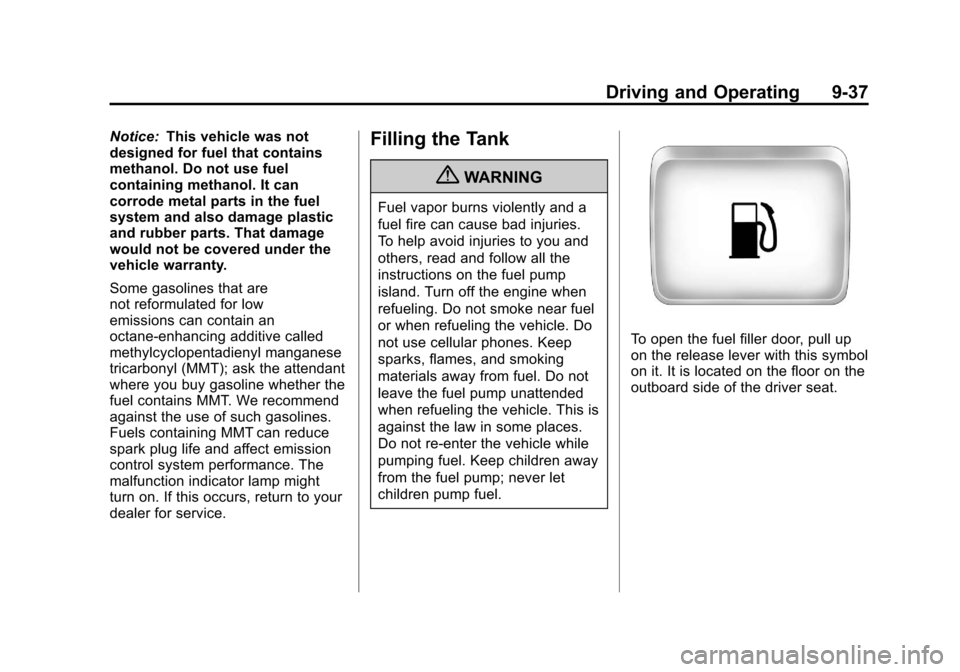
To open the fuel filler door, pull up
on the release lever with this symbol
on it. It is located on the floor on the
outboard side of the driver seat.
Page 201 of 328
Black plate (39,1)Chevrolet Aveo Owner Manual - 2011
Driving and Operating 9-39
Filling a Portable Fuel
Container
{WARNING
Never fill a portable fuel container
while it is in the vehicle. Static
electricity discharge from the
container can ignite the fuel
vapor. You can be badly burned
and the vehicle damaged if this
occurs. To help avoid injury
to you and others:
.Dispense fuel only into
approved containers.
.Do not fill a container while
it is inside a vehicle, in a
vehicle's trunk, pickup bed,
or on any surface other than
the ground.(Continued)
WARNING (Continued)
.Bring the fill nozzle in contact
with the inside of the fill
opening before operating the
nozzle. Contact should be
maintained until the filling is
complete.
.Do not smoke while
pumping fuel.
.Do not use a cellular phone
while pumping fuel.
Towing
General Towing
Information
The vehicle is neither designed nor
intended to tow a trailer.
Page 303 of 328
Black plate (1,1)Chevrolet Aveo Owner Manual - 2011
Customer Information 13-1
Customer
Information
Customer Information
Customer SatisfactionProcedure . . . . . . . . . . . . . . . . . . 13-1
Customer Assistance Offices . . . . . . . . . . . . . . . . . . . . . 13-3
Customer Assistance for Text Telephone (TTY) Users . . . . . 13-4
Online Owner Center . . . . . . . . 13-4
GM Mobility Reimbursement Program . . . . . . . . . . . . . . . . . . . . 13-5
Roadside Assistance Program . . . . . . . . . . . . . . . . . . . . 13-6
Scheduling Service Appointments . . . . . . . . . . . . . . 13-8
Courtesy Transportation Program . . . . . . . . . . . . . . . . . . . . 13-8
Collision Damage Repair . . . 13-10
Service Publications Ordering Information . . . . . . 13-12
Reporting Safety Defects
Reporting Safety Defects tothe United States
Government . . . . . . . . . . . . . . . 13-13
Reporting Safety Defects to the Canadian
Government . . . . . . . . . . . . . . . 13-14
Reporting Safety Defects to General Motors . . . . . . . . . . . 13-14
Vehicle Data Recording and
Privacy
Vehicle Data Recording andPrivacy . . . . . . . . . . . . . . . . . . . . 13-15
Event Data Recorders . . . . . . 13-15
OnStar
®. . . . . . . . . . . . . . . . . . . . 13-16
Radio Frequency Identification (RFID) . . . . . . . 13-16
Radio Frequency Statement . . . . . . . . . . . . . . . . . 13-16
Customer Information
Customer Satisfaction
Procedure
Your satisfaction and goodwill are
important to the dealer and to
Chevrolet. Normally, any concerns
with the sales transaction or the
operation of the vehicle will be
resolved by the dealer's sales or
service departments. Sometimes,
however, despite the best intentions
of all concerned, misunderstandings
can occur. If your concern has not
been resolved to your satisfaction,
the following steps should be taken:
STEP ONE: Discuss your concern
with a member of dealership
management. Normally, concerns
can be quickly resolved at that level.
If the matter has already been
reviewed with the sales, service,
or parts manager, contact the owner
of the dealership or the general
manager.
Page 304 of 328
Black plate (2,1)Chevrolet Aveo Owner Manual - 2011
13-2 Customer Information
STEP TWO:If after contacting a
member of dealership management,
it appears your concern cannot be
resolved by the dealership without
further help, in the U.S., call the
Chevrolet Customer Assistance
Center at 1-800-222-1020. In
Canada, call General Motors of
Canada Customer Communication
Centre at 1-800-263-3777 (English),
or 1-800-263-7854 (French).
We encourage you to call the
toll-free number in order to give your
inquiry prompt attention. Have the
following information available to
give the Customer Assistance
representative:
.Vehicle Identification
Number (VIN). This is available
from the vehicle registration or
title, or the plate at the top left of
the instrument panel and visible
through the windshield.
.Dealership name and location.
.Vehicle delivery date and
present mileage. When contacting Chevrolet,
remember that your concern will
likely be resolved at a dealer's
facility. That is why we suggest
following Step One first.
STEP THREE
—U.S. Owners:
Both General Motors and the dealer
are committed to making sure you
are completely satisfied with the
new vehicle. However, if you
continue to remain unsatisfied after
following the procedure outlined in
Steps One and Two, you can file
with the Better Business Bureau
(BBB) Auto Line
®Program to
enforce your rights.
The BBB Auto Line Program is an
out-of-court program administered
by the Council of Better Business
Bureaus to settle automotive
disputes regarding vehicle repairs or
the interpretation of the New Vehicle
Limited Warranty. Although you may
be required to resort to this informal
dispute resolution program prior
to filing a court action, use of the
program is free of charge and your case will generally be heard within
40 days. If you do not agree with the
decision given in your case, you
may reject it and proceed with any
other venue for relief available
to you.
You may contact the BBB Auto
Line Program using the toll-free
telephone number or write them
at the following address:
BBB Auto Line Program
Council of Better Business Bureaus,
Inc.
4200 Wilson Boulevard
Suite 800
Arlington, VA 22203-1838
Telephone: 1-800-955-5100
www.dr.bbb.org/goauto
This program is available in all
50 states and the District of
Columbia. Eligibility is limited by
vehicle age, mileage, and other
factors. General Motors reserves
the right to change eligibility
limitations and/or discontinue its
participation in this program.
Page 305 of 328
Black plate (3,1)Chevrolet Aveo Owner Manual - 2011
Customer Information 13-3
STEP THREE—Canadian
Owners: In the event that you do
not feel your concerns have been
addressed after following the
procedure outlined in Steps One
and Two, General Motors of Canada
Limited wants you to be aware
of its participation in a no-charge
Mediation/Arbitration Program.
General Motors of Canada Limited
has committed to binding arbitration
of owner disputes involving
factory-related vehicle service
claims. The program provides for
the review of the facts involved by
an impartial third party arbiter, and
may include an informal hearing
before the arbiter. The program is
designed so that the entire dispute
settlement process, from the time
you file your complaint to the final
decision, should be completed in
about 70 days. We believe our
impartial program offers advantages
over courts in most jurisdictions
because it is informal, quick, and
free of charge. For further information concerning
eligibility in the Canadian Motor
Vehicle Arbitration Plan (CAMVAP),
call toll-free 1-800-207-0685, or call
the General Motors Customer
Communication Centre,
1-800-263-3777 (English),
1-800-263-7854 (French),
or write to:
The Mediation/Arbitration Program
c/o Customer Communication
Centre
General Motors of Canada Limited
Mail Code: CA1-163-005
1908 Colonel Sam Drive
Oshawa, Ontario L1H 8P7
The inquiry should be accompanied
by the Vehicle Identification
Number (VIN).Customer Assistance
Offices
Chevrolet encourages customers to
call the toll-free number for
assistance. However, if a customer
wishes to write or e-mail Chevrolet,
the letter should be addressed to:
United States
Chevrolet Motor Division
Chevrolet Customer
Assistance Center
P.O. Box 33170
Detroit, MI 48232-5170
www.Chevrolet.com
1-800-222-1020
1-800-833-2438 (For Text
Telephone Devices (TTYs))
Roadside Assistance:
1-800-243-8872
From Puerto Rico:
1-800-496-9992 (English)
1-800-496-9993 (Spanish)
From U.S. Virgin Islands:
1-800-496-9994
Page 306 of 328
Black plate (4,1)Chevrolet Aveo Owner Manual - 2011
13-4 Customer Information
Canada
General Motors of Canada Limited
Customer Communication Centre,
Mail Code: CA1-163-005
1908 Colonel Sam Drive
Oshawa, Ontario L1H 8P7
www.gm.ca
1-800-263-3777 (English)
1-800-263-7854 (French)
1-800-263-3830 (For Text
Telephone devices (TTYs))
Roadside Assistance:
1-800-268-6800
Overseas
Please contact the local General
Motors Business Unit.
Mexico, Central America, and
Caribbean Islands/Countries
(Except Puerto Rico and U.S.
Virgin Islands)
General Motors de Mexico,
S. de R.L. de C.V.
Customer Assistance Center
Av. Ejercito Nacional #843
Col. Granada
C.P. 11520, Mexico, D.F.
01-800-466-0800
Long Distance: 011-52-53 29 0800
Customer Assistance for
Text Telephone (TTY)
Users
To assist customers who are deaf,
hard of hearing, or speech-impaired
and who use Text Telephones
(TTYs), Chevrolet has TTY
equipment available at its Customer
Assistance Center. Any TTY user in
the U.S. can communicate with
Chevrolet by dialing:
1-800-833-2438. TTY users in
Canada can dial 1-800-263-3830.
Online Owner Center
Chevrolet Owner Center (U.S.)
www.chevyownercenter.com
Information and services
customized for your specific vehicle
—all in one convenient place.
.Digital owner manual, warranty
information, and more.
.Storage for online service and
maintenance records.
.Chevrolet dealer locator for
service nationwide.
.Exclusive privileges and offers.
.Recall notices for your specific
vehicle.
.OnStar and GM Cardmember
Services Earnings summaries.
Page 307 of 328
Black plate (5,1)Chevrolet Aveo Owner Manual - 2011
Customer Information 13-5
Other Helpful Links
Chevrolet—www.chevrolet.com
Chevrolet Merchandise —
www.chevymall.com
Help Center —www.chevrolet.com/
pages/mds/helpcenter/faq.do
.FAQ
.Contact Us
My GM Canada www.gm.ca
My GM Canada is a
password-protected section of
www.gm.ca where you can save
information on GM vehicles, get
personalized offers, and use handy
tools and forms with greater ease. Here are a few of the valuable tools
and services you will have
access to:
.My Showroom: Find and save
information on vehicles and
current offers in your area.
.My Dealers: Save details such
as address and phone number
for each of your preferred GM
dealers.
.My Driveway: Access quick links
to parts and service estimates,
check trade-in values,
or schedule a service
appointment by adding the
vehicles you own to your
driveway profile.
.My Preferences: Manage your
profile and use tools and forms
with greater ease.
To sign up, visit the My GM.ca
section within www.gm.ca.
GM Mobility
Reimbursement Program
This program is available to
qualified applicants for cost
reimbursement of eligible
aftermarket adaptive equipment
required for the vehicle, such as
hand controls or a wheelchair/
scooter lift for the vehicle.
For more information on the limited
offer, visit www.gmmobility.com or
call the GM Mobility Assistance
Center at 1-800-323-9935. Text
Telephone (TTY) users, call
1-800-833-9935.
General Motors of Canada
also has a Mobility Program. Call
1-800-GM-DRIVE (463-7483) for
details. TTY users call
1-800-263-3830.