Page 135 of 476
135
2-1. Driving procedures
2
When driving
AVALON_U (OM41437U)
■
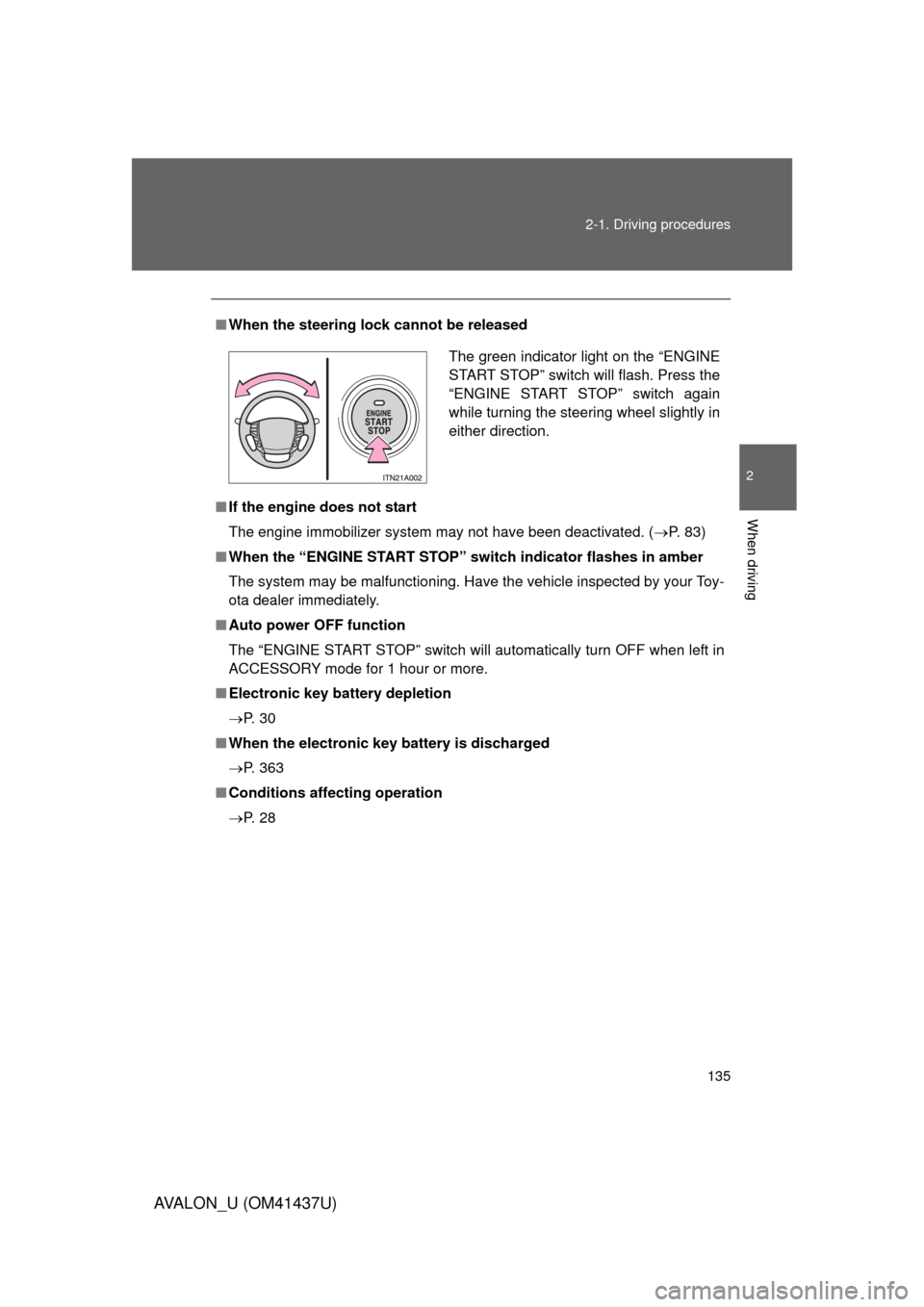
When the steering lock cannot be released
■ If the engine does not start
The engine immobilizer system may not have been deactivated. ( P. 83)
■ When the “ENGINE START STOP” switch indicator flashes in amber
The system may be malfunctioning. Have the vehicle inspected by your Toy-
ota dealer immediately.
■ Auto power OFF function
The “ENGINE START STOP” switch will automatically turn OFF when left in
ACCESSORY mode for 1 hour or more.
■ Electronic key battery depletion
P. 3 0
■ When the electronic key battery is discharged
P. 363
■ Conditions aff ecting operation
P. 2 8
The green indicator light on the “ENGINE
START STOP” switch will flash. Press the
“ENGINE START STOP” switch again
while turning the steering wheel slightly in
either direction.
Page 136 of 476

136 2-1. Driving procedures
AVALON_U (OM41437U)
CAUTION
■When starting the engine
Always start the engine while sitting in the driver’s seat. Do not press the
accelerator pedal while starting the engine under any circumstances.
Doing so may cause an accident resulting in death or serious injury.
■ Stopping the engine in an emergency
If you want to stop the engine in an emergency while driving the vehicle,
push and hold the “ENGINE START STOP” switch for more than 3 seconds.
However, do not touch the "ENGINE START STOP" switch while driving
except in an emergency. Turning the engine off while driving will not cause
loss of steering or braking control, but the power assist to these systems will
be lost. This will make it more difficult to steer and brake, so you should pull
over and stop the vehicle as soon as it is safe to do so.
NOTICE
■To prevent battery discharge
Do not leave the “ENGINE START STOP” switch in ACCESSORY or IGNI-
TION ON mode for long periods if the engine is not running.
■ When starting the engine
● Do not race the engine.
● If the engine becomes difficult to start or stalls frequently, have the engine
checked immediately.
Page 137 of 476
137
2-1. Driving procedures
2
When driving
AVALON_U (OM41437U)
Engine (ignition) switch (without smar t key system)
■Turning the key from “ACC” to “LOCK”
■ Starting the engine
Check that the parking brake is set.
Check that the shift lever is set in “P”.
Sit in the driver’s seat and firmly depress the brake pedal.
Turn the engine switch to the “START” position and start
the engine.
■ Engine (ignition) switch
“LOCK”
The steering wheel is locked
and the key can be removed.
(The key can be removed only
when the shift lever is in “P”.)
“ACC”
Some electrical components
such as the audio system can
be used.
“ON”
All electrical components can
be used.
“START”
For starting the engine.
STEP1
STEP2
STEP3
STEP4
Shift the shift lever to “P”.
Push in the key and turn to
the “LOCK” position.STEP1
STEP2
Page 138 of 476
138 2-1. Driving procedures
AVALON_U (OM41437U)
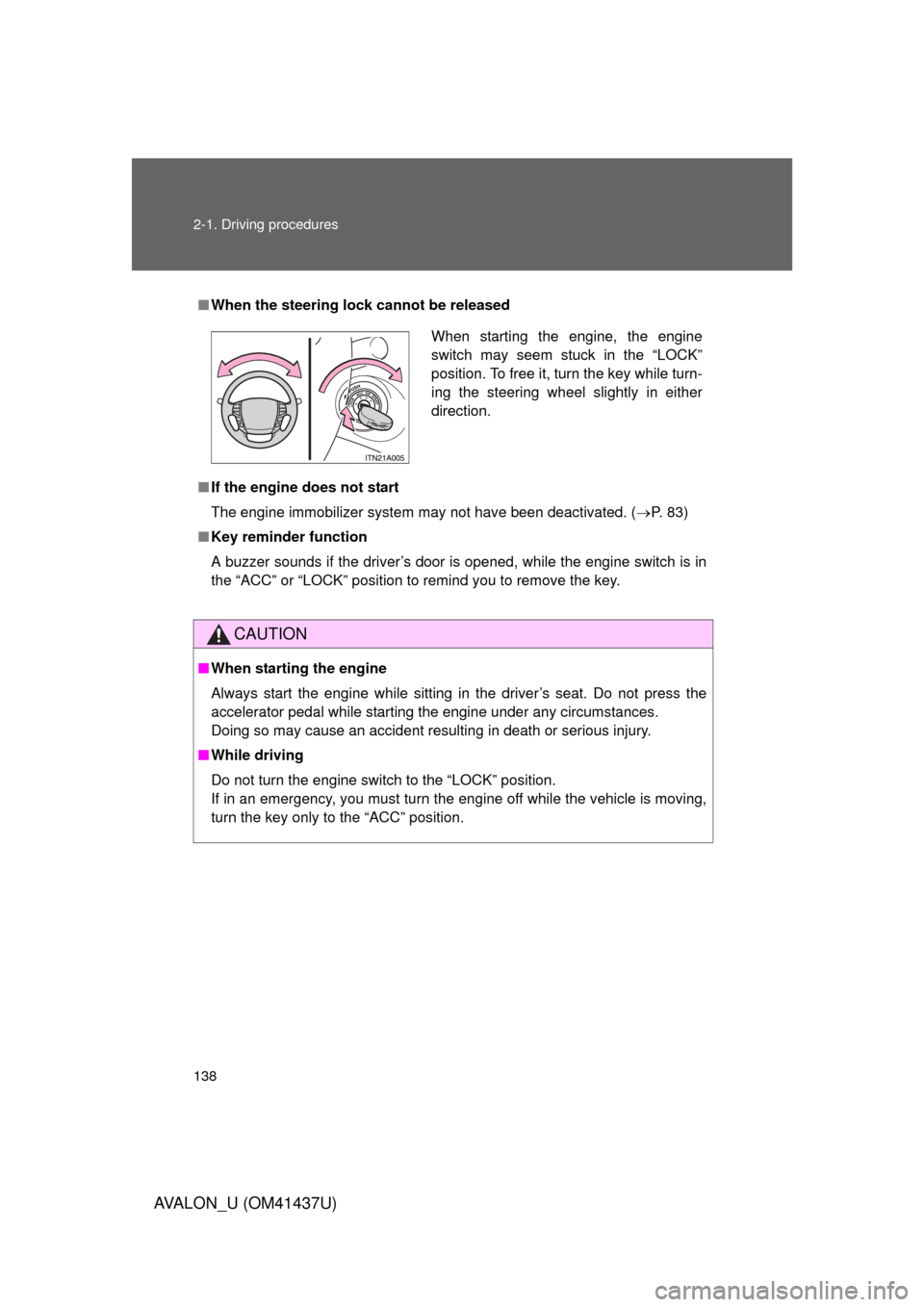
■When the steering lock cannot be released
■ If the engine does not start
The engine immobilizer system may not have been deactivated. ( P. 83)
■ Key reminder function
A buzzer sounds if the driver’s door is opened, while the engine switch is in
the “ACC” or “LOCK” position to remind you to remove the key.
CAUTION
■When starting the engine
Always start the engine while sitting in the driver’s seat. Do not press the
accelerator pedal while starting the engine under any circumstances.
Doing so may cause an accident resulting in death or serious injury.
■ While driving
Do not turn the engine switch to the “LOCK” position.
If in an emergency, you must turn the engine off while the vehicle is moving,
turn the key only to the “ACC” position.
When starting the engine, the engine
switch may seem stuck in the “LOCK”
position. To free it, turn the key while turn-
ing the steering wheel slightly in either
direction.
Page 179 of 476

179
2-4. Using other
driving systems
2
When driving
AVALON_U (OM41437U)
CAUTION
■When the laser radar sensor may not be correctly detecting the vehicle
ahead
Apply the brakes as necessary when any of the following types of vehicles
are in front of you.
As the sensor may not be able to correctly detect these types of vehicles,
the proximity alarm ( P. 175) will not be activated, and an accident may
result.
● Vehicles that cut in suddenly
● Vehicles traveling at low speeds
● Vehicles that are not moving
● Vehicles with small rear ends (trailers with no load on board etc.)
● Motorcycles traveling in the same lane
■ Conditions under which the vehicle -to-vehicle distance control may
not function correctly
Apply the brakes as necessary in the following conditions as the laser radar
sensor may not be able to correctly detect vehicles ahead, and an accident
may result.
● When water or snow thrown up by the surrounding vehicles hinders the
functioning of the sensor
● When your vehicle is pointing upwards (caused by a heavy load in the
trunk etc.)
● When the road curves or when the lanes are narrow
● When steering wheel operation or your position in the lane is unstable
● When the vehicle ahead of you decelerates suddenly.
Page 182 of 476

182 2-4. Using other driving systems
AVALON_U (OM41437U)
■Sounds and vibrations caused by the ABS, brake assist, VSC and
TRAC
● A sound may be heard from the engine compartment when the engine is
started or just after the vehicle begins to move. This sound does not indi-
cate that a malfunction has occurred in any of these systems.
● Any of the following conditions may occur when the above systems are
operating. None of these indicates that a malfunction has occurred.
• Vibrations may be felt through the vehicle body and steering.
• A motor sound may be heard after the vehicle comes to a stop.
• The brake pedal may pulsate slightly after the ABS is activated.
• The brake pedal may move down slightly after the ABS is activated.
CAUTION
■The ABS does not operate effectively when
● The limits of tire gripping performance have been exceeded.
● The vehicle hydroplanes while driving at high speed on the wet or slick
road.
■ Stopping distance when the ABS is ope rating on the wet or slick roads
The ABS is not designed to shorten the vehicle’s stopping distance. Always
maintain a sufficient distance from the vehicle in front of you in the following
situations.
● When driving on dirt, gravel or snow-covered roads
● When driving with tire chains
● When driving over bumps in the road
● When driving over roads with potholes or roads with uneven pavement
Page 188 of 476
188
2-5. Driving information
AVALON_U (OM41437U)
Vehicle load limits
■Total load capacity and seating capacity
These details are also described on the tire and loading information
label. (P. 354)
CAUTION
■Overloading the vehicle
Do not overload the vehicle.
It may not only cause damage to the ti res, but also degrade steering and
braking ability, resulting in an accident.
Vehicle load limits include total load capacity, seating capacity,
towing capacity and cargo capacity.
■ Total load capacity: 870 lb. (395 kg)
Total load capacity means the combined weight of occupants,
cargo and luggage.
■ Seating capacity: 5 occupants (Front 2, Rear 3)
Seating capacity means the ma ximum number of occupants
whose estimated average weight is 150 lb. (68 kg) per person.
Even if the number of occupants are within the seating capacity,
do not exceed the total load capacity.
■ Towing capacity
Toyota does not recommend towing a trailer with your vehicle.
■ Cargo capacity
Cargo capacity may increase or decrease depending on the
weight and the number of occupants.
Page 197 of 476
Interior features3
197
AVALON_U (OM41437U)
3-1. Using the air conditioning system and defogger
Automatic air conditioning system ........................... 198
Using the steering wheel climate control
switches ......................... 206
Rear window and outside rear view mirror
defoggers ....................... 208
3-2. Using the audio system Audio system type............ 210
Audio cover ...................... 212
Using the radio ................. 213
Using the CD player ......... 220
Playing MP3 and WMA discs ..................... 228
Optimal use of the audio system ........................... 236
Using the AUX adapter........................... 238
Using the steering wheel audio switches ............... 239
3-3. Using the hands-free system (for cellular phone)
Hands-free system (for cellular phone) ......... 242
Using the hands-free system ........................... 246 Making a phone call ......... 254
Setting a cellular
phone ............................. 259
Security and system setup .............................. 264
Using the phone book ...... 267
3-4. Using the interior lights Interior lights list ............... 275
3-5. Using the storage features List of storage features .......................... 278
3-6. Other interior features Sun visors ........................ 286
Vanity mirrors ................... 287
Clock ................................ 288
Outside temperature display............................ 289
Ashtrays ........................... 290
Power outlets ................... 291
Seat heaters/ventilators ......... 293
Armrest ............................ 295
Rear sunshade................. 296
Floor mats ........................ 298
Trunk features .................. 299
Garage door opener......... 301
Compass .......................... 306