Page 266 of 476
266 3-3. Using the hands-free system (for cellular phone)
AVALON_U (OM41437U)
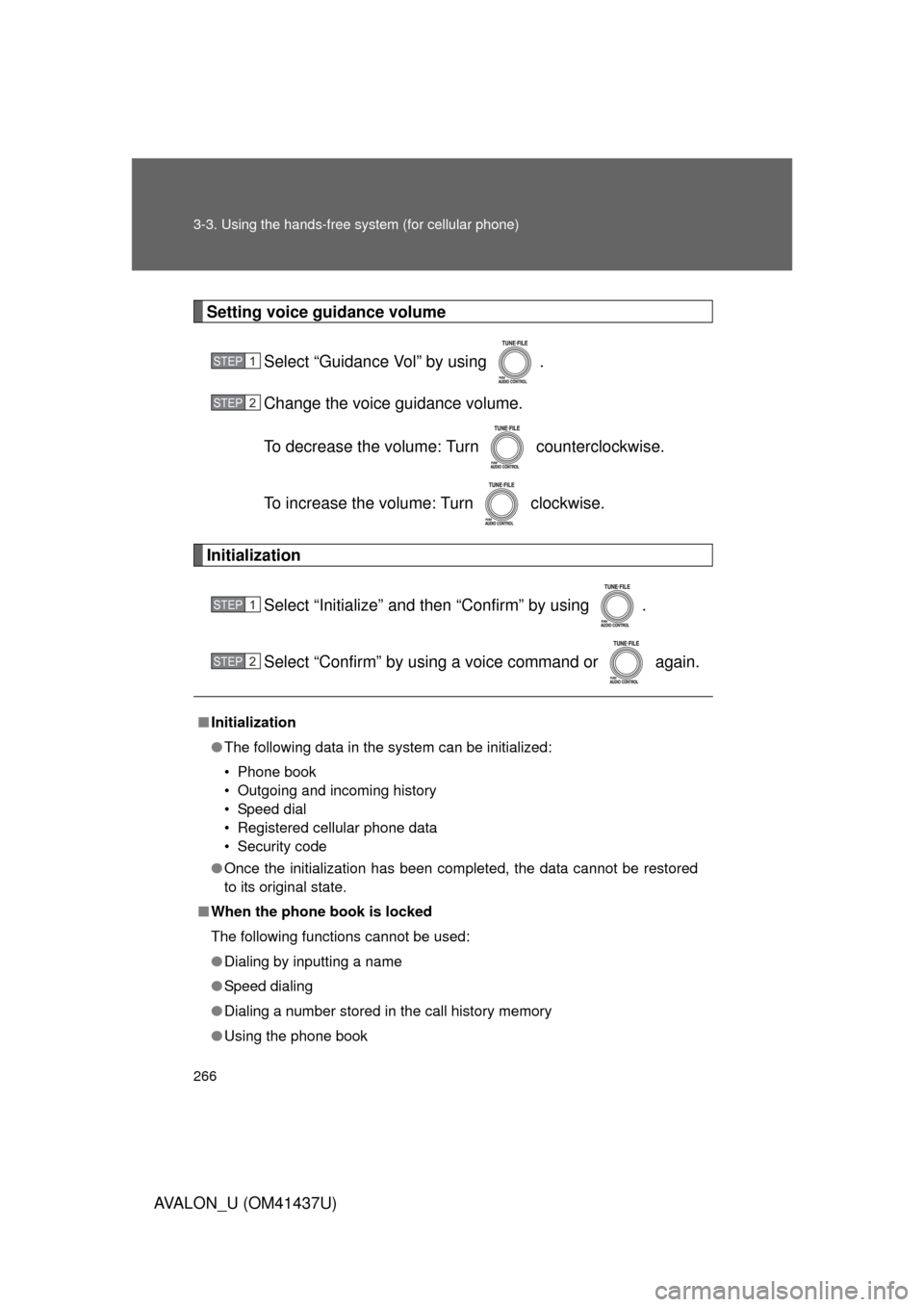
Setting voice guidance volumeSelect “Guidance Vol” by using .
Change the voice guidance volume.
To decrease the volume: Turn counterclockwise.
To increase the volume: Turn clockwise.
Initialization
Select “Initialize” and then “Confirm” by using .
Select “Confirm” by using a voice command or again.
■Initialization
● The following data in the system can be initialized:
• Phone book
• Outgoing and incoming history
• Speed dial
• Registered cellular phone data
• Security code
● Once the initialization has been completed, the data cannot be restored
to its original state.
■ When the phone book is locked
The following functions cannot be used:
● Dialing by inputting a name
● Speed dialing
● Dialing a number stored in the call history memory
● Using the phone book
STEP1
STEP2
STEP1
STEP2
Page 267 of 476
267
3-3. Using the hands-free system (for cellular phone)
3
Interior features
AVALON_U (OM41437U)
Using the phone book
Adding a new phone numberThe following methods can be used to add a new phone number:
● Inputting a phone number by using a voice command
● Transferring data from the cellular phone
● Inputting a phone number by using
● Selecting a phone number from outgoing or incoming history
To enter the menu of each setting, follow the steps below:
●Adding a new phone number
1. “Phonebook” 2. “Add Entry”
● Setting speed dial
1. “Phonebook” 2. “Set Speed Dial (Speed Dial)”
● Changing a registered name
1. “Phonebook” 2. “Change Name”
● Deleting registered data
1. “Phonebook” 2. “Delete Entry”
● Deleting speed dial
1. “Phonebook” 2. “Delete Speed Dial (Delete Spd Dial)”
● Listing the registered data
1. “Phonebook” 2. “List Names”
Page 268 of 476
268 3-3. Using the hands-free system (for cellular phone)
AVALON_U (OM41437U)■
Adding procedure
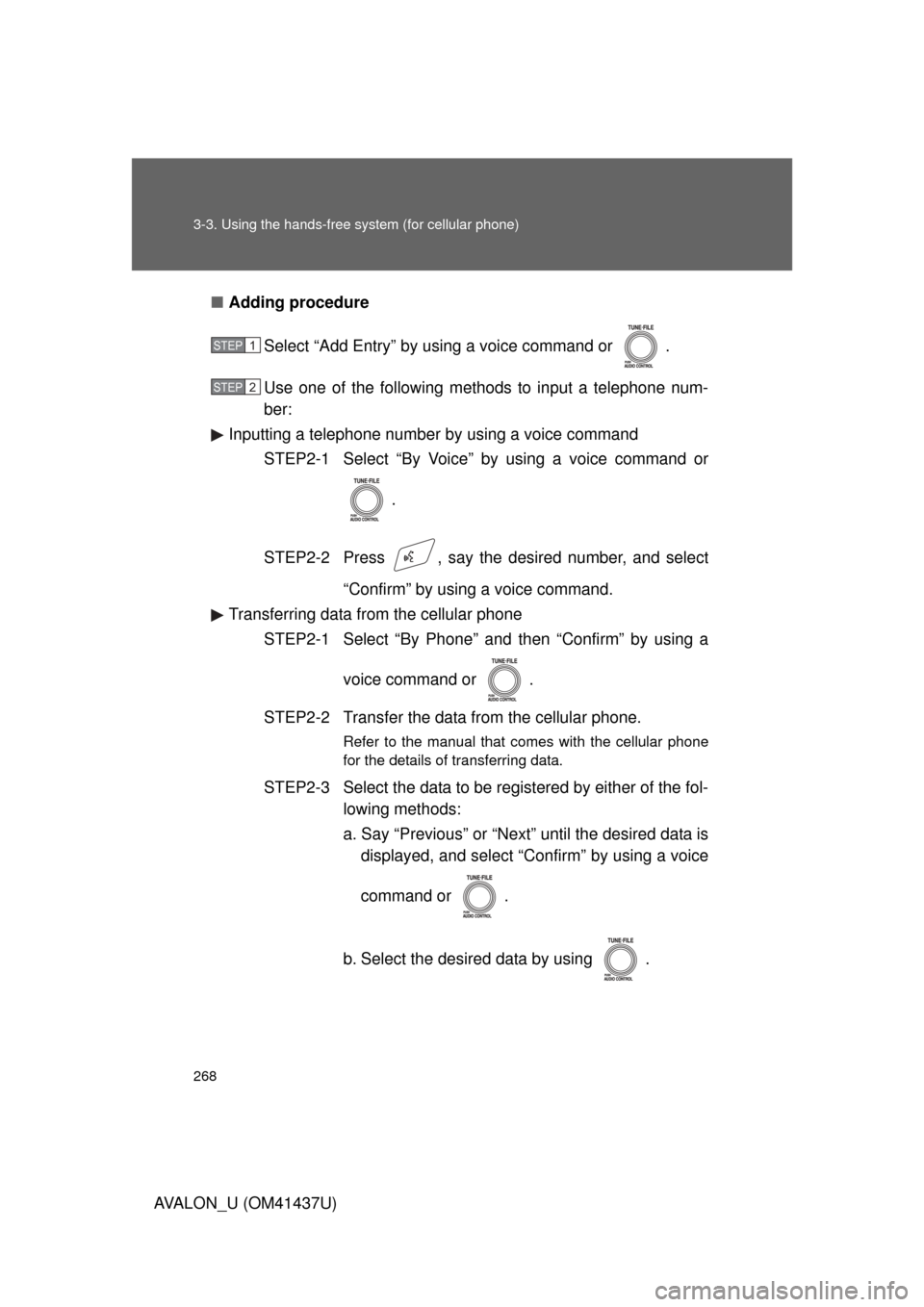
Select “Add Entry” by using a voice command or .
Use one of the following methods to input a telephone num-
ber:
Inputting a telephone number by using a voice command
STEP2-1 Select “By Voice” by using a voice command or
.
STEP2-2 Press , say the desired number, and select “Confirm” by using a voice command.
Transferring data from the cellular phone STEP2-1 Select “By Phone” and then “Confirm” by using a
voice command or .
STEP2-2 Transfer the data from the cellular phone.
Refer to the manual that comes with the cellular phone
for the details of transferring data.
STEP2-3 Select the data to be registered by either of the fol- lowing methods:
a. Say “Previous” or “Next” until the desired data isdisplayed, and select “Confirm” by using a voice
command or .
b. Select the desired data by using .
STEP1
STEP2
Page 269 of 476
269
3-3. Using the hands-free
system (for cellular phone)
3
Interior features
AVALON_U (OM41437U)Inputting a phone number by using
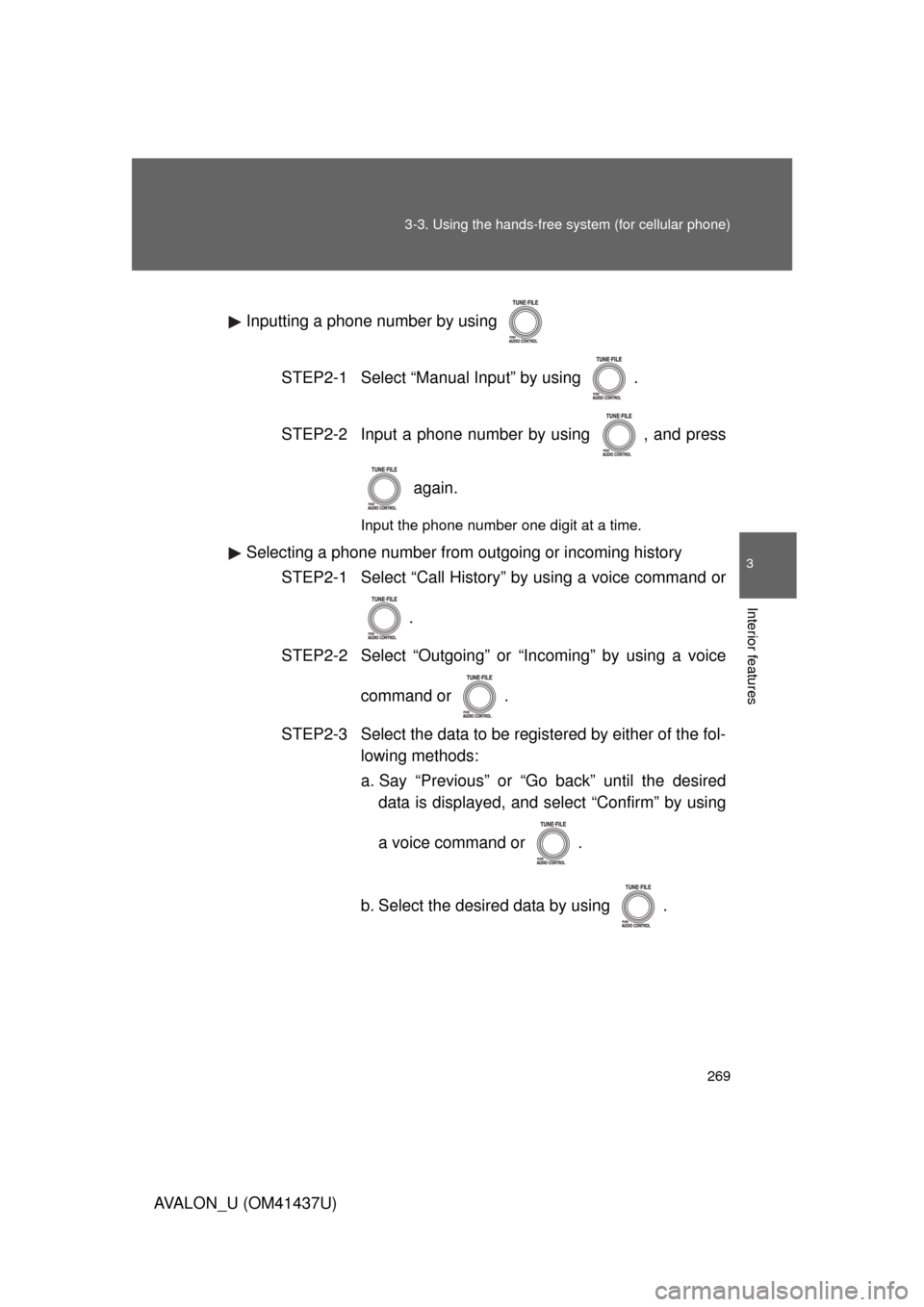
STEP2-1 Select “Manual Input” by using .
STEP2-2 Input a phone number by using , and press again.
Input the phone number one digit at a time.
Selecting a phone number from outgoing or incoming historySTEP2-1 Select “Call History” by using a voice command or
.
STEP2-2 Select “Outgoing” or “Incoming” by using a voice
command or .
STEP2-3 Select the data to be registered by either of the fol- lowing methods:
a. Say “Previous” or “Go back” until the desireddata is displayed, and select “Confirm” by using
a voice command or .
b. Select the desired data by using .
Page 270 of 476
270 3-3. Using the hands-free system (for cellular phone)
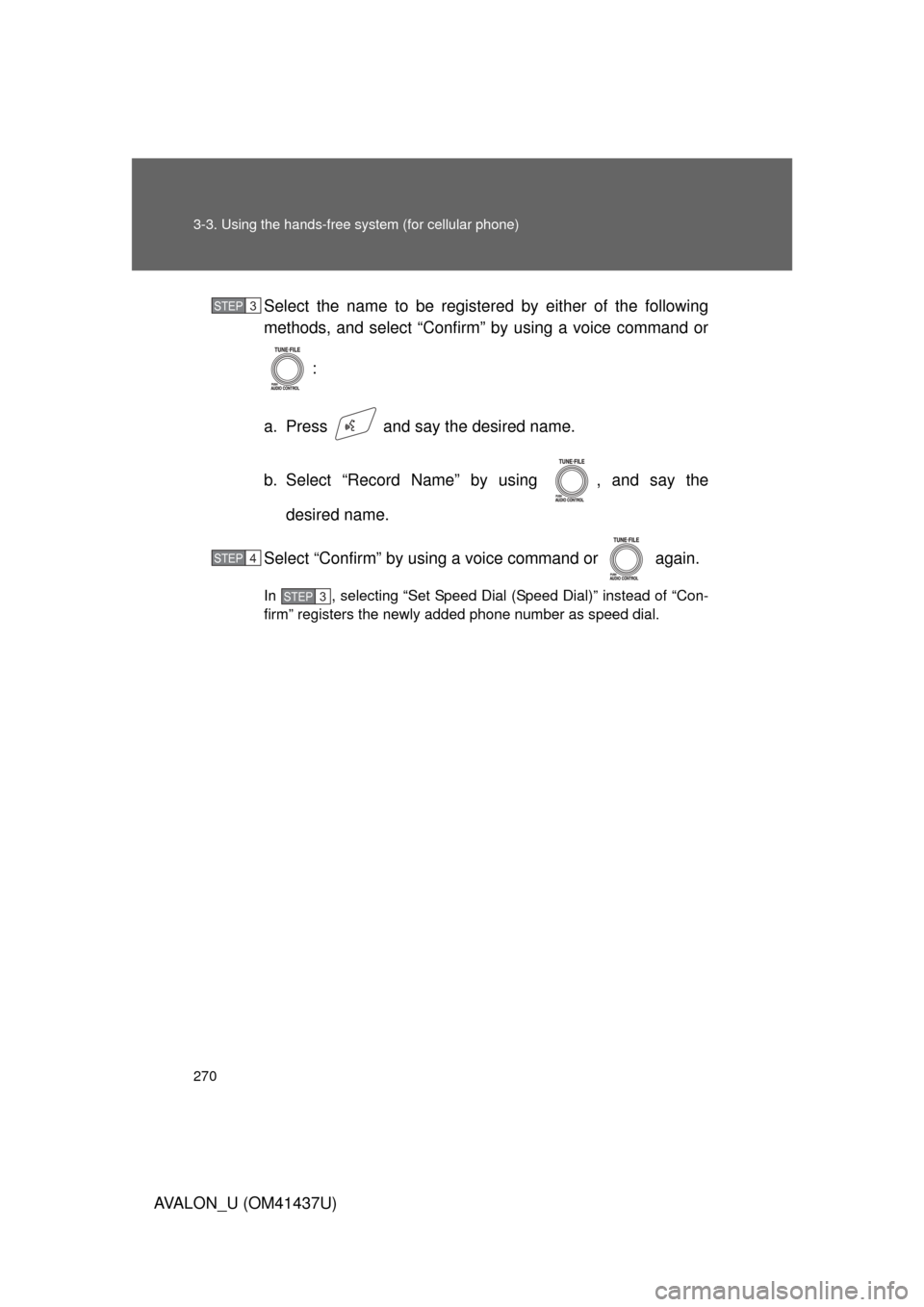
AVALON_U (OM41437U)Select the name to be registered by either of the following
methods, and select “Confirm” by using a voice command or
:
a. Press and say the desired name.
b. Select “Record Name” by using , and say the desired name.
Select “Confirm” by using a voice command or again.
In , selecting “Set Speed Dial (Speed Dial)” instead of “Con-
firm” registers the newly added phone number as speed dial.
STEP3
STEP4
STEP3
Page 271 of 476
271
3-3. Using the hands-free
system (for cellular phone)
3
Interior features
AVALON_U (OM41437U)
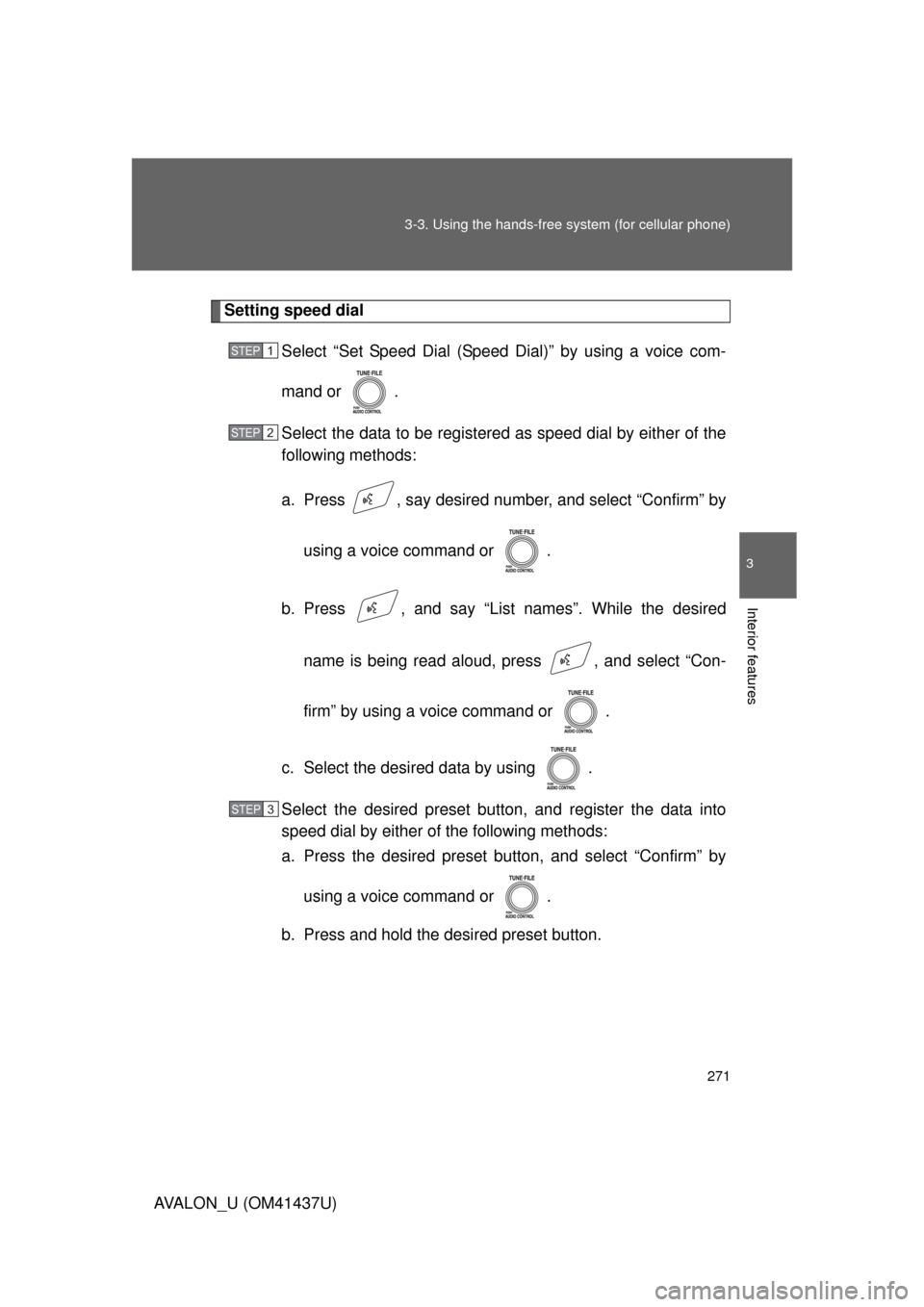
Setting speed dial
Select “Set Speed Dial (Speed Dial)” by using a voice com-
mand or .
Select the data to be registered as speed dial by either of the
following methods:
a. Press , say desired number, and select “Confirm” by
using a voice command or .
b. Press , and say “List names”. While the desired name is being read aloud, press , and select “Con-
firm” by using a voice command or .
c. Select the desired data by using .
Select the desired preset butt on, and register the data into
speed dial by either of the following methods:
a. Press the desired preset bu tton, and select “Confirm” by
using a voice command or .
b. Press and hold the desired preset button.
STEP1
STEP2
STEP3
Page 272 of 476
272 3-3. Using the hands-free system (for cellular phone)
AVALON_U (OM41437U)
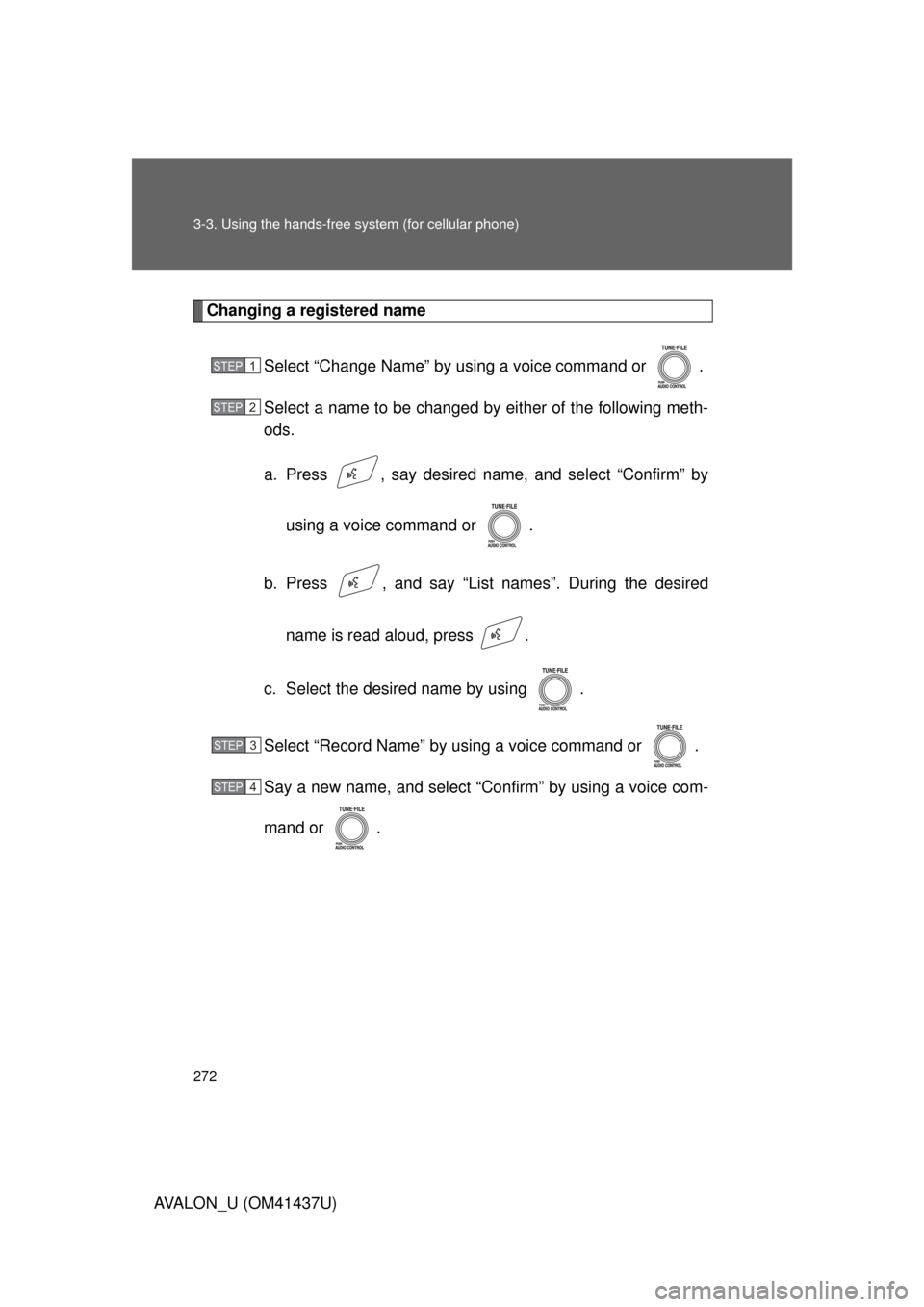
Changing a registered nameSelect “Change Name” by using a voice command or .
Select a name to be changed by either of the following meth-
ods.
a. Press , say desired name, and select “Confirm” byusing a voice command or .
b. Press , and say “List names”. During the desired name is read aloud, press .
c. Select the desired name by using .
Select “Record Name” by using a voice command or .
Say a new name, and select “Con firm” by using a voice com-
mand or .
STEP1
STEP2
STEP3
STEP4
Page 273 of 476
273
3-3. Using the hands-free
system (for cellular phone)
3
Interior features
AVALON_U (OM41437U)
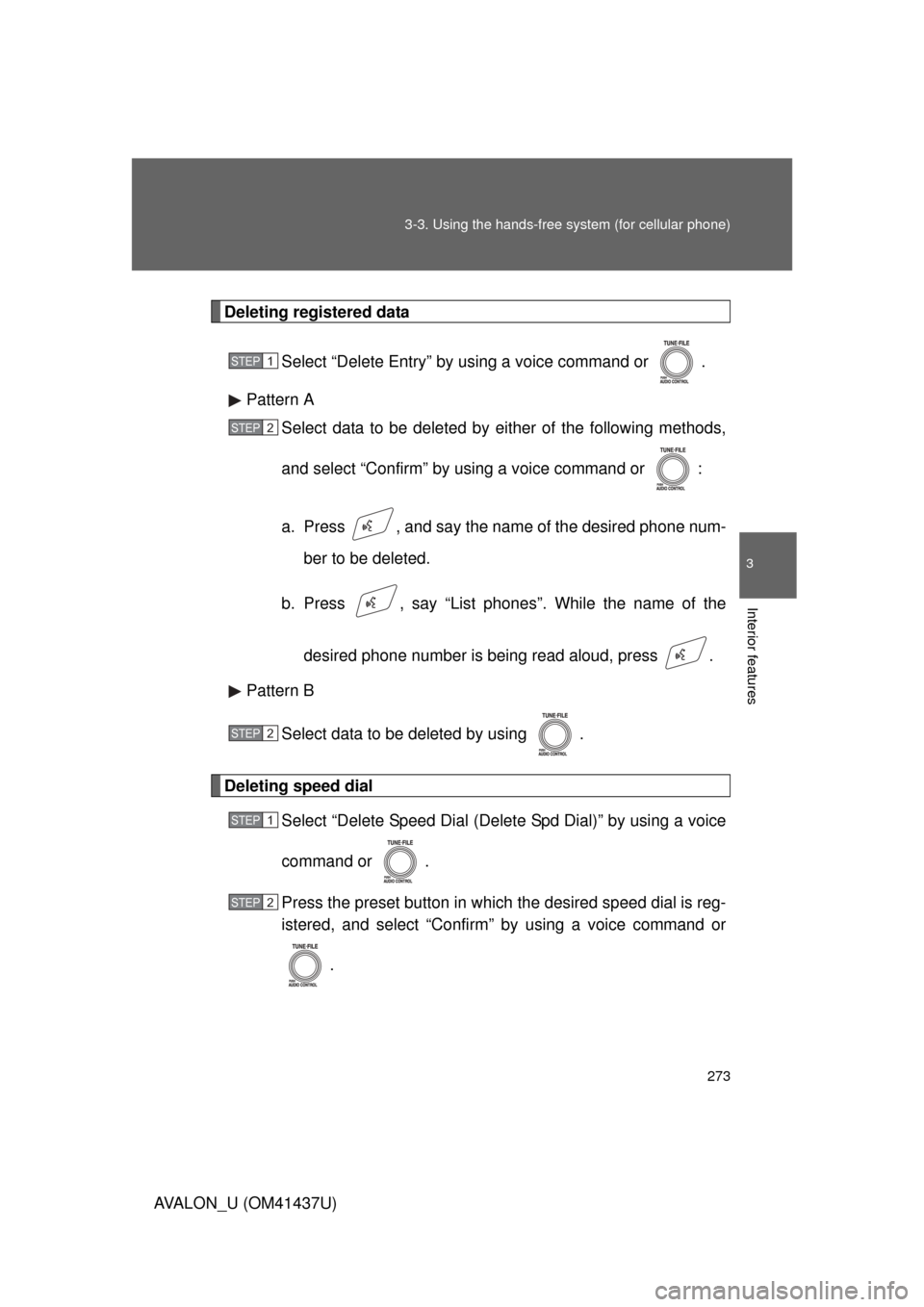
Deleting registered data
Select “Delete Entry” by using a voice command or .
Pattern A Select data to be deleted by either of the following methods,
and select “Confirm” by using a voice command or :
a. Press , and say the nam e of the desired phone num-
ber to be deleted.
b. Press , say “List phones”. While the name of the
desired phone number is being read aloud, press .
Pattern B
Select data to be deleted by using .
Deleting speed dial Select “Delete Speed Dial (Delet e Spd Dial)” by using a voice
command or .
Press the preset button in which the desired speed dial is reg-
istered, and select “Confirm” by using a voice command or
.
STEP1
STEP2
STEP2
STEP1
STEP2