Page 3 of 665
1
2
3
4
5
6
7
4RUNNER_U
3
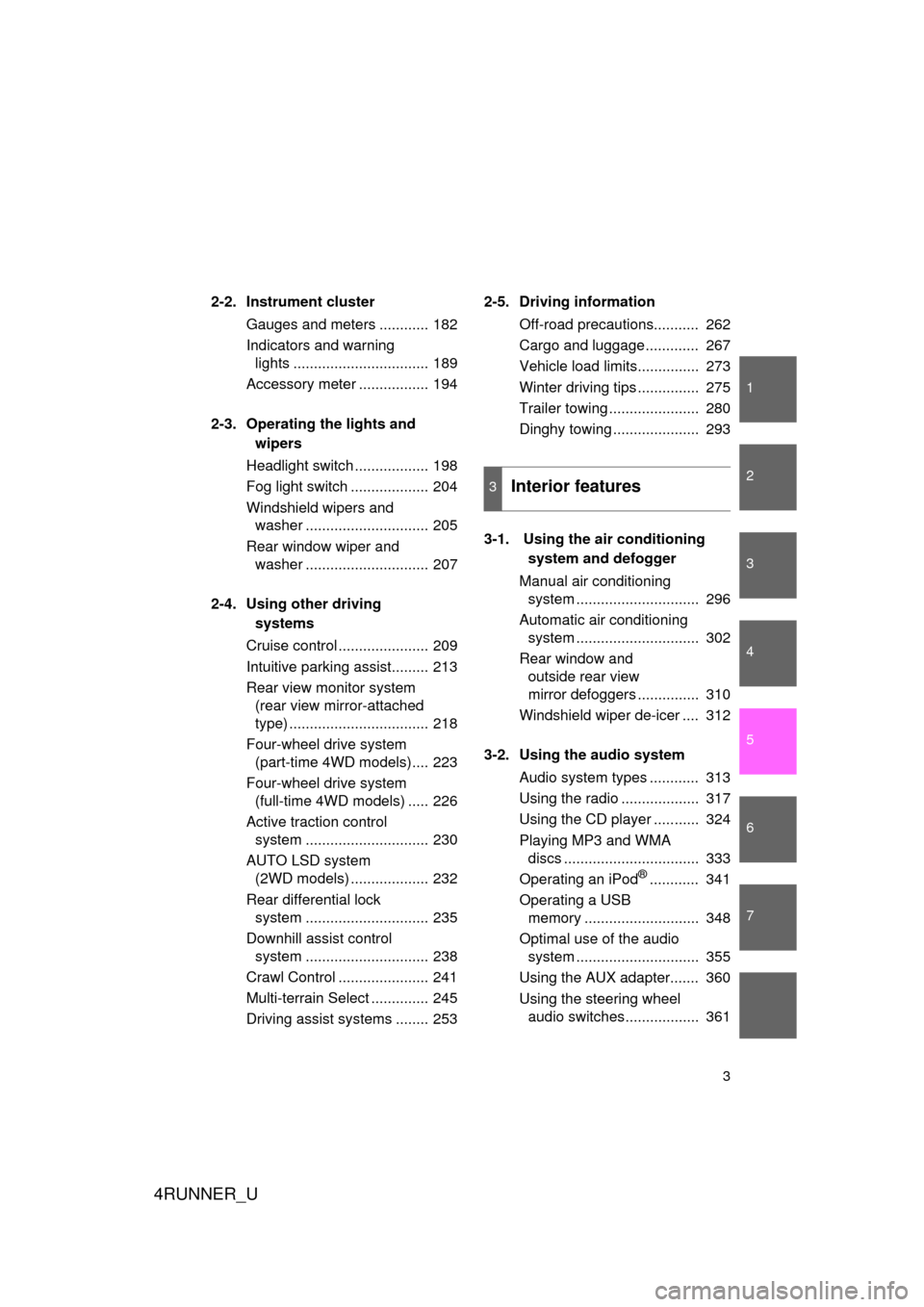
2-2. Instrument clusterGauges and meters ............ 182
Indicators and warning lights ................................. 189
Accessory meter ................. 194
2-3. Operating the lights and wipers
Headlight switch .................. 198
Fog light switch ................... 204
Windshield wipers and washer .............................. 205
Rear window wiper and washer .............................. 207
2-4. Using other driving systems
Cruise control ...................... 209
Intuitive parking assist......... 213
Rear view monitor system (rear view mirror-attached
type) .................................. 218
Four-wheel drive system (part-time 4WD models).... 223
Four-wheel drive system (full-time 4WD models) ..... 226
Active traction control system .............................. 230
AUTO LSD system (2WD models) ................... 232
Rear differential lock system .............................. 235
Downhill assist control system .............................. 238
Crawl Control ...................... 241
Multi-terrain Select .............. 245
Driving assist systems ........ 253 2-5. Driving information
Off-road precautions........... 262
Cargo and luggage ............. 267
Vehicle load limits............... 273
Winter driving tips ............... 275
Trailer towing ...................... 280
Dinghy towing ..................... 293
3-1. Using the air conditioning system and defogger
Manual air conditioning system .............................. 296
Automatic air conditioning system .............................. 302
Rear window and outside rear view
mirror defoggers ............... 310
Windshield wiper de-icer .... 312
3-2. Using the audio system Audio system types ............ 313
Using the radio ................... 317
Using the CD player ........... 324
Playing MP3 and WMA discs ................................. 333
Operating an iPod
®............ 341
Operating a USB memory ............................ 348
Optimal use of the audio system .............................. 355
Using the AUX adapter....... 360
Using the steering wheel audio switches.................. 361
3Interior features
Page 14 of 665
4RUNNER_U
14
Pictorial indexInstrument panel
Headlight switch
Turn signal lever
Fog light switch
P. 198
P. 179
P. 204
Windshield wiper and washer switch
Rear window wiper and washer switch P. 205
P. 207
Gauges and meters P. 182
Glove box
P. 417
Hood lock release lever P. 494
CTHPIAS059
Accessory meter
Compass
Clock
Outside temperature display P. 194
P. 450
P. 431
P. 433
Parking brake pedal P. 180
Emergency flasher switch
P. 554
Shift lever P. 173
Audio sytem
Navigation system
*1
P. 313
USB adapter
P. 348
Power outlets
P. 436
Bottle holders P. 427
Page 294 of 665
294
4RUNNER_U
3-1. Using the air conditioning system and defogger
Manual air conditioning system ........................... 296
Automatic air conditioning system ....... 302
Rear window and outside rear view
mirror defoggers ............ 310
Windshield wiper de-icer ............................ 312
3-2. Using the audio system Audio system types .......... 313
Using the radio ................. 317
Using the CD player ......... 324
Playing MP3 and WMA discs............................... 333
Operating an iPod
®.......... 341
Operating a USB memory .......................... 348
Optimal use of the audio system ........................... 355
Using the AUX adapter .... 360
Using the steering wheel audio switches ............... 361
Interior features3
Page 314 of 665
314 3-2. Using the audio system
4RUNNER_U
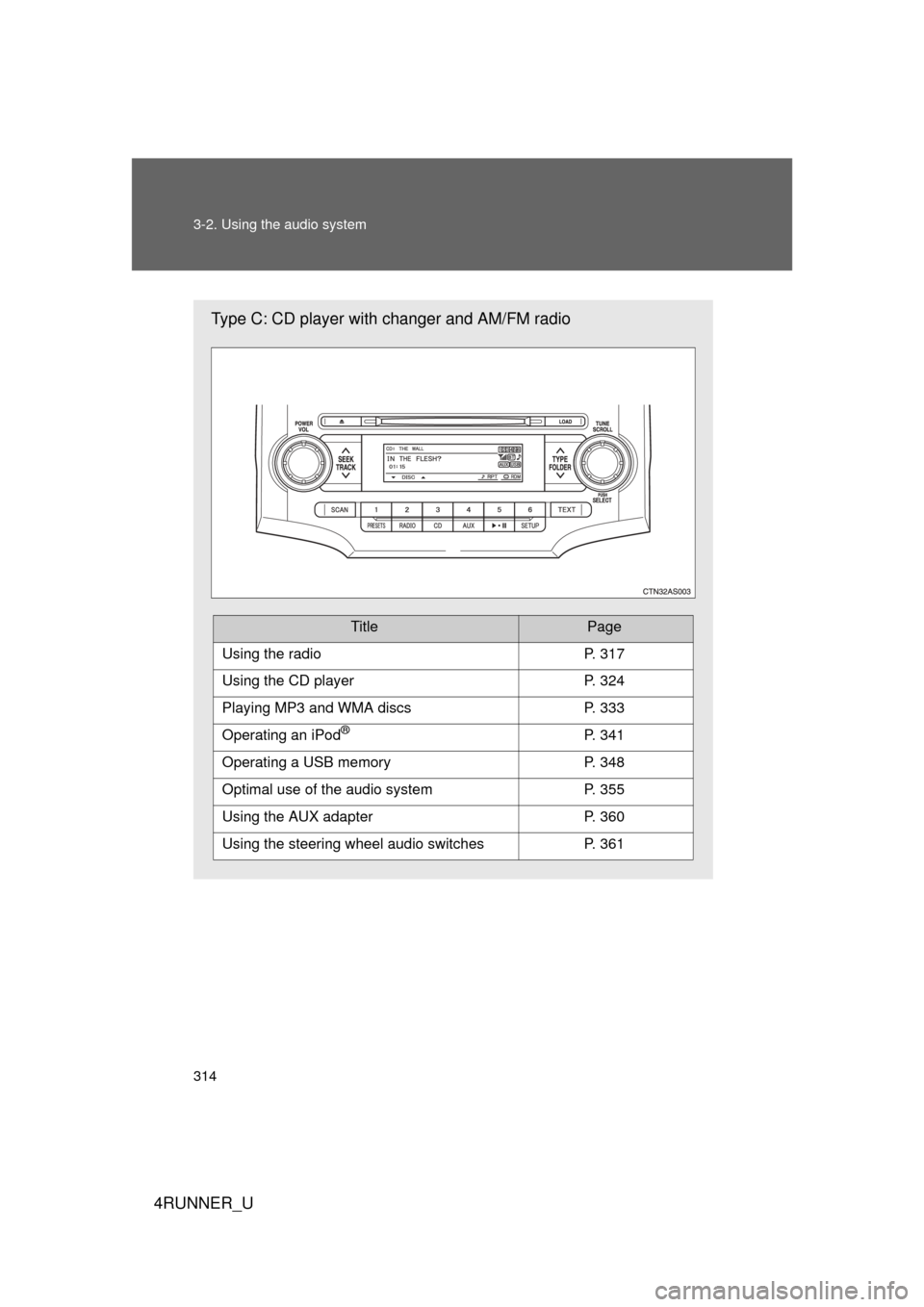
Type C: CD player with changer and AM/FM radio
TitlePage
Using the radioP. 317
Using the CD playerP. 324
Playing MP3 and WMA discsP. 333
Operating an iPod®P. 341
Operating a USB memoryP. 348
Optimal use of the audio systemP. 355
Using the AUX adapterP. 360
Using the steering wheel audio switchesP. 361
Page 346 of 665
346 3-2. Using the audio system
4RUNNER_U
Switching the displayPress .
Each time is pressed, the display changes in the following
order:
Track title Track title/Artist name Track title/Album name Track
title/Elapsed time
■ About iPod®
iPod® is a registered trademark of Apple computer, Inc.
■ iPod
® functions
● When an iPod
® is connected and the audio source is changed to iPod®
mode, the iPod® will resume play from the same point in which it was last
used.
● Depending on the iPod
® that is connected to the system, certain func-
tions may not be available. Disconnecting the device and reconnecting it
once again may resolve some malfunctions.
■ iPod
® problems
To resolve most problems encountered when using your iPod
®, disconnect
your iPod® from the vehicle iPod® connection and reset it.
For instructions on how to reset your iPod®, refer to your iPod® Owner's
Manual.
■ Error messages
“iPod ERROR”: This indicates a problem in the iPod
®, inside the
USB box or the connection between them.
“NO SONGS”: This indicates that there is no music data in the iPod
®.
“UPDATE YOUR iPod”: This indicates that the version of the iPod
® is not
compatible.
Page 348 of 665
348
3-2. Using the audio system
4RUNNER_U
Operating a USB memor y
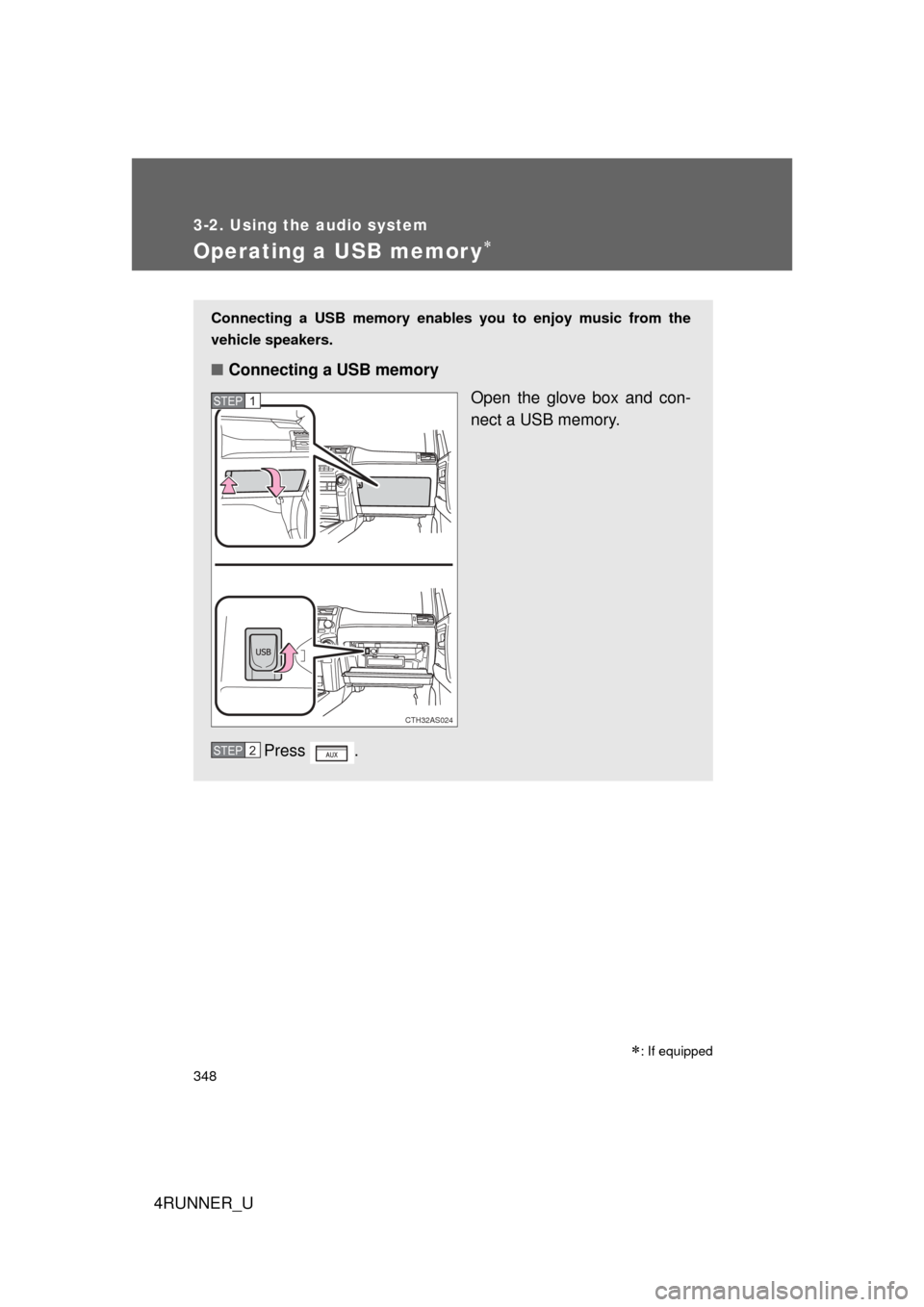
Connecting a USB memory enables you to enjoy music from the
vehicle speakers.
■Connecting a USB memory
Open the glove box and con-
nect a USB memory.
Press .
CTH32AS024
STEP 1
STEP 2
: If equipped
Page 350 of 665
350 3-2. Using the audio system
4RUNNER_U
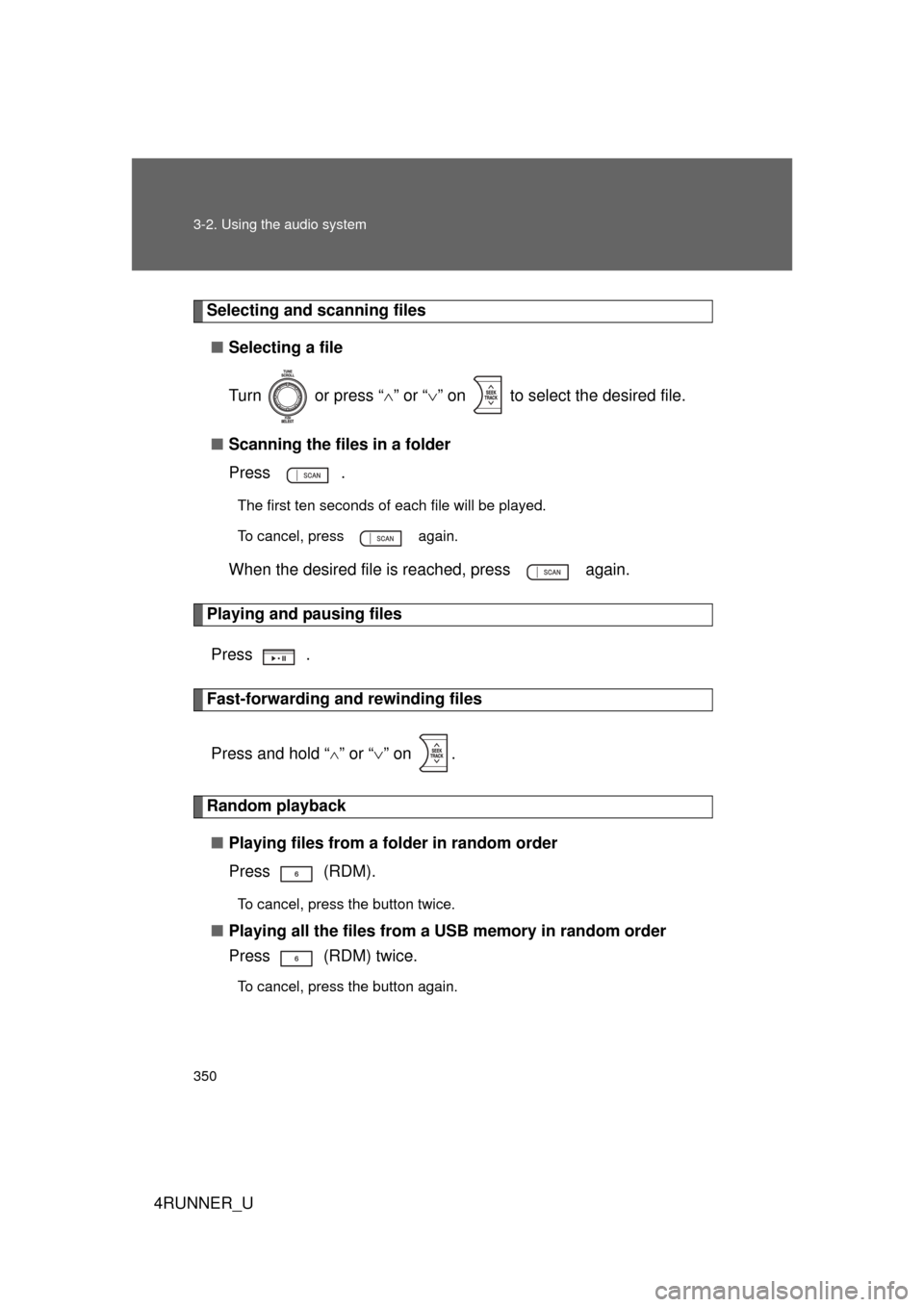
Selecting and scanning files■ Selecting a file
Turn or press “ ” or “ ” on to select the desired file.
■ Scanning the files in a folder
Press .
The first ten seconds of each file will be played.
To cancel, press again.
When the desired file is reached, press again.
Playing and pausing files
Press .
Fast-forwarding and rewinding files
Press and hold “
” or “ ” on .
Random playback
■ Playing files from a folder in random order
Press (RDM).
To cancel, press the button twice.
■Playing all the files from a USB memory in random order
Press (RDM) twice.
To cancel, press the button again.
Page 351 of 665
351
3-2. Using the audio system
3
Interior features
4RUNNER_U
Repeat play
■ Repeating a file
Press (RPT).
To cancel, press the button twice.
■Repeating all the files in a folder
Press (RPT) twice.
To cancel, press the button again.
Switching the display
Press .
Each time is pressed, the display changes in the following
order:
Track title Track title/Artist name Track title/Album name Track
title/Elapsed time
■ USB memory functions
Depending on the USB memory that is connected to the system, certain
functions may not be available. Disconnecting the device and reconnecting it
once again may resolve some malfunctions.
■ Error messages
“USB ERROR”: This indicates a problem either in the USB memory or
inside the USB box or connection between them.
“NO SUPPORT”: This indicates that no MP3/WMA files are included in the USB memory.