Page 36 of 312
Voice command examples
To use the voice recognition function, speaking
one command is sometimes sufficient, but at
other times it is necessary to speak two or more
commands. As examples, some additional basic
operations that are performed by voice com-
mands are described here.
Example 1: Setting a destination by a
street address:
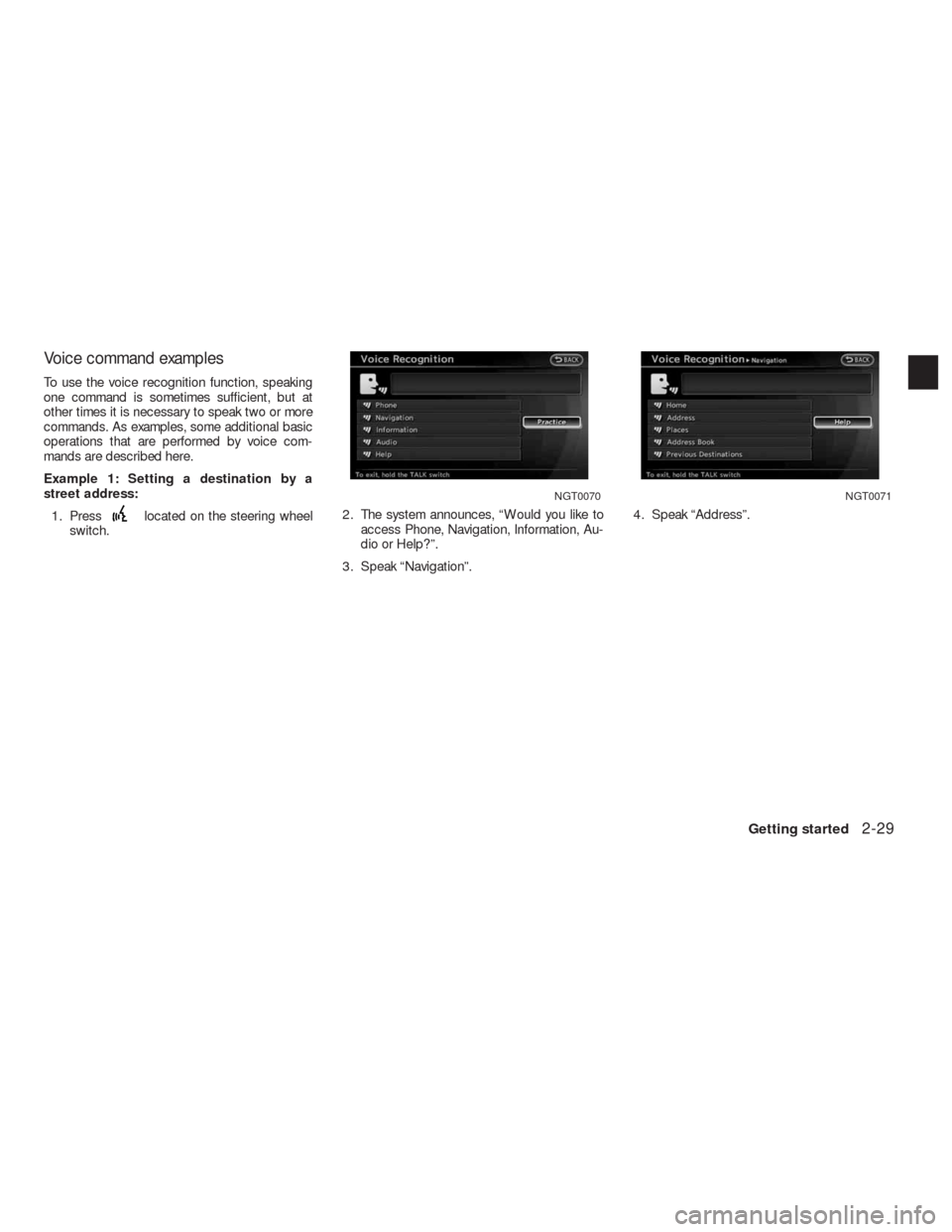
1. Press
located on the steering wheel
switch.2. The system announces, “Would you like to
access Phone, Navigation, Information, Au-
dio or Help?”.
3. Speak “Navigation”.4. Speak “Address”.
NGT0070NGT0071
Getting started2-29
Page 39 of 312
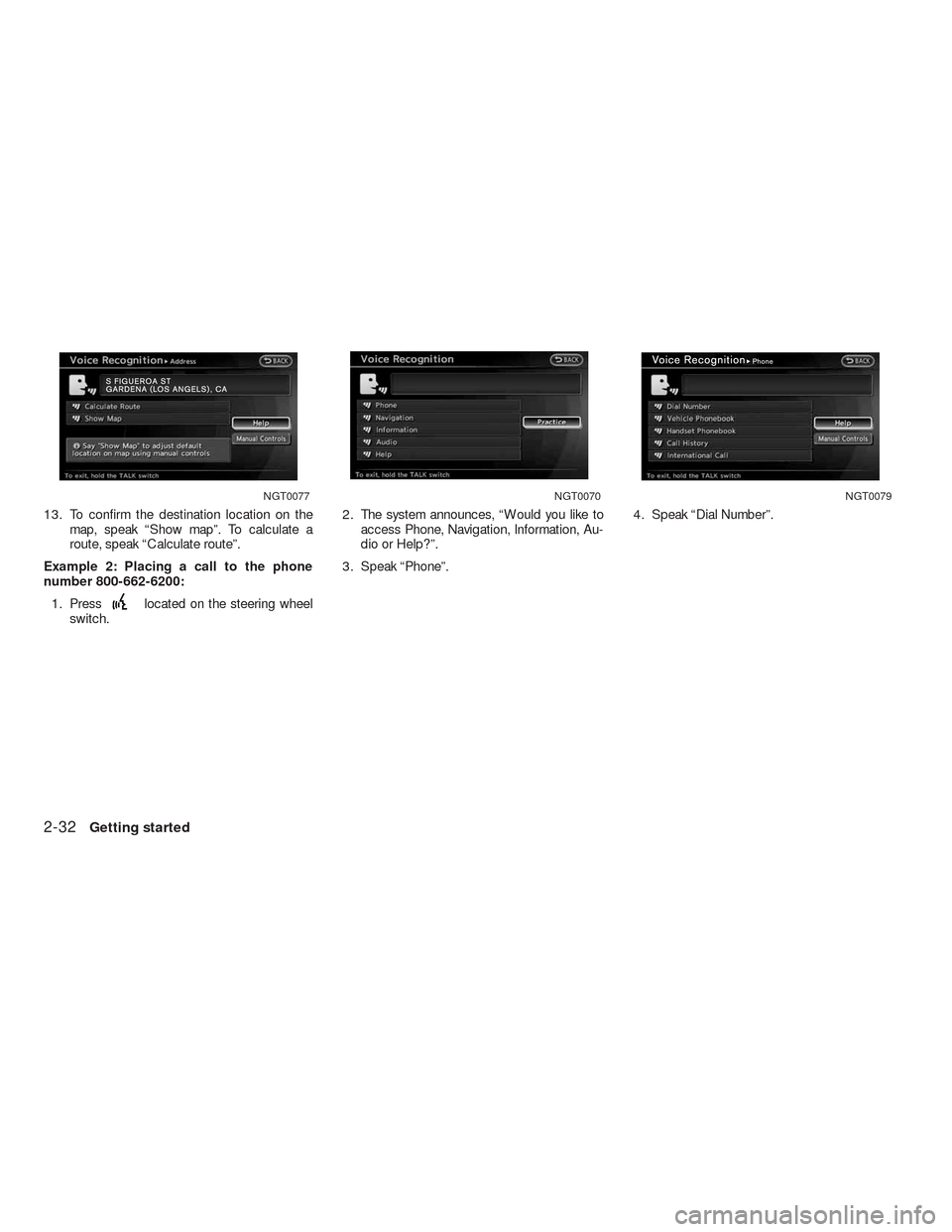
13. To confirm the destination location on the
map, speak “Show map”. To calculate a
route, speak “Calculate route”.
Example 2: Placing a call to the phone
number 800-662-6200:
1. Press
located on the steering wheel
switch.2. The system announces, “Would you like to
access Phone, Navigation, Information, Au-
dio or Help?”.
3. Speak “Phone”.4. Speak “Dial Number”.
NGT0077NGT0070NGT0079
2-32Getting started
Page 41 of 312
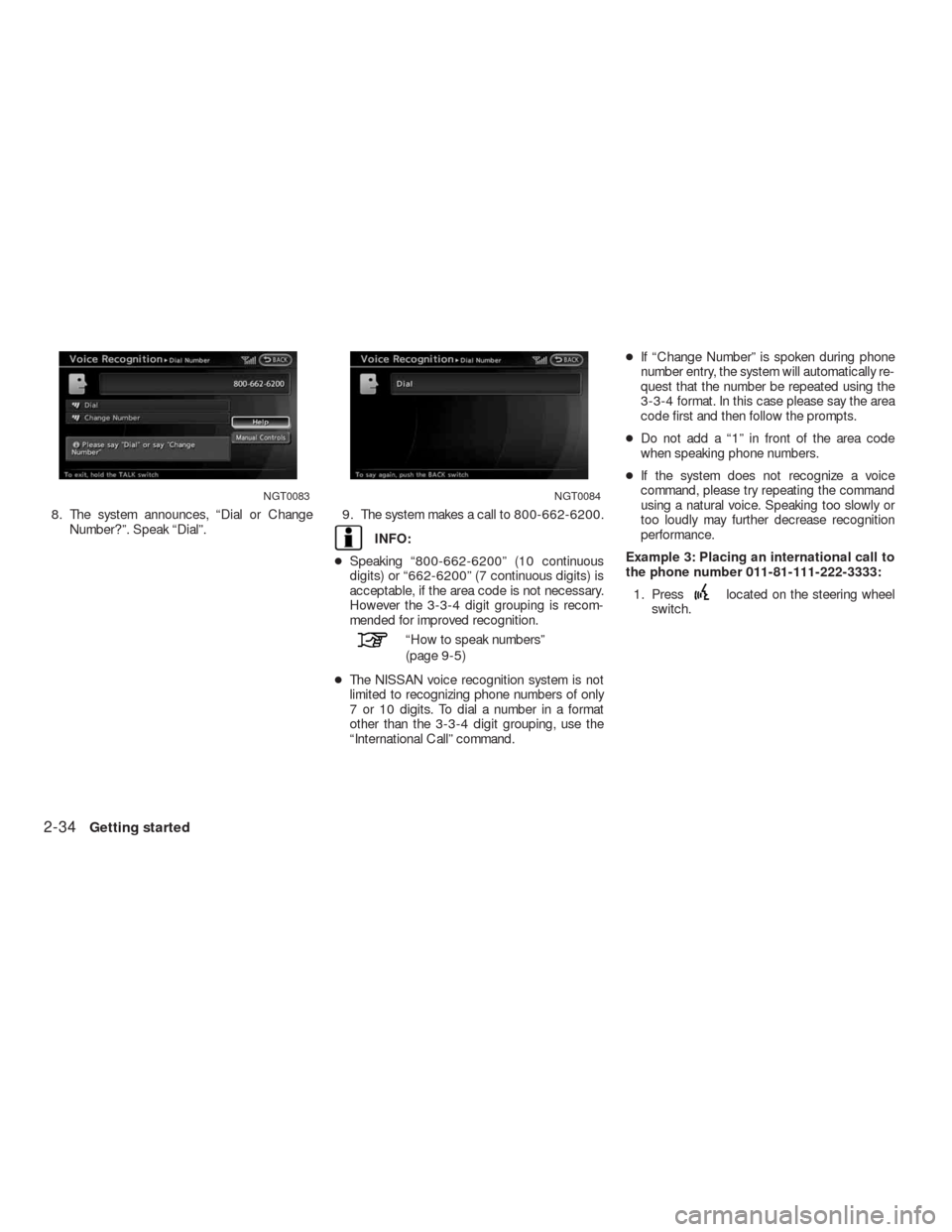
8. The system announces, “Dial or Change
Number?”. Speak “Dial”.9. The system makes a call to 800-662-6200.
INFO:
●Speaking “800-662-6200” (10 continuous
digits) or “662-6200” (7 continuous digits) is
acceptable, if the area code is not necessary.
However the 3-3-4 digit grouping is recom-
mended for improved recognition.
“How to speak numbers”
(page 9-5)
●The NISSAN voice recognition system is not
limited to recognizing phone numbers of only
7 or 10 digits. To dial a number in a format
other than the 3-3-4 digit grouping, use the
“International Call” command.●If “Change Number” is spoken during phone
number entry, the system will automatically re-
quest that the number be repeated using the
3-3-4 format. In this case please say the area
code first and then follow the prompts.
●Do not add a “1” in front of the area code
when speaking phone numbers.
●If the system does not recognize a voice
command, please try repeating the command
using a natural voice. Speaking too slowly or
too loudly may further decrease recognition
performance.
Example 3: Placing an international call to
the phone number 011-81-111-222-3333:
1. Press
located on the steering wheel
switch.
NGT0083NGT0084
2-34Getting started
Page 42 of 312
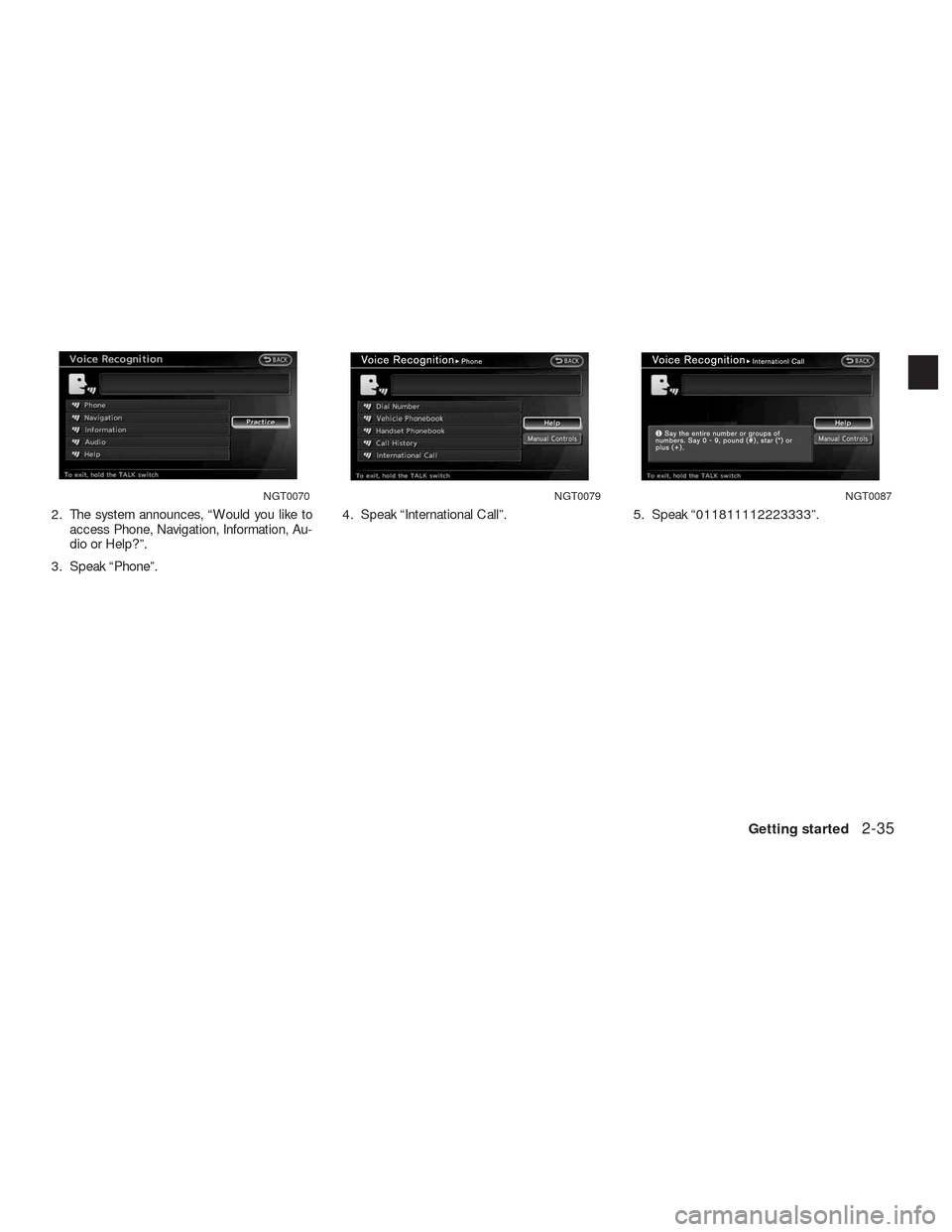
2. The system announces, “Would you like to
access Phone, Navigation, Information, Au-
dio or Help?”.
3. Speak “Phone”.4. Speak “International Call”. 5. Speak “011811112223333”.
NGT0070NGT0079NGT0087
Getting started2-35
Page 72 of 312
4 Setting a destination
Destination screen.................................4-2
Basic Operation................................4-2
Specifying the region . . .........................4-3
Specifying the city..............................4-4
Finding an address.............................4-5
Finding a place.................................4-7
Setting home location..........................4-15
Setting by address book.......................4-17
Setting a previous destination...................4-18Setting the previous start point..................4-20
Setting from stored routes......................4-21
Setting by phone number.......................4-23
Setting a freeway entrance/exit..................4-24
Setting an intersection.........................4-27
Setting a city center...........................4-29
Setting a point on the map......................4-32
Delete destination................................4-33
Page 73 of 312
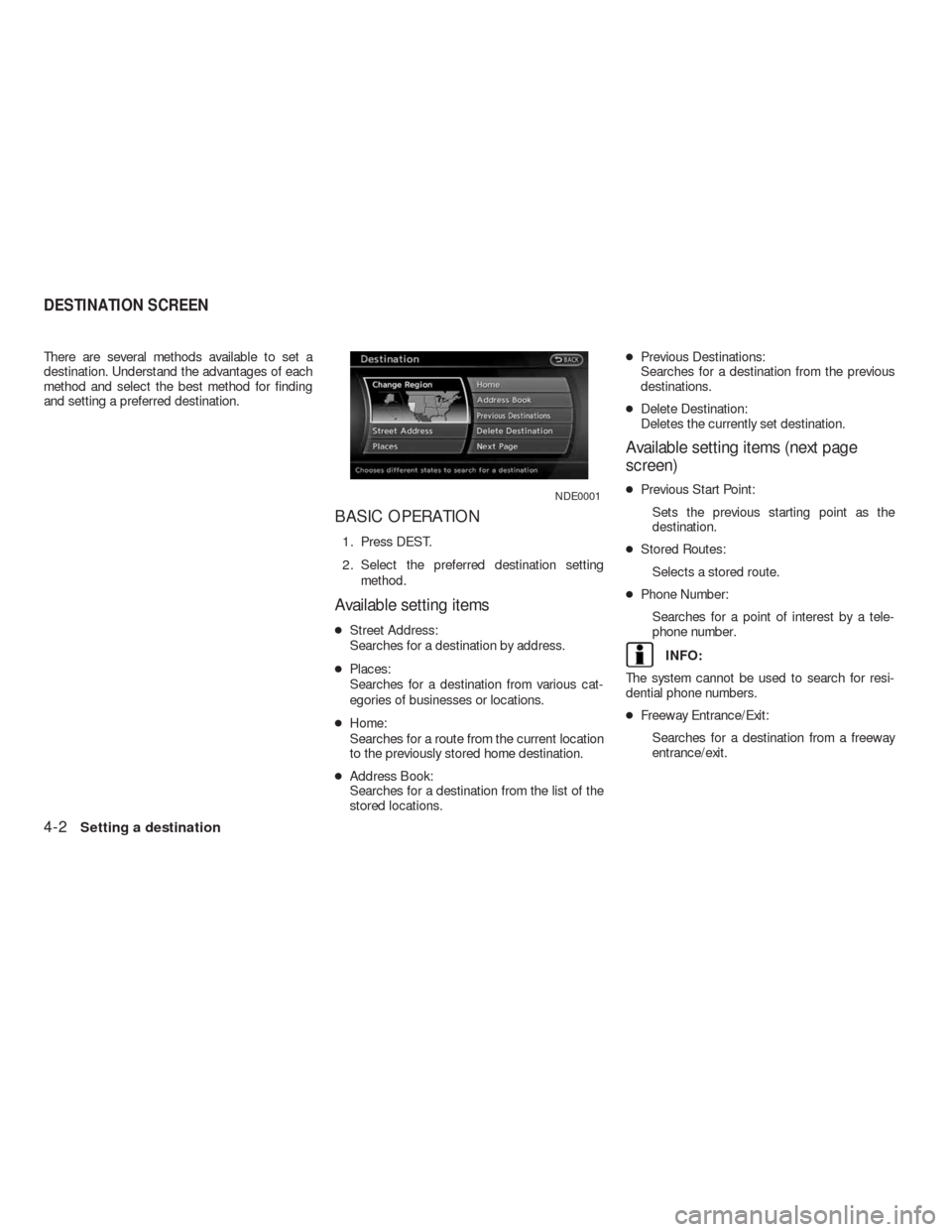
There are several methods available to set a
destination. Understand the advantages of each
method and select the best method for finding
and setting a preferred destination.
BASIC OPERATION
1. Press DEST.
2. Select the preferred destination setting
method.
Available setting items
●Street Address:
Searches for a destination by address.
●Places:
Searches for a destination from various cat-
egories of businesses or locations.
●Home:
Searches for a route from the current location
to the previously stored home destination.
●Address Book:
Searches for a destination from the list of the
stored locations.●Previous Destinations:
Searches for a destination from the previous
destinations.
●Delete Destination:
Deletes the currently set destination.
Available setting items (next page
screen)
●Previous Start Point:
Sets the previous starting point as the
destination.
●Stored Routes:
Selects a stored route.
●Phone Number:
Searches for a point of interest by a tele-
phone number.
INFO:
The system cannot be used to search for resi-
dential phone numbers.
●Freeway Entrance/Exit:
Searches for a destination from a freeway
entrance/exit.
NDE0001
DESTINATION SCREEN
4-2Setting a destination
Page 94 of 312
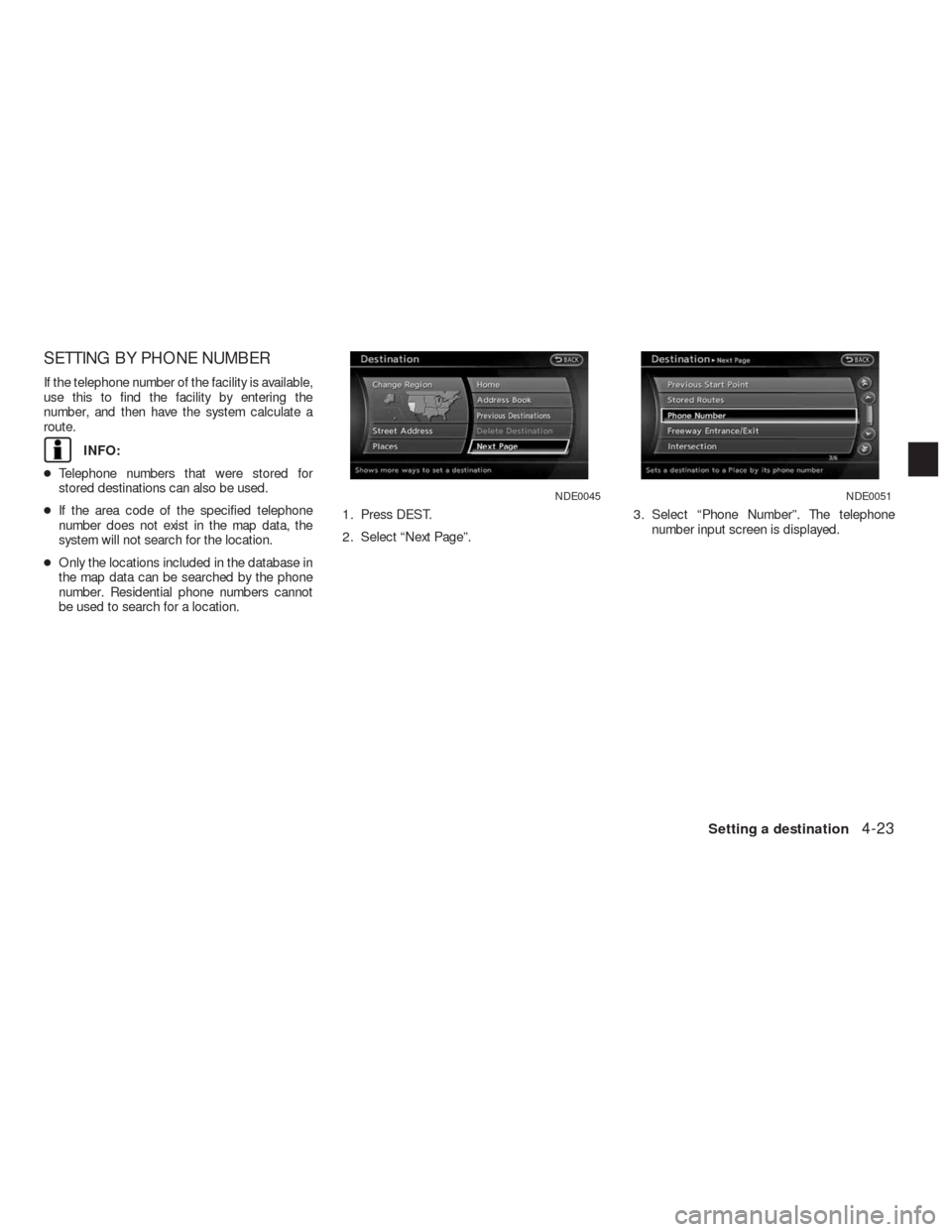
SETTING BY PHONE NUMBER
If the telephone number of the facility is available,
use this to find the facility by entering the
number, and then have the system calculate a
route.
INFO:
●Telephone numbers that were stored for
stored destinations can also be used.
●If the area code of the specified telephone
number does not exist in the map data, the
system will not search for the location.
●Only the locations included in the database in
the map data can be searched by the phone
number. Residential phone numbers cannot
be used to search for a location.1. Press DEST.
2. Select “Next Page”.3. Select “Phone Number”. The telephone
number input screen is displayed.
NDE0045NDE0051
Setting a destination4-23
Page 95 of 312
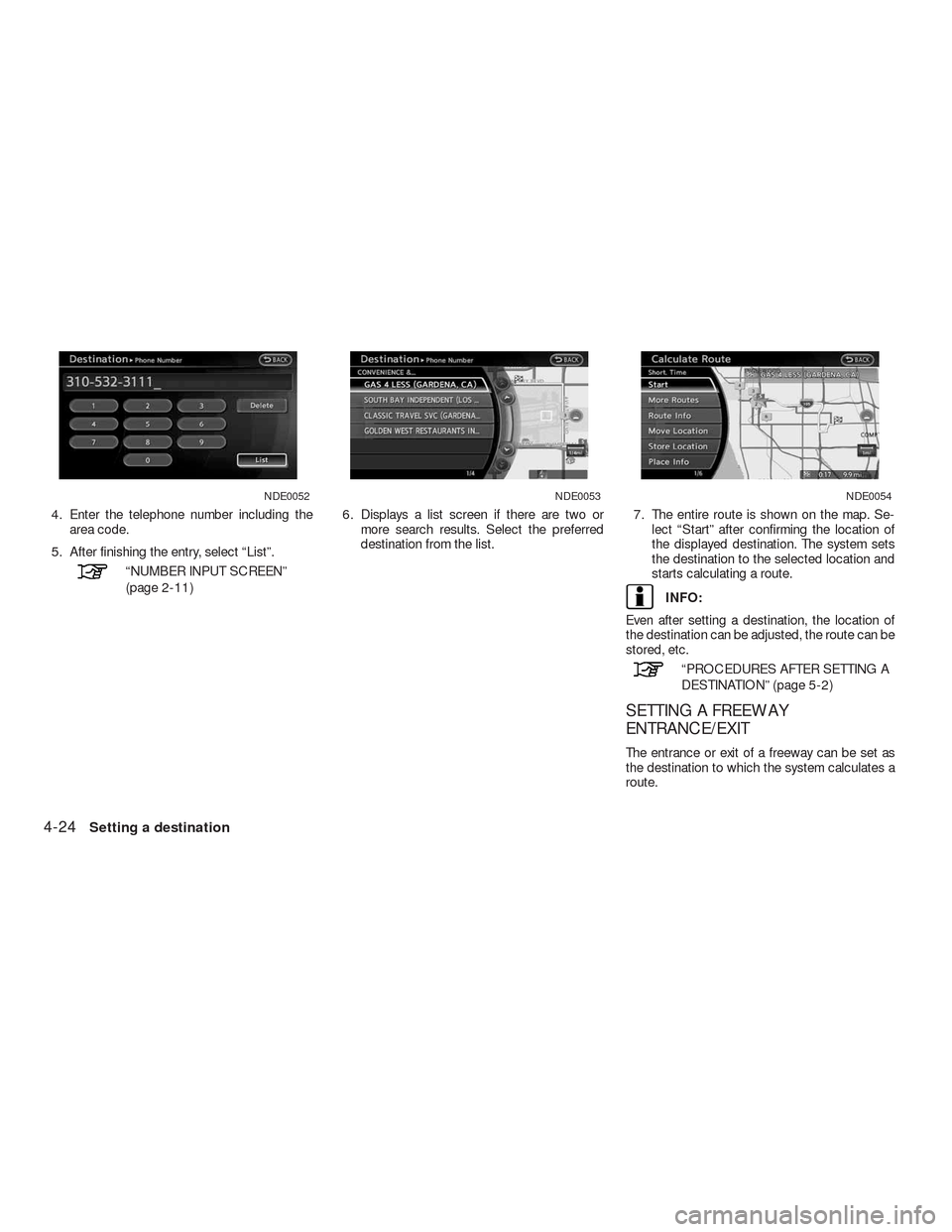
4. Enter the telephone number including the
area code.
5. After finishing the entry, select “List”.
“NUMBER INPUT SCREEN”
(page 2-11)6. Displays a list screen if there are two or
more search results. Select the preferred
destination from the list.7. The entire route is shown on the map. Se-
lect “Start” after confirming the location of
the displayed destination. The system sets
the destination to the selected location and
starts calculating a route.
INFO:
Even after setting a destination, the location of
the destination can be adjusted, the route can be
stored, etc.
“PROCEDURES AFTER SETTING A
DESTINATION” (page 5-2)
SETTING A FREEWAY
ENTRANCE/EXIT
The entrance or exit of a freeway can be set as
the destination to which the system calculates a
route.
NDE0052NDE0053NDE0054
4-24Setting a destination