2010 MERCEDES-BENZ E-Class COUPE audio
[x] Cancel search: audioPage 143 of 224

Only in DVD Audio modeXTo pause playback: Switch to DVD Audio
mode.XSelect «.
The display « changes to X.XTo resume playback: Switch to DVD
Audio mode.
Playback continues from the point where it
was paused.XSelect X.
The display X changes to «.
Selecting CD/DVD Audio/MP3 Media
XIn CD Audio, DVD Audio and MP3
mode: Select Media.
or
XIn CD Audio and DVD Audio mode only:
Press n when the main area is highlighted.
The media list appears. The dot R
indicates the medium currently playing.
Media List
The media list shows the discs currently
available:
R In the DVD changer (magazine
compartments 1 to 6)
The following storage media can be read:
_ CD Audio, þ MP3-CD or MP3-DVD,
ü DVD Audio and ý DVD Video
i If a storage medium is not readable, an
entry appears next to the magazine
compartment or a message is displayed
when the memory card is selected.
R PCMCIA memory card º at position 7
R Music Register Ñ at position 8XTo select a disc: Rotate ym z or slide
q m r.XPress n.
i
If you select a DVD Video ý, COMAND
switches to video mode ( Y page 158).
Selecting a Track
i For many operating functions you can
also use the buttons on the multifunction
steering wheel, e.g. the 9, :
buttons, for selecting a track, a menu or
scrolling through lists ( Y page 25).
Selection via Track Skip
XTo skip forwards or backwards to a
track: Rotate ym z when the main area is
highlighted.
or
XPress the E or F button.
i
“Forward track skip” skips to the next
track. “Backward track skip” skips to the
beginning of the current track, if the track
has been playing for more than 8 seconds.
If the track has been playing for less than
8 seconds, it will skip to the beginning of
the previous track. If the playback option
Random Tracks is switched on, the track
sequence is random.
CD Audio/DVD Audio/MP3141AudioZ
Page 144 of 224

Selecting via Track ListXIn CD Audio and DVD Audio mode: Select
Track List .
or
XIn MP3 mode: Press n when the main
area window is highlighted.
The track list appears. The R dot indicates
the current track.XTo select a track: Rotate ym z or slide
q m r.XPress n.
i
In MP3 mode, the list shows all the tracks
in alphabetical order.
Fast Forward/Reverse
XWhen the main area is highlighted: Slide
and hold om p until the desired position is
reached.
or
XPress and hold the E or F button
until the desired position has been
reached.
Selecting Folders
i This function is only available in MP3
mode.
XSwitch to MP3 mode ( Y page 139).XSelect Folder .
or
XPress n when the main area is highlighted.
The folder list appears.1Current folder name2Track symbol3Current track4Back folder symbolXTo switch to the next folder up: Select
the Q symbol.
The display changes to the next folder up
(back folder).1Disc name (if stored on disc)2Current folder3Folder symbolXTo select a folder: Rotate ym z or slide
q m r.XPress n.
The tracks of the folder appear.XTo select a track: Rotate ym z or slide
q m r.XPress n.
The track is played and the corresponding
folder is now the active folder.142CD Audio/DVD Audio/MP3Audio
Page 145 of 224
Gracenote®
Media Database
i This function is only available in CD Audio
mode.
CD information including album title, artist
name and track name is obtained from the
Gracenote ®
Media Database. A version of the
Gracenote ®
Media Database is stored on the
COMAND’s hard drive. Access to this
database is indicated by the Gracenote logo
being displayed in the lower right of some
audio displays.
Many audio CDs contain CD text. COMAND
uses the information contained in this text for
displaying the name of the artist, album and
track.
If the audio CD does not contain any CD text,
COMAND can recognize unknown audio
tracks in CD Audio mode with the aid of the
Gracenote Media Database. For this to
happen, the corresponding information must
be stored in the Gracenote Media Database
and the “Read CD Database” function must
be switched on.
If this is the case, COMAND provides the
corresponding data, such as name of artist,
album and track, in the corresponding
displays and lists.
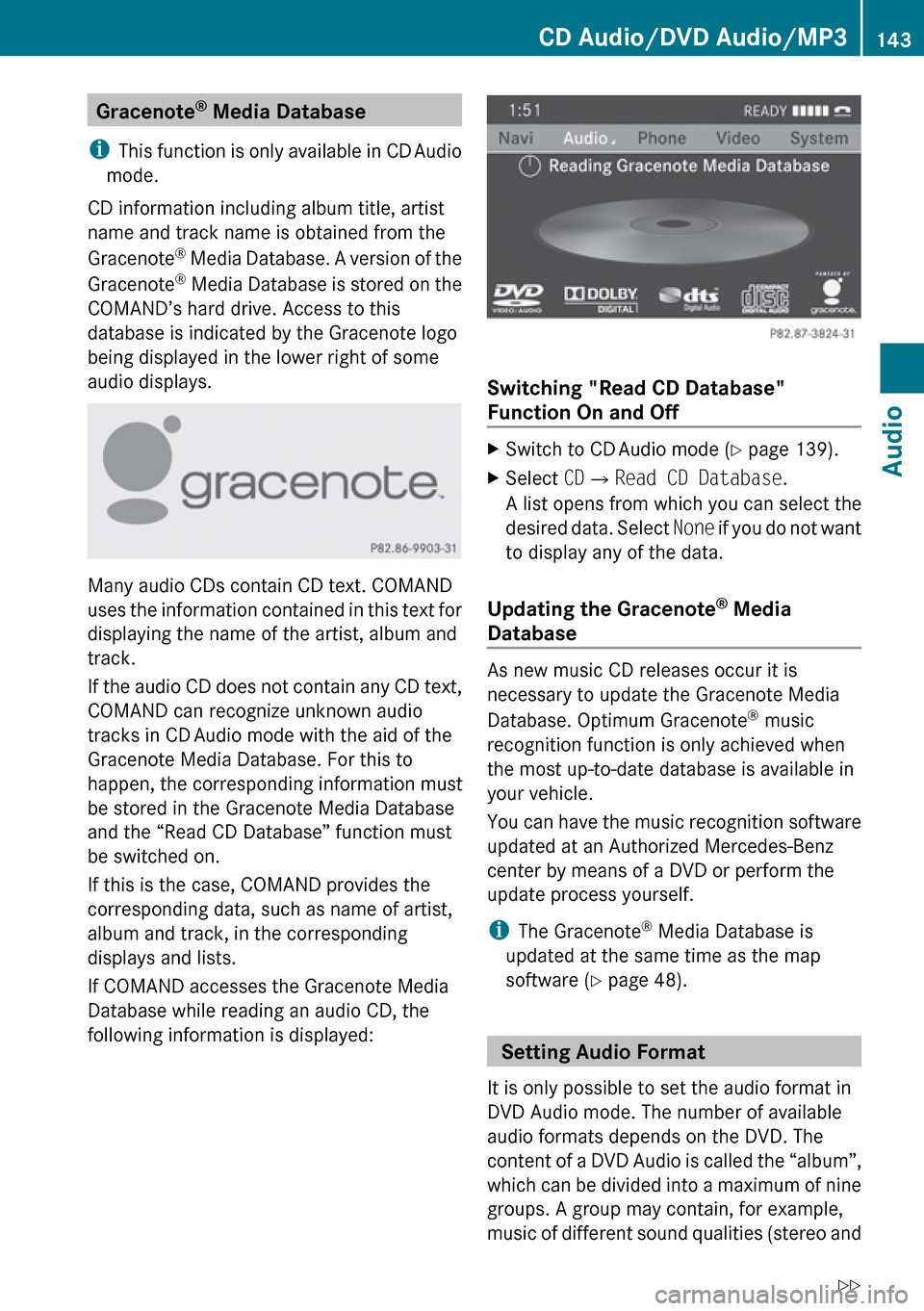
If COMAND accesses the Gracenote Media
Database while reading an audio CD, the
following information is displayed:
Switching "Read CD Database"
Function On and Off
XSwitch to CD Audio mode ( Y page 139).XSelect CD£ Read CD Database .
A list opens from which you can select the
desired data. Select None if you do not want
to display any of the data.
Updating the Gracenote ®
Media
Database
As new music CD releases occur it is
necessary to update the Gracenote Media
Database. Optimum Gracenote ®
music
recognition function is only achieved when
the most up-to-date database is available in
your vehicle.
You can have the music recognition software
updated at an Authorized Mercedes-Benz
center by means of a DVD or perform the
update process yourself.
i The Gracenote ®
Media Database is
updated at the same time as the map
software ( Y page 48).
Setting Audio Format
It is only possible to set the audio format in
DVD Audio mode. The number of available
audio formats depends on the DVD. The
content of a DVD Audio is called the “album”,
which can be divided into a maximum of nine
groups. A group may contain, for example,
music of different sound qualities (stereo and
CD Audio/DVD Audio/MP3143AudioZ
Page 146 of 224

multi-channel formats) or bonus tracks. Each
group can include up to 99 tracks. If a DVD
Audio only comprises one audio format, the
“Group” menu item(s) cannot be selected.XSwitch to DVD Audio mode ( Y page 139).XSelect DVD-A£Group .
The list of available audio formats appears.
The dot R indicates the format currently
selected.XTo change setting: Rotate ym z or slide
q m r.XPress n.
Playback Options
The following options are available:
R Normal Track Sequence
You will hear the tracks in the normal order
(e.g. track 1, 2, 3, etc.).
R Random Tracks
You will hear the tracks in random order
(e.g. track 3, 8, 5, etc.).
R Random Folder (MP3 mode only)
You hear the tracks in the currently active
folder and any subfolders in random order.
XTo select an option: Switch to CD Audio,
DVD Audio or MP3 mode ( Y page 139).XSelect CD or DVD-A or MP3 .
The option list appears. A dot R indicates
the option selected.XSelect an option.
The option is activated. For all options
except Normal Track Sequence , you will
see a corresponding display in the main
area.
i The Normal Track Sequence option is
automatically selected when you change
the medium you are currently listening to
or when you select a different medium. If
an option is selected, it remains selected
after COMAND is switched on or off.
Music Register
You can record tracks from Audio CDs and
store them in the Music Register. The
memory capacity is 6 GB.
! Keep your original music files in a safe
place. A fault with the COMAND may cause
the music files stored in the Music Register
to be lost. Mercedes-Benz USA, LLC is not
liable for any loss of data.
Switching to the Music Register
From Another Main Function
XSelect Audio£Audio £Music
Register in the Audio menu display.
i
If Music Register was the last mode,
you only need to select Audio.
Within the Audio Function
XSelect Audio£Music Register .
Music Register is loaded. The Music
Register display appears.
No music files available:
A message will be displayed.
XFirst record music files from an Audio CD
( Y page 145).
Music files available:
You will hear the first track of the first folder
found or playback will start from the point
listened to last.
144Music RegisterAudio
Page 147 of 224

1Storage media type — Music Register Ñ2Track number3Track name4Elapsed track time5Visual time and track display6Current playback option7Sound settings8Media selection9Current folderaFolder functionsbStorage medium position in the media listcCalls up Music Register menu
Recording Music Files
i CD information, including album title,
artist name and track name is obtained
from the Gracenote ®
Media Database
( Y page 143).
XIn the Disc submenu with Audio CD
inserted, select REC. The Record submenu
appears.
Selecting Tracks to Be Recorded
XRotate ym z or slide om p until Tracks is
highlighted.XPress n.XSelect tracks to be recorded by switching
the check mark next to each track entry on
or off.1Record all tracks (default);Option for selecting individual tracks=Confirm selection
i If you do not select individual tracks
before recording, all tracks on the CD will
be recorded.
Selecting a Destination Folder
XRotate ym z or slide om p until
Destination Folder is highlighted.XPress n.
Selection list
1Create new folder (default)2Existing folders3Currently active folderXTo select folder: Rotate ym z or slide
q m r.XPress n.
i
If you do not select a destination folder
before recording, a new folder will be
created.
Music Register145AudioZ
Page 148 of 224

Start the RecordingXRotate ym z or slide om p until Start is
highlighted.XPress n.
In the display information about source,
destination and progress of the recording
is shown.
i The Disc menu re-appears automatically
after a successful recording.
XTo stop the recording: Rotate ym z or
slide om p until Cancel is highlighted..XPress n.
The Disc menu re-appears.
Deleting all Music Files
This function deletes all music files from
Music Register.
XSelect Music Register £Delete All
Music Files .
A prompt appears. No is highlighted.XDo not delete: Press the n button.
The Music Register display appears.XTo delete: Select Yes.
A corresponding message appears.
Calling up Memory Space Info
XSelect Music Register £Memory Info .A window appears containing information on:
R Memory capacity
R Available memory
R Occupied memory
R Content (folders, tracks)
Folder Functions
You can view the content of Music Register,
change folder or track names and delete
individual folders or tracks.
XSelect Folder in the submenu.
or
XPress n when the main area is highlighted.1Back folder symbol2Current folder3Music file symbolXTo switch to the next folder up: Select
the Q symbol.
The display changes to the next folder up.
Changing Folder/Track Name
XSelect Folder .XTo select a folder/track: Rotate ym z or
slide qm r.XSelect Options £Change .XEnter a name for the folder/track in the
input line.XTo save changes: Select d.146Music RegisterAudio
Page 149 of 224

Deleting Folders/TrackXSelect Folder .XTo select a folder/track: Rotate ym z or
slide qm r.XSelect Options £Delete .
A query appears. No is highlighted.XDo not delete: Press the n button.XTo delete: Select Yes and press n.
A message appears.
Playback Options
The following options are available:
R Normal Track Sequence
You will hear the tracks in the normal
sequence (e.g. track 1, 2, 3 etc.).
R Random Tracks:
You hear the tracks in random order.
R Random Folder
The tracks of the currently active folder and
any subfolders are heard in random order.
XTo select an option: Switch to Music
Register ( Y page 144).XSelect Music Register in the submenu.
The option list appears. A R dot indicates
the activated option.XSelect an option.
The option is activated. A corresponding
display will appear in the main area for all
options except Normal Track Sequence .
i
The option Normal Track Sequence is
automatically activated if you change the
medium which is currently being played or
if you select another medium. An activated
option remains active after COMAND is
switched on or off.
Media Interface
Important Notes
Connection Options
Via the UCI connection (Universal Consumer
Interface) you can connect the following
media to COMAND:
R iPods
R MP3 player
R USB devices
Supported iPod ®
Versions
The following iPod ®
versions are fully
supported:
R iPod ®
mini
R iPod ®
nano
R iPod ®
classic
R iPod ®
touch
Supported USB Devices
The following USB devices are supported:
R USB sticks (flash memory)
R USB hard drives (1-inch, 1.8-inch and
2.5-inch drives) with a starting/continuous
current rating of maximum 800 mA
(otherwise a separate power supply will be
necessary)
i The Media Interface supports USB
storage media of "USB Device Subclass 6".
You can obtain information about the "USB
Device Subclass 6" from the manufacturer.
Further Information on Supported
Devices
Further information on compatible
multimedia devices is available via the
Internet at www.mbusa-mobile.com. Or call
the Mercedes-Benz Customer Assistance
Center at 1-800-FOR-MERCedes
(1-800-367-6372) (US), or Customer
Relations at 1-800-387-0100 (Canada).
Media Interface147AudioZ
Page 150 of 224

Supported Data Formats (USB devices)
The following data types are supported:
R MP3: CBR, VBR (up to 320 kbit/s)
R WMA: CBR, VBR (up to 320 kbit/s)
In order to display the metadata during
playback, ID3 tags (version 1.x, 2.3, 2.4) and
WMA tags in ASCII and UTF16 coding are
supported.
Notes on USB Devices
R In order to keep the initialisation time short,
do not store data other than music files on
the USB device.
R Up to eight directory levels with up to 1,000
tracks are supported.
R Do not use a USB extension cable or
adapter. These may impair functionality.
R Playlists are searched for in the
background on the USB device and, if
available, are offered beside folders in a
separate category.
R You can only use USB devices formatted
with the file system format FAT (File
Allocation Table).
i Files protected with DRM (Digital Rights
Management) are not supported by the
Media Interface.
Connecting External Devices
You will find the connection sockets in the
glove compartment.
Never connect more than one device at a
time. Please consult a Mercedes-Benz
Service Center for further information.
i Do not leave external devices in the
vehicle, as functionality cannot be
guaranteed above certain temperatures
(such as inside a vehicle in direct sunlight).
Mercedes-Benz does not take
responsibility for any damage to external
devices.
1Connection socket for 1/8 inch jack plug,
for MP3 players, for example.2iPod ®
plug for connecting an iPod ®3USB socket for connecting a USB device4Example device: iPod®XConnect the external device using
appropriate connection 1, 2 or 3.
Never connect more than one device at a
time. You will otherwise not be able to play
back from the external device.
COMAND activates the device.
If you remove a device, the No Device
Connected message appears.
i The connected iPod ®
or USB device
should not be operated with a remote
control (such as a Bluetooth remote
control) while it is being operated with
Media Interface, as this could cause
unforeseen technical difficulties.
i The initialisation period may be extended
if you connect an iPod ®
or USB device
which has a fully discharged battery.
i Error messages appear while the device
is being activated if:
R you have connected two devices at the
same time
R COMAND does not support the device
connected
R the device connected consumes too
much power
R the Media Interface connection is
defective
148Media InterfaceAudio