Page 310 of 611
308
3-2. Using the audio system
HS250h_U_75033U(Canada)
Using the steering wheel audio switches
Turning the power onPress when the audio system is turned off.
The audio system can be turned off by holding the switch down for 1 second
or more.
Some audio features can be controlled using the switches on the steering
wheel.
Turns the power on, selects
an audio source
Increases/decreases volume
Radio mode: Selects a radio station
CD mode: Selects a track, file (MP3 and
WMA) and disc
Bluetooth
® audio mode:
Selects a track and
album
iPod mode: Selects a song
USB memory mode: Selects a file and folder
Page 312 of 611
310
3-2. Using the audio system
HS250h_U_75033U(Canada)
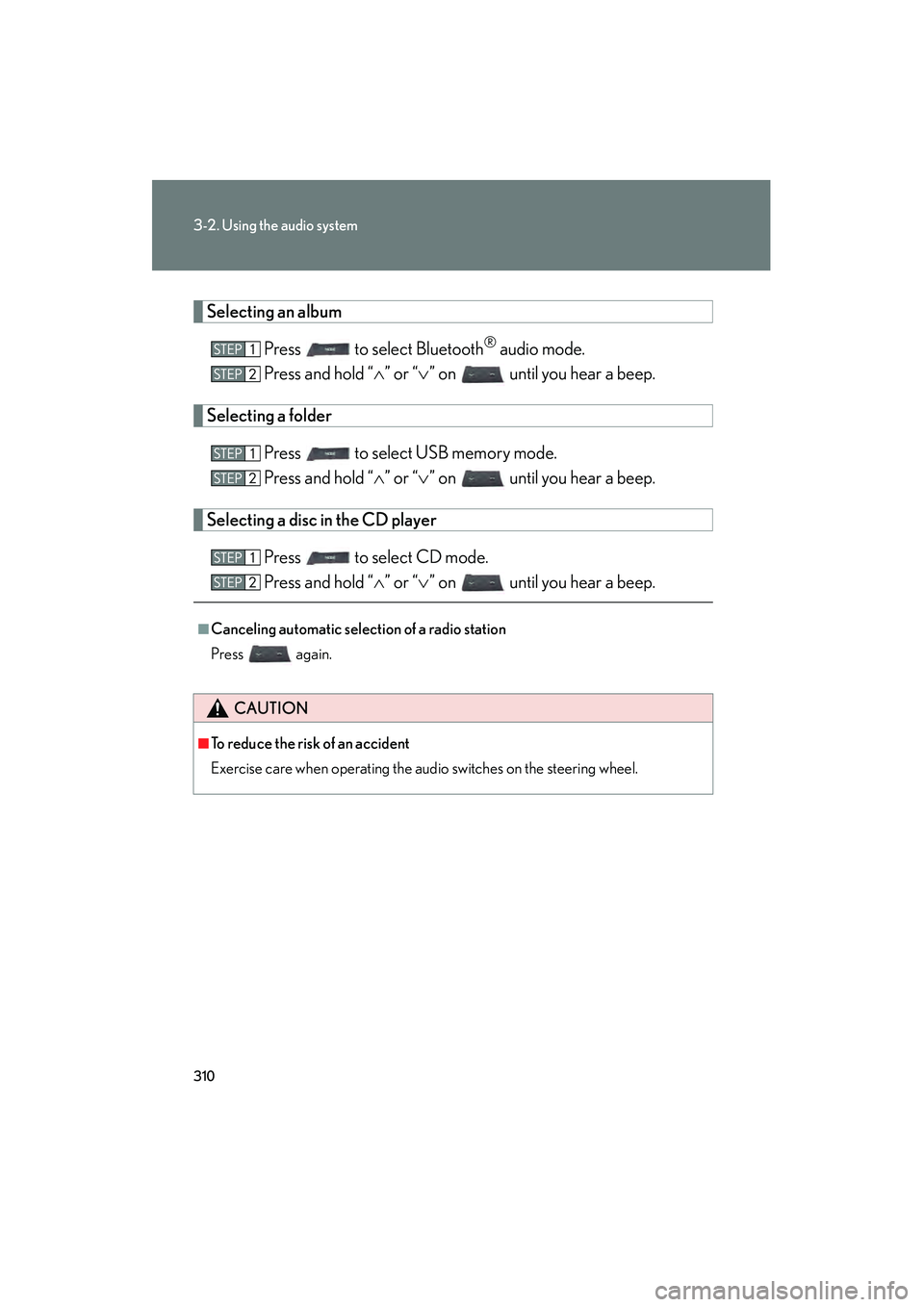
Selecting an albumPress to select Bluetooth
® audio mode.
Press and hold “ ∧” or “ ∨” on until you hear a beep.
Selecting a folder
Press to select USB memory mode.
Press and hold “ ∧” or “ ∨” on until you hear a beep.
Selecting a disc in the CD player
Press to select CD mode.
Press and hold “ ∧” or “ ∨” on until you hear a beep.
■Canceling automatic selection of a radio station
Press again.
CAUTION
■To reduce the risk of an accident
Exercise care when operating the audio switches on the steering wheel.
Page 316 of 611
314
3-3. Using the Bluetooth® audio system
HS250h_U_75033U(Canada)
Using the Bluetooth® audio system
■Audio unit
Display
A message, name, number,
etc. is displayed.
Lower-case characters and
special characters cannot be
displayed.
Displays information that is
too long to be displayed at
one time on the display (press
and hold)
Selects items such as menu
and number
Turn: Selects an item
Press: Inputs the selected
item
Bluetooth
® connection con-
dition
If “BT” is not displayed, the
Bluetooth® audio system
cannot be used.
■ Steering wheel switches
Talk switch
Turns the voice command
system on (press)/turns the
voice command system off
(press and hold)
Page 335 of 611
333
3-4. Using the hands-free phone system (for cellular phones)
3
Interior features
HS250h_U_75033U(Canada)
■Steering wheel switches
Vo l u m e
The voice guidance volume can-
not be adjusted using this but-
ton.
Off-hook switch
Turns the hands-free system
on/starts a call
On-hook switch
Turns the hands-free system
off/ends a call/refuses a call
Talk switch
Turns the voice command
system on (press)/turns the
voice command system off
(press and hold)
■ Microphone
Page 403 of 611
Maintenance and care4
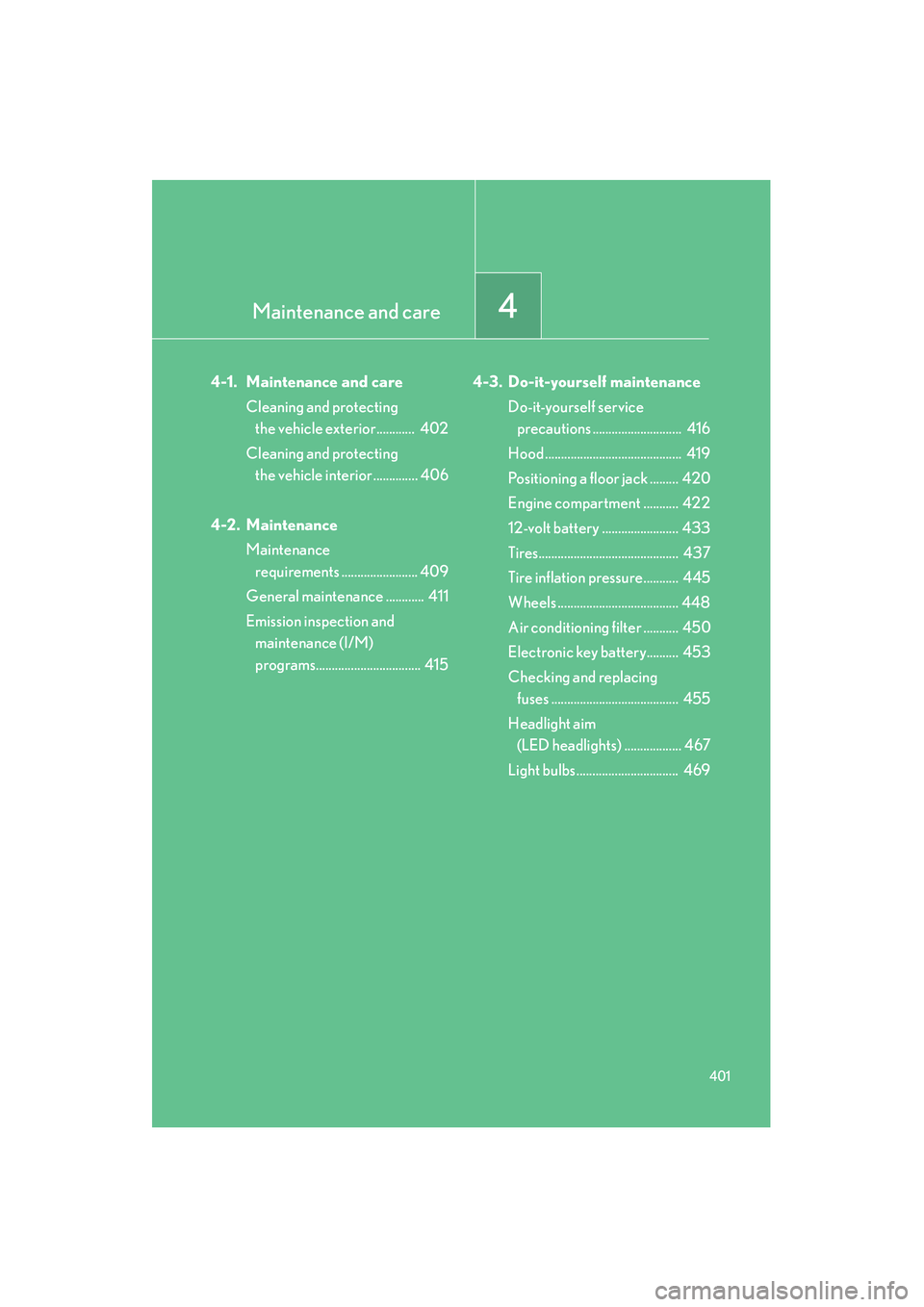
401
HS250h_U_75033U(Canada)
4-1. Maintenance and careCleaning and protecting the vehicle exterior............ 402
Cleaning and protecting the vehicle interior .............. 406
4-2. Maintenance Maintenance requirements ........................ 409
General maintenance ............ 411
Emission inspection and maintenance (I/M)
programs................................. 415 4-3. Do-it-yourself maintenance
Do-it-yourself service precautions ............................ 416
Hood ........................................... 419
Positioning a floor jack ......... 420
Engine compartment ........... 422
12-volt battery ........................ 433
Tires............................................ 437
Tire inflation pressure........... 445
Wheels ...................................... 448
Air conditioning filter ........... 450
Electronic key battery.......... 453
Checking and replacing fuses ........................................ 455
Headlight aim (LED headlights) .................. 467
Light bulbs................................ 469
Page 404 of 611

402
HS250h_U_75033U(Canada)
4-1. Maintenance and care
Cleaning and protecting the vehicle exterior
■Automatic car washes
●Fold the mirrors before washing the vehicle. Start washing from the front of the
vehicle. Make sure to extend the mirrors before driving.
●Roof antenna, rear spoiler (if equipped) may not be washable in some automatic
car washes. There may also be an increased risk of damage to vehicle.
●Brushes used in automatic car washes may scratch the vehicle surface and
harm your vehicle’s paint.
■High pressure car washes
●Do not allow the nozzles of the car wash to come within close proximity of the
windows.
●Before using the car wash, check that the fuel filler door on your vehicle is
closed properly.
Perform the following to protect the vehicle and maintain it in prime condi-
tion:
●Working from top to bottom, liberally apply water to the vehicle
body, wheel wells and underside of the vehicle to remove any dirt
and dust.
● Wash the vehicle body using a sponge or soft cloth, such as a
chamois.
● For hard-to-remove marks, use car wash soap and rinse thor-
oughly with water.
● Wipe away any water.
● Wax the vehicle when the waterproof coating deteriorates.
If water does not bead on a clean surface, apply wax when the vehicle
body is cool.
Page 405 of 611

403
4-1. Maintenance and care
4
Maintenance and care
HS250h_U_75033U(Canada)
■When using a car wash
If the door handle becomes wet while the electronic key is within the effective
range, the door may lock and unlock repeatedly. Place the key in a position 6 ft. (2
m) or more separate from the vehicle while the vehicle is being washed. (Take care
to ensure that the key is not stolen.)
■Aluminum wheels
●Remove any dirt immediately by using a neutral detergent. Do not use hard
brushes or abrasive cleaners. Do not use strong or harsh chemical cleaners.
Use the same mild detergent and wax as used on the paint.
●Do not use detergent on the wheels when they are hot, for example after driving
for long distance in the hot weather.
●Wash detergent from the wheels immediately after use.
■Bumpers and side moldings
Do not scrub with abrasive cleaners.
■Side windows water-repellent coating
●The following precautions can extend the effectiveness of the water-repellent
coating.
• Remove any dirt, etc. from the side windows regularly.
• Do not allow dirt and dust to accumulate on the windows for a long period.Clean the windows with a soft, damp cloth as soon as possible.
• Do not use wax or glass cleaners that contain abrasives when cleaning the windows.
• Do not use any metallic objects to remove condensation build up.
●When the water-repellent performance has become insufficient, the coating
can be repaired. Contact your Lexus dealer.
■Outside rear view mirror rain-clearing coating (if equipped)
Observe the following precautions in order to retain the rain-clearing properties of
the mirrors:
●Clean the mirrors using a car shampoo or glass cleaner that does not contain
silicone or an abrasive compound, and rinse thoroughly with water.
●Allow the mirrors to be exposed to direct sunlight for 1 to 2 days.
Page 407 of 611

405
4-1. Maintenance and care
4
Maintenance and care
HS250h_U_75033U(Canada)
NOTICE
■To prevent paint deterioration and corrosion on the body and components (alu-
minum wheels etc.)
●Wash the vehicle immediately in the following cases:
• After driving near the sea coast
• After driving on salted roads
• If you see coal tar or tree sap on the paint surface
• If you see dead insects, insect droppings or bird droppings on the paint
• After driving in an area contaminated with soot, oily smoke, mine dust, ironpowder or chemical substances
• If the vehicle becomes heavily soiled in dust or mud
• If liquids such as benzene and gasoline are spilled on the paint surface
●If the paint is chipped or scratched, have it repaired immediately.
●To prevent the wheels from corroding, remove any dirt and store in a place with
low humidity when storing the wheels.
■Cleaning the exterior lights
●Wash carefully. Do not use organic substances or scrub with a hard brush.
This may damage the surface of the lights.
●Do not apply wax to the surfaces of the lights.
Wax may cause damage to the lenses.
■When using an automatic car wash (vehicles with rain-sensing windshield wipers)
Set the wiper switch to the off position.
If the wiper switch is in “AUTO”, the wipers
may operate and the wiper blades may be
damaged.
Off