Page 134 of 522
Recliner Adjustment
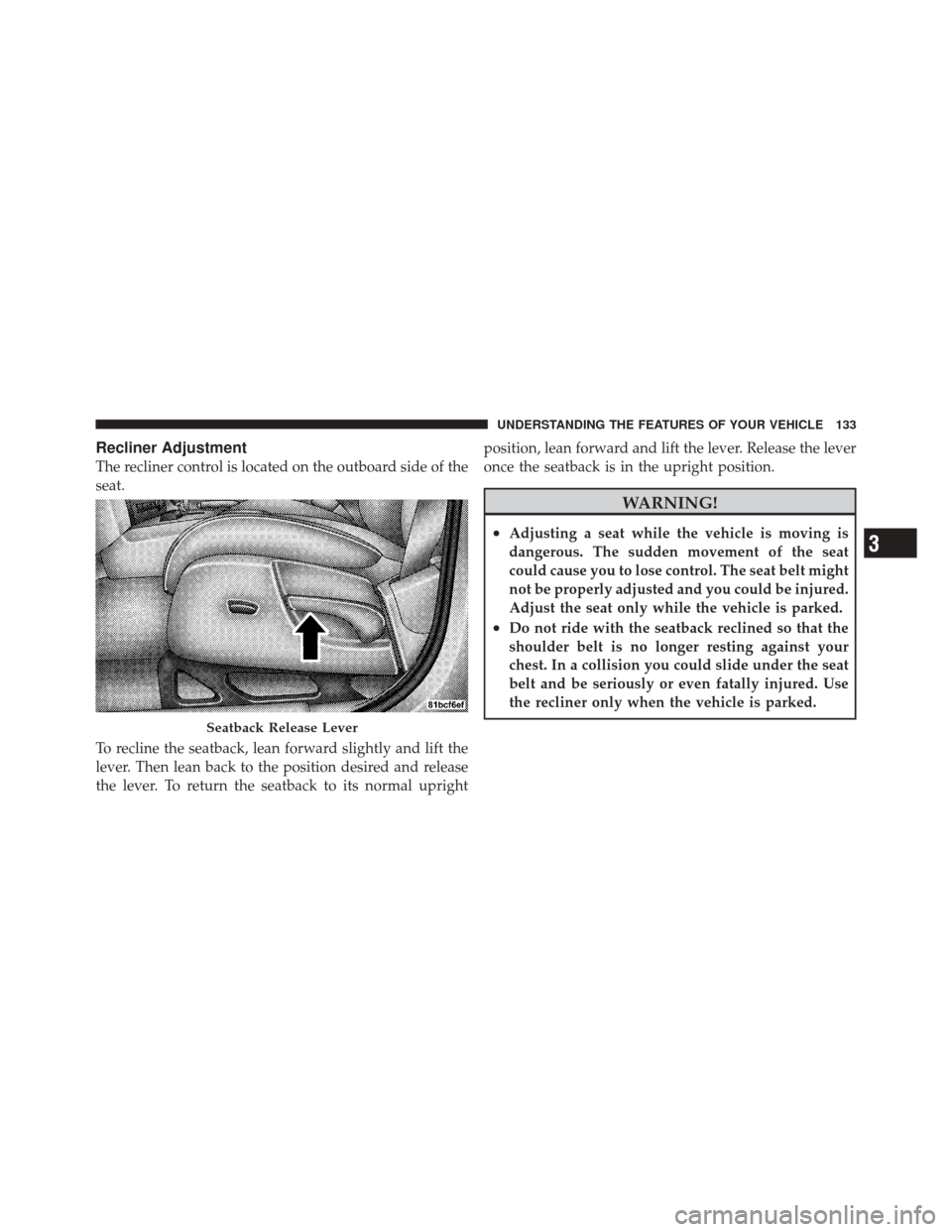
The recliner control is located on the outboard side of the
seat.
To recline the seatback, lean forward slightly and lift the
lever. Then lean back to the position desired and release
the lever. To return the seatback to its normal uprightposition, lean forward and lift the lever. Release the lever
once the seatback is in the upright position.
WARNING!
•Adjusting a seat while the vehicle is moving is
dangerous. The sudden movement of the seat
could cause you to lose control. The seat belt might
not be properly adjusted and you could be injured.
Adjust the seat only while the vehicle is parked.
•Do not ride with the seatback reclined so that the
shoulder belt is no longer resting against your
chest. In a collision you could slide under the seat
belt and be seriously or even fatally injured. Use
the recliner only when the vehicle is parked.
Seatback Release Lever
3
UNDERSTANDING THE FEATURES OF YOUR VEHICLE 133
Page 139 of 522
•In the event of deployment of an Active Head Re-
straint, refer to “Resetting Active Head Restraints
(AHR)” under “Occupant Restraints” in Section 2.
WARNING!
•Driving a vehicle with the head restraints removed
or improperly adjusted could cause serious injury
or death in the event of a collision. The head
restraints should always be checked prior to oper-
ating the vehicle and never adjusted while the
vehicle is in motion. Always adjust the head
restraints when the vehicle is in PARK.
•Do not place items over the top of the Active Head
Restraint, such as coats or seat covers. These items
may interfere with the operation of the Active
Head Restraint in the event of an accident and
could result in serious injury or death.
Heated Seats — If Equipped
This feature heats both the front driver and passenger
seats. The controls for the front heated seats are located
on the instrument panel below the climate controls. After
turning the ignition ON, you can choose from High, Low
or Off heat settings. Amber indicator lights in each switch
indicate the level of heat in use. Two indicator lights will
illuminate for High, one for Low and none for Off.Press the switch once to select High-level heat-
ing. Press the switch a second time to select
Low-level heating. Press the switch a third time
to shut the heating elements Off.
When High-level heating is selected, the heaters provide
a boosted heat level during the first four minutes of
operation after heating is activated. The heat output then
drops to the normal High-level heating. If High-level
heating is selected, the system will automatically switch
to Low-level heating after approximately 30 minutes of
138 UNDERSTANDING THE FEATURES OF YOUR VEHICLE
Page 140 of 522
continuous operation. At that time, the number of indi-
cator lights changes from two to one, indicating the
change. Operation on the Low-level heating will also
turn OFF automatically after approximately 30 minutes.
NOTE:When a heat setting is selected, heat will be felt
within two to five minutes.
WARNING!
•Persons who are unable to feel pain to the skin
because of advanced age, chronic illness, diabetes,
spinal cord injury, medication, alcohol use, ex-
haustion or other physical condition must exercise
care when using the seat heater. It may cause burns
even at low temperatures, especially if used for
long periods.
•Do not place anything on the seat that insulates
against heat, such as a blanket or cushion. This
may cause the seat heater to overheat.
60/40 Split Folding Rear Seat with Fold-Flat
Feature
To provide additional storage area, each rear seat can be
folded flat. This allows for extended cargo space and still
maintains some rear seating room.
NOTE: Prior to folding the rear seat, it may be necessary
to position the front seat to its mid-track position. Also,
be sure that the front seats are fully upright and posi-
tioned forward. This will allow the rear seat to fold down
easily.
WARNING!
•It is extremely dangerous to ride in a cargo area,
inside or outside of a vehicle. In a collision, people
riding in these areas are more likely to be seri-
ously injured or killed.
(Continued)
3
UNDERSTANDING THE FEATURES OF YOUR VEHICLE 139
Page 149 of 522
CAUTION! (Continued)
•Lower the hood to approximately 6 in (15.2 cm)
above the closed position and drop the hood to
latch it.
•Never drive your vehicle unless the hood is fully
closed, with both latches engaged.
WARNING!
If the hood is not fully latched, it could fly up when
the vehicle is moving and block your forward vision.
Be sure all hood latches are fully latched before
driving.
LIGHTS
Multifunction Lever
The multifunction lever on the left side of the steering
column controls the operation of the headlights, parking
lights, turn signal lights, instrument panel lights, instru-
ment panel light dimming, interior lights and fog lights
(if equipped).
Multifunction Lever
148 UNDERSTANDING THE FEATURES OF YOUR VEHICLE
Page 150 of 522
Headlights and Parking Lights
Turn the end of the multifunction lever to the first detent
for parking light operation. Turn the end of the lever to
the second detent for headlight operation.
Automatic Headlights — If Equipped
This system automatically turns the headlights on or off
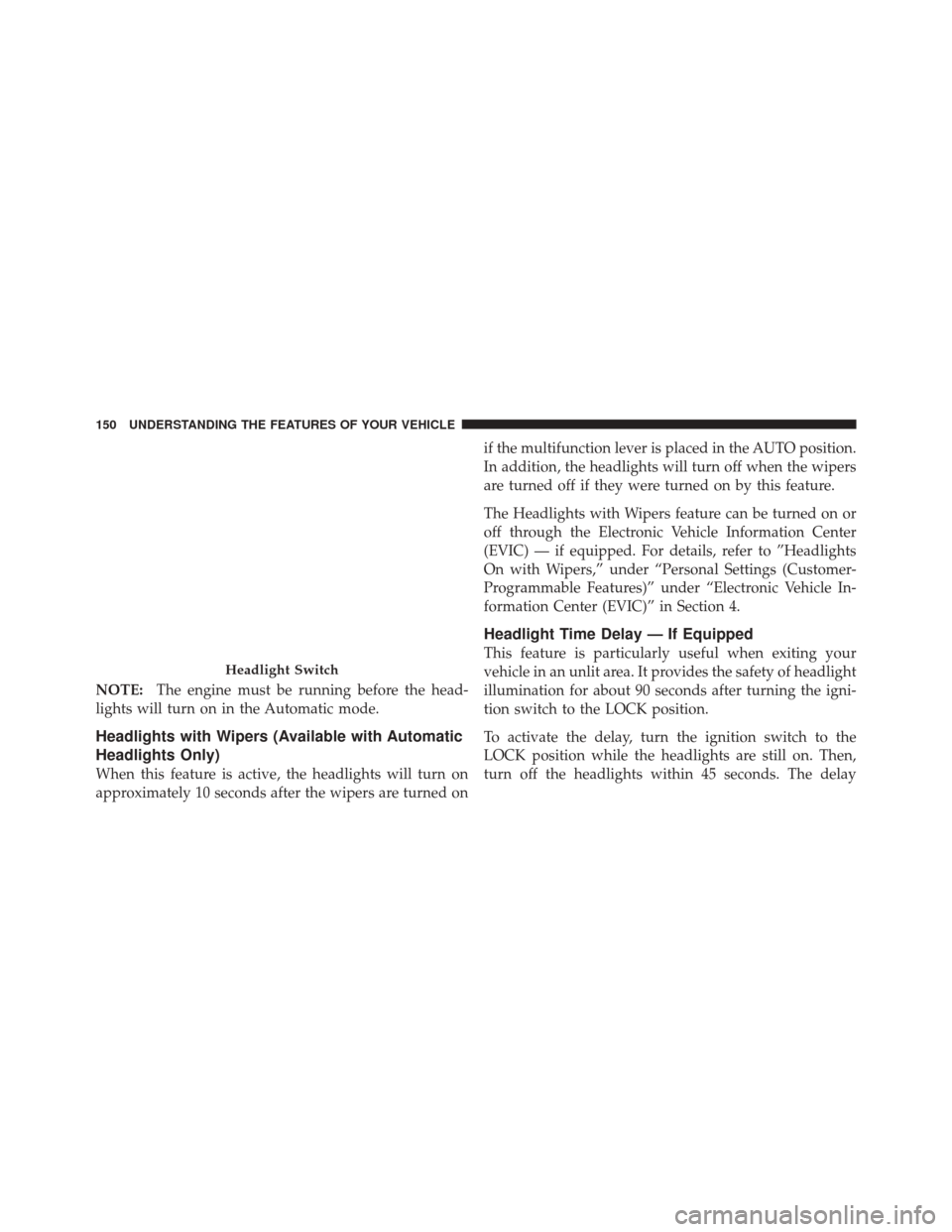
according to ambient light levels. To turn the system on,
turn the end of the multifunction lever to the AUTO
position (third detent). When the system is on, the
Headlight Time Delay feature is also on. This means the
headlights will stay on for up to 90 seconds after you turn
the ignition switch to the LOCK position. To turn the
Automatic System off, turn the end of the multifunction
lever out of the AUTO position.
Headlight Switch
3
UNDERSTANDING THE FEATURES OF YOUR VEHICLE 149
Page 151 of 522
NOTE:The engine must be running before the head-
lights will turn on in the Automatic mode.
Headlights with Wipers (Available with Automatic
Headlights Only)
When this feature is active, the headlights will turn on
approximately 10 seconds after the wipers are turned on if the multifunction lever is placed in the AUTO position.
In addition, the headlights will turn off when the wipers
are turned off if they were turned on by this feature.
The Headlights with Wipers feature can be turned on or
off through the Electronic Vehicle Information Center
(EVIC) — if equipped. For details, refer to ”Headlights
On with Wipers,” under “Personal Settings (Customer-
Programmable Features)” under “Electronic Vehicle In-
formation Center (EVIC)” in Section 4.
Headlight Time Delay — If Equipped
This feature is particularly useful when exiting your
vehicle in an unlit area. It provides the safety of headlight
illumination for about 90 seconds after turning the igni-
tion switch to the LOCK position.
To activate the delay, turn the ignition switch to the
LOCK position while the headlights are still on. Then,
turn off the headlights within 45 seconds. The delay
Headlight Switch
150 UNDERSTANDING THE FEATURES OF YOUR VEHICLE
Page 152 of 522
interval begins when you turn off the headlights. Only
the headlights will illuminate during this time.
If you turn the headlights, or parking lights, or ignition
switch ON again, the system will cancel the delay.
If you turn the headlights off before the ignition, they will
turn off in the normal manner.
The Headlight delay time is programmable on vehicles
equipped with the Electronic Vehicle Information Center
(EVIC). For details, refer to “Delay Turning Headlights
Off,” “Personal Settings (Customer-Programmable Fea-
tures)” under “Electronic Vehicle Information Center
(EVIC)” in Section 4.Daytime Running Lights — If Equipped
The high beam headlights will turn on as Daytime
Running Lights (DRL) and operate at lower intensity
whenever the ignition is ON, the engine is running, the
headlight switch is off, the parking brake is released and
the shift lever is in any position except PARK.
NOTE:The Daytime Running Lights will turn off
automatically when a turn signal is in operation and turn
on again when the turn signal is not operating.
Lights-On Reminder
If the headlights or parking lights are on after the ignition
is turned to the LOCK position, a chime will sound to
alert the driver when the driver’s door is opened.
3
UNDERSTANDING THE FEATURES OF YOUR VEHICLE 151
Page 153 of 522
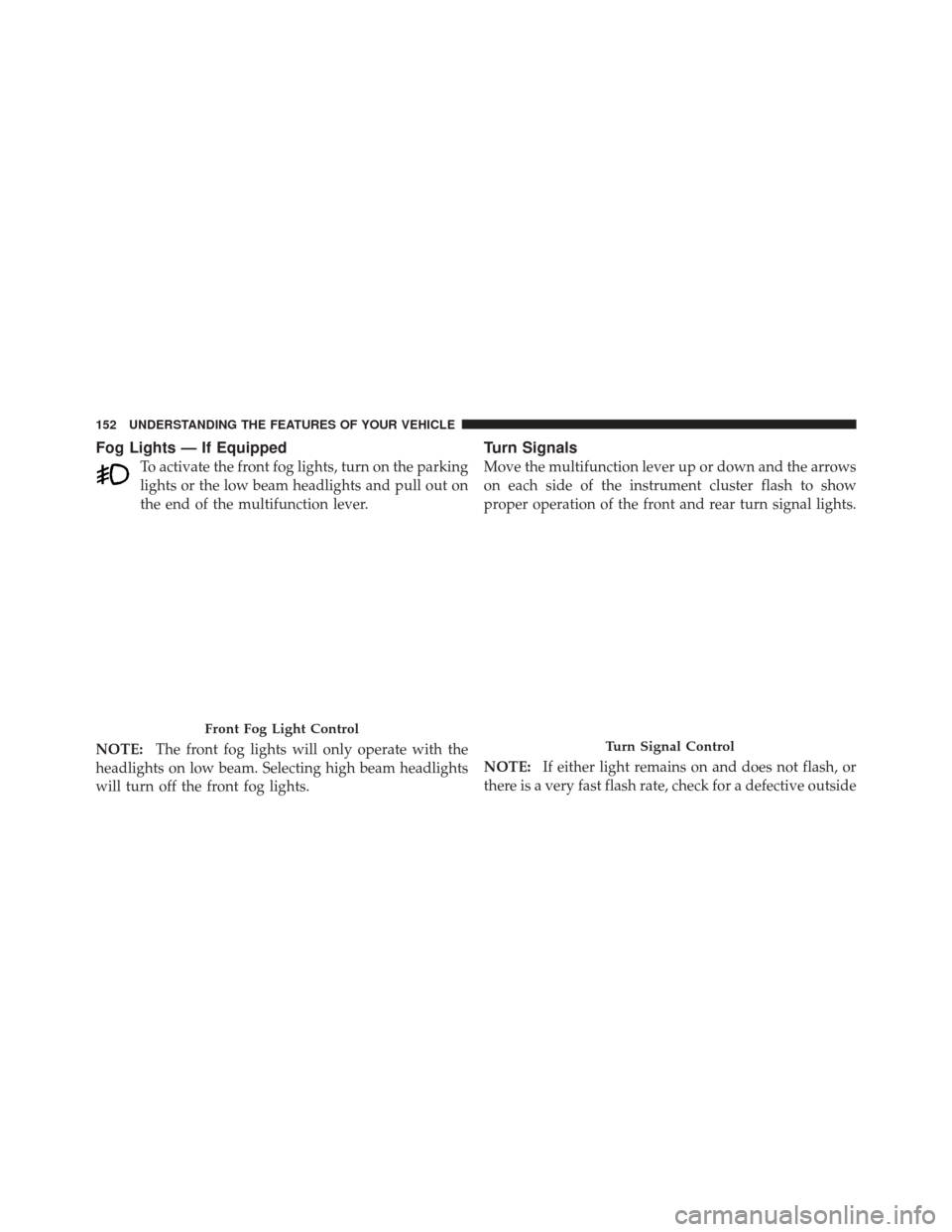
Fog Lights — If Equipped
To activate the front fog lights, turn on the parking
lights or the low beam headlights and pull out on
the end of the multifunction lever.
NOTE: The front fog lights will only operate with the
headlights on low beam. Selecting high beam headlights
will turn off the front fog lights.
Turn Signals
Move the multifunction lever up or down and the arrows
on each side of the instrument cluster flash to show
proper operation of the front and rear turn signal lights.
NOTE: If either light remains on and does not flash, or
there is a very fast flash rate, check for a defective outside
Front Fog Light Control
Turn Signal Control
152 UNDERSTANDING THE FEATURES OF YOUR VEHICLE