Page 188 of 522
Using Operator Mode
Press the switch rearward and hold it, the Sky Slider™
will open from the front and move toward the rear of the
vehicle.
Press the switch forward and hold it, the Sky Slider™
will open from the rear and move toward the front of the
vehicle.
NOTE:During operation, any movement of the Sky
Slider™ switch will stop the Sky Slider™ roof.
Closing the Sky Slider™
Using Automatic Mode
Press and release the button in the center of the switch
and the Sky Slider™ will close automatically from any
position.
Using Operator Mode
If the Sky Slider™ is open from the front, press the switch
forward and hold it, the Sky Slider™ will move forward.
Release the switch to stop the Sky Slider™ travel at any
point.
If the Sky Slider™ is open from the rear, press the switch
rearward and hold it and the Sky Slider™ will move
rearward. Release the switch to stop the Sky Slider™
travel at any point.
Manual Override
The Sky Slider™ drive motors are mounted to the roof
above the cargo lamp. In the event that your vehicle
losses battery power, you can close the Sky Slider™ by
turning the drive gears in the appropriate motor with a
6 mm Allen wrench. To do so, you must first remove the
cargo lamp from the headliner. Then, insert the wrench
into the “Allen” shaped hole in the appropriate motor
and turn the wrench clockwise until the top closes
3
UNDERSTANDING THE FEATURES OF YOUR VEHICLE 187
Page 199 of 522
Then, insert the spring-loaded post on the opposite end
of the cover housing into the attachment point on the
opposite side of the vehicle.
Next, grab the cover handle and pull the cover toward
you. As the cover nears the liftgate opening, guide the
rear attachment posts (on both ends of the cover) into the
notches in the trim panels. Then, lower the cover to
position the posts into the bottom of the notches and
release the handle.
Positioning Retractable Cargo Area Cover
198 UNDERSTANDING THE FEATURES OF YOUR VEHICLE
Page 211 of 522
5. Electronic Throttle Control (ETC) LightThis light informs you of a problem with the
Electronic Throttle Control (ETC) system. If a
problem is detected, the light will come on
while the engine is running. Cycle the ignition
key when the vehicle has completely stopped and the
shift lever is placed in the PARK position. The light
should turn off. If the light remains lit with the engine
running, your vehicle will usually be drivable; however,
see an authorized dealer for service as soon as possible. If
the light is flashing when the engine is running, imme-
diate service is required and you may experience reduced
performance, an elevated/rough idle or engine stall and
your vehicle may require towing. The light will come on
when the ignition is first turned ON and remain on
briefly as a bulb check. If the light does not come on
during starting, have the system checked by an autho-
rized dealer. 6. Malfunction Indicator Light (MIL)
The Malfunction Indicator Light (MIL) is part of
an onboard diagnostic system, called OBD, that
monitors engine and automatic transmission con-
trol systems. The light will illuminate when the key is in
the ON position, before engine start. If the bulb does not
come on when turning the key from OFF to ON, have the
condition checked promptly.
Certain conditions such as a loose or missing gas cap,
poor fuel quality, etc., may illuminate the MIL after
engine start. The vehicle should be serviced if the light
stays on through several of your typical driving cycles. In
most situations, the vehicle will drive normally and will
not require towing.
210 UNDERSTANDING YOUR INSTRUMENT PANEL
Page 212 of 522
CAUTION!
Prolonged driving with the MIL on could cause
damage to the engine control system. It also could
affect fuel economy and drivability. If the MIL is
flashing, severe catalytic converter damage and
power loss will soon occur. Immediate service is
required.
WARNING!
A malfunctioning catalytic converter, as referenced
above, can reach higher temperatures than in normal
operating conditions. This can cause a fire if you
drive slowly or park over flammable substances such
as dry plants or wood or cardboard, etc. This could
result in death or serious injury to the driver, occu-
pants or others.7. High Beam Indicator
This indicator shows that the high beam head-
lights are on. Pull the multifunction control lever
on the left side of the steering column toward you to
switch to low beam.
8. Front Fog Light Indicator — If Equipped This indicator will illuminate when the fog lights
are on.
9. Speedometer
Shows the vehicle speed in Miles Per Hour (MPH) or
kilometers per hour (km/h).
10. Turn Signal Indicators The arrow will flash with the exterior turn signal
when the turn signal lever is operated.
If the vehicle electronics sense that the vehicle has
traveled about 1 mile (1.6 km) with the turn signals on, a
4
UNDERSTANDING YOUR INSTRUMENT PANEL 211
Page 215 of 522
15. Tachometer
This gauge measures engine revolutions-per-minute
(RPM x 1000). Before the pointer reaches the red area,
ease up on the accelerator to prevent engine damage.
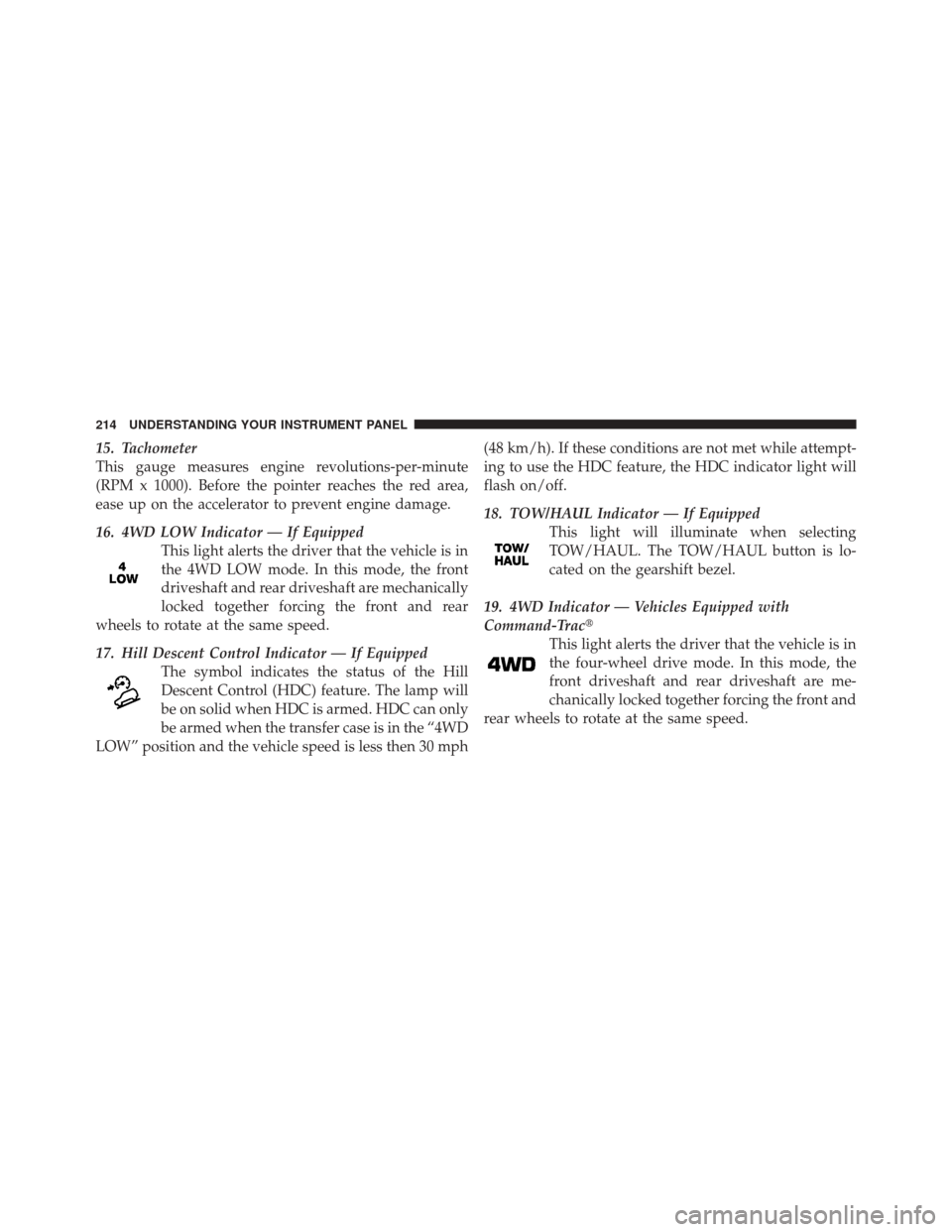
16. 4WD LOW Indicator — If EquippedThis light alerts the driver that the vehicle is in
the 4WD LOW mode. In this mode, the front
driveshaft and rear driveshaft are mechanically
locked together forcing the front and rear
wheels to rotate at the same speed.
17. Hill Descent Control Indicator — If Equipped The symbol indicates the status of the Hill
Descent Control (HDC) feature. The lamp will
be on solid when HDC is armed. HDC can only
be armed when the transfer case is in the “4WD
LOW” position and the vehicle speed is less then 30 mph (48 km/h). If these conditions are not met while attempt-
ing to use the HDC feature, the HDC indicator light will
flash on/off.
18. TOW/HAUL Indicator — If Equipped
This light will illuminate when selecting
TOW/HAUL. The TOW/HAUL button is lo-
cated on the gearshift bezel.
19. 4WD Indicator — Vehicles Equipped with
Command-Trac� This light alerts the driver that the vehicle is in
the four-wheel drive mode. In this mode, the
front driveshaft and rear driveshaft are me-
chanically locked together forcing the front and
rear wheels to rotate at the same speed.
214 UNDERSTANDING YOUR INSTRUMENT PANEL
Page 216 of 522
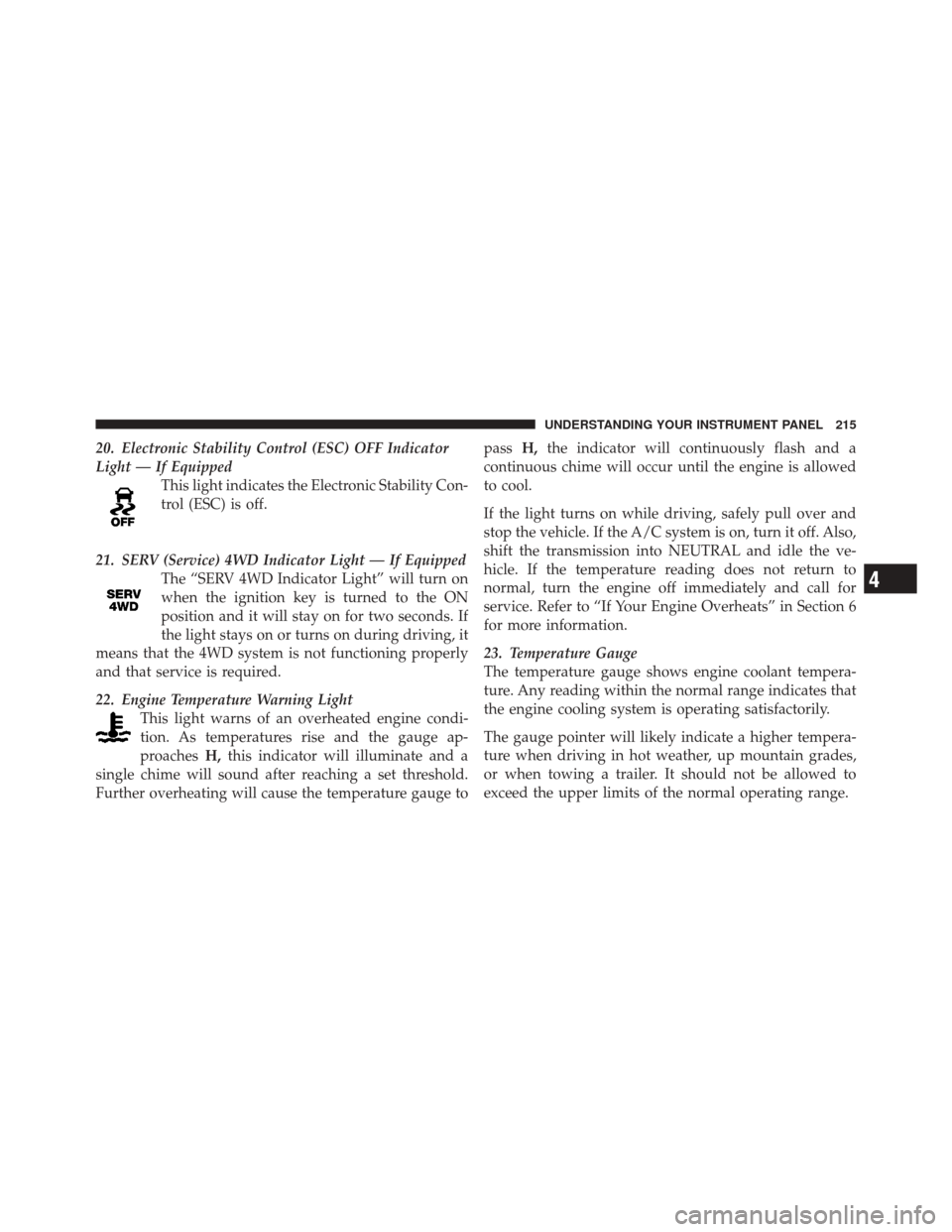
20. Electronic Stability Control (ESC) OFF Indicator
Light — If EquippedThis light indicates the Electronic Stability Con-
trol (ESC) is off.
21. SERV (Service) 4WD Indicator Light — If Equipped The “SERV 4WD Indicator Light” will turn on
when the ignition key is turned to the ON
position and it will stay on for two seconds. If
the light stays on or turns on during driving, it
means that the 4WD system is not functioning properly
and that service is required.
22. Engine Temperature Warning Light This light warns of an overheated engine condi-
tion. As temperatures rise and the gauge ap-
proaches H,this indicator will illuminate and a
single chime will sound after reaching a set threshold.
Further overheating will cause the temperature gauge to pass
H,the indicator will continuously flash and a
continuous chime will occur until the engine is allowed
to cool.
If the light turns on while driving, safely pull over and
stop the vehicle. If the A/C system is on, turn it off. Also,
shift the transmission into NEUTRAL and idle the ve-
hicle. If the temperature reading does not return to
normal, turn the engine off immediately and call for
service. Refer to “If Your Engine Overheats” in Section 6
for more information.
23. Temperature Gauge
The temperature gauge shows engine coolant tempera-
ture. Any reading within the normal range indicates that
the engine cooling system is operating satisfactorily.
The gauge pointer will likely indicate a higher tempera-
ture when driving in hot weather, up mountain grades,
or when towing a trailer. It should not be allowed to
exceed the upper limits of the normal operating range.
4
UNDERSTANDING YOUR INSTRUMENT PANEL 215
Page 217 of 522
CAUTION!
Driving with a hot engine cooling system could
damage your vehicle. If temperature gauge reads “H”
pull over and stop the vehicle. Idle the vehicle with
the air conditioner turned off until the pointer drops
back into the normal range. If the pointer remains on
the “H” and you hear continuous chimes, turn the
engine off immediately, and call an authorized deal-
ership for service.
WARNING!
A hot engine cooling system is dangerous. You or
others could be badly burned by steam or boiling
coolant. You may want to call an authorized dealer-
ship for service if your vehicle overheats. If you
decide to look under the hood yourself, see Section 7
of this manual. Follow the warnings under the Cool-
ing System Pressure Cap paragraph.
24. Transmission Temperature Indicator — If Equipped This light indicates that the transmission fluid
temperature is running hot. This may occur
with severe usage, such as trailer towing. If this
light turns on, safely pull over and stop the
vehicle. Then, shift the transmission into NEUTRAL and
run the engine at idle or faster until the light turns off.
216 UNDERSTANDING YOUR INSTRUMENT PANEL
Page 284 of 522
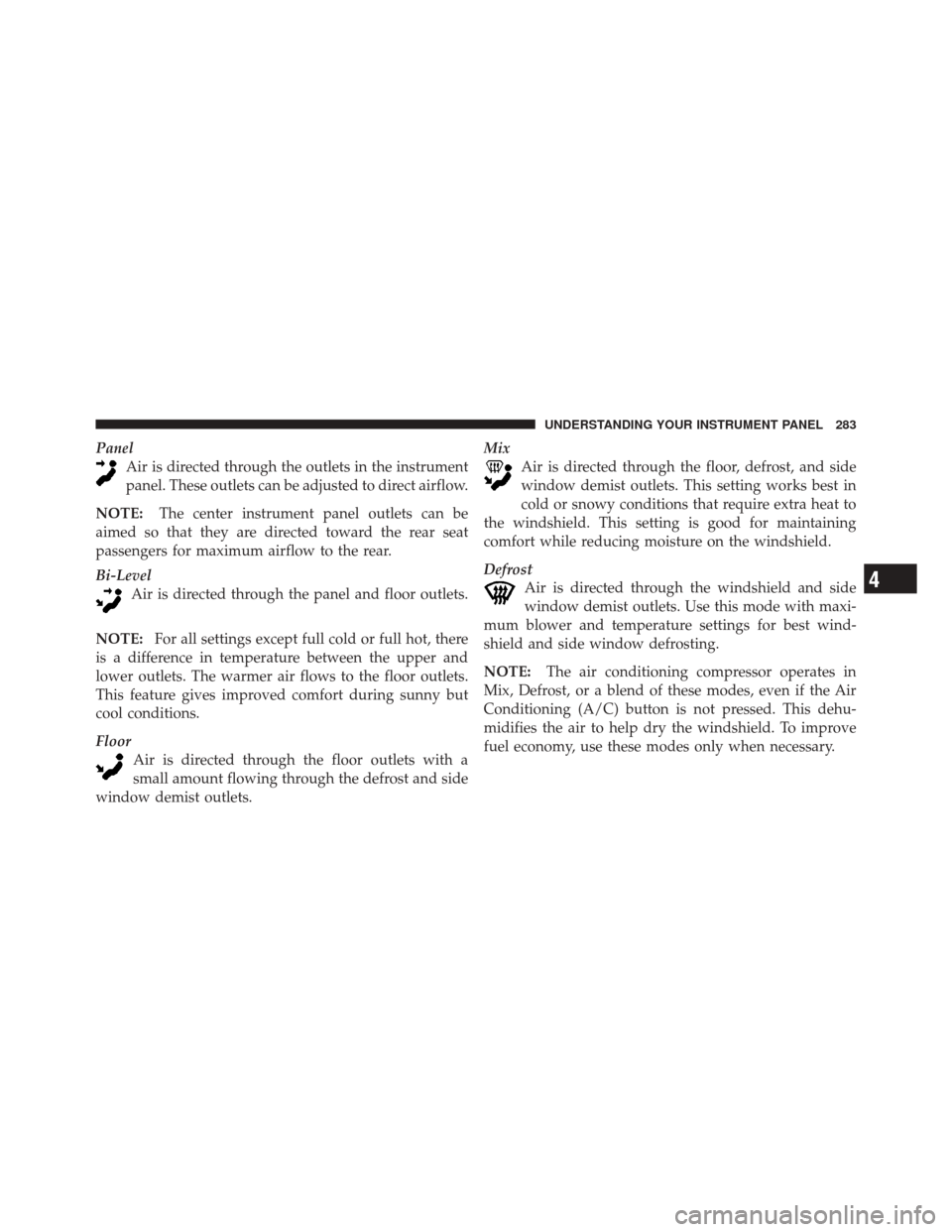
PanelAir is directed through the outlets in the instrument
panel. These outlets can be adjusted to direct airflow.
NOTE: The center instrument panel outlets can be
aimed so that they are directed toward the rear seat
passengers for maximum airflow to the rear.
Bi-Level Air is directed through the panel and floor outlets.
NOTE: For all settings except full cold or full hot, there
is a difference in temperature between the upper and
lower outlets. The warmer air flows to the floor outlets.
This feature gives improved comfort during sunny but
cool conditions.
Floor Air is directed through the floor outlets with a
small amount flowing through the defrost and side
window demist outlets. Mix
Air is directed through the floor, defrost, and side
window demist outlets. This setting works best in
cold or snowy conditions that require extra heat to
the windshield. This setting is good for maintaining
comfort while reducing moisture on the windshield.
Defrost Air is directed through the windshield and side
window demist outlets. Use this mode with maxi-
mum blower and temperature settings for best wind-
shield and side window defrosting.
NOTE: The air conditioning compressor operates in
Mix, Defrost, or a blend of these modes, even if the Air
Conditioning (A/C) button is not pressed. This dehu-
midifies the air to help dry the windshield. To improve
fuel economy, use these modes only when necessary.
4
UNDERSTANDING YOUR INSTRUMENT PANEL 283