Page 101 of 522
The uconnect™ phone is fully integrated with the vehi-
cle’s audio system. The volume of the uconnect™ phone
can be adjusted either from the radio volume control
knob or from the steering wheel radio control (right
switch), if so equipped.
The radio display will be used for visual prompts from
the uconnect™ phone such as�CELL�or caller ID on
certain radios.
Operation
Voice commands can be used to operate the uconnect™
phone and to navigate through the uconnect™ phone
menu structure. Voice commands are required after most
uconnect™ phone prompts. You will be prompted for a
specific command and then guided through the available
options.
•Prior to giving a voice command, one must wait for
the beep, which follows the �Ready�prompt or another
prompt.
•For certain operations, compound commands can be
used. For example, instead of saying �Setup�and then
�Phone Pairing,� the following compound command
can be said: �Setup Phone Pairing.�
•For each feature explanation in this section, only the
combined form of the voice command is given. You
can also break the commands into parts and say each
part of the command when you are asked for it. For
example, you can use the combined form voice com-
mand�Phonebook New Entry,� or you can break the
combined form command into two voice commands:
�Phonebook� and�New Entry.� Please remember, the
uconnect™ phone works best when you talk in a
normal conversational tone, as if speaking to someone
sitting a few feet/meters away from you.
Voice Command Tree
Refer to “Voice Tree” in this section.
100 UNDERSTANDING THE FEATURES OF YOUR VEHICLE
Page 143 of 522
WARNING!
Do not ride with the seatback reclined so that the
shoulder belt is no longer resting against your chest.
In a collision you could slide under the seat belt and
be seriously or even fatally injured. Use the recliner
only when the vehicle is parked.
DRIVER MEMORY SEAT — IF EQUIPPED
This feature allows the driver to store up to two different
memory profiles, for easy recall through a memory
switch. Each memory profile contains desired position
settings for the driver seat and side mirrors and a set of
desired radio station presets.
The memory switch is located on the instrument panel to
the left of the steering column. The switch contains a S
(SET) button to activate the memory save function. It also
contains a rocker switch labeled with the number (1) and
the number (2). The rocker switch allows the driver torecall either of the two pre-programmed memory profiles
by pressing the appropriate side of the switch.
Programming the Memory Feature
To create a new memory profile, perform the following:
NOTE:
Saving a new memory profile will erase an
existing profile from memory.
Driver Memory Switch
142 UNDERSTANDING THE FEATURES OF YOUR VEHICLE
Page 149 of 522
CAUTION! (Continued)
•Lower the hood to approximately 6 in (15.2 cm)
above the closed position and drop the hood to
latch it.
•Never drive your vehicle unless the hood is fully
closed, with both latches engaged.
WARNING!
If the hood is not fully latched, it could fly up when
the vehicle is moving and block your forward vision.
Be sure all hood latches are fully latched before
driving.
LIGHTS
Multifunction Lever
The multifunction lever on the left side of the steering
column controls the operation of the headlights, parking
lights, turn signal lights, instrument panel lights, instru-
ment panel light dimming, interior lights and fog lights
(if equipped).
Multifunction Lever
148 UNDERSTANDING THE FEATURES OF YOUR VEHICLE
Page 156 of 522
WINDSHIELD WIPERS AND WASHERS
The windshield wiper/washer control lever is located on
the right side of the steering column. The front wipers are
operated by rotating a switch, located at the end of the
lever. For information on using the rear window wiper/
washer, refer to “Rear Window Features” in this section.
Windshield Wiper Operation
Rotate the end of the lever upward to the LO position for
low-speed wiper operation.
Rotate the end of the lever upward to the HI position for
high-speed wiper operation.
Windshield Wiper/Washer LeverFront Wiper Control
3
UNDERSTANDING THE FEATURES OF YOUR VEHICLE 155
Page 160 of 522
Headlights with Wipers (Available with Automatic
Headlights Only)
When this feature is active, the headlights will turn on
approximately 10 seconds after the wipers are turned on
if the multifunction lever (on the left side of the steering
column) is placed in the AUTO position. In addition, the
headlights will turn off when the wipers are turned off if
they were turned on by this feature.
The Headlights with Wipers feature can be turned on or
off through the Electronic Vehicle Information Center
(EVIC) — if equipped. For details, refer to ”Headlights
On with Wipers,” under “Personal Settings (Customer-
Programmable Features)” under “Electronic Vehicle In-
formation Center” in section 4 of this manual.
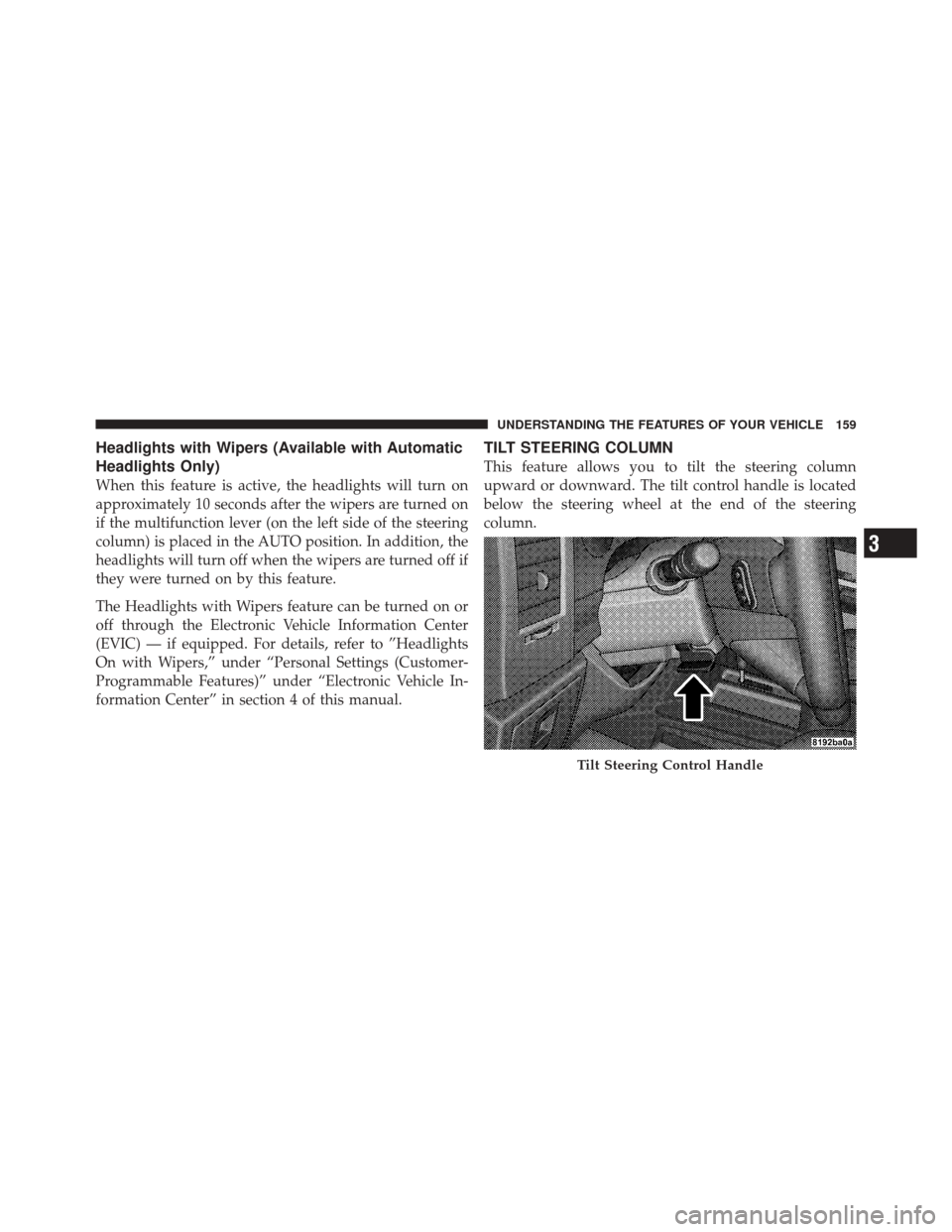
TILT STEERING COLUMN
This feature allows you to tilt the steering column
upward or downward. The tilt control handle is located
below the steering wheel at the end of the steering
column.
Tilt Steering Control Handle
3
UNDERSTANDING THE FEATURES OF YOUR VEHICLE 159
Page 161 of 522
To unlock the steering column, push the control handle
downward. To tilt the steering column, move the steering
wheel upward or downward as desired. To lock the
steering column in position, pull the control handle
upward until it is fully engaged.
WARNING!
Do not adjust the steering wheel while driving. The
tilt adjustment must be locked while driving. Adjust-
ing the steering wheel while driving or driving
without the tilt adjustment locked could cause the
driver to lose control of the vehicle.
ELECTRONIC SPEED CONTROL — IF EQUIPPED
When engaged, the Electronic Speed Control takes over
the accelerator operation at speeds greater than 25 mph
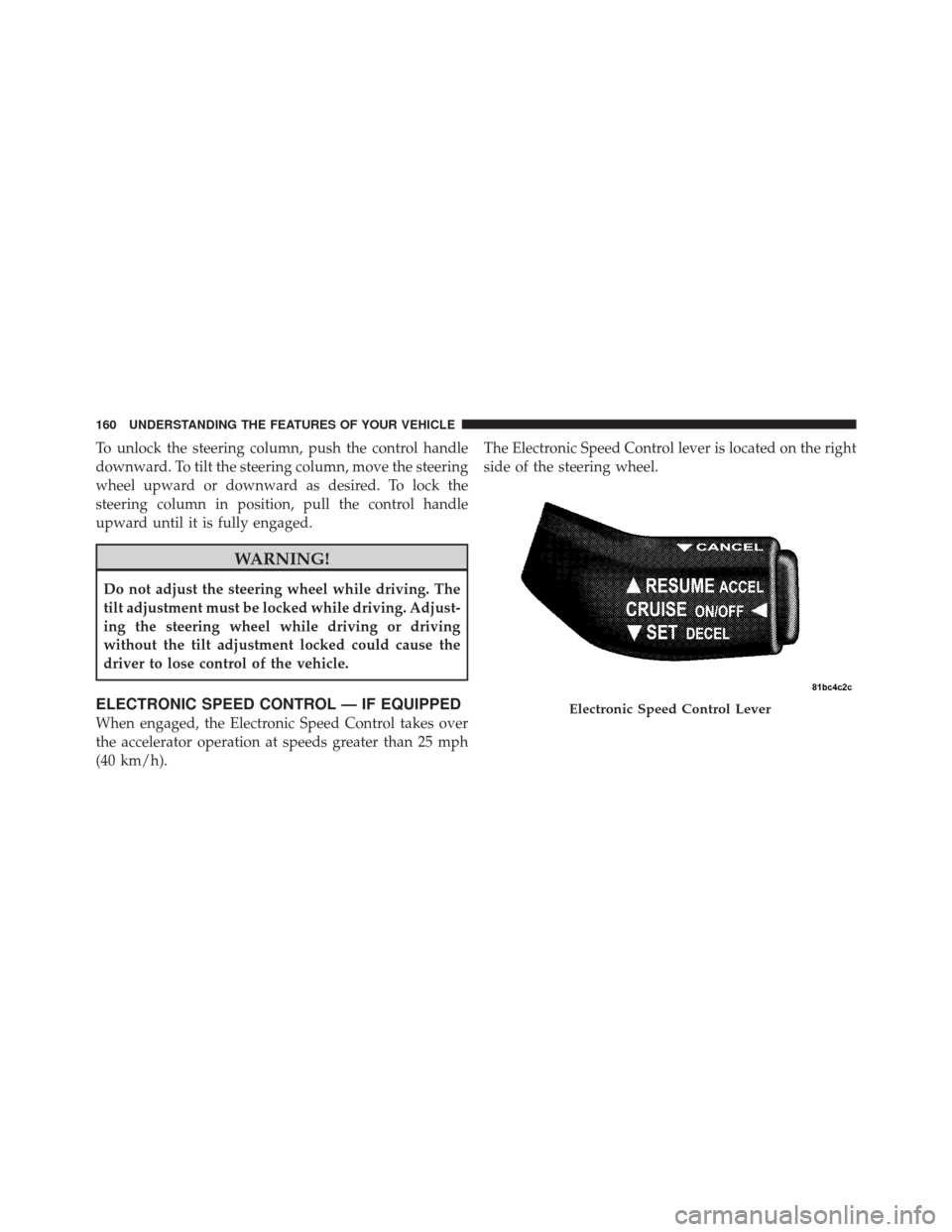
(40 km/h).The Electronic Speed Control lever is located on the right
side of the steering wheel.Electronic Speed Control Lever
160 UNDERSTANDING THE FEATURES OF YOUR VEHICLE
Page 200 of 522
WARNING!
In an accident, a cargo cover loose in the vehicle
could cause injury. It could fly around in a sudden
stop and strike someone in the vehicle. Do not store
the cargo cover on the cargo floor or in the passenger
compartment. Remove the cover from the vehicle
when taken from its mounting. Do not store in the
vehicle.
REAR WINDOW FEATURES
Rear Window Wiper/Washer
The rear wiper/washer is controlled by a rotary switch
located on the control lever. The control lever is located
on the right side of the steering column.Rotate the switch upward to the “On” position to
activate the rear wiper.
NOTE: The rear wiper operates in an intermittent mode
only.
Rear Wiper/Washer Control
3
UNDERSTANDING THE FEATURES OF YOUR VEHICLE 199
Page 212 of 522
CAUTION!
Prolonged driving with the MIL on could cause
damage to the engine control system. It also could
affect fuel economy and drivability. If the MIL is
flashing, severe catalytic converter damage and
power loss will soon occur. Immediate service is
required.
WARNING!
A malfunctioning catalytic converter, as referenced
above, can reach higher temperatures than in normal
operating conditions. This can cause a fire if you
drive slowly or park over flammable substances such
as dry plants or wood or cardboard, etc. This could
result in death or serious injury to the driver, occu-
pants or others.7. High Beam Indicator
This indicator shows that the high beam head-
lights are on. Pull the multifunction control lever
on the left side of the steering column toward you to
switch to low beam.
8. Front Fog Light Indicator — If Equipped This indicator will illuminate when the fog lights
are on.
9. Speedometer
Shows the vehicle speed in Miles Per Hour (MPH) or
kilometers per hour (km/h).
10. Turn Signal Indicators The arrow will flash with the exterior turn signal
when the turn signal lever is operated.
If the vehicle electronics sense that the vehicle has
traveled about 1 mile (1.6 km) with the turn signals on, a
4
UNDERSTANDING YOUR INSTRUMENT PANEL 211