Page 32 of 329
To determine your average highway fuel economy, do the following:
1. Drive the vehicle at least 5 miles (8 km) with the speed control
system engaged to display a stabilized average.
2. Record the highway fuel economy for future reference.
It is important to press the RESET button to reset the function after
setting the speed control to get accurate highway fuel economy readings.
For more information refer toEssentials of good fuel economyin the
Maintenance and Specificationschapter.
Distance to empty (DTE):Distance to Empty is displayed in the lower
right for miles or on the top right for kilometers of your vehicle’s
instrument cluster along with the efficiency, history graph or no display
(shown previously with history graph). This function will give you an
estimate of how far you can drive with the fuel remaining in your tank
under normal driving conditions. Distance to empty will vary according
to your driving habits.
DTE is calculated using a running average fuel economy, which is based
on your recent driving history of 500 miles (800 km). This value is not
the same as the average fuel economy display. The running average fuel
economy is re-initialized to a factory default value if the battery is
disconnected.
Turn your vehicle off when refuelling to correctly detect the amount fuel
being added and allow this feature to work correctly.
Refer toMessage centerin this chapter for more information on the
distance to empty display mode.
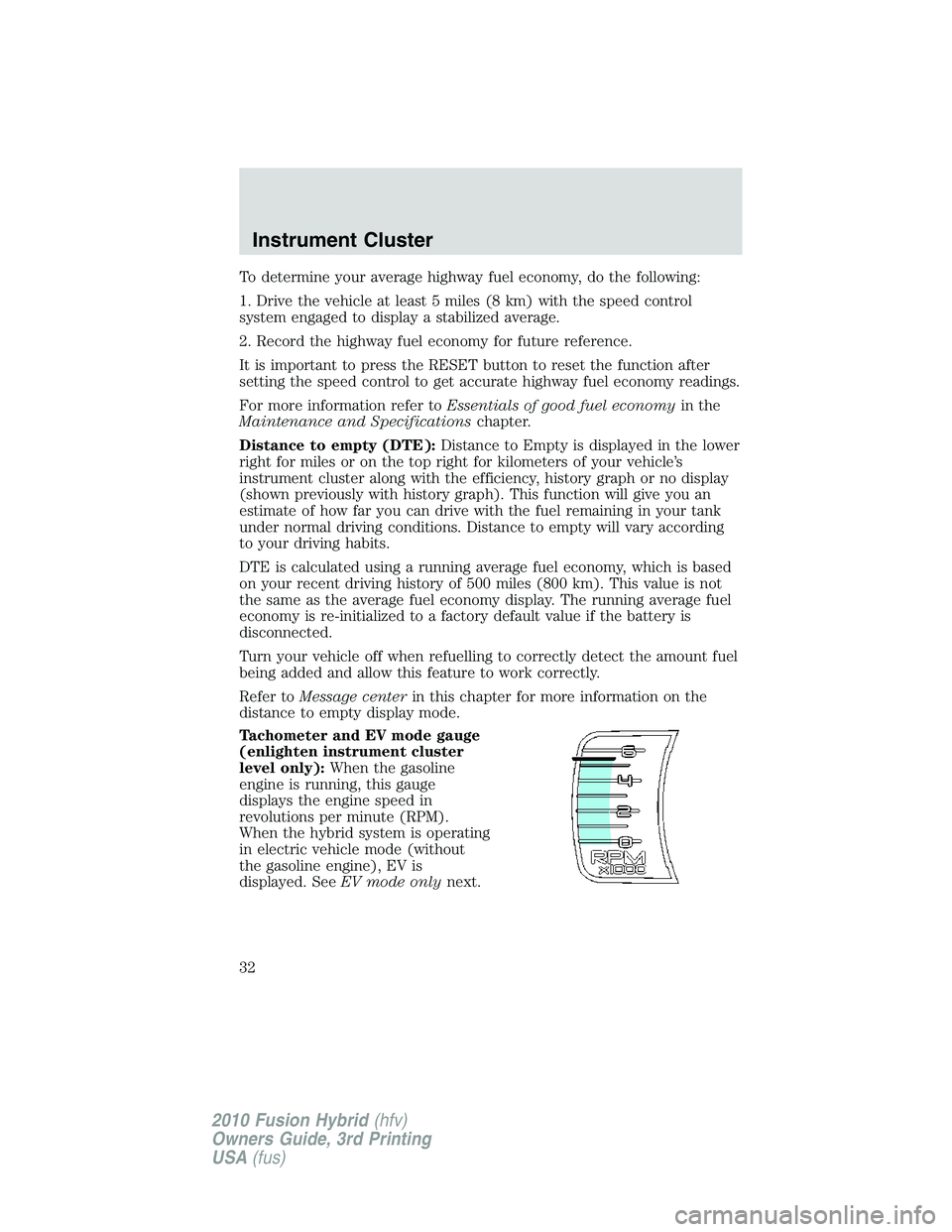
Tachometer and EV mode gauge
(enlighten instrument cluster
level only):When the gasoline
engine is running, this gauge
displays the engine speed in
revolutions per minute (RPM).
When the hybrid system is operating
in electric vehicle mode (without
the gasoline engine), EV is
displayed. SeeEV mode onlynext.
Instrument Cluster
32
2010 Fusion Hybrid(hfv)
Owners Guide, 3rd Printing
USA(fus)
Page 33 of 329
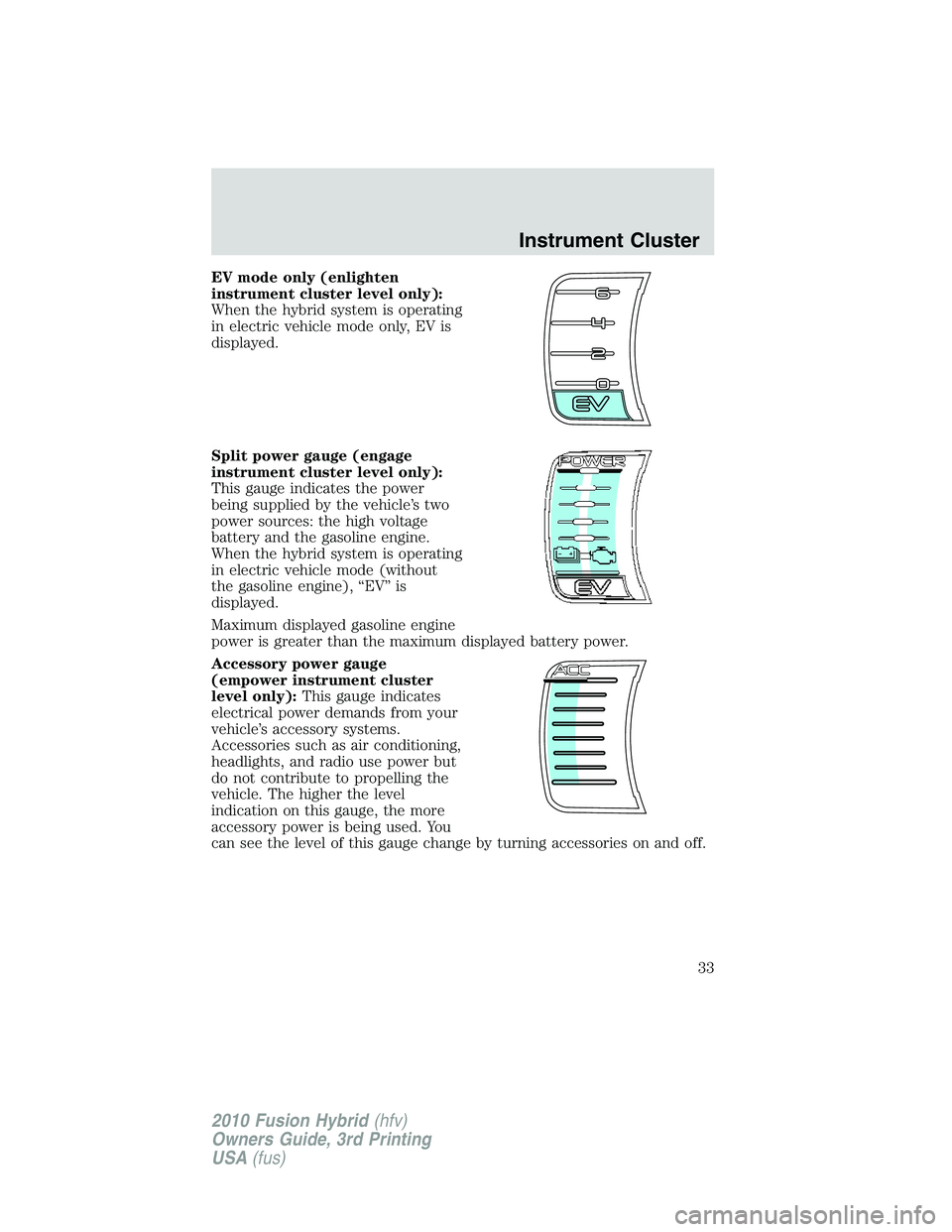
EV mode only (enlighten
instrument cluster level only):
When the hybrid system is operating
in electric vehicle mode only, EV is
displayed.
Split power gauge (engage
instrument cluster level only):
This gauge indicates the power
being supplied by the vehicle’s two
power sources: the high voltage
battery and the gasoline engine.
When the hybrid system is operating
in electric vehicle mode (without
the gasoline engine), “EV” is
displayed.
Maximum displayed gasoline engine
power is greater than the maximum displayed battery power.
Accessory power gauge
(empower instrument cluster
level only):This gauge indicates
electrical power demands from your
vehicle’s accessory systems.
Accessories such as air conditioning,
headlights, and radio use power but
do not contribute to propelling the
vehicle. The higher the level
indication on this gauge, the more
accessory power is being used. You
can see the level of this gauge change by turning accessories on and off.
Instrument Cluster
33
2010 Fusion Hybrid(hfv)
Owners Guide, 3rd Printing
USA(fus)
Page 38 of 329
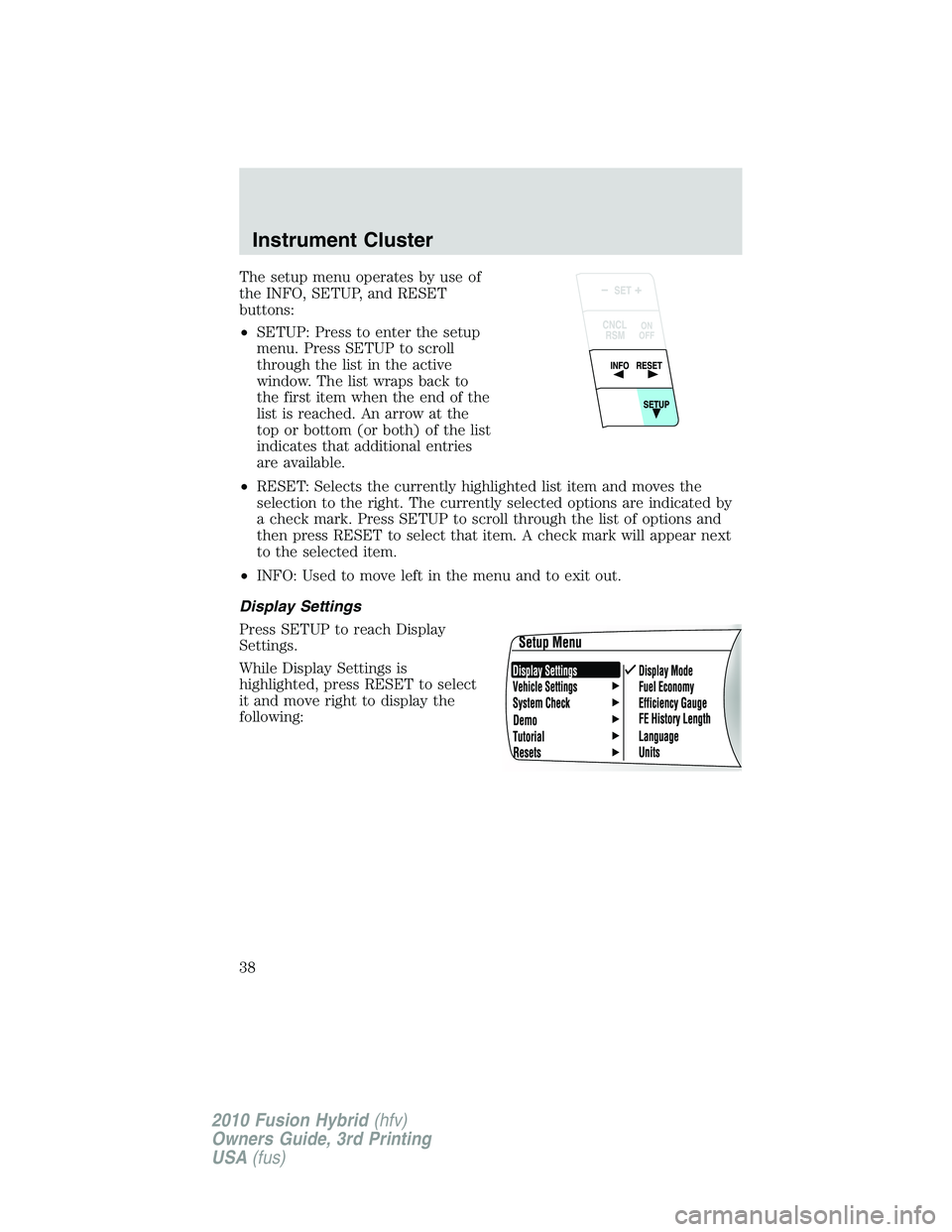
The setup menu operates by use of
the INFO, SETUP, and RESET
buttons:
•SETUP: Press to enter the setup
menu. Press SETUP to scroll
through the list in the active
window. The list wraps back to
the first item when the end of the
list is reached. An arrow at the
top or bottom (or both) of the list
indicates that additional entries
are available.
•RESET: Selects the currently highlighted list item and moves the
selection to the right. The currently selected options are indicated by
a check mark. Press SETUP to scroll through the list of options and
then press RESET to select that item. A check mark will appear next
to the selected item.
•INFO: Used to move left in the menu and to exit out.
Display Settings
Press SETUP to reach Display
Settings.
While Display Settings is
highlighted, press RESET to select
it and move right to display the
following:
Instrument Cluster
38
2010 Fusion Hybrid(hfv)
Owners Guide, 3rd Printing
USA(fus)
Page 39 of 329
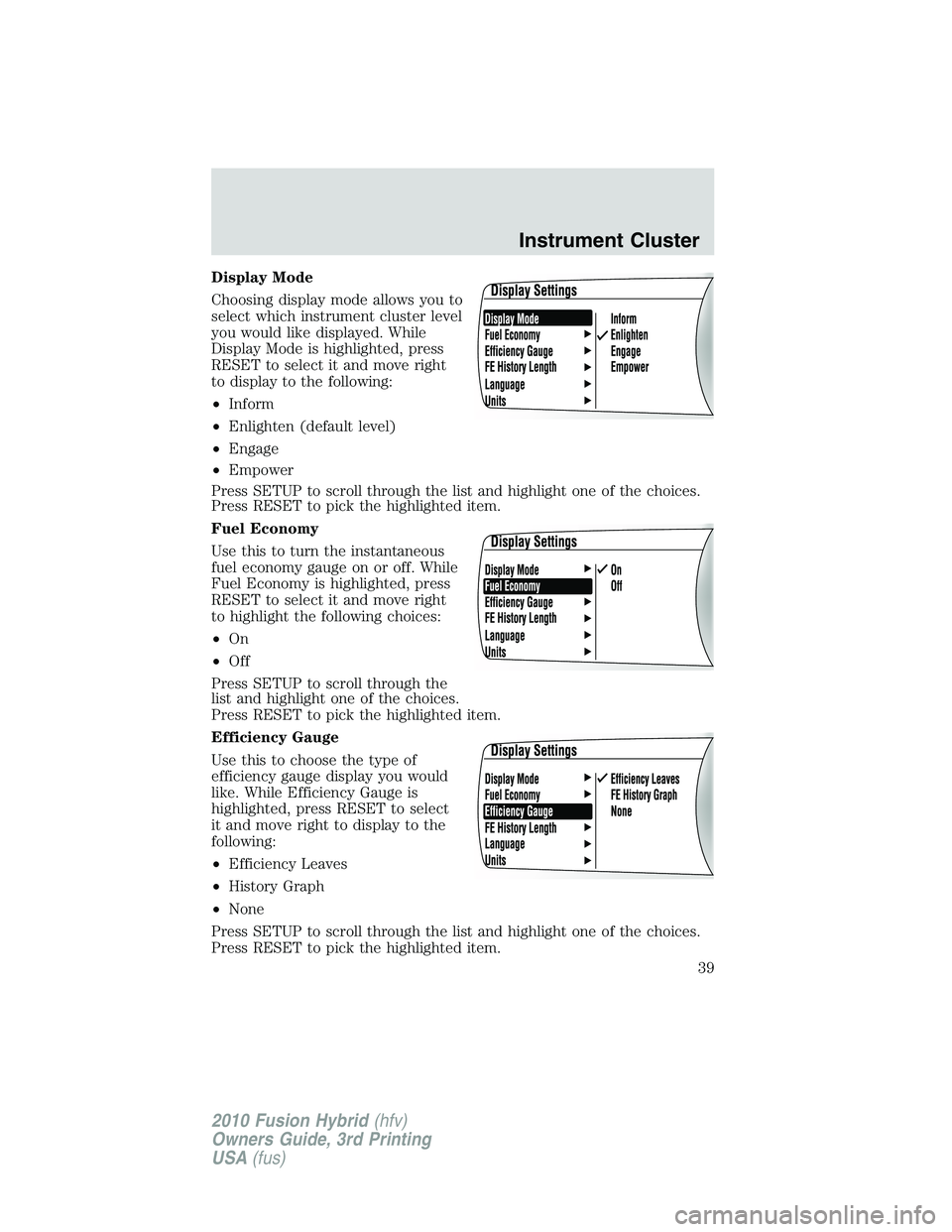
Display Mode
Choosing display mode allows you to
select which instrument cluster level
you would like displayed. While
Display Mode is highlighted, press
RESET to select it and move right
to display to the following:
•Inform
•Enlighten (default level)
•Engage
•Empower
Press SETUP to scroll through the list and highlight one of the choices.
Press RESET to pick the highlighted item.
Fuel Economy
Use this to turn the instantaneous
fuel economy gauge on or off. While
Fuel Economy is highlighted, press
RESET to select it and move right
to highlight the following choices:
•On
•Off
Press SETUP to scroll through the
list and highlight one of the choices.
Press RESET to pick the highlighted item.
Efficiency Gauge
Use this to choose the type of
efficiency gauge display you would
like. While Efficiency Gauge is
highlighted, press RESET to select
it and move right to display to the
following:
•Efficiency Leaves
•History Graph
•None
Press SETUP to scroll through the list and highlight one of the choices.
Press RESET to pick the highlighted item.
Instrument Cluster
39
2010 Fusion Hybrid(hfv)
Owners Guide, 3rd Printing
USA(fus)
Page 40 of 329
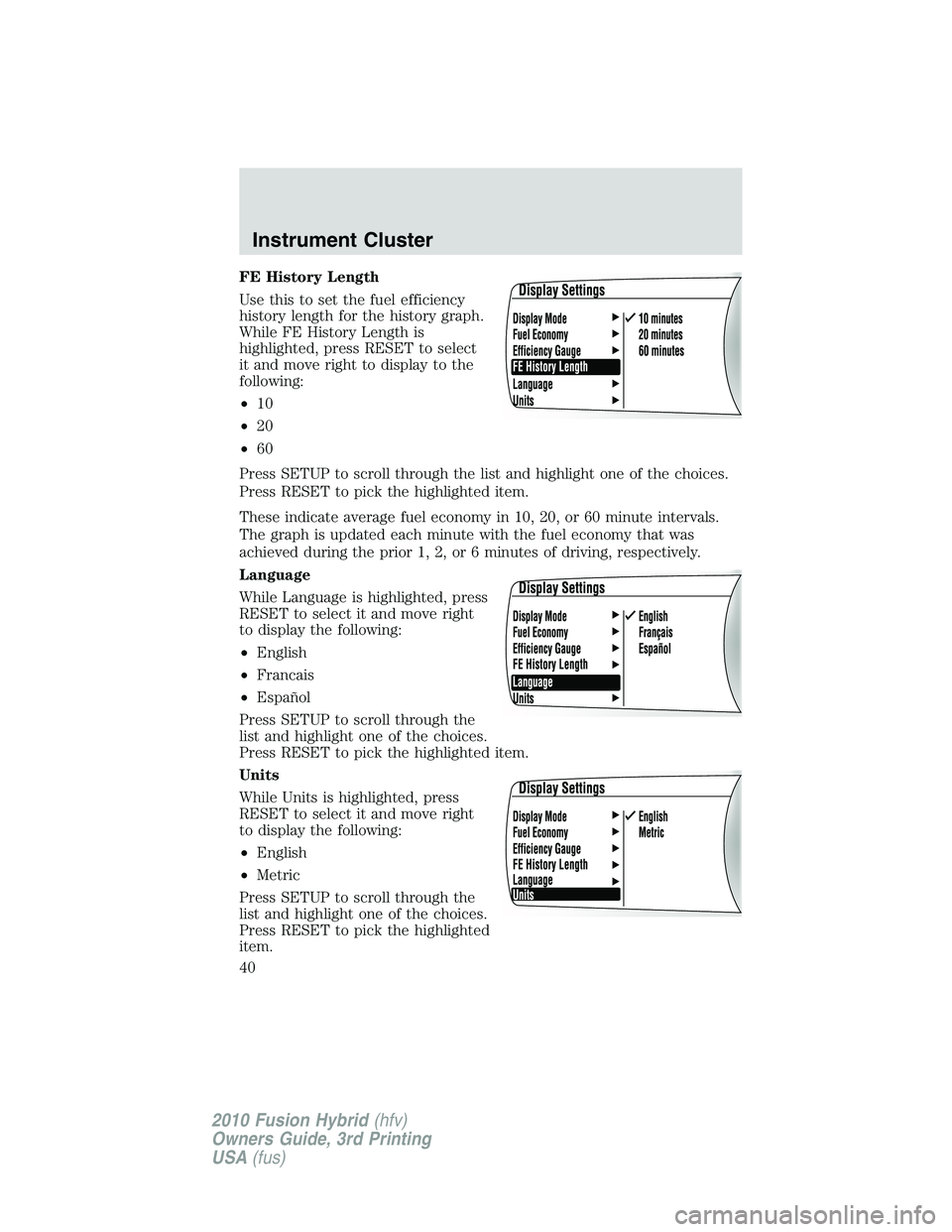
FE History Length
Use this to set the fuel efficiency
history length for the history graph.
While FE History Length is
highlighted, press RESET to select
it and move right to display to the
following:
•10
•20
•60
Press SETUP to scroll through the list and highlight one of the choices.
Press RESET to pick the highlighted item.
These indicate average fuel economy in 10, 20, or 60 minute intervals.
The graph is updated each minute with the fuel economy that was
achieved during the prior 1, 2, or 6 minutes of driving, respectively.
Language
While Language is highlighted, press
RESET to select it and move right
to display the following:
•English
•Francais
•Español
Press SETUP to scroll through the
list and highlight one of the choices.
Press RESET to pick the highlighted item.
Units
While Units is highlighted, press
RESET to select it and move right
to display the following:
•English
•Metric
Press SETUP to scroll through the
list and highlight one of the choices.
Press RESET to pick the highlighted
item.
Instrument Cluster
40
2010 Fusion Hybrid(hfv)
Owners Guide, 3rd Printing
USA(fus)
Page 41 of 329
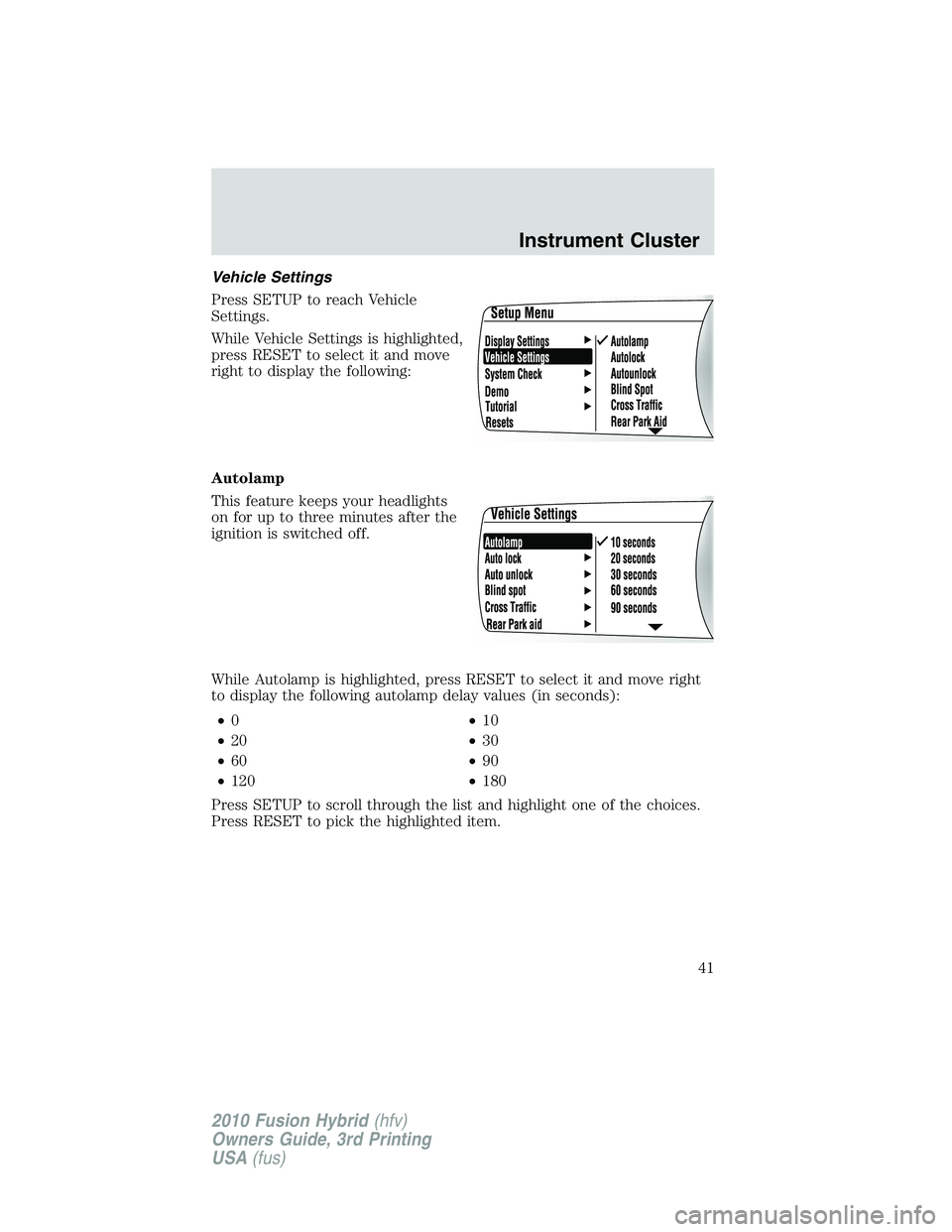
Vehicle Settings
Press SETUP to reach Vehicle
Settings.
While Vehicle Settings is highlighted,
press RESET to select it and move
right to display the following:
Autolamp
This feature keeps your headlights
on for up to three minutes after the
ignition is switched off.
While Autolamp is highlighted, press RESET to select it and move right
to display the following autolamp delay values (in seconds):
•0•10
•20•30
•60•90
•120•180
Press SETUP to scroll through the list and highlight one of the choices.
Press RESET to pick the highlighted item.
Instrument Cluster
41
2010 Fusion Hybrid(hfv)
Owners Guide, 3rd Printing
USA(fus)
Page 42 of 329
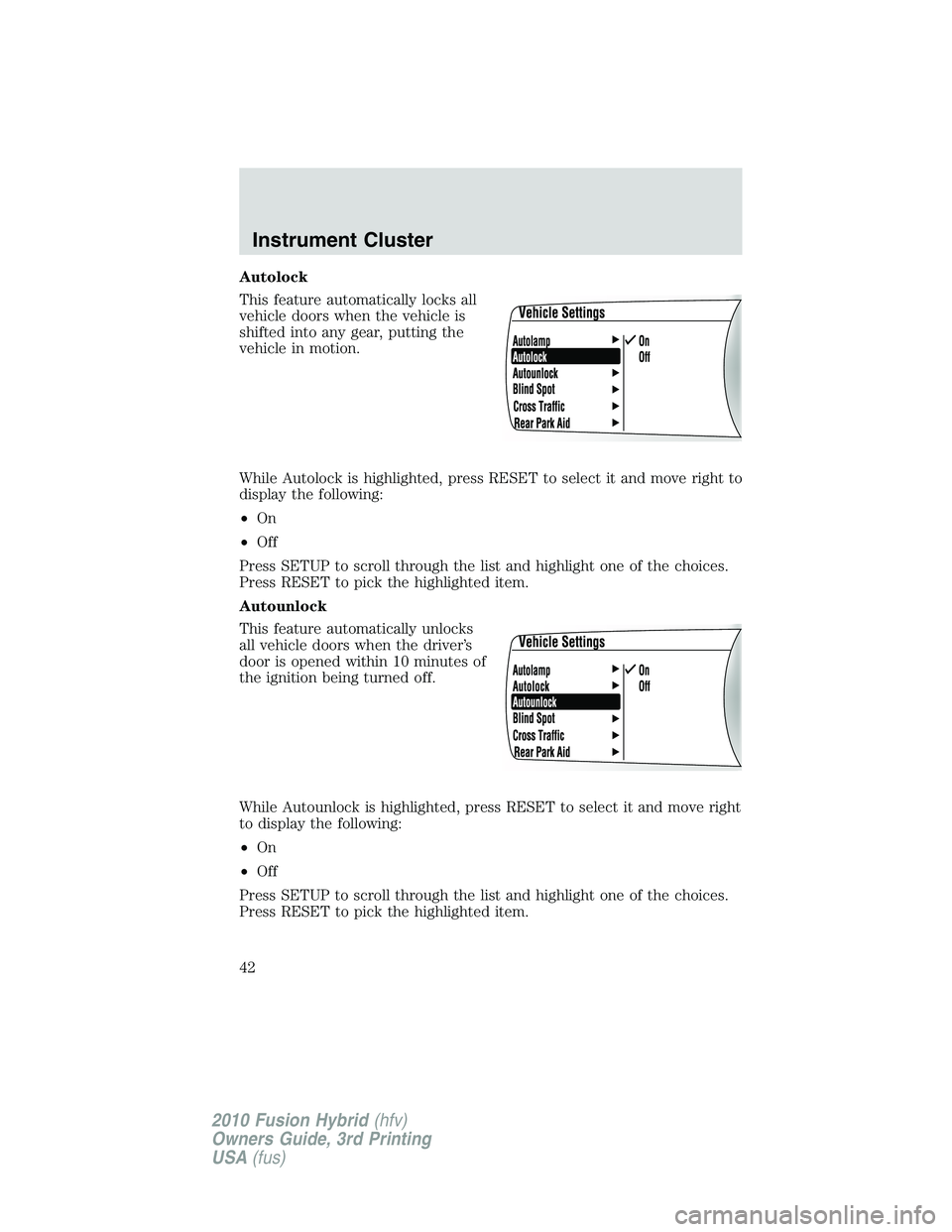
Autolock
This feature automatically locks all
vehicle doors when the vehicle is
shifted into any gear, putting the
vehicle in motion.
While Autolock is highlighted, press RESET to select it and move right to
display the following:
•On
•Off
Press SETUP to scroll through the list and highlight one of the choices.
Press RESET to pick the highlighted item.
Autounlock
This feature automatically unlocks
all vehicle doors when the driver’s
door is opened within 10 minutes of
the ignition being turned off.
While Autounlock is highlighted, press RESET to select it and move right
to display the following:
•On
•Off
Press SETUP to scroll through the list and highlight one of the choices.
Press RESET to pick the highlighted item.
Instrument Cluster
42
2010 Fusion Hybrid(hfv)
Owners Guide, 3rd Printing
USA(fus)
Page 43 of 329
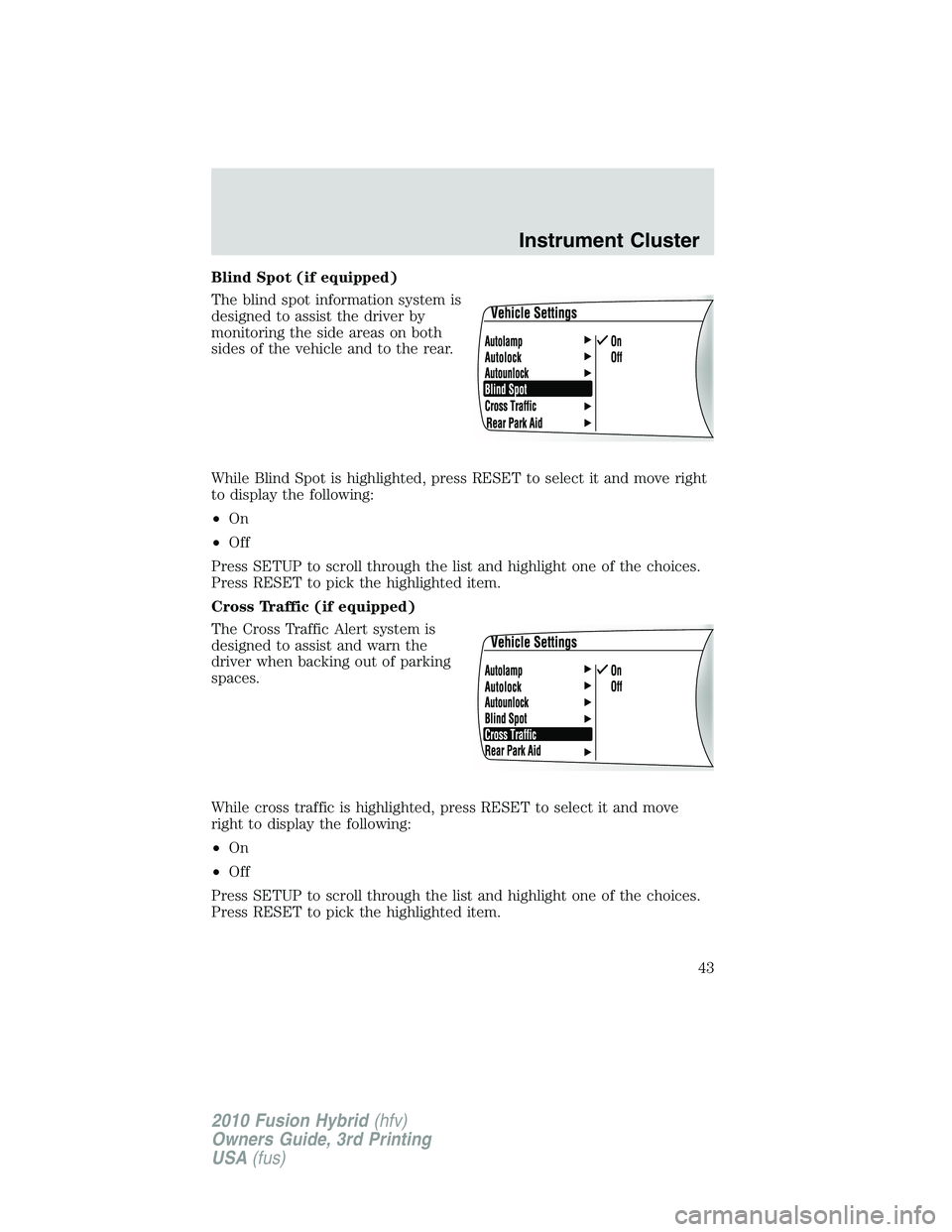
Blind Spot (if equipped)
The blind spot information system is
designed to assist the driver by
monitoring the side areas on both
sides of the vehicle and to the rear.
While Blind Spot is highlighted, press RESET to select it and move right
to display the following:
•On
•Off
Press SETUP to scroll through the list and highlight one of the choices.
Press RESET to pick the highlighted item.
Cross Traffic (if equipped)
The Cross Traffic Alert system is
designed to assist and warn the
driver when backing out of parking
spaces.
While cross traffic is highlighted, press RESET to select it and move
right to display the following:
•On
•Off
Press SETUP to scroll through the list and highlight one of the choices.
Press RESET to pick the highlighted item.
Instrument Cluster
43
2010 Fusion Hybrid(hfv)
Owners Guide, 3rd Printing
USA(fus)