Page 47 of 308
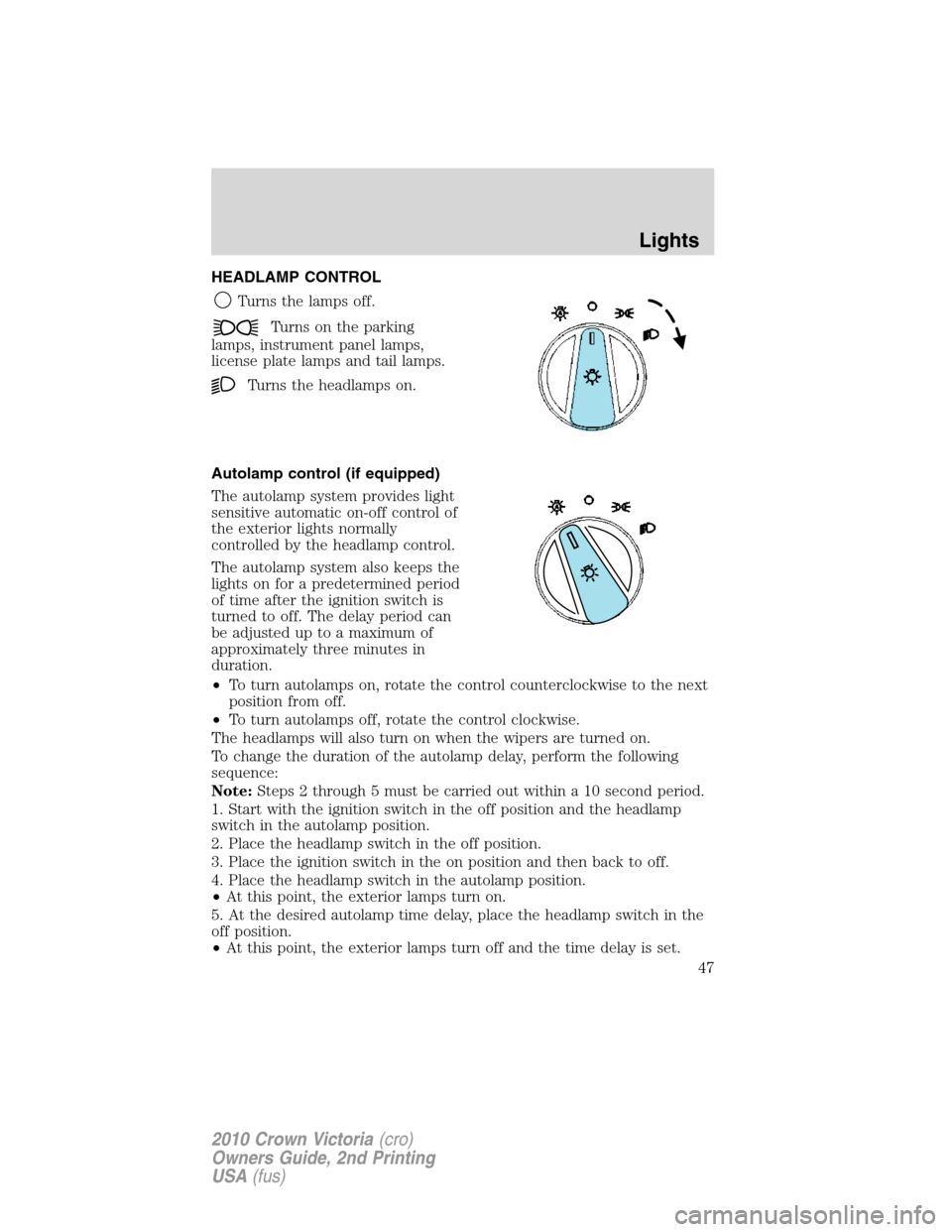
HEADLAMP CONTROL
Turns the lamps off.
Turns on the parking
lamps, instrument panel lamps,
license plate lamps and tail lamps.
Turns the headlamps on.
Autolamp control (if equipped)
The autolamp system provides light
sensitive automatic on-off control of
the exterior lights normally
controlled by the headlamp control.
The autolamp system also keeps the
lights on for a predetermined period
of time after the ignition switch is
turned to off. The delay period can
be adjusted up to a maximum of
approximately three minutes in
duration.
•To turn autolamps on, rotate the control counterclockwise to the next
position from off.
•To turn autolamps off, rotate the control clockwise.
The headlamps will also turn on when the wipers are turned on.
To change the duration of the autolamp delay, perform the following
sequence:
Note:Steps 2 through 5 must be carried out within a 10 second period.
1. Start with the ignition switch in the off position and the headlamp
switch in the autolamp position.
2. Place the headlamp switch in the off position.
3. Place the ignition switch in the on position and then back to off.
4. Place the headlamp switch in the autolamp position.
•At this point, the exterior lamps turn on.
5. At the desired autolamp time delay, place the headlamp switch in the
off position.
•At this point, the exterior lamps turn off and the time delay is set.
Lights
47
2010 Crown Victoria(cro)
Owners Guide, 2nd Printing
USA(fus)
Page 48 of 308
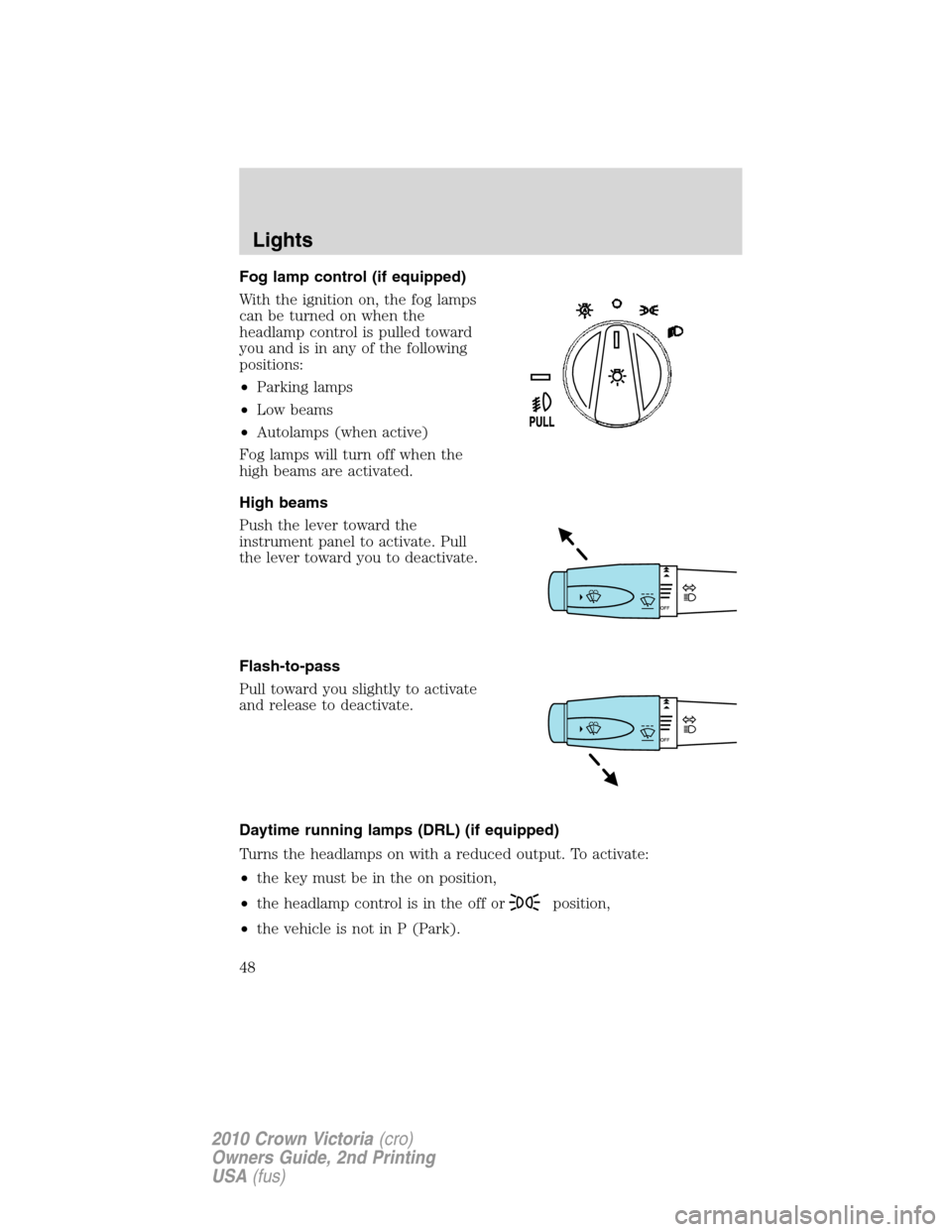
Fog lamp control (if equipped)
With the ignition on, the fog lamps
can be turned on when the
headlamp control is pulled toward
you and is in any of the following
positions:
•Parking lamps
•Low beams
•Autolamps (when active)
Fog lamps will turn off when the
high beams are activated.
High beams
Push the lever toward the
instrument panel to activate. Pull
the lever toward you to deactivate.
Flash-to-pass
Pull toward you slightly to activate
and release to deactivate.
Daytime running lamps (DRL) (if equipped)
Turns the headlamps on with a reduced output. To activate:
•the key must be in the on position,
•the headlamp control is in the off or
position,
•the vehicle is not in P (Park).
Lights
48
2010 Crown Victoria(cro)
Owners Guide, 2nd Printing
USA(fus)
Page 52 of 308
To see a clearer light pattern for
adjusting, you may want to block
the light from one headlamp while
adjusting the other.
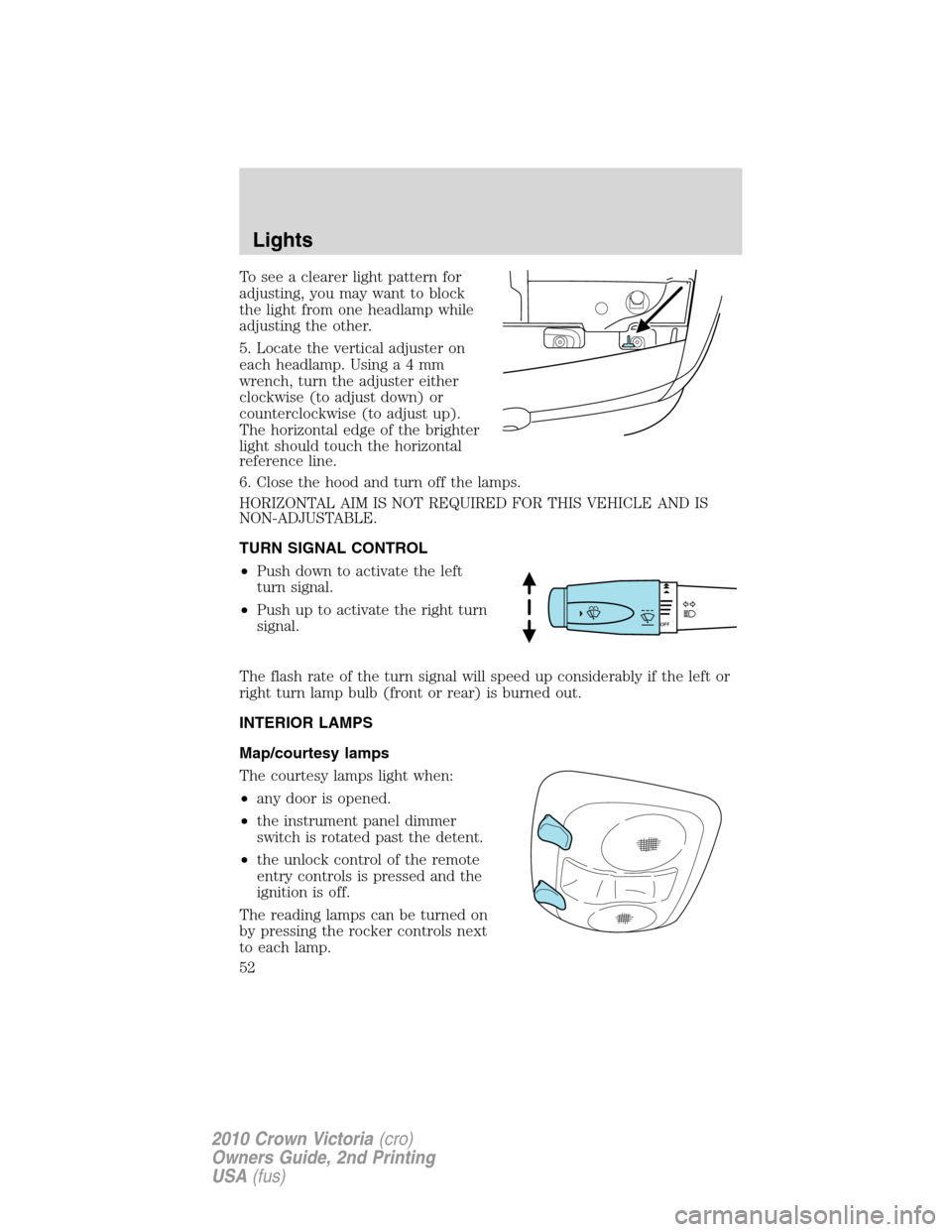
5. Locate the vertical adjuster on
each headlamp. Usinga4mm
wrench, turn the adjuster either
clockwise (to adjust down) or
counterclockwise (to adjust up).
The horizontal edge of the brighter
light should touch the horizontal
reference line.
6. Close the hood and turn off the lamps.
HORIZONTAL AIM IS NOT REQUIRED FOR THIS VEHICLE AND IS
NON-ADJUSTABLE.
TURN SIGNAL CONTROL
•Push down to activate the left
turn signal.
•Push up to activate the right turn
signal.
The flash rate of the turn signal will speed up considerably if the left or
right turn lamp bulb (front or rear) is burned out.
INTERIOR LAMPS
Map/courtesy lamps
The courtesy lamps light when:
•any door is opened.
•the instrument panel dimmer
switch is rotated past the detent.
•the unlock control of the remote
entry controls is pressed and the
ignition is off.
The reading lamps can be turned on
by pressing the rocker controls next
to each lamp.
Lights
52
2010 Crown Victoria(cro)
Owners Guide, 2nd Printing
USA(fus)
Page 53 of 308
If equipped with remote keyless entry, the courtesy lamp will illuminate
whenever any door is opened and will remain on for 25 seconds after the
door is shut or when the ignition is turned to the on position.
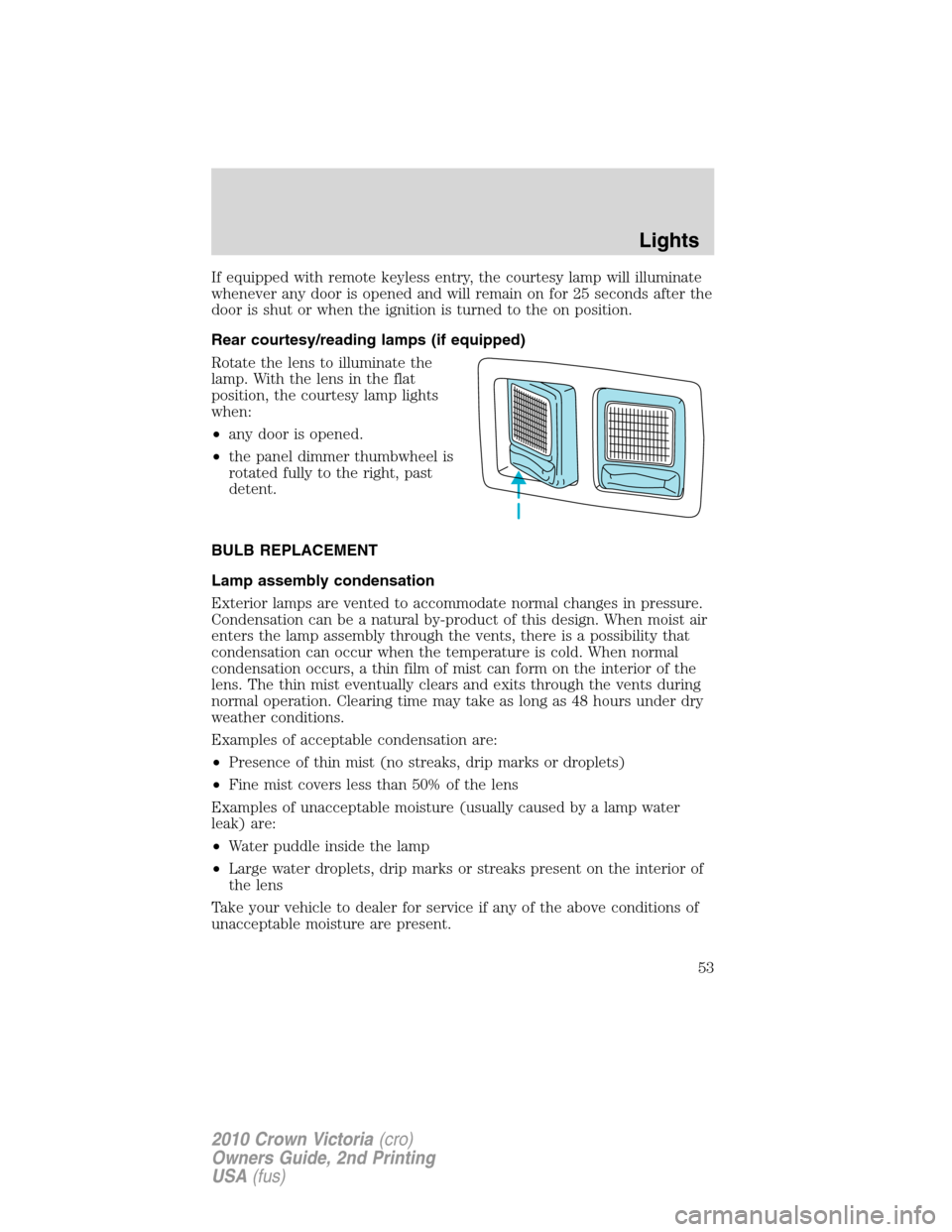
Rear courtesy/reading lamps (if equipped)
Rotate the lens to illuminate the
lamp. With the lens in the flat
position, the courtesy lamp lights
when:
•any door is opened.
•the panel dimmer thumbwheel is
rotated fully to the right, past
detent.
BULB REPLACEMENT
Lamp assembly condensation
Exterior lamps are vented to accommodate normal changes in pressure.
Condensation can be a natural by-product of this design. When moist air
enters the lamp assembly through the vents, there is a possibility that
condensation can occur when the temperature is cold. When normal
condensation occurs, a thin film of mist can form on the interior of the
lens. The thin mist eventually clears and exits through the vents during
normal operation. Clearing time may take as long as 48 hours under dry
weather conditions.
Examples of acceptable condensation are:
•Presence of thin mist (no streaks, drip marks or droplets)
•Fine mist covers less than 50% of the lens
Examples of unacceptable moisture (usually caused by a lamp water
leak) are:
•Water puddle inside the lamp
•Large water droplets, drip marks or streaks present on the interior of
the lens
Take your vehicle to dealer for service if any of the above conditions of
unacceptable moisture are present.
Lights
53
2010 Crown Victoria(cro)
Owners Guide, 2nd Printing
USA(fus)
Page 69 of 308
Accessory delay
With accessory delay, the power window switches and radio may be used
for up to 10 minutes after the ignition switch is turned off or until any
door is opened.
INTERIOR MIRROR
The interior rear view mirror has two pivot points on the support arm
which lets you adjust the mirror up or down and from side to side.
WARNING:Do not adjust the mirror while the vehicle is in
motion.
Automatic dimming interior rear view mirror (if equipped)
Your vehicle may be equipped with an interior rear view mirror which
has an auto-dimming function. The electronic day/night mirror will
change from the normal (high reflective) state to the non-glare
(darkened) state when bright lights (glare) reach the mirror. When the
mirror detects bright light from behind the vehicle, it will automatically
adjust (darken) to minimize glare.
The mirror will automatically return to the normal state whenever the
vehicle is placed in R (Reverse) to ensure a bright clear view when
backing up.
Do not block the sensors on the front and back of the interior
rear view mirror since this may impair proper mirror
performance.
Do not clean the housing or glass of any mirror with harsh
abrasives, fuel or other petroleum-based cleaning products.
Driver Controls
69
2010 Crown Victoria(cro)
Owners Guide, 2nd Printing
USA(fus)
Page 74 of 308
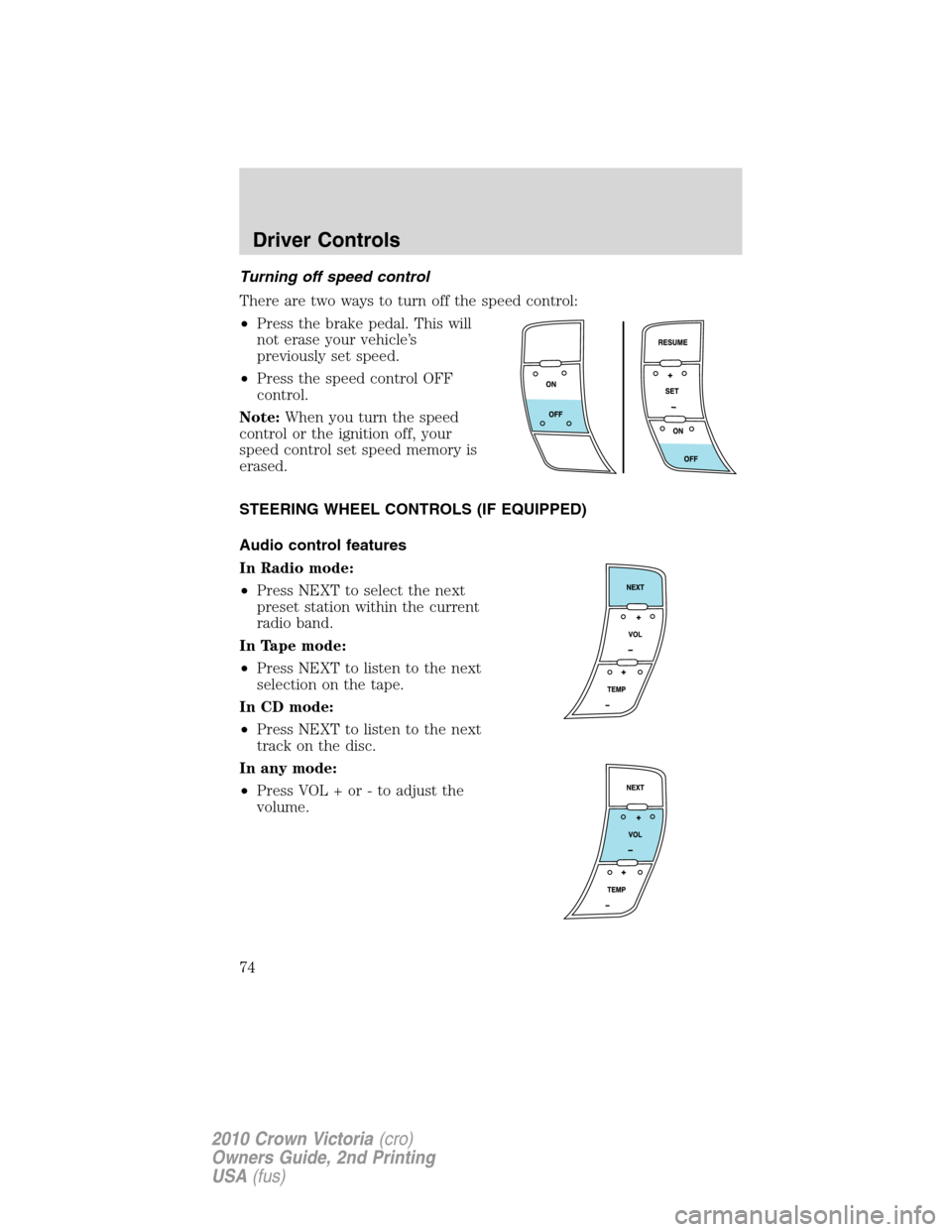
Turning off speed control
There are two ways to turn off the speed control:
•Press the brake pedal. This will
not erase your vehicle’s
previously set speed.
•Press the speed control OFF
control.
Note:When you turn the speed
control or the ignition off, your
speed control set speed memory is
erased.
STEERING WHEEL CONTROLS (IF EQUIPPED)
Audio control features
In Radio mode:
•Press NEXT to select the next
preset station within the current
radio band.
In Tape mode:
•Press NEXT to listen to the next
selection on the tape.
In CD mode:
•Press NEXT to listen to the next
track on the disc.
In any mode:
•Press VOL + or - to adjust the
volume.
Driver Controls
74
2010 Crown Victoria(cro)
Owners Guide, 2nd Printing
USA(fus)
Page 76 of 308
KEYS
The vehicle is equipped with a master key which will access the vehicle’s
doors, trunk, glove box, ignition and remote trunk release.
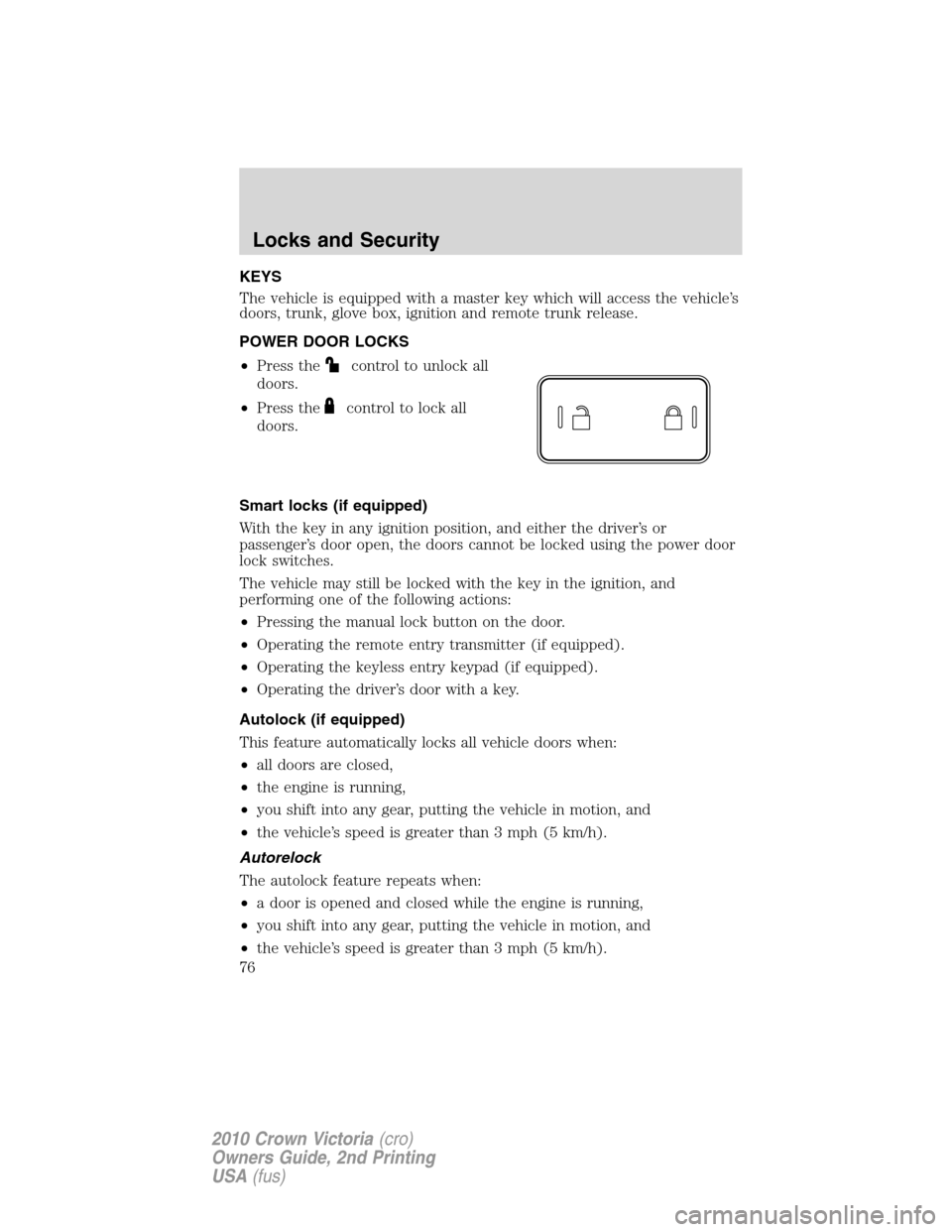
POWER DOOR LOCKS
•Press the
control to unlock all
doors.
•Press the
control to lock all
doors.
Smart locks (if equipped)
With the key in any ignition position, and either the driver’s or
passenger’s door open, the doors cannot be locked using the power door
lock switches.
The vehicle may still be locked with the key in the ignition, and
performing one of the following actions:
•Pressing the manual lock button on the door.
•Operating the remote entry transmitter (if equipped).
•Operating the keyless entry keypad (if equipped).
•Operating the driver’s door with a key.
Autolock (if equipped)
This feature automatically locks all vehicle doors when:
•all doors are closed,
•the engine is running,
•you shift into any gear, putting the vehicle in motion, and
•the vehicle’s speed is greater than 3 mph (5 km/h).
Autorelock
The autolock feature repeats when:
•a door is opened and closed while the engine is running,
•you shift into any gear, putting the vehicle in motion, and
•the vehicle’s speed is greater than 3 mph (5 km/h).
Locks and Security
76
2010 Crown Victoria(cro)
Owners Guide, 2nd Printing
USA(fus)
Page 77 of 308
Autounlock
The autounlock feature will unlock all doors when:
•the ignition has been in the on position, all doors are closed, and the
vehicle has been in motion at a speed greater than 12 mph (20 km/h),
•the vehicle has then come to a stop and the ignition is turned to the
accessory or off position, and
•the driver door is opened {within 10 minutes after the ignition was
transitioned to the accessory or off position}.
Note:The vehicle doors will not autounlock if the vehicle has been
electronically locked prior to the driver door being opened.
Deactivating/activating the autolock or autounlock feature
Automatic door locks can also be turned on/off through the following
procedure:
You must complete Steps 1-7 within 30 seconds or the procedure will
have to be repeated. If the procedure needs to be repeated, you must
wait at least 30 seconds.Note:Before following the procedure, make
sure that the ignition is in the off position and all vehicle doors, the
hood, and the decklid are closed.
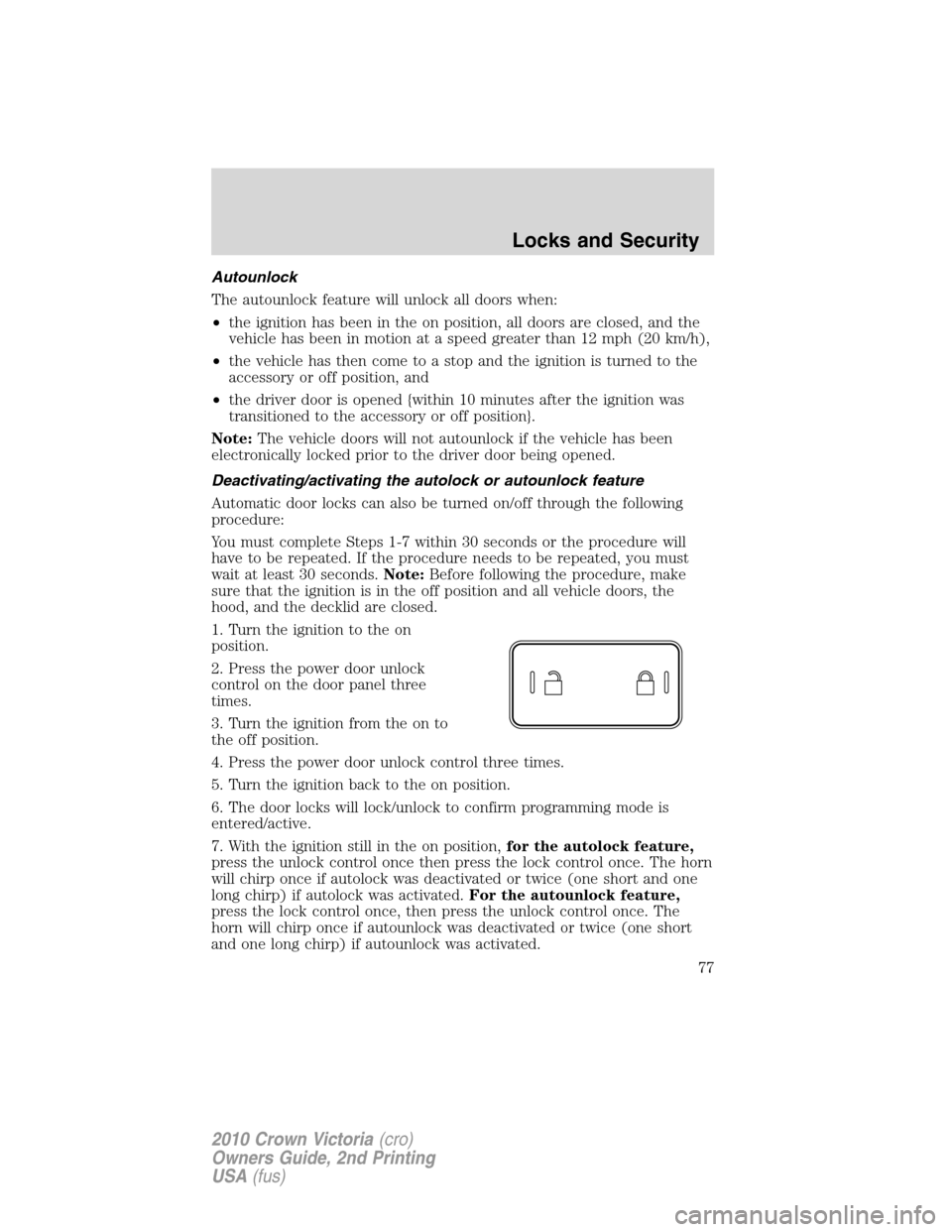
1. Turn the ignition to the on
position.
2. Press the power door unlock
control on the door panel three
times.
3. Turn the ignition from the on to
the off position.
4. Press the power door unlock control three times.
5. Turn the ignition back to the on position.
6. The door locks will lock/unlock to confirm programming mode is
entered/active.
7. With the ignition still in the on position,for the autolock feature,
press the unlock control once then press the lock control once. The horn
will chirp once if autolock was deactivated or twice (one short and one
long chirp) if autolock was activated.For the autounlock feature,
press the lock control once, then press the unlock control once. The
horn will chirp once if autounlock was deactivated or twice (one short
and one long chirp) if autounlock was activated.
Locks and Security
77
2010 Crown Victoria(cro)
Owners Guide, 2nd Printing
USA(fus)