2010 FORD CROWN VICTORIA ignition
[x] Cancel search: ignitionPage 29 of 308
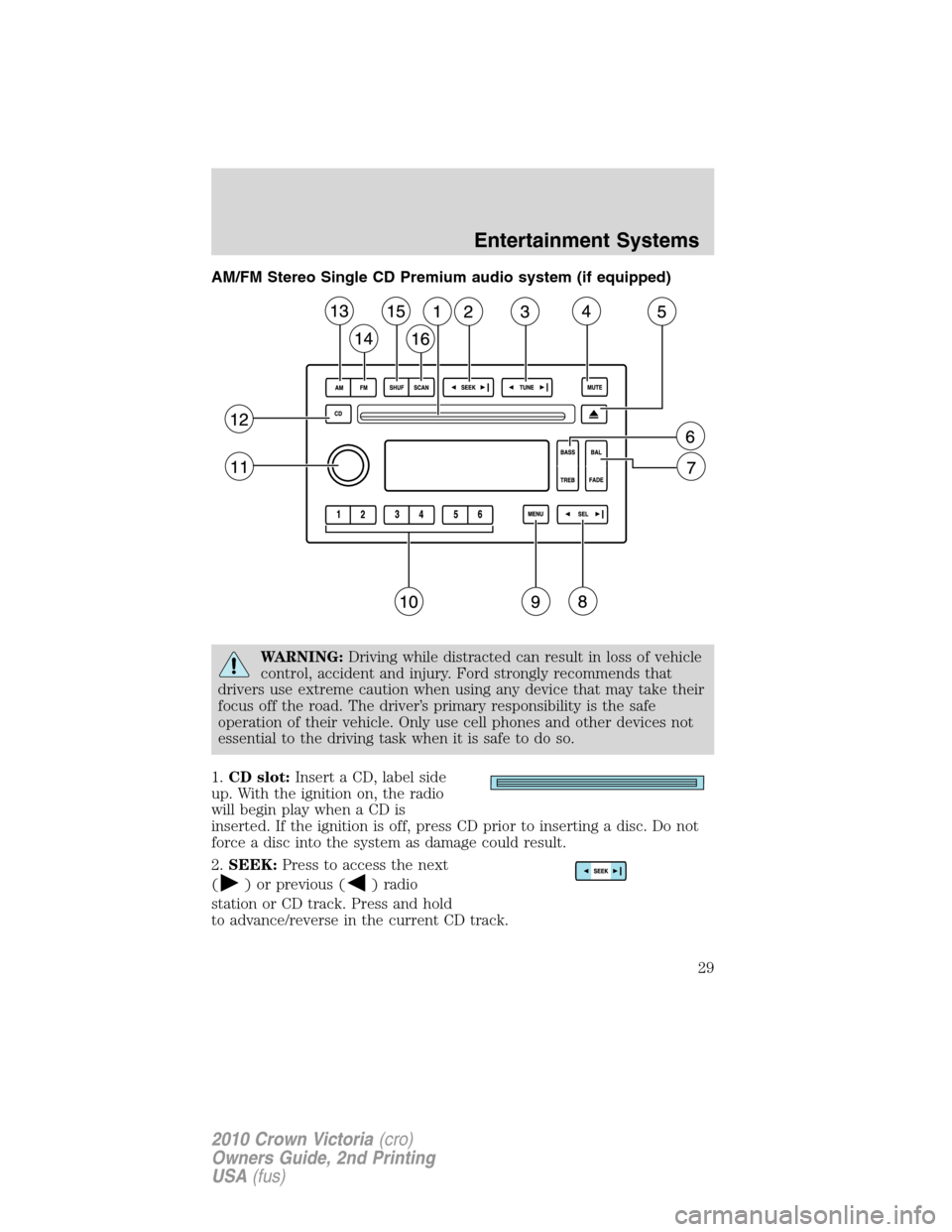
AM/FM Stereo Single CD Premium audio system (if equipped)
WARNING:Driving while distracted can result in loss of vehicle
control, accident and injury. Ford strongly recommends that
drivers use extreme caution when using any device that may take their
focus off the road. The driver’s primary responsibility is the safe
operation of their vehicle. Only use cell phones and other devices not
essential to the driving task when it is safe to do so.
1.CD slot:Insert a CD, label side
up. With the ignition on, the radio
will begin play when a CD is
inserted. If the ignition is off, press CD prior to inserting a disc. Do not
force a disc into the system as damage could result.
2.SEEK:Press to access the next
(
) or previous () radio
station or CD track. Press and hold
to advance/reverse in the current CD track.
Entertainment Systems
29
2010 Crown Victoria(cro)
Owners Guide, 2nd Printing
USA(fus)
Page 30 of 308
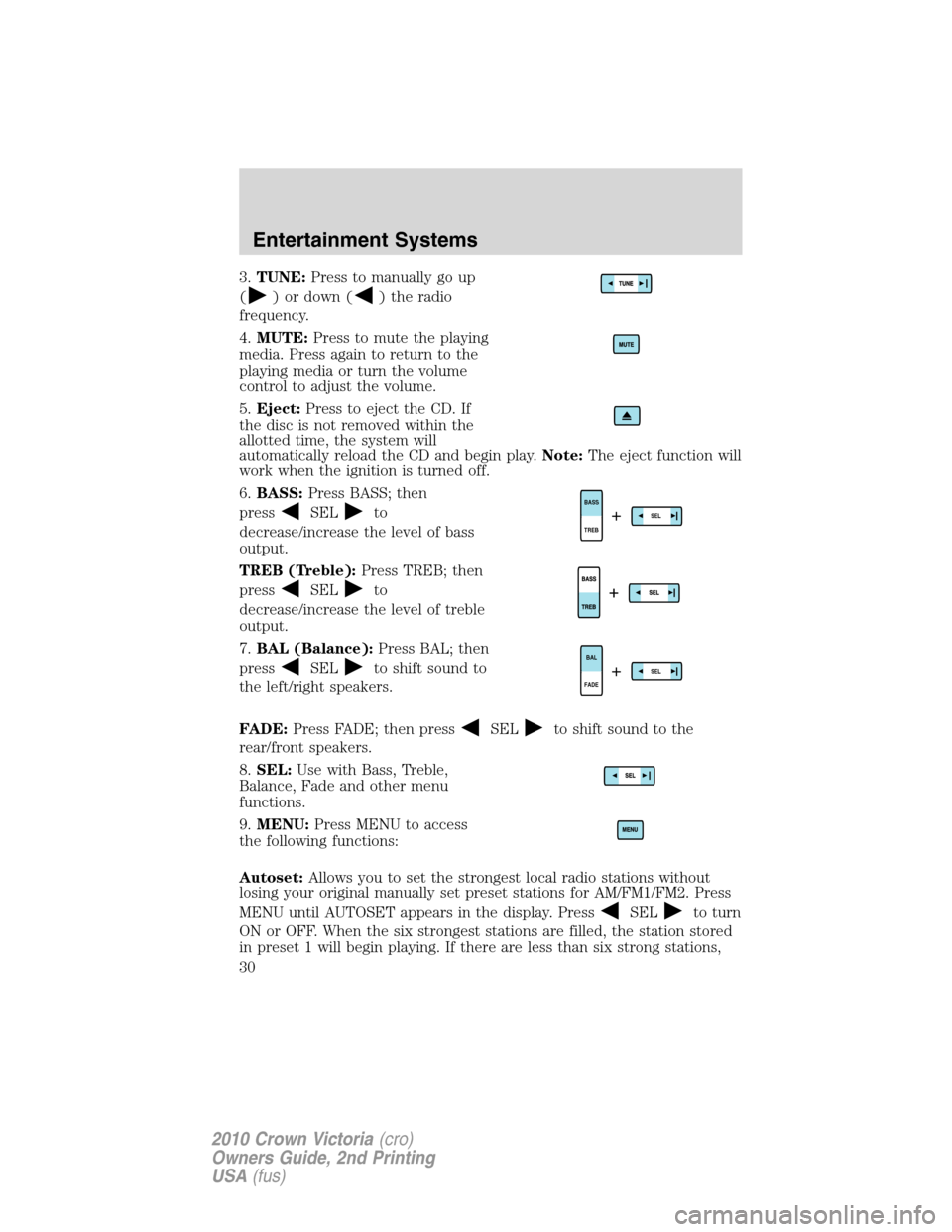
3.TUNE:Press to manually go up
(
) or down () the radio
frequency.
4.MUTE:Press to mute the playing
media. Press again to return to the
playing media or turn the volume
control to adjust the volume.
5.Eject:Press to eject the CD. If
the disc is not removed within the
allotted time, the system will
automatically reload the CD and begin play.Note:The eject function will
work when the ignition is turned off.
6.BASS:Press BASS; then
press
SELto
decrease/increase the level of bass
output.
TREB (Treble):Press TREB; then
press
SELto
decrease/increase the level of treble
output.
7.BAL (Balance):Press BAL; then
press
SELto shift sound to
the left/right speakers.
FADE:Press FADE; then press
SELto shift sound to the
rear/front speakers.
8.SEL:Use with Bass, Treble,
Balance, Fade and other menu
functions.
9.MENU:Press MENU to access
the following functions:
Autoset:Allows you to set the strongest local radio stations without
losing your original manually set preset stations for AM/FM1/FM2. Press
MENU until AUTOSET appears in the display. Press
SELto turn
ON or OFF. When the six strongest stations are filled, the station stored
in preset 1 will begin playing. If there are less than six strong stations,
TREB BASSSEL+
FADEBALSEL+
Entertainment Systems
30
2010 Crown Victoria(cro)
Owners Guide, 2nd Printing
USA(fus)
Page 31 of 308
the system will store the last one in the remaining presets. When
activated, AUTOSET will momentarily appear in the display when any of
the preset controls are pressed.
Compression:Brings soft and loud CD passages together for a more
consistent listening level when in CD mode. Press MENU until
compression status is displayed. Press
SELto enable the
compression feature when COMPRESS OFF is displayed. Press SEL
again to disable the feature when COMPRESS ON is displayed. When
activated, the compression icon will appear in the display.
Speed sensitive volume:Radio volume changes automatically and
slightly with vehicle speed to compensate for road and wind noise.
Recommended level is 1–3. Level 0 turns the feature off and level 7 is
the maximum setting.
Press MENU to access and use
SELto adjust the volume
setting. The level will appear in the display.
Setting the clock:Press MENU until SET HOURS or SET MINUTES is
displayed. Press
SELto manually decrease/increase the
hours/minutes. Press MENU again to disengage clock mode.
Note:The menu selections will remain in the display for approximately
10 seconds, at which time the display will return to the previous mode.
You may also exit the menu options by pressing any other audio control.
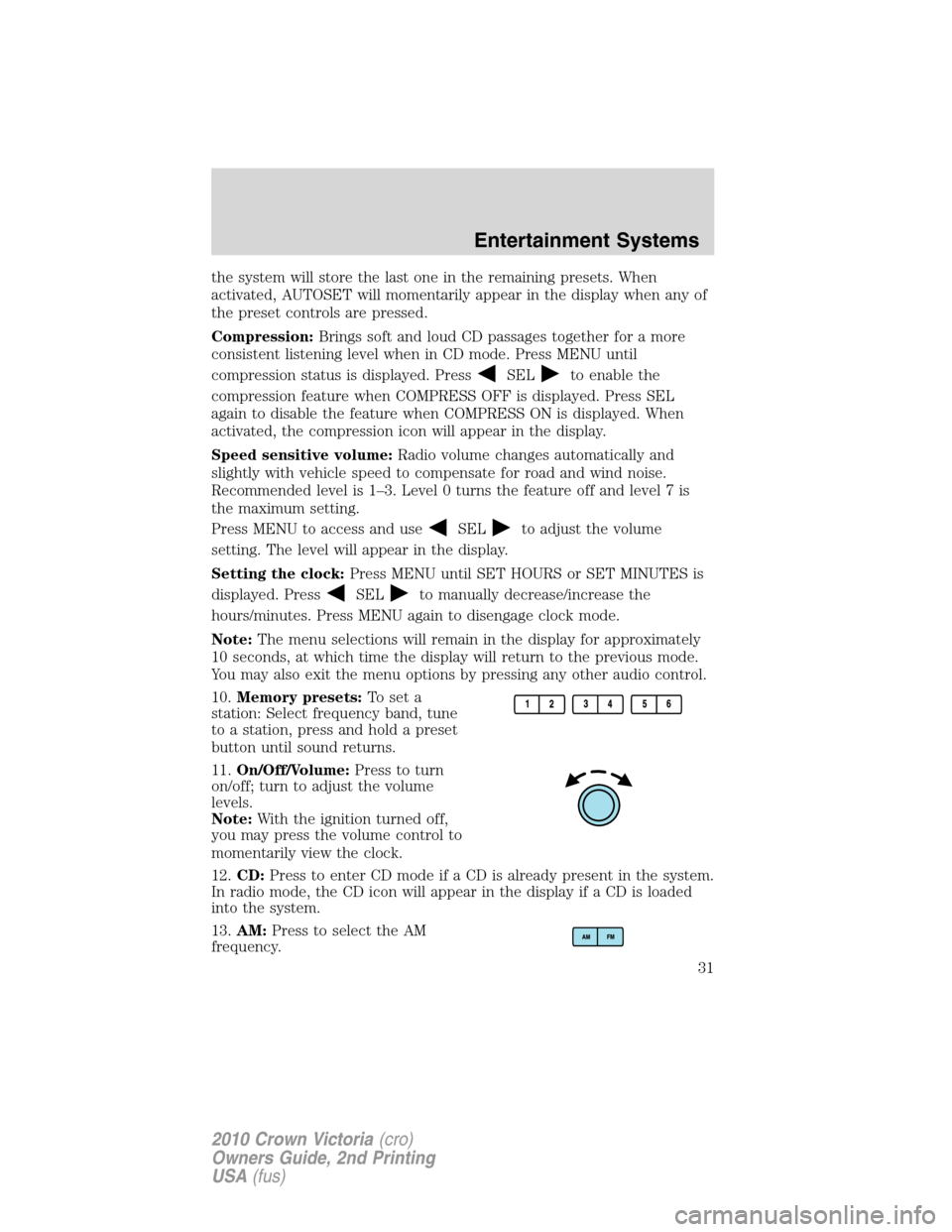
10.Memory presets:To set a
station: Select frequency band, tune
to a station, press and hold a preset
button until sound returns.
11.On/Off/Volume:Press to turn
on/off; turn to adjust the volume
levels.
Note:With the ignition turned off,
you may press the volume control to
momentarily view the clock.
12.CD:Press to enter CD mode if a CD is already present in the system.
In radio mode, the CD icon will appear in the display if a CD is loaded
into the system.
13.AM:Press to select the AM
frequency.
Entertainment Systems
31
2010 Crown Victoria(cro)
Owners Guide, 2nd Printing
USA(fus)
Page 33 of 308
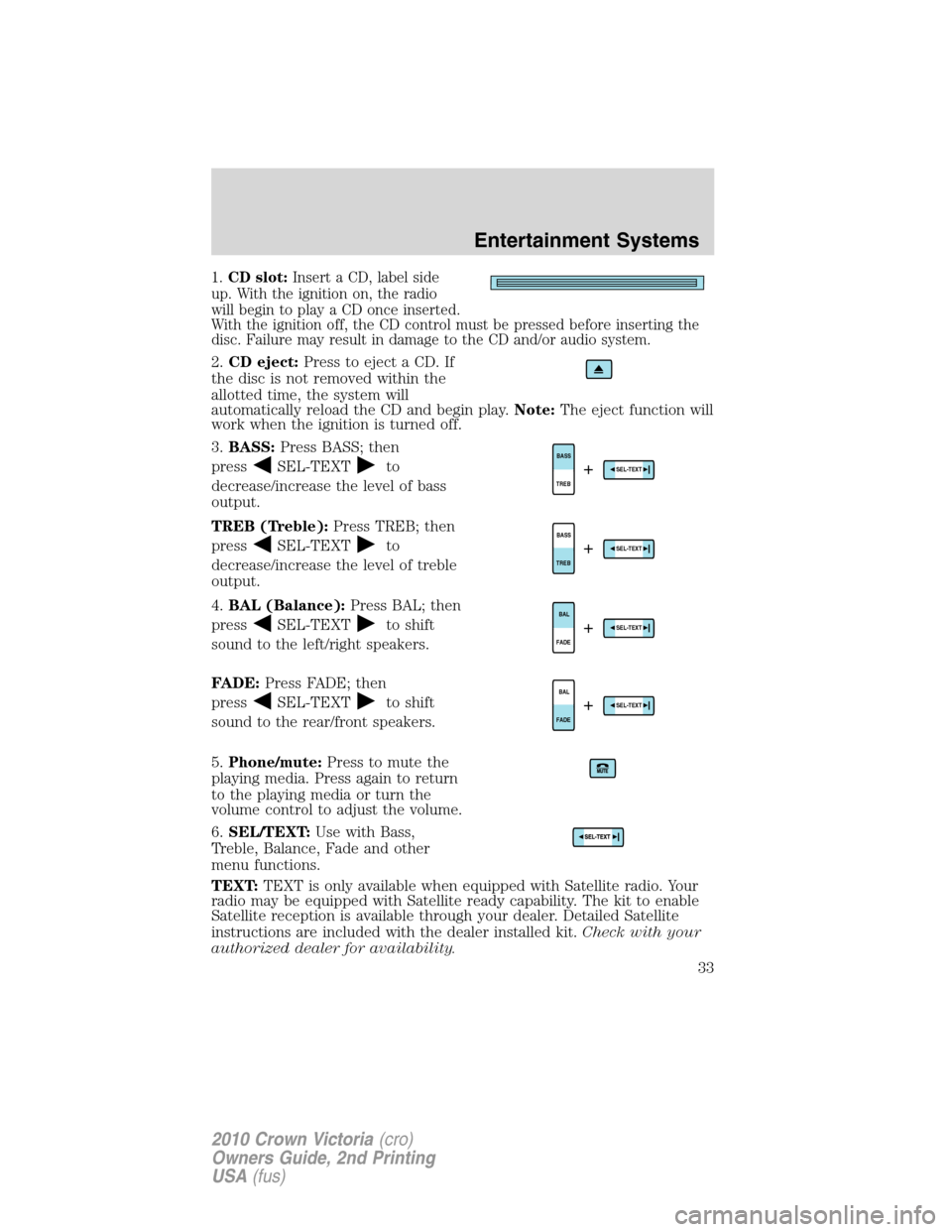
1.CD slot:Insert a CD, label side
up. With the ignition on, the radio
will begin to play a CD once inserted.
With the ignition off, the CD control must be pressed before inserting the
disc. Failure may result in damage to the CD and/or audio system.
2.CD eject:Press to eject a CD. If
the disc is not removed within the
allotted time, the system will
automatically reload the CD and begin play.Note:The eject function will
work when the ignition is turned off.
3.BASS:Press BASS; then
press
SEL-TEXTto
decrease/increase the level of bass
output.
TREB (Treble):Press TREB; then
press
SEL-TEXTto
decrease/increase the level of treble
output.
4.BAL (Balance):Press BAL; then
press
SEL-TEXTto shift
sound to the left/right speakers.
FADE:Press FADE; then
press
SEL-TEXTto shift
sound to the rear/front speakers.
5.Phone/mute:Press to mute the
playing media. Press again to return
to the playing media or turn the
volume control to adjust the volume.
6.SEL/TEXT:Use with Bass,
Treble, Balance, Fade and other
menu functions.
TEXT:TEXT is only available when equipped with Satellite radio. Your
radio may be equipped with Satellite ready capability. The kit to enable
Satellite reception is available through your dealer. Detailed Satellite
instructions are included with the dealer installed kit.Check with your
authorized dealer for availability.
TREBBASSSEL-TEXT+
TREBBASSSEL-TEXT+
FADEBALSEL-TEXT+
FADEBALSEL-TEXT+
Entertainment Systems
33
2010 Crown Victoria(cro)
Owners Guide, 2nd Printing
USA(fus)
Page 36 of 308
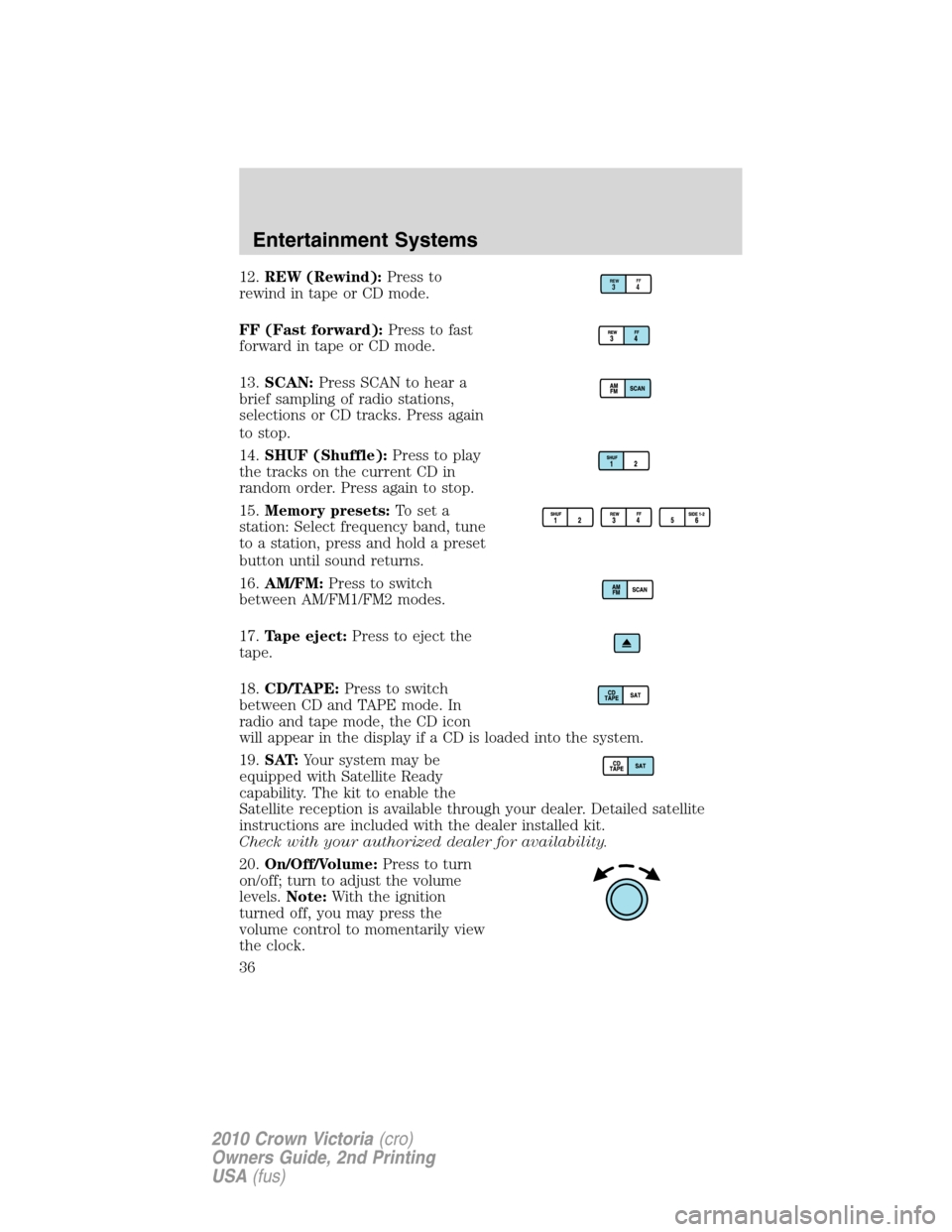
12.REW (Rewind):Press to
rewind in tape or CD mode.
FF (Fast forward):Press to fast
forward in tape or CD mode.
13.SCAN:Press SCAN to hear a
brief sampling of radio stations,
selections or CD tracks. Press again
to stop.
14.SHUF (Shuffle):Press to play
the tracks on the current CD in
random order. Press again to stop.
15.Memory presets:To set a
station: Select frequency band, tune
to a station, press and hold a preset
button until sound returns.
16.AM/FM:Press to switch
between AM/FM1/FM2 modes.
17.Tape eject:Press to eject the
tape.
18.CD/TAPE:Press to switch
between CD and TAPE mode. In
radio and tape mode, the CD icon
will appear in the display if a CD is loaded into the system.
19.SAT:Your system may be
equipped with Satellite Ready
capability. The kit to enable the
Satellite reception is available through your dealer. Detailed satellite
instructions are included with the dealer installed kit.
Check with your authorized dealer for availability.
20.On/Off/Volume:Press to turn
on/off; turn to adjust the volume
levels.Note:With the ignition
turned off, you may press the
volume control to momentarily view
the clock.REWFF34
Entertainment Systems
36
2010 Crown Victoria(cro)
Owners Guide, 2nd Printing
USA(fus)
Page 38 of 308
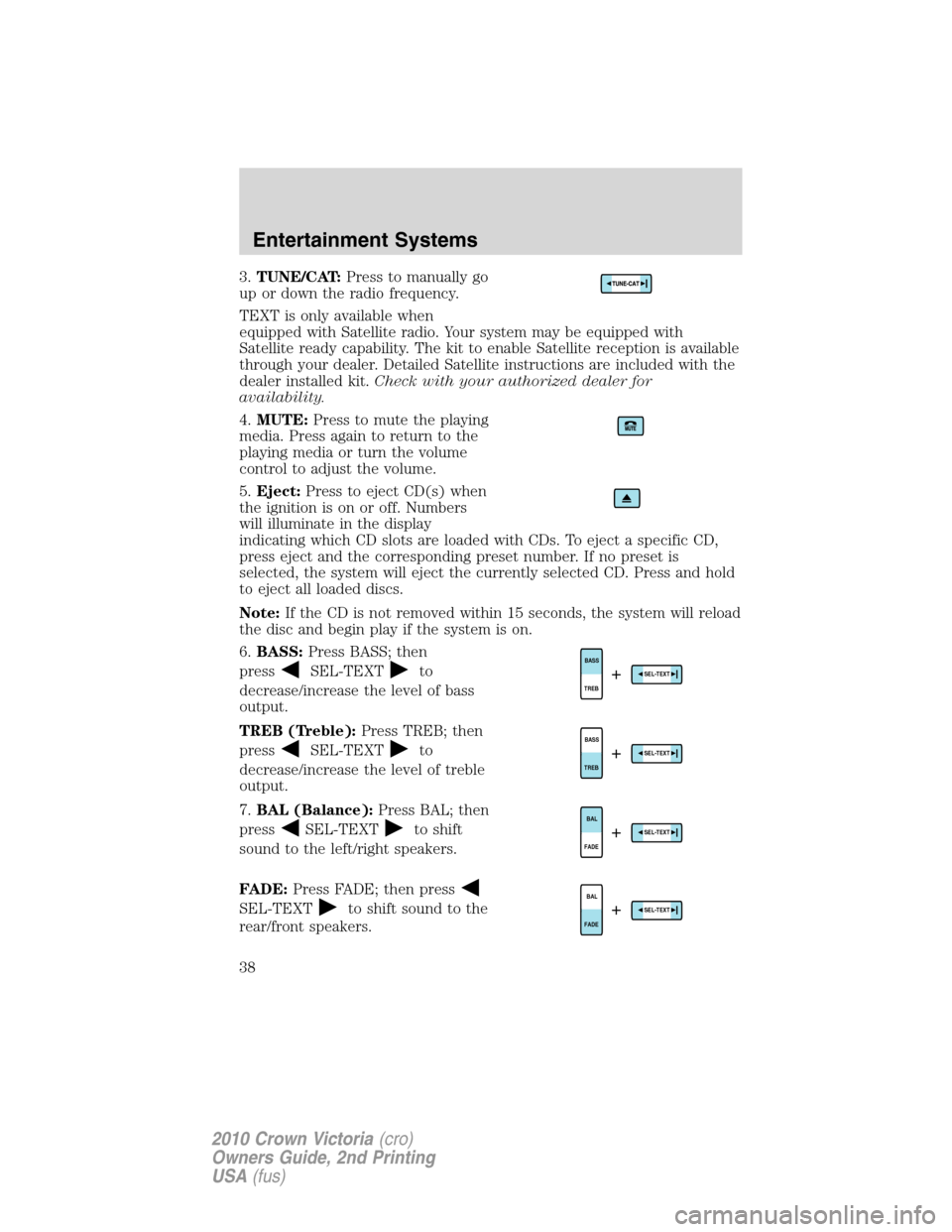
3.TUNE/CAT:Press to manually go
up or down the radio frequency.
TEXT is only available when
equipped with Satellite radio. Your system may be equipped with
Satellite ready capability. The kit to enable Satellite reception is available
through your dealer. Detailed Satellite instructions are included with the
dealer installed kit.Check with your authorized dealer for
availability.
4.MUTE:Press to mute the playing
media. Press again to return to the
playing media or turn the volume
control to adjust the volume.
5.Eject:Press to eject CD(s) when
the ignition is on or off. Numbers
will illuminate in the display
indicating which CD slots are loaded with CDs. To eject a specific CD,
press eject and the corresponding preset number. If no preset is
selected, the system will eject the currently selected CD. Press and hold
to eject all loaded discs.
Note:If the CD is not removed within 15 seconds, the system will reload
the disc and begin play if the system is on.
6.BASS:Press BASS; then
press
SEL-TEXTto
decrease/increase the level of bass
output.
TREB (Treble):Press TREB; then
press
SEL-TEXTto
decrease/increase the level of treble
output.
7.BAL (Balance):Press BAL; then
press
SEL-TEXTto shift
sound to the left/right speakers.
FADE:Press FADE; then press
SEL-TEXTto shift sound to the
rear/front speakers.
TREBBASSSEL-TEXT+
TREBBASSSEL-TEXT+
FADEBALSEL-TEXT+
FADEBALSEL-TEXT+
Entertainment Systems
38
2010 Crown Victoria(cro)
Owners Guide, 2nd Printing
USA(fus)
Page 40 of 308
Autoset:Allows you to set the strongest local radio stations without
losing your original manually set preset stations for AM/FM1/FM2. Press
MENU until AUTOSET appears in the display. Press
SEL-TEXT
to turn ON or OFF. When the six strongest stations are filled, the station
stored in preset 1 will begin playing. If there are less than six strong
stations, the system will store the last one in the remaining presets.
When activated, AUTOSET will appear in the display when any of the
preset controls are pressed.
Speed sensitive volume:Radio volume changes automatically and
slightly with vehicle speed to compensate for road and wind noise.
Recommended level is 1–3. Level 0 turns the feature off and level 7 is
the maximum setting.
Press MENU to access and use
SEL-TEXTto adjust the volume
setting. The level will appear in the display.
Setting the clock:Press MENU until SELECT HOUR or SELECT MINS
is displayed. Press
SEL-TEXTto increase/decrease the
hours/minutes. Press MENU again to disengage clock mode.
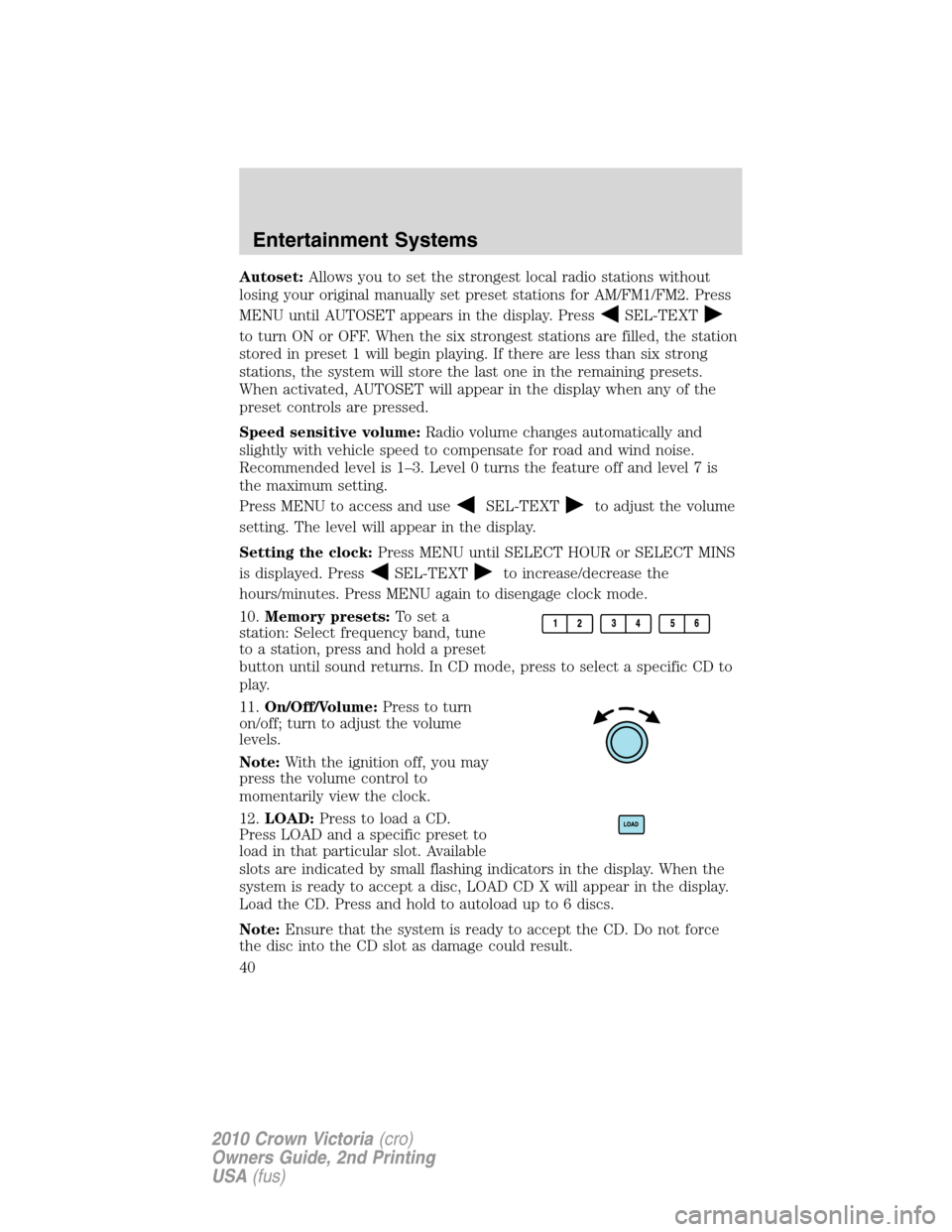
10.Memory presets:To set a
station: Select frequency band, tune
to a station, press and hold a preset
button until sound returns. In CD mode, press to select a specific CD to
play.
11.On/Off/Volume:Press to turn
on/off; turn to adjust the volume
levels.
Note:With the ignition off, you may
press the volume control to
momentarily view the clock.
12.LOAD:Press to load a CD.
Press LOAD and a specific preset to
load in that particular slot. Available
slots are indicated by small flashing indicators in the display. When the
system is ready to accept a disc, LOAD CD X will appear in the display.
Load the CD. Press and hold to autoload up to 6 discs.
Note:Ensure that the system is ready to accept the CD. Do not force
the disc into the CD slot as damage could result.
Entertainment Systems
40
2010 Crown Victoria(cro)
Owners Guide, 2nd Printing
USA(fus)
Page 46 of 308
•Remove any snow, ice or leaves from the air intake area at the base of
the windshield.
During extreme high ambient temperatures when idling stationary for
extended periods of time in gear, it is recommended to run the A/C in
the MAX A/C position reduce blower fan speed from the highest setting
and put the vehicle’s transmission into the park gear position to continue
to receive cool air from your A/C system.
To aid in side window defogging/demisting in cold weather:
1. Select NORM A/C.
2. Adjust the temperature control to maintain comfort.
3. Set the fan speed to HI.
4. Direct the outer instrument panel vents towards the side windows.
To increase airflow to the outer instrument panel vents, close the vents
located in the middle of the instrument panel.
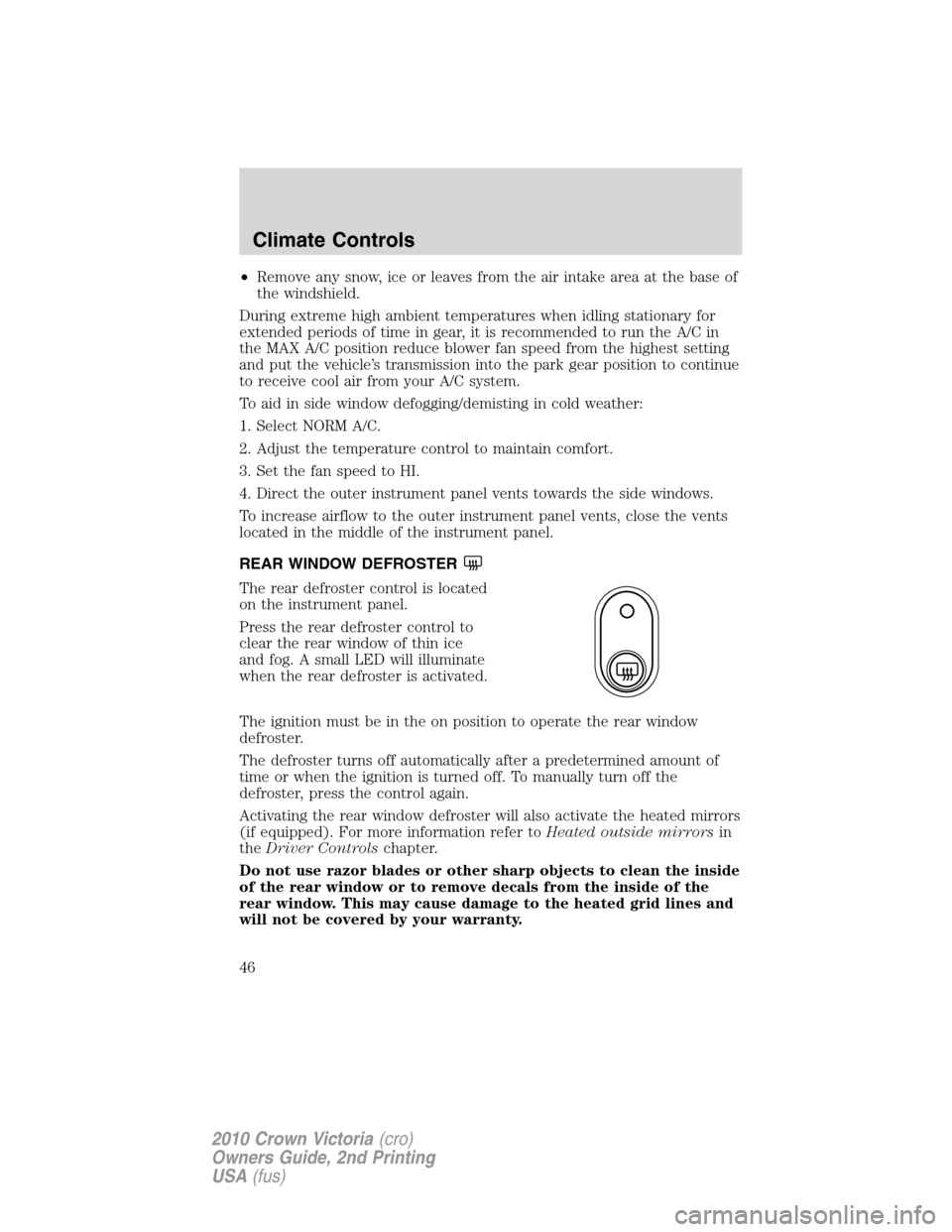
REAR WINDOW DEFROSTER
The rear defroster control is located
on the instrument panel.
Press the rear defroster control to
clear the rear window of thin ice
and fog. A small LED will illuminate
when the rear defroster is activated.
The ignition must be in the on position to operate the rear window
defroster.
The defroster turns off automatically after a predetermined amount of
time or when the ignition is turned off. To manually turn off the
defroster, press the control again.
Activating the rear window defroster will also activate the heated mirrors
(if equipped). For more information refer toHeated outside mirrorsin
theDriver Controlschapter.
Do not use razor blades or other sharp objects to clean the inside
of the rear window or to remove decals from the inside of the
rear window. This may cause damage to the heated grid lines and
will not be covered by your warranty.
Climate Controls
46
2010 Crown Victoria(cro)
Owners Guide, 2nd Printing
USA(fus)