Page 140 of 368
▫PTY Button �Scan�.................... 178
▫ PTY Button �Seek�.................... 178
▫ Satellite Antenna ..................... 178
▫ Reception Quality .................... 179
� CD/DVD Disc Maintenance .............. 179�
Radio Operation And Cellular Phones ....... 180
� Climate Controls ...................... 180
▫ Climate Control Operation .............. 180
▫ Operating Tips ...................... 185
4
UNDERSTANDING YOUR INSTRUMENT PANEL 139
Page 179 of 368

moving on to the next channel. The word�SCAN�will
appear in the display between each channel change. Press
the SCAN button a second time to stop the search.
NOTE: Channels that may contain objectionable content
can be blocked. Contact Sirius Customer Care at 888-539-
7474 to discuss options for channel blocking or unblock-
ing. Please have your ESN/SID information available.
Storing and Selecting Pre-Set Channels
In addition to the 12 AM and 12 FM pre-set stations, you
may also commit 12 satellite stations to push button
memory. These satellite channel pre-set stations will not
erase any AM or FM pre-set memory stations. Follow the
memory pre-set procedures that apply to your radio.
Using the PTY (Program Type) Button (if
equipped)
Follow the PTY button instructions that apply to your
radio.
PTY Button �SCAN�
When the desired program type is obtained, press the
�SCAN�button within five seconds. The radio will play
7 seconds of the selected channel before moving to the
next channel of the selected program type. Press the
�SCAN� button a second time to stop the search.
NOTE: Pressing the �SEEK�or�SCAN� button while
performing a music-type scan will change the channel by
one and stop the search. Pressing a pre-set memory
button during a music-type scan, will call up the memory
channel and stop the search.
PTY Button �SEEK�
When the desired program is obtained, press the �SEEK�
button within five seconds. The channel will change to
the next channel that matches the program type selected.
Satellite Antenna
To ensure optimum reception, do not place items on the
roof around the rooftop antenna location. Metal objects
178 UNDERSTANDING YOUR INSTRUMENT PANEL
Page 181 of 368
NOTE:If you experience difficulty in playing a particu-
lar disc, it may be damaged (i.e., scratched, reflective
coating removed, a hair, moisture or dew on the disc)
oversized, or have protection encoding. Try a known
good disc before considering disc player service.
RADIO OPERATION AND CELLULAR PHONES
Under certain conditions, the cellular phone being on in
your vehicle can cause erratic or noisy performance from
your radio. This condition may be lessened or eliminated
by relocating the cellular phone antenna. This condition
is not harmful to the radio. If your radio performance
does not satisfactorily “clear” by the repositioning of the
antenna, it is recommended that the radio volume be
turned down or off during cellular phone operation.
CLIMATE CONTROLS
Climate Control Operation
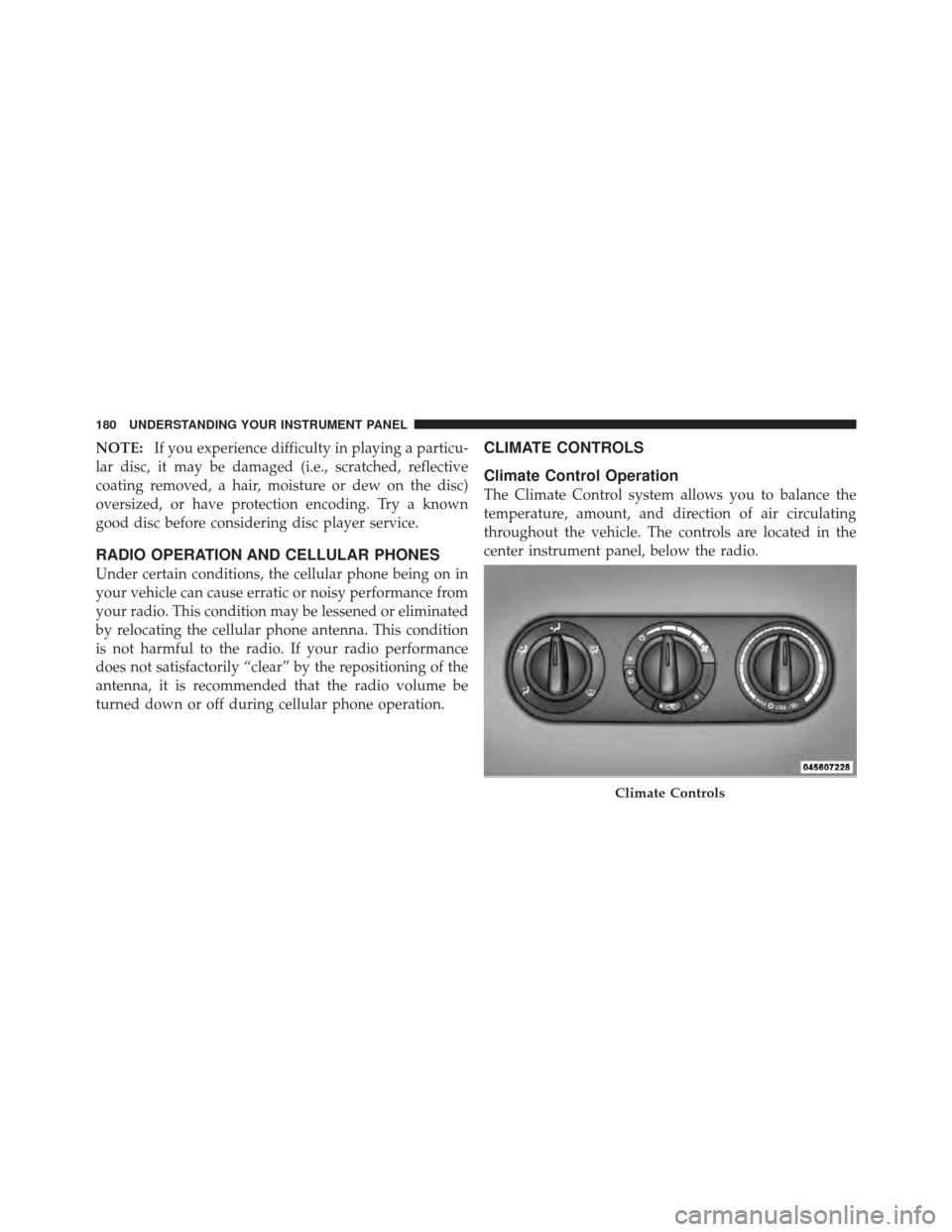
The Climate Control system allows you to balance the
temperature, amount, and direction of air circulating
throughout the vehicle. The controls are located in the
center instrument panel, below the radio.
Climate Controls
180 UNDERSTANDING YOUR INSTRUMENT PANEL
Page 307 of 368
and should be removed promptly with a damp cloth.
Stubborn soils can be removed easily with a soft cloth
and MOPAR�Total Clean or equivalent. Care should be
taken to avoid soaking your leather upholstery with any
liquid. Please do not use polishes, oils, cleaning fluids,
solvents, detergents, or ammonia-based cleaners to clean
your leather upholstery. Application of a leather condi-
tioner is not required to maintain the original condition.
WARNING!
Do not use volatile solvents for cleaning purposes.
Many are potentially flammable, and if used in
closed areas they may cause respiratory harm.
Cleaning Headlights
Your vehicle has plastic headlights that are lighter and
less susceptible to stone breakage than glass headlights. Plastic is not as scratch resistant as glass and therefore
different lens cleaning procedures must be followed.
To minimize the possibility of scratching the lenses and
reducing light output, avoid wiping with a dry cloth. To
remove road dirt, wash with a mild soap solution fol-
lowed by rinsing.
Do not use abrasive cleaning components, solvents, steel
wool or other aggressive material to clean the lenses.
Glass Surfaces
All glass surfaces should be cleaned on a regular basis
with MOPAR�
Glass Cleaner or any commercial
household-type glass cleaner. Never use an abrasive-type
cleaner. Use caution when cleaning the inside rear win-
dow equipped with electric defrosters, or the right rear
quarter window equipped with the radio antenna. Do
not use scrapers or other sharp instruments that may
306 MAINTAINING YOUR VEHICLE
Page 351 of 368

ABS (Anti-Lock Brake System).............. 210
Adding Engine Coolant (Antifreeze) .......... 294
Adding Fuel ........................... 241
Additives, Fuel ......................... 239
Air Cleaner, Engine (Engine Air Cleaner Filter) . . . 285
Air Conditioner Maintenance ............... 287
Air Conditioning Controls ................. 180
Air Conditioning, Operating Tips ............ 185
Air Conditioning Refrigerant .............287,288
Air Conditioning System ................180,287
Air Pressure, Tires ....................... 224
Airbag ................................ 46
Airbag Deployment ....................... 58
Airbag Light ....................... 61,75,153
Airbag Maintenance ....................... 60
Airbag, Side ............................ 56
Alarm Light ........................... 152
Alarm, Panic ............................ 22 Alarm System (Security Alarm)
............... 18
Alterations/Modifications, Vehicle ............. 7
Antenna, Satellite Radio ................... 178
Antifreeze (Engine Coolant) ...........293,316,317
Capacities ........................... 316
Disposal ............................ 296
Anti-Lock Brake System (ABS) .............. 210
Anti-Lock Warning Light .................. 153
Anti-Theft Security Alarm (Theft Alarm) ........ 18
Appearance Care ........................ 302
Auto Down Power Windows ................ 32
Automatic Door Locks ................... 28,29
Automatic Transaxle ..............12,192,194,299
Adding Fluid ......................... 300
Filter ............................... 301
Fluid and Filter Changes ................. 301
Fluid Level Check ..................... 300
Interlock System ..................... 15,196
Reset Mode .......................... 197
350 INDEX
Page 362 of 368

Rear Wiper/Washer...................... 134
Recreational Towing ...................... 258
Reformulated Gasoline .................... 237
Refrigerant ............................ 288
Reminder, Lights On ..................... 102
Reminder, Seat Belt ....................... 44
Remote Keyless Entry (Sedan) ............... 20
Replacement Bulbs ....................... 311
Replacement Keys ........................ 16
Replacement Parts ....................... 280
Replacement Tires ....................... 229
Reporting Safety Defects ................... 344
Restraints, Child ....................... 64,70
Restraints, Infant ......................... 64
Rotation, Tires .......................... 231
Safety Checks Inside Vehicle ................. 75
Safety Checks Outside Vehicle ............... 77
Safety Defects, Reporting .................. 344 Safety, Exhaust Gas
....................... 74
Safety Information, Tire ................... 214
Safety Tips ............................. 73
Satellite Radio Antenna ................... 178
Satellite Radio (Uconnect� studios)........... 176
Schedule, Maintenance .................... 320
Seat Belt Maintenance .................... 307
Seat Belt Reminder ....................... 44
Seat Belts .............................. 75
Adjustable Shoulder Belt .................. 43
Adjustable Upper Shoulder Anchorage ........ 43
And Pregnant Women ................... 45
Child Restraint ........................ 64
Extender ............................. 46
Front Seat ............................ 36
Inspection ............................ 75
Pretensioners .......................... 44
Rear Seat ............................. 36
Untwisting Procedure .................... 42
10
INDEX 361