2010 CHEVROLET CORVETTE change time
[x] Cancel search: change timePage 230 of 472
PERF TRAC 5–RACE ACTIVE
HANDLING OFF
This message displays and a sound will be heard
when this Performance Traction Management mode
is selected. The instrument panel cluster light will also
be on when this mode is selected. Launch Control is
available when this mode selected. In this mode the
Traction Control is available but intended for use on dry
race track conditions. The Active Handling System is
disabled when this mode is selected. This mode will
require more driver skill than modes 1-4. Adjust your
driving accordingly. This system is available only on
ZR1 models. See “Performance Traction Management”
and “Launch Control” underCompetitive Driving Mode
on page 5‑9andRacing or Other Competitive Drivingon page 5‑19for more information about the use of
this mode.
PRESS BRAKE TO START ENGINE
(Automatic Transmission Only)
This message displays if you try to start the engine by
pressing the keyless ignition start button without having
the brake pressed. The brake needs to be pressed
when starting the engine. See Ignition Positions
on
page 3‑23for more information.
REDUCED ENGINE POWER
If this message displays and the check engine light
comes on, a noticeable reduction in the vehicle's
performance may occur. If the REDUCED ENGINE
POWER message is displayed, but there is no
reduction in performance, proceed to your destination.
The performance may be reduced the next time the
vehicle is driven.
The vehicle may be driven at a reduced speed while the
REDUCED ENGINE POWER message is displayed, but
acceleration and speed may be reduced. Anytime the
check engine light stays on, the vehicle should be taken
to your dealer/retailer as soon as possible for diagnosis
and repair. See Malfunction Indicator Lamp
on
page 4‑41for more information.
Multiple chimes sound when this message is displayed.
To acknowledge the message, press the RESET button.
The message reappears every five minutes until this
condition changes.
If the REDUCED ENGINE POWER message is
displayed in combination with the COOLANT OVER
TEMPERATURE message, see Engine Overheating
on
page 6‑38.
4-62
Page 234 of 472
The vehicle will remain in ACCESSORY, without the
20 minute time-out period, until the shift lever is moved
to P (Park) or until the driver presses the pushbutton to
restart the vehicle. See Ignition Positions
on page 3‑23for more information.
SHIFT TO PARK OR SET PARK BRAKE
FOR TOP
If the vehicle has an automatic transmission, this
message displays and a sound will be heard if you
try to operate the power convertible top without first
shifting into P (Park) or setting the parking brake.
Either shift the vehicle into P (Park) or set the parking
brake before trying to operate the power convertible
top. See Convertible Top (Manual)
on page 3‑59or
Convertible Top (Power)on page 3‑66for more
information.
SHOCKS INOPERATIVE
This message displays when a malfunction is present in
the Selective Ride Control system which is causing the
shocks to be in their full soft mode. This is a warning to
the driver that the vehicle handling may be affected.
Have the vehicle serviced by your dealer/retailer as
soon as possible.
To acknowledge the message, press the RESET button.
The message reappears every 10 minutes until this
condition changes.
TIRE FLAT
{WARNING:
When the LOW TIRE PRESSURE or TIRE FLAT
message is displayed on the Driver Information
Center, your vehicle's handling capabilities will
be reduced during severe maneuvers. If you drive
too fast, you could lose control of your vehicle.
You or others could be injured. Do not drive
over 55 mph (90 km/h) when the LOW TIRE
PRESSURE or TIRE FLAT message is displayed.
Drive cautiously and check your tire pressures as
soon as you can.
This message displays when one or more of the tires is
flat. This message also displays LEFT FRONT, RIGHT
FRONT, LEFT REAR, or RIGHT REAR to indicate
which tire is affected. Multiple chimes sound and the tire
pressure light on the instrument panel cluster comes on
when this message is displayed. See Tire Pressure
Light
on page 4‑40.
4-66
Page 248 of 472

Audio System(s)
Determine which radio the vehicle has and read the
following pages to become familiar with its features.
{WARNING:
Taking your eyes off the road for extended periods
could cause a crash resulting in injury or death to
you or others. Do not give extended attention to
entertainment tasks while driving.
This system provides access to many audio and non
audio listings.
To minimize taking your eyes off the road while driving,
do the following while the vehicle is parked:
.Become familiar with the operation and controls of
the audio system.
.Set up the tone, speaker adjustments, and preset
radio stations.
For more information, see Defensive Driving
on
page 5‑2. Notice:
Contact your dealer/retailer before adding
any equipment.
Adding audio or communication equipment could
interfere with the operation of the vehicle's engine,
radio, or other systems, and could damage them.
Follow federal rules covering mobile radio and
telephone equipment.
The vehicle has Retained Accessory Power (RAP). With
RAP, the audio system can be played even after the
ignition is turned off. See Retained Accessory Power
(RAP)
on page 3‑24for more information.
Setting the Clock
To set the clock:
1. Press and hold H until the correct hour displays.
2. Press and hold M until the correct minute displays.
The clock mode automatically times out with the
changed display format set as the current default
setting.
4-80
Page 265 of 472
Pairing
A Bluetooth enabled cell phone must be paired to the
in‐vehicle Bluetooth system first and then connected to
the vehicle before it can be used. See the cell phone
manufacturers user guide for Bluetooth functions before
pairing the cell phone. If a Bluetooth phone is not
connected, calls will be made using OnStar
®Hands‐
Free Calling, if available. Refer to the OnStar owner's
guide for more information.
Pairing Information:
.Up to five cell phones can be paired to the
in‐vehicle Bluetooth system.
.The pairing process is disabled when the vehicle is
moving.
.The in‐vehicle Bluetooth system automatically links
with the first available paired cell phone in the
order the phone was paired.
.Only one paired cell phone can be connected to
the in‐vehicle Bluetooth system at a time.
.Pairing should only need to be completed once,
unless changes to the pairing information have
been made or the phone is deleted.
To link to a different paired phone, see Linking to a
Different Phone later in this section.
Pairing a Phone
1. Press and holdb gfor two seconds. The system
responds with “Ready”followed by a tone.
2. Say “Bluetooth”. The system responds with
“Bluetooth ready” followed by a tone.
3. Say “Pair”. The system responds with instructions
and a four digit PIN number. The PIN number will
be used in Step 4.
4. Start the Pairing process on the cell phone that will be paired to the vehicle. Reference the cell phone
manufacturers user guide for information on this
process.
Locate the device named “General Motors”in the
list on the cellular phone and follow the instructions
on the cell phone to enter the four digit PIN
number that was provided in Step 3.
5. The system prompts for a name for the phone. Use a name that best describes the phone. This name
will be used to indicate which phone is connected.
The system then confirms the name provided.
6. The system responds with “
been successfully paired” after the pairing process
is complete.
7. Repeat Steps 1 through 7 for additional phones to be paired.
4-97
Page 283 of 472
Antilock Brake System (ABS)
This vehicle has the Antilock Brake System (ABS), an
advanced electronic braking system that helps prevent
a braking skid.
When the engine is started and the vehicle begins to
drive away, ABS checks itself. A momentary motor or
clicking noise might be heard while this test is going on,
and it might even be noticed that the brake pedal
moves a little. This is normal.
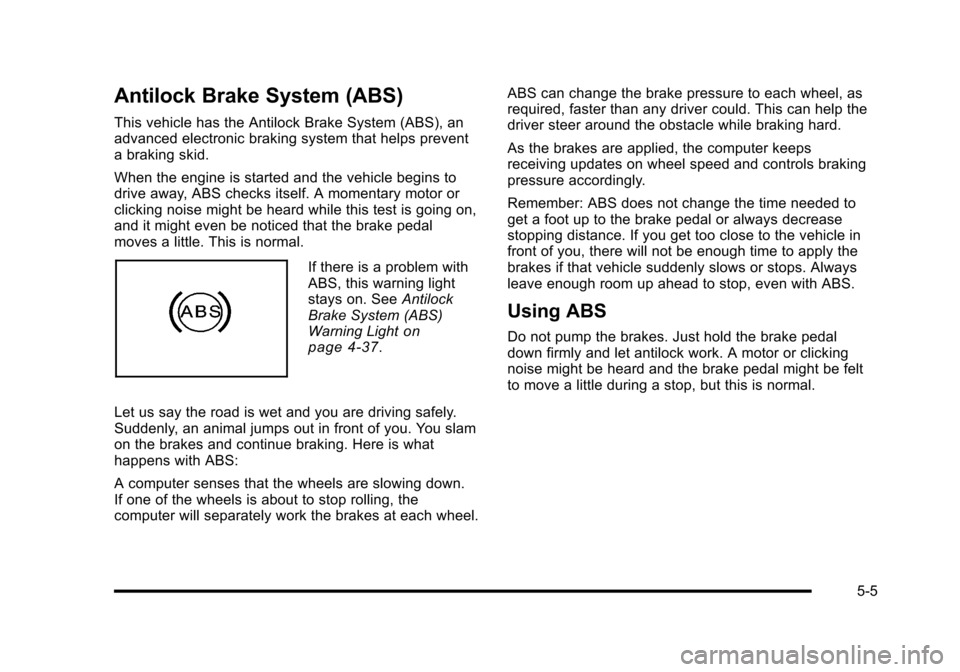
If there is a problem with
ABS, this warning light
stays on. See Antilock
Brake System (ABS)
Warning Light
on
page 4‑37.
Let us say the road is wet and you are driving safely.
Suddenly, an animal jumps out in front of you. You slam
on the brakes and continue braking. Here is what
happens with ABS:
A computer senses that the wheels are slowing down.
If one of the wheels is about to stop rolling, the
computer will separately work the brakes at each wheel. ABS can change the brake pressure to each wheel, as
required, faster than any driver could. This can help the
driver steer around the obstacle while braking hard.
As the brakes are applied, the computer keeps
receiving updates on wheel speed and controls braking
pressure accordingly.
Remember: ABS does not change the time needed to
get a foot up to the brake pedal or always decrease
stopping distance. If you get too close to the vehicle in
front of you, there will not be enough time to apply the
brakes if that vehicle suddenly slows or stops. Always
leave enough room up ahead to stop, even with ABS.
Using ABS
Do not pump the brakes. Just hold the brake pedal
down firmly and let antilock work. A motor or clicking
noise might be heard and the brake pedal might be felt
to move a little during a stop, but this is normal.
5-5
Page 292 of 472
Limited-Slip Rear Axle
Vehicles with a limited-slip rear axle can give more
traction on snow, mud, ice, sand or gravel. It works like
a standard axle most of the time, but when traction is
low, this feature allows the drive wheel with the most
traction to move the vehicle.
Selective Ride Control
The vehicle may have a ride control system called
Magnetic Selective Ride Control. The system provides
the following performance benefits:
.Reduced Impact Harshness
.Improved Road Isolation
.Improved High-Speed Stability
.Improved Handling Response
.Better Control of Body Ride Motions
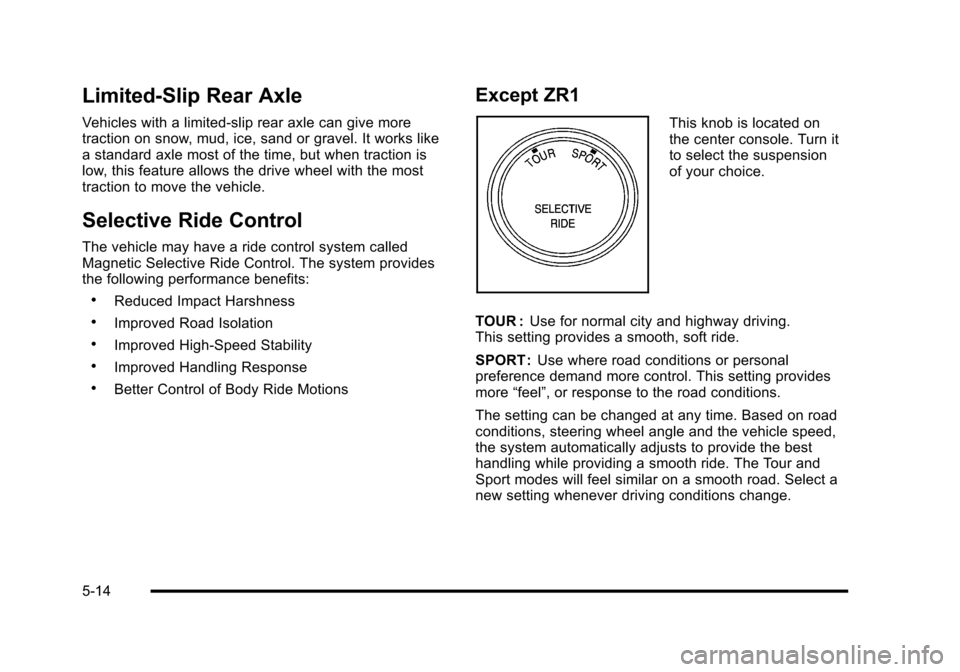
Except ZR1
This knob is located on
the center console. Turn it
to select the suspension
of your choice.
TOUR : Use for normal city and highway driving.
This setting provides a smooth, soft ride.
SPORT : Use where road conditions or personal
preference demand more control. This setting provides
more “feel”, or response to the road conditions.
The setting can be changed at any time. Based on road
conditions, steering wheel angle and the vehicle speed,
the system automatically adjusts to provide the best
handling while providing a smooth ride. The Tour and
Sport modes will feel similar on a smooth road. Select a
new setting whenever driving conditions change.
5-14
Page 293 of 472
Three Driver Information Center (DIC) messages
(SERVICE RIDE CONTROL, SHOCKS INOPERATIVE
and MAXIMUM SPEED 80 MPH (129 KM/H) display
when a malfunction occurs with the Selective Ride
Control system . Refer to DIC Warnings and Messages
on page 4‑52for more information.
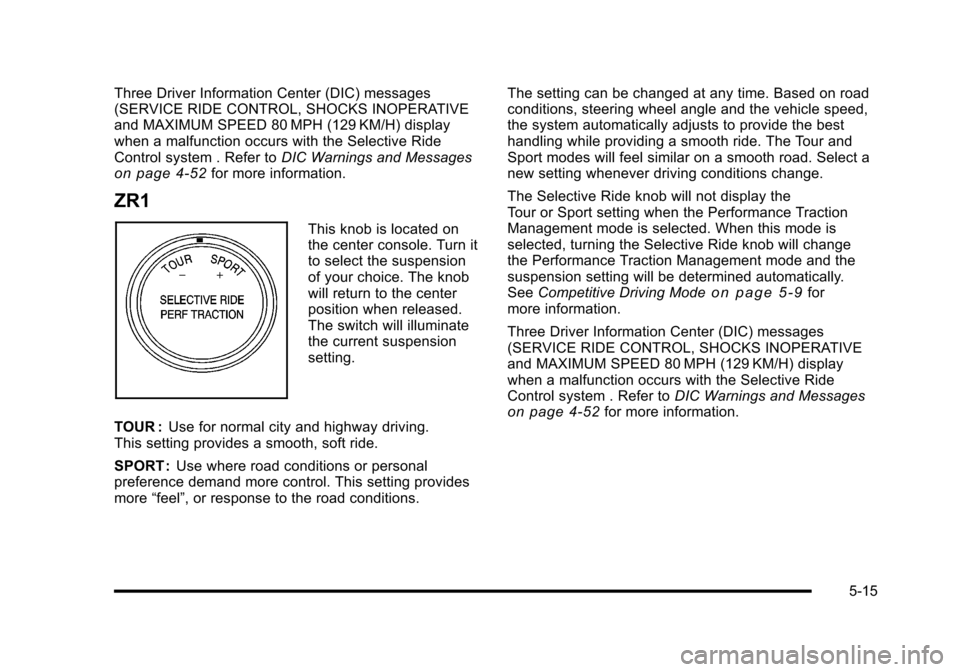
ZR1
This knob is located on
the center console. Turn it
to select the suspension
of your choice. The knob
will return to the center
position when released.
The switch will illuminate
the current suspension
setting.
TOUR : Use for normal city and highway driving.
This setting provides a smooth, soft ride.
SPORT : Use where road conditions or personal
preference demand more control. This setting provides
more “feel”, or response to the road conditions. The setting can be changed at any time. Based on road
conditions, steering wheel angle and the vehicle speed,
the system automatically adjusts to provide the best
handling while providing a smooth ride. The Tour and
Sport modes will feel similar on a smooth road. Select a
new setting whenever driving conditions change.
The Selective Ride knob will not display the
Tour or Sport setting when the Performance Traction
Management mode is selected. When this mode is
selected, turning the Selective Ride knob will change
the Performance Traction Management mode and the
suspension setting will be determined automatically.
See
Competitive Driving Mode
on page 5‑9for
more information.
Three Driver Information Center (DIC) messages
(SERVICE RIDE CONTROL, SHOCKS INOPERATIVE
and MAXIMUM SPEED 80 MPH (129 KM/H) display
when a malfunction occurs with the Selective Ride
Control system . Refer to DIC Warnings and Messages
on page 4‑52for more information.
5-15
Page 337 of 472
Oils meeting these
requirements should have
the starburst symbol on
the container. This symbol
indicates that the oil has
been certified by the
American Petroleum
Institute (API).
This vehicle's engine was filled at the factory with a
Mobil 1
®synthetic oil meeting all requirements for this
vehicle.
Substitute Engine Oil: When adding oil to maintain
engine oil level, oil meeting GM Standard GM4718M
might not be available. You can add substitute oil
designated SAE 5W-30 with the starburst symbol at all
temperatures. Substitute oil not meeting GM Standard
GM4718M should not be used for an oil change.
Engine Oil Additives / Engine Oil
Flushes
Do not add anything to the oil. The recommended
oils with the starburst symbol that meet GM Standard
GM4718M are all that is needed for good performance
and engine protection.
Engine oil system flushes are not recommended and
could cause engine damage not covered by the vehicle
warranty.
Engine Oil Life System
When to Change Engine Oil
This vehicle has a computer that indicates when to
change the engine oil and filter. This is based on
engine revolutions and engine temperature, and not
on mileage. Based on driving conditions, the mileage at
which an oil change is indicated can vary considerably.
For the oil life system to work properly, the system must
be reset every time the oil is changed.
6-25