Page 133 of 520
133
2-1. Driving procedures
2
When driving
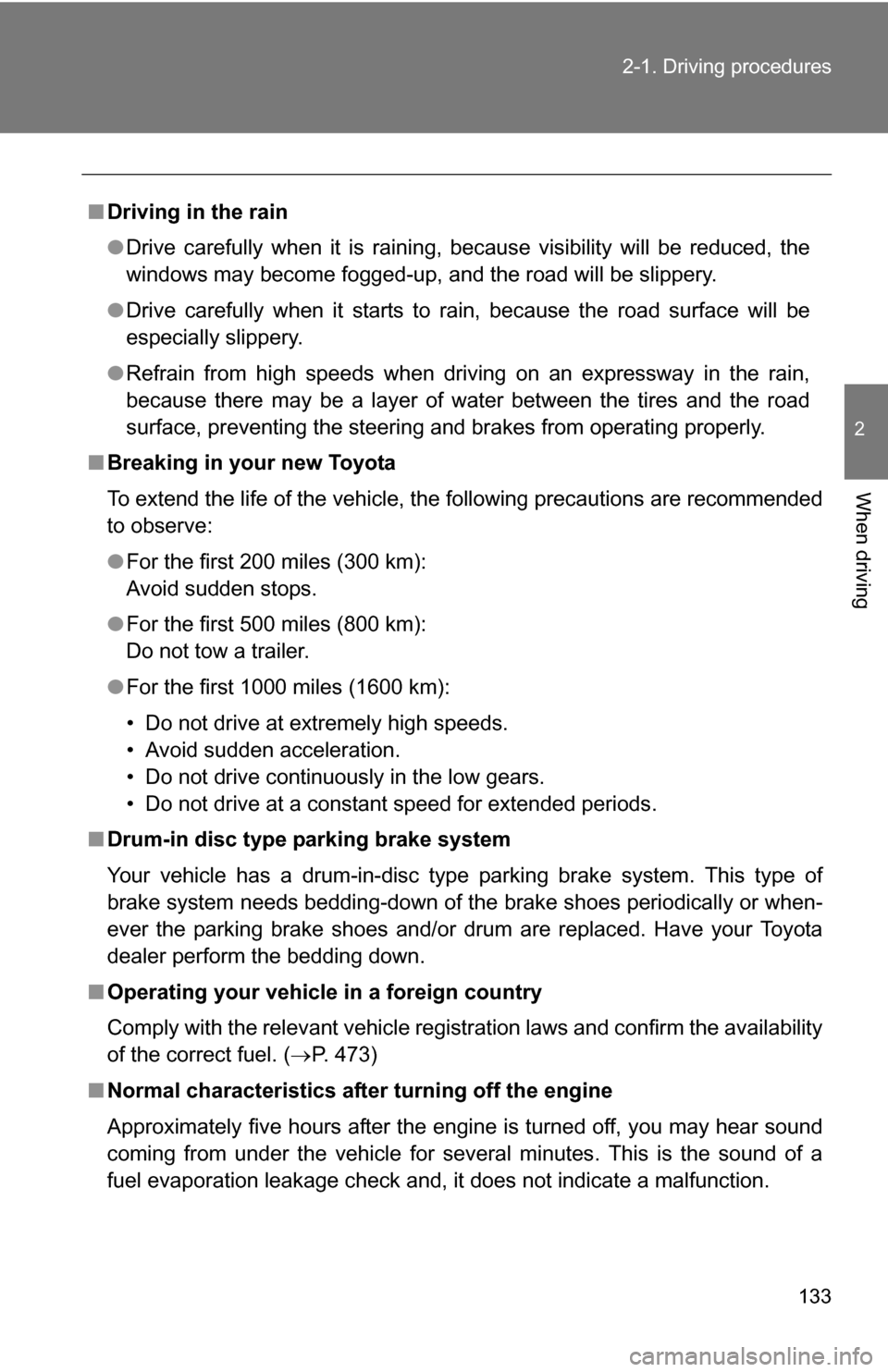
■
Driving in the rain
●Drive carefully when it is raining, because visibility will be reduced, the
windows may become fogged-up, and the road will be slippery.
● Drive carefully when it starts to rain, because the road surface will be
especially slippery.
● Refrain from high speeds when driving on an expressway in the rain,
because there may be a layer of water between the tires and the road
surface, preventing the steering and brakes from operating properly.
■ Breaking in your new Toyota
To extend the life of the vehicle, the following precautions are recommended
to observe:
●For the first 200 miles (300 km):
Avoid sudden stops.
● For the first 500 miles (800 km):
Do not tow a trailer.
● For the first 1000 miles (1600 km):
• Do not drive at extremely high speeds.
• Avoid sudden acceleration.
• Do not drive continuously in the low gears.
• Do not drive at a constant speed for extended periods.
■ Drum-in disc type parking brake system
Your vehicle has a drum-in-disc type parking brake system. This type of
brake system needs bedding-down of the brake shoes periodically or when-
ever the parking brake shoes and/or drum are replaced. Have your Toyota
dealer perform the bedding down.
■ Operating your vehicle in a foreign country
Comply with the relevant vehicle registration laws and confirm the availability
of the correct fuel. ( P. 473)
■ Normal characteristics afte r turning off the engine
Approximately five hours after the engine is turned off, you may hear sound
coming from under the vehicle for several minutes. This is the sound of a
fuel evaporation leakage check and, it does not indicate a malfunction.
Page 134 of 520

134 2-1. Driving procedures
CAUTION
■When starting the vehicle
Always keep your foot on the brake pedal while stopped with the engine run-
ning. This prevents the vehicle from creeping.
■ When driving the vehicle
●Do not drive if you are unfamiliar with the location of the brake and accel-
erator pedals to avoid depressing the wrong pedal.
• Accidentally depressing the accelerator pedal instead of the brake
pedal will result in sudden acceleration that may lead to an accident
that could result in death or serious injury.
• When backing up, you may twist your body around, leading to a diffi- culty in operating the pedals. Make sure to operate the pedals properly.
• Make sure to keep a correct driving posture even when moving the vehicle only slightly, allowing you to depress the brake and accelerator
pedals properly.
• Depress the brake pedal using your right foot. Depressing the brake pedal using your left foot may delay response in an emergency, result-
ing in an accident.
● Do not drive the vehicle over or st op the vehicle near flammable materials.
The exhaust system and exhaust gases can be extremely hot. This may
cause a fire if there is any flammable material nearby.
● Do not let the vehicle roll backwards while the shift lever is in a driving
position, or roll forward while the shift lever is in R.
Doing so may cause the engine to stall or lead to poor brake and steering
performance, resulting in an accident or damage to the vehicle.
● If the smell of exhaust is noticed inside the vehicle, open the windows and
check that the back door and back window are closed. Large amounts of
exhaust in the vehicle can cause driver drowsiness and an accident,
resulting in death or a serious health hazard. Have the vehicle inspected
by your Toyota dealer immediately.
● Do not under any circumstances shift the shift lever to P, R or N while the
vehicle is moving.
Doing so can cause significant damage to the transmission system and
may result in a loss of vehicle control.
Page 200 of 520
200 2-5. Driving information
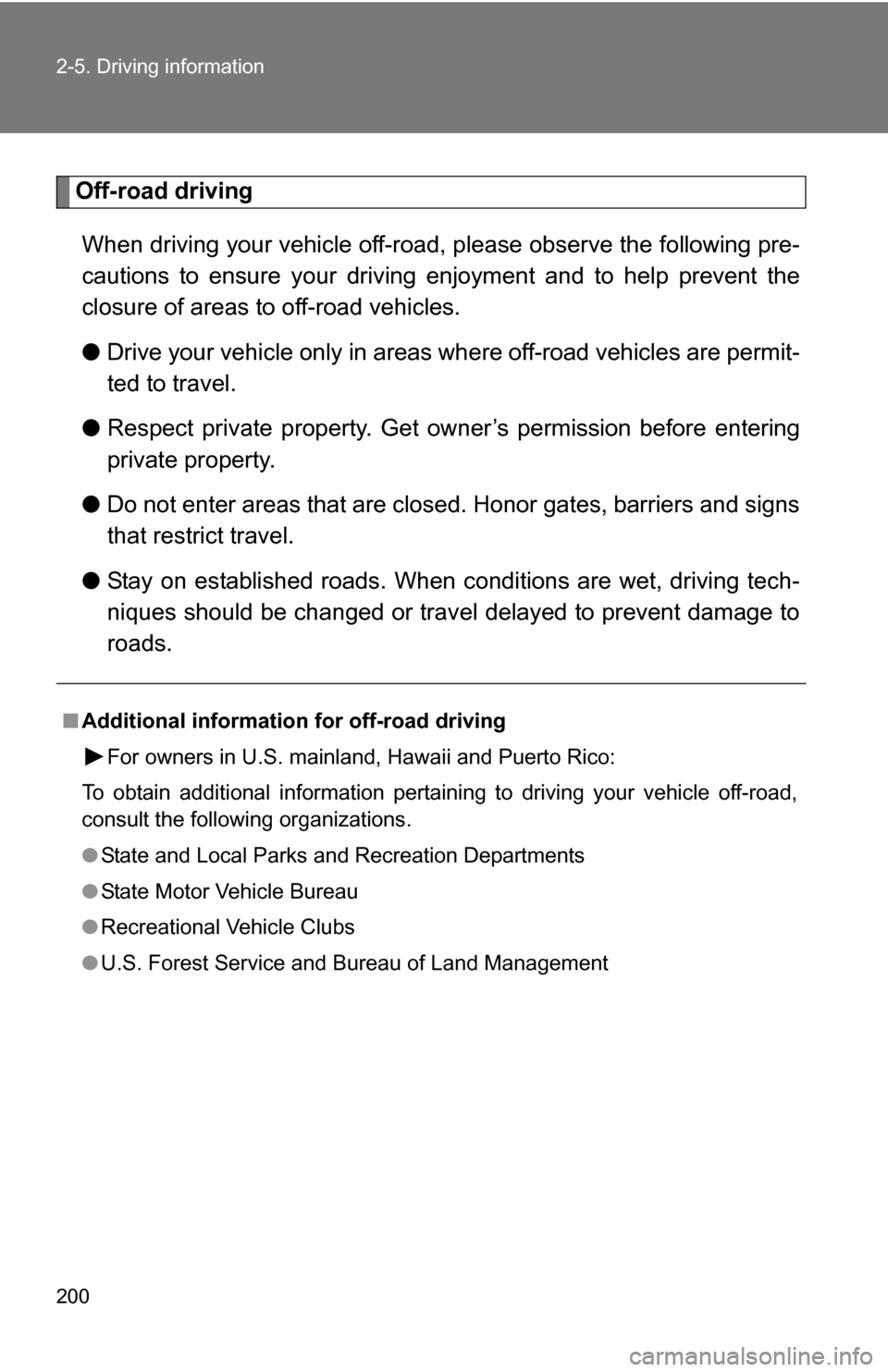
Off-road drivingWhen driving your vehicle off-road, please observe the following pre-
cautions to ensure your driving enjoyment and to help prevent the
closure of areas to off-road vehicles.
● Drive your vehicle only in areas wh ere off-road vehicles are permit-
ted to travel.
● Respect private property. Get owner’s permission before entering
private property.
● Do not enter areas that are closed. Honor gates, barriers and signs
that restrict travel.
● Stay on established roads. When conditions are wet, driving tech-
niques should be changed or trav el delayed to prevent damage to
roads.
■ Additional information for off-road driving
For owners in U.S. mainland, Hawaii and Puerto Rico:
To obtain additional information pertaining to driving your vehicle off-road,
consult the following organizations.
● State and Local Parks and Recreation Departments
● State Motor Vehicle Bureau
● Recreational Vehicle Clubs
● U.S. Forest Service and Bureau of Land Management
Page 201 of 520
201
2-5. Driving information
2
When driving
CAUTION
■
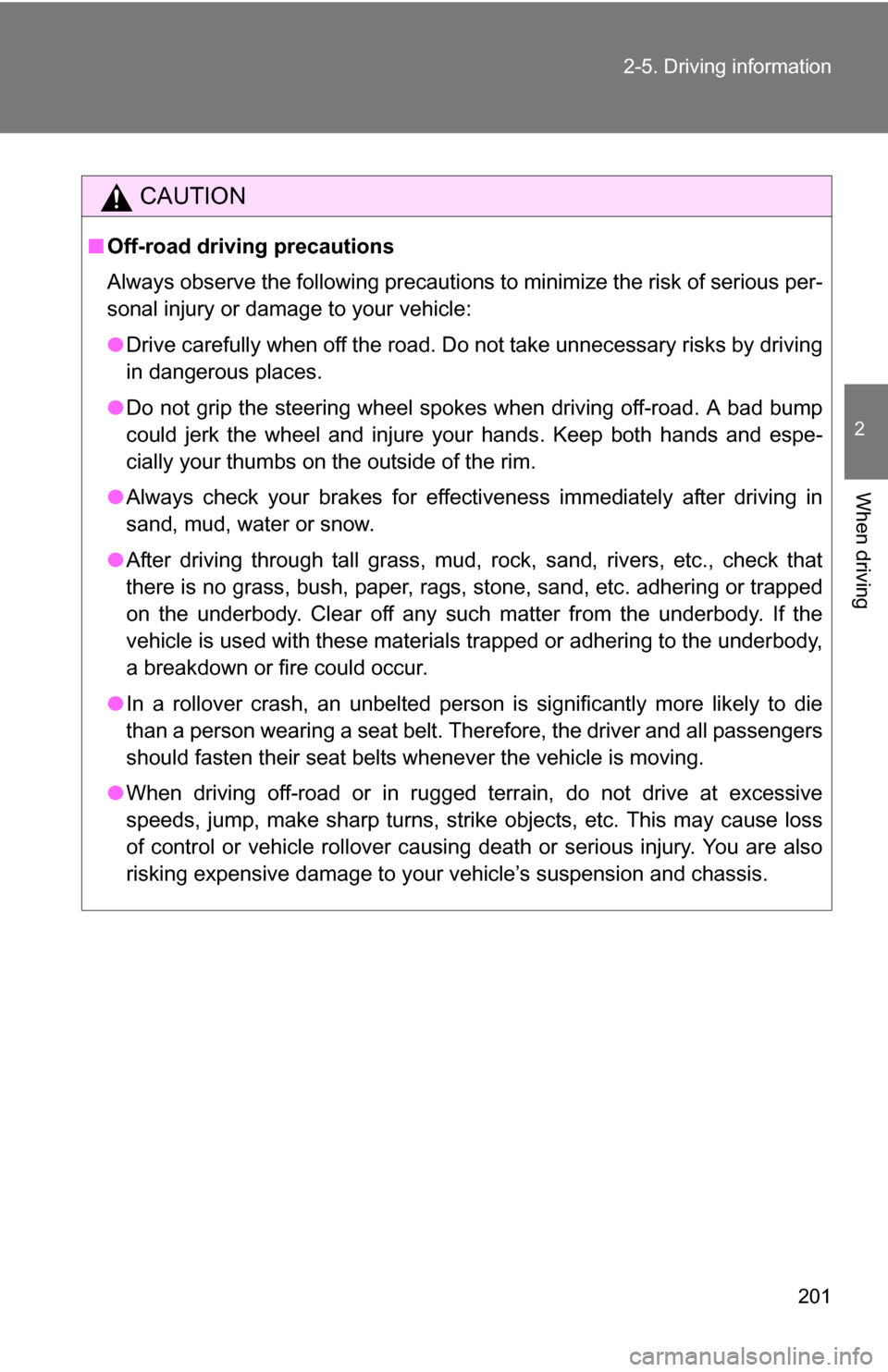
Off-road driving precautions
Always observe the following precautions to minimize the risk of serious per-
sonal injury or damage to your vehicle:
●Drive carefully when off the road. Do not take unnecessary risks by driving
in dangerous places.
● Do not grip the steering wheel spokes when driving off-road. A bad bump
could jerk the wheel and injure your hands. Keep both hands and espe-
cially your thumbs on the outside of the rim.
● Always check your brakes for effectiveness immediately after driving in
sand, mud, water or snow.
● After driving through tall grass, mud, rock, sand, rivers, etc., check that
there is no grass, bush, paper, rags, stone, sand, etc. adhering or trapped
on the underbody. Clear off any such matter from the underbody. If the
vehicle is used with these materials trapped or adhering to the underbody,
a breakdown or fire could occur.
● In a rollover crash, an unbelted person is significantly more likely to die
than a person wearing a seat belt. Therefore, the driver and all passengers
should fasten their seat belts whenever the vehicle is moving.
● When driving off-road or in rugged terrain, do not drive at excessive
speeds, jump, make sharp turns, strike objects, etc. This may cause loss
of control or vehicle rollover causing death or serious injury. You are also
risking expensive damage to your vehicle’s suspension and chassis.
Page 222 of 520

222 2-5. Driving information
●Avoid sudden braking as you may skid, resulting in jackknifing and
loss of control. This is especiall y true on wet or slippery surfaces.
● Avoid jerky starts or sudden acceleration.
● Avoid jerky steering and sharp turns, and slow down before mak-
ing a turn.
● Note that when making a turn, th e trailer wheels will be closer than
the vehicle wheels to the inside of the turn. Compensate by making
a larger than normal turning radius.
● Crosswinds and rough roads will adversely affect handling of your
vehicle and trailer, causing sway . Periodically check the rear to
prepare for being passed by large trucks or buses, which may
cause your vehicle and trailer to sway. If swaying occurs, firmly grip
the steering wheel, reduce speed immediately but gradually, and
steer straight ahead. Never increase speed. If you make no
extreme correction with the stee ring or brakes, your vehicle and
trailer will stabilize.
● Take care when passing other v ehicles. Passing requires consider-
able distance. After passing a vehi cle, do not forget the length of
your trailer, and be sure you hav e plenty of room before changing
lanes.
● In order to maintain engine braking efficiency when driving on a
long steep downgrade, do not use the transmission in D.
Transmission shift position must be in 4.
● Due to the added load of the trailer, your vehicle’s engine may
overheat on hot days (at temper atures over 85°F [30°C]) when
driving up a long or steep grade. If the engine coolant temperature
gauge indicates overheating, immediately turn off the air condition-
ing (if in use), pull your vehicle off the road and stop in a safe spot.
( P. 463)
Page 242 of 520
242 3-2. Using the audio system
■Using cellular phones
Interference may be heard through the audio system’s speakers if a cellular
phone is being used inside or close to the vehicle while the audio syste\
m is
operating.
Ty p e C
TitlePage
Using the radioP. 244
Using the CD playerP. 250
Playing back MP3 and WMA discsP. 257
Optimal use of the audio systemP. 266
Using the AUX adapterP. 269
Using the steering wheel audio switchesP. 271
Page 247 of 520
247
3-2. Using the audio system
3
Interior features
●
NAME (ARTIST NAME/FEATURE)
● CH NUMBER
■When the battery is disconnected
Stations presets are erased.
■ Reception sensitivity
●Cargo loaded on the roof luggage carrier, especially metal objects, may
adversely affect the reception of XM
® Satellite Radio.
● Maintaining stable radio reception at all times is difficult due to the contin-
ually changing position of the antenna and differences in signal strength
and surrounding objects, such as trains, transmitters, etc.
● The radio antenna is mounted inside the quarter windows. To maintain
clear radio reception, do not attach metallic window tinting or other metal-
lic objects to the antenna wire mounted inside the quarter windows.
■ XM
® Satellite Radio (type B and C)
An XM
® Satellite Radio is a tuner designed exclusively to receive broadcasts
provided under a separate subscription. Availability is limited to the 48 con-
tiguous U.S. states and 10 Canadian provinces.
● XM
® subscriptions
For detailed information about XM® Satellite Radio or to subscribe:
U.S.A.—
Visit on the web at www.xmradio.com
or call 1-800-967-2346.
Canada—
Visit on the web at www.xmradio.ca
or call 1-877-438-9677.
Page 302 of 520
302 3-3. Using the rear audio/video system
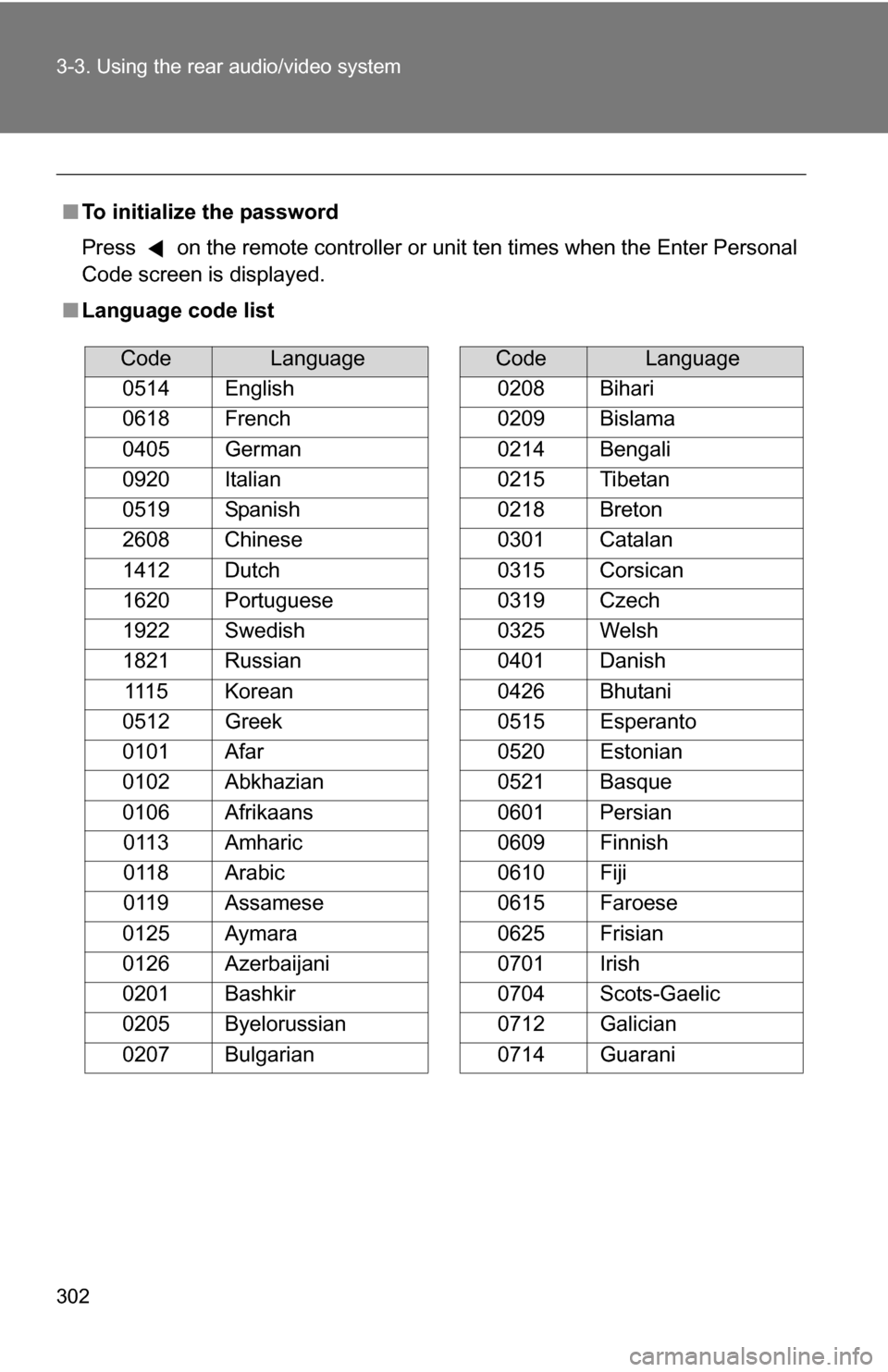
■To initialize the password
Press on the remote controller or unit ten times when the Enter Personal
Code screen is displayed.
■ Language code list
CodeLanguage
0514 English
0618 French
0405 German
0920 Italian
0519 Spanish
2608 Chinese
1412 Dutch
1620 Portuguese
1922 Swedish
1821 Russian 1115 Korean
0512 Greek
0101 Afar
0102 Abkhazian
0106 Afrikaans 0113 Amharic
0118 Arabic
0119 Assamese
0125 Aymara
0126 Azerbaijani
0201 Bashkir
0205 Byelorussian
0207 Bulgarian
0208 Bihari
0209 Bislama
0214 Bengali
0215 Tibetan
0218 Breton
0301 Catalan
0315 Corsican
0319 Czech
0325 Welsh
0401 Danish
0426 Bhutani
0515 Esperanto
0520 Estonian
0521 Basque
0601 Persian
0609 Finnish
0610 Fiji
0615 Faroese
0625 Frisian
0701 Irish
0704 Scots-Gaelic
0712 Galician
0714 Guarani
CodeLanguage