2009 NISSAN ARMADA bluetooth
[x] Cancel search: bluetoothPage 295 of 465
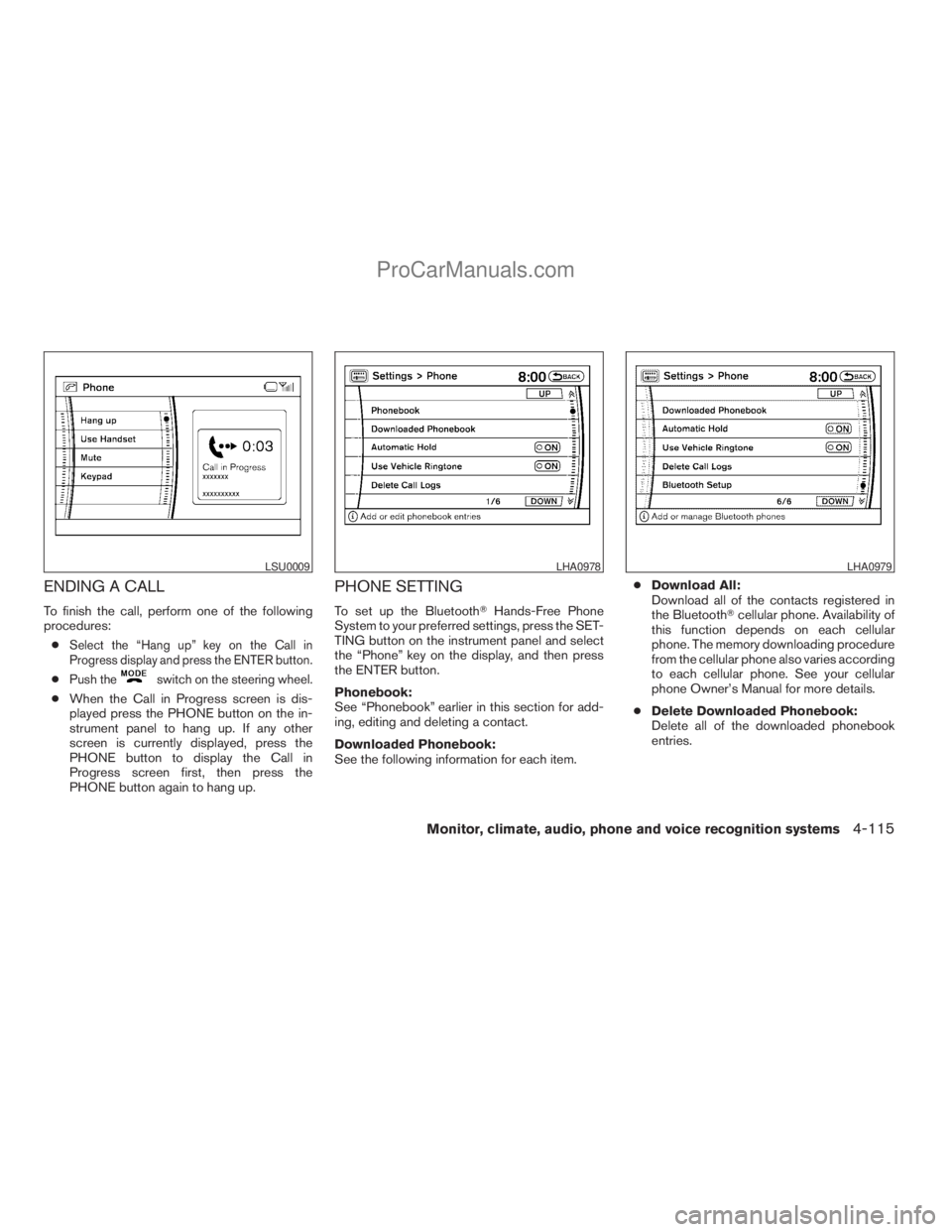
ENDING A CALL
To finish the call, perform one of the following
procedures:
c
Select the “Hang up” key on the Call in
Progress display and press the ENTER button.
cPush theswitch on the steering wheel.
cWhen the Call in Progress screen is dis-
played press the PHONE button on the in-
strument panel to hang up. If any other
screen is currently displayed, press the
PHONE button to display the Call in
Progress screen first, then press the
PHONE button again to hang up.
PHONE SETTING
To set up the BluetoothTHands-Free Phone
System to your preferred settings, press the SET-
TING button on the instrument panel and select
the “Phone” key on the display, and then press
the ENTER button.
Phonebook:
See “Phonebook” earlier in this section for add-
ing, editing and deleting a contact.
Downloaded Phonebook:
See the following information for each item.cDownload All:
Download all of the contacts registered in
the BluetoothTcellular phone. Availability of
this function depends on each cellular
phone. The memory downloading procedure
from the cellular phone also varies according
to each cellular phone. See your cellular
phone Owner’s Manual for more details.
cDelete Downloaded Phonebook:
Delete all of the downloaded phonebook
entries.
LSU0009LHA0978LHA0979
Monitor, climate, audio, phone and voice recognition systems4-115
ZREVIEW COPYÐ2009 Armada(wzw)
Owners ManualÐUSA_English(nna)
02/26/08Ðdebbie
X
ProCarManuals.com
Page 296 of 465
cDelete an Entry of Downloaded Phone-
book:
Delete a single entry from the downloaded
phonebook. Touch the corresponding letter
key, then touch on the name key you wish to
delete. Touch the “Yes” key to delete the
entry.
Automatic Hold:
If this item is turned on, an incoming call will be
placed on hold automatically after several rings.
Use Vehicle Ringtone:
If this item is turned on, a specific ringtone that is
different from the cellular phone’s will sound
when receiving a call.
Delete Call Logs:
Delete all the outgoing or incoming call logs from
the list.
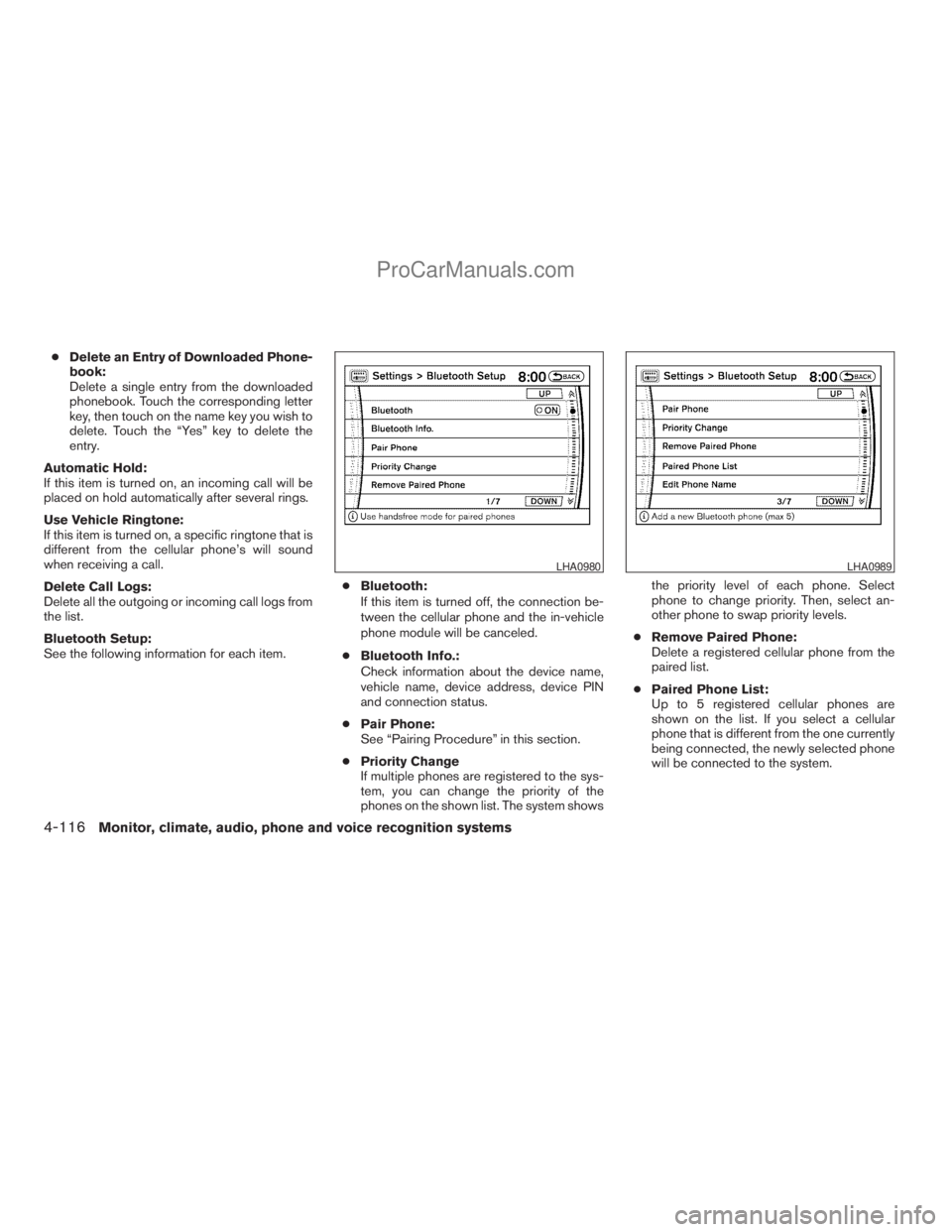
Bluetooth Setup:
See the following information for each item.cBluetooth:
If this item is turned off, the connection be-
tween the cellular phone and the in-vehicle
phone module will be canceled.
cBluetooth Info.:
Check information about the device name,
vehicle name, device address, device PIN
and connection status.
cPair Phone:
See “Pairing Procedure” in this section.
cPriority Change
If multiple phones are registered to the sys-
tem, you can change the priority of the
phones on the shown list. The system showsthe priority level of each phone. Select
phone to change priority. Then, select an-
other phone to swap priority levels.
cRemove Paired Phone:
Delete a registered cellular phone from the
paired list.
cPaired Phone List:
Up to 5 registered cellular phones are
shown on the list. If you select a cellular
phone that is different from the one currently
being connected, the newly selected phone
will be connected to the system.
LHA0980LHA0989
4-116Monitor, climate, audio, phone and voice recognition systems
ZREVIEW COPYÐ2009 Armada(wzw)
Owners ManualÐUSA_English(nna)
02/26/08Ðdebbie
X
ProCarManuals.com
Page 321 of 465
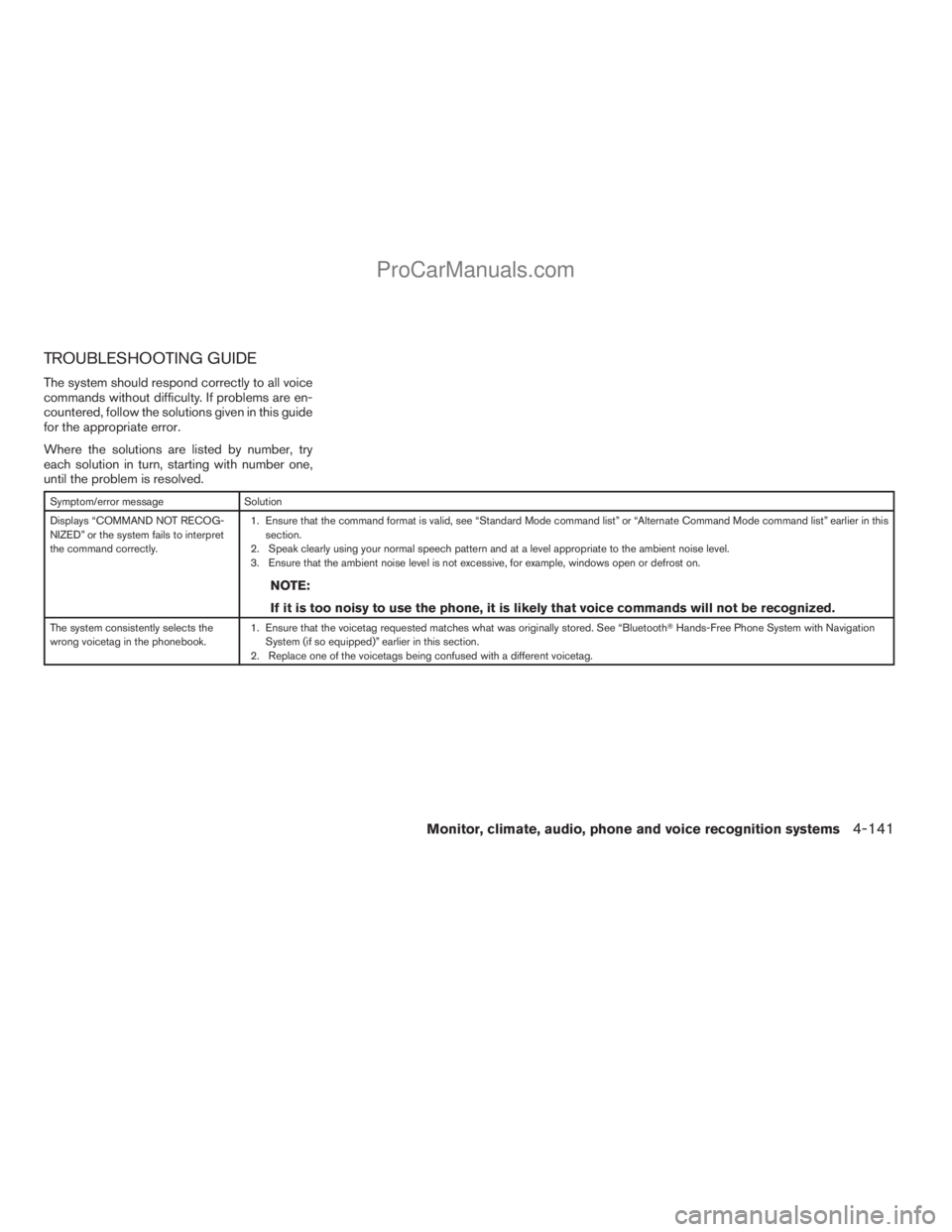
TROUBLESHOOTING GUIDE
The system should respond correctly to all voice
commands without difficulty. If problems are en-
countered, follow the solutions given in this guide
for the appropriate error.
Where the solutions are listed by number, try
each solution in turn, starting with number one,
until the problem is resolved.
Symptom/error message Solution
Displays “COMMAND NOT RECOG-
NIZED” or the system fails to interpret
the command correctly.1. Ensure that the command format is valid, see “Standard Mode command list” or “Alternate Command Mode command list” earlier in this
section.
2. Speak clearly using your normal speech pattern and at a level appropriate to the ambient noise level.
3. Ensure that the ambient noise level is not excessive, for example, windows open or defrost on.
NOTE:
If it is too noisy to use the phone, it is likely that voice commands will not be recognized.
The system consistently selects the
wrong voicetag in the phonebook.1. Ensure that the voicetag requested matches what was originally stored. See “BluetoothTHands-Free Phone System with Navigation
System (if so equipped)” earlier in this section.
2. Replace one of the voicetags being confused with a different voicetag.
Monitor, climate, audio, phone and voice recognition systems4-141
ZREVIEW COPYÐ2009 Armada(wzw)
Owners ManualÐUSA_English(nna)
02/26/08Ðdebbie
X
ProCarManuals.com
Page 457 of 465
10 Index
4WD warning light...............2-16
A
Active Head Restraint..............1-9
Adjusting pedal position............3-28
Air bag (See supplemental restraint
system).....................1-49
Air bag system
Front (See supplemental front impact
air bag system)...............1-57
Air bag warning labels.............1-64
Air bag warning light...........1-64, 2-18
Air cleaner housing filter............8-17
Air conditioner
Air conditioner service...........4-39
Air conditioner specification label.....9-12
Air conditioner system refrigerant and
oil recommendations.............9-7
Heater and air conditioner controls. . . .4-36
Rear seat air conditioner..........4-38
Servicing air conditioner..........4-39
Alarm system
(See vehicle security system).........2-27
Anchor point locations.............1-32
Antenna.....................4-75
Anti-lock brake warning light......2-13, 2-14
Anti-lock Braking System (ABS)........5-29
Audible reminders................2-20
Audio system..................4-39
Compact Disc (CD) changer.......4-50Compact disc (CD) player.........4-58
Audio System
CompactFlash (CF) player.........4-60
Audio system
FM/AM/SAT radio with compact disc
(CD) changer................4-47
FM/AM/SAT radio with compact disc
(CD) player.................4-55
Audio System
Music Box hard-disk drive audio
system....................4-62
Audio system
Radio....................4-39
Rear audio controls.............4-74
Audio System
Settings................4-47, 4-55
Audio system
Steering wheel audio control switch. . . .4-73
Autolight switch.................2-33
Automatic
Automatic drive positioner.........3-32
Automatic power window switch.....2-53
Automatic transmission position indicator
light.....................2-27
Driving with automatic transmission. . . .5-14
Transmission selector lever lock
release....................5-16
Automatic anti-glare inside mirror.......3-29
Automatic transmission fluid temperature
gauge.......................2-9
AUX jack.................4-53, 4-60B
Battery......................8-13
Charge warning light............2-15
Before starting the engine...........5-12
Belt (See drive belt)..............8-15
Block heater
Engine....................5-35
BluetoothThands-free phone
system..................4-92, 4-107
Booster seats..................1-44
Brake
Anti-lock Braking System (ABS)......5-29
Brake fluid..................8-12
Brake light (See stop light).........8-30
Brake system................5-28
Brake warning light.............2-14
Brake wear indicators........2-20, 8-22
Parking brake operation..........5-17
Self-adjusting brakes............8-22
Brakes......................8-22
Break-in schedule................5-19
Brightness control
Instrument panel..............2-35
Brightness/contrast button.......4-16, 4-32
Bulb check/instrument panel..........2-13
Bulb replacement................8-30
ZREVIEW COPYÐ2009 Armada(wzw)
Owners ManualÐUSA_English(nna)
02/26/08Ðdebbie
X
ProCarManuals.com
Page 459 of 465
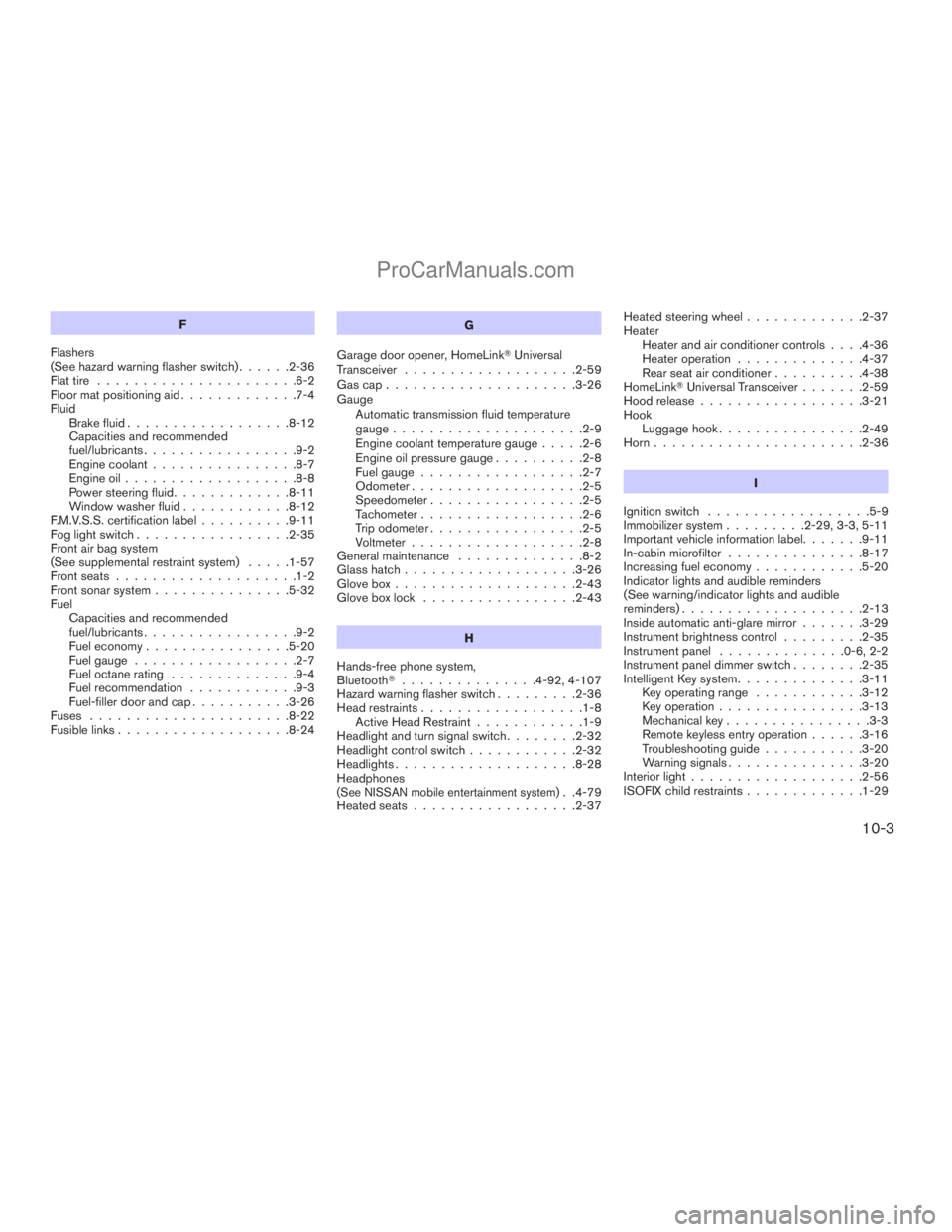
F
Flashers
(See hazard warning flasher switch)......2-36
Flat tire......................6-2
Floor mat positioning aid.............7-4
Fluid
Brake fluid..................8-12
Capacities and recommended
fuel/lubricants.................9-2
Engine coolant................8-7
Engine oil...................8-8
Power steering fluid.............8-11
Window washer fluid............8-12
F.M.V.S.S. certification label..........9-11
Fog light switch.................2-35
Front air bag system
(See supplemental restraint system).....1-57
Front seats....................1-2
Front sonar system...............5-32
Fuel
Capacities and recommended
fuel/lubricants.................9-2
Fuel economy................5-20
Fuel gauge..................2-7
Fuel octane rating..............9-4
Fuel recommendation............9-3
Fuel-filler door and cap...........3-26
Fuses......................8-22
Fusible links...................8-24G
Garage door opener, HomeLinkTUniversal
Transceiver...................2-59
Gascap.....................3-26
Gauge
Automatic transmission fluid temperature
gauge.....................2-9
Engine coolant temperature gauge.....2-6
Engine oil pressure gauge..........2-8
Fuel gauge..................2-7
Odometer...................2-5
Speedometer.................2-5
Tachometer..................2-6
Trip odometer.................2-5
Voltmeter...................2-8
General maintenance..............8-2
Glass hatch...................3-26
Glove box....................2-43
Glove box lock.................2-43
H
Hands-free phone system,
BluetoothT...............4-92, 4-107
Hazard warning flasher switch.........2-36
Head restraints..................1-8
Active Head Restraint............1-9
Headlight and turn signal switch........2-32
Headlight control switch............2-32
Headlights....................8-28
Headphones
(See NISSAN mobile entertainment system). .4-79
Heated seats..................2-37Heated steering wheel.............2-37
Heater
Heater and air conditioner controls. . . .4-36
Heater operation..............4-37
Rear seat air conditioner..........4-38
HomeLinkTUniversal Transceiver.......2-59
Hood release..................3-21
Hook
Luggage hook................2-49
Horn.......................2-36
I
Ignition switch..................5-9
Immobilizer system.........2-29, 3-3, 5-11
Important vehicle information label.......9-11
In-cabin microfilter...............8-17
Increasing fuel economy............5-20
Indicator lights and audible reminders
(See warning/indicator lights and audible
reminders)....................2-13
Inside automatic anti-glare mirror.......3-29
Instrument brightness control.........2-35
Instrument panel..............0-6, 2-2
Instrument panel dimmer switch........2-35
Intelligent Key system..............3-11
Key operating range............3-12
Key operation................3-13
Mechanical key................3-3
Remote keyless entry operation......3-16
Troubleshooting guide...........3-20
Warning signals...............3-20
Interior light...................2-56
ISOFIX child restraints.............1-29
10-3
ZREVIEW COPYÐ2009 Armada(wzw)
Owners ManualÐUSA_English(nna)
02/26/08Ðdebbie
X
ProCarManuals.com
Page 461 of 465
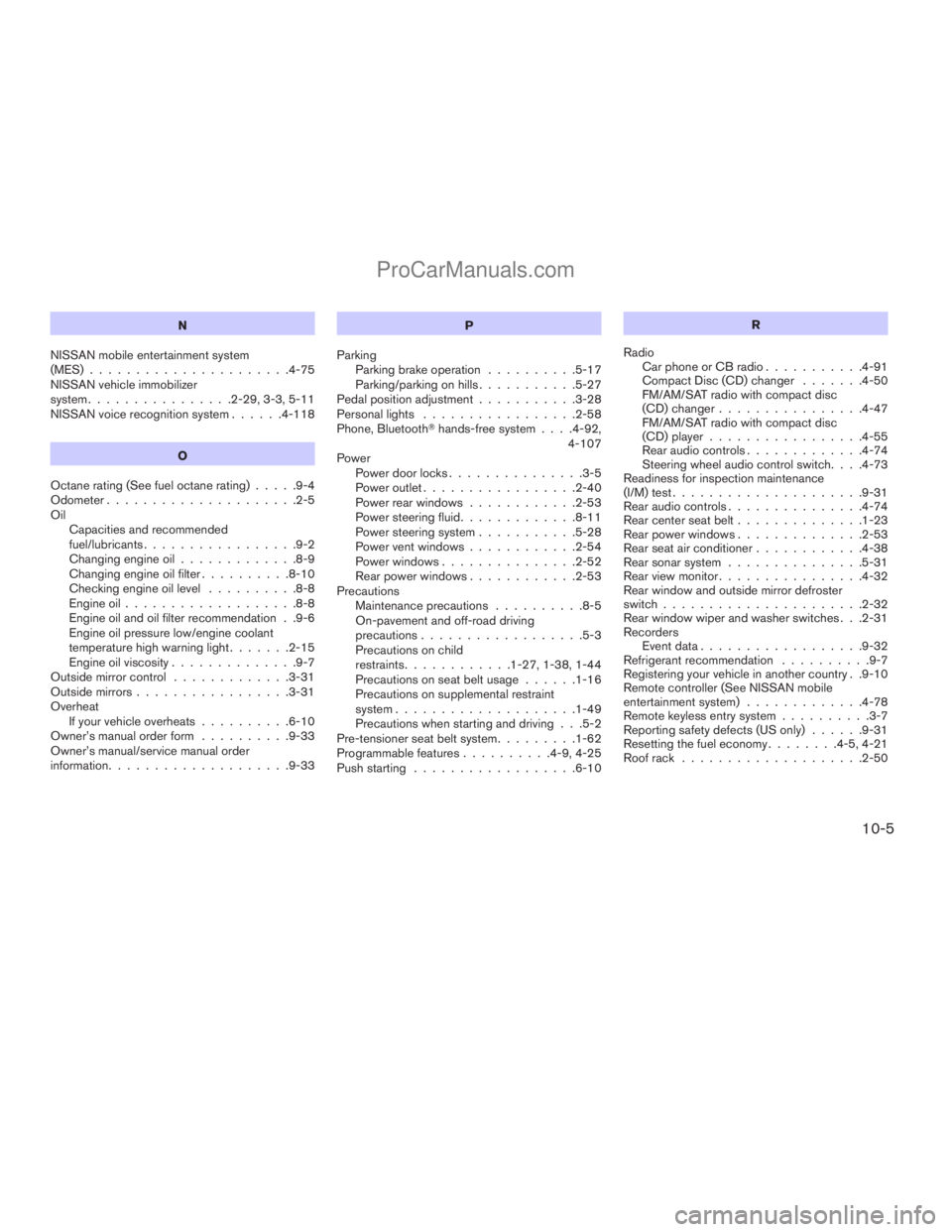
N
NISSAN mobile entertainment system
(MES)......................4-75
NISSAN vehicle immobilizer
system................2-29, 3-3, 5-11
NISSAN voice recognition system......4-118
O
Octane rating (See fuel octane rating).....9-4
Odometer.....................2-5
Oil
Capacities and recommended
fuel/lubricants.................9-2
Changing engine oil.............8-9
Changing engine oil filter..........8-10
Checking engine oil level..........8-8
Engine oil...................8-8
Engine oil and oil filter recommendation . .9-6
Engine oil pressure low/engine coolant
temperature high warning light.......2-15
Engine oil viscosity..............9-7
Outside mirror control.............3-31
Outside mirrors.................3-31
Overheat
If your vehicle overheats..........6-10
Owner’s manual order form..........9-33
Owner’s manual/service manual order
information....................9-33P
Parking
Parking brake operation..........5-17
Parking/parking on hills...........5-27
Pedal position adjustment...........3-28
Personal lights.................2-58
Phone, BluetoothThands-free system. . . .4-92,
4-107
Power
Power door locks...............3-5
Power outlet.................2-40
Power rear windows............2-53
Power steering fluid.............8-11
Power steering system...........5-28
Power vent windows............2-54
Power windows...............2-52
Rear power windows............2-53
Precautions
Maintenance precautions..........8-5
On-pavement and off-road driving
precautions..................5-3
Precautions on child
restraints............1-27, 1-38, 1-44
Precautions on seat belt usage......1-16
Precautions on supplemental restraint
system....................1-49
Precautions when starting and driving . . .5-2
Pre-tensioner seat belt system.........1-62
Programmable features..........4-9, 4-25
Push starting..................6-10R
Radio
Car phone or CB radio...........4-91
Compact Disc (CD) changer.......4-50
FM/AM/SAT radio with compact disc
(CD) changer................4-47
FM/AM/SAT radio with compact disc
(CD) player.................4-55
Rear audio controls.............4-74
Steering wheel audio control switch. . . .4-73
Readiness for inspection maintenance
(I/M) test.....................9-31
Rear audio controls...............4-74
Rear center seat belt..............1-23
Rear power windows..............2-53
Rear seat air conditioner............4-38
Rear sonar system...............5-31
Rear view monitor................4-32
Rear window and outside mirror defroster
switch......................2-32
Rear window wiper and washer switches . . .2-31
Recorders
Event data..................9-32
Refrigerant recommendation..........9-7
Registering your vehicle in another country . .9-10
Remote controller (See NISSAN mobile
entertainment system).............4-78
Remote keyless entry system..........3-7
Reporting safety defects (US only)......9-31
Resetting the fuel economy........4-5, 4-21
Roof rack....................2-50
10-5
ZREVIEW COPYÐ2009 Armada(wzw)
Owners ManualÐUSA_English(nna)
02/26/08Ðdebbie
X
ProCarManuals.com