2009 MERCEDES-BENZ E-CLASS SALOON attention assist
[x] Cancel search: attention assistPage 7 of 373
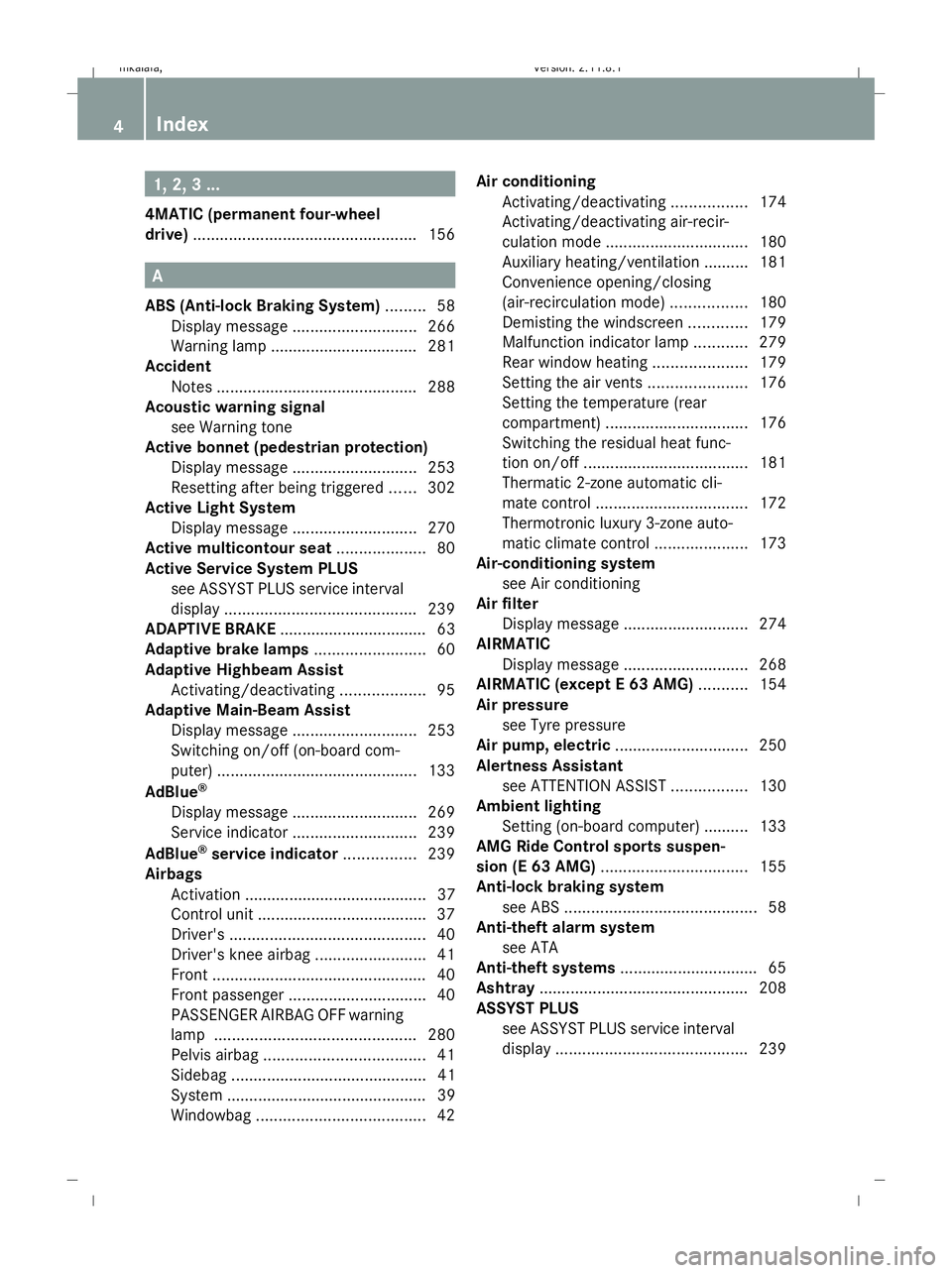
1, 2, 3 ...
4MATIC (permanent four-wheel
drive) .................................................. 156A
ABS (Anti-lock Braking System) .........58
Display message ............................ 266
Warning lamp ................................. 281
Accident
Notes ............................................. 288
Acoustic warning signal
see Warning tone
Active bonnet (pedestrian protection)
Display message ............................ 253
Resetting after being triggered ......302
Active Light System
Display message ............................ 270
Active multicontour seat ....................80
Active Service System PLUS see ASSYST PLUS service interval
displa y........................................... 239
ADAPTIVE BRAKE ................................. 63
Adaptive brake lamps .........................60
Adaptive Highbeam Assist Activating/deactivating ...................95
Adaptive Main-Beam Assist
Display message ............................ 253
Switching on/off (on-board com-
puter) ............................................. 133
AdBlue ®
Display message ............................ 269
Service indicator ............................ 239
AdBlue ®
service indicator ................239
Airbags Activation ......................................... 37
Control unit ...................................... 37
Driver's ............................................ 40
Driver's knee airbag .........................41
Front ................................................ 40
Front passenger ............................... 40
PASSENGER AIRBAG OFF warning
lamp ............................................. 280
Pelvis airba g.................................... 41
Sidebag ............................................ 41
System ............................................. 39
Windowba g...................................... 42Air conditioning
Activating/deactivating .................174
Activating/deactivating air-recir-
culation mode ................................ 180
Auxiliary heating/ventilation .......... 181
Convenience opening/closing
(air-recirculation mode )................. 180
Demisting the windscreen .............179
Malfunction indicator lamp ............279
Rear window heating .....................179
Setting the air vents ......................176
Setting the temperature (rear
compartment) ................................ 176
Switching the residual heat func-
tion on/off ..................................... 181
Thermatic 2-zone automatic cli-
mate control .................................. 172
Thermotronic luxury 3-zone auto-
matic climate control .....................173
Air-conditioning system
see Air conditioning
Air filter
Display message ............................ 274
AIRMATIC
Display message ............................ 268
AIRMATIC (except E 63 AMG) ...........154
Air pressure see Tyre pressure
Air pump, electric .............................. 250
Alertness Assistant see ATTENTION ASSIST .................130
Ambient lighting
Setting (on-board computer) .......... 133
AMG Ride Control sports suspen-
sion (E 63 AMG) ................................. 155
Anti-lock braking system see ABS ........................................... 58
Anti-theft alarm system
see ATA
Anti-theft systems ............................... 65
Ashtray ............................................... 208
ASSYST PLUS see ASSYST PLUS service interval
displa y........................................... 2394
Index 212_AKB; 2; 4, en-GB
mkalafa,
Version: 2.11.8.1 2009-05-05T14:17:16+02:00 - Seite 4Dateiname: 6515346702_buchblock.pdf; erzeugt am 07. May 2009 14:15:26; WK
Page 8 of 373

ASSYST PLUS service interval dis-
play ..................................................... 239
Calling up the date (on-board
computer) ...................................... 239
Display message ............................ 239
ATA (anti-theft alarm system) ............65
Switching off the alarm ....................66
ATTENTION ASSIST ...........................163
Activating/deactivating (on-
board computer) ............................ 130
Display message ............................ 265
AUTO lights
Display message ............................ 271
Automatic car wash ..........................240
Automatic engine start With ECO Start/Stop function .......109
Automatic engine switch-off
Using the ECO Start/Stop func-
tion ................................................ 108
Automatic lane recognition system
see Lane Keeping Assist ................130
Automatic transmission
Changing gear yoursel f.................. 112
Display message ............................ 253
Driving tips .................................... 114
Emergency running mode ..............293
Kickdown ....................................... 114
Malfunction ................................... .293
One-touch gearshifting ..................112
Program selector button ................113
Releasing the parking lock man-
ually ............................................... 301
Selector lever positions .................111
Shift ranges ................................... 113
Trailer towing ................................. 114
Auxiliary heating ............................... 181
Display message ............................ 276
Notes ............................................. 181
Remote control .............................. 182
Setting (on-board computer) .......... 135
Auxiliary ventilation ..........................181 B
Backrest Display message ............................ 277
Bag hook ............................................ 200Ball coupling
Folding in ....................................... 237
Folding out ..................................... 234
BAS (Brake Assist) ............................... 59
BAS PLUS (Brake Assist System
Plus*) .................................................... 59
Battery Changing (auxiliary heating
remote control) .............................. 304
Changing (key )............................... 304
Charging ........................................ 322
Checking (key) ............................... 304
Check lamp (key )........................... 304
Disconnecting ................................ 321
Display message ...........253, 265, 274
Fitting the battery ..........................323
Jump-starting ................................. 323
Maintenance (vehicle) .................... 319
Reconnecting ................................. 323
Removing/fitting ........................... 322
Vehicle battery .............................. 319
Belt force limiters
Activation ......................................... 37
Belt height adjustment .......................91
Belt tensioners Activation ......................................... 37
Belt warning ......................................... 91
Blind Spot Assist ............................... 167
Activating/deactivating (on-
board computer) ............................ 130
Display message ............................ 261
Indicator lamp ................................ 280
Trailer towing ................................. 169
Warning lamp ................................. 280
BlueTEC
AdBlue ®
......................................... 335
Bonnet
Active bonnet (pedestrian protec-
tion) ............................................... 219
Bonnet catch ................................. 220
Display message ............................ 263
Opening/closing ........................... 219
Resetting the active bonnet
(pedestrian protection) after
being triggered .............................. 302
Bonnet release lever
Release leve r................................. 220 Index
5 212_AKB; 2; 4, en-GB
mkalafa,
Version: 2.11.8.1 2009-05-05T14:17:16+02:00 - Seite 5Dateiname: 6515346702_buchblock.pdf; erzeugt am 07. May 2009 14:15:26; WK
Page 11 of 373

Driver's knee airbag
............................41
Driver's seat position ..........................92
Driving abroad ................................... 233
Driving safety systems .......................58
ABS .................................................. 58
ADAPTIVE BRAKE ............................. 63
Adaptive brake lamps ......................60
BAS .................................................. 59
BAS PLUS ........................................ 59
EBV .................................................. 63
ESP ®
............................................... 60
PRE-SAFE ®
Brake ............................ .63
Driving systems ................................ 137
4MATIC .......................................... 156
AIRMATIC (except E 63 AMG) ........154
AMG Ride Control sports suspen-
sion (E 63 AMG) ............................. 155
ATTENTION ASSIST ........................163
Blind Spot Assist ............................ 167
Cruise control ................................ 138
Distronic Plus ................................ 140
HOLD function ............................... 151
Lane Keeping Assist ......................169
Lane package ................................ 167
Night View Assist Plus ...................165
Parking Guidance ........................... 159
Parktroni c...................................... 157
RACE START (E 63 AMG) ...............153
Reversing camera ..........................162
Speed Limit Assist .........................164
Speedtronic ................................... 148
Driving tips ........................................ 114
Braking .......................................... 231
Distronic Plus ................................ 147
Driving abroad .............................. 233
Driving on wet roads .....................233
Fording ......................................... 233
Trailer towing ................................. 235
Winter ............................................ 231
DVD audio
Operating (on-board computer) .....127
DVD video
Operating (on-board computer) .....127 E
EASY-ENTRY feature ............................ 85
Activating/deactivating (on-
board computer) ............................ 136
EASY-EXIT feature ............................... 85
Crash-responsive ............................. 85
EASY-PACK convenience box ...........201
Easy-Pack fix kit ................................ 202
EASY-PACK folding luggage-com-
partment floor ................................... 204
EASY-PACK loading sill protector ....205
EBV (electronic brake force distri-
bution) .................................................. 63
Display message ............................ 266
ECO Start/Stop function ..................108
Electronic brake force distribution See EBV ........................................... 63
Electronic Stability Program
see ESP ®
......................................... 60
Electronic Traction Support
see ETS
Emergency key element
Lost ............................................... 297
Emergency locking
Vehicle .......................................... .299
Emergency release
Fuel filler fla p................................. 301
Emergency running mode
Automatic transmission .................293
Emergency spare wheel
Storage location ............................ 249
Emergency starting ...........................326
Emergency unlocking Boot ............................................... 300
Tailgate .......................................... 300
Vehicle .......................................... .299
Engine
Running irregularl y......................... 292
Starting problems ..........................291
Starting with KEYLESS GO .............105
Starting with the key ..................... .103
Switching off .................................. 107
Engine diagnostics warning
lamp .................................................... 285
Engine electronics .............................330
Malfunction ................................... .291
Engine number .................................. 3338
Index 212_AKB; 2; 4, en-GB
mkalafa,
Version: 2.11.8.1 2009-05-05T14:17:16+02:00 - Seite 8Dateiname: 6515346702_buchblock.pdf; erzeugt am 07. May 2009 14:15:26; WK
Page 12 of 373

Engine oil
........................................... 336
Consumption ................................ 220
Display message ............................ 274
Filler neck ...................................... 221
Temperature display (on-board
computer) ...................................... 123
Topping up ..................................... 221
ESP (Electronic Stability Program)
AMG menu (on-board computer) ...123
ESP ®
(Electronic Stability Pro-
gram) .................................................... 60
Activating/deactivating
(E 63 AMG) ...................................... 62
Activating/deactivating (except
E 63 AMG) ....................................... 61
Trailer stabilisatio n.......................... 60
Warning lamp ........................... 60, 282
ESP ®
Sport (Electronic Stability
Program) Activating/deactivating
(E 63 AMG) ...................................... 62
ESP ®
Sport (Electronic Stability
Program) Warning lamp ................................. 283
ETS (Electronic Traction Support) ...... 61
Exterior lighting Delayed switch-off (on-board
computer) ...................................... 134
Exterior mirrors
Adjusting ......................................... 86
Anti-dazzle mode (automatic) ..........87
Folding in/out (automatically). ........87
Folding in/out (electrically). ............86
Folding in when locking (on-board
computer) ...................................... 136
Malfunction ................................... .296
Parking position ............................... 88
Resetting ......................................... 87
Storing settings ............................... 87
Exterior view
Overview .......................................... 24F
Fastening seat belts Children ........................................... 54
Fatigue Assist
see ATTENTION ASSIST .........130, 163 Fault message
see Display message .....................251
Fire extinguisher ............................... 249
First-aid kit ......................................... 248
Flat tyre Equipment ..................................... 309
MOExtended run-flat system .........318
Preparing the vehicle .....................309
TIREFIT kit ...................................... 310
Floormat ............................................ .213
Foglamps Display message ............................ 272
Folding bench seat (luggage com-
partment) ............................................. 82
Fording ............................................... 233
Frequencies Garage door opene r....................... 359
Telephone ...................................... 331
Front airbag ......................................... 40
Front-passenger airbag ....................... 40
Fuel ..................................................... 334
Diesel ............................................ 218
Loss ............................................... 289
Petrol ............................................. 217
Fuel consumption
Current (on-board computer) .........121
Notes ............................................. 334
Fuel filler flap
Emergency release ........................301
Opening/closing ........................... 216
Fuel filter
Display message ............................ 269
Fuel gauge ............................................ 27
Fuel level Calling up the range (on-board
computer) ...................................... 121
Display ............................................. 27
Fuel line
Malfunction ................................... .289
Fuel tank
Defect ............................................ 289
Fuse allocation chart ........................327
Fuse box Boot ............................................... 328
Engine compartment .....................327
Luggage compartment ...................328
Fuses .................................................. 327 Index
9 212_AKB; 2; 4, en-GB
mkalafa,
Version: 2.11.8.1 2009-05-05T14:17:16+02:00 - Seite 9Dateiname: 6515346702_buchblock.pdf; erzeugt am 07. May 2009 14:15:27; WK
Page 24 of 373

Correct use
Observe the following information when using
your vehicle:
R the safety notes in this manual
R the "Technical data" section in this manual
R national road traffic regulations
R national road traffic licensing regulations G
Risk of injury
Various warning stickers are affixed to your
vehicle. Their purpose is to draw your atten-
tion, and the attention of others, to various
dangers. Therefore, do not remove any warn-
ing stickers unless the sticker clearly states
that you may do so.
If you remove the warning stickers, you or
others could be injured by failing to recognise
certain dangers. Data stored in the vehicle
Fault data
Components critical for vehicle operation are
equipped with fault data memories as stand-
ard. There are also memories dedicated to
storing the technical reactions of vehicle
components to driving situations (e.g. the
triggering of an airbag, ESP ®
intervention).
This data is used exclusively to:
R assist in the rectification of faults and
defects
R help Mercedes-Benz optimise and develop
vehicle functions.
The data cannot be used to trace the vehicle's
movements.
When your vehicle is serviced by Mercedes-
Benz, this technical information can be read
from the fault memories. This is performed by
authorised employees of the Mercedes-Benz
service network using special diagnostic
computers. After a fault has been rectified, the informa-
tion is deleted from the memory. Other mem-
ory data is constantly overwritten. Other devices that store data
Depending on its equipment, your vehicle
may feature communications and/or enter-
tainment systems (e.g. navigation devices,
telephone systems). These allow you to save
and edit data required for the operation of the
respective device.
Further information on operation (e.g. on
deleting data) can be found in the separate
operating instructions. Introduction
21212_AKB; 2; 4, en-GB
mkalafa
,V ersion: 2.11.8.1
2009-05-05T14:17:16+02:00 - Seite 21 ZDateiname: 6515346702_buchblock.pdf; erzeugt am 07. May 2009 14:15:28; WK
Page 62 of 373

cle when braking and the braking distance
may increase.
If ABS is deactivated due to a malfunction,
then BAS, BAS PLUS* and ESP ®
are also
deactivated. There is an increased risk of your
vehicle skidding in certain situations.
You should always adapt your driving style to
suit prevailing road and weather conditions. BAS (Brake Assist)
BAS operates in emergency braking situa-
tions. If you depress the brake pedal quickly,
BAS automatically boosts the braking force,
thus shortening the stopping distance.
X Keep the brake pedal firmly depressed until
the emergency braking situation is over.
ABS prevents the wheels from locking.
The brakes will function as usual once you
release the brake pedal. BAS is deactivated. G
Risk of accident
If BAS has malfunctioned, the braking system
remains available with full brake boosting
effect. However, braking force is not auto-
matically increased in emergency braking sit-
uations and the stopping distance may
increase. BAS PLUS* (Brake Assist)
BAS PLUS provides braking assistance in haz-
ardous situations and uses radar sensor tech-
nology to assess the traffic situation. G
Risk of accident
BAS PLUS is only an aid to assist you when
driving. You are responsible for maintaining a
safe distance from other vehicles, for the vehi-
cle's speed and for braking in good time.
Always pay attention to the traffic conditions.
You may otherwise recognise dangers too
late, cause an accident and injure yourself
and others. BAS PLUS can detect obstacles that are in the
path of your vehicle for an extended period of
time. Should you approach a detected obsta-
cle quickly, BAS PLUS calculates the braking
force necessary to avoid a rear-end collision.
Should you additionally apply the brakes, BAS
PLUS will automatically increase the braking
force to a level suitable for the traffic condi-
tions.
If BAS PLUS demands particularly high brak-
ing force, PRE-SAFE
®
is activated simultane-
ously.
X Keep the brake pedal depressed until the
emergency braking situation is over.
ABS prevents the wheels from locking.
The brakes will work normally again when:
R you release the brake pedal
R no obstacle is detected in front of your
vehicle
R there is no longer any danger of a rear-end
collision
BAS PLUS is then deactivated.
At speeds up to approximately 70 km/h, BAS
PLUS can also detect stationary obstacles,
for example, stopped or parked vehicles.
The radar sensors are automatically deacti-
vated in the vicinity of radio telescope facili-
ties (Y page 362).
For BAS PLUS to assist you when driving, the
radar sensor system must be switched on and
operational. You can check this by activating
Distronic Plus* (Y page 140) or via the
"Radar sensor" function in the on-board com-
puter (Y page 134). G
Risk of accident
Only clearly identified obstacles will initiate
braking assistance by BAS PLUS. In particular,
the detection of obstacles can be restricted if
there is:
R dirt on the sensors or the sensors are cov-
ered
R snow or heavy rain Driving safety systems
59Safety
* optional
212_AKB; 2; 4, en-GB
mkalafa
,V ersion: 2.11.8.1
2009-05-05T14:17:16+02:00 - Seite 59 Z
Dateiname: 6515346702_buchblock.pdf; erzeugt am 07. May 2009 14:15:42; WK
Page 67 of 373

Due to the nature of the system, particularly
complicated driving conditions may cause the
system to display an unnecessary warning. G
Risk of accident
Pay particular attention to the traffic condi-
tions if the ·distance warning lamp in the
instrument cluster lights up or an intermittent
warning tone sounds. If necessary, brake or
manoeuvre to avoid an obstacle.
If the driver and passengers have fastened
their seat belts, PRE-SAFE ®
Brake can also
can also perform the following at speeds of
above approximately 30 km/h:
R brake the vehicle automatically from a
speed of up to around 200 km/h
R trigger preventative passenger protection
measures (PRE-SAFE ®
) G
Risk of accident
PRE-SAFE ®
Brake is only an aid to assist you
when driving. You are responsible for main-
taining a safe distance from other vehicles,
the vehicle's speed and for braking in good
time. Always pay attention to the traffic con-
ditions. Otherwise, you may recognise dan-
gers too late, cause an accident and injure
yourself and others.
With the help of the radar sensor system,
PRE-SAFE ®
Brake can detect obstacles that
are in front of your vehicle for an extended
period of time. If you approach an obstacle
and PRE-SAFE ®
Brake detects a risk of a col-
lision, the system will initially alert you both
visually and acoustically. If you do not brake
or steer, the vehicle will at first automatically
brake slightly. In the event of an increased
risk of a collision, PRE-SAFE ®
is activated
(Y page 42). If the risk of collision persists and
you do not brake, manoeuvre or accelerate
significantly yourself, an automatic full brake
application may be carried out. G
Risk of accident
Only clearly identified obstacles will trigger a
warning and initiate braking assistance by
PRE-SAFE ®
Brake.
In particular, the detection of obstacles can
be restricted if there is:
R dirt on the sensors or the sensors are cov-
ered
R snow or heavy rain
R interference by other radar sources
R the possibility of strong radar reflections,
for example in multi-storey car parks
PRE-SAFE ®
Brake does not react to persons,
animals, oncoming vehicles, crossing traffic
or when cornering.
PRE-SAFE ®
Brake may not detect narrow
vehicles such as motorcycles and vehicles
driving on a different line. G
Risk of accident
Depending on the current speed, PRE-SAFE ®
Brake decelerates your vehicle by up to
4 m/s 2
before performing possible emer-
gency braking. This is equivalent to approx-
imately 40 % of the maximum braking power
of the vehicle. You must also apply the brakes
yourself to limit the effects of the collision or
to avoid the collision. Automatic emergency
braking is not performed until immediately
prior to an accident in the event that you are
unable to avoid one by, for instance, taking
evasive action.
In order to maintain the appropriate distance
to the vehicle in front and thus prevent a
crash, you must apply the brakes yourself.
At speeds up to approximately 70 km/h,
PRE-SAFE ®
Brake can also detect stationary
obstacles, for example stopped or parked
vehicles. 64
Driving safety systemsSafety
212_AKB; 2; 4, en-GB
mkalafa,
Version: 2.11.8.1 2009-05-05T14:17:16+02:00 - Seite 64
Dateiname: 6515346702_buchblock.pdf; erzeugt am 07. May 2009 14:15:44; WK
Page 132 of 373
X
If only one telephone number is stored
for a name: press the6ora button
to start dialling.
or
X If there is more than one number for a
particular name: press the6ora
button to display the numbers.
X Press the 9or: button to select the
number you want to dial.
X Press the 6ora button to start dial-
ling.
or
X If you do not want to make a call: press
the ~ button.
Redialling The on-board computer saves the last names
or numbers dialled in the redial memory.
X
Press the =or; button on the steer-
ing wheel to select the Telmenu.
X Press the 6button to switch to the
redial memory.
X Press the 9or: button to select the
desired name or number.
X Press the 6ora button to start dial-
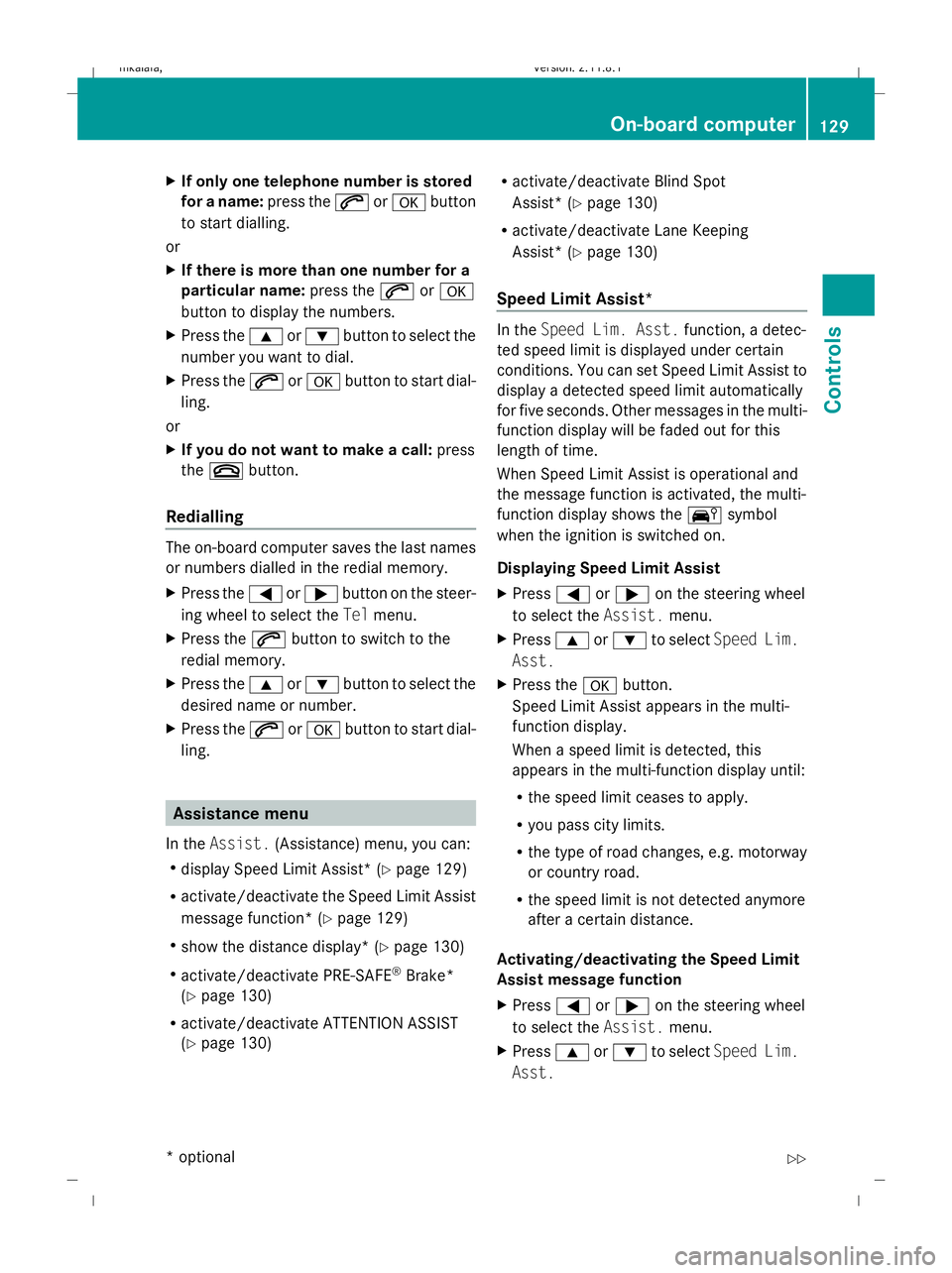
ling. Assistance menu
In the Assist. (Assistance) menu, you can:
R display Speed Limit Assist * (Ypage 129)
R activate/deactivate the Speed Limit Assist
message function* (Y page 129)
R show the distance display* ( Ypage 130)
R activate/deactivate PRE-SAFE ®
Brake*
(Y page 130)
R activate/deactivate ATTENTION ASSIST
(Y page 130) R
activate/deactivate Blind Spot
Assist* (Y page 130)
R activate/deactivate Lane Keeping
Assist* (Y page 130)
Speed Limit Assist* In the
Speed Lim. Asst. function, a detec-
ted speed limit is displayed under certain
conditions. You can set Speed Limit Assist to
display a detected speed limit automatically
for five seconds. Other messages in the multi-
function display will be faded out for this
length of time.
When Speed Limit Assist is operational and
the message function is activated, the multi-
function display shows the Äsymbol
when the ignition is switched on.
Displaying Speed Limit Assist
X Press =or; on the steering wheel
to select the Assist.menu.
X Press 9or: to select Speed Lim.
Asst.
X Press the abutton.
Speed Limit Assist appears in the multi-
function display.
When a speed limit is detected, this
appears in the multi-function display until:
R the speed limit ceases to apply.
R you pass city limits.
R the type of road changes, e.g. motorway
or country road.
R the speed limit is not detected anymore
after a certain distance.
Activating/deactivating the Speed Limit
Assist message function
X Press =or; on the steering wheel
to select the Assist.menu.
X Press 9or: to select Speed Lim.
Asst. On-board computer
129Controls
* optional
212_AKB; 2; 4, en-GB
mkalafa,
Version: 2.11.8.1 2009-05-05T14:17:16+02:00 - Seite 129 Z
Dateiname: 6515346702_buchblock.pdf; erzeugt am 07. May 2009 14:16:15; WK