Page 133 of 321

3121
Knowing your vehicle
How to Use SIRIUS Satellite
RadioYour new Kia vehicle is equipped with 3
months complimentary period of SIRIUS
Satellite Radio so you have access to
over 130 channels of music, information
and entertainment programming.ActivationIn order to extend or reactivate your sub-
scription to SIRIUS Satellite Radio, you
will need to contact SIRIUS Customer
Care at 888-539-7474. Have your 12 digit
SID(Sirius Identification Number)/ESN
(Electronic Serial Number) ready. To
retrieve the SID/ESN, turn on the radio,
press the [SAT] button and tune to chan-
nel zero. please note that the vehicle will
need to be turned on, in Sirius mode, and
have an unobstructed view of the sky in
order for the radio to receive the activation
signal.1. SATELLITE RADIO SelectionButton(SIRIUS Satellite Radio)Press the [SAT] button to switch to SIR-
IUS Satellite Radio. It cycles through the
different bands as noted below.
SAT1
➟SAT2
➟SAT3
➟SAT1
➟...
2. Channel Selection Button Press [TRACK ] or [SEEK ] but-
ton for less than 0.8 seconds to select
previous or next channel.
Press [TRACK ] or [SEEK ] but- ton for 0.8 or longer to continuously
move to previous or next channel.
if "CATEGORY" Icon is displayed at the top of the screen, channel up/down is
done through the channels within cur-
rent category.3. SCAN Selection Button When the button is pressed, it automat-ically scans the radio stations upwards.
The SCAN feature steps through each channel, starting from the initial chan-
nel, for ten seconds. Press the [SCAN]
button again to stop the scan feature
and to listen to the currently selected
channel.4. MUTE Selection ButtonPress this button to temporarily cut off
the Sound. "MUTE" is displayed on the
LCD. Press the button once again to can-
cel MUTE mode.
5. Preset Selection Button Press [1]~[6] buttons less than 0.8seconds to play the Channel saved in
each button.
Press [1]~[6] button for 0.8 seconds or longer to save current Channel to the
respective button with a beep.6. INFO Selection ButtonDisplays the information of the channel
currently played by in the order of CATE-
GORY NAME
➟ARTIST NAME
➟COM-
POSER NAME
➟...(CH/TITLE Selection)
Displays the information of the channel
currently played in the order of SONG
TITLE
➟ARTIST NAME
➟COMPOSER
NAME
➟... (CAT/CH Selection) (If there is
no information of COMPOSER NAME, it
returns to main display.)
Page 135 of 321
3123
Knowing your vehicle
1. DISPLAY ON/OFF
2. CLOCK Function
3. Time/Date Increase/Reduce Function
4. RESET Function
5. DATE Function
KEY BOARD
A-300GHU
Page 136 of 321
![KIA AMANTI 2009 Owners Manual Knowing your vehicle124
31. DISPLAY ON/OFF This is the display window ON/OFF
function.
Each time the [DISP] button is pressed, the display window will be turned
ON/OFF.2. CLOCK Function This is the](/manual-img/2/57931/w960_57931-135.png "KIA AMANTI 2009 Owners Manual Knowing your vehicle124
31. DISPLAY ON/OFF This is the display window ON/OFF
function.
Each time the [DISP] button is pressed, the display window will be turned
ON/OFF.2. CLOCK Function This is the")
Knowing your vehicle124
31. DISPLAY ON/OFF This is the display window ON/OFF
function.
Each time the [DISP] button is pressed, the display window will be turned
ON/OFF.2. CLOCK Function This is the clock adjustment function.
Each time [CLOCK] is pressed, thesecond
➟minute will blink once every
0.5 seconds and switch modes.
Pressing the [CLOCK] again while the "minute" mode is blinking or waiting 10
seconds will turn off time adjustment
mode and save the set time.
The clock can be set in 12 hour or 24 hour modes. The 12 hour system is the
default and can be changed to 24 hour
system within the SET-UP menu.
3. Time/Date Increase/Decrease Function While in Time/Date mode, pressing the
[ ], [ ] buttons will increase/
decrease the time/date.
This function will operate only after pressing the time/date button and the
hour/minute/month/day is blinking.
4. RESET Function The RESET function can be usedwhen adjusting the time.
If the [RESET] is pressed while adjust- ing the "hour", the hour will display
"AM12" when using 12 hour clock
mode and "00" when using 24 hour
clock mode.
If the RESET is pressed while adjust- ing the "min", the minute display will be
changed to "00".
The RESET function can be used while adjusting the date.
If the [RESET] is pressed while adjust- ing the "month/day", the corresponding
display will be changed to "01month/
01day".
5. DATE Function This is used to adjust the date.
Each time [DATE] is pressed, the mon-th
➟day will blink once every 0.5 sec-
onds and switch modes.
Pressing the [DATE] again while the "day" is blinking or waiting 10 seconds
will turn off date adjustment mode and
save the set date.
❈Slight differences with actual time may
occur. Please readjust the time upon
the occurrence of such differences.
Page 156 of 321
Driving your vehicle20
4To cancel cruise control, do one
of the following: Depress the brake pedal.
Shift into N (Neutral).
Depress the CANCEL switch located
on the steering wheel.
Depress the COAST/SET and RES/ACCEL switches at the same
time.Each of these actions will cancel cruisecontrol operation (the “SET” indicator light in the instrument cluster will goOFF), but it will not turn the system off. Ifyou wish to resume cruise control opera-tion, depress the RES/ACCEL switch located on your steering wheel. You willreturn to your previously preset speed.
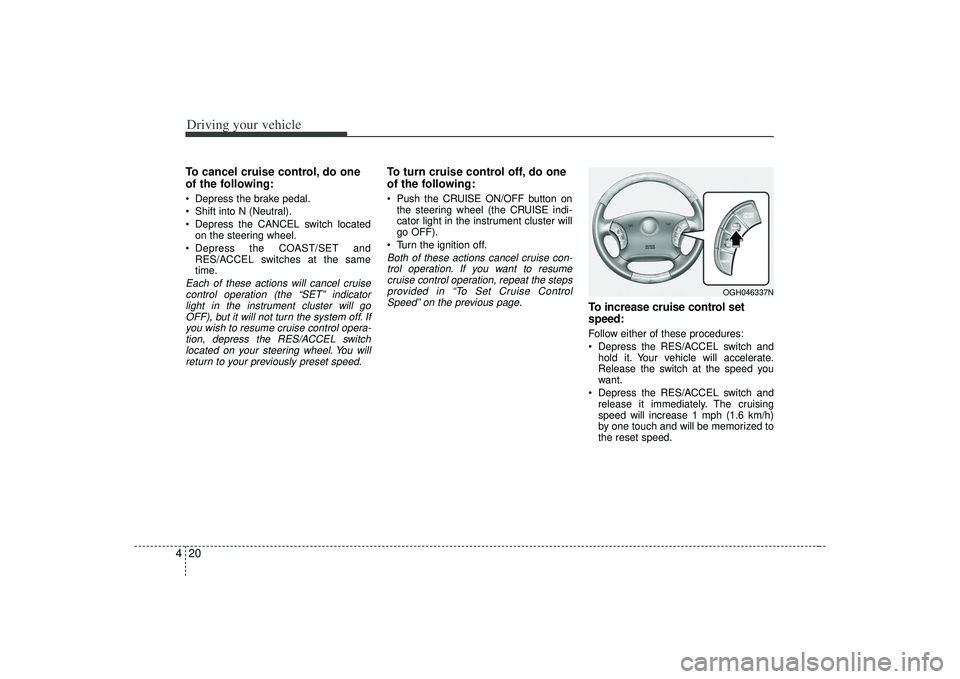
To turn cruise control off, do one
of the following: Push the CRUISE ON/OFF button on the steering wheel (the CRUISE indi-
cator light in the instrument cluster will
go OFF).
Turn the ignition off.Both of these actions cancel cruise con- trol operation. If you want to resumecruise control operation, repeat the stepsprovided in “To Set Cruise ControlSpeed” on the previous page.
To increase cruise control set
speed:Follow either of these procedures:
Depress the RES/ACCEL switch and hold it. Your vehicle will accelerate.
Release the switch at the speed you
want.
Depress the RES/ACCEL switch and release it immediately. The cruising
speed will increase 1 mph (1.6 km/h)
by one touch and will be memorized to
the reset speed.
OGH046337N
Page 157 of 321
421
Driving your vehicle
To temporarily accelerate with the
cruise control onIf you want to speed up temporarily when
the cruise control is on, depress the
accelerator pedal. Increased speed will
not interfere with cruise control operation
or change the set speed.
To return to the set speed, take your foot
off the accelerator.
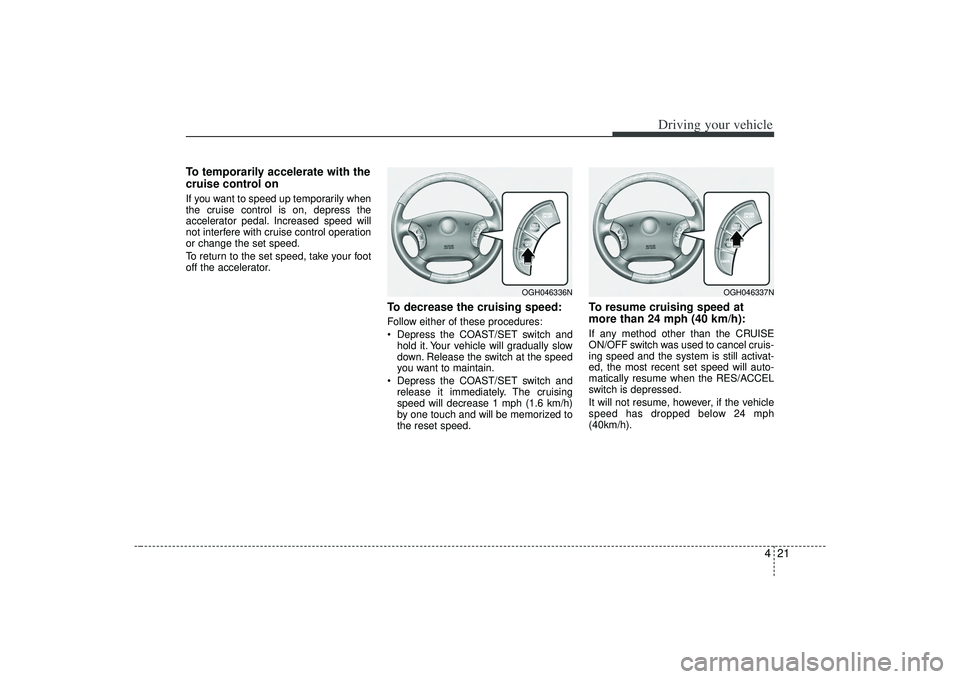
To decrease the cruising speed:Follow either of these procedures:
Depress the COAST/SET switch andhold it. Your vehicle will gradually slow
down. Release the switch at the speed
you want to maintain.
Depress the COAST/SET switch and release it immediately. The cruising
speed will decrease 1 mph (1.6 km/h)
by one touch and will be memorized to
the reset speed.
To resume cruising speed at
more than 24 mph (40 km/h):If any method other than the CRUISE
ON/OFF switch was used to cancel cruis-
ing speed and the system is still activat-
ed, the most recent set speed will auto-
matically resume when the RES/ACCEL
switch is depressed.
It will not resume, however, if the vehicle
speed has dropped below 24 mph
(40km/h).
OGH046336N
OGH046337N
Page 163 of 321
427
Driving your vehicle
Fuel gaugeThe fuel gauge indicates the approxi-
mate amount of fuel remaining in the fuel
tank.
Fuel tank capacity - 18.49 US gal. (70
liters).
The fuel gauge is supplemented by a low
fuel warning light, which will illuminate
when the fuel tank is nearly empty.
Trip computerThe trip computer is a microcomputer-
controlled driver information system that
displays information related to driving,
including odometer, tripmeter, driving
time, average speed, average fuel con-
sumption, instant fuel consumption and
distance to empty on the display when
the ignition switch is in the ON position.
All stored driving information (except
odometer) is reset if the battery is dis-
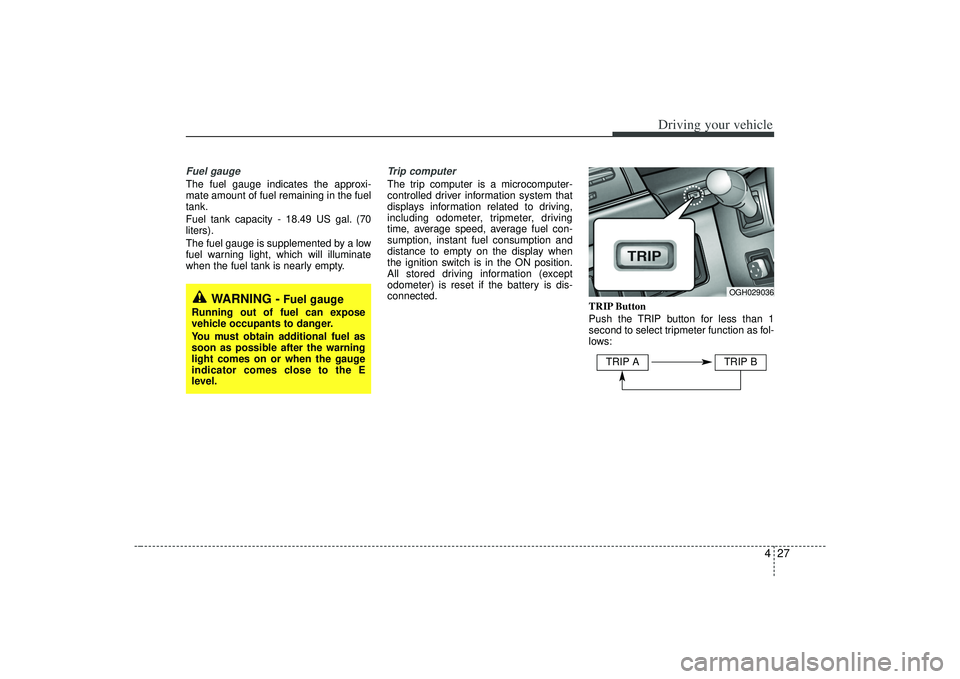
connected.TRIP Button
Push the TRIP button for less than 1
second to select tripmeter function as fol-
lows:
WARNING -
Fuel gauge
Running out of fuel can expose
vehicle occupants to danger.
You must obtain additional fuel as
soon as possible after the warning
light comes on or when the gauge
indicator comes close to the E
level.
OGH029036
TRIP A
TRIP B
Page 164 of 321
Driving your vehicle28
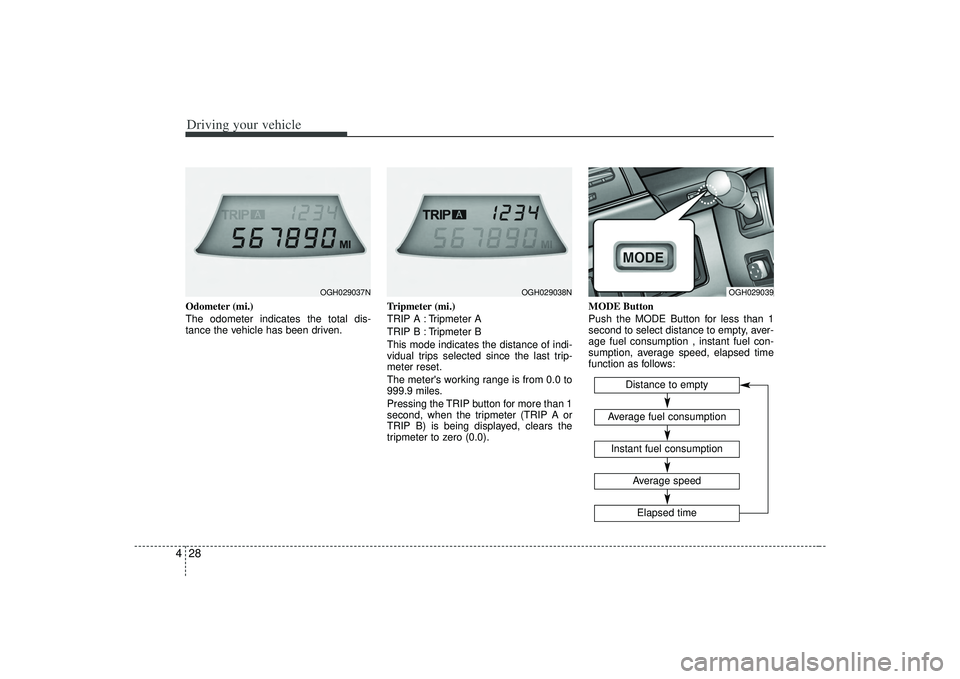
4Odometer (mi.)
The odometer indicates the total dis-
tance the vehicle has been driven. Tripmeter (mi.)
TRIP A : Tripmeter A
TRIP B : Tripmeter B
This mode indicates the distance of indi-
vidual trips selected since the last trip-
meter reset.
The meter's working range is from 0.0 to
999.9 miles.
Pressing the TRIP button for more than 1
second, when the tripmeter (TRIP A or
TRIP B) is being displayed, clears the
tripmeter to zero (0.0).MODE Button
Push the MODE Button for less than 1
second to select distance to empty, aver-
age fuel consumption , instant fuel con-
sumption, average speed, elapsed time
function as follows:
OGH029037N
OGH029038N
OGH029039
Distance to empty
Instant fuel consumptionAverage fuel consumption
Elapsed timeAverage speed
Page 165 of 321
429
Driving your vehicle
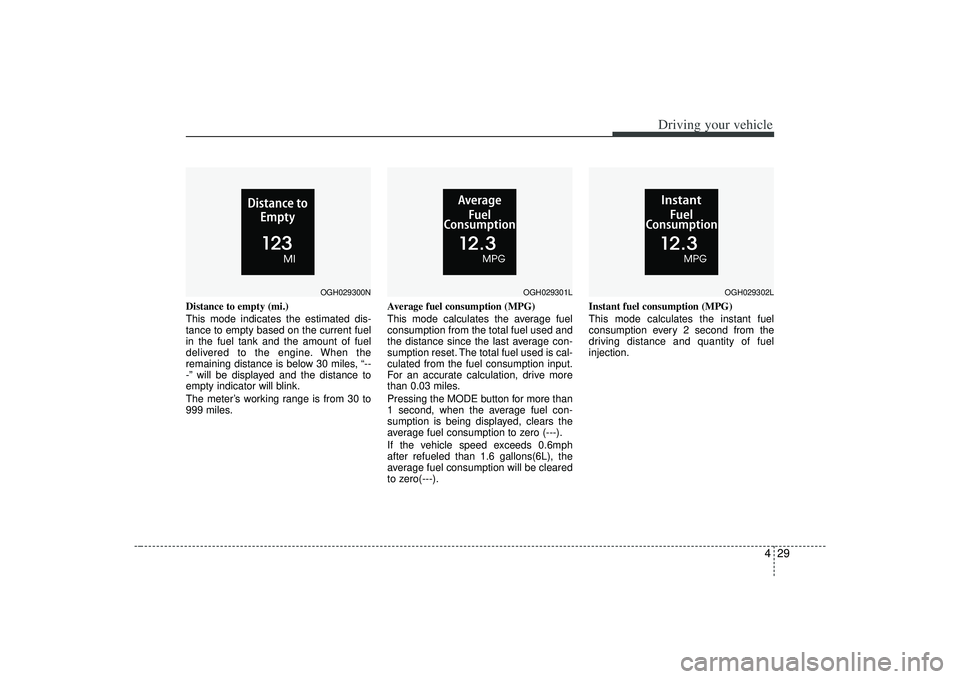
Distance to empty (mi.)
This mode indicates the estimated dis-
tance to empty based on the current fuel
in the fuel tank and the amount of fuel
delivered to the engine. When the
remaining distance is below 30 miles, “--
-” will be displayed and the distance to
empty indicator will blink.
The meter’s working range is from 30 to
999 miles.Average fuel consumption (MPG)
This mode calculates the average fuel
consumption from the total fuel used and
the distance since the last average con-
sumption reset. The total fuel used is cal-
culated from the fuel consumption input.
For an accurate calculation, drive more
than 0.03 miles.
Pressing the MODE button for more than
1 second, when the average fuel con-
sumption is being displayed, clears the
average fuel consumption to zero (---).
If the vehicle speed exceeds 0.6mph
after refueled than 1.6 gallons(6L), the
average fuel consumption will be cleared
to zero(---).Instant fuel consumption (MPG)
This mode calculates the instant fuel
consumption every 2 second from the
driving distance and quantity of fuel
injection.
OGH029300N
OGH029301L
OGH029302L