2009 FORD FUSION (AMERICAS) display
[x] Cancel search: displayPage 44 of 312

Radio Display Condition Action Required
NO TEXT Song title
information not
available.Song title information not
available at this time on
this channel. The system is
working properly.
NO TEXT Category
information not
available.Category information not
available at this time on
this channel. The system is
working properly.
NO SIGNAL Loss of signal from
the SIRIUS satellite
or SIRIUS tower to
the vehicle antenna.You are in a location that
is blocking the SIRIUS
signal (i.e., tunnel, under
an overpass, dense foliage,
etc). The system is
working properly. When
you move into an open
area, the signal should
return.
UPDATING Update of channel
programming in
progress.No action required. The
process may take up to
three minutes.
CALL SIRIUS
1–888–539–7474Satellite service has
been deactivated by
SIRIUS Satellite
Radio.Call SIRIUS at
1–888–539–7474 to
re-activate or resolve
subscription issues.
NAVIGATION SYSTEM (IF EQUIPPED)
Your vehicle may be equipped with a navigation system. Refer to the
Navigation systemsupplement for further information.
SYNC (IF EQUIPPED)
Your vehicle may be equipped with SYNC, a hands-free communications
and entertainment system with special phone and media features. For
more information, please refer to theSYNCsupplement or to theSYNC
section in theNavigation systemsupplement (if equipped).
2009 Fusion(fsn)
Owners Guide
USA(fus)
Entertainment Systems
44
Page 48 of 312
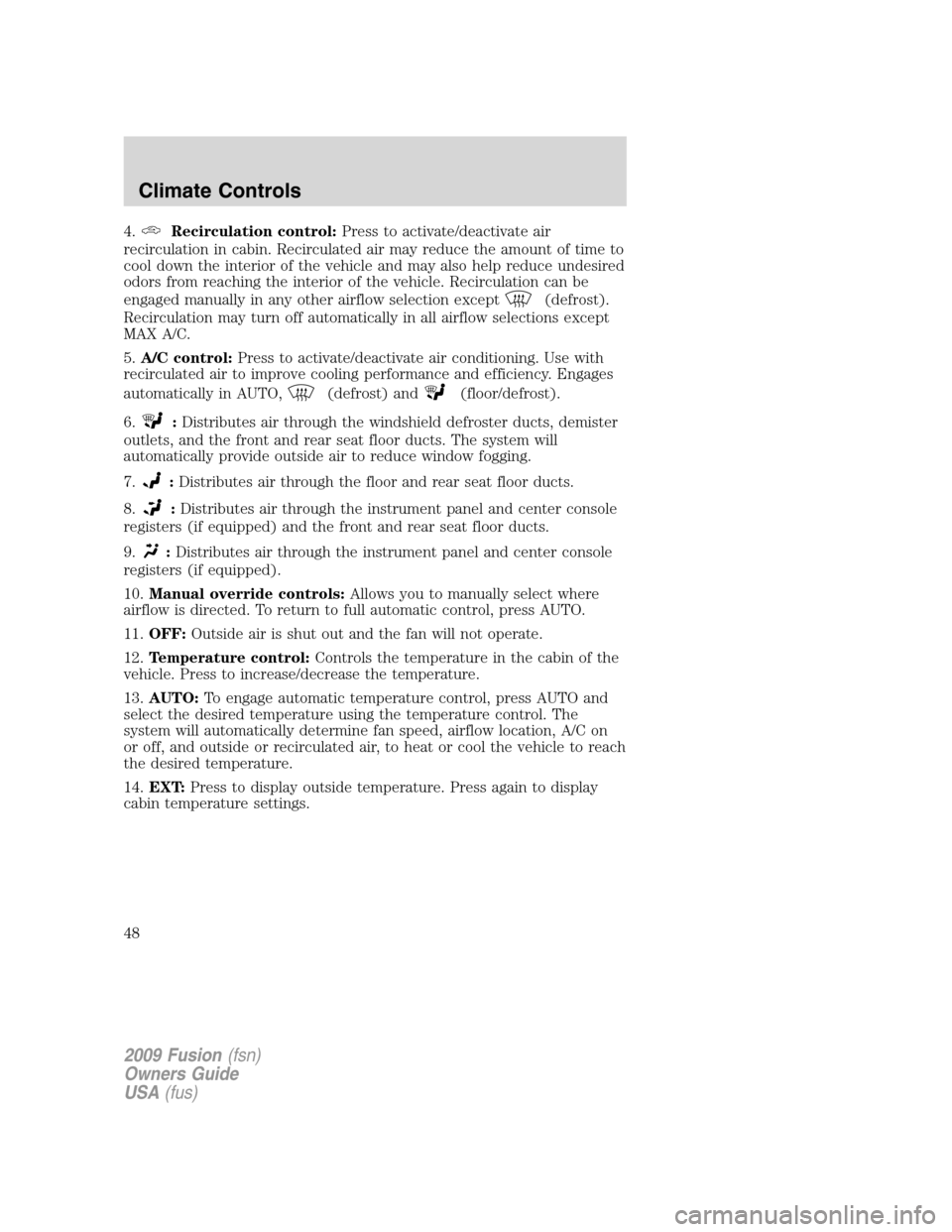
4.Recirculation control:Press to activate/deactivate air
recirculation in cabin. Recirculated air may reduce the amount of time to
cool down the interior of the vehicle and may also help reduce undesired
odors from reaching the interior of the vehicle. Recirculation can be
engaged manually in any other airflow selection except
(defrost).
Recirculation may turn off automatically in all airflow selections except
MAX A/C.
5.A/C control:Press to activate/deactivate air conditioning. Use with
recirculated air to improve cooling performance and efficiency. Engages
automatically in AUTO,
(defrost) and(floor/defrost).
6.
:Distributes air through the windshield defroster ducts, demister
outlets, and the front and rear seat floor ducts. The system will
automatically provide outside air to reduce window fogging.
7.
:Distributes air through the floor and rear seat floor ducts.
8.
:Distributes air through the instrument panel and center console
registers (if equipped) and the front and rear seat floor ducts.
9.
:Distributes air through the instrument panel and center console
registers (if equipped).
10.Manual override controls:Allows you to manually select where
airflow is directed. To return to full automatic control, press AUTO.
11.OFF:Outside air is shut out and the fan will not operate.
12.Temperature control:Controls the temperature in the cabin of the
vehicle. Press to increase/decrease the temperature.
13.AUTO:To engage automatic temperature control, press AUTO and
select the desired temperature using the temperature control. The
system will automatically determine fan speed, airflow location, A/C on
or off, and outside or recirculated air, to heat or cool the vehicle to reach
the desired temperature.
14.EXT:Press to display outside temperature. Press again to display
cabin temperature settings.
2009 Fusion(fsn)
Owners Guide
USA(fus)
Climate Controls
48
Page 50 of 312
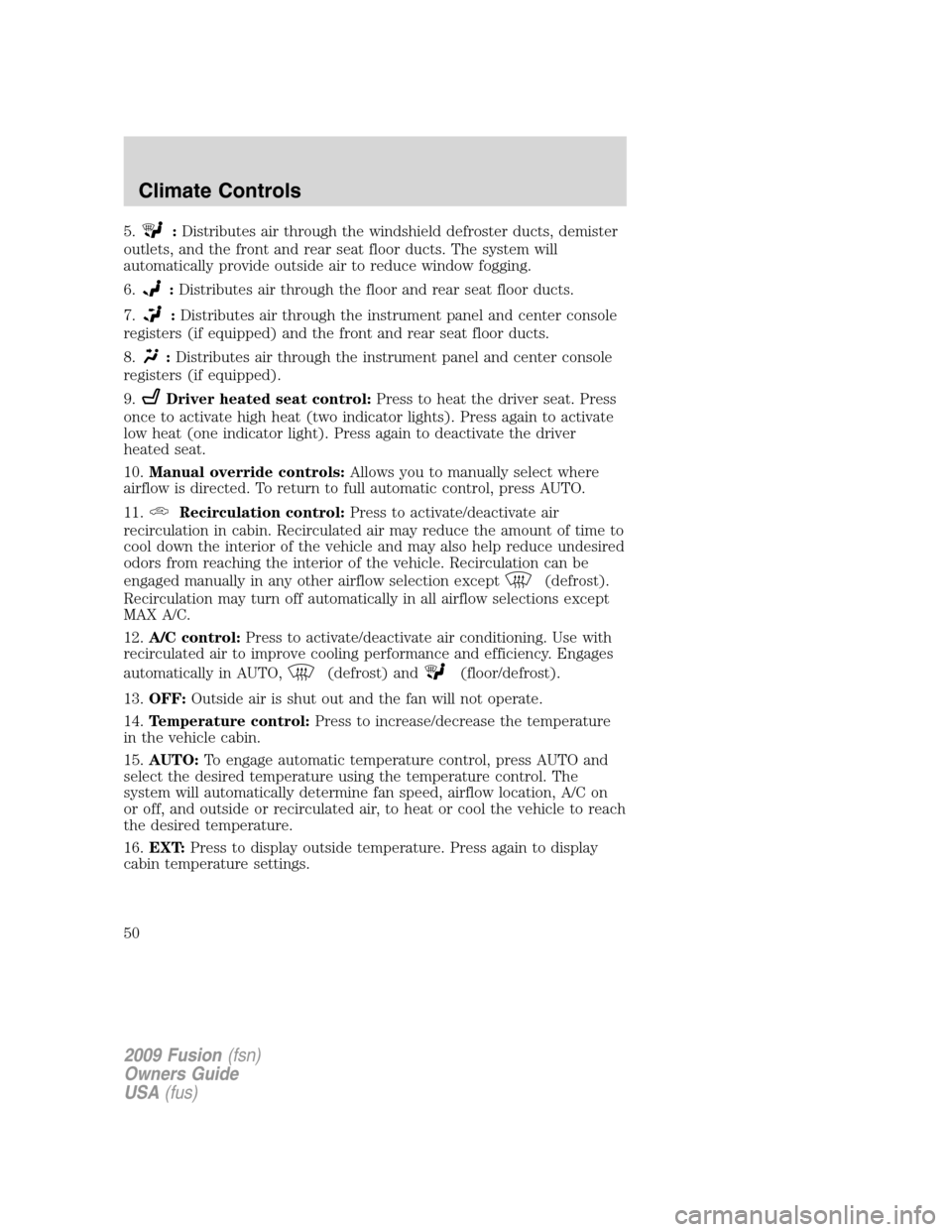
5.:Distributes air through the windshield defroster ducts, demister
outlets, and the front and rear seat floor ducts. The system will
automatically provide outside air to reduce window fogging.
6.
:Distributes air through the floor and rear seat floor ducts.
7.
:Distributes air through the instrument panel and center console
registers (if equipped) and the front and rear seat floor ducts.
8.
:Distributes air through the instrument panel and center console
registers (if equipped).
9.
Driver heated seat control:Press to heat the driver seat. Press
once to activate high heat (two indicator lights). Press again to activate
low heat (one indicator light). Press again to deactivate the driver
heated seat.
10.Manual override controls:Allows you to manually select where
airflow is directed. To return to full automatic control, press AUTO.
11.
Recirculation control:Press to activate/deactivate air
recirculation in cabin. Recirculated air may reduce the amount of time to
cool down the interior of the vehicle and may also help reduce undesired
odors from reaching the interior of the vehicle. Recirculation can be
engaged manually in any other airflow selection except
(defrost).
Recirculation may turn off automatically in all airflow selections except
MAX A/C.
12.A/C control:Press to activate/deactivate air conditioning. Use with
recirculated air to improve cooling performance and efficiency. Engages
automatically in AUTO,
(defrost) and(floor/defrost).
13.OFF:Outside air is shut out and the fan will not operate.
14.Temperature control:Press to increase/decrease the temperature
in the vehicle cabin.
15.AUTO:To engage automatic temperature control, press AUTO and
select the desired temperature using the temperature control. The
system will automatically determine fan speed, airflow location, A/C on
or off, and outside or recirculated air, to heat or cool the vehicle to reach
the desired temperature.
16.EXT:Press to display outside temperature. Press again to display
cabin temperature settings.
2009 Fusion(fsn)
Owners Guide
USA(fus)
Climate Controls
50
Page 56 of 312

Note:If the battery is disconnected, discharged, or a new battery is
installed, the dimmer switch requires re-calibration. Rotate the dimmer
switch from the full dim position to the full dome/on position to reset.
This will ensure that your displays are visible under all lighting
conditions.
AIMING THE HEADLAMPS
The headlamps on your vehicle are properly aimed at the assembly plant.
If your vehicle has been in an accident, the alignment of your headlamps
should be checked by your authorized dealer.
Vertical aim adjustment
1. Park the vehicle directly in front of a wall or screen on a level surface,
approximately 25 feet (7.6 meters) away.
•(1) 8 feet (2.4 meters)
•(2) Center height of lamp to
ground
•(3) 25 feet (7.6 meters)
•(4) Horizontal reference line
2. Measure the height of the
headlamp bulb center from the
ground and mark an 8 foot
(2.4 meter) horizontal reference line
on the vertical wall or screen at this
height (a piece of masking tape works well).
3. Turn on the low beam headlamps to illuminate the wall or screen and
open the hood.
To see a clearer light pattern for adjusting, you may want to block the
light from one headlamp while adjusting the other.
4. On the wall or screen you will
observe an area of high intensity
light. The top of the high intensity
area should touch the horizontal
reference line, if not, the beam will
need to be adjusted using the next
step.
2009 Fusion(fsn)
Owners Guide
USA(fus)
Lights
56
Page 71 of 312
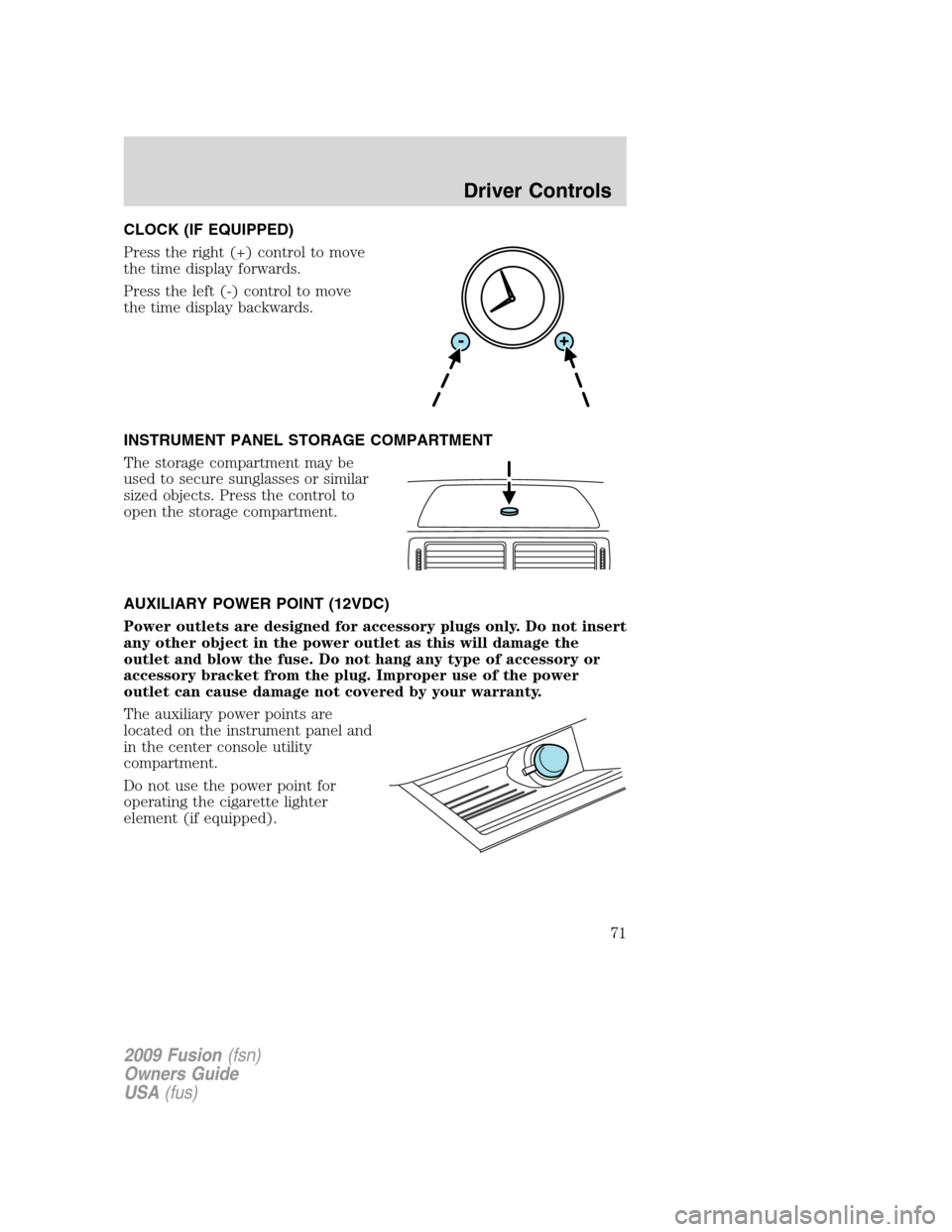
CLOCK (IF EQUIPPED)
Press the right (+) control to move
the time display forwards.
Press the left (-) control to move
the time display backwards.
INSTRUMENT PANEL STORAGE COMPARTMENT
The storage compartment may be
used to secure sunglasses or similar
sized objects. Press the control to
open the storage compartment.
AUXILIARY POWER POINT (12VDC)
Power outlets are designed for accessory plugs only. Do not insert
any other object in the power outlet as this will damage the
outlet and blow the fuse. Do not hang any type of accessory or
accessory bracket from the plug. Improper use of the power
outlet can cause damage not covered by your warranty.
The auxiliary power points are
located on the instrument panel and
in the center console utility
compartment.
Do not use the power point for
operating the cigarette lighter
element (if equipped).
2009 Fusion(fsn)
Owners Guide
USA(fus)
Driver Controls
71
Page 79 of 312

In any mode:
•Press VOL + or VOL - to adjust
the volume.
Navigation system hands free
control features (if equipped)
Press and hold
control briefly
until the voice
icon appears on
the navigation display to use the
voice command feature.
Press
to complete a voice
command.
For further information on the
navigation system, refer to theNavigation Systemsupplement.
SYNC system hands free control
feature (if equipped)
Press
briefly to use the voice
command feature. You will hear a
tone and LISTENING will appear in
the radio display. Press and
hold
to exit voice command.
Press
to activate phone mode or
answer a phone call. Press and
hold
to end a call or exit phone
mode.
Press
to scroll through various menus and selections. Press
OK to confirm your selection.
For further information on the SYNC system, refer to theSYNC
supplement.
2009 Fusion(fsn)
Owners Guide
USA(fus)
Driver Controls
79
Page 80 of 312

Navigation system/SYNC hands
free control features (if
equipped)
Press
control briefly until the
voice
icon appears on the
Navigation display to use the voice
command feature.
Press
to activate phone mode or
answer a phone call. Press and
hold
to exit phone mode or end
a call.
For further information on the Navigation system/SYNC system, refer to
theNavigation SystemandSYNCsupplements.
MOON ROOF (IF EQUIPPED)
You can move the glass panel of the moon roof back to open or tilt up
(from the closed position) to ventilate the vehicle.
WARNING:Do not let children play with the moon roof or leave
children unattended in the vehicle. They may seriously hurt
themselves.
To open the moon roof:
The moon roof is equipped with an
automatic, one-touch, express
opening, closing and venting feature.
Press and release the rear portion of
the control. To stop motion at any
time during the one-touch
operation, press the control a
second time.
WARNING:When closing the moon roof, you should verify that
it is free of obstructions and ensure that children and/or pets are
not in the proximity of the moon roof opening.
To close the moon roof:
The moon roof is equipped with an automatic, one-touch, express closing
feature. Press and release the front portion of the control. To stop
motion at any time during the one-touch closing, press the control again.
2009 Fusion(fsn)
Owners Guide
USA(fus)
Driver Controls
80
Page 81 of 312
Bounce-back:
When an obstacle has been detected in the moon roof opening as the
moon roof is closing, the moon roof will automatically open and stop at a
prescribed position. This is known as “bounce-back”. If the ignition is
turned off (without accessory delay being active) during bounce-back,
the moon roof will move until the bounce-back position is reached.
Bounce-back override:
To override bounce-back, press and hold the front portion of the control.
For example: Bounce-back can be used to overcome the resistance of ice
on the moon roof or seals. If during a bounce-back condition, the control is
released to the neutral position, then held in the one-touch position within
two seconds after the moon roof reaches the bounce-back position,the
moon roof will travel with no bounce-back protection.If the control
is released before the moon roof reaches fully closed or the ignition is
turned off (without accessory delay being active), the moon roof will stop.
Security override can be used if the moon roof movement is restricted in
some way, for example, if there is ice on the moon roof or seals.
To vent:
•To tilt the moon roof into the vent position (when the glass panel is
closed), press and release the front portion of the control.
•To close the moon roof from the vent position, press and hold the rear
portion of the control until the glass panel stops moving.
The moon roof has a sliding shade that can be opened or closed when
the glass panel is shut. To close the shade, pull it toward the front of the
vehicle
Accessory delay:
With accessory delay, the window switches, audio system, and moon roof
(if equipped) may be used for up to 10 minutes after the ignition switch
is turned off or until any door is opened
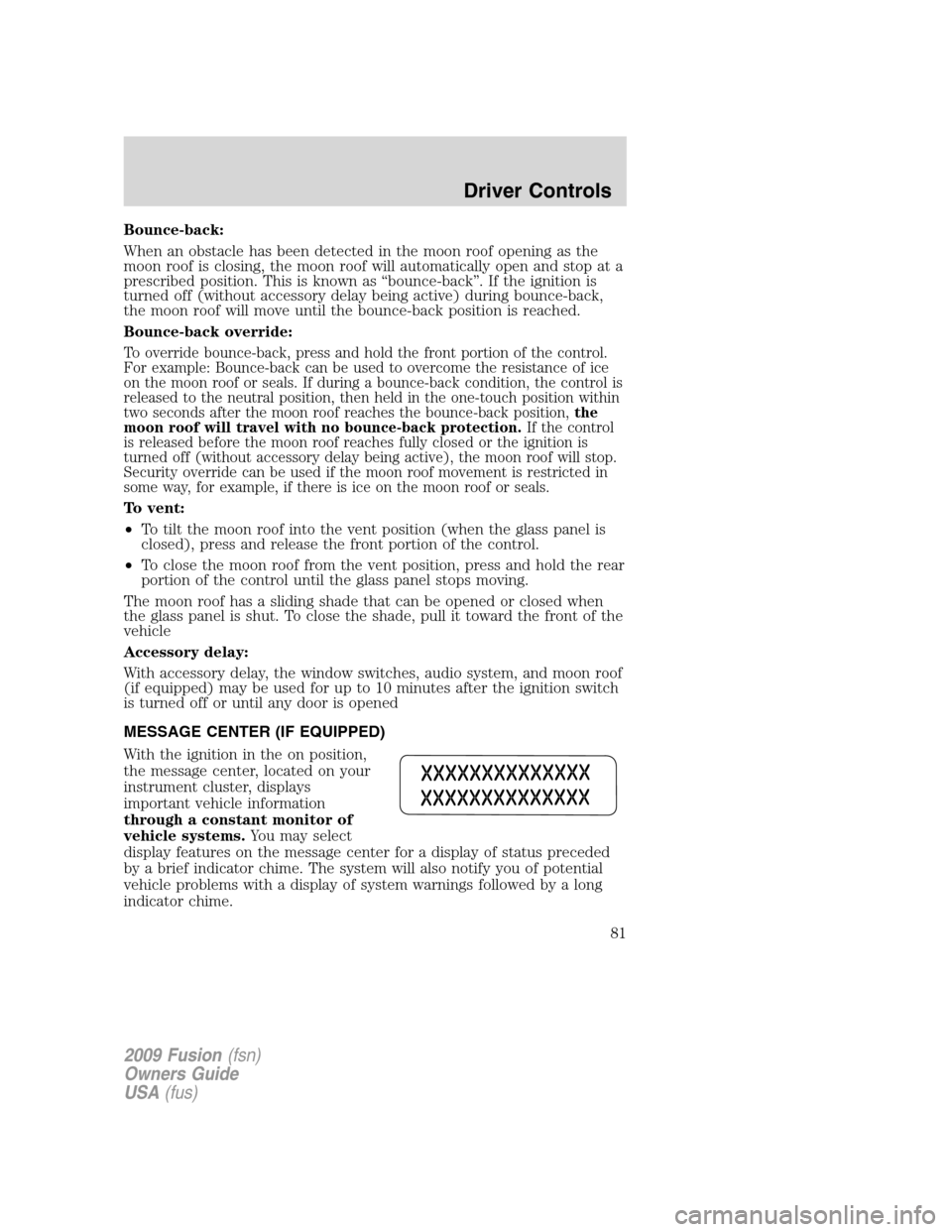
MESSAGE CENTER (IF EQUIPPED)
With the ignition in the on position,
the message center, located on your
instrument cluster, displays
important vehicle information
through a constant monitor of
vehicle systems.You may select
display features on the message center for a display of status preceded
by a brief indicator chime. The system will also notify you of potential
vehicle problems with a display of system warnings followed by a long
indicator chime.
2009 Fusion(fsn)
Owners Guide
USA(fus)
Driver Controls
81