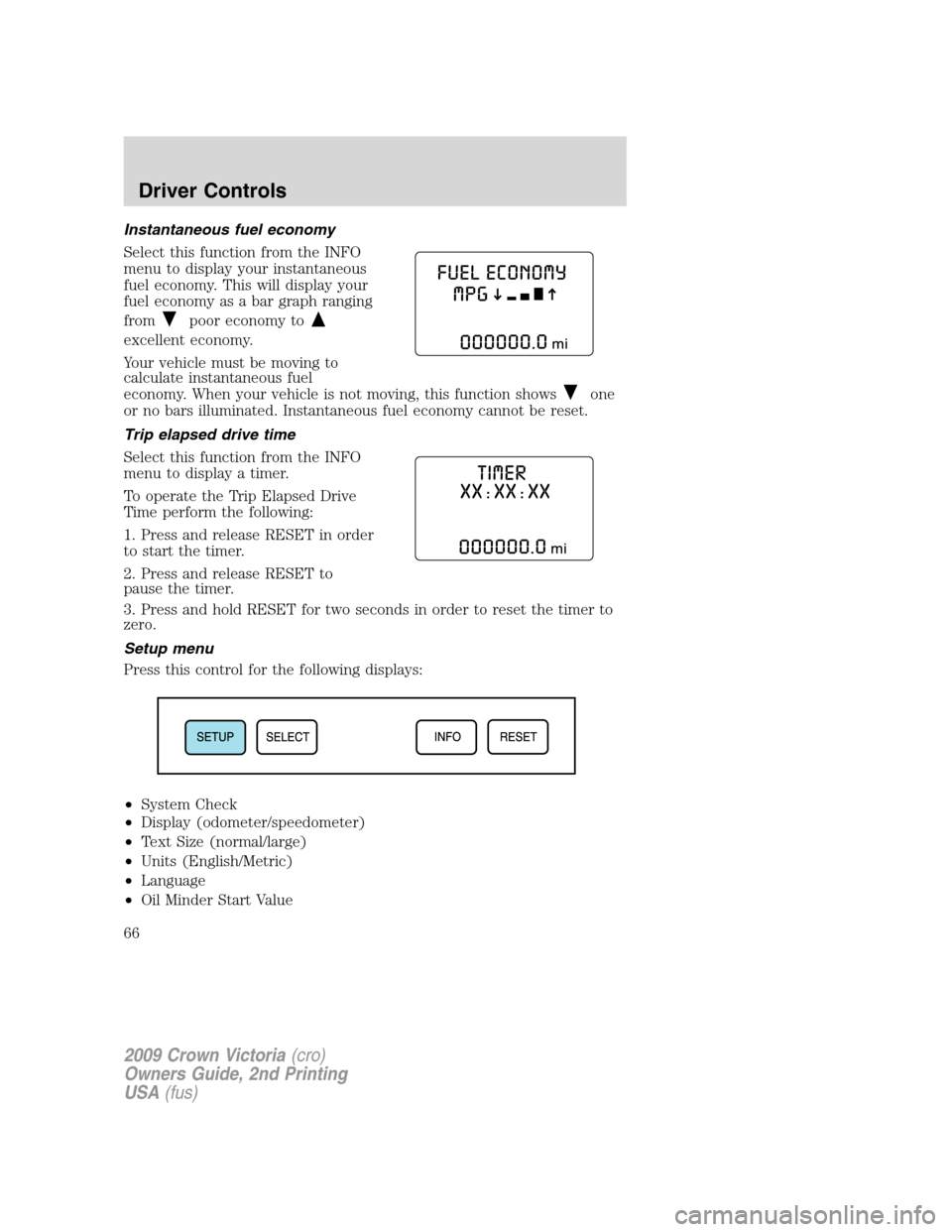
Instantaneous fuel economy
Select this function from the INFO
menu to display your instantaneous
fuel economy. This will display your
fuel economy as a bar graph ranging
from
poor economy to
excellent economy.
Your vehicle must be moving to
calculate instantaneous fuel
economy. When your vehicle is not moving, this function shows
one
or no bars illuminated. Instantaneous fuel economy cannot be reset.
Trip elapsed drive time
Select this function from the INFO
menu to display a timer.
To operate the Trip Elapsed Drive
Time perform the following:
1. Press and release RESET in order
to start the timer.
2. Press and release RESET to
pause the timer.
3. Press and hold RESET for two seconds in order to reset the timer to
zero.
Setup menu
Press this control for the following displays:
•System Check
•Display (odometer/speedometer)
•Text Size (normal/large)
•Units (English/Metric)
•Language
•Oil Minder Start Value
2009 Crown Victoria(cro)
Owners Guide, 2nd Printing
USA(fus)
Driver Controls
66
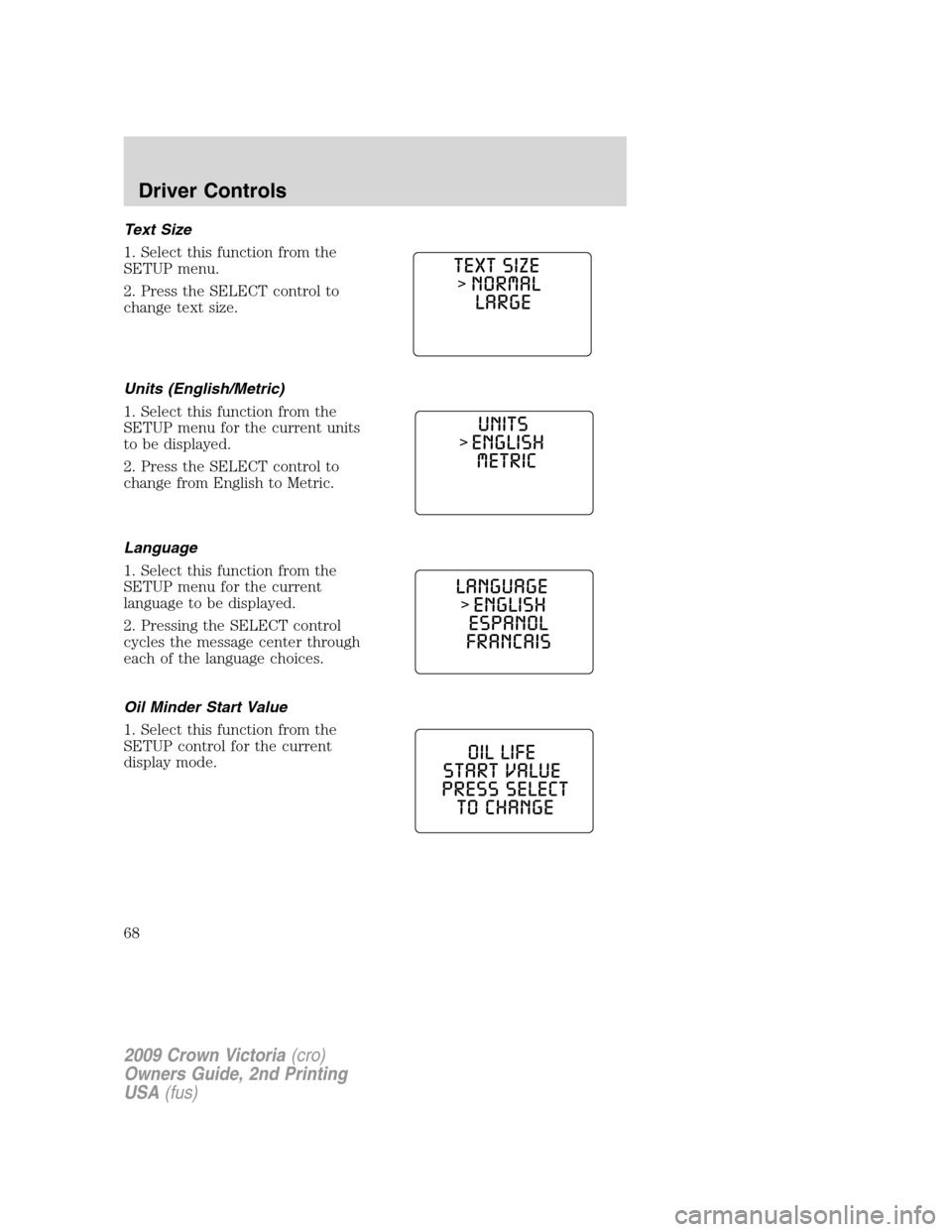
Text Size
1. Select this function from the
SETUP menu.
2. Press the SELECT control to
change text size.
Units (English/Metric)
1. Select this function from the
SETUP menu for the current units
to be displayed.
2. Press the SELECT control to
change from English to Metric.
Language
1. Select this function from the
SETUP menu for the current
language to be displayed.
2. Pressing the SELECT control
cycles the message center through
each of the language choices.
Oil Minder Start Value
1. Select this function from the
SETUP control for the current
display mode.
2009 Crown Victoria(cro)
Owners Guide, 2nd Printing
USA(fus)
Driver Controls
68