Page 71 of 271
LOW TIRE PRESSURE— Displayed when one or more tires on your
vehicle have low tire pressure. Refer toInflating your tiresin theTires,
Wheels and Loadingchapter.
TIRE PRESSURE MONITOR FAULT— Displayed when the Tire
Pressure Monitoring System is malfunctioning. If the warning stays on or
continues to come on, contact your authorized dealer as soon as
possible.
TIRE PRESSURE SENSOR FAULT— Displayed when a tire pressure
sensor is malfunctioning, or your spare tire is in use (Note: this includes
the use of the optional full-sized matching spare tire and wheel). For
more information on how the system operates under these conditions,
refer toTire Pressure Monitoring System (TPMS)in theTires, Wheels
and Loadingchapter. If the warning stays on or continues to come on,
contact your authorized dealer as soon as possible.
WASHER FLUID LEVEL LOW— Indicates the washer fluid reservoir
is less than one quarter full. Check the washer fluid level. Refer to
Windshield washer fluidin theMaintenance and Specifications
chapter.
OIL LIFE CHANGE SOON— Displayed when the engine oil life
remaining is 10% or less. When oil life left is between 10% and 0%, the
XX% OIL LIFE CHANGE SOON message will be displayed.
OIL CHANGE REQUIRED— Displayed when the oil life left reaches
0%, the OIL CHANGE REQUIRED message will be displayed.
An oil change is required whenever indicated by the message center and
according to the recommended maintenance schedule. USE ONLY
RECOMMENDED ENGINE OILS.
To reset the oil monitoring system to 100% after each oil change
(approximately 7,500 miles [12,000 km] or six months) perform the
following:
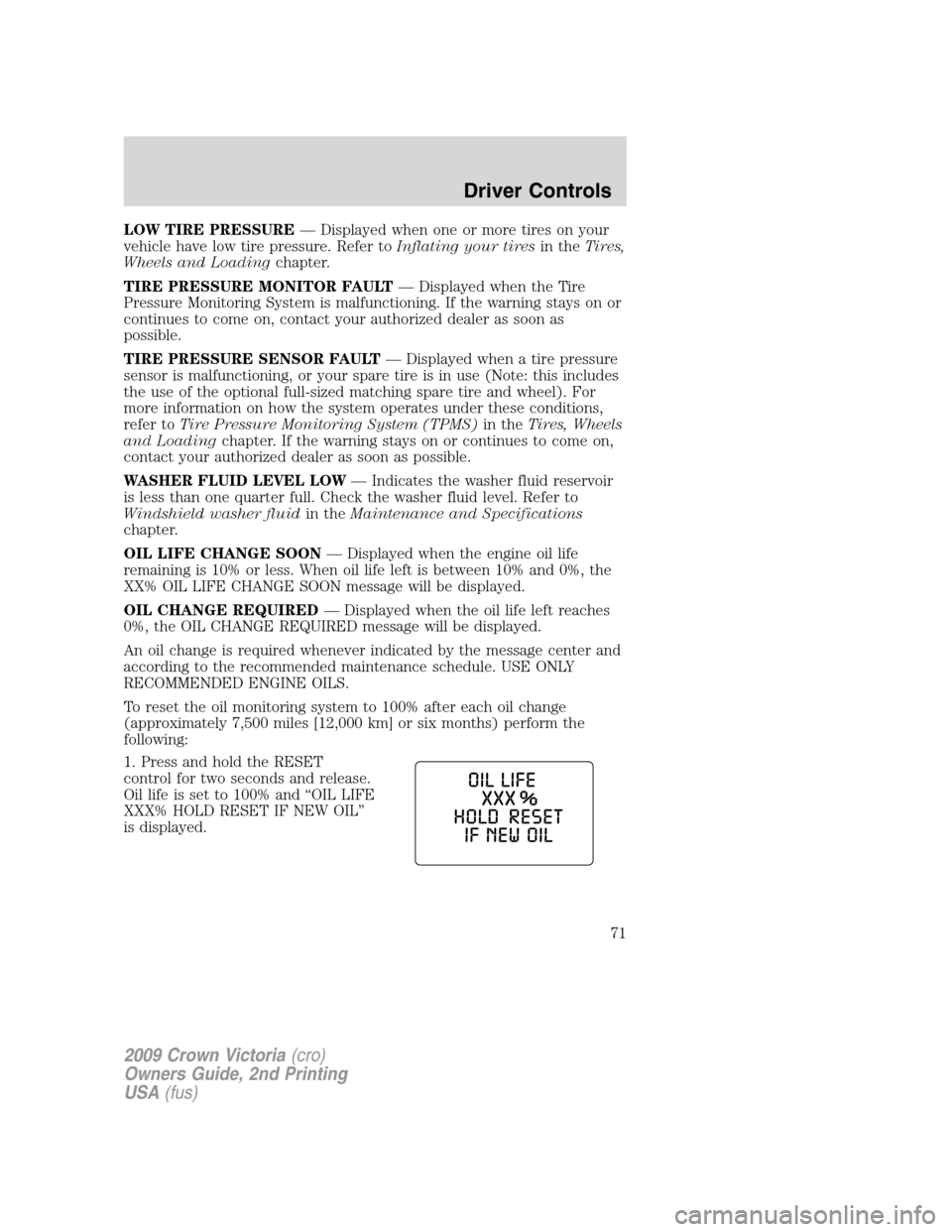
1. Press and hold the RESET
control for two seconds and release.
Oil life is set to 100% and “OIL LIFE
XXX% HOLD RESET IF NEW OIL”
is displayed.
2009 Crown Victoria(cro)
Owners Guide, 2nd Printing
USA(fus)
Driver Controls
71
Page 72 of 271
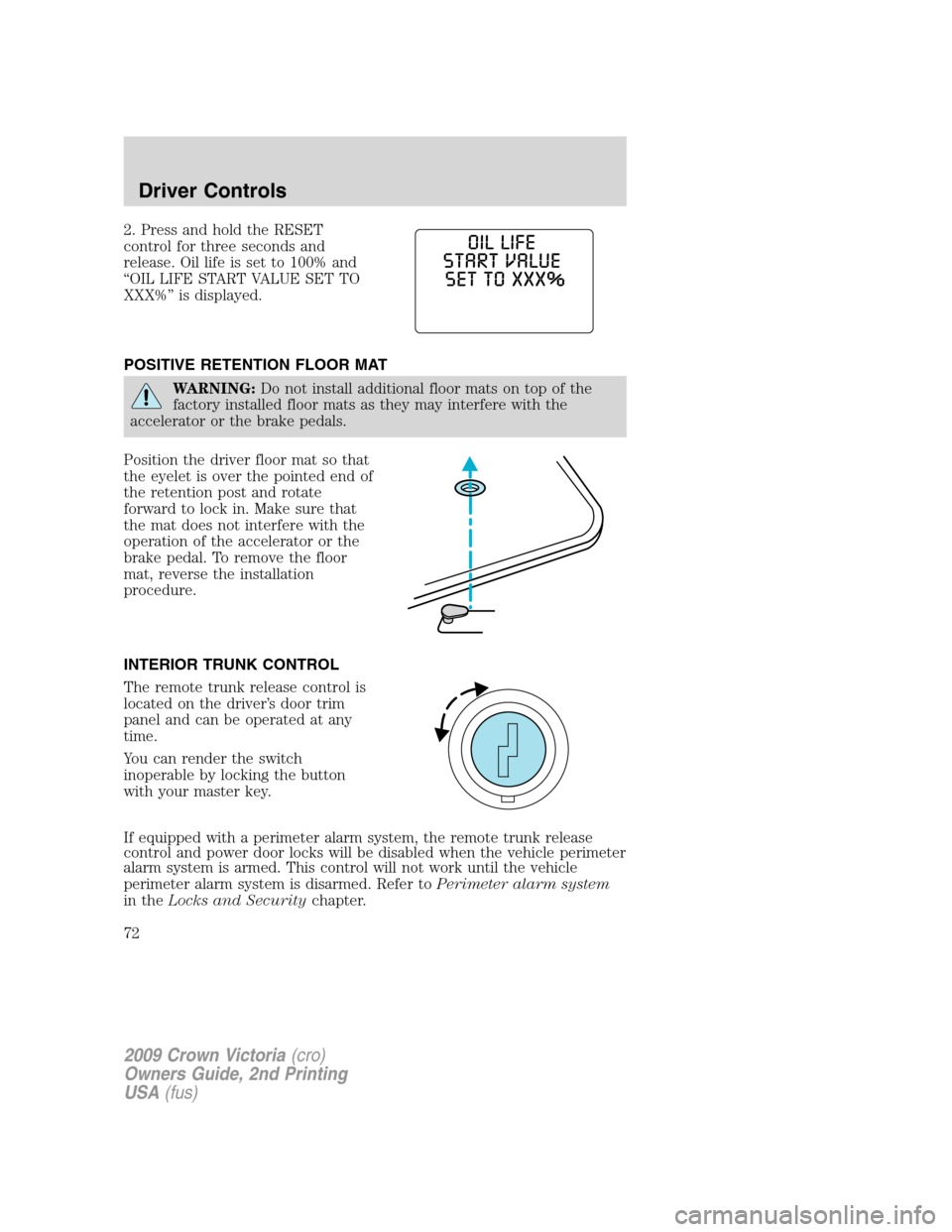
2. Press and hold the RESET
control for three seconds and
release. Oil life is set to 100% and
“OIL LIFE START VALUE SET TO
XXX%” is displayed.
POSITIVE RETENTION FLOOR MAT
WARNING:Do not install additional floor mats on top of the
factory installed floor mats as they may interfere with the
accelerator or the brake pedals.
Position the driver floor mat so that
the eyelet is over the pointed end of
the retention post and rotate
forward to lock in. Make sure that
the mat does not interfere with the
operation of the accelerator or the
brake pedal. To remove the floor
mat, reverse the installation
procedure.
INTERIOR TRUNK CONTROL
The remote trunk release control is
located on the driver’s door trim
panel and can be operated at any
time.
You can render the switch
inoperable by locking the button
with your master key.
If equipped with a perimeter alarm system, the remote trunk release
control and power door locks will be disabled when the vehicle perimeter
alarm system is armed. This control will not work until the vehicle
perimeter alarm system is disarmed. Refer toPerimeter alarm system
in theLocks and Securitychapter.
2009 Crown Victoria(cro)
Owners Guide, 2nd Printing
USA(fus)
Driver Controls
72
Page 76 of 271
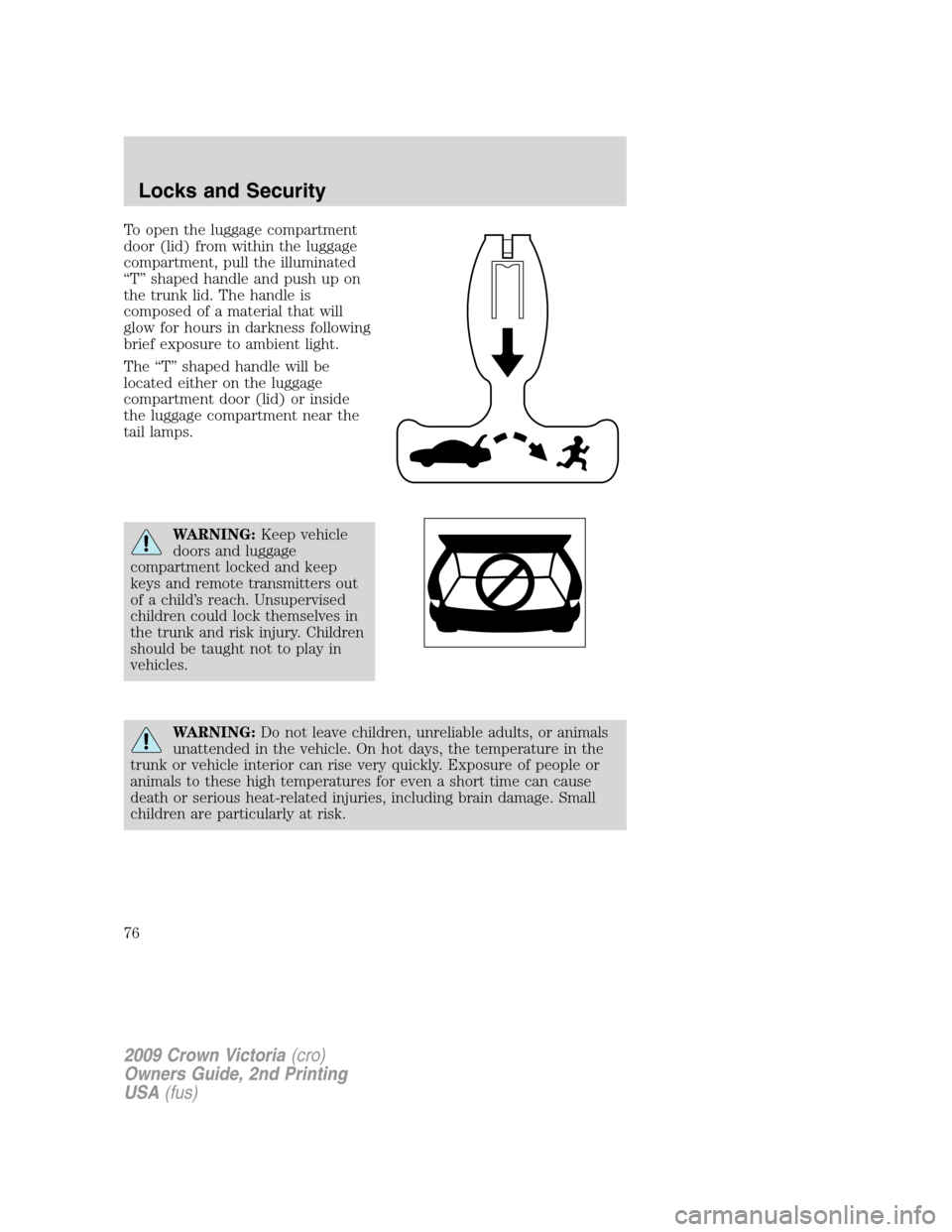
To open the luggage compartment
door (lid) from within the luggage
compartment, pull the illuminated
“T” shaped handle and push up on
the trunk lid. The handle is
composed of a material that will
glow for hours in darkness following
brief exposure to ambient light.
The “T” shaped handle will be
located either on the luggage
compartment door (lid) or inside
the luggage compartment near the
tail lamps.
WARNING:Keep vehicle
doors and luggage
compartment locked and keep
keys and remote transmitters out
of a child’s reach. Unsupervised
children could lock themselves in
the trunk and risk injury. Children
should be taught not to play in
vehicles.
WARNING:Do not leave children, unreliable adults, or animals
unattended in the vehicle. On hot days, the temperature in the
trunk or vehicle interior can rise very quickly. Exposure of people or
animals to these high temperatures for even a short time can cause
death or serious heat-related injuries, including brain damage. Small
children are particularly at risk.
2009 Crown Victoria(cro)
Owners Guide, 2nd Printing
USA(fus)
Locks and Security
76
Page 88 of 271
SEATING
Adjustable head restraints
WARNING:To minimize the risk of neck injury in the event of a
crash, the driver and passenger occupants should not sit in
and/or operate the vehicle, until the head restraint is placed in its
proper position. The driver should never adjust the head restraint
while the vehicle is in motion.
Head restraints help to limit head motion in the event of a rear collision.
To properly adjust your head restraints, lift the head restraint so that it
is located directly behind your head or as close to that position as
possible. Refer to the following to raise and lower the head restraints.
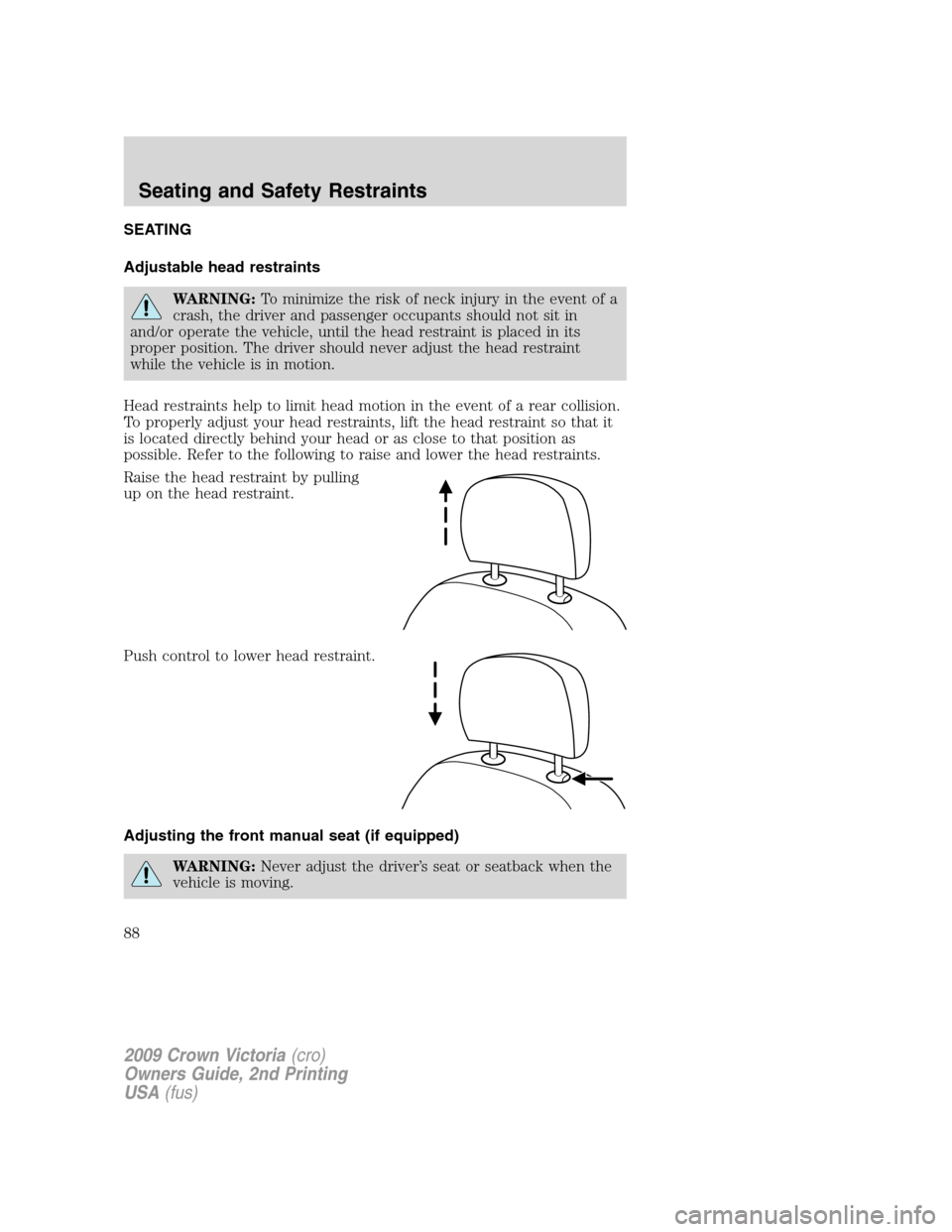
Raise the head restraint by pulling
up on the head restraint.
Push control to lower head restraint.
Adjusting the front manual seat (if equipped)
WARNING:Never adjust the driver’s seat or seatback when the
vehicle is moving.
2009 Crown Victoria(cro)
Owners Guide, 2nd Printing
USA(fus)
Seating and Safety Restraints
88
Page 89 of 271
WARNING:Always drive and ride with your seatback upright
and the lap belt snug and low across the hips.
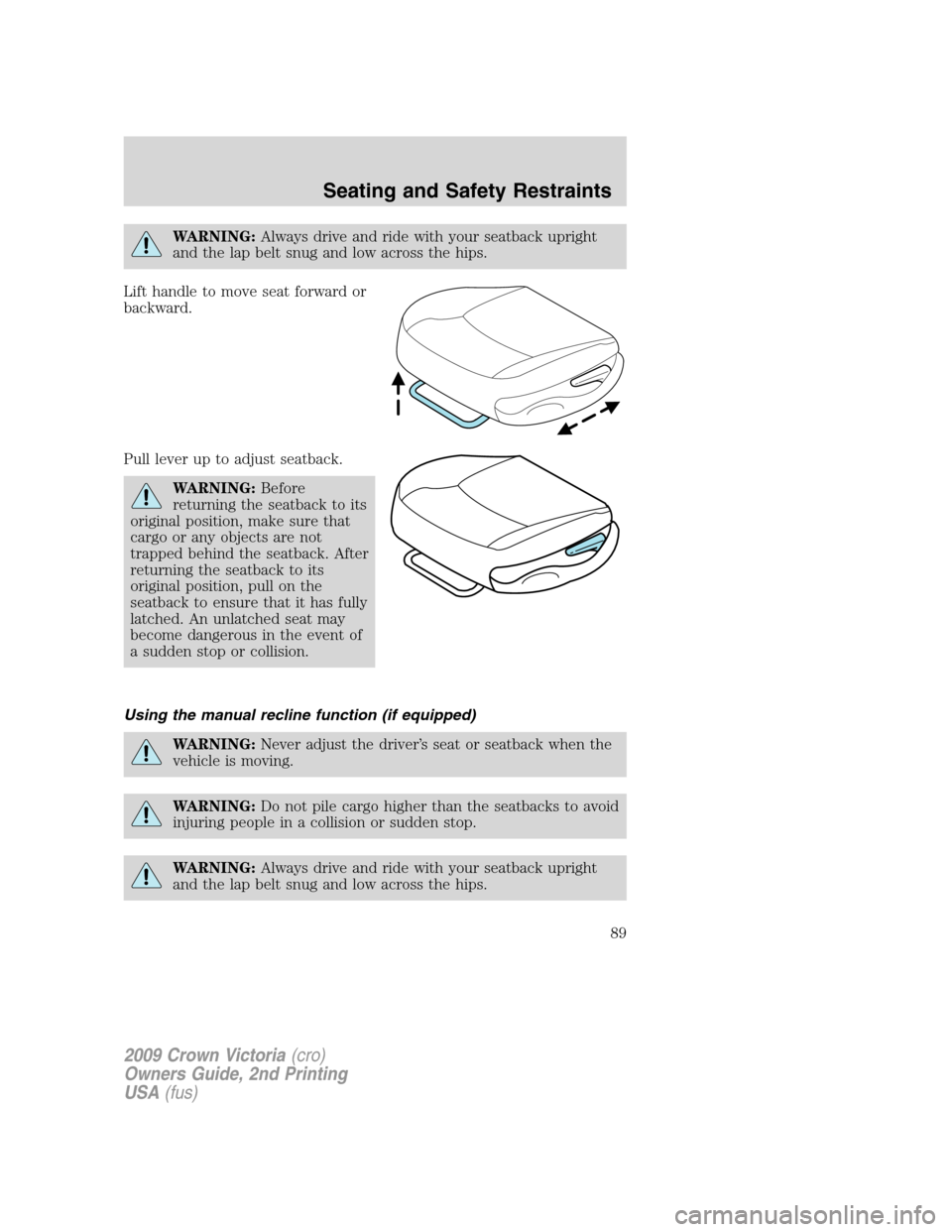
Lift handle to move seat forward or
backward.
Pull lever up to adjust seatback.
WARNING:Before
returning the seatback to its
original position, make sure that
cargo or any objects are not
trapped behind the seatback. After
returning the seatback to its
original position, pull on the
seatback to ensure that it has fully
latched. An unlatched seat may
become dangerous in the event of
a sudden stop or collision.
Using the manual recline function (if equipped)
WARNING:Never adjust the driver’s seat or seatback when the
vehicle is moving.
WARNING:Do not pile cargo higher than the seatbacks to avoid
injuring people in a collision or sudden stop.
WARNING:Always drive and ride with your seatback upright
and the lap belt snug and low across the hips.
2009 Crown Victoria(cro)
Owners Guide, 2nd Printing
USA(fus)
Seating and Safety Restraints
89
Page 90 of 271
WARNING:Reclining the seatback can cause an occupant to
slide under the seat’s safety belt, resulting in severe personal
injuries in the event of a collision.
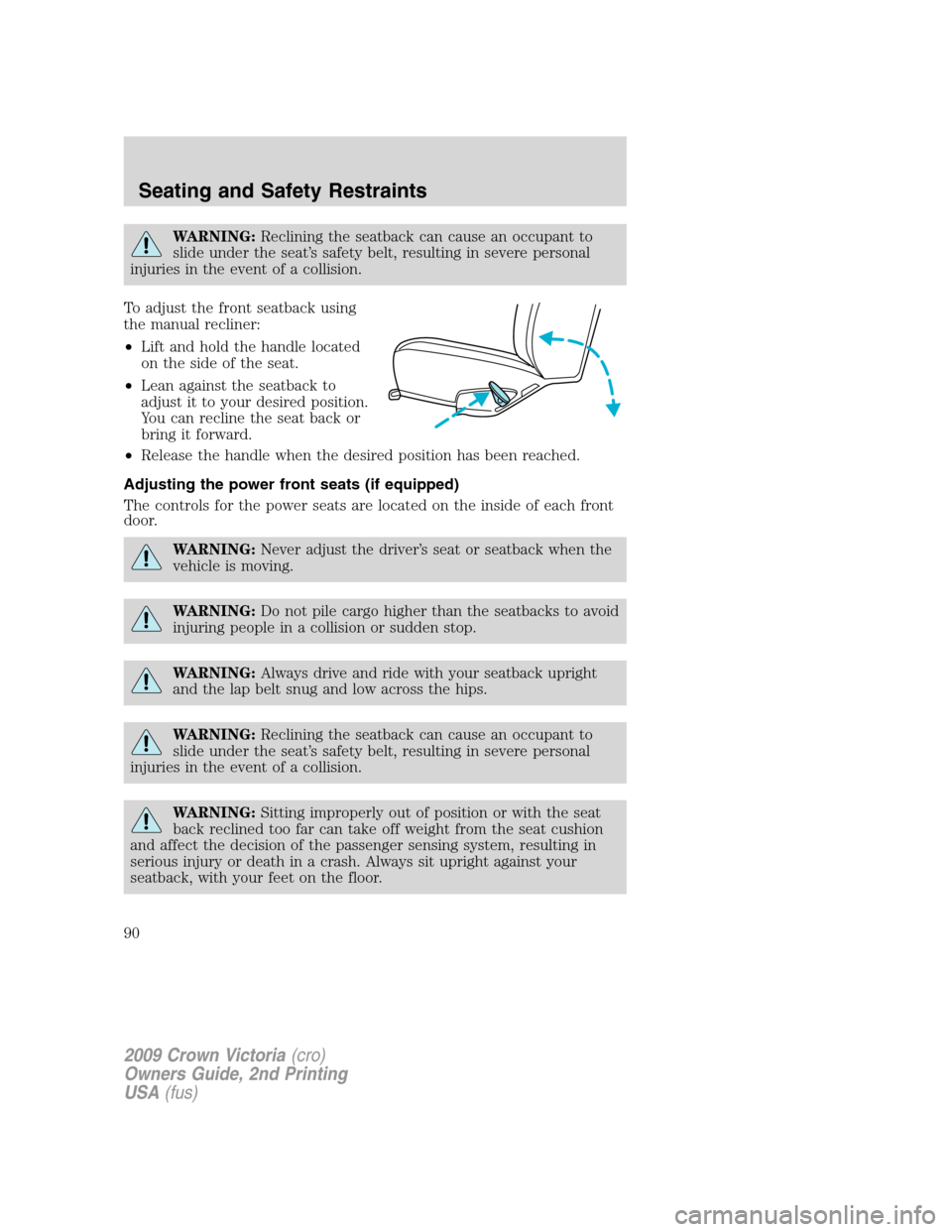
To adjust the front seatback using
the manual recliner:
•Lift and hold the handle located
on the side of the seat.
•Lean against the seatback to
adjust it to your desired position.
You can recline the seat back or
bring it forward.
•Release the handle when the desired position has been reached.
Adjusting the power front seats (if equipped)
The controls for the power seats are located on the inside of each front
door.
WARNING:Never adjust the driver’s seat or seatback when the
vehicle is moving.
WARNING:Do not pile cargo higher than the seatbacks to avoid
injuring people in a collision or sudden stop.
WARNING:Always drive and ride with your seatback upright
and the lap belt snug and low across the hips.
WARNING:Reclining the seatback can cause an occupant to
slide under the seat’s safety belt, resulting in severe personal
injuries in the event of a collision.
WARNING:Sitting improperly out of position or with the seat
back reclined too far can take off weight from the seat cushion
and affect the decision of the passenger sensing system, resulting in
serious injury or death in a crash. Always sit upright against your
seatback, with your feet on the floor.
2009 Crown Victoria(cro)
Owners Guide, 2nd Printing
USA(fus)
Seating and Safety Restraints
90
Page 91 of 271
WARNING:To reduce the risk of possible serious injury: Do not
hang objects off seat back or stow objects in map pocket (if
equipped) when a child is in the front passenger seat. Do not place
objects underneath the front passenger seat or between the seat and
the center console (if equipped). Check the “passenger airbag off” or
“pass airbag off” indicator lamp for proper airbag status. Refer toFront
passenger sensing systemsection for additional details. Failure to
follow these instructions may interfere with the front passenger seat
sensing system.
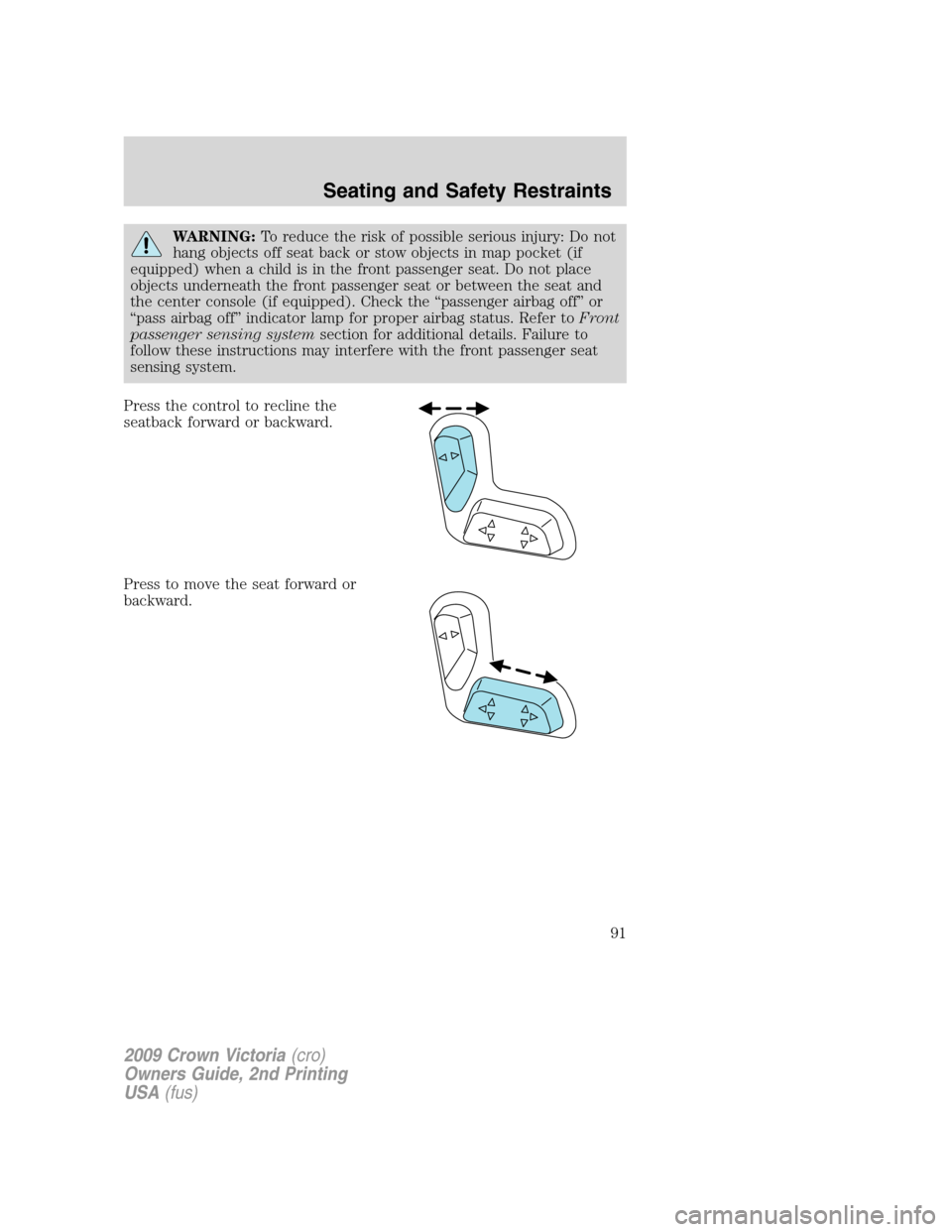
Press the control to recline the
seatback forward or backward.
Press to move the seat forward or
backward.
2009 Crown Victoria(cro)
Owners Guide, 2nd Printing
USA(fus)
Seating and Safety Restraints
91
Page 93 of 271
REAR SEATS
Seat-mounted cup holders and armrest storage compartment
(if equipped)
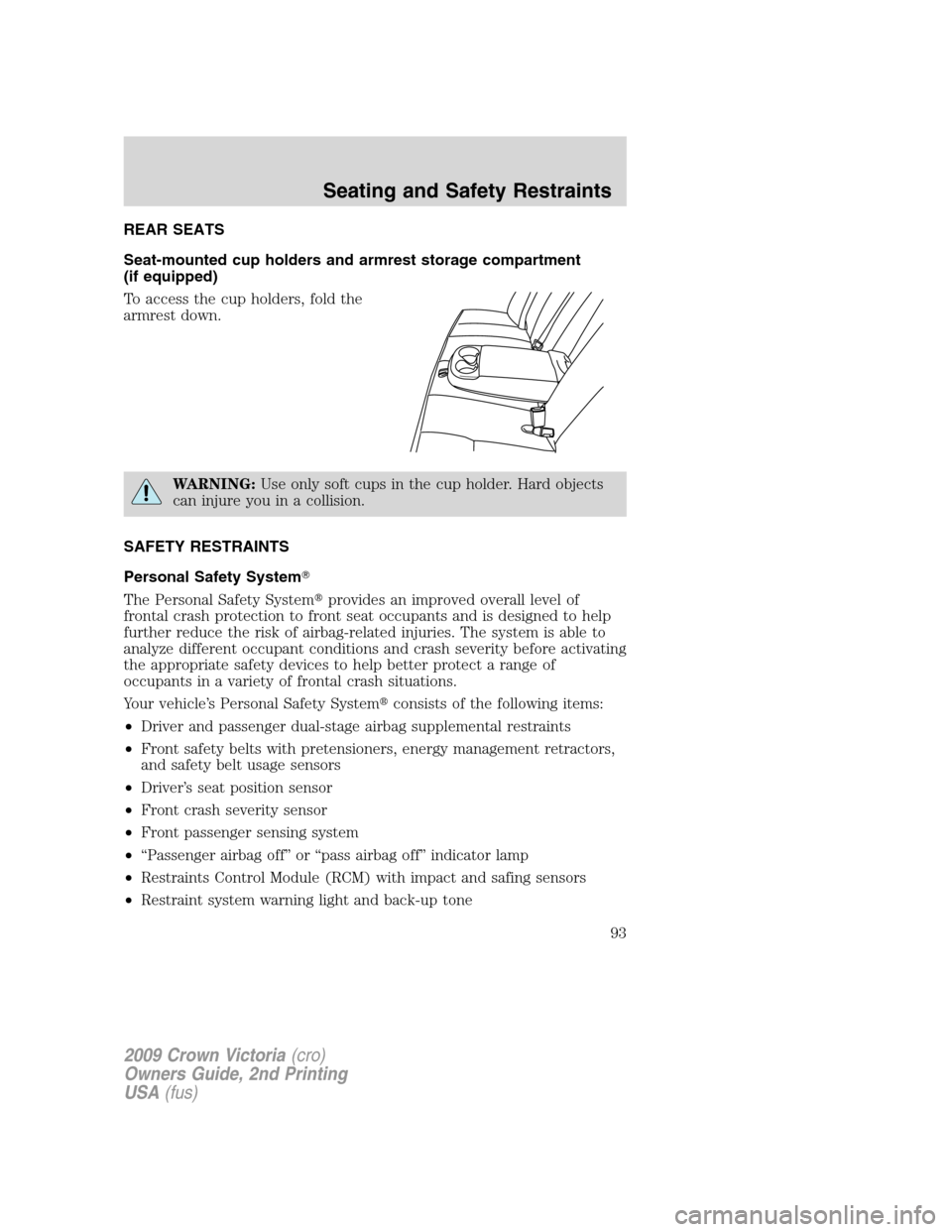
To access the cup holders, fold the
armrest down.
WARNING:Use only soft cups in the cup holder. Hard objects
can injure you in a collision.
SAFETY RESTRAINTS
Personal Safety System�
The Personal Safety System�provides an improved overall level of
frontal crash protection to front seat occupants and is designed to help
further reduce the risk of airbag-related injuries. The system is able to
analyze different occupant conditions and crash severity before activating
the appropriate safety devices to help better protect a range of
occupants in a variety of frontal crash situations.
Your vehicle’s Personal Safety System�consists of the following items:
•Driver and passenger dual-stage airbag supplemental restraints
•Front safety belts with pretensioners, energy management retractors,
and safety belt usage sensors
•Driver’s seat position sensor
•Front crash severity sensor
•Front passenger sensing system
•“Passenger airbag off” or “pass airbag off” indicator lamp
•Restraints Control Module (RCM) with impact and safing sensors
•Restraint system warning light and back-up tone
2009 Crown Victoria(cro)
Owners Guide, 2nd Printing
USA(fus)
Seating and Safety Restraints
93