2009 FORD CROWN VICTORIA ignition
[x] Cancel search: ignitionPage 63 of 271
Climate control features
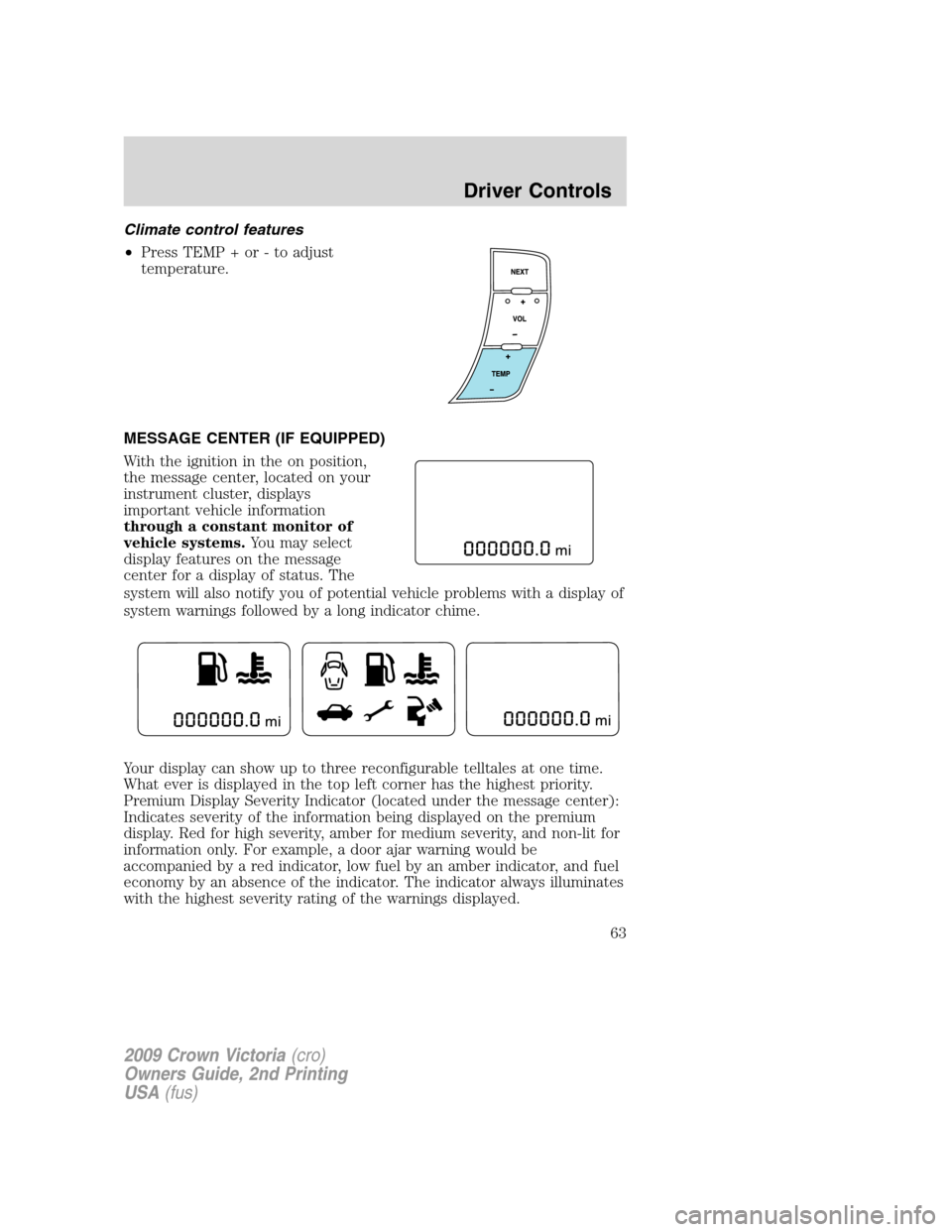
•Press TEMP + or - to adjust
temperature.
MESSAGE CENTER (IF EQUIPPED)
With the ignition in the on position,
the message center, located on your
instrument cluster, displays
important vehicle information
through a constant monitor of
vehicle systems.You may select
display features on the message
center for a display of status. The
system will also notify you of potential vehicle problems with a display of
system warnings followed by a long indicator chime.
Your display can show up to three reconfigurable telltales at one time.
What ever is displayed in the top left corner has the highest priority.
Premium Display Severity Indicator (located under the message center):
Indicates severity of the information being displayed on the premium
display. Red for high severity, amber for medium severity, and non-lit for
information only. For example, a door ajar warning would be
accompanied by a red indicator, low fuel by an amber indicator, and fuel
economy by an absence of the indicator. The indicator always illuminates
with the highest severity rating of the warnings displayed.
2009 Crown Victoria(cro)
Owners Guide, 2nd Printing
USA(fus)
Driver Controls
63
Page 65 of 271
Distance to empty (DTE)
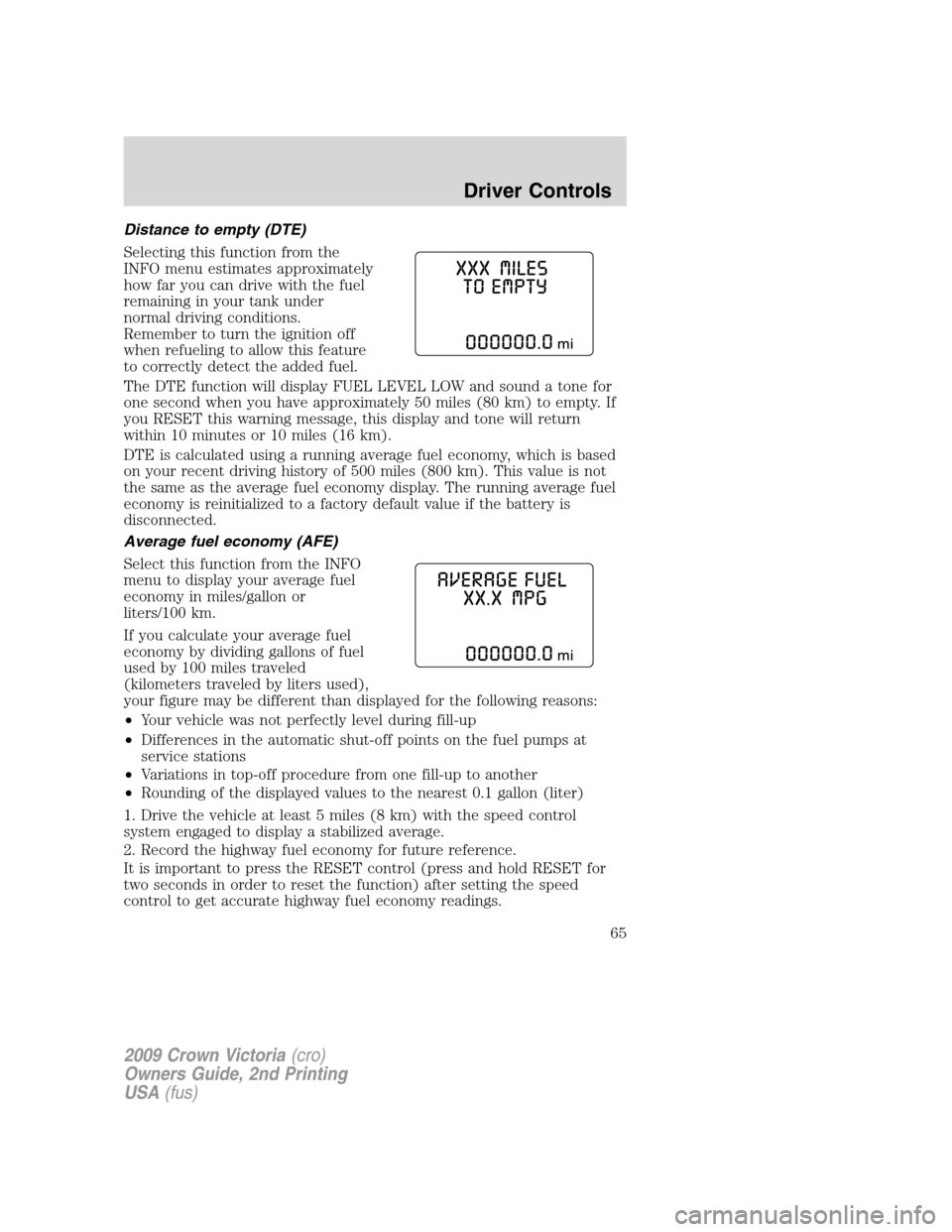
Selecting this function from the
INFO menu estimates approximately
how far you can drive with the fuel
remaining in your tank under
normal driving conditions.
Remember to turn the ignition off
when refueling to allow this feature
to correctly detect the added fuel.
The DTE function will display FUEL LEVEL LOW and sound a tone for
one second when you have approximately 50 miles (80 km) to empty. If
you RESET this warning message, this display and tone will return
within 10 minutes or 10 miles (16 km).
DTE is calculated using a running average fuel economy, which is based
on your recent driving history of 500 miles (800 km). This value is not
the same as the average fuel economy display. The running average fuel
economy is reinitialized to a factory default value if the battery is
disconnected.
Average fuel economy (AFE)
Select this function from the INFO
menu to display your average fuel
economy in miles/gallon or
liters/100 km.
If you calculate your average fuel
economy by dividing gallons of fuel
used by 100 miles traveled
(kilometers traveled by liters used),
your figure may be different than displayed for the following reasons:
•Your vehicle was not perfectly level during fill-up
•Differences in the automatic shut-off points on the fuel pumps at
service stations
•Variations in top-off procedure from one fill-up to another
•Rounding of the displayed values to the nearest 0.1 gallon (liter)
1. Drive the vehicle at least 5 miles (8 km) with the speed control
system engaged to display a stabilized average.
2. Record the highway fuel economy for future reference.
It is important to press the RESET control (press and hold RESET for
two seconds in order to reset the function) after setting the speed
control to get accurate highway fuel economy readings.
2009 Crown Victoria(cro)
Owners Guide, 2nd Printing
USA(fus)
Driver Controls
65
Page 69 of 271
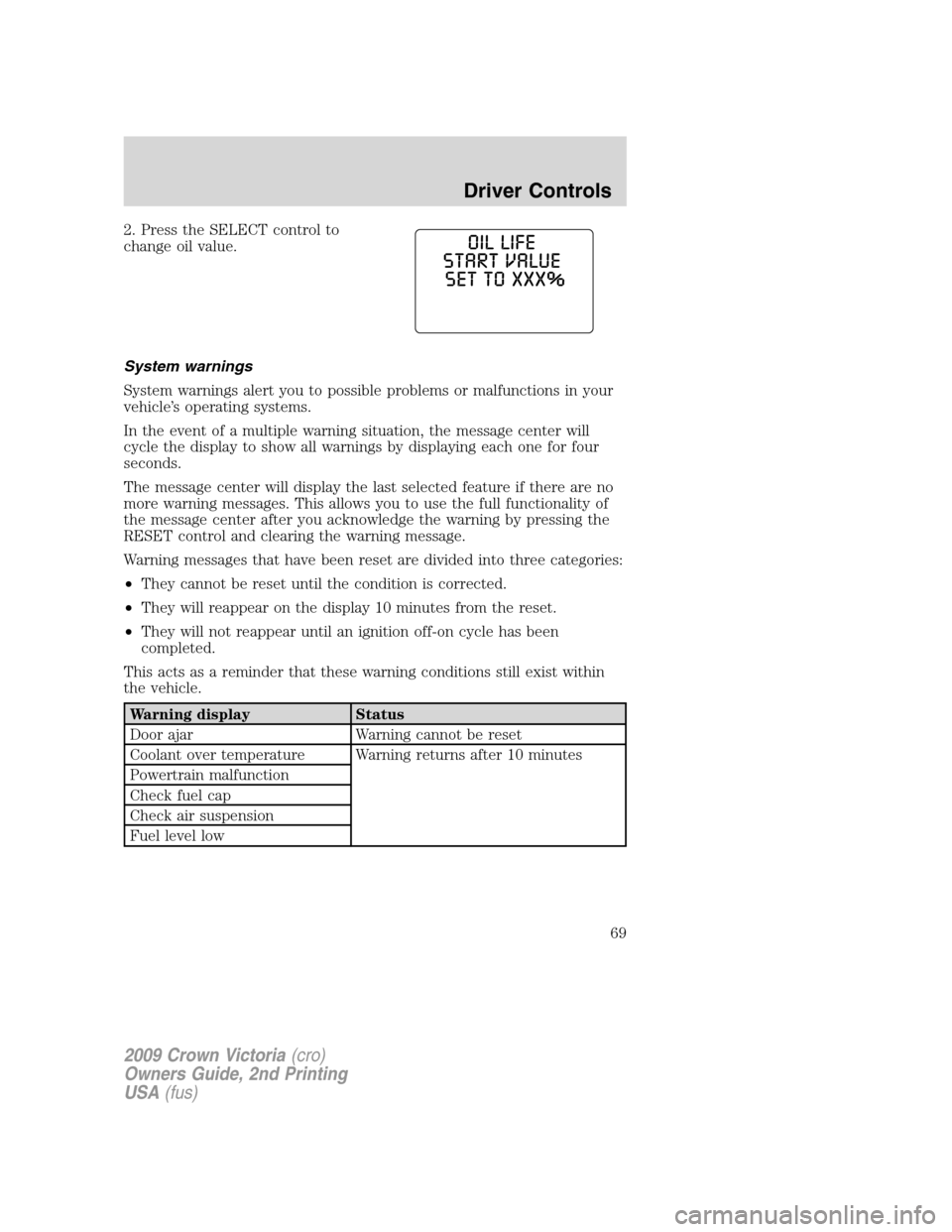
2. Press the SELECT control to
change oil value.
System warnings
System warnings alert you to possible problems or malfunctions in your
vehicle’s operating systems.
In the event of a multiple warning situation, the message center will
cycle the display to show all warnings by displaying each one for four
seconds.
The message center will display the last selected feature if there are no
more warning messages. This allows you to use the full functionality of
the message center after you acknowledge the warning by pressing the
RESET control and clearing the warning message.
Warning messages that have been reset are divided into three categories:
•They cannot be reset until the condition is corrected.
•They will reappear on the display 10 minutes from the reset.
•They will not reappear until an ignition off-on cycle has been
completed.
This acts as a reminder that these warning conditions still exist within
the vehicle.
Warning display Status
Door ajar Warning cannot be reset
Coolant over temperature Warning returns after 10 minutes
Powertrain malfunction
Check fuel cap
Check air suspension
Fuel level low
2009 Crown Victoria(cro)
Owners Guide, 2nd Printing
USA(fus)
Driver Controls
69
Page 70 of 271
Warning display Status
Overdrive ON/OFF Warning returns after the ignition key
is turned from off to on.
Trunk ajar
Low tire pressure
Tire pressure monitor fault
Tire pressure sensor fault
Check compass module
Low washer fluid
Change engine oil
DOOR AJAR— Displayed when a door is not completely closed.
POWERTRAIN MALFUNCTION— Displayed when the powertrain is
not operating properly. If the warning stays on or continues to come on,
contact your authorized dealer as soon as possible.
COOLANT OVER TEMPERATURE— Displayed when the engine
coolant is overheating. Stop the vehicle as soon as safely possible, turn
off the engine and let it cool. Check the coolant and coolant level. Refer
toEngine coolantin theMaintenance and Specificationschapter. If
the warning stays on or continues to come on, contact your authorized
dealer as soon as possible.
WARNING:Never remove the coolant reservoir cap while the
engine is running or hot.
CHECK FUEL CAP— Displayed when the fuel filler cap is not
properly installed. Check the fuel filler cap for proper installation. Refer
toFuel filler capin theMaintenance and Specificationschapter.
CHECK AIR SUSPENSION— Displayed when the air suspension
system is not operating properly. If this message is displayed while
driving, pull off the road as soon as safely possible. For more
information, refer toAir suspension systemin theDrivingchapter.
FUEL LEVEL LOW— Displayed as an early reminder of a low fuel
condition. Warning message can be reset by pressing the RESET button,
but will return after 10 minutes. If any other button is pressed besides
RESET, the message ’’PRESS RESET TO CLEAR’’ will appear in the
message center. Once this message disappears (after approximately two
seconds), press RESET to clear the warning.
TRUNK AJAR— Displayed when the trunk is not completely closed.
OVERDRIVE OFF— Displayed when the overdrive is enabled or
disabled.
2009 Crown Victoria(cro)
Owners Guide, 2nd Printing
USA(fus)
Driver Controls
70
Page 73 of 271
KEYS
The vehicle is equipped with a master key which will access the vehicle’s
doors, trunk, glove box, ignition and remote trunk release.
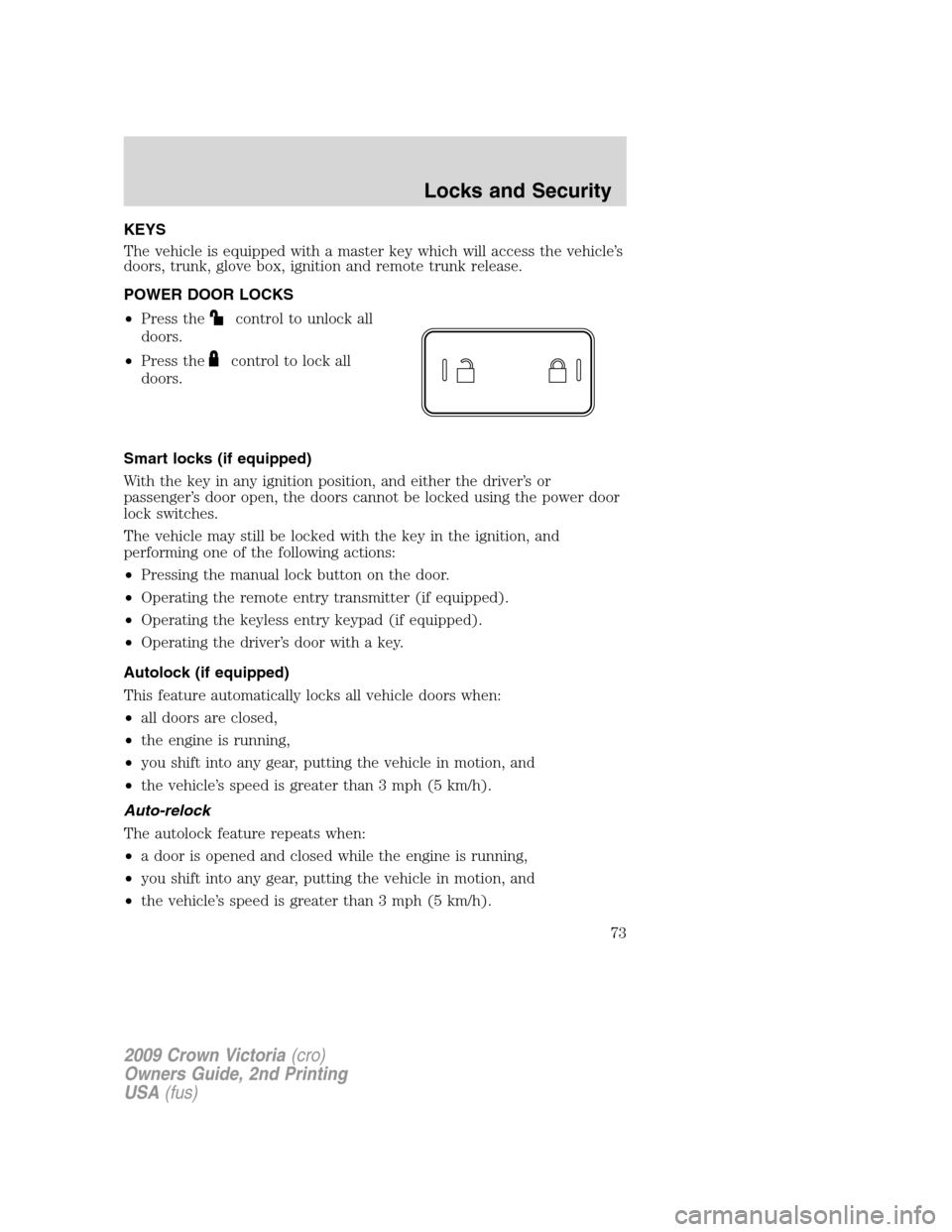
POWER DOOR LOCKS
•Press the
control to unlock all
doors.
•Press the
control to lock all
doors.
Smart locks (if equipped)
With the key in any ignition position, and either the driver’s or
passenger’s door open, the doors cannot be locked using the power door
lock switches.
The vehicle may still be locked with the key in the ignition, and
performing one of the following actions:
•Pressing the manual lock button on the door.
•Operating the remote entry transmitter (if equipped).
•Operating the keyless entry keypad (if equipped).
•Operating the driver’s door with a key.
Autolock (if equipped)
This feature automatically locks all vehicle doors when:
•all doors are closed,
•the engine is running,
•you shift into any gear, putting the vehicle in motion, and
•the vehicle’s speed is greater than 3 mph (5 km/h).
Auto-relock
The autolock feature repeats when:
•a door is opened and closed while the engine is running,
•you shift into any gear, putting the vehicle in motion, and
•the vehicle’s speed is greater than 3 mph (5 km/h).
2009 Crown Victoria(cro)
Owners Guide, 2nd Printing
USA(fus)
Locks and Security
73
Page 74 of 271
Auto-unlock
The auto-unlock feature will unlock all doors when:
•the ignition has been in the on position, all doors are closed, and the
vehicle has been in motion at a speed greater than 12 mph (20 km/h),
•the vehicle has then come to a stop and the ignition is turned to the
accessory or off position, and
•the driver door is opened {within ten minutes after the ignition was
transitioned to the accessory or off position}.
Note:The vehicle doors will not auto-unlock if the vehicle has been
electronically locked prior to the driver door being opened.
Deactivating/activating the autolock or auto-unlock feature
Automatic door locks can also be turned on/off through the following
procedure:
You must complete Steps 1-7 within 30 seconds or the procedure will
have to be repeated. If the procedure needs to be repeated, you must
wait at least 30 seconds.Note:Before following the procedure, make
sure that the ignition is in the off position and all vehicle doors, the
hood, and the decklid are closed.
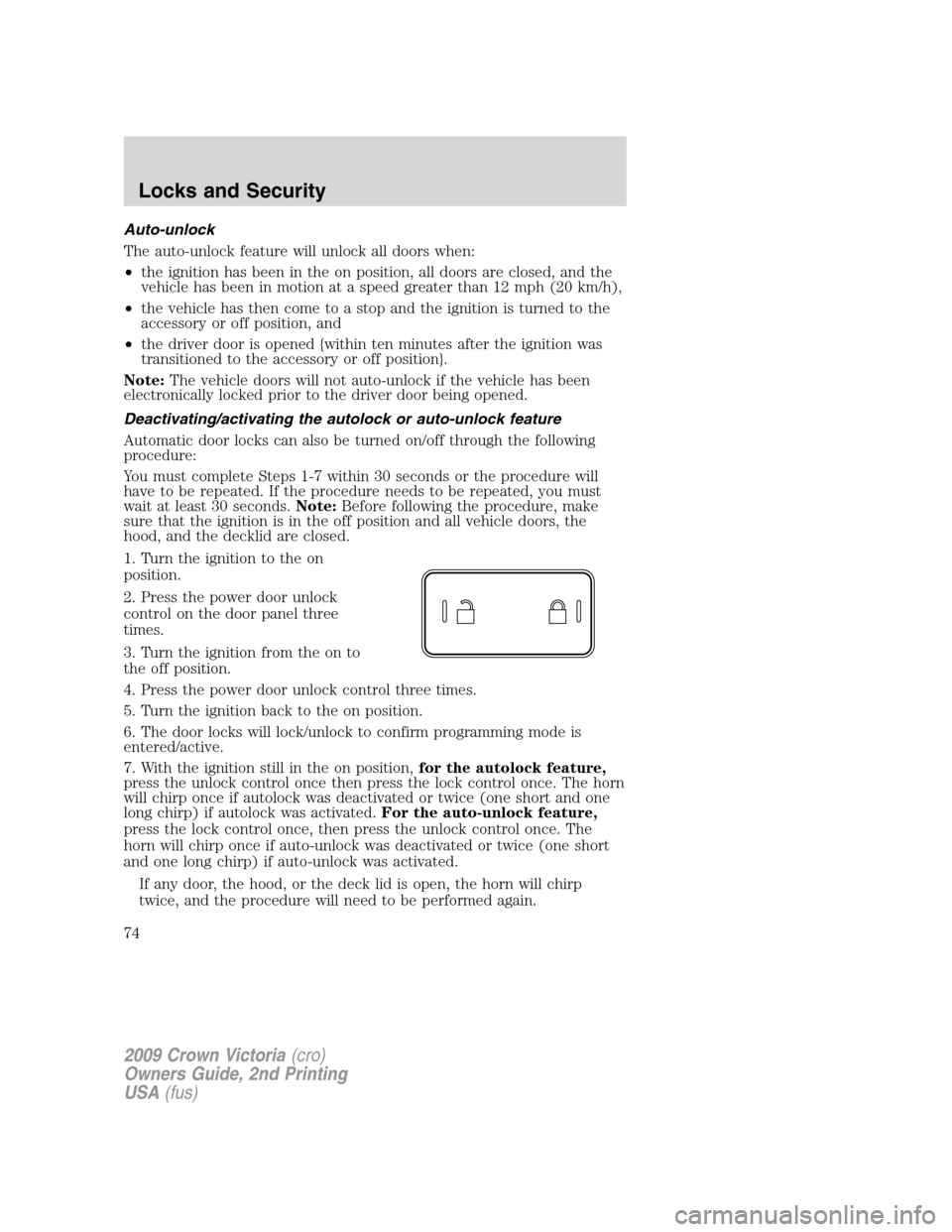
1. Turn the ignition to the on
position.
2. Press the power door unlock
control on the door panel three
times.
3. Turn the ignition from the on to
the off position.
4. Press the power door unlock control three times.
5. Turn the ignition back to the on position.
6. The door locks will lock/unlock to confirm programming mode is
entered/active.
7. With the ignition still in the on position,for the autolock feature,
press the unlock control once then press the lock control once. The horn
will chirp once if autolock was deactivated or twice (one short and one
long chirp) if autolock was activated.For the auto-unlock feature,
press the lock control once, then press the unlock control once. The
horn will chirp once if auto-unlock was deactivated or twice (one short
and one long chirp) if auto-unlock was activated.
If any door, the hood, or the deck lid is open, the horn will chirp
twice, and the procedure will need to be performed again.
2009 Crown Victoria(cro)
Owners Guide, 2nd Printing
USA(fus)
Locks and Security
74
Page 75 of 271
8. After having waited the necessary time for the programming to
confirm, turn the ignition to the off position.
Once disabled, the autolock or auto-unlock feature can be enabled by
repeating the procedure in Steps 1–8.
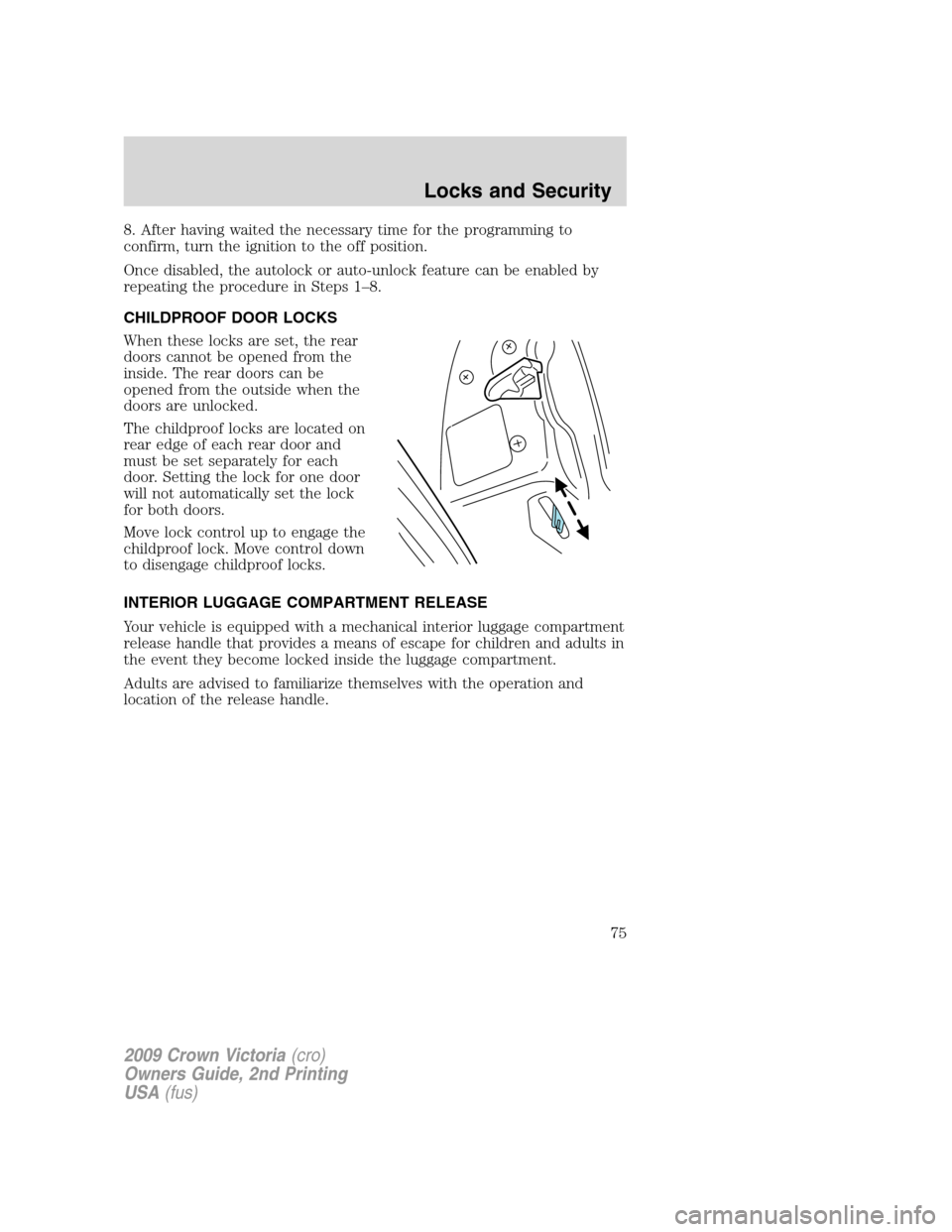
CHILDPROOF DOOR LOCKS
When these locks are set, the rear
doors cannot be opened from the
inside. The rear doors can be
opened from the outside when the
doors are unlocked.
The childproof locks are located on
rear edge of each rear door and
must be set separately for each
door. Setting the lock for one door
will not automatically set the lock
for both doors.
Move lock control up to engage the
childproof lock. Move control down
to disengage childproof locks.
INTERIOR LUGGAGE COMPARTMENT RELEASE
Your vehicle is equipped with a mechanical interior luggage compartment
release handle that provides a means of escape for children and adults in
the event they become locked inside the luggage compartment.
Adults are advised to familiarize themselves with the operation and
location of the release handle.
2009 Crown Victoria(cro)
Owners Guide, 2nd Printing
USA(fus)
Locks and Security
75
Page 77 of 271
REMOTE ENTRY SYSTEM (IF EQUIPPED)
This device complies with part 15 of the FCC rules and with RSS-210 of
Industry Canada. Operation is subject to the following two conditions:
(1) This device may not cause harmful interference, and (2) This device
must accept any interference received, including interference that may
cause undesired operation.
Radio type approval numbers for remote entry receiver
If the type approval of your remote entry system is inspected in one of
the countries listed in the following table, refer to the corresponding
approval number:
Remote entry receiver certification numbers
Gabon 01070305/ARTEL/GABTEL
Jordan CAZ/ENG/CA/04/11/1
Zambia TRC/LPD/2004/28
Changes or modifications not expressly approved by the party
responsible for compliance could void the user’s authority to
operate the equipment.
The typical operating range for your remote entry transmitter is
approximately 33 feet (10 meters). A decrease in operating range could
be caused by:
•weather conditions,
•nearby radio towers,
•structures around the vehicle, or
•other vehicles parked next to your vehicle.
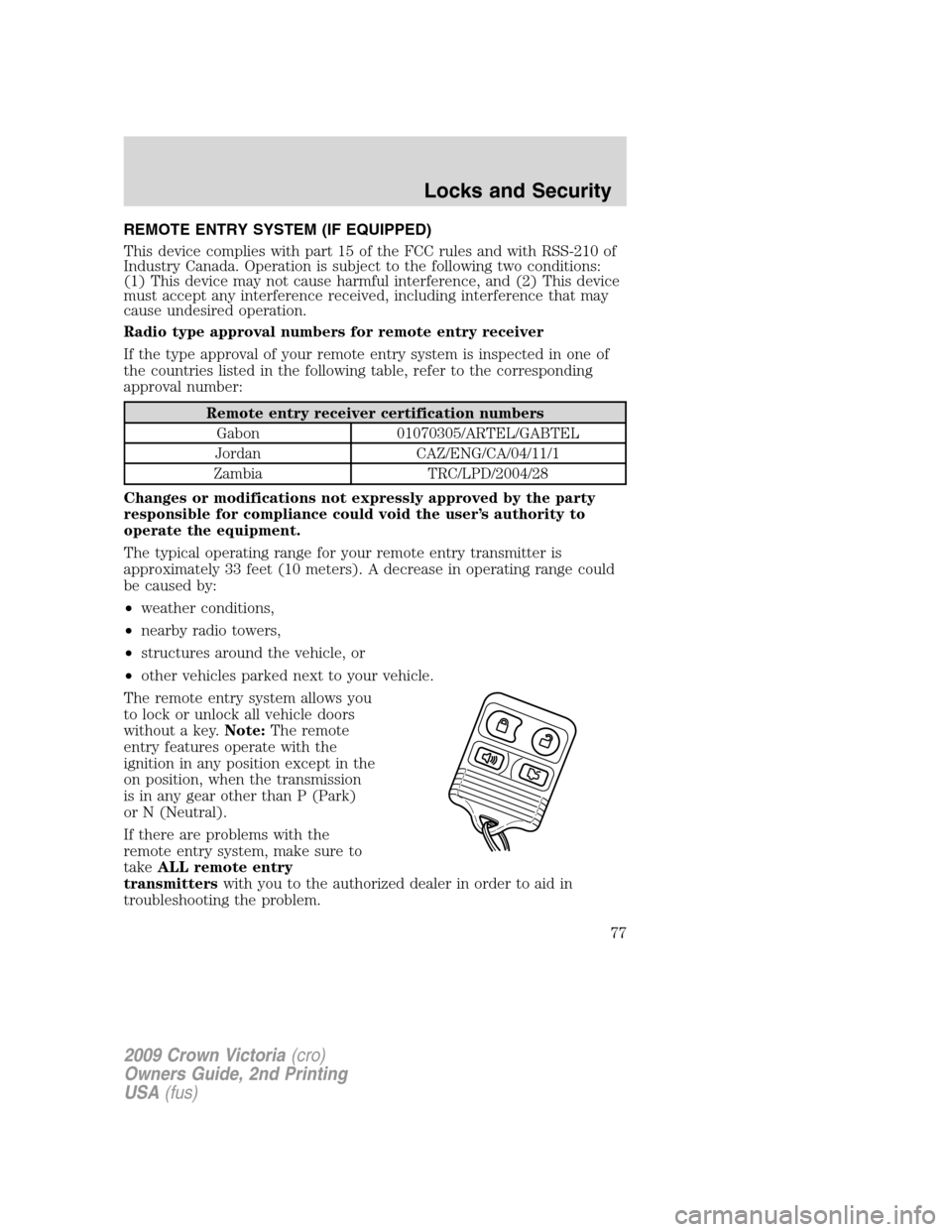
The remote entry system allows you
to lock or unlock all vehicle doors
without a key.Note:The remote
entry features operate with the
ignition in any position except in the
on position, when the transmission
is in any gear other than P (Park)
or N (Neutral).
If there are problems with the
remote entry system, make sure to
takeALL remote entry
transmitterswith you to the authorized dealer in order to aid in
troubleshooting the problem.
2009 Crown Victoria(cro)
Owners Guide, 2nd Printing
USA(fus)
Locks and Security
77