Page 27 of 459

NOTE:Changes or modifications not expressly ap-
proved by the party responsible for compliance could
void the user’s authority to operate the equipment.
If your RKE transmitter fails to operate from a normal
distance, check for these two conditions:
1. Weak batteries in RKE transmitter. The expected life of
the batteries is from one to two years.
2. Closeness to a radio transmitter such as a radio station
tower, airport transmitter, and some mobile or CB radios.
REMOTE STARTING SYSTEM — IF EQUIPPED
Your vehicle may be equipped with a remote starting
system. This system allows the vehicle to be started from
distances up to 300 ft (91 m) using the Remote Keyless
Entry (RKE) transmitter, which is part of your ignition
key.
In order to start your vehicle remotely, the hood, liftgate,
and all of the doors must be closed.To start your vehicle remotely, press and release the
REMOTE START button on the RKE transmitter twice
within three seconds. To indicate that the vehicle is about
to start, the parking lights will flash and the horn will
sound briefly (if programmed).
Remote Start Button
THINGS TO KNOW BEFORE STARTING YOUR VEHICLE 25
2
Page 28 of 459

Once the engine starts it will run for 15 minutes. To
cancel remote start, press and release the REMOTE
START button once.
To enter the vehicle while the engine is running during a
remote start, you must first unlock the vehicle using the
UNLOCK button on the RKE transmitter. Once the
vehicle is unlocked, you have 60 seconds to enter the
vehicle, insert the key in the ignition, and turn it to the
ON position. Otherwise, the system will cancel the
remote start and automatically turn off.
Remote start will also cancel if any of the following occur:
•If the engine stalls or RPM exceeds 2500.
•Any engine warning lamps come on.
•The hood is opened.
•The hazard switch is pressed.
•The transmission is moved out of PARK.The vehicle can be started remotely a maximum of two
times consecutively. The vehicle is also allowed a maxi-
mum of one failed start, where the remote start sequence
was initiated but the engine stopped cranking without
starting. Following either of these conditions, or if the
Vehicle Security Alarm (if equipped) is sounding, or if the
PANIC button was pressed, the system must be reset
before remote starting the vehicle again. To reset the
system, insert a valid key into the ignition and turn it to
the ON position and then back to the LOCK position.
DOOR LOCKS
The vacuum fluorescent (VF) display, located in the
odometer area, displays the word DOOR as an indication
of a door ajar or door not completely closed. When the
vehicle is not moving and the door is ajar or not
completely closed, the VF display will show the word
DOOR.
26 THINGS TO KNOW BEFORE STARTING YOUR VEHICLE
Page 31 of 459

Automatic Door Locks
The doors will lock automatically on vehicles with power
door locks if all of the following conditions are met:
1. The automatic door locks feature is enabled.
2. The transmission is in gear.
3. All doors are closed.
4. The throttle is pressed.
5. The vehicle speed is above 15 mph (24 km/h).
6. The doors were not previously locked using the power
door lock switch or Remote Keyless Entry (RKE)
transmitter.
Automatic Door Locks Programming
The automatic door locks feature can be enabled or
disabled as follows:
For vehicles equipped with an Electronic Vehicle Infor-
mation Center (EVIC), refer to “Personal Settings (Cus-
tomer Programmable Features)” under “Electronic Ve-
hicle Information Center (EVIC)” in Section 4.
For vehicles not equipped with the EVIC, perform the
following procedure:
1. Close all doors and place the key in the ignition.
2. Cycle the ignition switch between LOCK and ON and
then back to LOCK four times, ending up in the LOCK
position.
3. Depress the power door LOCK switch to lock the
doors.
THINGS TO KNOW BEFORE STARTING YOUR VEHICLE 29
2
Page 54 of 459

WARNING!
•Relying on the airbags alone could lead to more
severe injuries in a collision. The airbags work
with your seat belt to restrain you properly. In
some collisions the airbags won’t deploy at all.
Always wear your seat belts even though you have
airbags.
•Being too close to the steering wheel or instrument
panel during airbag deployment could cause seri-
ous injury. Airbags need room to inflate. Sit back,
comfortably extending your arms to reach the
steering wheel or instrument panel.
•The side curtain airbags need room to inflate. Do
not lean against the door or window. Sit upright in
the center of the seat.
Airbag System Components
The airbag system consists of the following:
•Occupant Restraint Control Module
•Airbag Warning Light
•Driver Airbag
•Passenger Airbag
•Side Curtain Airbags above Side Windows
•Side Remote Acceleration Sensors
•Steering Wheel and Column
•Instrument Panel
•Interconnecting Wiring
•Front Remote Acceleration Sensors
•Driver and Front Passenger Seat Belt Retractors
52 THINGS TO KNOW BEFORE STARTING YOUR VEHICLE
Page 208 of 459

•Audio Stream – Repeatedly pressing SELECT will
switch to different audio languages (if supported on
the disc) (if equipped).
•Angle – Repeatedly pressing SELECT will change
the viewing angle if supported by the DVD disc (if
equipped).
NOTE:
•The available selections for each of the above entries
varies depending upon the disc.
•These selections can only be made while playing a
DVD.
•VES™ Power -Allows you to turn VES™ ON and
OFF (if equipped).
•VES™ Lock -Locks out rear VES™ remote controls (if
equipped).
•VES™ CH1/CH2 -Allows the user to change the
mode of either the IR1 or IR2, wireless headphones by
pressing the AUDIO/SELECT button (if equipped).
•Set Home Clock -Pressing the SELECT button allows
you to set the clock. Turn the TUNE/SCROLL control
knob to adjust the hours and then press and turn the
TUNE/SCROLL control knob to adjust the minutes.
Press the TUNE/SCROLL control knob again to save
changes.
•Player Defaults -Selecting this item will allow the
user to scroll through the following items, and set
defaults according to customer preference.
Menu Language — If Equipped
Selecting this item will allow the user to choose the
default startup DVD menu language (effective only if
language supported by disc). If you want to select a
language not listed, then scroll down and select�other.�
206 UNDERSTANDING YOUR INSTRUMENT PANEL
Page 251 of 459

Blower Control
Use this control to regulate the
amount of air forced through the sys-
tem in any mode you select. The fan
speed increases as you turn the outer
control ring to the right from the OFF
position.
NOTE:For vehicles equipped with Remote Start, the
climate controls will not function during Remote Start
operation if the blower control is left in the “O” (Off)
position.
Temperature Control
Use this control to regulate the tem-
perature of the air inside the passenger
compartment. The blue area of the
scale indicates cooler temperatures
while the red area indicates warmer
temperatures.
NOTE:If your air conditioning performance seems
lower than expected, check the front of the A/C con-
denser located in front of the radiator, for an accumula-
tion of dirt or insects. Clean with a gentle water spray
from behind the radiator and through the condenser.
Fabric front fascia protectors may reduce air flow to the
condenser, reducing air conditioning performance.
UNDERSTANDING YOUR INSTRUMENT PANEL 249
4
Page 451 of 459

Power
Door Locks........................... 28
Inverter............................. 156
Mirrors.............................. 85
Steering..........................282,283
Sunroof............................. 150
Windows............................. 32
Power Steering Fluid..................... 410
Pregnant Women and Seat Belts.............. 47
Preparation for Jacking.................... 358
Programmable Electronic Features............ 198
Programming Transmitters
(Remote Keyless Entry).................... 23
Radial Ply Tires......................... 308
Radio, Satellite.......................... 240
Rear Axle (Differential).................... 391
Rear Park Sense System................... 137
Rear Window Defroster................... 166Rear Window Features.................... 165
Rear Wiper/Washer...................... 165
Rearview Mirrors........................ 83
Reclining Front Seats..................... 121
Recreational Towing...................... 351
Reformulated Gasoline.................... 327
Refrigerant............................ 378
Release, Hood.......................... 127
Reminder, Lights On..................... 130
Reminder, Seat Belt....................... 45
Remote Keyless Entry (RKE)................. 19
Remote Sound System (Radio) Controls........ 246
Remote Starting System.................... 25
Replacement Keys........................ 15
Replacement Parts....................... 372
Replacement Tires....................... 312
Reporting Safety Defects................... 432
Restraint, Head......................... 123
Restraints, Child......................... 65
INDEX 449
10
Page 453 of 459
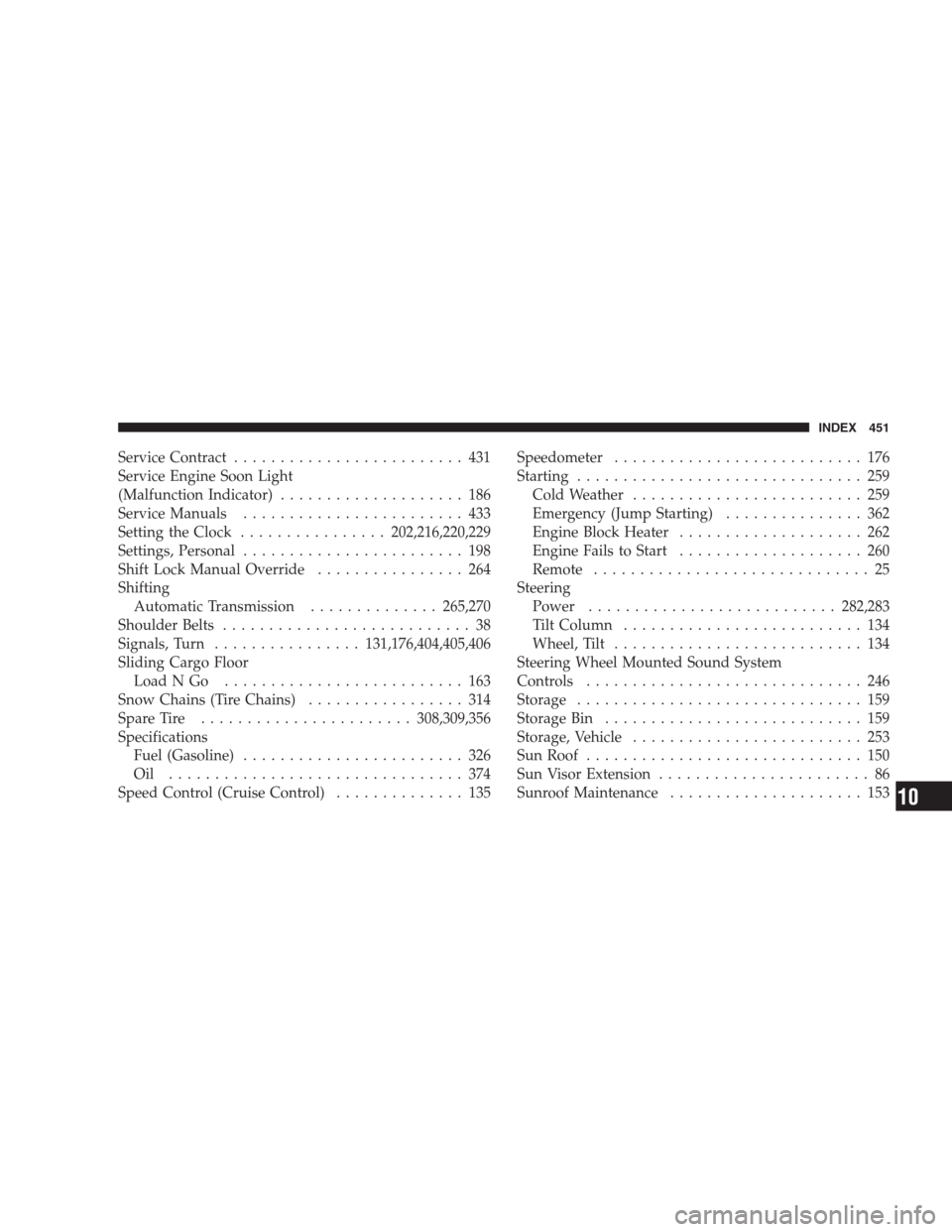
Service Contract......................... 431
Service Engine Soon Light
(Malfunction Indicator).................... 186
Service Manuals........................ 433
Setting the Clock................202,216,220,229
Settings, Personal........................ 198
Shift Lock Manual Override................ 264
Shifting
Automatic Transmission..............265,270
Shoulder Belts........................... 38
Signals, Turn................131,176,404,405,406
Sliding Cargo Floor
LoadNGo .......................... 163
Snow Chains (Tire Chains)................. 314
Spare Tire.......................308,309,356
Specifications
Fuel (Gasoline)........................ 326
Oil ................................ 374
Speed Control (Cruise Control).............. 135Speedometer........................... 176
Starting............................... 259
Cold Weather......................... 259
Emergency (Jump Starting)............... 362
Engine Block Heater.................... 262
Engine Fails to Start.................... 260
Remote.............................. 25
Steering
Power...........................282,283
Tilt Column.......................... 134
Wheel, Tilt........................... 134
Steering Wheel Mounted Sound System
Controls.............................. 246
Storage............................... 159
Storage Bin............................ 159
Storage, Vehicle......................... 253
Sun Roof.............................. 150
Sun Visor Extension....................... 86
Sunroof Maintenance..................... 153
INDEX 451
10