Page 182 of 469
Headlamps On with Wipers (Available with Auto
Headlamps Only)
When ON is selected, and the headlight switch is in the
AUTO (A) position, the headlamps will turn on approxi-
mately 10 seconds after the wipers are turned on. The
headlamps will also turn off when the wipers are turned
off if they were turned on by this feature. To make your
selection, press and release the FUNCTION SELECT
button until “ON” or “OFF” appears.
NOTE:Turning the headlights on during the daytime
causes the instrument panel lights to dim. To increase the
brightness, refer to “Lights” in Section 3.
Delay Turning Headlights Off
When this feature is selected, the driver can choose to
have the headlights remain on for 0, 30, 60, or 90 seconds
when exiting the vehicle. To make your selection, pressand release the FUNCTION SELECT button until “0,”
“30,” “60,” or “90” appears.
Hill Start Assist (HSA) — If Equipped
When on is selected, the HSA system is active. Refer to
“HSA (Hill Start Assistance)” under “Electronic Brake
Control System” in Section 5 of this manual for system
function and operating information. To make your selec-
tion, press and release the FUNCTION SELECT button
until “ON” or “OFF” appears.
Turn Headlights On with Remote Key Unlock
When this feature is selected, the headlights will activate
and remain on for up to 90 seconds when the doors are
unlocked with the RKE transmitter. To make your selec-
tion, press and release the FUNCTION SELECT button
until “OFF,” “30 sec.,” “60 sec.,” or “90 sec.” appears.
180 UNDERSTANDING YOUR INSTRUMENT PANEL
Page 233 of 469
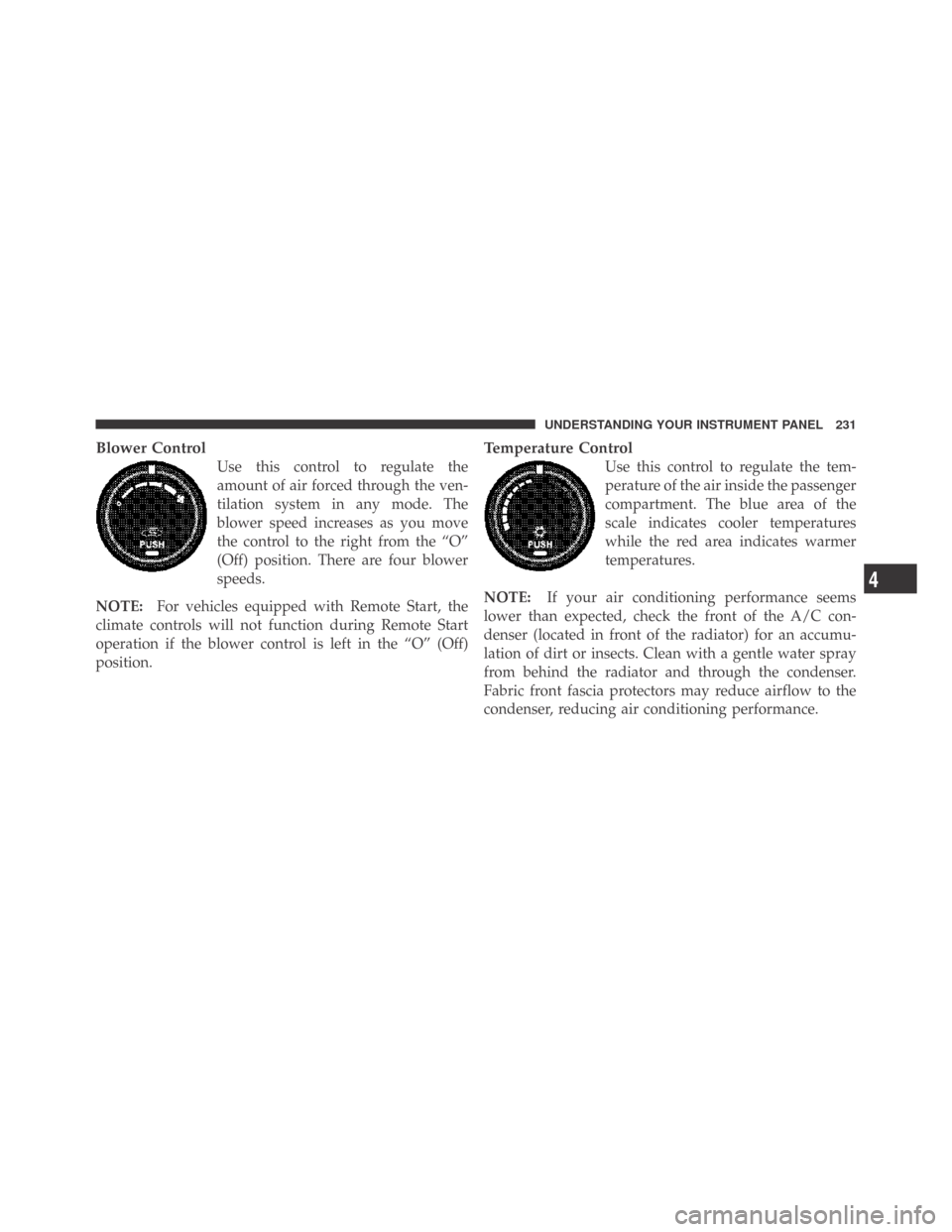
Blower Control
Use this control to regulate the
amount of air forced through the ven-
tilation system in any mode. The
blower speed increases as you move
the control to the right from the “O”
(Off) position. There are four blower
speeds.
NOTE:For vehicles equipped with Remote Start, the
climate controls will not function during Remote Start
operation if the blower control is left in the “O” (Off)
position.
Temperature Control
Use this control to regulate the tem-
perature of the air inside the passenger
compartment. The blue area of the
scale indicates cooler temperatures
while the red area indicates warmer
temperatures.
NOTE:If your air conditioning performance seems
lower than expected, check the front of the A/C con-
denser (located in front of the radiator) for an accumu-
lation of dirt or insects. Clean with a gentle water spray
from behind the radiator and through the condenser.
Fabric front fascia protectors may reduce airflow to the
condenser, reducing air conditioning performance.
4
UNDERSTANDING YOUR INSTRUMENT PANEL 231
Page 236 of 469
NOTE:The air conditioning compressor will not engage
until the engine has been running for a few seconds.
•MAX A/C
For maximum cooling use the A/C and recirculation
buttons at the same time and set the temperature control
to full cool by rotating the temperature control knob full
counterclockwise.
•Economy Mode
If economy mode is desired, press the A/C button to turn
off the indicator light and the A/C compressor. Then,
move the temperature control to the desired temperature.
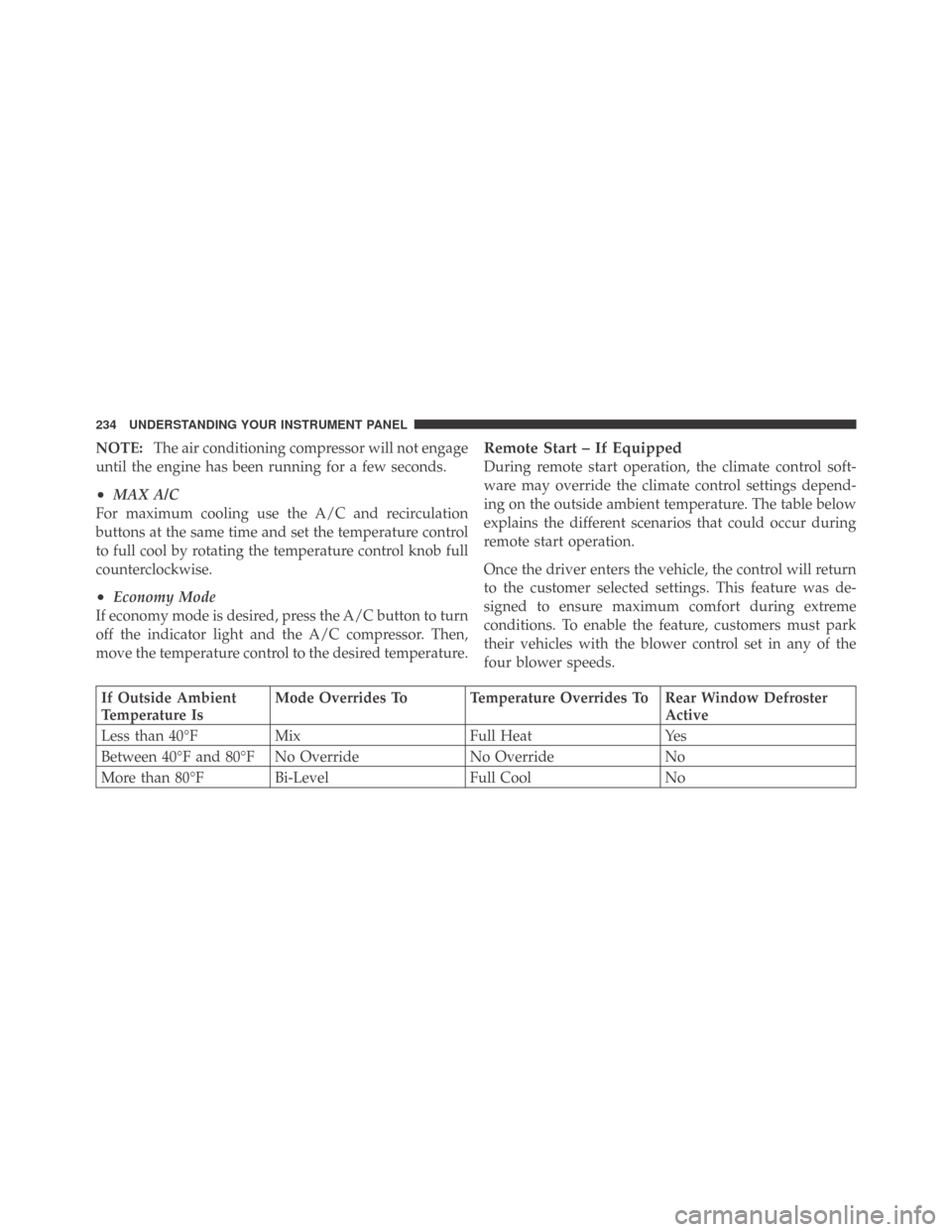
Remote Start – If Equipped
During remote start operation, the climate control soft-
ware may override the climate control settings depend-
ing on the outside ambient temperature. The table below
explains the different scenarios that could occur during
remote start operation.
Once the driver enters the vehicle, the control will return
to the customer selected settings. This feature was de-
signed to ensure maximum comfort during extreme
conditions. To enable the feature, customers must park
their vehicles with the blower control set in any of the
four blower speeds.
If Outside Ambient
Temperature IsMode Overrides To Temperature Overrides To Rear Window Defroster
Active
Less than 40°F Mix Full Heat Yes
Between 40°F and 80°F No Override No Override No
More than 80°F Bi-Level Full Cool No
234 UNDERSTANDING YOUR INSTRUMENT PANEL
Page 247 of 469

Do notpress the accelerator. Use the Fob with Integrated
Key to briefly turn the ignition switch to the START
position and release it as soon as the starter engages. The
starter motor will continue to run, and it will disengage
automatically when the engine is running. If the engine
fails to start, the starter will disengage automatically in
10 seconds. If this occurs, turn the ignition switch to the
LOCK position, wait 10 to 15 seconds, then repeat the
“Normal Starting” procedure.
Keyless Go — If Equipped
This feature allows the driver to oper-
ate the ignition switch with the push
of a button, as long as the ENGINE
START/STOP button is installed and
the Remote Keyless Entry transmitter
is in the passenger compartment.
Installing and Removing the ENGINE
START/STOP Button
Installing the Button
1. Remove the ignition key.
2. Insert the ENGINE START/STOP button into the
ignition switch with the lettering facing up and readable.
3. Press firmly on the center of the button to secure it into
position.
Removing the Button
1. The ENGINE START/STOP button can be removed
from the ignition switch for regular ignition key use.
2. Insert the metal part of the valet key under the chrome
bezel at the 6 o’clock position and gently pry the button
loose.
5
STARTING AND OPERATING 245
Page 359 of 469
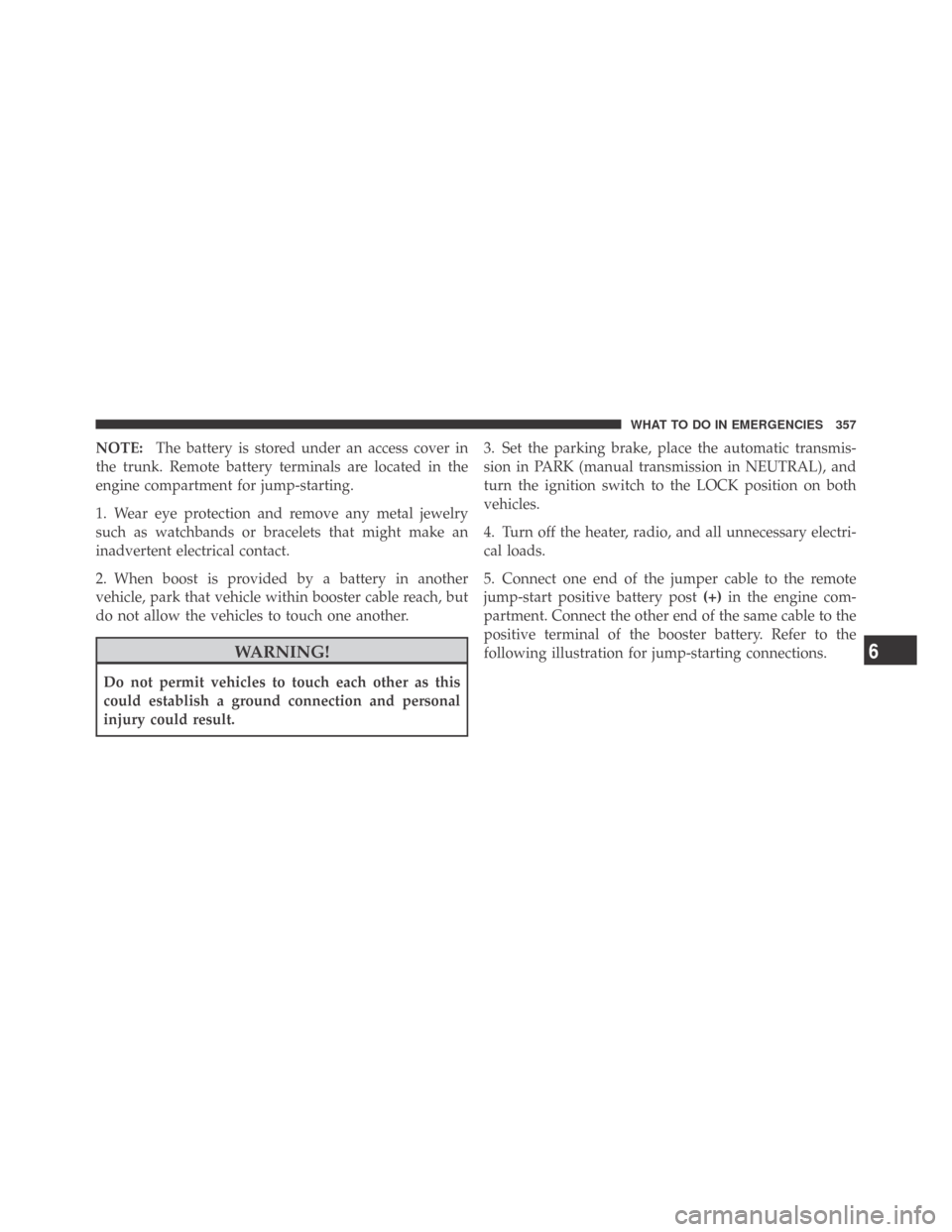
NOTE:The battery is stored under an access cover in
the trunk. Remote battery terminals are located in the
engine compartment for jump-starting.
1. Wear eye protection and remove any metal jewelry
such as watchbands or bracelets that might make an
inadvertent electrical contact.
2. When boost is provided by a battery in another
vehicle, park that vehicle within booster cable reach, but
do not allow the vehicles to touch one another.
WARNING!
Do not permit vehicles to touch each other as this
could establish a ground connection and personal
injury could result.3. Set the parking brake, place the automatic transmis-
sion in PARK (manual transmission in NEUTRAL), and
turn the ignition switch to the LOCK position on both
vehicles.
4. Turn off the heater, radio, and all unnecessary electri-
cal loads.
5. Connect one end of the jumper cable to the remote
jump-start positive battery post(+)in the engine com-
partment. Connect the other end of the same cable to the
positive terminal of the booster battery. Refer to the
following illustration for jump-starting connections.
6
WHAT TO DO IN EMERGENCIES 357
Page 360 of 469
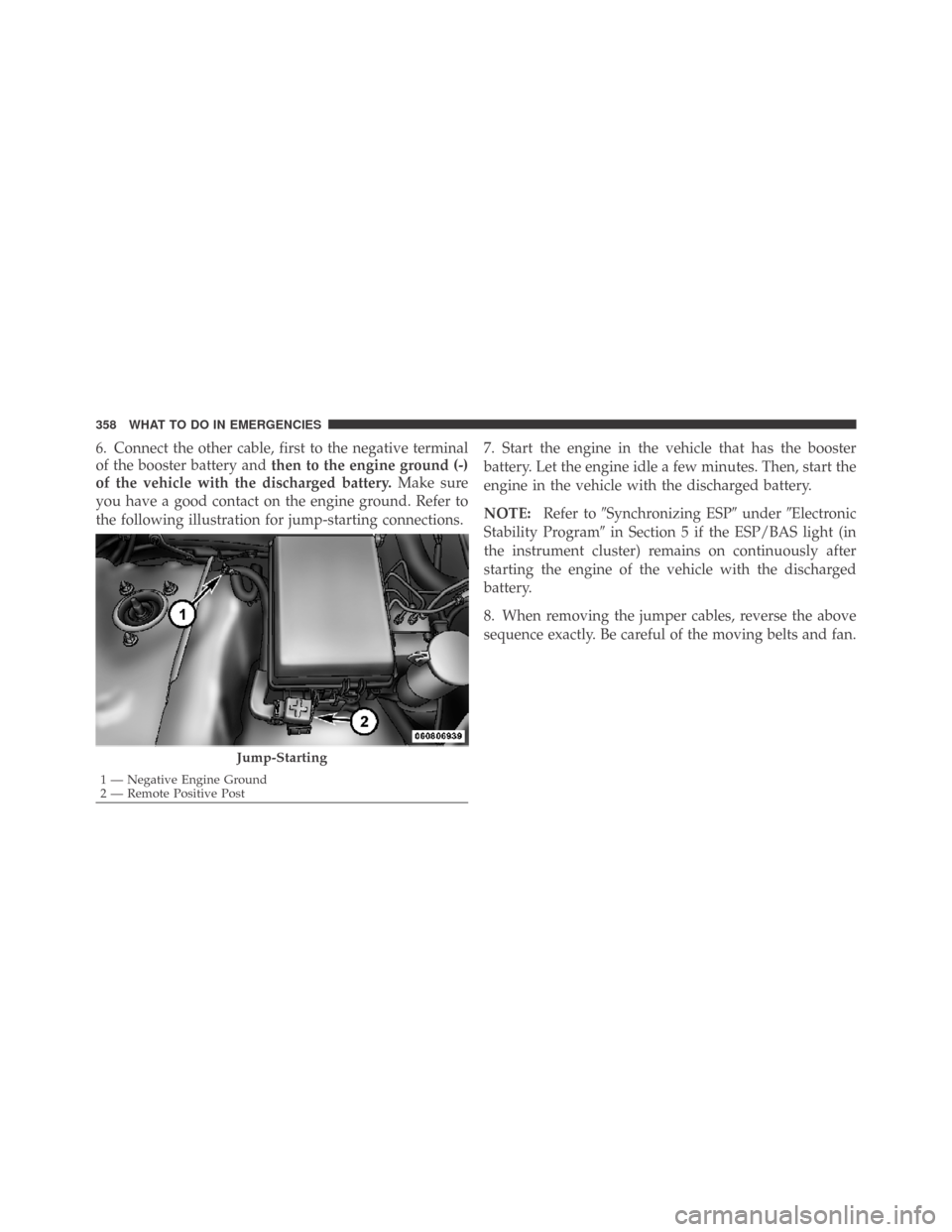
6. Connect the other cable, first to the negative terminal
of the booster battery andthen to the engine ground (-)
of the vehicle with the discharged battery.Make sure
you have a good contact on the engine ground. Refer to
the following illustration for jump-starting connections.7. Start the engine in the vehicle that has the booster
battery. Let the engine idle a few minutes. Then, start the
engine in the vehicle with the discharged battery.
NOTE:Refer to�Synchronizing ESP�under�Electronic
Stability Program�in Section 5 if the ESP/BAS light (in
the instrument cluster) remains on continuously after
starting the engine of the vehicle with the discharged
battery.
8. When removing the jumper cables, reverse the above
sequence exactly. Be careful of the moving belts and fan.
Jump-Starting
1 — Negative Engine Ground
2 — Remote Positive Post 358 WHAT TO DO IN EMERGENCIES
Page 368 of 469
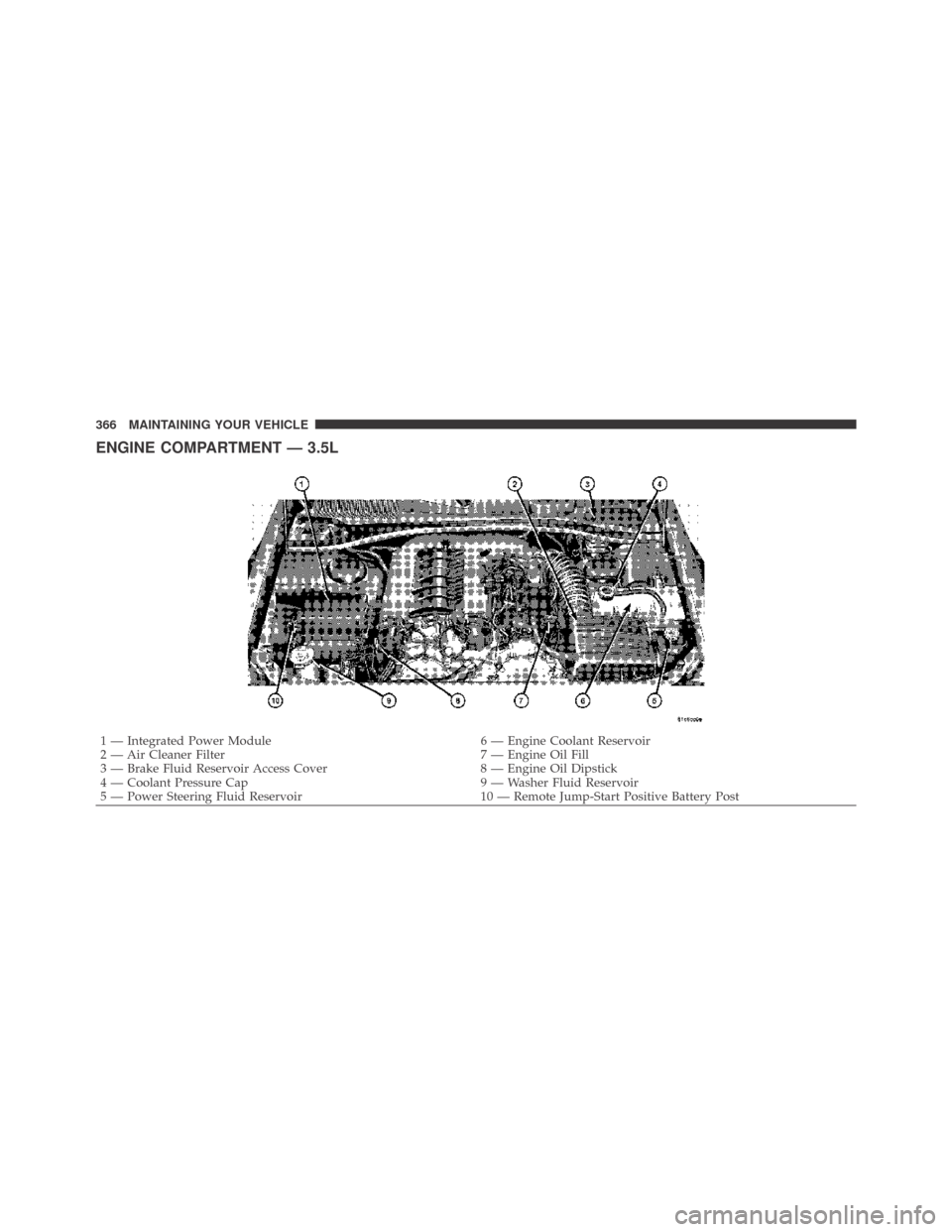
ENGINE COMPARTMENT — 3.5L
1 — Integrated Power Module 6 — Engine Coolant Reservoir
2 — Air Cleaner Filter 7 — Engine Oil Fill
3 — Brake Fluid Reservoir Access Cover 8 — Engine Oil Dipstick
4 — Coolant Pressure Cap 9 — Washer Fluid Reservoir
5 — Power Steering Fluid Reservoir 10 — Remote Jump-Start Positive Battery Post 366 MAINTAINING YOUR VEHICLE
Page 369 of 469
ENGINE COMPARTMENT — 5.7L
1 — Integrated Power Module 6 — Air Cleaner Filter
2 — Coolant Pressure Cap 7 — Engine Oil Fill
3 — Brake Fluid Reservoir Access Cover 8 — Engine Oil Dipstick
4 — Engine Coolant Reservoir 9 — Remote Jump-Start Positive Battery Post
5 — Power Steering Fluid Reservoir 10 — Washer Fluid Reservoir
7
MAINTAINING YOUR VEHICLE 367