Page 112 of 534
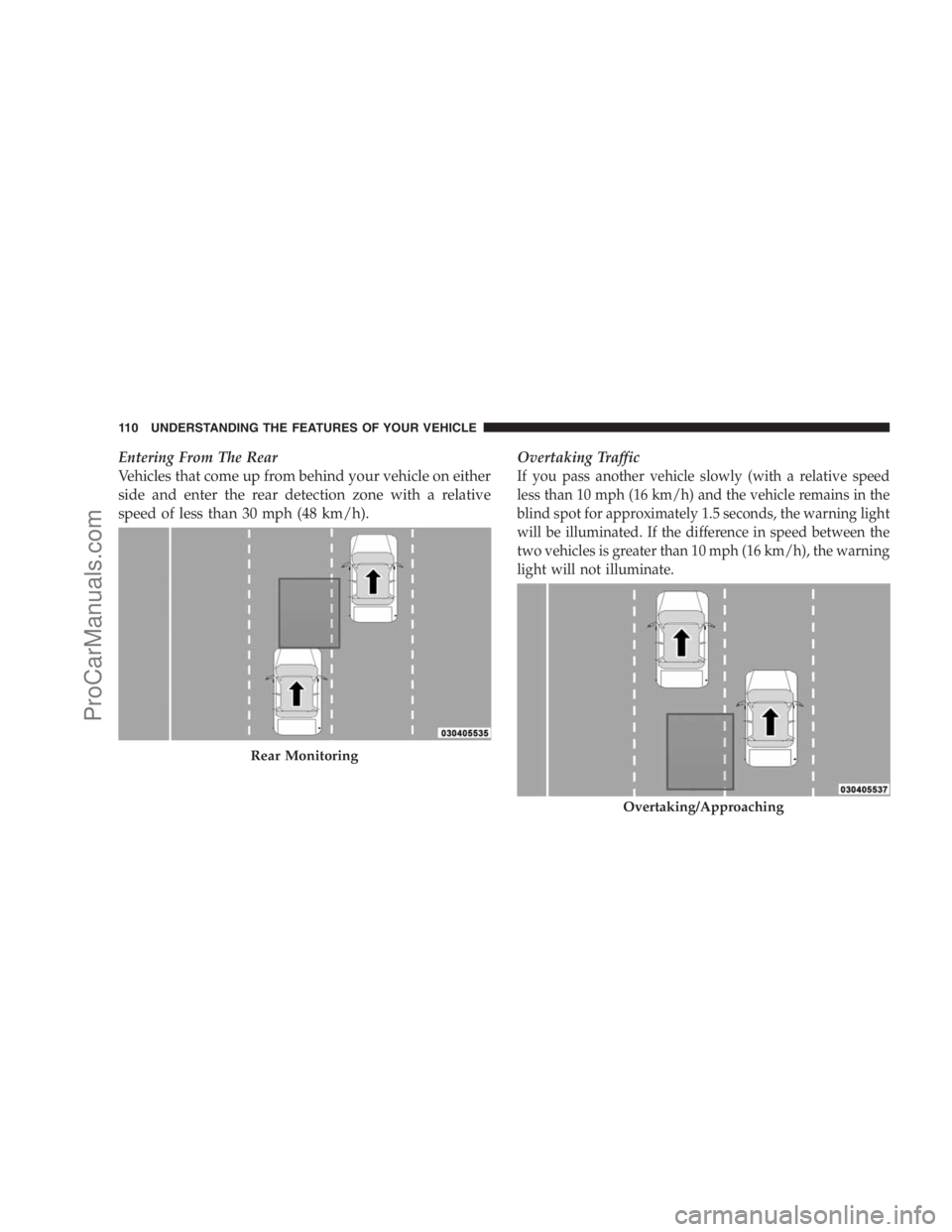
Entering From The Rear
Vehicles that come up from behind your vehicle on either
side and enter the rear detection zone with a relative
speed of less than 30 mph (48 km/h).Overtaking Traffic
If you pass another vehicle slowly (with a relative speed
less than 10 mph (16 km/h) and the vehicle remains in the
blind spot for approximately 1.5 seconds, the warning light
will be illuminated. If the difference in speed between the
two vehicles is greater than 10 mph (16 km/h), the warning
light will not illuminate.
Rear Monitoring
Overtaking/Approaching
110 UNDERSTANDING THE FEATURES OF YOUR VEHICLE
ProCarManuals.com
Page 131 of 534
Canada and 060 for Mexico). The number dialed may
not be applicable with the available cellular service
and area.
•If supported, this number may be programmable on
some systems. To do this, press ‘Phone’ button and say
‘Setup’, followed by ‘Emergency’.
•The UConnect�system does slightly lower your
chances of successfully making a phone call as to that
for the cell phone directly.
WARNING!
Your phone must be turned on and paired to the
UConnect�system to allow use of this vehicle feature
in emergency situations, when the cell phone has
network coverage and stays paired to the UConnect�
system.
Towing Assistance
If you need towing assistance:
•Press the PHONE button to begin.
•After the�Ready�prompt and the following beep, say
�Towing Assistance.�
NOTE:
•The Towing Assistance number dialed is based on the
country where the vehicle is purchased (1-800-528-
2069 for the U.S., 1-877-213-4525 for Canada, 55-14-
3454 for Mexico City and 1-800-712-3040 for outside
Mexico City in Mexico).
•If supported, this number may be programmable on
some systems. To do this, press ‘Phone’ button and say
‘Setup’, followed by ‘Towing Assistance’.
Paging
To learn how to page, refer to�Working with Automated
Systems.�Paging works properly except for pagers of
UNDERSTANDING THE FEATURES OF YOUR VEHICLE 129
3
ProCarManuals.com
Page 150 of 534
WARNING!
Persons who are unable to feel pain to the skin
because of advanced age, chronic illness, diabetes,
spinal cord injury, medication, alcohol use, exhaus-
tion or other physical condition must exercise care
when using the seat heater. It may cause burns even
at low temperatures, especially if used for long
periods of time. DO NOT place anything on the seat
that insulates against heat, such as a blanket or
cushion. This may cause the seat heater to overheat.
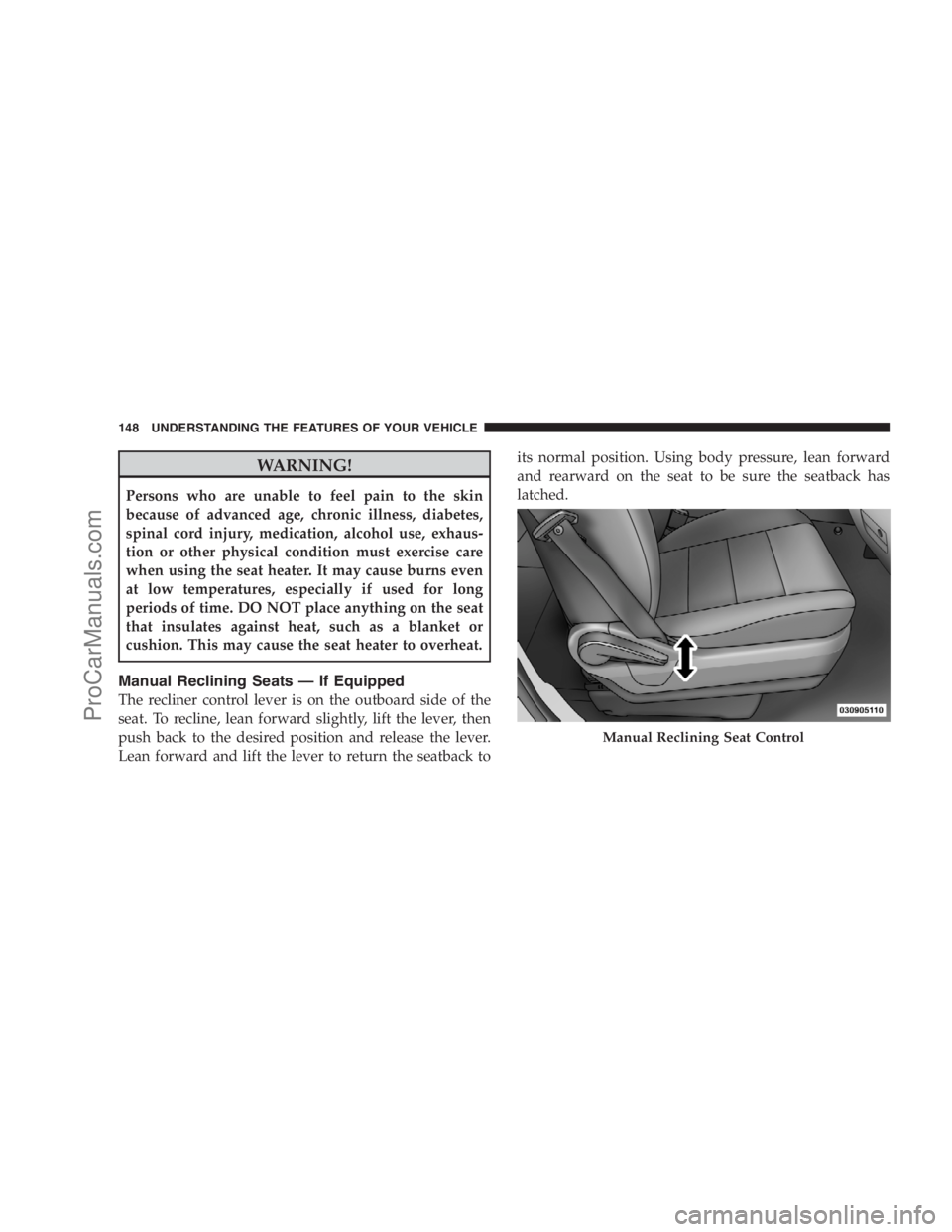
Manual Reclining Seats — If Equipped
The recliner control lever is on the outboard side of the
seat. To recline, lean forward slightly, lift the lever, then
push back to the desired position and release the lever.
Lean forward and lift the lever to return the seatback toits normal position. Using body pressure, lean forward
and rearward on the seat to be sure the seatback has
latched.
Manual Reclining Seat Control
148 UNDERSTANDING THE FEATURES OF YOUR VEHICLE
ProCarManuals.com
Page 174 of 534
12 in (30 cm) and then drop it. This should secure both
latches. Never drive your vehicle unless the hood is fully
closed, with both latches engaged.
WARNING!
If the hood is not fully latched, it could open when
the vehicle is moving and block your forward vision.
You could have a collision. Be sure all hood latches
are fully latched before driving.
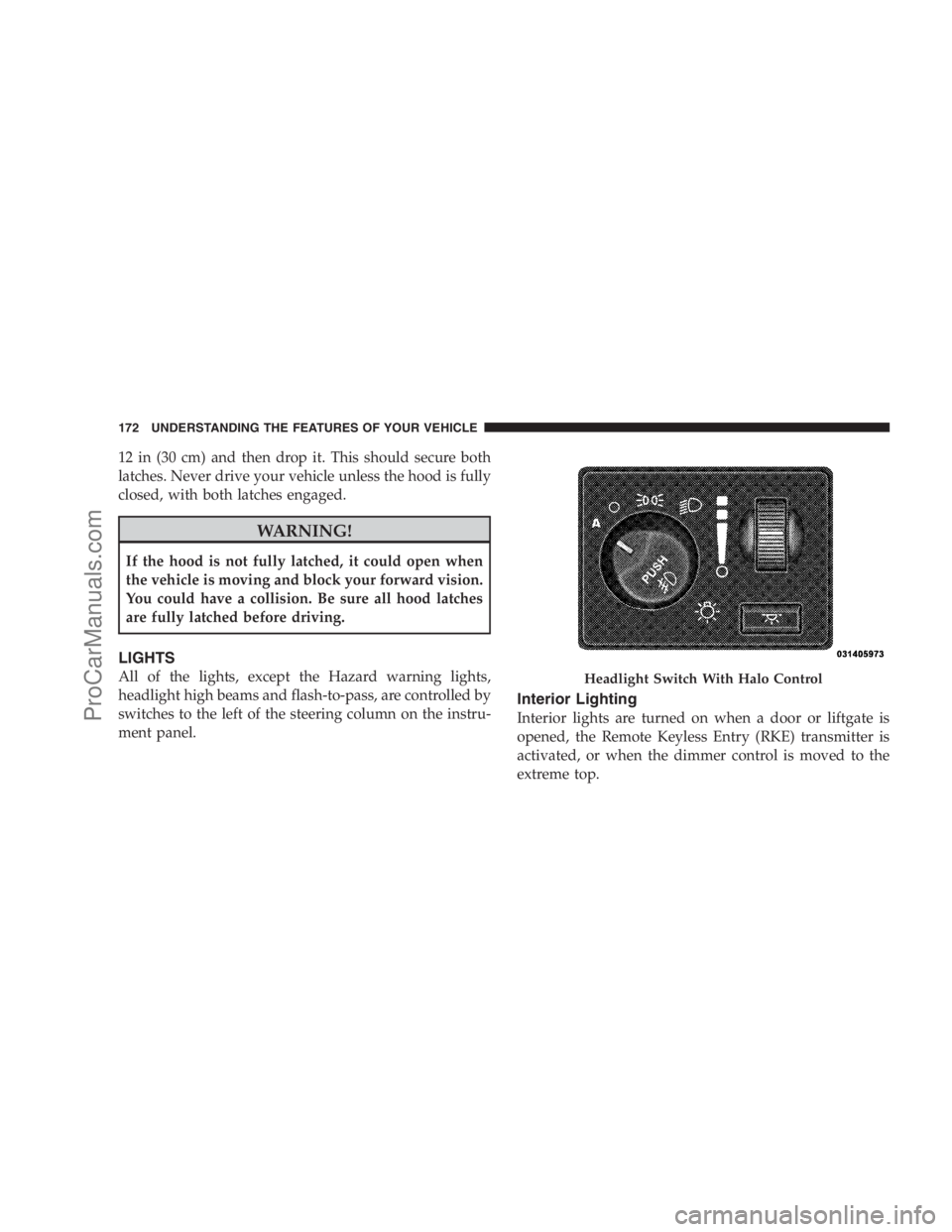
LIGHTS
All of the lights, except the Hazard warning lights,
headlight high beams and flash-to-pass, are controlled by
switches to the left of the steering column on the instru-
ment panel.
Interior Lighting
Interior lights are turned on when a door or liftgate is
opened, the Remote Keyless Entry (RKE) transmitter is
activated, or when the dimmer control is moved to the
extreme top.
Headlight Switch With Halo Control
172 UNDERSTANDING THE FEATURES OF YOUR VEHICLE
ProCarManuals.com
Page 180 of 534
Turn Signals
Move the multifunction lever up or down to signal either
a right or left turn.
The arrow on either side of the instrument cluster flashes
to indicate the direction of the turn and proper operation
of the front and rear turn signal lights.If either indicator flashes at a rapid rate, check for a
defective outside turn signal light bulb. If one of the
indicators fails to light when the lever is moved, it would
suggest that the indicator light is defective.
You may manually signal a lane change by moving the
lever partially up or down.
Turn Signal Auto-Mode
Tap the multifunction lever once and the turn signal (left
or right) will flash three times and automatically turn off.
Turn Signal Warning
If the vehicle electronics sense that the vehicle has
traveled at over 18 mph (29 km/h) for about 1 mile
(1.6 km) with the turn signals on, a chime will sound to
alert the driver.
Turn Signals
178 UNDERSTANDING THE FEATURES OF YOUR VEHICLE
ProCarManuals.com
Page 186 of 534
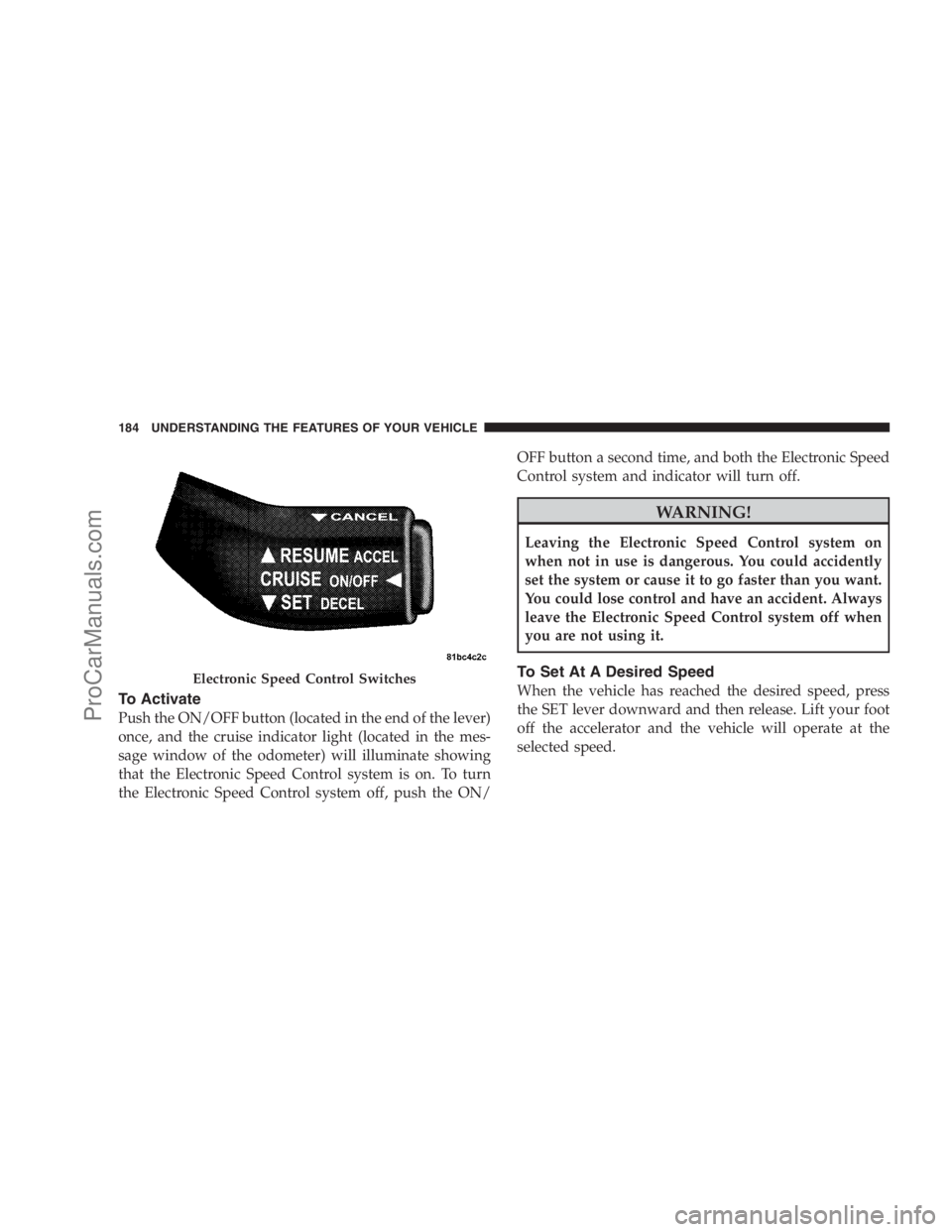
To Activate
Push the ON/OFF button (located in the end of the lever)
once, and the cruise indicator light (located in the mes-
sage window of the odometer) will illuminate showing
that the Electronic Speed Control system is on. To turn
the Electronic Speed Control system off, push the ON/OFF button a second time, and both the Electronic Speed
Control system and indicator will turn off.
WARNING!
Leaving the Electronic Speed Control system on
when not in use is dangerous. You could accidently
set the system or cause it to go faster than you want.
You could lose control and have an accident. Always
leave the Electronic Speed Control system off when
you are not using it.
To Set At A Desired Speed
When the vehicle has reached the desired speed, press
the SET lever downward and then release. Lift your foot
off the accelerator and the vehicle will operate at the
selected speed.Electronic Speed Control Switches
184 UNDERSTANDING THE FEATURES OF YOUR VEHICLE
ProCarManuals.com
Page 188 of 534
Speed Control system can be reactivated by pushing the
Electronic Speed Control switch ON/OFF button and
resetting the desired vehicle set speed.
Accelerating To Pass
Depress the accelerator as you normally would. When
the pedal is released, the vehicle will return to the set
speed.
NOTE:The Electronic Speed Control system maintains
speed up and down hills. A slight speed change on
moderate hills is normal.
Your vehicle may experience a downshift (automatic
transmissions only) while climbing uphill or descending
downhill. This downshift is necessary to maintain vehicle
set speed.
On steep hills, a greater speed loss or gain may occur, so
it may be preferable to drive without Electronic Speed
Control.
WARNING!
Electronic Speed Control can be dangerous where the
system cannot maintain a constant speed. Your ve-
hicle could go too fast for the conditions, and you
could lose control. An accident could be the result.
Do not use Electronic Speed Control in heavy traffic
or on roads that are winding, icy, snow-covered, or
slippery.
REAR PARK ASSIST SYSTEM — IF EQUIPPED
The Rear Park Assist system provides visible and audible
indications of the distance between the rear fascia and the
detected obstacle, when backing up. When backing up,
you should also use the inside rearview and outside
mirrors.
186 UNDERSTANDING THE FEATURES OF YOUR VEHICLE
ProCarManuals.com
Page 190 of 534
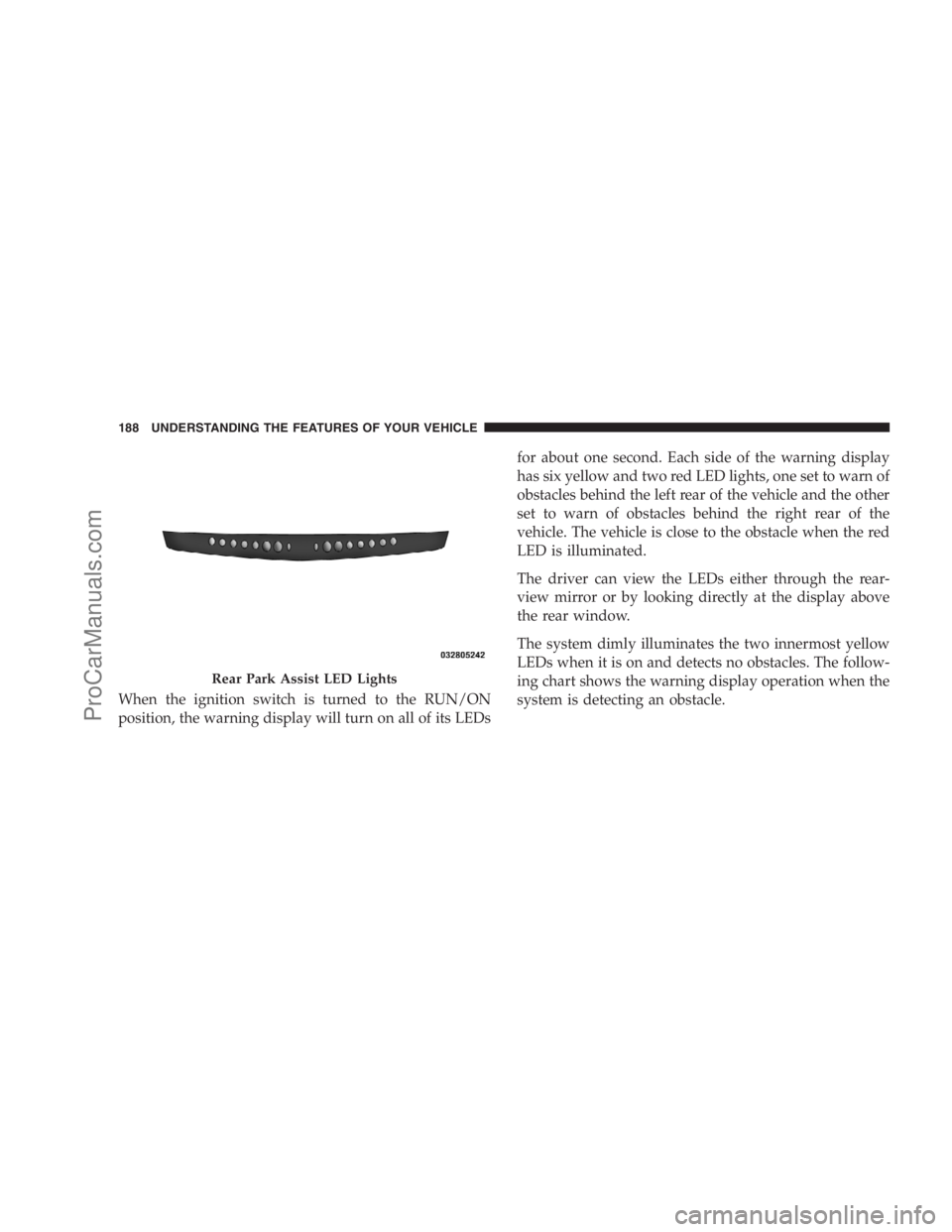
When the ignition switch is turned to the RUN/ON
position, the warning display will turn on all of its LEDsfor about one second. Each side of the warning display
has six yellow and two red LED lights, one set to warn of
obstacles behind the left rear of the vehicle and the other
set to warn of obstacles behind the right rear of the
vehicle. The vehicle is close to the obstacle when the red
LED is illuminated.
The driver can view the LEDs either through the rear-
view mirror or by looking directly at the display above
the rear window.
The system dimly illuminates the two innermost yellow
LEDs when it is on and detects no obstacles. The follow-
ing chart shows the warning display operation when the
system is detecting an obstacle.
Rear Park Assist LED Lights
188 UNDERSTANDING THE FEATURES OF YOUR VEHICLE
ProCarManuals.com