Page 114 of 431

General Information
This device complies with Part 15 of the FCC rules and
RSS 210 of Industry Canada. Operation is subject to the
following conditions:
•Changes or modifications not expressly approved by
the party responsible for compliance could void the
user’s authority to operate the equipment.
•This device may not cause harmful interference.
•This device must accept any interference received,
including interference that may cause undesired
operation.
VOICE RECOGNITION SYSTEM (VR) — IF
EQUIPPED
Voice Recognition System (VR) Operation
This Voice Recognition system allows you to
control your AM, FM radio, satellite radio, disc
player, and a memo recorder.
NOTE: Take care to speak into the Voice Interface
System as calmly and normally as possible. The ability of
the Voice Interface System to recognize user voice com-
mands may be negatively affected by rapid speaking or a
raised voice level.
WARNING!
Any voice commanded system should be used only
in safe driving conditions and all attention should be
kept on the roadway ahead. Failure to do so may
result in an accident causing serious injury or death.
112 UNDERSTANDING THE FEATURES OF YOUR VEHICLE
Page 154 of 431
CUPHOLDERS
Your vehicle is equipped with four cupholders. There are
two cupholders located in the front.
There are two cupholders behind the center console for
rear passengers.
CONSOLE FEATURES
The floor console’s sliding armrest moves forward 3 in
(76.2 mm) to accommodate shorter drivers. The armrest
lid also includes a unique flip pocket for storing a phone
or an MP3 player. The bin inside the console can hold up
to 10 CD jewel cases or other items securely out of sight.Front Cupholders
Rear Cupholders
152 UNDERSTANDING THE FEATURES OF YOUR VEHICLE
Page 155 of 431
WARNING!
Do not operate this vehicle with the console compart-
ment lid in the open position. Cell phones, music
players, and other handheld electronic devices
should be stowed while driving. Use of these devices
while driving can cause an accident due to distrac-
tion, resulting in death or injury.
NOTE: The flip pocket and console lid features are
intended to be used in the upright or open position only
while the vehicle is parked. While driving, all handheld
devices should be properly stowed, and the flip pocket
and the console lid should be closed.
Floor Console Flip Pocket
UNDERSTANDING THE FEATURES OF YOUR VEHICLE 153
3
Page 166 of 431
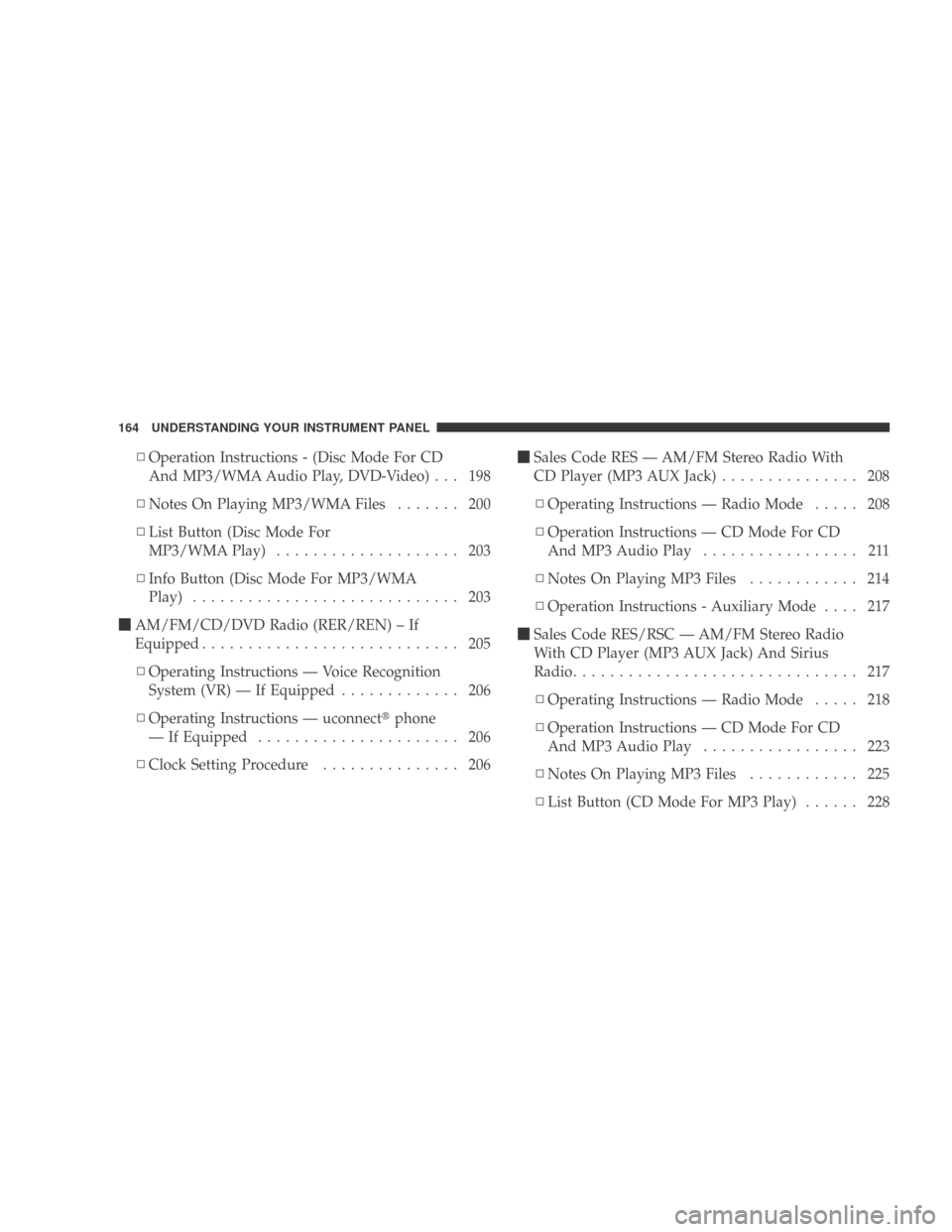
▫Operation Instructions - (Disc Mode For CD
And MP3/WMA Audio Play, DVD-Video) . . . 198
▫ Notes On Playing MP3/WMA Files ....... 200
▫ List Button (Disc Mode For
MP3/WMAPlay) .................... 203
▫ Info Button (Disc Mode For MP3/WMA
Play) ............................. 203
� AM/FM/CD/DVD Radio (RER/REN) – If
Equipped ............................ 205
▫ Operating Instructions — Voice Recognition
System (VR) — If Equipped ............. 206
▫ Operating Instructions — uconnect �phone
— If Equipped ...................... 206
▫ Clock Setting Procedure ............... 206 �
Sales Code RES — AM/FM Stereo Radio With
CD Player (MP3 AUX Jack) ............... 208
▫ Operating Instructions — Radio Mode ..... 208
▫ Operation Instructions — CD Mode For CD
And MP3 Audio Play ................. 211
▫ NotesOnPlayingMP3Files ............ 214
▫ Operation Instructions - Auxiliary Mode .... 217
� Sales Code RES/RSC — AM/FM Stereo Radio
With CD Player (MP3 AUX Jack) And Sirius
Radio ............................... 217
▫ Operating Instructions — Radio Mode ..... 218
▫ Operation Instructions — CD Mode For CD
And MP3 Audio Play ................. 223
▫ NotesOnPlayingMP3Files ............ 225
▫ List Button (CD Mode For MP3 Play) ...... 228
164 UNDERSTANDING YOUR INSTRUMENT PANEL
Page 167 of 431

▫Info Button (CD Mode For MP3 Play) ...... 228
� uconnect� studios (Satellite Radio) — If
Equipped (REN/REQ/RER/RES/REU Radios
Only)............................... 229
▫ System Activation .................... 229
▫ Electronic Serial Number/Sirius
Identification Number (ESN/SID) ......... 230
▫ Selecting uconnect �studios (Satellite)
Mode............................. 230
▫ Satellite Antenna ..................... 231
▫ Reception Quality .................... 231
▫ Operating Instructions — uconnect �studios
(Satellite) Mode ..................... 231
▫ Operating Instructions — uconnect �phone
(If Equipped) ....................... 234 ▫
Operating Instructions — Video
Entertainment System (VES)™
(If Equipped) ....................... 234
� Remote Sound System Controls —
If Equipped .......................... 234
▫ Radio Operation ..................... 235
▫ CD Player ......................... 235
� CD/DVD Maintenance ................. 235
� Radio Operation And Cellular Phones ....... 236
� Climate Controls ...................... 236
▫ Manual Heating And Air Conditioning
System ............................ 236
▫ Air Filtration System – If Equipped ....... 241
▫ Operating Tips ...................... 242
UNDERSTANDING YOUR INSTRUMENT PANEL 165
4
Page 198 of 431

NOTE:
•The available selections for each of the above entries
varies depending upon the disc.
•These selections can only be made while playing a
DVD.
•VES™ Power - Allows you to turn VES™ ON and
OFF (if equipped).
•VES™ Lock - Locks out rear VES™ remote controls (if
equipped).
•VES™ CH1/CH2 - Allows the user to change the
mode of either the IR1 or IR2 wireless headphones by
pressing the AUDIO/SELECT button (if equipped).
•Set Home Clock - Pressing the SELECT button allows
you to set the clock. Turn the TUNE/SCROLL control
knob to adjust the hours and then press and turn the TUNE/SCROLL control knob to adjust the minutes.
Press the TUNE/SCROLL control knob again to save
changes.
•Player Defaults -
Selecting this item will allow the
user to scroll through the following items and set
defaults according to customer preference.
Menu Language — If Equipped
Selecting this item will allow the user to choose the
default startup DVD menu language (effective only if
language supported by disc). If you want to select a
language not listed, then scroll down and select �other.�
Enter the four-digit country code using the TUNE/
SCROLL control knob to scroll up and down to select the
number and then push to select.
Audio Language — If Equipped
Selecting this item allows you to choose a default audio
language (effective only if the language is supported by
the disc). You can select a language not listed by scrolling
196 UNDERSTANDING YOUR INSTRUMENT PANEL
Page 199 of 431

down and selecting�other.�Enter the country code using
the TUNE/SCROLL control knob to scroll up and down
to select the number and then push to select.
Subtitle Language — If Equipped
Selecting this item allows you to choose a default subtitle
language (effective only if the language is supported by
the disc). You can select a language not listed by scrolling
down and selecting �other.�Enter the country code using
the TUNE/SCROLL control knob to scroll up and down
to select the number and then push to select.
Subtitles — If Equipped
Selecting this item allows you to choose between subtitle
Off or On.
Audio DRC — If Equipped
Selecting this item allows you to limit maximum audio
dynamic range. The default is set to �High,�and under
this setting, dialogues will play at 11 db higher than if the
setting is �Normal.� Aspect Ratio — If Equipped
Selecting this item allows you to choose between wide
screen, pan scan, and letter box.
AutoPlay — If Equipped
When this is set to On and a DVD video is inserted, it will
bypass the DVD menu screen and automatically play the
movie. In some rare cases, the DVD player may not
auto-play the main title. In such cases, use the MENU
button on the remote control to select desired title to play.
NOTE:
The user will have to set these defaults before
loading a disc. If changes are made to these settings after
a disc is loaded, changes will not be effective. Also, the
defaults are effective only if the disc supports the
customer-preferred settings.
AM and FM Buttons
Press the buttons to select AM or FM mode.
UNDERSTANDING YOUR INSTRUMENT PANEL 197
4
Page 200 of 431

SET Button — To Set the Pushbutton Memory
When you are receiving a station that you wish to
commit to pushbutton memory, press the SET button.
The symbol SET 1 will now show in the display window.
Select the button (1-6) you wish to lock onto this station
and press and release that button. If a button is not
selected within five seconds after pressing the SET but-
ton, the station will continue to play but will not be
stored into pushbutton memory.
You may add a second station to each pushbutton by
repeating the above procedure with this exception: Press
the SET button twice and SET 2 will show in the display
window. Each button can be set for SET 1 and SET 2 in
both AM and FM. This allows a total of 12 AM, 12 FM,
and 12 Satellite (if equipped) stations to be stored into
pushbutton memory. The stations stored in SET 2
memory can be selected by pressing the pushbutton
twice.Every time a preset button is used, a corresponding
button number will display.
Buttons1-6
These buttons tune the radio to the stations that you
commit to pushbutton memory {12 AM, 12 FM, and 12
Satellite (if equipped) stations}.
DISC Button
Pressing the DISC button will allow you to switch from
AM/FM modes to Disc modes.
Operation Instructions - (DISC MODE for CD and
MP3/WMA Audio Play, DVD-VIDEO)
The radio DVD player and many DVD discs are coded by
geographic region. These region codes must match in
order for the disc to play. If the region code for the DVD
disc does not match the region code for the radio DVD
player, it will not play the disc. Customers may take their
vehicle to an authorized dealer to change the region code
of the player a maximum of five times.
198 UNDERSTANDING YOUR INSTRUMENT PANEL

