Page 251 of 475
Left-Hand Switch Functions for Radio Operation
•
Press the top of the switch to SEEK the next listenable
station up from the current setting.
•Press the bottom of the switch to SEEK the next
listenable station down from the current setting.
•Press the button in the center of the switch to tune to
the next preset that you have programmed.
Left-Hand Switch Functions for Media (i.e., CD)
Operation
•
Press the top of the switch once to listen to the next
track.
•Press the bottom of the switch once either to listen to
the beginning of the current track or to listen to the
beginning of the previous track if it is within one
second after the current track begins to play.
•Press the switch up or down twice to listen to the
second track, three times to listen to the third track,
and so forth.
•Press the button located in the center of the switch to
change to the next preset that you have programmed.
CD/DVD MAINTENANCE
To keep a CD/DVD in good condition, take the following
precautions:
1.
Handle the disc by its edge; avoid touching the surface.
2. If the disc is stained, clean the surface with a soft cloth,
wiping from center to edge.
3. Do not apply paper or tape to the disc; avoid scratch-
ing the disc.
4. Do not use solvents such as benzene, thinner, cleaners,
or antistatic sprays.
5. Store the disc in its case after playing.
UNDERSTANDING YOUR INSTRUMENT PANEL 249
4
Page 262 of 475

•Most of the time, when in Automatic Operation, you
can temporarily put the system into Recirculation
Mode by pressing the Recirculation Button. However,
under certain conditions, while in Automatic Mode,
the system is blowing air out the defrost vents. When
these conditions are present, and the Recirculation
Button is pressed, the indicator will flash and then
turn off. This tells you that you are unable to go into
recirculation mode at this time. If you would like the
system to go into Recirculation Mode, you must first
move the Mode Knob to Panel, Panel/Floor and then
press the Recirculation Button. This feature reduces
the possibility of window fogging.
Operating Tips
NOTE:Refer to the chart at the end of this section for
suggested control settings for various weather condi-
tions.
Summer Operation
The engine cooling system in air-conditioned vehicles
must be protected with a high-quality antifreeze coolant
to provide proper corrosion protection and to protect
against engine overheating. A 50% solution of ethylene
glycol antifreeze coolant in water is recommended. Refer
to “Maintenance Procedures” in Section 7 of this manual
for proper coolant selection.
Winter Operation
Use of the air Recirculation mode during winter months is
not recommended because it may cause window fogging.
Vacation Storage
Anytime you store your vehicle, or keep it out of service
(i.e., vacation) for two weeks or more, run the air
conditioning system at idle for about five minutes in the
fresh air and high blower settings. This will ensure
adequate system lubrication to minimize the possibility
of compressor damage when the system is started again.
260 UNDERSTANDING YOUR INSTRUMENT PANEL
Page 263 of 475

Window Fogging
Interior fogging on the windshield can be quickly re-
moved by turning the mode selector to Defrost. The
Defrost/Floor mode can be used to maintain a clear
windshield and provide sufficient heating. If side win-
dow fogging becomes a problem, increase blower speed.
Vehicle windows tend to fog on the inside in mild but
rainy or humid weather.
NOTE:Recirculate without A/C should not be used for
long periods as fogging may occur.
Side Window Demisters
A side window demister outlet is located at each end of
the instrument panel. These non-adjustable outlets direct
air toward the side windows when the system is in the
FLOOR, MIX, or DEFROST mode. The air is directed at
the area of the windows through which you view the
outside mirrors.
Outside Air Intake
Make sure the air intake, located directly in front of the
windshield, is free of obstructions such as leaves. Leaves
collected in the air intake may reduce airflow, and if they
enter the plenum, they could plug the water drains. In
winter months, make sure the air intake is clear of ice,
slush, and snow.
A/C Air Filter — If Equipped
The A/C Filter prevents most dust and pollen from
entering the cabin. The filter acts on air coming from
outside the vehicle and recirculated air within the pas-
senger compartment. Refer to “Maintenance Procedures”
in Section 7 of this manual for A/C Air Filter service
information or see your authorized dealer for service.
Refer to the “Maintenance Schedules” in Section 8 of this
manual for filter service intervals.
UNDERSTANDING YOUR INSTRUMENT PANEL 261
4
Page 268 of 475

▫Starting........................... 333
▫Cruising Range...................... 333
▫Replacement Parts................... 333
▫Maintenance........................ 334
�Adding Fuel......................... 334
▫Fuel Filler Cap (Gas Cap).............. 334
▫Loose Filler Cap Message.............. 336
�Vehicle Loading...................... 337
▫Vehicle Certification Label.............. 337
▫Gross Vehicle Weight Rating (GVWR)...... 337
▫Gross Axle Weight Rating (GAWR)........ 337
▫Overloading........................ 338
▫Loading........................... 338�Trailer Towing........................ 339
▫Common Towing Definitions............ 339
▫Trailer Hitch Classification.............. 341
▫Trailer Towing Weights (Maximum Trailer
Weight Ratings)..................... 342
▫Trailer And Tongue Weight............. 343
▫Towing Requirements................. 344
▫Towing Tips........................ 347
�Recreational Towing
(Behind Motorhome, Etc.)................ 349
▫Towing This Vehicle Behind Another Vehicle
(Flat Towing With All Four Wheels On The
Ground)........................... 349
266 STARTING AND OPERATING
Page 318 of 475
TIRE ROTATION RECOMMENDATIONS
Tires on the front and rear axles of vehicles operate at
different loads and perform different steering, driving,
and braking functions. For these reasons, they wear at
unequal rates and tend to develop irregular wear pat-
terns. These effects can be reduced by timely rotation of
tires. The benefits of rotation are especially worthwhile
with aggressive tread designs such as those on all season
type tires. Rotation will increase tread life, help to main-
tain mud, snow and wet traction levels, and contribute to
a smooth, quiet ride.
Follow the recommended tire rotation frequency for your
type of driving found in the “Maintenance Schedules”
section of this manual. More frequent rotation is permis-
sible if desired. The reasons for any rapid or unusual
wear should be corrected prior to rotation being per-
formed.
316 STARTING AND OPERATING
Page 321 of 475

NOTE:
•The TPMS is not intended to replace normal tire care
and maintenance, or to provide warning of a tire
failure or condition.
•The TPMS should not be used as a tire pressure gauge
while adjusting your tire pressure.
•Driving on a significantly under-inflated tire causes
the tire to overheat and can lead to tire failure.
Under-inflation also reduces fuel efficiency and tire
tread life, and may affect the vehicle’s handling and
stopping ability.
•The TPMS is not a substitute for proper tire mainte-
nance, and it is the driver ’s responsibility to maintain
correct tire pressure using an accurate tire pressure
gauge, even if under-inflation has not reached the
level to trigger illumination of the Tire Pressure Moni-
toring Telltale light.
•Seasonal temperature changes will affect tire pressure,
and the TPMS will monitor the actual tire pressure in
the tire.
Base System
The Tire Pressure Monitor System (TPMS) uses wireless
technology with wheel rim mounted electronic sensors to
monitor tire pressure levels. Sensors, mounted to each
wheel as part of the valve stem, transmit tire pressure
readings to the Receiver Module.
NOTE:It is particularly important for you to check the
tire pressure in all of the tires on your vehicle monthly
and to maintain the proper pressure.
The TPMS consists of the following components:
•Receiver Module
•Four Tire Pressure Monitoring Sensors
•Tire Pressure Monitoring Telltale Light
STARTING AND OPERATING 319
5
Page 336 of 475
CAUTION!
Replacing fuel system components with non-ethanol
compatible components can damage your vehicle.
Maintenance
CAUTION!
Do not use ethanol mixture greater than 85% in your
vehicle. It will cause difficulty in cold starting and
may affect driveability.
ADDING FUEL
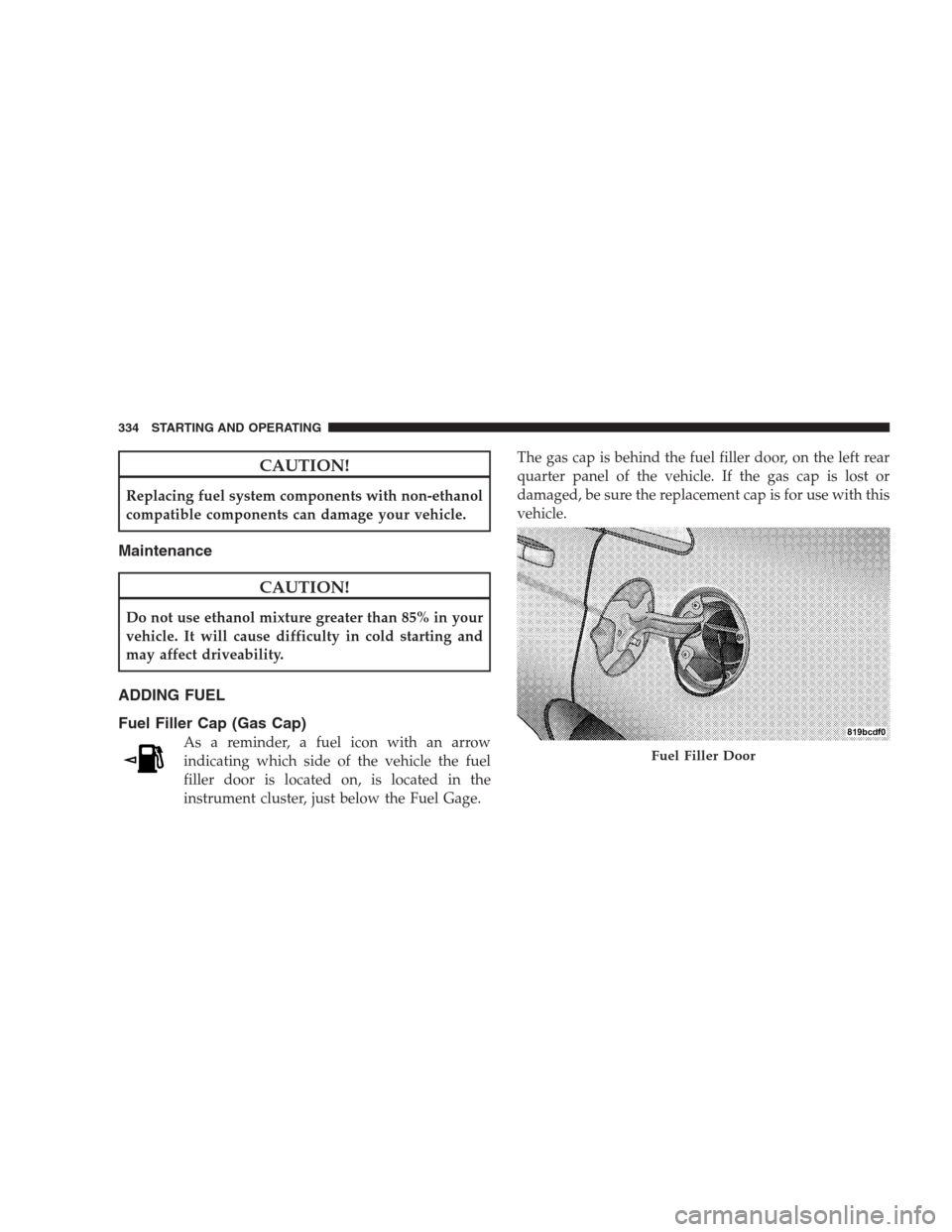
Fuel Filler Cap (Gas Cap)
As a reminder, a fuel icon with an arrow
indicating which side of the vehicle the fuel
filler door is located on, is located in the
instrument cluster, just below the Fuel Gage.The gas cap is behind the fuel filler door, on the left rear
quarter panel of the vehicle. If the gas cap is lost or
damaged, be sure the replacement cap is for use with this
vehicle.Fuel Filler Door
334 STARTING AND OPERATING
Page 346 of 475
NOTE:Remember that everything put into or on the
trailer adds to the load on your vehicle. Also, additional
factory-installed options, or authorized dealer-installed
options, must be considered as part of the total load on
your vehicle. Refer to the Tire and Loading Information
placard in the Tire Safety Information section of this
manual for the maximum combined weight of occupants
and cargo for your vehicle.
CAUTION!
Incorrect trailer tongue weight could result in in-
creased yaw or vehicle instability. A negative trailer
tongue weight could unload the rear suspension of
the tow vehicle decreasing vehicle stability. Negative
trailer tongue weight could cause the trailer to squat
and potentially become disengaged from the tow
vehicle resulting in a runaway trailer condition.
Towing Requirements
To promote proper break-in of your new vehicle driv-
etrain components the following guidelines are recom-
mended:
CAUTION!
•Avoid towing a trailer for the first 500 miles
(805 km) of vehicle operation. Doing so may dam-
age your vehicle.
•During the first 500 miles (805 km) of trailer
towing, limit your speed to 50 mph (80 km/h).
Perform the maintenance listed in Section 8 of this
manual. When towing a trailer, never exceed the GAWR,
or GCWR, ratings.
344 STARTING AND OPERATING