Page 212 of 410

ESN/SID Access With RAQ Radios
With the ignition switch in the ACCESSORY position and
the radio OFF, press the CD Eject and TIME buttons
simultaneously for 3 seconds. All twelve ESN/SID num-
bers will be displayed. The radio will exit the ESN/SID
mode when any other button is pushed, the ignition is
turned OFF, or 5 minutes has passed since any button
was pushed.
ESN/SID Access With Navigation Radios
Please refer to your Navigation User’s Manual.
Selecting uconnect�studios (Satellite) Mode in
REF, and RAQ, Radios
Selecting Satellite Mode — REF Radio
Press the MODE button repeatedly until the word �SAT�
appears in the display.
A CD may remain in the radio while in the Satellite radio
mode.
Selecting Satellite Mode — RAQ Radio
Press the MODE button repeatedly until the word �SAT�
appears in the display.
These radios will also display the current station name
and program type. For more information such as song
title and artist, press the MSG or INFO button.
A CD or tape may remain in the radio while in the
Satellite radio mode.
Selecting a Channel
Press and hold SEEK to bypass stations or use the TUNE
knob to search for the next channel. Press the top of the
button to search up and the bottom of the button to
search down. Holding the TUNE button causes the radio
to bypass channels until the button is released.
Press and release the SCAN button (if equipped) to
automatically change channels every 7 seconds. The
radio will pause on each channel for 7 seconds before
210 UNDERSTANDING YOUR INSTRUMENT PANEL
Page 217 of 410
NOTE:There is a difference in temperature between the
upper and lower outlets for added comfort. The warmer
air goes to the floor outlets. This feature gives improved
comfort during sunny but cool conditions.
Floor Air is directed through the floor outlets and side
window demist outlets with a small amount
through the defrost outlet.
Mix Air is directed through the floor, defrost and side
window demist outlets. This setting works best in
cold or snowy conditions that require extra heat at
the windshield. This setting is good for maintaining
comfort while reducing moisture on the windshield. Defrost
Air is directed through the windshield and side
window demist outlets. Use this mode with maxi-
mum fan and temperature settings for best windshield
and side window defrosting.
NOTE: The air conditioning compressor operates in
both Mix and Defrost or a blend of these modes even if
the A/C button has not been pressed and the indicator
lamp is off. This dehumidifies the air to help dry the
windshield. To improve fuel economy, use these modes
only when necessary.
4
UNDERSTANDING YOUR INSTRUMENT PANEL 215
Page 219 of 410
Air Conditioning (A/C) — If Equipped
Press the A/C button to engage
the air conditioning. A lamp will
illuminate when the air condition-
ing system is engaged
NOTE: The air conditioning compressor will not engage
until the engine has been running for about 10 seconds.
MAX A/C
To quickly cool the vehicle interior
follow the steps listed below:
1. Set the Temperature Control to Max Cool.
2. Set the Mode Control to Panel or Bi-Level.
3. Press the Recirculation button and the A/C button.
4. Adjust the Fan Control to desired airflow setting.
4
UNDERSTANDING YOUR INSTRUMENT PANEL 217
Page 220 of 410
NOTE:
•Recirculation Mode will not operate in Floor, Mix or
Defrost modes.
•See “Circulation Control” in this section, for proper or
extended use of this position.
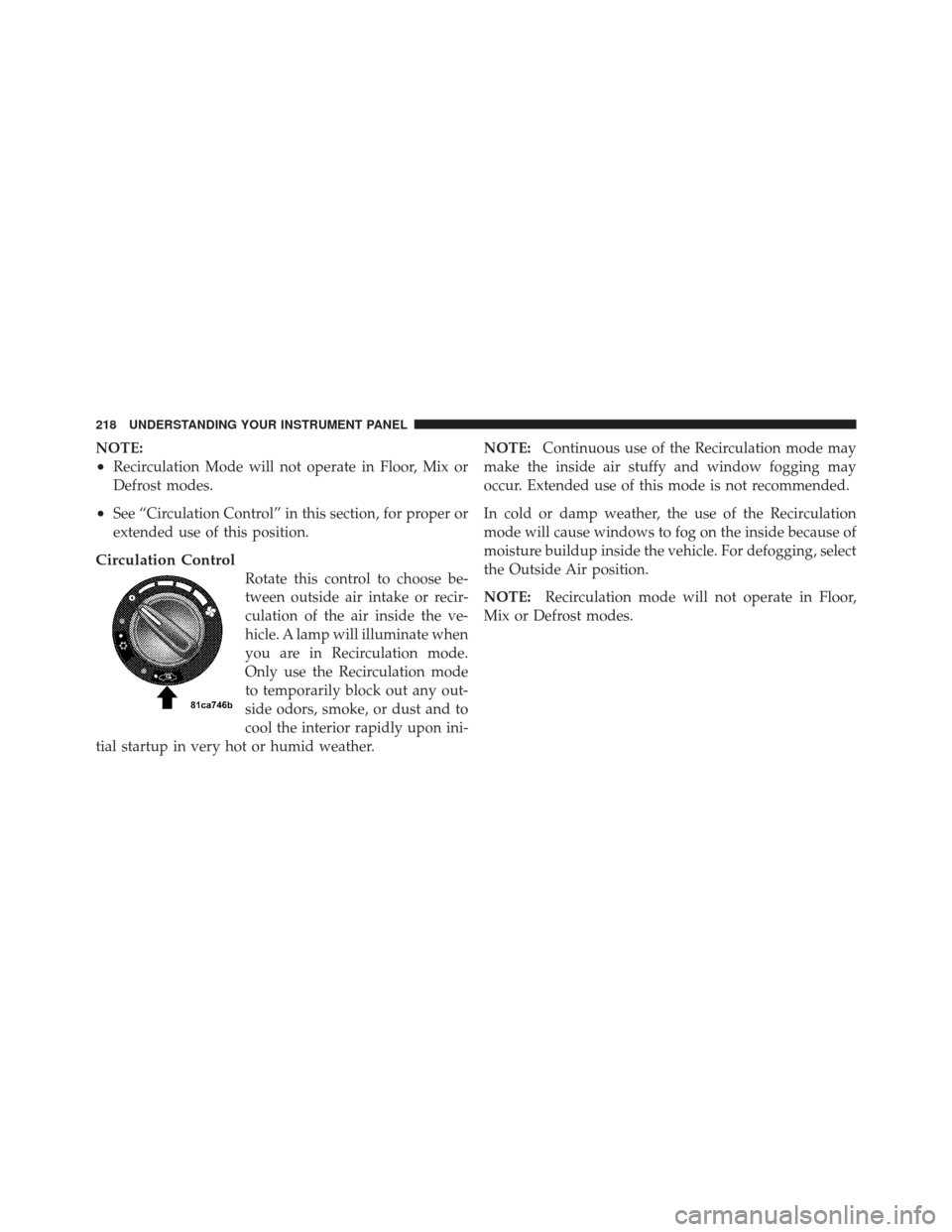
Circulation Control
Rotate this control to choose be-
tween outside air intake or recir-
culation of the air inside the ve-
hicle. A lamp will illuminate when
you are in Recirculation mode.
Only use the Recirculation mode
to temporarily block out any out-
side odors, smoke, or dust and to
cool the interior rapidly upon ini-
tial startup in very hot or humid weather. NOTE:
Continuous use of the Recirculation mode may
make the inside air stuffy and window fogging may
occur. Extended use of this mode is not recommended.
In cold or damp weather, the use of the Recirculation
mode will cause windows to fog on the inside because of
moisture buildup inside the vehicle. For defogging, select
the Outside Air position.
NOTE: Recirculation mode will not operate in Floor,
Mix or Defrost modes.
218 UNDERSTANDING YOUR INSTRUMENT PANEL
Page 222 of 410
Window Fogging
Vehicle side windows tend to fog on the inside in mild,
rainy or humid weather. To clear the windows, use the
A/C, Panel and Blower controls. Direct the panel outlets
toward the side windows. Do not use recirculate without
A/C for long periods, as fogging may occur.
Interior fogging on the windshield can be quickly re-
moved by using the defrost position.
If the fogging problem persists, clean the inside window
surfaces. The cause of undue fogging may be dirt collect-
ing on the inside surface of the glass.
NOTE:In cold weather, the use of the recirculate
position will cause windows to fog on the inside because
of moisture buildup inside the vehicle. For maximum
defogging, use the Outside Air position.
Summer Operation
Vehicles must be protected with a high-quality antifreeze
coolant to provide proper corrosion protection and to raise the boiling point of the coolant for protection against
overheating. A 50% concentration is recommended.
Outside Air Intake
When operating the system, make sure the air intake,
directly in front of the windshield, is free of ice, slush,
snow or other obstructions such as leaves. Leaves col-
lected in the air-intake plenum may reduce airflow and
plug the plenum water drains.
The blower air will heat faster in cold weather if you use
only a low blower speed for the first few minutes of
vehicle operation.
Side Window Demisters
A side window demister outlet is at each end of the
instrument panel. These nonadjustable outlets direct air
toward the side windows when the system is in either the
Floor, Mix, or Defrost mode. The air is directed at the area
of the windows through which you view the outside
mirrors.
220 UNDERSTANDING YOUR INSTRUMENT PANEL
Page 230 of 410
Recommended Shift Speeds
To use your manual transaxle for optimal fuel economy,
it should be upshifted as listed in Table 1.
Table 1 - Manual Transaxle Normal Acceleration andCruise Shift Speeds in MPH (km/h)
Engine Mode 1to2 2to3 3to4 4to5
2.4L
Non-
Turbo Accel-
eration 15 (24) 25 (40) 40 (65) 45 (72)
Cruise 15 (24) 25 (40) 42 (68) 45 (72)
For improved performance, your manual transaxle may
be upshifted up to the maximum speeds listed in Table 2
(within legal speed limits).
Table 2 - Manual Transaxle Maximum Performance Shift Speeds in MPH (km/h)
Engine 1to2 2to3 3to4 4to5
2.4L
Non-
Turbo 30 (48) 60 (97) 85 (136) 115 (185)
If you exceed these speeds, you may notice the engine cut
in and out. This is caused by an electronic limiter in the
engine computer. The engine will run normally when
you reduce engine speed.
228 STARTING AND OPERATING
Page 233 of 410

NOTE:If a malfunction occurs, the system will trap the
key in the ignition cylinder to warn you that this safety
feature is inoperable. The engine can be started and
stopped but the key cannot be removed until you obtain
service.
Four-Speed Automatic Transaxle
NOTE: Under extreme cold temperatures (-6°F (-21°C)
and when in DRIVE, transmission operation may be
briefly limited to only second gear operation. Normal
operation will resume once the transmission temperature
has risen to a suitable level.
The electronically-controlled transaxle provides a precise
shift schedule. The transaxle electronics are self-
calibrating; therefore, the first few shifts on a new vehicle
may be somewhat abrupt. This is a normal condition, and
precision shifts will develop within a few shift cycles.
RESET Mode
The transaxle is monitored electronically for abnormal
conditions. If a condition is detected that could cause
damage, the transaxle shifts automatically into second
gear. The transaxle remains in second gear despite the
forward gear selected. PARK, REVERSE, and NEUTRAL
will continue to operate. This second gear limp-in feature
allows the vehicle to be driven to an authorized dealer for
service without damaging the transaxle.
In the event that the problem has been momentary, the
transaxle can be reset to regain all forward gears:
1. Stop the vehicle and move the shift lever into PARK.
2. Turn the ignition to OFF then restart the engine.
3. Move the shift lever into DRIVE and resume driving.
4. If the transaxle cannot be reset, authorized dealer
service is required.
5
STARTING AND OPERATING 231
Page 237 of 410

Operation
The Autostick�position is just below the OVERDRIVE
position and is identified by the word “Autostick”. When
you move the shift lever into the Autostick� position, it
can be moved from side to side. Moving the lever to the
left (-) triggers a downshift and to the right (+) an upshift.
The gear position will be shown in the gear display,
located in the instrument cluster.
NOTE:
•In Autostick� mode, the transaxle will only shift up
and down when the driver manually moves the shift
lever right (D+) or left (D-).
•An UPSHIFT message will appear in the Electronic
Vehicle Information Center (EVIC) portion of the in-
strument cluster. This message appears in order to alert
the driver to upshift to the next gear. The UPSHIFT
message will display while operating the vehicle at
higher engine revolutions per minute (RPM).
You can move the shift lever in or out of the Autostick�
mode at any time without taking your foot off the
accelerator pedal. If you choose the OVERDRIVE mode,
the transaxle will operate automatically; shifting between
the four available gears. When you wish to engage
Autostick�, simply move the shift lever to the Autostick�
position. The transaxle will remain in the current gear
until an upshift or downshift is chosen.
Move the shift lever back to the OVERDRIVE position to
shift out of the Autostick� mode.
General Information
•
You can start out in first, second, or third gear. Shifting
into fourth gear can occur only after vehicle speed
reaches 15 mph (24 km/h). The system will ignore
attempts to upshift at too low of a vehicle speed.
•The transaxle will automatically downshift to 1st gear
when coming to a stop.
5
STARTING AND OPERATING 235

