Page 128 of 410
NOTE:The lights will remain on until the switch is
pressed a second time, so be sure they have been turned
off before leaving the vehicle. These lights will automati-
cally shut off 10 minutes after the ignition is OFF. Further
use of the lights, without starting the vehicle, will pro-
vide 90 seconds of activity prior to automatic shut off.
Headlights
The headlight multifunction lever controls the operation
of the headlights, parking lights, turn signals, headlight
beam selection, instrument panel light dimming, interior
lights, the passing lights and fog lights. The lever is
located on the left side of the steering column.
Parking and Instrument Panel Lights
Turn the end of the multifunction lever to the first detent
for parking light operation. Turn to the second detent for
headlight operation.
Headlight Control
126 UNDERSTANDING THE FEATURES OF YOUR VEHICLE
Page 129 of 410
To change the brightness of the instrument panel lights,
rotate the center portion of the multifunction lever up or
down.Daytime Running Lights (DRL) — If Equipped
The high beam lights will come on as DRL with a lower
intensity whenever the ignition is on, the engine is
running, the headlight switch is off, the parking brake is
off, the turn signal is off, and the shift lever is in any
position except PARK.
NOTE:On this vehicle, the DRL will automatically turn
off when the turn signal is in operation, and automati-
cally turn back on when the turn signal is not operating.
Lights — On Reminder
If the headlights or parking lights are on after the ignition
is turned OFF and key is removed, a chime will sound to
alert the driver when the driver ’s door is opened.
Dimmer Control
3
UNDERSTANDING THE FEATURES OF YOUR VEHICLE 127
Page 133 of 410

Intermittent Wiper System
The intermittent feature of this system was designed for
use when weather conditions make a single wiping cycle,
with a variable pause between cycles, desirable. For
maximum delay between cycles, rotate the control knob
into the upper end of the delay range.
The delay interval decreases as you rotate the knob until
it enters the low continual speed position.
WARNING!
Sudden loss of visibility through the windshield
could lead to an accident. You might not see other
vehicles or other obstacles. To avoid sudden icing of
the windshield during freezing weather, warm the
windshield with defroster before and during wind-
shield washer use.NOTE:
If the front wiper is operating when the ignition
is turned to LOCK, the wiper will automatically return to
the “Park” position. When the vehicle is restarted, the
wipers will resume operation.
CAUTION!
In cold weather, always turn off the wiper switch and
allow the wipers to return to the park position before
turning off the engine. If the wiper switch is left on
and the wipers freeze to the windshield, damage to
the wiper motor may occur when the vehicle is
restarted.
3
UNDERSTANDING THE FEATURES OF YOUR VEHICLE 131
Page 136 of 410
To Activate
Push the ON/OFF button. The CRUISE indicator in the
instrument cluster will illuminate. To turn the system off,
push the ON/OFF button a second time. The CRUISE
indicator will turn off. The system should be turned off
when not in use.
WARNING!
Leaving the Electronic Speed Control system on
when not in use is dangerous. You could accidentally
set the system or cause it to go faster than you want.
You could lose control and have an accident. Always
leave the system off when you are not using it.
To Set a Desired Speed
When the vehicle has reached the desired speed, pull
down on the lever and release. Release the accelerator
and the vehicle will operate at the selected speed.NOTE:
The vehicle should be traveling at a steady
speed and on level ground before pressing the SET lever.
While in the AutoStick� mode, Electronic Speed Control
will only operate in 3rd and 4th gear.
To Deactivate
A soft tap on the brake pedal, pulling the Electronic
Speed Control lever toward CANCEL, or normal brake
or clutch pressure while slowing the vehicle will deacti-
vate Electronic Speed Control without erasing the set
speed memory. Pressing the ON/OFF button or turning
off the ignition switch erases the set speed memory.
To Resume Speed
To resume a previously set speed, pull the RESUME
ACCEL lever up and release. Resume can be used at any
speed above 20 mph (32 km/h).
134 UNDERSTANDING THE FEATURES OF YOUR VEHICLE
Page 140 of 410
Your vehicle should be parked outside of the garage
when programming.
Begin Programming
1. Turn the ignition switch to the ON/RUN position.
2. Hold the battery side of the hand-held transmitter
away from the HomeLink�button you wish to program.
Place the hand-held transmitter 1 to 3 in (3 to 8 cm) away
from the HomeLink� button you wish to program while
keeping the indicator light in view.
3. Simultaneously press and hold both the chosen
HomeLink� button and the hand-held transmitter button
until the HomeLink� indicator changes from a slow to a
rapidly blinking light, then release both the HomeLink�
and hand-held transmitter buttons. Watch for the HomeLink�
indicator to change flash rates.
When it changes, it is programmed. It may take up to
30 seconds, or longer in rare cases. The garage door may
open and close while you train.
NOTE:
•Some gate operators and garage door openers may
require you to replace Step 3 with procedures noted in
the “Gate Operator/Canadian Programming” section.
•After training a HomeLink� channel, if the garage
door does not operate with HomeLink� and the ga-
rage door opener was manufactured after 1995, the
garage door opener may have a rolling code. If so,
proceed to Step 5 “Programming A Rolling Code
System.”
4. Press and hold the just-trained HomeLink� button
and observe the indicator light.
138 UNDERSTANDING THE FEATURES OF YOUR VEHICLE
Page 142 of 410
6. Firmly press and release the “Learn” or “Training”
button. The name and color of the button may vary by
manufacturer.
NOTE:There are 30 seconds in which to initiate the next
step after the “Learn” button has been pressed.
7. Return to the vehicle and press the programmed
HomeLink� button twice (holding the button for two
seconds each time). If the device is plugged in and
activates, programming is complete.
If the device does not activate, press the button a third
time (for two seconds) to complete the training.
If you have any problems, or require assistance, please
call toll-free 1–800–355–3515 or, on the Internet at
www.HomeLink.com for information or assistance.
To program the remaining two HomeLink� buttons,
repeat each step for each remaining button. DO NOT
erase the channels.Using HomeLink�
To operate, simply press and release the programmed
HomeLink� button. Activation will now occur for the
trained device (i.e., garage door opener, gate operator,
security system, entry door lock, home/office lighting,
etc. The hand-held transmitter of the device may also be
used at any time.
Reprogramming a Single Homelink �Button
To reprogram a channel that has been previously trained,
follow these steps:
1. Turn the ignition switch to the ON/RUN position.
2. Press and hold the desired HomeLink� button until
the indicator light begins to flash after 20 seconds. Do not
release the button.
3. Without releasing the button, proceed with Program-
ming Homelink� Step 2 and follow all remaining steps.
140 UNDERSTANDING THE FEATURES OF YOUR VEHICLE
Page 145 of 410
POWER SUNROOF — IF EQUIPPED
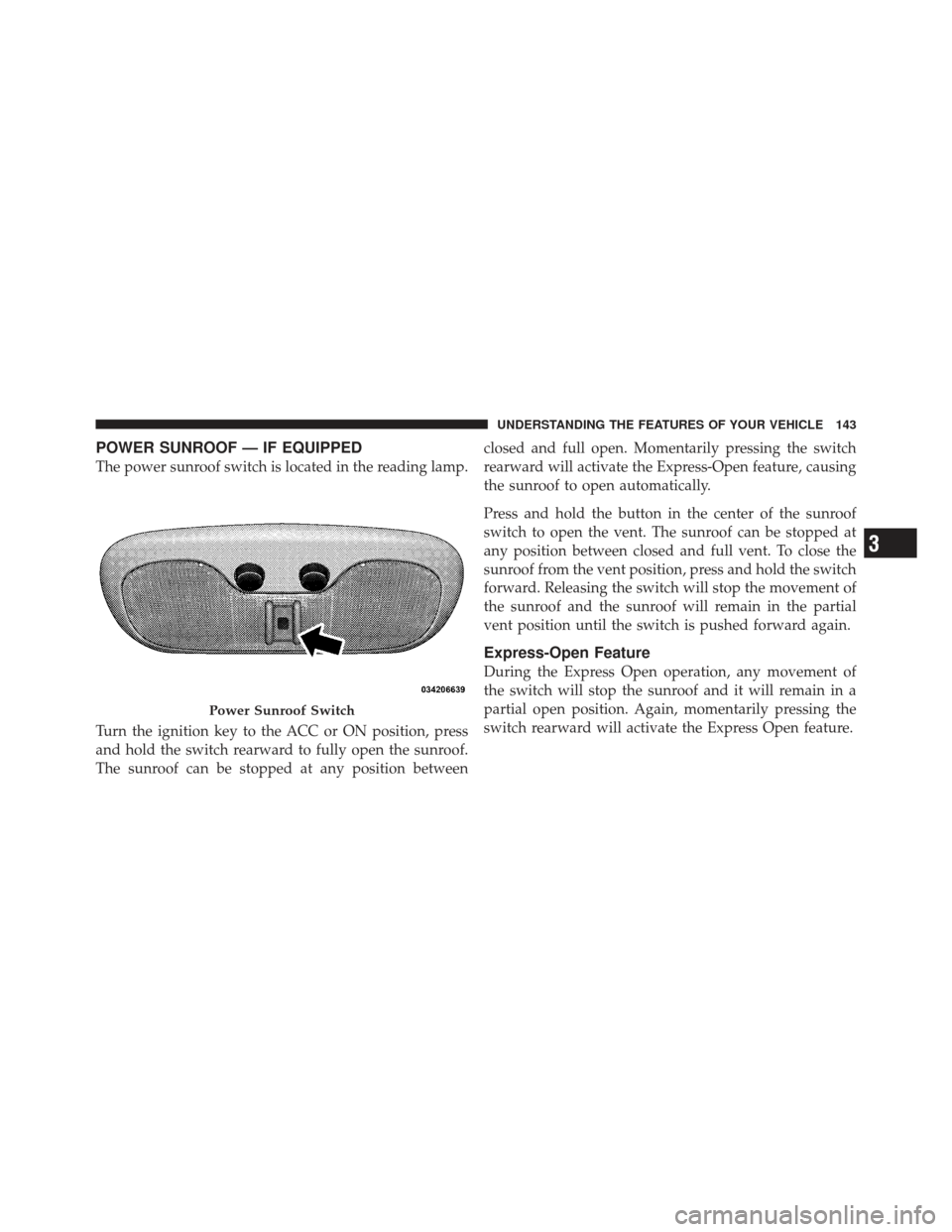
The power sunroof switch is located in the reading lamp.
Turn the ignition key to the ACC or ON position, press
and hold the switch rearward to fully open the sunroof.
The sunroof can be stopped at any position betweenclosed and full open. Momentarily pressing the switch
rearward will activate the Express-Open feature, causing
the sunroof to open automatically.
Press and hold the button in the center of the sunroof
switch to open the vent. The sunroof can be stopped at
any position between closed and full vent. To close the
sunroof from the vent position, press and hold the switch
forward. Releasing the switch will stop the movement of
the sunroof and the sunroof will remain in the partial
vent position until the switch is pushed forward again.
Express-Open Feature
During the Express Open operation, any movement of
the switch will stop the sunroof and it will remain in a
partial open position. Again, momentarily pressing the
switch rearward will activate the Express Open feature.
Power Sunroof Switch
3
UNDERSTANDING THE FEATURES OF YOUR VEHICLE 143
Page 146 of 410
To close the sunroof, hold the switch in the forward
position. Again, any release of the switch will stop the
movement and the sunroof will remain in a partial open
condition until the switch is pushed forward again.
The sunshade can be opened manually. It will also open
as the sunroof opens. The sunshade cannot be closed if
the sunroof is open.
WARNING!
•Never leave children in a vehicle with the key in
the ignition switch. Occupants, particularly unat-
tended children, can become entrapped by the
power sunroof while operating the power sunroof
switch. Such entrapment may result in serious
injury or death.(Continued)
WARNING! (Continued)
•In an accident, there is a greater risk of being
thrown from a vehicle with an open sunroof. You
could also be seriously injured or killed. Always
fasten your seat belt properly and make sure all
passengers are properly secured too.
•Do not allow small children to operate the sun-
roof. Never allow your fingers, other body parts, or
any object to project through the sunroof opening.
Injury may result.
Wind Buffeting
Wind buffeting can be described as the perception of
pressure on the ears or a helicopter-type sound in the
ears. Your vehicle may exhibit wind buffeting with the
windows down, or the sunroof (if equipped) in certain
open or partially open positions. This is a normal occur-
rence and can be minimized. If the buffeting occurs with
the rear windows open, open the front and rear windows
144 UNDERSTANDING THE FEATURES OF YOUR VEHICLE

