Page 120 of 410
Tumbling Rear Seat
To provide additional storage in the cargo area, each rear
seat can be tumbled forward.
CAUTION!
It is important that the front seats be pulled forward
to the midpoint of the seat track to avoid contact
between the rear seat and the front seatback. If the
front seat is not pulled forward the two seats will
make contact during the tumbling motion and cause
damage to the rear seat material. After the rear seat is
tumbled forward and secured the front seat can then
be repositioned to the preferred position.
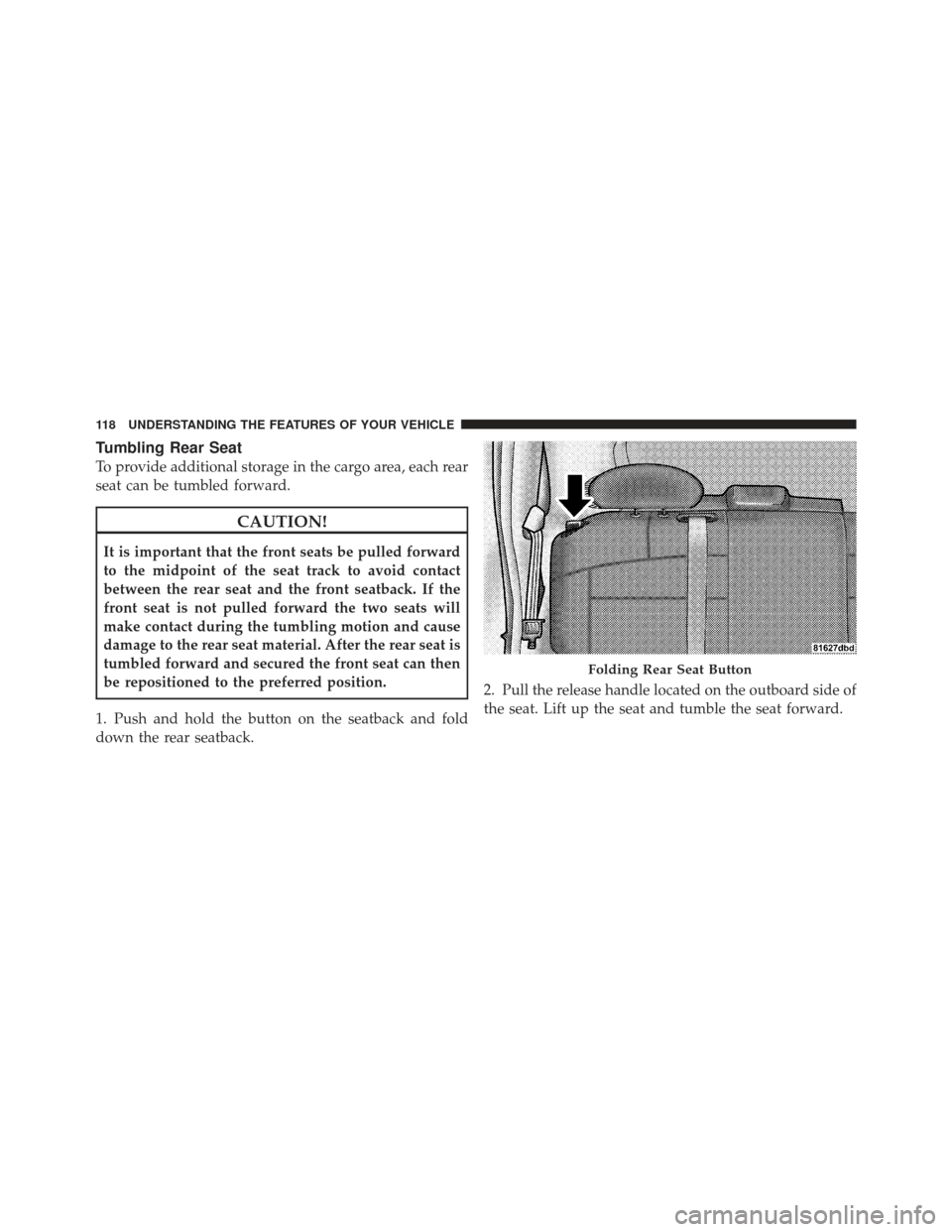
1. Push and hold the button on the seatback and fold
down the rear seatback. 2. Pull the release handle located on the outboard side of
the seat. Lift up the seat and tumble the seat forward.
Folding Rear Seat Button
118 UNDERSTANDING THE FEATURES OF YOUR VEHICLE
Page 124 of 410
To reinstall the rear seat, insert the seat into the floor
attachments. Lower the release levers of the seat to latch
the front floor attachments and rotate the seat rearward
to latch the seat. Lift the seatback to its upright latched
position.
WARNING!
In an accident, you or others in your vehicle could be
injured if seats are not properly latched to their floor
attachments. Always be sure the seats are fully
latched.
EMERGENCY SEATBACK RELEASE
WARNING!
Do not allow children to have access to the liftgate
area with the rear shelf panel in position 1 (Top) or
position 2 (Middle), either by climbing into the
liftgate from outside, or through the inside of the
vehicle. Always close the liftgate when your vehicle
is unattended. Once in the liftgate area, young chil-
dren may not be able to escape, even if they entered
through the rear seat. If trapped in the liftgate,
children can die from suffocation or heat stroke.
As a security measure, a Seatback Emergency Release
lever is built into the left side rear seatback latching
mechanism. In the event of an individual being locked
inside the liftgate area with the rear shelf panel in
position 1 (Top) or position 2 (Middle), the left side rear
122 UNDERSTANDING THE FEATURES OF YOUR VEHICLE
Page 126 of 410
1. Pull the hood release lever located under the left side
of the instrument panel.
2. Move the safety latch, located under the front edge of
the hood, slightly to the right of center and raise the
hood.Use the hood prop rod clipped to the driver’s side of the
engine compartment to secure the hood in the open
position. Place the hood prop at the location stamped into
the inner hood surface.
Hood Release Lever
Safety Latch
124 UNDERSTANDING THE FEATURES OF YOUR VEHICLE
Page 127 of 410
CAUTION!
To prevent possible damage, do not slam the hood to
close it. Lower the hood until it is open approxi-
mately 8 in (20 cm) and then drop it. This should
secure both latches. Never drive your vehicle unless
the hood is fully closed, with both latches engaged.
WARNING!
If the hood is not fully latched it could fly up when
the vehicle is moving and block your forward vision.
You could have a collision. Be sure all hood latches
are fully latched before driving.
LIGHTS
Map/Reading Lights
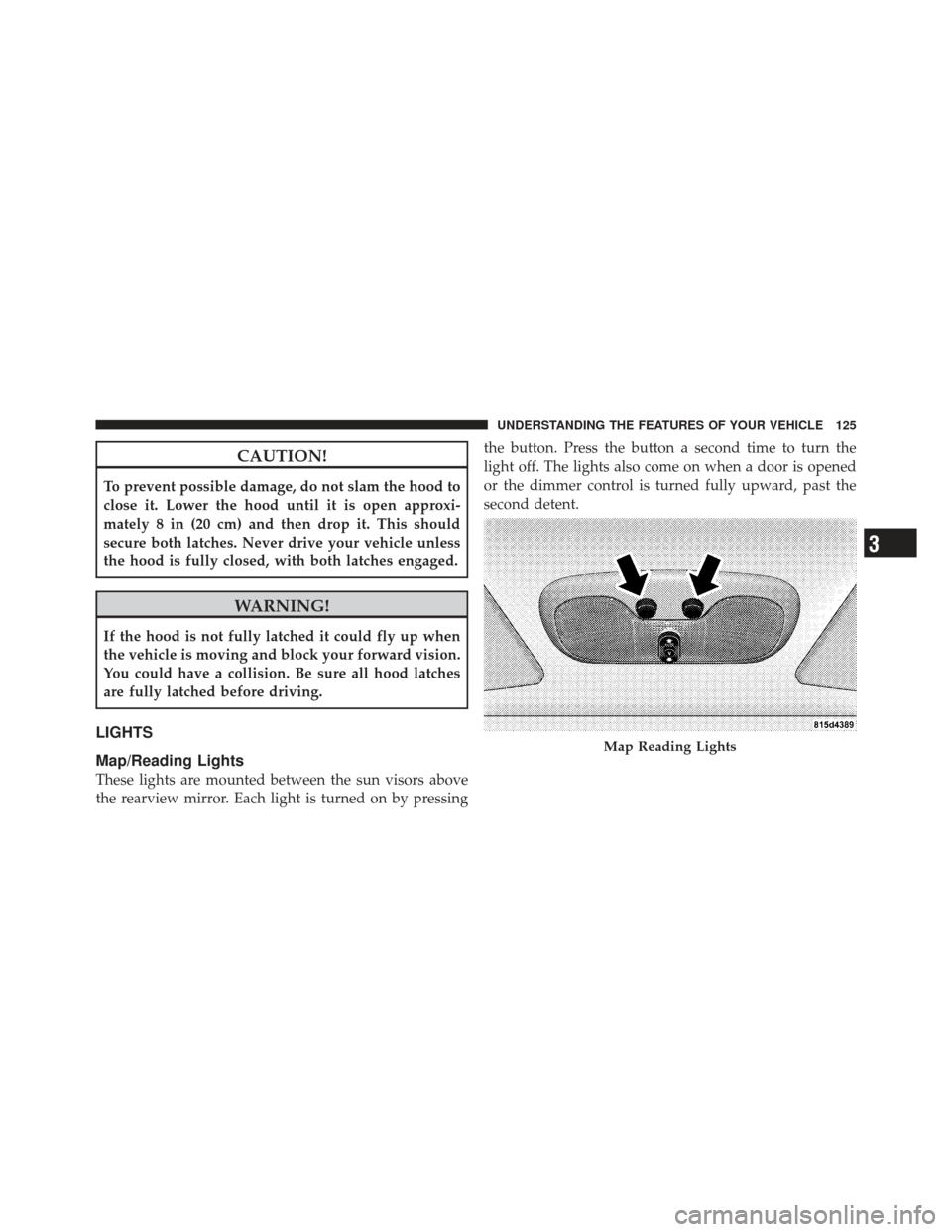
These lights are mounted between the sun visors above
the rearview mirror. Each light is turned on by pressingthe button. Press the button a second time to turn the
light off. The lights also come on when a door is opened
or the dimmer control is turned fully upward, past the
second detent.
Map Reading Lights
3
UNDERSTANDING THE FEATURES OF YOUR VEHICLE 125
Page 138 of 410
To Accelerate for Passing
Depress the accelerator as you would normally. When the
pedal is released, the vehicle will return to the set speed.
Using Electronic Speed Control on Hills
NOTE:The Electronic Speed Control system maintains
speed up and down hills. A slight speed change on
moderate hills is normal.
Vehicles equipped with four-speed automatic transaxles
may experience a downshift to 3rd gear while climbing
uphill or descending downhill. This downshift to 3rd
gear is necessary to maintain vehicle set speed.
On steep hills a greater speed loss or gain may occur so
it may be preferable to drive without Electronic Speed
Control.
GARAGE DOOR OPENER — IF EQUIPPED
HomeLink� replaces up to three remote controls (hand-
held transmitters) that operate devices such as garage door openers, motorized gates, lighting, or home security
systems. The HomeLink�
unit operates off your vehicle’s
battery.
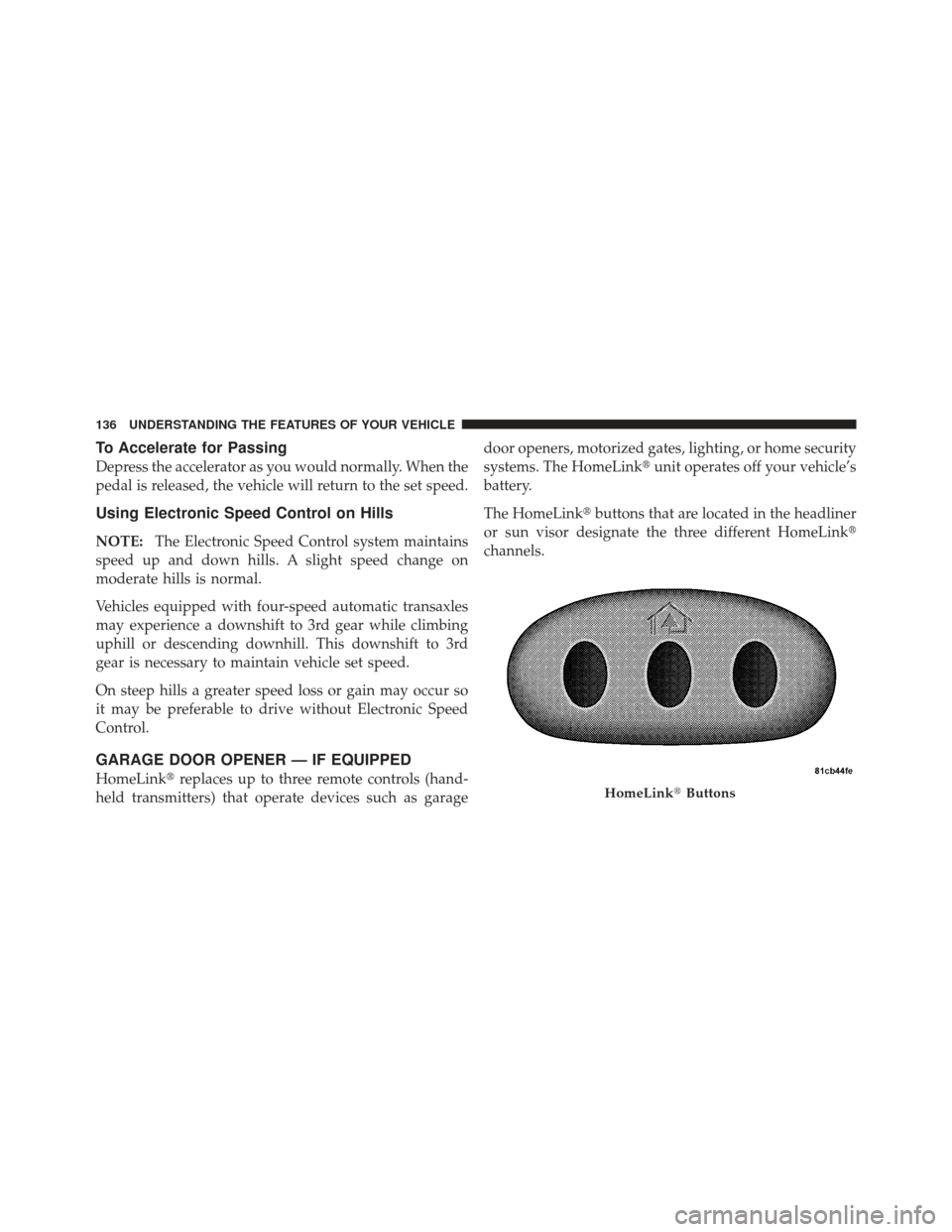
The HomeLink� buttons that are located in the headliner
or sun visor designate the three different HomeLink �
channels.HomeLink� Buttons
136 UNDERSTANDING THE FEATURES OF YOUR VEHICLE
Page 139 of 410
NOTE:HomeLink� is disabled when the Vehicle Secu-
rity Alarm is active.
WARNING!
•Your motorized door or gate will open and close
while you are training the universal transceiver.
Do not train the transceiver if people or pets are in
the path of the door or gate. Only use this trans-
ceiver with a garage door opener that has a “stop
and reverse” feature as required by Federal safety
standards. This includes most garage door opener
models manufactured after 1982. Do not use a
garage door opener without these safety features.
Call toll-free 1–800–355–3515 or, on the Internet at
www.HomeLink.com for safety information or as-
sistance.
(Continued)
WARNING! (Continued)
•Vehicle exhaust contains carbon monoxide, a dan-
gerous gas. Do not run your vehicle in the garage
while training the transceiver. Exhaust gas can
cause serious injury or death.
Programming Homelink�
Before You Begin
If you have not trained any of the HomeLink �buttons,
erase all channels before you begin training.
To do this, press and hold the two outside buttons for up
to 20 seconds until the red indicator flashes.
It is recommended that a new battery be placed in the
hand-held transmitter of the device being programmed
to HomeLink� for more efficient training and accurate
transmission of the radio-frequency signal.
3
UNDERSTANDING THE FEATURES OF YOUR VEHICLE 137
Page 142 of 410
6. Firmly press and release the “Learn” or “Training”
button. The name and color of the button may vary by
manufacturer.
NOTE:There are 30 seconds in which to initiate the next
step after the “Learn” button has been pressed.
7. Return to the vehicle and press the programmed
HomeLink� button twice (holding the button for two
seconds each time). If the device is plugged in and
activates, programming is complete.
If the device does not activate, press the button a third
time (for two seconds) to complete the training.
If you have any problems, or require assistance, please
call toll-free 1–800–355–3515 or, on the Internet at
www.HomeLink.com for information or assistance.
To program the remaining two HomeLink� buttons,
repeat each step for each remaining button. DO NOT
erase the channels.Using HomeLink�
To operate, simply press and release the programmed
HomeLink� button. Activation will now occur for the
trained device (i.e., garage door opener, gate operator,
security system, entry door lock, home/office lighting,
etc. The hand-held transmitter of the device may also be
used at any time.
Reprogramming a Single Homelink �Button
To reprogram a channel that has been previously trained,
follow these steps:
1. Turn the ignition switch to the ON/RUN position.
2. Press and hold the desired HomeLink� button until
the indicator light begins to flash after 20 seconds. Do not
release the button.
3. Without releasing the button, proceed with Program-
ming Homelink� Step 2 and follow all remaining steps.
140 UNDERSTANDING THE FEATURES OF YOUR VEHICLE
Page 143 of 410
Gate Operator/Canadian Programming
Canadian radio frequency laws require transmitter sig-
nals to time-out (or quit) after several seconds of trans-
mission – which may not be long enough for HomeLink�
to pick up the signal during programming. Similar to this
Canadian law, some U.S. gate operators are designed to
time-out in the same manner.
It may be helpful to unplug the device during the cycling
process to prevent possible overheating of the garage
door or gate motor.
If you are having difficulties programming a garage door
opener or a gate operator, replace “Programming
HomeLink�” Step 3, with the following:
3. Continue to press and hold the HomeLink� button
while you press and release - every two seconds
(“cycle”) your hand-held transmitter until HomeLink �has successfully accepted the frequency signal. The
indicator light will flash slowly and then rapidly when
fully trained.
If you unplugged the device for training, plug it back in
at this time.
Then proceed with Step 4 under “Programming
HomeLink�,” earlier in this section.
Security
It is advised to erase all channels before you sell or turn
in your vehicle.
To do this, press and hold the two outside buttons for
20 seconds until the red indicator flashes. Note that all
channels will be erased. Individual channels cannot be
erased.
The HomeLink�
Universal Transceiver is disabled when
the Vehicle Security Alarm is active.
3
UNDERSTANDING THE FEATURES OF YOUR VEHICLE 141