Page 237 of 493

“Passive Entry”
When ON is selected, the Passive Entry System allows
you to unlock the vehicle’s door(s) and trunk without
using the RKE transmitter unlock button, or the unlock
button located on the vehicle’s interior door panel. To
make your selection, press and release the FUNCTION
SELECT button until “ON” or “OFF” appears.
“Display Units of Measure in”
The EVIC, odometer, and navigation system (if
equipped) can be changed between English and Metric
units of measure. To make your selection, press and
release the FUNCTION SELECT button until “US” or
“METRIC” appears.
“Automatic High Beams” — If Equipped
When this feature is selected, the high beam headlights
will deactivate automatically under certain conditions. To
make your selection, press and release the FUNCTION
SELECT button until “ON” or “OFF” appears. Refer to
“SmartBeams” in Section 3.
SETTING THE ANALOG CLOCK
To set the analog clock at the top center of the instrument
panel, press and hold the button until the setting is
correct.
Analog Clock
UNDERSTANDING YOUR INSTRUMENT PANEL 235
4
Page 254 of 493
AM/FM/CD/DVD MULTIMEDIA SYSTEM RADIO
(RER/REN) – IF EQUIPPED
NOTE:The sales code is located on the lower right side
of the unit’s faceplate.
The REN and RER Multimedia systems contain a radio,
CD/DVD player, USB port, and a 30-gigabyte hard drive
(HDD). Sirius Satellite Radio is optional. The 6.5 in
(16.5 cm) touch screen allows for easy menu selection.
The RER radio also contains a Global Positioning System
(GPS)-based Navigation system.
Refer to your Multimedia system (REN) or Navigation
(RER) user’s manual for detailed operating instructions.
Operating Instructions — Voice Recognition
System (VR) — If Equipped
For the radio, refer to “Voice Recognition System (VR)” in
Section 3.
Operating Instructions — Hands-Free
Communication (UConnect�) — If Equipped
Refer to “Hands-Free Communication (UConnect�)” in
Section 3.
Clock Setting Procedure
Global Positioning System (GPS) — RER only
The GPS receiver used in this system is synchronized to
the time data being transmitted by the GPS satellite. The
satellite clock is Greenwich Mean Time (GMT). This is the
worldwide standard for time. This makes the system’s
clock very accurate, once the appropriate time zone and
daylight savings information is set.
To Manually Set the Clock — RER/REN
1. Turn on the multimedia system.
2. Touch the screen where the time is displayed.
252 UNDERSTANDING YOUR INSTRUMENT PANEL
Page 290 of 493
Refer to your Video Entertainment System (VES)™, RER
Navigation or REN Multimedia User Manuals for de-
tailed operating instructions.
VIDEO ENTERTAINMENT SYSTEM (VES)™ — IF
EQUIPPED
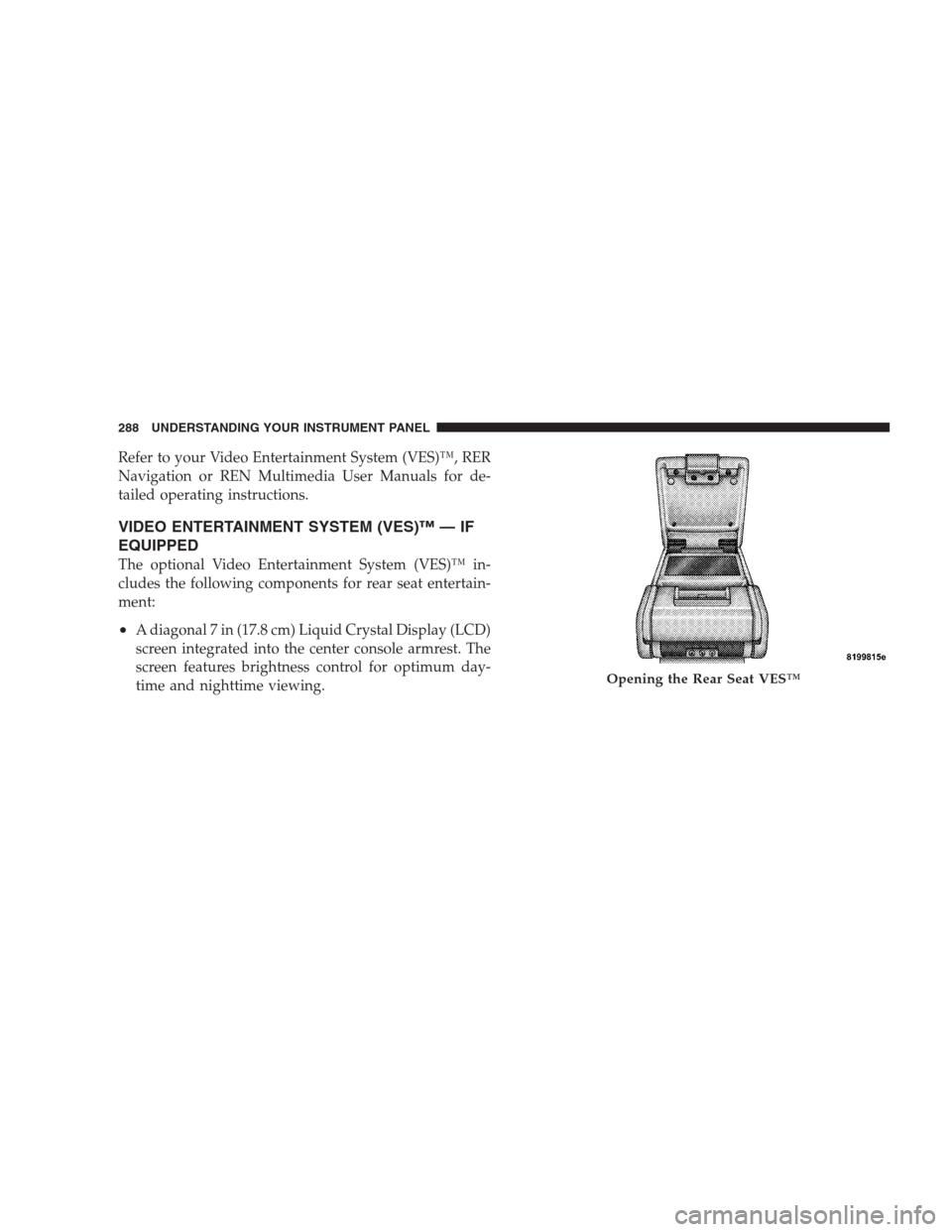
The optional Video Entertainment System (VES)™ in-
cludes the following components for rear seat entertain-
ment:
•A diagonal 7 in (17.8 cm) Liquid Crystal Display (LCD)
screen integrated into the center console armrest. The
screen features brightness control for optimum day-
time and nighttime viewing.
Opening the Rear Seat VES™
288 UNDERSTANDING YOUR INSTRUMENT PANEL