2009 CHEVROLET TRAIL BLAZER display
[x] Cancel search: displayPage 82 of 484

Battery Replacement
Replace the battery if the KEY FOB # BATTERY
LOW message displays in the DIC. See “KEY
FOB # BATTERY LOW” underDIC Warnings and
Messages on page 3-51for additional information.
Notice:When replacing the battery, do not touch
any of the circuitry on the transmitter. Static
from your body could damage the transmitter.To replace the battery:
1. Separate the transmitter with a at, thin object
inserted into the slot between the covers of the
transmitter housing.
2. Remove the old battery. Do not use a metal object.
3. Insert the new battery. Replace with a CR2032
or equivalent battery.
4. Snap the transmitter back together.
2-6
Page 98 of 484

Ignition Positions
The ignition switch has
four different positions.
Press the brake pedal, and turn the ignition to ON/RUN
to shift out of P (Park).
Notice:Using a tool to force the key to turn in the
ignition could cause damage to the switch or break
the key. Use the correct key, make sure it is all the
way in, and turn it only with your hand. If the key
cannot be turned by hand, see your dealer/retailer.
A (LOCK/OFF):This position locks the ignition and
transmission. The key can only be removed in
LOCK/OFF.The steering can bind with the wheels turned off center.
If this happens, move the steering wheel from right to
left while turning the key to ACC/ACCESSORY. If
this doesn’t work, then the vehicle needs service.
B (ACC/ACCESSORY):This is the position in which
you can operate electrical accessories.
C (ON/RUN):This position can be used to operate the
electrical accessories and to display some instrument
panel warning and indicator lights. The switch stays
in this position when the engine is running.
If you leave the key in the ACC/ACCESSORY or
ON/RUN position with the engine off, the battery could
be drained. You may not be able to start the vehicle
if the battery is allowed to drain for an extended period
of time.
D (START):This is the position that starts the engine.
When the engine starts, release the key. The ignition
switch returns to ON/RUN for driving.
A warning tone will sound when the driver door is
opened, the ignition is in ACC/ACCESSORY or
LOCK/OFF and the key is in the ignition.
2-22
Page 116 of 484
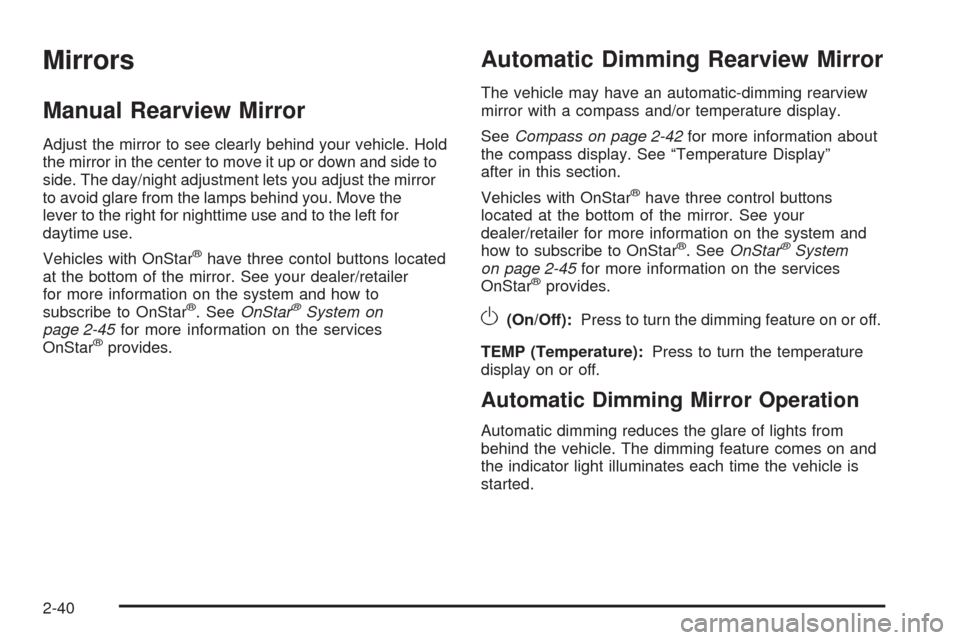
Mirrors
Manual Rearview Mirror
Adjust the mirror to see clearly behind your vehicle. Hold
the mirror in the center to move it up or down and side to
side. The day/night adjustment lets you adjust the mirror
to avoid glare from the lamps behind you. Move the
lever to the right for nighttime use and to the left for
daytime use.
Vehicles with OnStar
®have three contol buttons located
at the bottom of the mirror. See your dealer/retailer
for more information on the system and how to
subscribe to OnStar
®. SeeOnStar®System on
page 2-45for more information on the services
OnStar
®provides.
Automatic Dimming Rearview Mirror
The vehicle may have an automatic-dimming rearview
mirror with a compass and/or temperature display.
SeeCompass on page 2-42for more information about
the compass display. See “Temperature Display”
after in this section.
Vehicles with OnStar
®have three control buttons
located at the bottom of the mirror. See your
dealer/retailer for more information on the system and
how to subscribe to OnStar
®.SeeOnStar®System
on page 2-45for more information on the services
OnStar
®provides.
O(On/Off):Press to turn the dimming feature on or off.
TEMP (Temperature):Press to turn the temperature
display on or off.
Automatic Dimming Mirror Operation
Automatic dimming reduces the glare of lights from
behind the vehicle. The dimming feature comes on and
the indicator light illuminates each time the vehicle is
started.
2-40
Page 117 of 484

Temperature Display
PressOor depending on the mirror, press TEMP to
turn the temperature display on or off.
To adjust between Fahrenheit and Celsius:
1. Press and hold
Oor depending on the mirror,
press TEMP until either a ashing F or C appears.
2. Press
Oor TEMP again to change the display to
the desired unit of measurement. After approximately
four seconds of inactivity, the new unit locks in and
the display returns.
If an abnormal temperature reading is displayed for
an extended period of time, please consult your
dealer/retailer. Under certain circumstances, a delay
in updating the temperature is normal.
Passenger Airbag Indicator
The vehicle may be equipped with a passenger airbag
indicator, on the mirror glass, just above the buttons.
If the vehicle has this feature, the mirror displays
the word ON, or an airbag symbol in Canada, when the
passenger airbag is enabled. For more information,
seePassenger Sensing System on page 1-63.
Cleaning the Mirror
Do not spray glass cleaner directly on the mirror. Use a
soft towel dampened with water.
2-41
Page 118 of 484

Compass
Compass Operation
There is a compass display in the upper right corner of
the mirror.
Press
Oor depending on the mirror, press COMP to
turn the compass on or off.
Compass Calibration
The compass may need calibration if:
After several seconds, the display does not show a
compass heading (N for North, for example), there
may be a strong magnetic eld interfering with
the compass. Interference can be caused by
a magnetic antenna mount, magnetic note pad
holder or a similar magnetic item.
The compass does not display the correct heading
and the compass zone variance is set correctly.In order to calibrate, CAL must be displayed in the
mirror compass windows. If CAL is not displayed, press
and hold
Oor depending on the mirror, press COMP
until CAL displays.
The compass can be calibrated by driving the vehicle in
circles at 5 mph (8 km/h) or less until the display
reads a direction.
Compass Variance
The mirror is set to zone eight. If you do not live in zone
eight or drive out of the area, the compass variance
needs to be changed to the appropriate zone.
2-42
Page 119 of 484

To adjust for compass variance:
1. Find your current location and variance zone
number on the following zone map.
2. Press and hold
Oor depending on the mirror,
press COMP until a Z and/or a zone number
displays. The compass is now in zone mode.3. Keep pressing
Ountil the desired zone number
displays. Release the button. After several seconds
of inactivity, the new zone number locks in and the
compass display returns.
4. Calibrate the compass as previously described.
Outside Manual Mirrors
Adjust the outside rearview mirrors to see a little of the
side of your vehicle, and the area beside your vehicle.
Manually fold the mirrors inward to prevent damage
when going through an automatic car wash. To fold, push
the mirror toward the vehicle. Push the mirror outward, to
return to its original position.
2-43
Page 136 of 484

Security Light...............................................3-44
Cruise Control Light......................................3-44
Reduced Engine Power Light.........................3-44
Highbeam On Light.......................................3-45
Service Four-Wheel Drive Warning Light..........3-45
Check Gages Warning Light...........................3-45
Gate Ajar Light.............................................3-46
Fuel Gage...................................................3-46
Low Fuel Warning Light.................................3-47
Check Gas Cap Light....................................3-47
Driver Information Center (DIC).......................3-47
DIC Operation and Displays...........................3-48
DIC Warnings and Messages.........................3-51
DIC Vehicle Customization.............................3-56Audio System(s).............................................3-62
Setting the Clock..........................................3-63
Radio(s)......................................................3-64
Using an MP3..............................................3-80
XM Radio Messages.....................................3-84
Navigation/Radio System...............................3-85
Bluetooth
®...................................................3-85
Rear Seat Entertainment (RSE) System...........3-96
Rear Seat Audio (RSA)................................3-108
Theft-Deterrent Feature................................3-109
Audio Steering Wheel Controls......................3-109
Radio Reception.........................................3-110
Fixed Mast Antenna....................................3-111
XM™ Satellite Radio Antenna System............3-111
Chime Level Adjustment...............................3-111
Section 3 Instrument Panel
3-2
Page 152 of 484

Electric Power Management
The vehicle has Electric Power Management (EPM) that
estimates the battery’s temperature and state of charge.
It then adjusts the voltage for best performance and
extended life of the battery.
When the battery’s state of charge is low, the voltage is
raised slightly to quickly bring the charge back up. When
the state of charge is high, the voltage is lowered slightly
to prevent overcharging. If the vehicle has a voltmeter
gage or a voltage display on the Driver Information
Center (DIC), you may see the voltage move up or
down. This is normal. If there is a problem, an alert
will be displayed.
The battery can be discharged at idle if the electrical
loads are very high. This is true for all vehicles. This is
because the generator (alternator) may not be spinning
fast enough at idle to produce all the power that is
needed for very high electrical loads.
A high electrical load occurs when several of the
following are on, such as: headlamps, high beams,
fog lamps, rear window defogger, climate control fan at
high speed, heated seats, engine cooling fans, trailer
loads, and loads plugged into accessory power outlets.
EPM works to prevent excessive discharge of the
battery. It does this by balancing the generator’s output
and the vehicle’s electrical needs. It can increase engineidle speed to generate more power, whenever needed.
It can temporarily reduce the power demands of some
accessories.
Normally, these actions occur in steps or levels, without
being noticeable. In rare cases at the highest levels of
corrective action, this action may be noticeable to the
driver. If so, a Driver Information Center (DIC) message
might be displayed, such as BATTERY SAVER ACTIVE,
BATTERY VOLTAGE LOW, or LOW BATTERY. If this
message is displayed, it is recommended that the driver
reduce the electrical loads as much as possible. SeeDIC
Warnings and Messages on page 3-51.
Battery Run-Down Protection
This feature shuts off the dome, courtesy, and vanity
lamps if they are left on for more than 20 minutes when
the ignition is off. This helps to keep the battery from
running down.
If the battery run-down protection shuts off the interior
lamps, it may be necessary to do one of the following to
return to normal operation:
Shut off all lamps and close all doors.
Turn the ignition key to ON/RUN.
This feature also turns off the parking lamps and
headlamps under most circumstances, if they are left
on. Turn the exterior lamps knob to turn them back on.
3-18