2009 CHEVROLET MALIBU ignition
[x] Cancel search: ignitionPage 87 of 420
After the engine has been started two times, or one
time with a time extension, the vehicle’s ignition must be
turned to ON/RUN using the key before the remote start
procedure can be used again. SeeIgnition Positions on
page 2-22for information regarding the ignition positions
on your vehicle.
The remote vehicle start feature will not operate if any
of the follow occur:
The remote start system is disabled through
the DIC.
The vehicle’s key is in the ignition.
The vehicle’s hood is open.
The hazard warning ashers are on.
The check engine light is on. SeeMalfunction
Indicator Lamp on page 3-38.
The engine coolant temperature is too high.
The oil pressure is low.
Two remote vehicle starts, or one start with a time
extension, have already been provided for that
ignition cycle.Vehicles that have the remote vehicle start feature are
shipped from the factory with the remote start system
enabled. The system may be enabled or disabled
through the DIC. See “REMOTE START” underDIC
Vehicle Personalization on page 3-50for additional
information.
Remote Start Ready
If your vehicle does not have the remote vehicle start
feature, it may have the remote start ready feature.
This feature allows your dealer/retailer to add the
manufacturer’s remote vehicle start feature.
See your dealer/retailer if you would like to add the
manufacturer’s remote vehicle start feature to your
vehicle.
2-9
Page 88 of 420
Doors and Locks
Door Locks
{CAUTION:
Unlocked doors can be dangerous.
Passengers, especially children, can easily
open the doors and fall out of a moving vehicle.
When a door is locked, the handle will not open
it. The chance of being thrown out of the
vehicle in a crash is increased if the doors are
not locked. So, all passengers should wear
safety belts properly and the doors should
be locked whenever the vehicle is driven.
Young children who get into unlocked vehicles
may be unable to get out. A child can be
overcome by extreme heat and can suffer
permanent injuries or even death from heat
stroke. Always lock the vehicle whenever
leaving it.
Outsiders can easily enter through an unlocked
door when you slow down or stop your vehicle.
Locking your doors can help prevent this from
happening.There are several ways to lock and unlock your vehicle.
From the outside, turn the key in the driver’s door
lock counterclockwise to lock the door and clockwise to
unlock it or use the remote keyless entry transmitter.
From the inside, move the manual lock control on
the door or use the power door lock switch.
Power Door Locks
On vehicles with power door locks, the switches are
located on the front doors.
"(Unlock):Press to unlock the doors.
Q(Lock):Remove the key from the ignition and press
to lock the doors.
2-10
Page 89 of 420
Door Ajar Reminder
A chime will sound and the DOOR AJAR message
will display if one of the doors is not fully closed.
This happens when the ignition is on and the shift
lever is moved out of P (Park) or N (Neutral).
SeeDIC Warnings and Messages on page 3-46.
Delayed Locking
This feature will delay the actual locking of the doors
and arming of the theft-deterrent system for ve seconds
when the power door lock switch or remote keyless
entry transmitter is used to lock the vehicle.
If any door is open when locking the vehicle, three
chimes will sound signaling that the delayed locking
feature is active. Five seconds after the last door
is closed, all of the doors will lock. To cancel the delay
and lock the doors immediately, press the lock button
on the remote keyless entry transmitter or the power
door lock switch a second time. The theft deterrent
system will arm after 30 seconds.
Programmable Automatic Door
Locks
The vehicle is programmed to lock all doors
automatically when the following are met:
All doors are closed.
The ignition is on.
The vehicle is shifted out of (P) Park.
This feature cannot be disabled.
All doors will unlock when the vehicle is shifted into
(P) Park.
The power door unlock function can be programmed
through prompts displayed on the Driver Information
Center (DIC). SeeDIC Vehicle Personalization on
page 3-50.
2-11
Page 90 of 420
Rear Door Security Locks
The vehicle has rear door security locks to prevent
passengers from opening the rear doors from the inside.
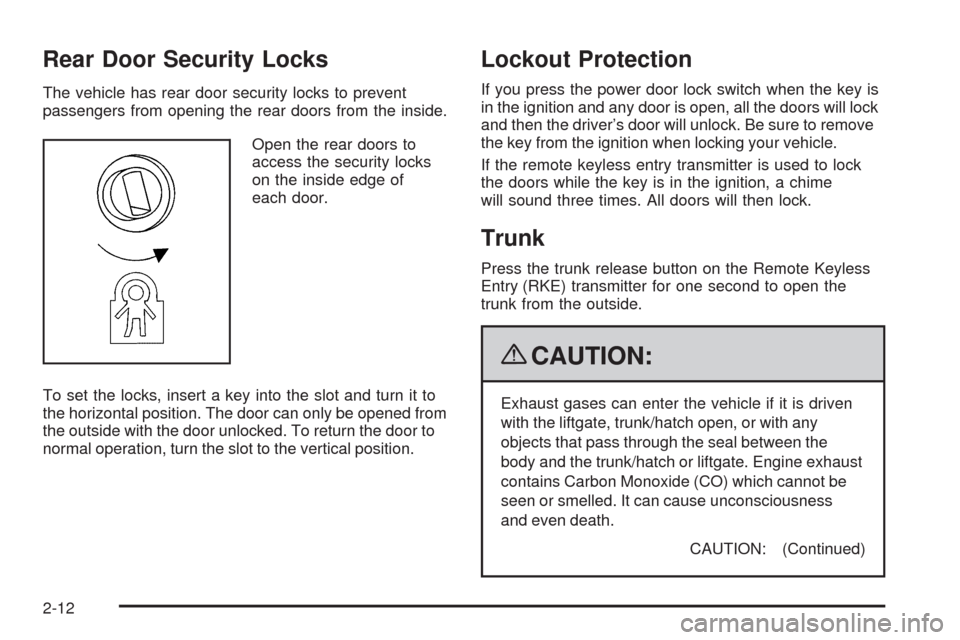
Open the rear doors to
access the security locks
on the inside edge of
each door.
To set the locks, insert a key into the slot and turn it to
the horizontal position. The door can only be opened from
the outside with the door unlocked. To return the door to
normal operation, turn the slot to the vertical position.
Lockout Protection
If you press the power door lock switch when the key is
in the ignition and any door is open, all the doors will lock
and then the driver’s door will unlock. Be sure to remove
the key from the ignition when locking your vehicle.
If the remote keyless entry transmitter is used to lock
the doors while the key is in the ignition, a chime
will sound three times. All doors will then lock.
Trunk
Press the trunk release button on the Remote Keyless
Entry (RKE) transmitter for one second to open the
trunk from the outside.
{CAUTION:
Exhaust gases can enter the vehicle if it is driven
with the liftgate, trunk/hatch open, or with any
objects that pass through the seal between the
body and the trunk/hatch or liftgate. Engine exhaust
contains Carbon Monoxide (CO) which cannot be
seen or smelled. It can cause unconsciousness
and even death.
CAUTION: (Continued)
2-12
Page 91 of 420
CAUTION: (Continued)
If the vehicle must be driven with the liftgate, or
trunk/hatch open:
Close all of the windows.
Fully open the air outlets on or under the
instrument panel.
Adjust the Climate Control system to a setting
that brings in only outside air and set the fan
speed to the highest setting. See Climate
Control System in the Index.
If the vehicle is equipped with a power liftgate,
disable the power liftgate function.
For more information about carbon monoxide, see
Engine Exhaust on page 2-35.
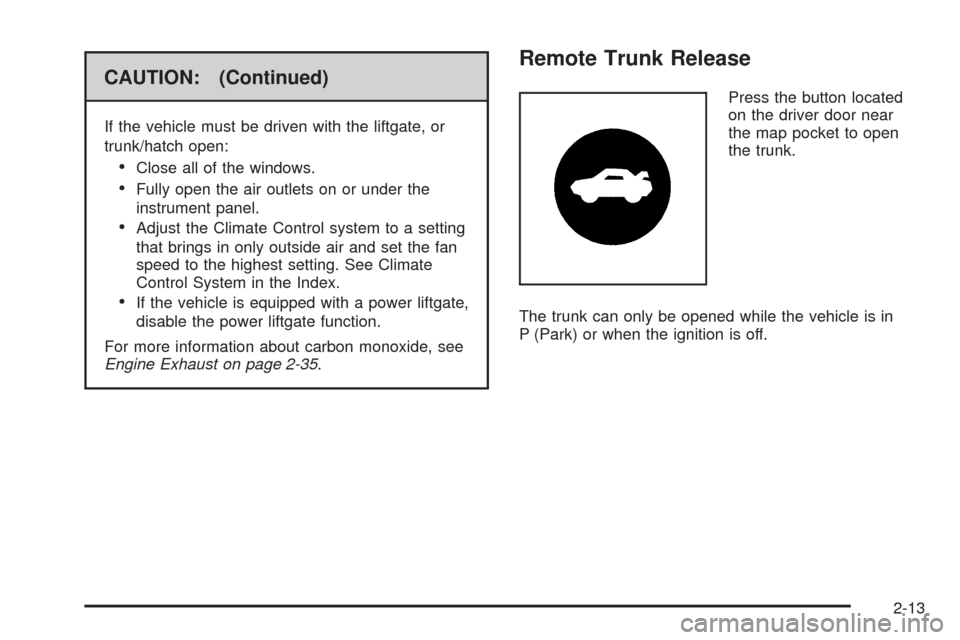
Remote Trunk Release
Press the button located
on the driver door near
the map pocket to open
the trunk.
The trunk can only be opened while the vehicle is in
P (Park) or when the ignition is off.
2-13
Page 94 of 420
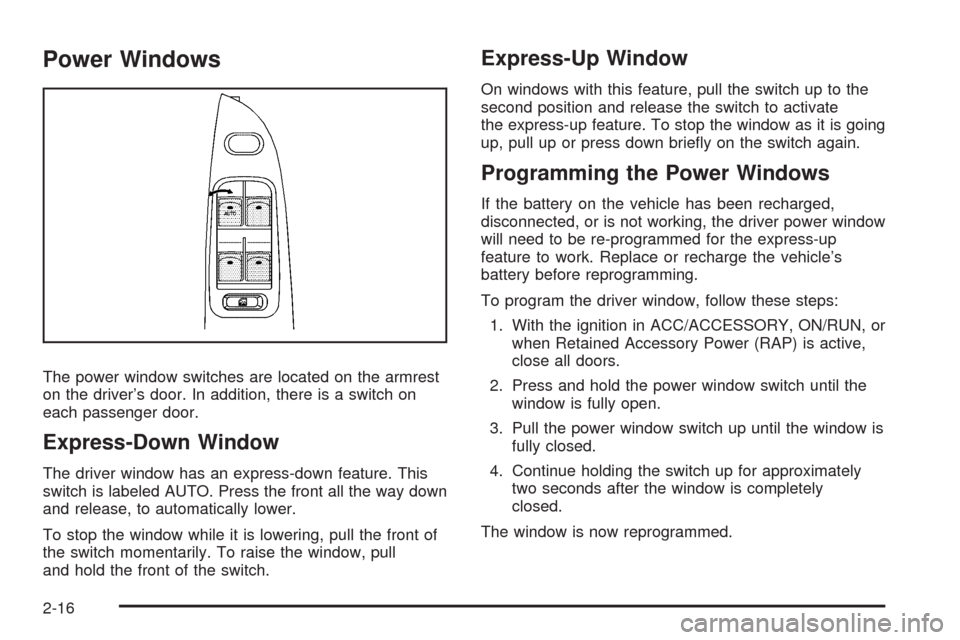
Power Windows
The power window switches are located on the armrest
on the driver’s door. In addition, there is a switch on
each passenger door.
Express-Down Window
The driver window has an express-down feature. This
switch is labeled AUTO. Press the front all the way down
and release, to automatically lower.
To stop the window while it is lowering, pull the front of
the switch momentarily. To raise the window, pull
and hold the front of the switch.
Express-Up Window
On windows with this feature, pull the switch up to the
second position and release the switch to activate
the express-up feature. To stop the window as it is going
up, pull up or press down briey on the switch again.
Programming the Power Windows
If the battery on the vehicle has been recharged,
disconnected, or is not working, the driver power window
will need to be re-programmed for the express-up
feature to work. Replace or recharge the vehicle’s
battery before reprogramming.
To program the driver window, follow these steps:
1. With the ignition in ACC/ACCESSORY, ON/RUN, or
when Retained Accessory Power (RAP) is active,
close all doors.
2. Press and hold the power window switch until the
window is fully open.
3. Pull the power window switch up until the window is
fully closed.
4. Continue holding the switch up for approximately
two seconds after the window is completely
closed.
The window is now reprogrammed.
2-16
Page 96 of 420
Theft-Deterrent Systems
Vehicle theft is big business, especially in some cities.
This vehicle has theft-deterrent features, however,
they do not make it impossible to steal.
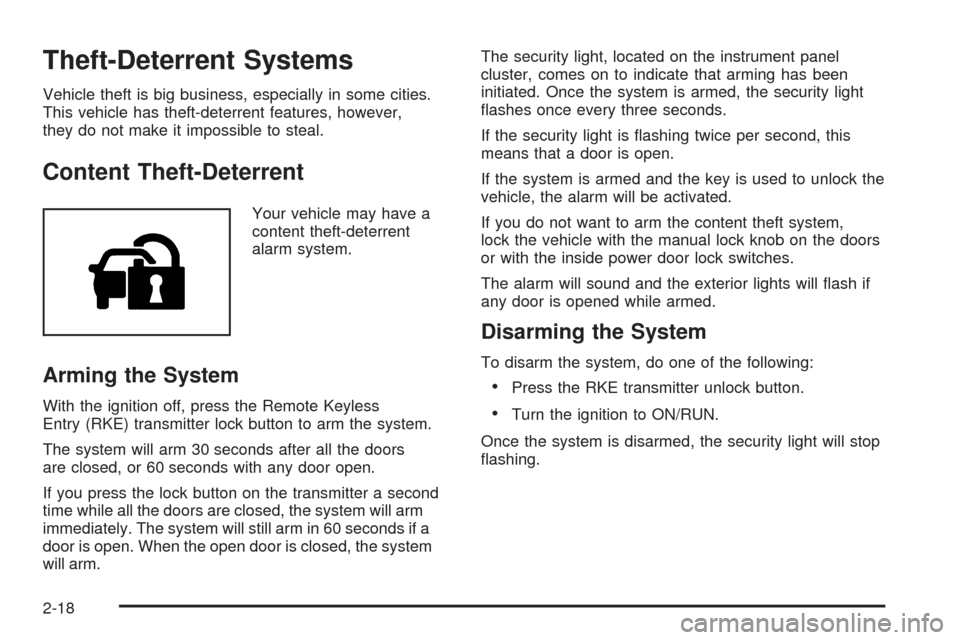
Content Theft-Deterrent
Your vehicle may have a
content theft-deterrent
alarm system.
Arming the System
With the ignition off, press the Remote Keyless
Entry (RKE) transmitter lock button to arm the system.
The system will arm 30 seconds after all the doors
are closed, or 60 seconds with any door open.
If you press the lock button on the transmitter a second
time while all the doors are closed, the system will arm
immediately. The system will still arm in 60 seconds if a
door is open. When the open door is closed, the system
will arm.The security light, located on the instrument panel
cluster, comes on to indicate that arming has been
initiated. Once the system is armed, the security light
ashes once every three seconds.
If the security light is ashing twice per second, this
means that a door is open.
If the system is armed and the key is used to unlock the
vehicle, the alarm will be activated.
If you do not want to arm the content theft system,
lock the vehicle with the manual lock knob on the doors
or with the inside power door lock switches.
The alarm will sound and the exterior lights will ash if
any door is opened while armed.
Disarming the System
To disarm the system, do one of the following:
Press the RKE transmitter unlock button.
Turn the ignition to ON/RUN.
Once the system is disarmed, the security light will stop
ashing.
2-18
Page 97 of 420
How the System Alarm is Activated
To activate the system if it is armed:
Open the driver’s door or trunk. A ten second
pre-alarm chirp will sound followed by a
thirty second full alarm of horn and lights.
Open any other door. A full alarm of horn and lights
will immediately sound for thirty seconds.
Open the hood. If the vehicle has the remote start
feature, it will activate the full alarm.
When an alarm event has nished, the system will
re-arm itself automatically.
How to Turn Off the System Alarm
To turn off the system alarm:
Press the lock button on the RKE transmitter.
The system will then re-arm itself.
Press the unlock button on the RKE transmitter.
This will also disarm the system.
Insert the key in the ignition and turn it on.
This will also disarm the system.
How to Detect a Tamper Condition
If three chirps are heard when the unlock or lock button
is pressed on the RKE transmitter, it means that the
content theft security system alarm was previously
triggered.
PASS-Key®III+ Electronic
Immobilizer
The PASS-Key III+ system operates on a radio
frequency subject to Federal Communications
Commission (FCC) Rules and with Industry Canada.
This device complies with Part 15 of the FCC Rules.
Operation is subject to the following two conditions:
1. This device may not cause harmful interference.
2. This device must accept any interference received,
including interference that may cause undesired
operation.
This device complies with RSS-210 of Industry Canada.
Operation is subject to the following two conditions:
1. This device may not cause interference.
2. This device must accept any interference received,
including interference that may cause undesired
operation of the device.
Changes or modications to this system by other than
an authorized service facility could void authorization to
use this equipment.
PASS-Key III+ uses a radio frequency transponder in
the key that matches a decoder in the vehicle.
2-19