Page 218 of 420
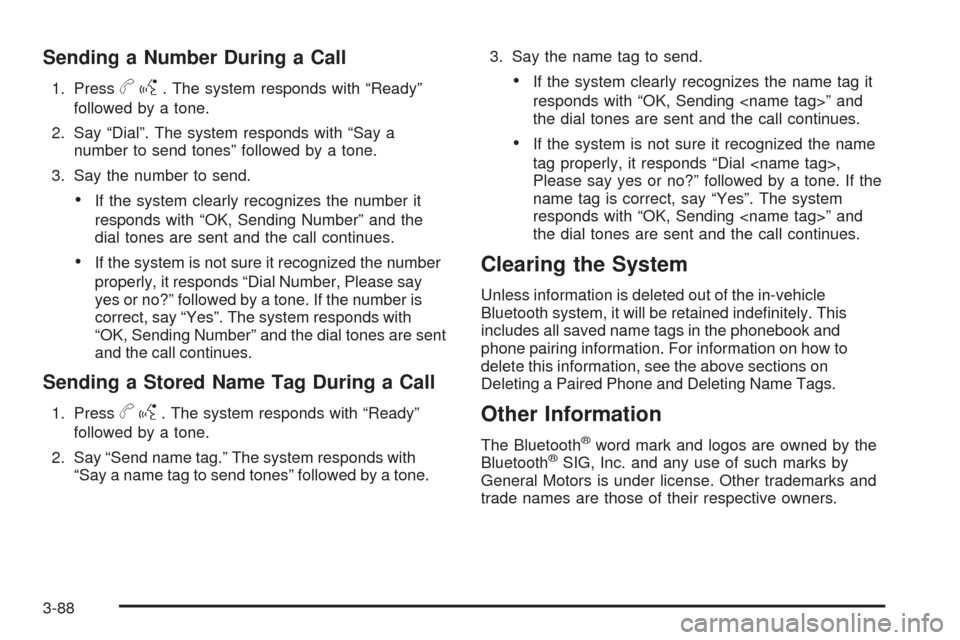
Sending a Number During a Call
1. Pressbg. The system responds with “Ready”
followed by a tone.
2. Say “Dial”. The system responds with “Say a
number to send tones” followed by a tone.
3. Say the number to send.
If the system clearly recognizes the number it
responds with “OK, Sending Number” and the
dial tones are sent and the call continues.
If the system is not sure it recognized the number
properly, it responds “Dial Number, Please say
yes or no?” followed by a tone. If the number is
correct, say “Yes”. The system responds with
“OK, Sending Number” and the dial tones are sent
and the call continues.
Sending a Stored Name Tag During a Call
1. Pressbg. The system responds with “Ready”
followed by a tone.
2. Say “Send name tag.” The system responds with
“Say a name tag to send tones” followed by a tone.3. Say the name tag to send.
If the system clearly recognizes the name tag it
responds with “OK, Sending ” and
the dial tones are sent and the call continues.
If the system is not sure it recognized the name
tag properly, it responds “Dial ,
Please say yes or no?” followed by a tone. If the
name tag is correct, say “Yes”. The system
responds with “OK, Sending ” and
the dial tones are sent and the call continues.
Clearing the System
Unless information is deleted out of the in-vehicle
Bluetooth system, it will be retained indenitely. This
includes all saved name tags in the phonebook and
phone pairing information. For information on how to
delete this information, see the above sections on
Deleting a Paired Phone and Deleting Name Tags.
Other Information
The Bluetooth®word mark and logos are owned by the
Bluetooth®SIG, Inc. and any use of such marks by
General Motors is under license. Other trademarks and
trade names are those of their respective owners.
3-88
Page 220 of 420
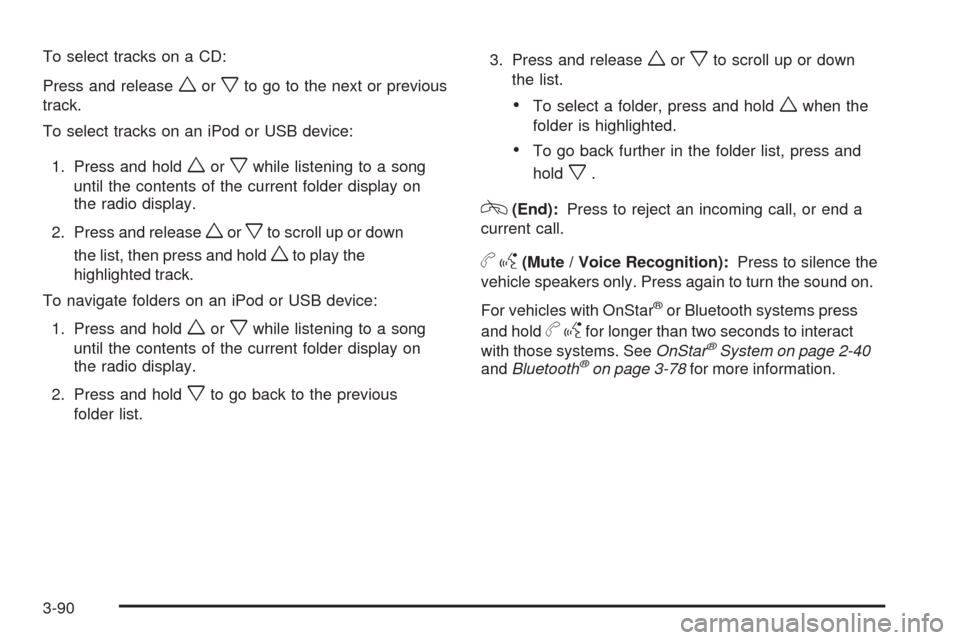
To select tracks on a CD:
Press and release
worxto go to the next or previous
track.
To select tracks on an iPod or USB device:
1. Press and hold
worxwhile listening to a song
until the contents of the current folder display on
the radio display.
2. Press and release
worxto scroll up or down
the list, then press and hold
wto play the
highlighted track.
To navigate folders on an iPod or USB device:
1. Press and hold
worxwhile listening to a song
until the contents of the current folder display on
the radio display.
2. Press and hold
xto go back to the previous
folder list.3. Press and release
worxto scroll up or down
the list.
To select a folder, press and holdwwhen the
folder is highlighted.
To go back further in the folder list, press and
hold
x.
c(End):Press to reject an incoming call, or end a
current call.
bg(Mute / Voice Recognition):Press to silence the
vehicle speakers only. Press again to turn the sound on.
For vehicles with OnStar
®or Bluetooth systems press
and hold
bgfor longer than two seconds to interact
with those systems. SeeOnStar®System on page 2-40
andBluetooth®on page 3-78for more information.
3-90
Page 408 of 420
Audio System(s).............................................3-59
Audio Systems
Radio Reception..........................................3-91
Theft-Deterrent Feature................................3-89
Automatic Climate Control System.....................3-24
Automatic Headlamp System............................3-15
Automatic Transmission
Fluid..........................................................5-28
Operation...........................................2-26, 2-28
B
Backglass Antenna..........................................3-92
Battery..........................................................5-42
Electric Power Management..........................3-17
Run-Down Protection...................................3-18
Belt Routing, Engine.......................................6-14
Bluetooth
®.....................................................3-78
Brake
Emergencies................................................ 4-6
Brake Fluid....................................................5-39
Brakes..........................................................5-39
Antilock....................................................... 4-5
Parking......................................................2-32
System Warning Light..................................3-34
Braking........................................................... 4-4
Braking in Emergencies..................................... 4-6Break-In, New Vehicle.....................................2-21
Bulb Replacement...........................................5-50
Fog Lamp ..................................................3-15
Halogen Bulbs............................................5-47
Headlamp Aiming........................................5-47
Headlamps.................................................5-47
License Plate Lamps....................................5-49
Taillamps, Turn Signal, and Stoplamps............5-48
Buying New Tires...........................................5-68
C
Calibration.....................................................2-38
California
Perchlorate Materials Requirements................. 5-4
California Fuel.................................................. 5-6
California Proposition 65 Warning....................... 5-4
Canadian Owners................................................ ii
Capacities and Specications..........................5-108
Carbon Monoxide
Engine Exhaust...........................................2-35
Trunk.........................................................2-12
Winter Driving.............................................4-17
Care of
Safety Belts................................................5-93
CD, MP3 .......................................................3-71
Center Console Storage...................................2-50
2
Page 415 of 420
N
Navigation System, Privacy..............................7-19
Net
Convenience...............................................2-51
New Vehicle Break-In......................................2-21
O
Odometer......................................................3-30
Odometer, Trip...............................................3-30
Off-Road
Recovery....................................................4-11
Oil
Engine.......................................................5-21
Engine Oil Life System.................................5-24
Pressure Light.............................................3-41
Older Children, Restraints................................1-32
Online Owner Center........................................ 7-5
OnStar, Privacy..............................................7-19
OnStar
®System, see OnStar®Manual...............2-40
Operation, Universal Home Remote System........2-44
Outlet Adjustment............................................3-27
Outlets
Accessory Power.........................................3-18
Outside
Automatic Dimming Mirror.............................2-39
Heated Mirrors............................................2-40
Power Mirrors.............................................2-39Overheated Engine Protection
Operating Mode..........................................5-36
Owner Checks and Services.............................. 6-8
Owners, Canadian............................................... ii
P
Paint, Damage...............................................5-96
Parade Dimming.............................................3-16
Park
Headlamps Off in Park.................................3-14
Shifting Into................................................2-33
Shifting Out of............................................2-34
Parking
Over Things That Burn.................................2-34
Parking Brake................................................2-32
Passenger Airbag Status Indicator.....................3-32
Passenger Sensing System..............................1-66
Passing.........................................................4-12
PASS-Key
®III+ Electronic Immobilizer...............2-19
PASS-Key®III+ Electronic Immobilizer
Operation...................................................2-20
Perchlorate Materials Requirements,
California..................................................... 5-4
Phone
Bluetooth
®..................................................3-78
9