2009 BMW M3 service
[x] Cancel search: servicePage 108 of 246

Things to remember when driving
106
Things to remember when driving
Break-in period
Moving parts need breaking-in time to adjust to
each other. Please follow the instructions below
in order to achieve the optimal service life and
economy of operation for your vehicle.
Engine and differential
Always obey all official speed limits.
Up to 1,200 miles/2,000 km
Drive at varying engine and road speeds, but do
not exceed an engine speed of 5,500 rpm and a
road speed of 105 mph/170 km/h.
Do not depress the accelerator all the way.
From 1,200 miles/2,000 km to
3,000 miles/5,000 km
Engine and road speeds can be increased grad-
ually up to a traveling speed of 135 mph/
220 km/h. Use the maximum speed only for
brief intervals, e. g. when passing.
Transmission
The transmission begins functioning at an opti-
mal level only after a distance of approx.
300 miles/500 km. Do not exceed engine
speeds of 5,500 rpm during this period.
Tires
Due to technical factors associated with their
manufacture, tires do not achieve their full trac-
tion potential until after an initial break-in
period. Therefore, drive cautiously during the
first 200 miles/300 km.
Brake system
Brakes require an initial break-in period of
approx. 300 miles/500 km to achieve optimized
contact and wear patterns between brake pads
and rotors. Drive cautiously during this break-in
period.
Clutch
The function of the clutch reaches its optimal
level only after a distance driven of approx.
300 miles/500 km. During this break-in period,
engage the clutch gently.
Following part replacement
The same break-in procedures should be
observed if any of the components mentioned
above have to be renewed in the course of the
vehicle's operating life.
General driving notes
Clearance
Mind the limited clearance of the BMW
M3, e. g. when driving into underground
parking garages or over obstacles. If equipped
with EDC
*, select the "Sport" program, refer to
page77, when driving off curbs to keep clear-
ance as even as possible. Otherwise the vehicle
may be damaged.<
Close the luggage compartment lid
Operate the vehicle only when the lug-
gage compartment lid is closed. Other-
wise, exhaust fumes could enter the interior of
the vehicle.<
If the vehicle must be driven with the luggage
compartment lid open:
1.Close all windows and the glass roof.
2.Greatly increase the air volume of the auto-
matic climate control system, refer to
page91.
Hot exhaust system
In all vehicles, extremely high tempera-
tures are generated in the exhaust sys-
tem. Do not remove the heat shields installed
adjacent to various sections of the exhaust sys-
tem, and never apply undercoating to them.
When driving, standing at idle and while park-
ba8_E90M3_cic.book Seite 106 Dienstag, 19. August 2008 11:51 11
Page 132 of 246

Destination guidance
130
Automatic scaling of the map
In the map display facing north, turn the control-
ler in any direction until AUTO is displayed as
the map scale.
The map shows the entire range from your loca-
tion to the destination.
Settings for the map display
1."Navigation"
2."Map"
3.Open "Options".
4."Settings"
>Optimized view "Night mode"
>Optimized view with spatial display:
"Perspective view in 3D" prominent
areas are shown in the map.
Split screen settings
The map settings for the split screen can be
created separately from the main screen.
1.Open "Options".
2."Split screen"
3.Move the controller to the right until the
split screen is selected.
4.Press the controller.
5.Select the settings:
>"View facing north"
>"View in direction of travel"
>"Perspective view"
>"3D exit ramps"*
6.To change the scale:
>Move the controller: change the scale.
Traffic bulletins*
You can display the traffic bulletins from radio
stations that broadcast the TMC (Traffic Mes-
sage Channel) of a traffic information service.
This information from the traffic information
service is continuously updated on the basis of
measurement data from traffic control centers
and information on traffic congestion.
During destination guidance, traffic bulletins that are relevant to areas along the route are
automatically displayed and taken into account
in the route planning. You can open all traffic
bulletins manually via iDrive.
The traffic bulletins are shown in the map dis-
play.
Activating/deactivating reception
1."Navigation"
2.Open "Options".
3."Receive Traffic Info"
In many metropolitan areas you can receive
traffic information broadcast by radio stations.
The traffic conditions are monitored by traffic
control centers and the traffic information is
updated periodically.
During destination guidance, the traffic bulle-
tins relevant to your planned route are automat-
ically shown. Whether destination guidance is
active or not, you can have the traffic informa-
tion displayed in the map view or in the traffic
info list.
Traffic bulletins in a list
A list of the traffic bulletins can be opened via
the menu or map display.
Opening the traffic bulletins
1."Navigation"
2."Traffic Info"
First, the traffic bulletins on the planned
route are displayed. The traffic bulletins are
sorted in the order of their distance from the
current vehicle position.
3.Select a traffic bulletin.
Additional information can be displayed for
some traffic bulletins:
1.Select the symbol.
2.Additional information is displayed.
ba8_E90M3_cic.book Seite 130 Dienstag, 19. August 2008 11:51 11
Page 163 of 246

Communications
This chapter describes how to use the
telephone, BMW Assist and TeleService.
Communications
ba8_E90M3_cic.book Seite 161 Dienstag, 19. August 2008 11:51 11
Page 168 of 246

Telephone
166
Rejecting a call
"Reject"
The caller is diverted to your mailbox if it has
been activated.
Ending a call
Press the button on the steering wheel.
or
1.Select the phone number and press the
controller.
Dialing phone numbers
1."Telephone"
2."Dial number"
3.Select the digits individually.
4. Select this symbol to establish the con-
nection.or:
Press the button on the steering wheel.
For your phone number to be displayed to the
person you are talking to, the display of phone
numbers must be enabled by your provider.
Toggling between calls, telephone
conference
These functions are available if supported by
your mobile phone. Toggling may not be sup-
ported by the service provider or may need to
be enabled separately.
Accepting a call while speaking to
another party
This function may need to be enabled by the
service provider and the mobile phone may
have to be set up accordingly.
If a second call comes in during an active call,
you will hear a call waiting signal.
"Accept"
The call is accepted and the existing call is put
on hold.
Establishing a second call
Establish another call during an active call.
1."Telephone"
2."Active calls"
3."Hold"
The existing call is put on hold.
4.Dia l the ne w pho ne numbe r o r sele ct it from
a list.
Switching between two calls, toggling
>Active call: indicated by a red handset
ba8_E90M3_cic.book Seite 166 Dienstag, 19. August 2008 11:51 11
Page 177 of 246
175
Entertainment
Reference
At a glance
Controls
Driving tips Communications
Navigation
Mobility
BMW Assist
Concierge service*
When you call the BMW Assist Concierge, you
can obtain information about, for example, res-
taurants, emergency pharmacy services, gas
stations or hotels, as well as receive the corre-
sponding telephone numbers and addresses.
You can then dial a phone number directly or
use an address for destination guidance.
Starting the concierge service
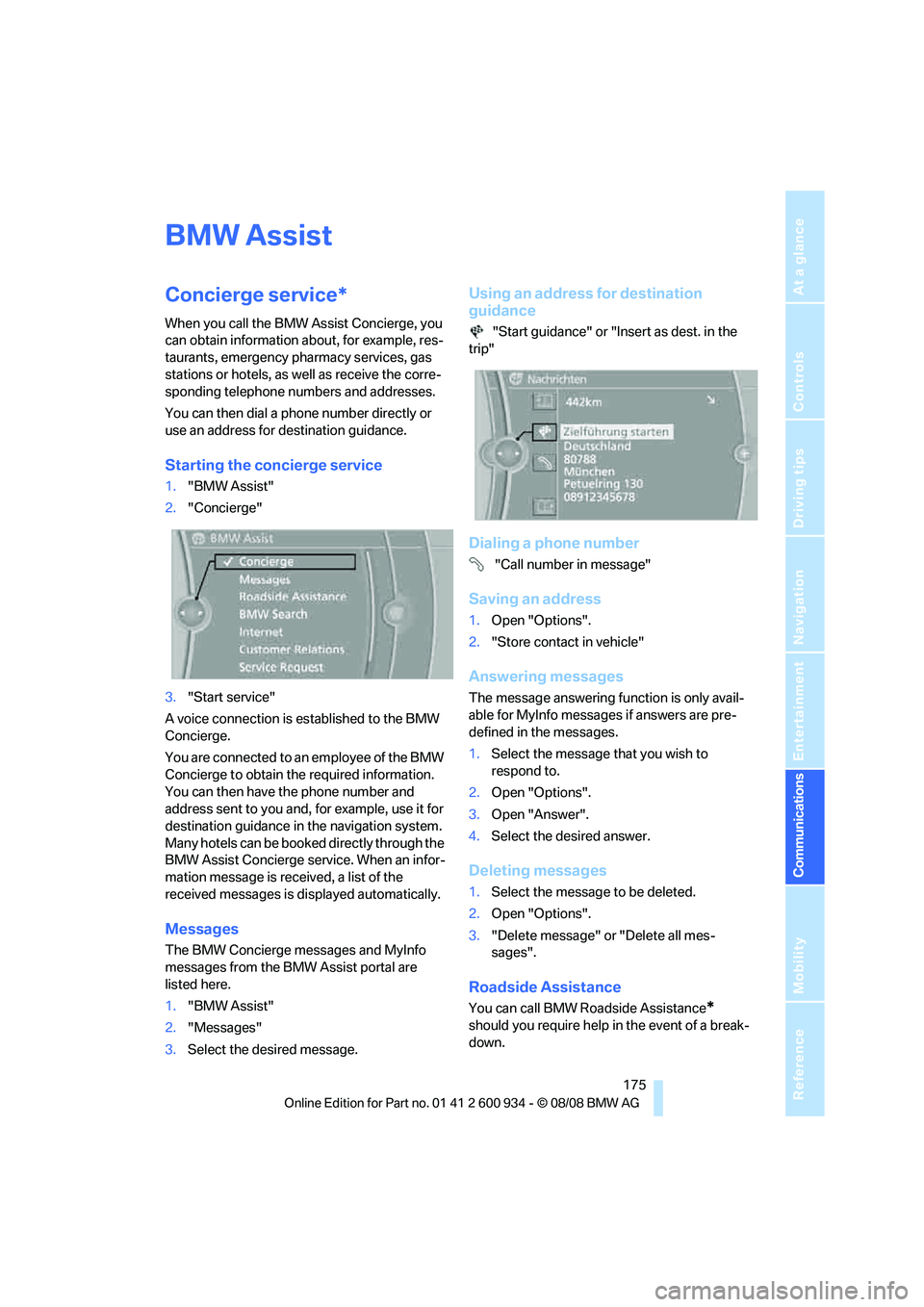
1."BMW Assist"
2."Concierge"
3."Start service"
A voice connection is established to the BMW
Concierge.
You are connected to an employee of the BMW
Concierge to obtain the required information.
You can then have the phone number and
address sent to you and, for example, use it for
destination guidance in the navigation system.
Many hotels can be booked directly through the
BMW Assist Concierge service. When an infor-
mation message is received, a list of the
received messages is displayed automatically.
Messages
The BMW Concierge messages and MyInfo
messages from the BMW Assist portal are
listed here.
1."BMW Assist"
2."Messages"
3.Select the desired message.
Using an address for destination
guidance
"Start guidance" or "Insert as dest. in the
trip"
Dialing a phone number
"Call number in message"
Saving an address
1.Open "Options".
2."Store contact in vehicle"
Answering messages
The message answering function is only avail-
able for MyInfo messages if answers are pre-
defined in the messages.
1.Select the message that you wish to
respond to.
2.Open "Options".
3.Open "Answer".
4.Select the desired answer.
Deleting messages
1.Select the message to be deleted.
2.Open "Options".
3."Delete message" or "Delete all mes-
sages".
Roadside Assistance
You can call BMW Roadside Assistance*
should you require help in the event of a break-
down.
ba8_E90M3_cic.book Seite 175 Dienstag, 19. August 2008 11:51 11
Page 178 of 246

BMW Assist
176
Starting Roadside Assistance
Vehicle not equipped with BMW Assist
or BMW TeleService
1."BMW Assist"
2."TeleService Diagnosis"
The Roadside Assistance number is displayed.
3.Select the number. If a mobile phone
* is
paired, a connection is established to BMW
Roadside Assistance.
Vehicle equipped with BMW Assist or
BMW TeleService
1."BMW Assist"
2."TeleService Diagnosis"
3."Start service"
TeleService Diagnosis*
TeleService Diagnosis enables the wireless
transmission of detailed vehicle data that are
important for vehicle diagnosis. These data are
transmitted automatically if the vehicle is
equipped with BMW TeleService.
TeleService Help*
TeleService Help enables an in-depth diagno-
sis of the vehicle by Roadside Assistance via wireless transmission. TeleService Help can be
started after a prompt by Roadside Assistance
and termination of the voice connection.
Starting TeleService Help
1.Park the vehicle in a safe place.
2.Leave the ignition switched on.
3.Set the parking brake.
4."TeleService Help"
After completion of TeleService Help, a voice
connection is established to Roadside Assis-
tance.
Activating BMW Assist
If the services included in a valid BMW Assist
subscription are not displayed, they may need
to be activated.
1.Make sure that the vehicle can determine its
current position. Reception is usually best
when you have an unobstructed view to the
sky.
2.Switch on the ignition.
3."Activate BMW Assist"
Activation may take several minutes. If another
menu is opened, activation continues running in
the background.
BMW Search*
A business search can be opened via BMW
Search.
Requirements
>Subscription to the optional Convenience
Plan.
>The vehicle is located within wireless net-
work coverage.
>The date setting on the Control Display is
current.
ba8_E90M3_cic.book Seite 176 Dienstag, 19. August 2008 11:51 11
Page 181 of 246

179
Entertainment
Reference
At a glance
Controls
Driving tips Communications
Navigation
Mobility
Settings
Suppressing cookies
1.Open "Options".
2."Suppress cookies"
Suppressing pop-ups
1.Open "Options".
2."Suppress pop-ups"
Suppressing safety warnings
1.Open "Options".
2."Block HTTPS pop-ups"
Activating TeleService*
If the services are not displayed, they may need
to be activated.
1."BMW Assist"
2."Activate TeleService"
Customer Relations
Contact Customer Relations for information on
all aspects of your vehicle.
Vehicle equipped with BMW Assist or
TeleService
1."BMW Assist"
2."Customer Relations"
3."Start service"
A voice connection is established to Customer
Relations.
Vehicle not equipped with BMW Assist
or TeleService
1."BMW Assist"
2."Customer Relations"
The Customer Relations phone number is dis-
played. If the vehicle is equipped with BMW Assist or the mobile phone preparation pack-
age, a voice connection is established.
Service Request*
You can send a request to your BMW center to
arrange a service appointment. The TeleSer-
vice data is transmitted during a Service
Request. Your BMW center will contact you.
Starting a Service Request
1."BMW Assist"
2."Service Request"
3."Start service"
Automatic Service Request*
The TeleService data necessary for servicing
the vehicle are automatically sent to your BMW
center prior to the service deadline. The center
will contact you and a service appointment can
be arranged.
You can check when the BMW center was noti-
fied.
ba8_E90M3_cic.book Seite 179 Dienstag, 19. August 2008 11:51 11
Page 182 of 246

BMW Assist
180 1."Vehicle Info"
2."Vehicle status"
3.Open "Options".
4."Last Service Request"
BMW center*
Address and contact data of the BMW center.
1."BMW Assist"
2."Your BMW center"
Data transfer*
The status of the data transfer is displayed.
1."BMW Assist"
2."Data transfer"
Service status*
Display of all services available in the vehicle.
1."BMW Assist"
2."Service status"
3."Available services"
ba8_E90M3_cic.book Seite 180 Dienstag, 19. August 2008 11:51 11