2009 AUDI S6 center console
[x] Cancel search: center consolePage 18 of 398
Inst rum ent s a nd warning /indi cato r li ghts
Instrument cluster illumination
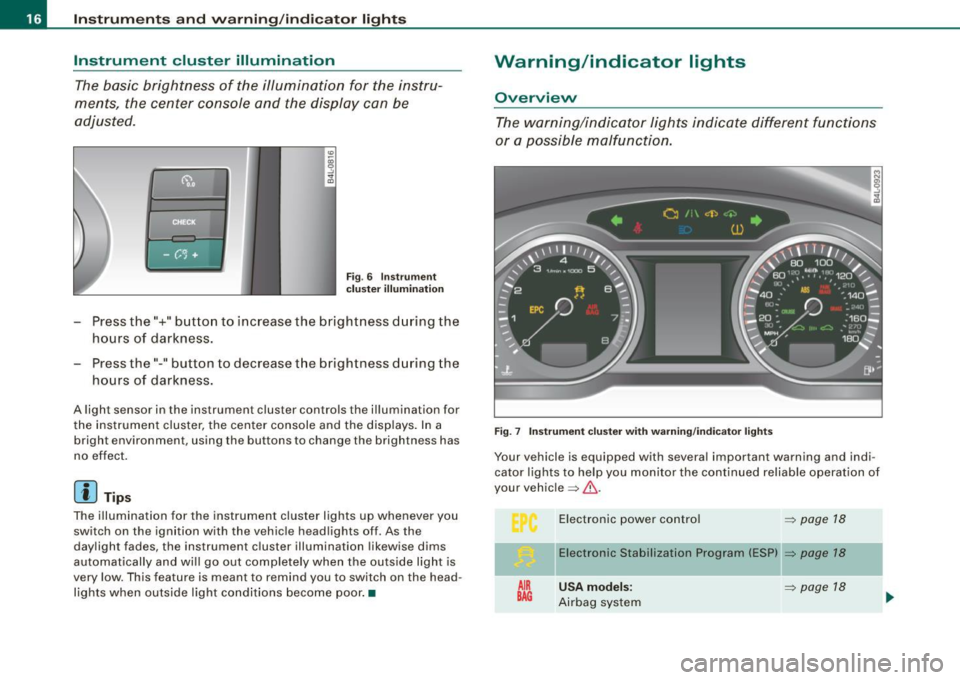
The basic brightness of the illumination for the instru
ments, the center console and the display can be
adjusted .
Fig. 6 Instrume nt
c lu ster illu minat io n
Press the"+" button to increase the brightness during the
hours of darkness.
- Press the" -" button to decrease the brightness during the
hours of darkness.
A light sensor in the instrument cluster controls the illumination for
the instrument cluster, the center console and the displays. In a
bright environment, using the buttons to change the brightness has
no effect.
[ i J Tip s
The illumination for the instrument cluster lights up whenever you
switch on the ignition with the vehicle headlights off . As the
daylight fades, the instrument cluster illumination likewise dims
automatically and will go out completely when the ou ts ide light is
very low. This feature is meant to remind you to switch on the head
lights when outside light conditions become poor .•
Warning/indicator lights
Overview
The warning/indicator lights indicate different functi ons
or a possible malfunction.
F ig. 7 Instr um ent clu ste r wi th w arnin g/indica tor lights
Your vehicle is equipped with several important warning and indi
cator lights to he lp you monitor the continued reliab le operation of
your vehic le => & .
AIR
BAG
E lectronic power contro l
=> page 18
Electronic Stabili zation Program (ES P) => page 18
U SA model s: => page 18
Airbag system
Page 97 of 398
& WARNING ! continued )
• Never exceed the maximum permi ssible load carrying capa city
of the roof of you r vehicle , the p ermi ssible axle w eight s and th e
permis sible tot al w eight of your vehicle~
page 367 , "Weight s".
• Alwa ys drive slo wly, av oid sudden brak ing and maneuver s
when tran sporting cargo on the roof of your vehicle.
<£> For the sake of the environment
Sometimes it may be easier to leave a roof rack insta lled even
though you are not using it. Due to the increased a ir resistance your
veh icle wi ll unnecessarily use more fuel. Remove the roof rack if you
a re no t going to use it .•
Cupholder
Cupholder in center console
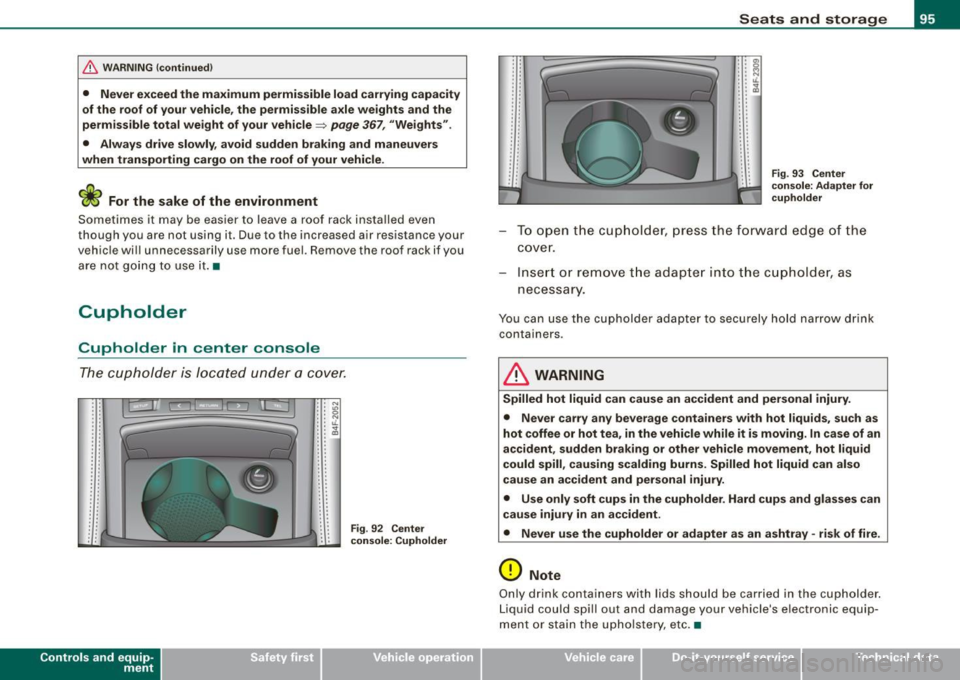
The cupholder is located under a cover.
Con tro ls and eq uip
ment
• • N . . "' •• 0 : : N •. u.
: : ~
.. . .
.. . .
Fi g. 92 Ce nte r
c on sole : Cuphold er
.. . .
.
. . .
Seats and storag e
• • O'I •• 0 : : ~ : : IL
: : ~ . . . .
.
' .. . .
. .
.
. . .
F ig . 9 3 C enter
co nsol e: Ad apt er for
c uph old er
To open t he cup hol de r, pr ess the f orwar d edg e of th e
cove r.
Inse rt or remove t he adap te r into the c upholder, as
necess ary.
You can use the cupholder adapter to securely hold narrow drink
containers.
& WARNING
Spilled hot liquid can cause an accident and per sonal injury .
• Never car ry any beverage con tainers with hot liquids , su ch a s
hot coffee or hot tea , in the vehicle while it is mov ing . In ca se of an
accident , su dden braking or other vehi cle m ovement , hot liquid
could spill , cau sing scald ing burns. Spilled hot liquid c an als o
c au se an ac cident and per sonal injury .
• Use only soft cup s in the cupholder . Hard cups and glasses can
c au se inju ry in a n ac cident .
• Never use th e cupholder or adapter as an a shtray -risk of fire.
0 Note
Only d rink containers with lids should be carried in the cupholder.
Liquid could spill out and damage your vehicle's electronic equip
ment or stain the upho lstery, etc. •
Vehicle care I I irechnical data
Page 98 of 398
Seats and storage
Cupholder in the rear center armrest
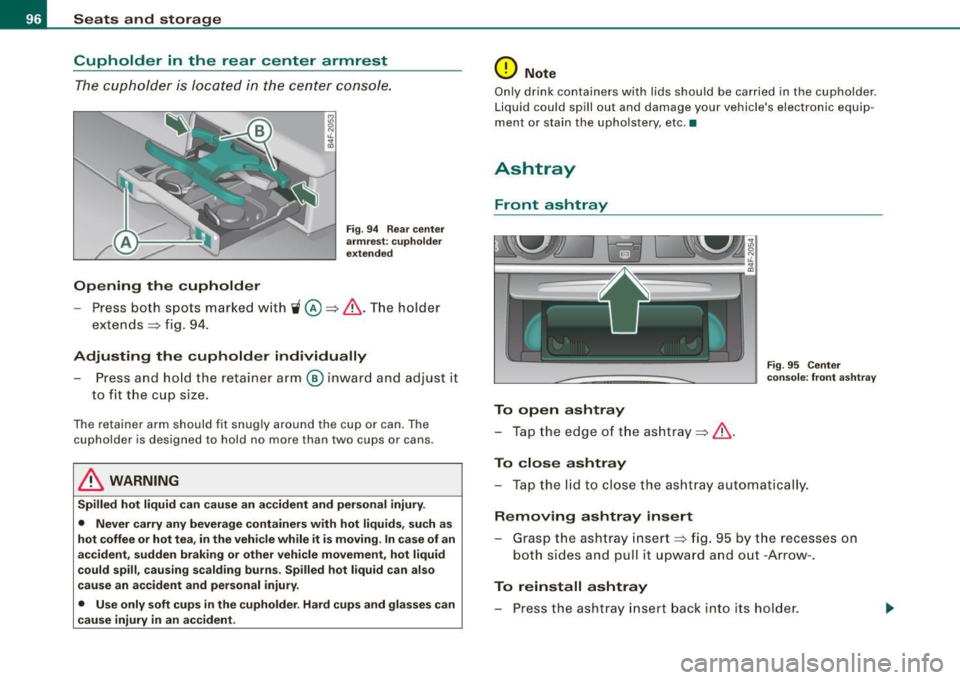
The cupholder is located in the center console.
Opening the cupholder
Fig. 94 Rear center
armrest : cupholder
extended
- Press both spots marked with ~@ =>& .The holder
extends
::::> fig. 94.
Adjusting the cupholder individually Press and hold the retainer arm® inward and adjust it
to fit the cup size .
The retainer arm should fit snugly around the cup or can. The
cupholder is designed to hold no more than two cups or cans .
& WARNING
Spilled hot liquid can cause an accident and personal injury.
• Never carry any beverage containers with hot liquids, such as
hot coffee or hot tea, in the vehicle while it is moving. In case of an
accident, sudden braking or other vehicle movement, hot liquid
could spill, causing scalding burns. Spilled hot liquid can also
cause an accident and personal injury.
• Use only soft cups in the cupholder. Hard cups and glasses can
cause injury in an accident.
0 Note
Only drink containers with lids should be carried in the cupholder .
Liquid could spill out and damage your vehicle's electronic equip
ment or stain the upholstery, etc .•
Ashtray
Front ashtray
To open ashtray
- Tap the edge of the ashtray=>&.
To close ashtray
Fig. 95 Center
console: front ashtray
- Tap the lid to close the ashtray automatically.
Removing ashtray insert
- Grasp the ashtray insert=> fig. 95 by the recesses on
both sides and pull it upward and out -Arrow-.
To reinstall ashtray
- Press the ashtray insert back into its holder.
Page 100 of 398
Seats and storage
The socket of the cigarette lighter may be used for 12 -volt appli
ances with maximum consumption of up to 100 wat ts, such as a
flash light, small vacuum cleaner, etc .
Before you purchase any accessories, always read and fo llow the
information in
=> page 374, "Addit ional accessories and parts
replacement".
& WARNING
Improper use of the cigarette lighter can cause serious injury or
start a fire.
• Be careful when using the cigarette lighter. If you do not pay
attention to what you are doing when you are using the cigarette
lighter you can burn yourself .
• The cigarette lighter and socket remain functional even if the
ignition is switched off or the ignition key is removed . Never leave
children inside the vehicle without supervision.
0 Note
• To avoid damaging the socket, only use p lugs that fit properly.
• Only use the cigarette lighter socket as a power source for elec
trical accessories for short durations . Use the sockets in the vehicle
when a power source is needed for longer durations .
[ i J Tips
When the engine is off and accessories are sti ll plugged in and are
on, the vehicle battery can st ill be drained. •
Outlet
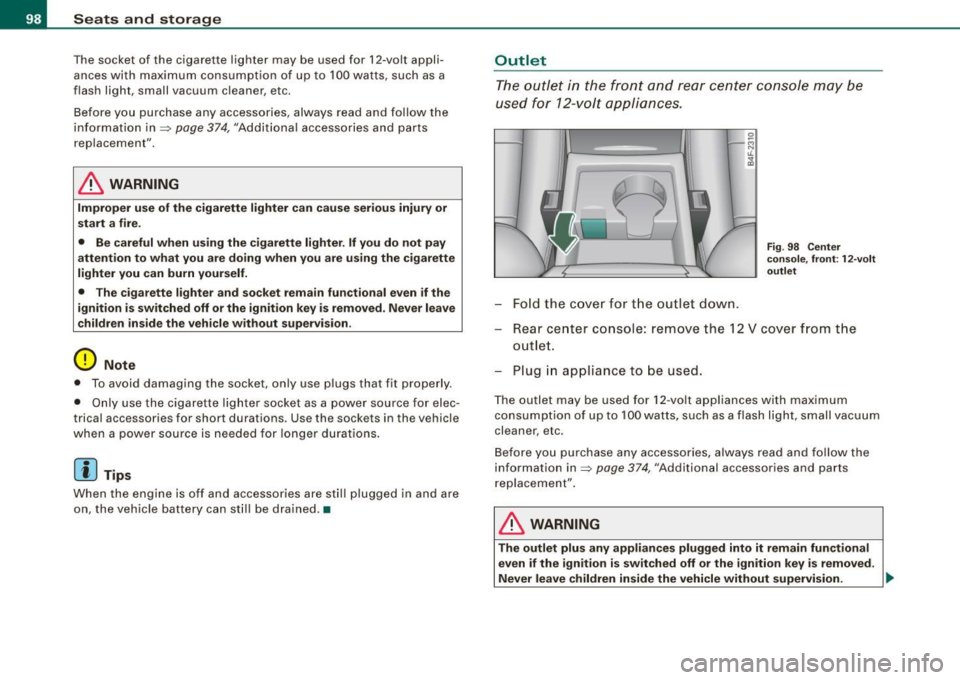
The outlet in the front and rear center console may be
used for 12-volt appliances.
-Fold the cover for the outlet down.
Fi g. 98 Center
console, front: 12 -vo lt
outlet
Rear center console: remove the 12 V cover from the
outlet.
Plug in appliance to be used.
The outlet may be used for 12 -volt appliances with maximum
consumption of up to 100 watts, such as a flash light, small vacuum
cleaner, etc .
Before you purchase any accessories, always read and follow the
information in=>
page 374, "Additional accessories and parts
replacement" .
& WARNING
The outlet plus any appliances plugged into it remain functional
even if the ignition is switched off or the ignition key is removed.
Never leave children inside the vehicle without supervision. .,_
Page 101 of 398
![AUDI S6 2009 Owners Manual 0 Note
To avoid damaging the socket, only use plugs that fit properly.
[ i] Tips
When the engine is off and accessories are still plugged in and are
on, the vehicle battery](/manual-img/6/57595/w960_57595-100.png "AUDI S6 2009 Owners Manual 0 Note
To avoid damaging the socket, only use plugs that fit properly.
[ i] Tips
When the engine is off and accessories are still plugged in and are
on, the vehicle battery")
0 Note
To avoid damaging the socket, only use plugs that fit properly.
[ i] Tips
When the engine is off and accessories are still plugged in and are
on, the vehicle battery can still be drained. •
Storage
General overview
There are numerous places to store items in your vehicle.
Glove compartment
Storage compartment in roof
Coat hooks
Storage compartment in the trunk
& WARNING
~ page 99
~ page 100
~ page 101
~ page 91
• Always remove objects from the instrument panel. Any items
not stored could slide around inside the vehicle while driving or
when accelerating or when applying the brakes or when driving
around a corner.
• When you are driving make sure that anything you may have
placed in the center console or other storage locations cannot fall
out into the footwells. In case of sudden braking you would not be
able to brake or accelerate.
• Any articles of clothing that you have hung up must not inter
fere with the driver's view. The coat hooks are designed only for
lightweight clothing. Never hang any clothing with hard, pointed
or heavy objects in the pockets on the coat hooks. During sudden
Con tro ls and eq uip
ment
Seats and storage
& WARNING !continued)
braking or in an accident -especially if the airbag is deployed -
these objects could injure any passengers inside the vehicle. •
Glove compartment
The media player is in the glove compartment.
To open glove compartment
Fig. 99 Unlocking
button for glove
compartment
Press the button ::V => fig. 99 (arrow) - the lid opens auto
matically.
To close glove compartment
Push the glove compartment lid up unt il the lock
engages.
In the glove compartmen t lid you will find a place to store a pen and
a pad of paper.
CD changer*
The CD changer for the radio system and the Navigation drive* is located in the glove compartment . How to change CDs is described
in the pertinent Owner's Manual.
tJ,,,
Vehicle care I I irechnical data
Page 111 of 398
_________________________________________________ w_ a_ r_ m __ a_n_ d_ c_ o_ld __ llfflll
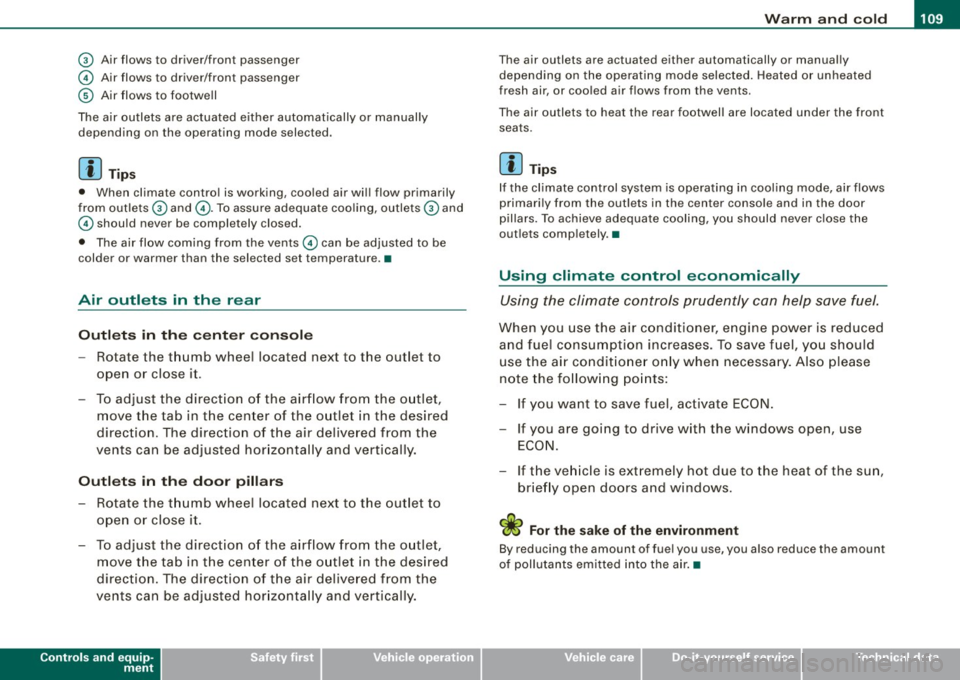
© Air flows to driver/front passenger
© Air flows to driver/front passenger
© Air fl ows to footwell
The air outlets are actuated either automatically or manually depending on the operating mode selected.
[ i J Tip s
• When climate control is working, cooled air wi ll flow primarily
from out lets
G) and @. To assure adequate coo ling, outlets G) and
© should never be completely closed.
• The air flow coming from the vents © can be adjusted to be
colder or warmer than the selected set temperature. •
Air outlets in the rear
Outlets in the center console
- Rotate the thumb whee l located next to the outlet to
open or close it.
- To adjust the direction o f the airflow from the o utlet,
move the tab in the center of the outlet in the desired
direction. The direction of the air delive red from the
vents can be adjusted hor izontally and vertically.
Outl ets in the door pill ars
- Rotate the t humb whee l located next to the outlet to
open or close i t.
- To adjust the direction o f the air flow from the o utlet,
move the tab in t he cen ter of the o utlet in the desi red
direction . The direction of the air delive red from the
vents can be adjusted hor izonta lly and vertically .
Controls and equip
ment
The air outlets are actuated either automatically or manual ly
depending on the operati ng mode selected. Heated o r unheated
fresh air, or cooled air f lows from the vents .
The air outlets to heat the rear footwell are located under the front seats .
[ i J Tip s
If the climate control system is opera ting in cooling mode, air flows
primari ly from the out lets in the center console and in the door
pillars. To achieve adequate cooling, you should never close the
out lets comp letely. •
Using climate control economically
Using the climate controls prudently can hel p save fuel.
When you use the air condi tioner, engine power is reduced
and fuel c onsum ption increases. T o save fuel, you should
use the a ir condit io ner onl y when necessa ry. Also please
note the fo llow ing po ints:
If you want to save fuel, activate ECON.
- If you are going to drive with the windows open, use
ECO N.
- If the ve hicle is ext remely hot due to the heat of the sun,
brie fly open doors and windows.
'£> For the sake of the environment
By reducing the amount of fuel you use, you a lso reduce the amount
of pollutants emitted into the a ir. •
I • •
Page 162 of 398
• ..__A_ u_ t _o_ m_ a_ t_ i_ c _ t_r _a _n_ s_ m_ is_ s_i o _ n ________________________________________________ _
[ i J Tip s
• When you shift into the next lower gear, the transmission will
downshift only when there is no possibi lity of over -revving the
engine.
• When the kickdown comes on, the transmission will shift down
to a lower gear, depending on vehicle and engine speeds.
• tiptronic ® is inoperative when the transmission is in the fail -safe
mode .•
A pplies to vehicl es: with 6-s peed automatic transmission
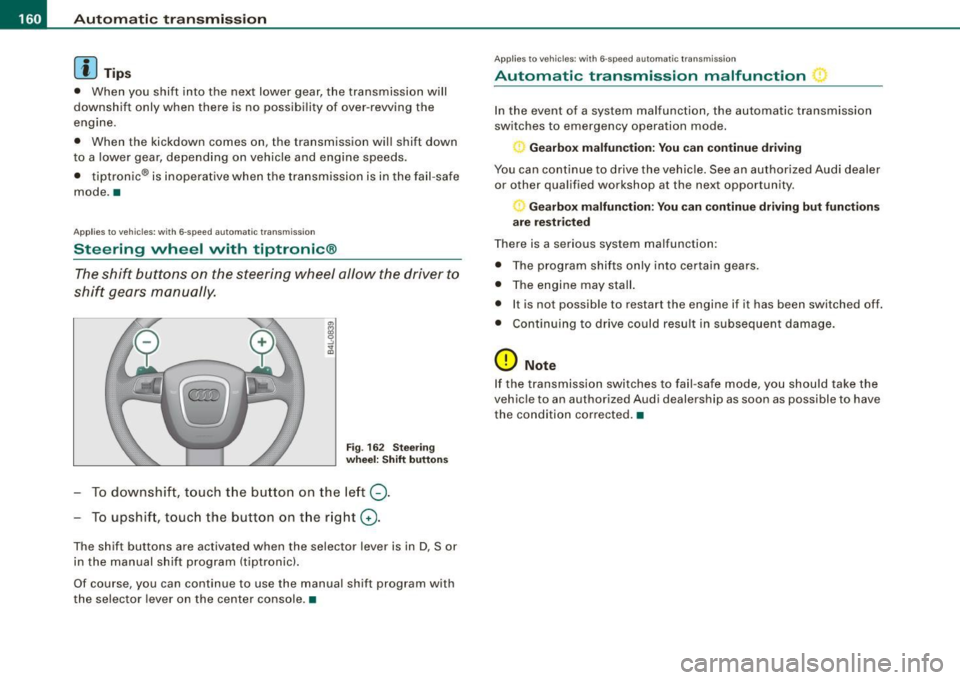
Steering wheel with tiptronic ®
The shift buttons on the steering wheel allow the driver to
shift gears manually.
Fig . 16 2 Stee ring
w heel: Shift button s
To downshift, touch the button on the left Q.
To upshift, touch the button on the right G) .
The shift buttons are activated when the selector lever is in D, Sor
in the manual shift program (tiptronic).
Of course, you can continue to use the manual shift program with
the selec tor lever on the center console. •
Applie s to vehicle s: wi th 6-speed automatic transmiss ion
Automatic transmission malfunction
In the event of a system malfunction, the automatic transmission
switches to emergency operation mode.
Gearbox malfunction : You c an continue driving
You can continue to drive the vehicle. See an authorized Audi dealer
or other qualified workshop at the next opportunity.
Gearbox malfunction: You can continue driving but fun cti ons
a re re st ric ted
There is a serious system malfunction:
• The program shif ts only into certain gears.
• The engine may stall.
• It is not possib le to restart the engine if it has been switched off.
• Cont inuing to drive could result in subsequent damage.
0 Note
If the transmission switches to fail -safe mode, you should take the
vehic le to an authorized Audi dealership as soon as possible to have
the condition co rrected. •
Page 169 of 398
_______________________________________________ A_ u_t _o _m_ a_ t_ i_ c _ t_r _ a _n _s_ m_ i_ s _ s_ i_ o _ n _ ___._
[ i J Tips
• When you shift into the next lower gear, the engine will down
shift only when there is no possibility of over -revv ing.
• When the kick-down comes on , the transmission will shif t down
to a lower gear depending on vehicle and engine speeds.
• The tiptronic® is inopera tive when the t ransmission is in the fail
safe mode .•
Ap plies t o vehi cles: w it h mu lt it ro nic® Co ntin uou sly Va ria ble Tra nsm iss io n (CVT )
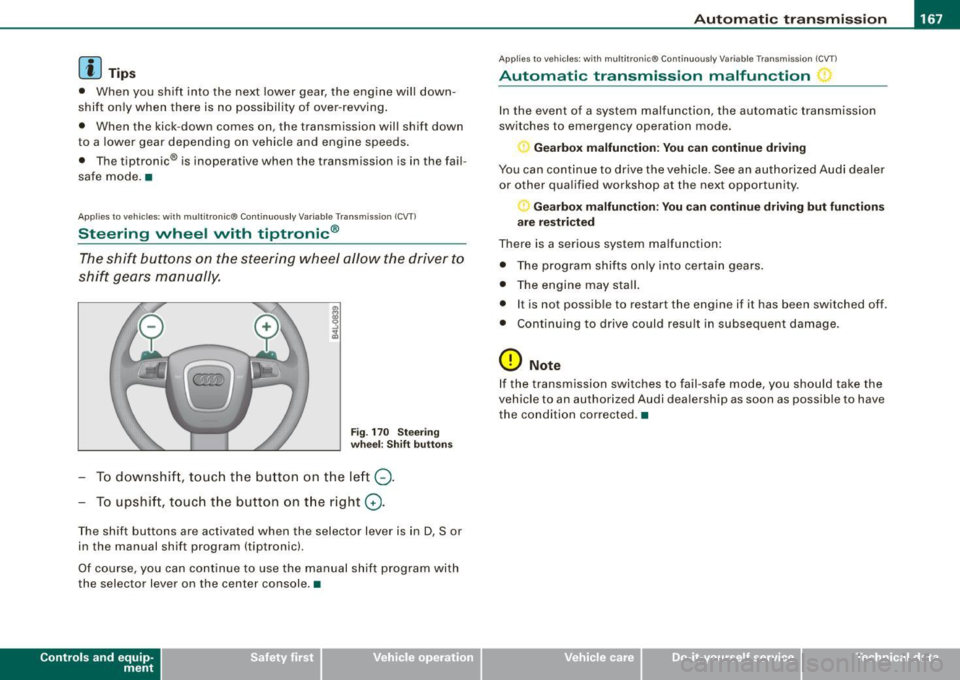
Steering wheel with tiptronic ®
The shift buttons on the steering wheel allow the driver to
shift gears manually.
Fig . 170 Steering
wheel: Shift buttons
To downshift , touch the button on the left Q.
To upshift, touch the button on the right G).
The shift buttons are activated when the selector lever is in D, Sor
in the manual shift program (tiptron ic).
Of course, you can continue to use the manual shift program with
the selec tor lever on the center console .•
Con tro ls and eq uip
ment
A pp lies to vehicles: w it h muh it r on ic® Cont inuous ly Variable Transm iss ion ( CVT)
Automatic transmission malfunction
In the event of a system malfunction, the automatic transmission
switches to emergency operation mode.
Gearbox malfunction: You can continue driving
You can continue to drive the vehicle . See an authorized Audi dealer
or other qualified workshop at the next opportunity .
Gearbox malfunction: You can continue driving but functions
are restricted
There is a serious system malfunction:
• The program shifts only into certain gears.
• The engine may stall.
• It is not possible to res tar t t he engine i f it has been switched off .
• Continuing to drive could result in subsequent damage .
0 Note
If the transmission switches to fail -safe mode , you should take the
vehicle to an authorized Audi deale rship as soon as possible to have
the condition corrected .•
Vehicle care I I irechnical data