2008 TOYOTA PRIUS key battery
[x] Cancel search: key batteryPage 4 of 512

TABLE OF CONTENTSIndex
4
PRIUS_U_(L/O_0802)
Using the AUX adapter ...... 268
Using the steering switches ........................... 269
3-4. Using the hands-free system ............................. 272
Hands-free system (for cellular phone) ................. 272
Using the Bluetooth
®
phone ............................... 277
Setting the hands-free system .............................. 291
3-5. Using the interior lights ... 318 Interior lights list ................. 318
3-6. Using the storage features ........................... 322
List of storage features....... 322
3-7. Other interior features ..... 329 Sun visors .......................... 329
Vanity mirror ....................... 330
Clock .................................. 331
Power outlet ....................... 332
Armrest............................... 334
Floor mats .......................... 335
Luggage compartment features ............................ 336
Garage door opener ........... 339 4-1. Maintenance and care ...... 346
Cleaning and protecting the vehicle’s exterior ............... 346
Cleaning and protecting the vehicle’s interior ................ 348
4-2. Maintenance ...................... 351 Maintenance requirements .................... 351
General maintenance ......... 353
Emission inspection and maintenance (I/M)
programs .......................... 356
4-3. Do-it-yourself maintenance ................... 357
Do-it-yourself service precautions ....................... 357
Hood ................................... 361
Positioning a floor jack........ 362
Engine compartment .......... 364
Tires.................................... 379
Tire inflation pressure ......... 388
Wheels................................ 392
Air conditioning filter ........... 394
Key battery ......................... 396
Checking and replacing fuses ................................. 398
Light bulbs .......................... 407
4Maintenance and care
Page 5 of 512

1
2
3
4
5
6
7
5
PRIUS_U_(L/O_0802)
5-1. Essential information ....... 416If your vehicle needs to be towed ................................ 416
If you think something is wrong ................................ 423
Event data recorder ............ 424
5-2. Steps to take in an emergency ....................... 426
If a warning light turns on or a warning buzzer
sounds... ........................... 426
If you have a flat tire............ 438
If the hybrid system will not start ................................... 448
If you lose your keys ........... 449
If the electronic key does not operate properly................ 450
If the vehicle 12 volt battery is discharged..................... 451
If your vehicle overheats ..... 456
If the vehicle becomes stuck ................................. 459 6-1. Specifications ................... 462
Maintenance data (fuel, oil level, etc.) ......................... 462
Fuel information.................. 472
Tire information .................. 475
6-2. Customization................... 488 Customizable features........ 488
6-3. Initialization....................... 491 Items to initialize ................. 491
Reporting safety defects for U.S. owners...................... 494
Seat belt instructions for Canadian owners
(in French) ........................ 495
Abbreviation list ............... 498
Alphabetical index............ 500
What to do if...................... 506
5When trouble arises6Vehicle specifications
7For owners
Index
Page 18 of 512

18
PRIUS_U_(L/O_0802)
CAUTION
■General precautions while driving
Driving under the influence: Never drive your vehicle when under the influ-
ence of alcohol or drugs that have impaired your ability to operate your vehi-
cle. Alcohol and certain drugs delay reaction time, impair judgment and
reduce coordination, which could lead to an accident that will hurt or kill you,
your occupants or others.
Defensive driving: Always drive defensively. Anticipate mistakes that other
drivers or pedestrians might make and be ready to avoid accidents.
Driver distraction: Always give your full attention to driving. Anything that dis-
tracts the driver, such as adjusting controls, talking on a cellular phone or
reading can result in a collision with resulting death or serious injury to you,
your occupants or others.
■ When children are in the vehicle
Never leave children unattended in the vehicle, and never allow children to
have or use the key.
When left unattended, children may be able to start the vehicle or shift the
vehicle into neutral. There is also a danger that children may injure them-
selves by playing with the cigarette lighter, the windows, the moon roof, or
other features of the vehicle. In addition, heat build-up or extremely cold
temperatures inside the vehicle can be fatal to children.
■ Dispose of the hybrid battery (traction battery)
If your vehicle is disposed of without the hybrid battery having been
removed, there is a danger of serious electric shock if high voltage parts,
cables and their connectors are touched. In the event of that your vehicle
must be disposed of, the hybrid battery must be disposed of your Toyota
dealer or a qualified service shop. If the hybrid battery is not disposed of
properly, they may cause electric shock that can result in death or serious
injury.
Page 34 of 512

34
PRIUS_U_(L/O_0802)
1-2. Key information
Keys
Using the mechanical keyTake out the mechanical key.
After using the mechanical key,
store it in the electronic key. Carry
the mechanical key together with
the electronic key. If the electronic
key battery is depleted or the
smart key system does not oper-
ate properly, you will need the
mechanical key.
The following keys are provided with the vehicle.
Vehicles with smart entry & start system
Electronic keys
• Operating the smart keysystem ( P. 36)
• Operating the wireless
remote control function
( P. 49)
Mechanical keys
Key number plate
Vehicle without smart entry & start system
Electronic keys
Operating the wireless
remote control function
( P. 49)
Mechanical keys
Key number plate
Page 42 of 512

42 1-3. Opening, closing and locking the doors and back door
PRIUS_U_(L/O_0802)
■Operation signals
A buzzer sounds and the emergency flashers flash to indicate that the doors
have been locked/unlocked. (Locked: Once; Unlocked: Twice)
■ Conditions affecting operation
The smart key system uses weak radio waves. In the following situations,
the communication between the electronic key and the vehicle may be
affected, preventing the smart key system and wireless remote control from
operating properly. (Way of coping: P. 450)
● When the electronic key battery is depleted
● Near a TV tower, electric power plant, gas station, radio station, large dis-
play, airport or other facility that generates strong radio waves or electri-
cal noise
● When carrying a portable radio, ce llular phone, cordless phone or other
wireless communication devices
● When the electronic key has come into contact with, or is covered by a
metallic object
● When multiple electronic keys are in the vicinity
● When carrying or using the electronic key together with the following
devices that emit radio waves
• Another vehicle’s electronic key
• A wireless key that emits radio waves
• Personal computer
● If window tint with a metallic content or metallic objects are attached to
the rear window
Page 44 of 512

44 1-3. Opening, closing and locking the doors and back door
PRIUS_U_(L/O_0802)
■Battery-saving function
In the following circumstances, the entry function is disabled in order to pre-
vent the vehicle and electronic key batteries from discharging.
● When the entry function has not been used for 2 weeks or more
● When the electronic key has been left within approximately 3 ft. (1 m) of
the vehicle for 10 minutes or more
The system will resume operation when...
● The vehicle is locked using the door handle lock switch
● The vehicle is locked/unlocked using the wireless remote control function
(P. 49) or the mechanical key ( P. 450)
■ Electronic key battery depletion
● The standard battery life is 1 to 3 years. (The battery becomes depleted
even if the electronic key is not used.) If the smart key system or the
wireless remote control function does not operate, or the detection area
becomes smaller, the battery may be depleted. Replace the battery when
necessary. ( P. 396)
● To avoid serious deterioration, do not leave the electronic key within 3 ft.
(1 m) of the following electrical appliances.
•TVs
• Personal computers
• Recharging cellular phones or cordless phones
• Table lamps
■ To operate the system properly
Make sure to carry the electronic key when operating the system. Do not get
the electronic key too close to the vehicle when operating the system from
the outside of the vehicle.
Depending on the position and holding condition of the electronic key, the
key may not be detected correctly and the system may not operate properly.
(The alarm may go off accidentally, or the door lock prevention may not func-
tion.)
Page 46 of 512

46 1-3. Opening, closing and locking the doors and back door
PRIUS_U_(L/O_0802)
■Alarms and warning indicators
A combination of exterior and interior alarms are used to prevent theft of the
vehicle and unforeseeable accidents resulting from erroneous operation.
Take appropriate measures according to which warning light comes on.
(P. 426)
● When any warning lights come on.
Take appropriate measures according to which warning light comes on.
(P. 426)
The following table describes circumstances and correction procedures
when only alarms are sounded.
*1: Follow the warning message displayed on the touch screen.
AlarmSituationCorrection procedure
Interior alarm:
One beep
(sounds continu-
ously)
Touch screen:
Warning mes-
sage
*
The hybrid system was not
turned off and the trans-
mission was in a position
other than “P”, and the
driver’s door is open. Pressing the “P” posi-
tion switch.
Interior alarm:
Beeps
(sound intermit-
tently) The driver’s door is
opened while the hybrid
system is in ACCESSORY
and the shift lever is in the
“P” position.
Turn the hybrid sys-
tem OFF and close
the driver’s door.
Exterior alarm:
One beep
(sounds for 2
seconds) The lock button has been
pressed while the hybrid
system is OFF and the
smart key is still in the
vehicle.
Take the smart key
from the vehicle and
lock the vehicle again.
Interior alarm:
One beep The battery charge of the
smart key is low. Replace the battery of
the smart key.
Exterior alarm:
One beep
(sound for 10
seconds) The lock button is pressed
when the hybrid system is
OFF and one of the doors
is half open.
Close all the doors
then lock the vehicle
again.
Page 47 of 512
47
1-3. Opening, closing and locking the doors and back door
1
Before driving
PRIUS_U_(L/O_0802)
■
If the smart key system does not operate properly
● Locking and unlocking the doors: Use the mechanical key.
(P. 450)
● Starting the hybrid system: P. 132
■ When the electronic key battery is fully depleted
P. 396
■ Customization that can be co nfigured at Toyota dealer
Settings (e.g. smart key system) can be changed.
(Customizable features P. 488)
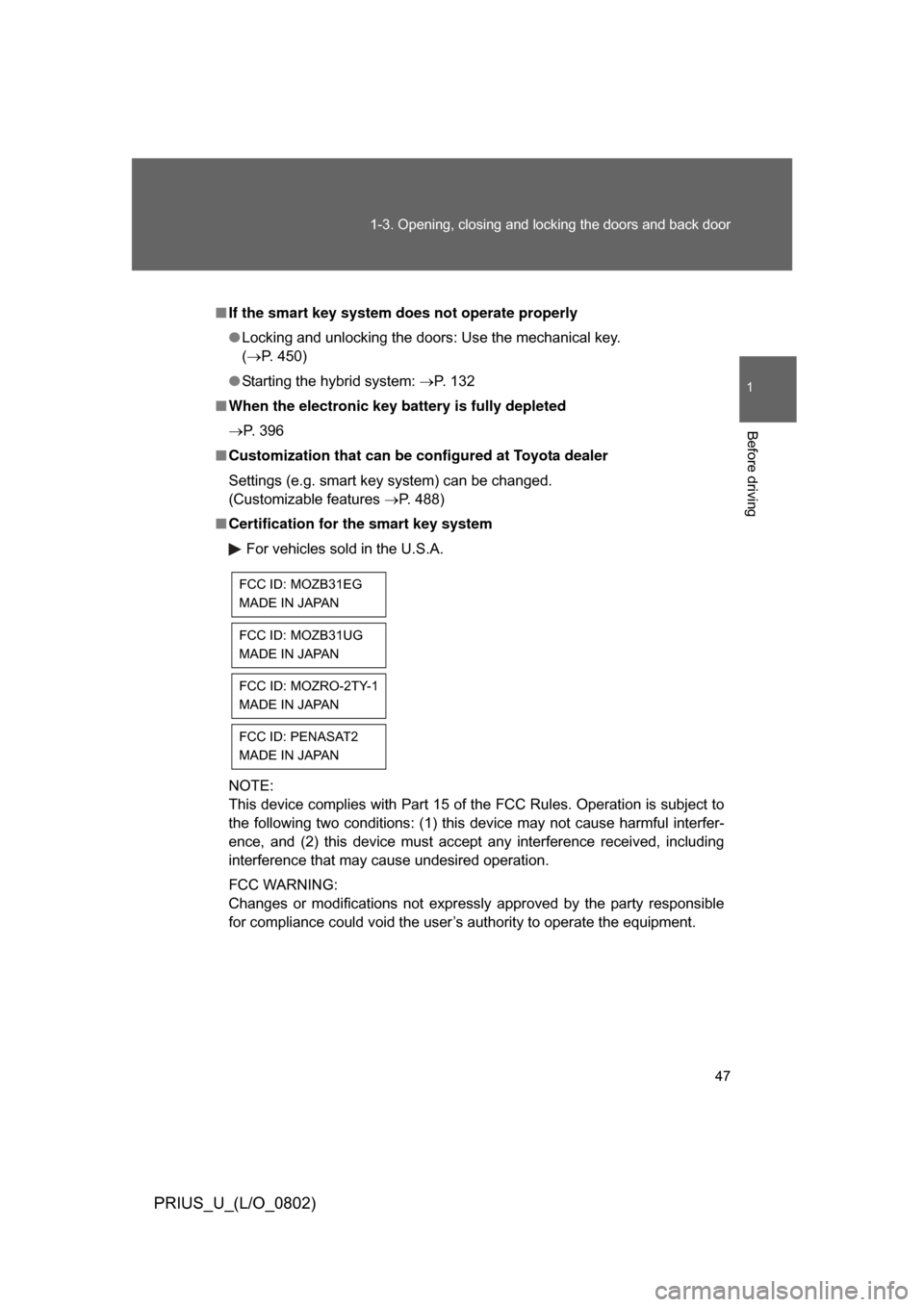
■ Certification for the smart key system
For vehicles sold in the U.S.A.
NOTE:
This device complies with Part 15 of the FCC Rules. Operation is subject to
the following two conditions: (1) this device may not cause harmful interfer-
ence, and (2) this device must accept any interference received, including
interference that may cause undesired operation.
FCC WARNING:
Changes or modifications not expressly approved by the party responsible
for compliance could void the user’s authority to operate the equipment.
FCC ID: MOZB31EG
MADE IN JAPAN
FCC ID: MOZB31UG
MADE IN JAPAN
FCC ID: MOZRO-2TY-1
MADE IN JAPAN
FCC ID: PENASAT2
MADE IN JAPAN