2008 SUBARU TRIBECA AUX
[x] Cancel search: AUXPage 177 of 409
Antenna system............................................... 5-2
Printed antenna................................................ 5-2
FM reception .................................................... 5-2
XM
TM
satellite radio reception
(if equipped) .................................................. 5-2
Installation of accessories ............................... 5-4
Audio set .......................................................... 5-4
Type A audio set .............................................. 5-4
Type B audio set .............................................. 5-4
Type A audio set (if equipped) ........................ 5-5
Radio operation................................................ 5-5 Compact disc player operation .
....................... 5-11
Type B audio set (if equipped)...................... 5-16
Radio operation.............................................. 5-16
Built in CD changer operation .. ....................... 5-22
Audio control buttons................................... 5-27
MODE button.................................................. 5-27
Aux unit operation ......................................... 5-29
Rear Seat Entertainment (RSE) system operation (if equipped) ................................... 5-29
Precautions to observe when handling a compact disc ............................................... 5-30
Audio
5
ProCarManuals.com
Page 181 of 409
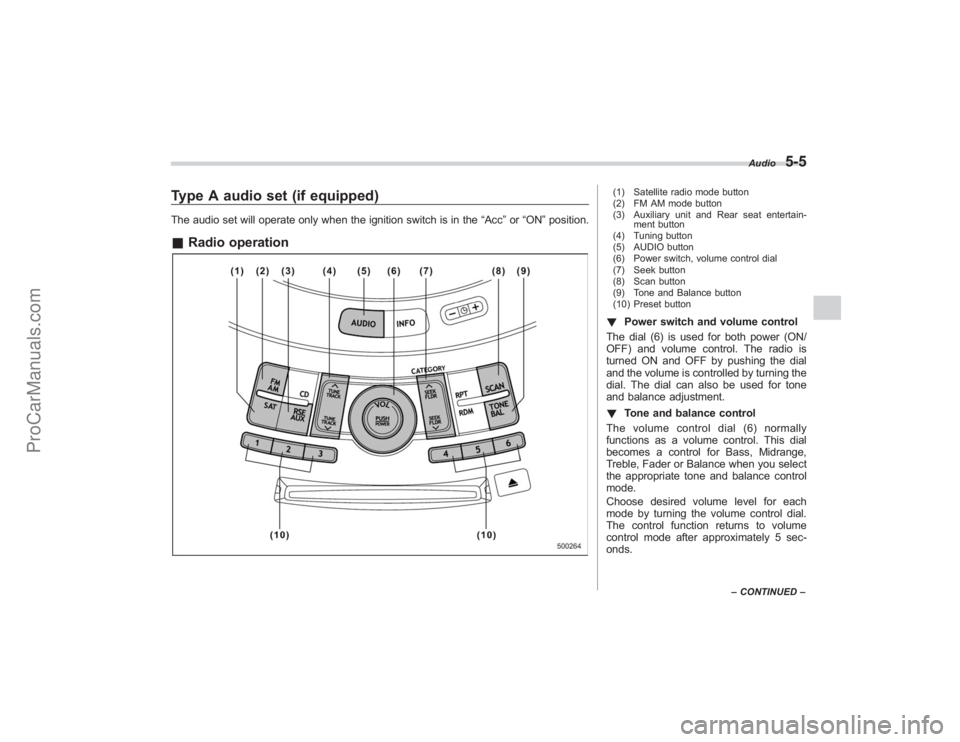
Type A audio set (if equipped)The audio set will operate only when the ignition switch is in the“Acc”or “ON ”position.& Radio operation
(1) Satellite radio mode button
(2) FM AM mode button
(3) Auxiliary unit and Rear seat entertain-
ment button
(4) Tuning button
(5) AUDIO button
(6) Power switch, volume control dial
(7) Seek button
(8) Scan button
(9) Tone and Balance button
(10) Preset button! Power switch and volume control
The dial (6) is used for both power (ON/
OFF) and volume control. The radio is
turned ON and OFF by pushing the dial
and the volume is controlled by turning the
dial. The dial can also be used for tone
and balance adjustment.
! Tone and balance control
The volume control dial (6) normally
functions as a volume control. This dial
becomes a control for Bass, Midrange,
Treble, Fader or Balance when you select
the appropriate tone and balance control
mode.
Choose desired volume level for each
mode by turning the volume control dial.
The control function returns to volume
control mode after approximately 5 sec-
onds.
Audio
5-5
– CONTINUED –
ProCarManuals.com
Page 183 of 409
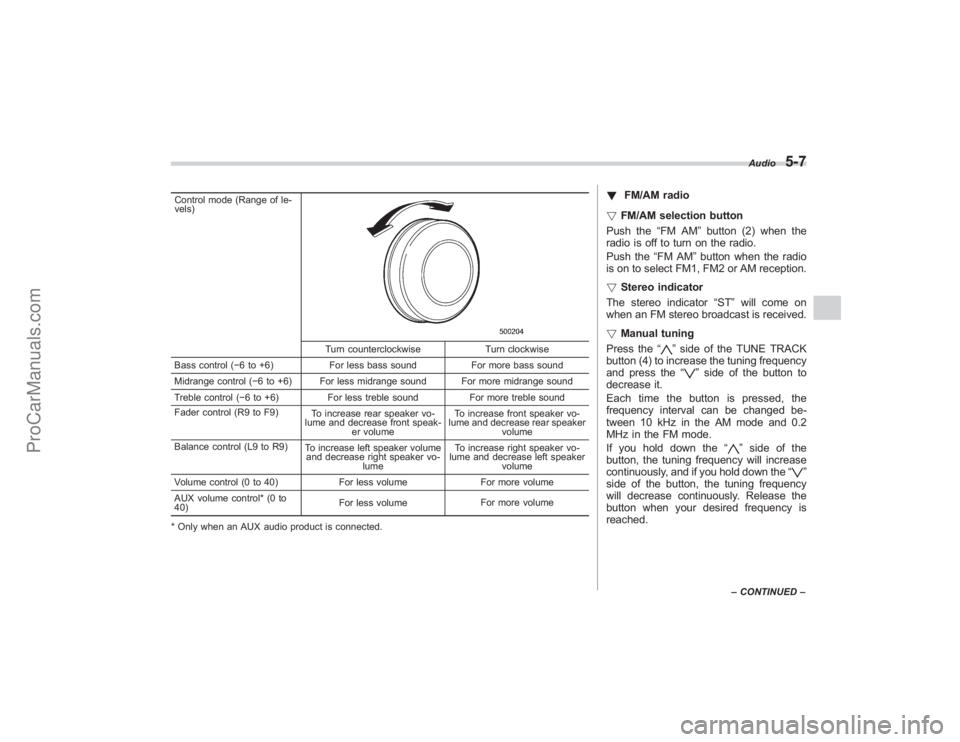
Control mode (Range of le-
vels)
Turn counterclockwiseTurn clockwise
Bass control ( −6 to +6) For less bass sound For more bass sound
Midrange control ( −6 to +6) For less midrange sound For more midrange sound
Treble control ( −6 to +6) For less treble sound For more treble sound
Fader control (R9 to F9) To increase rear speaker vo-
lume and decrease front speak- er volume To increase front speaker vo-
lume and decrease rear speaker volume
Balance control (L9 to R9) To increase left speaker volume
and decrease right speaker vo-
lume To increase right speaker vo-
lume and decrease left speaker
volume
Volume control (0 to 40) For less volumeFor more volume
AUX volume control* (0 to
40) For less volume
For more volume
* Only when an AUX audio product is connected.
! FM/AM radio
! FM/AM selection button
Push the “FM AM”button (2) when the
radio is off to turn on the radio.
Push the “FM AM”button when the radio
is on to select FM1, FM2 or AM reception.
! Stereo indicator
The stereo indicator “ST”will come on
when an FM stereo broadcast is received.
! Manual tuning
Press the “
”side of the TUNE TRACK
button (4) to increase the tuning frequency
and press the “
”side of the button to
decrease it.
Each time the button is pressed, the
frequency interval can be changed be-
tween 10 kHz in the AM mode and 0.2
MHz in the FM mode.
If you hold down the “
”side of the
button, the tuning frequency will increase
continuously, and if you hold down the “
”
side of the button, the tuning frequency
will decrease continuously. Release the
button when your desired frequency is
reached.
Audio
5-7
– CONTINUED –
ProCarManuals.com
Page 186 of 409
5-10
Audio
2. Press the“SCAN”button (8) or the
TUNE TRACK button (4) to select the
channel.
3. Press one of the preset buttons (10)
for more than 1.5 seconds to store the
channel. If the button is pressed for less
than 1.5 seconds, the preceding selection
will remain in memory.NOTEIf the connection between the radio and
battery is broken for any reason such
as vehicle maintenance or radio re-
moval, all channels stored in the preset
buttons are cleared. If this occurs, it is
necessary to reset the preset buttons.
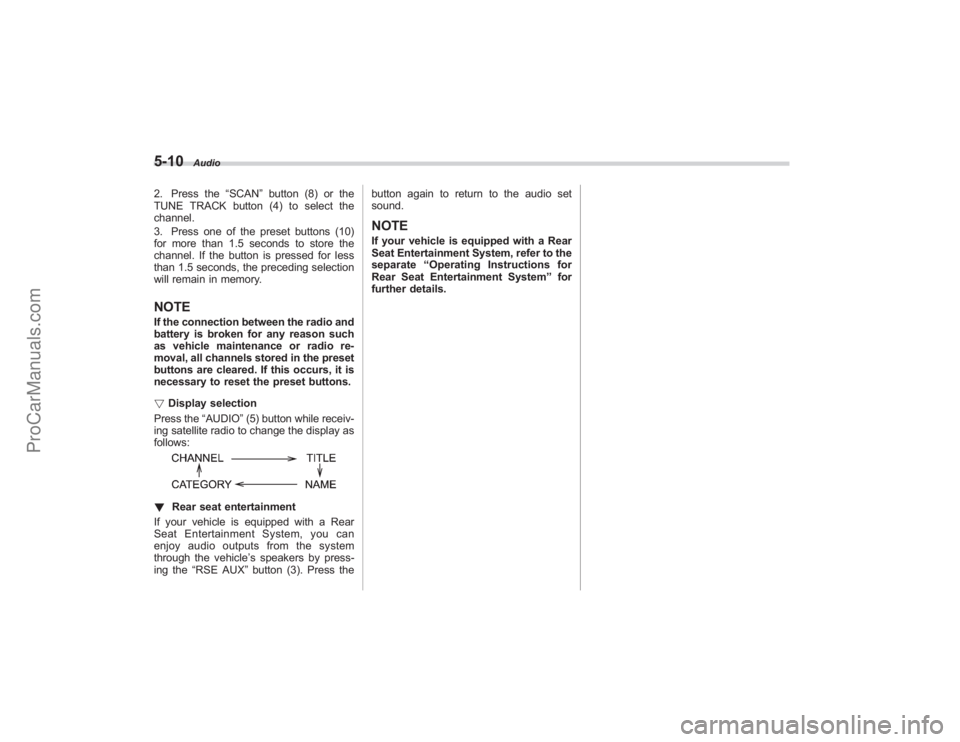
! Display selection
Press the “AUDIO”(5) button while receiv-
ing satellite radio to change the display as
follows:! Rear seat entertainment
If your vehicle is equipped with a Rear
Seat Entertainment System, you can
enjoy audio outputs from the system
through the vehicle ’s speakers by press-
ing the “RSE AUX ”button (3). Press the button again to return to the audio set
sound.
NOTEIf your vehicle is equipped with a Rear
Seat Entertainment System, refer to the
separate
“Operating Instructions for
Rear Seat Entertainment System ”for
further details.
ProCarManuals.com
Page 189 of 409
!Repeating
! To repeat the currently playing track/
file (track)
To repeat a track/file (track), briefly press
the “RPT ”button (6) while the track/file
(track) is playing. The display will show
“RPT ”, and the track/file (track) will be
repeated.
To cancel the track/file (track) repeat-play
mode:
Press the “RPT”button once (non-MP3
disc)
Press the “RPT”button twice (MP3 disc)
The “RPT ”indication will go off, and the
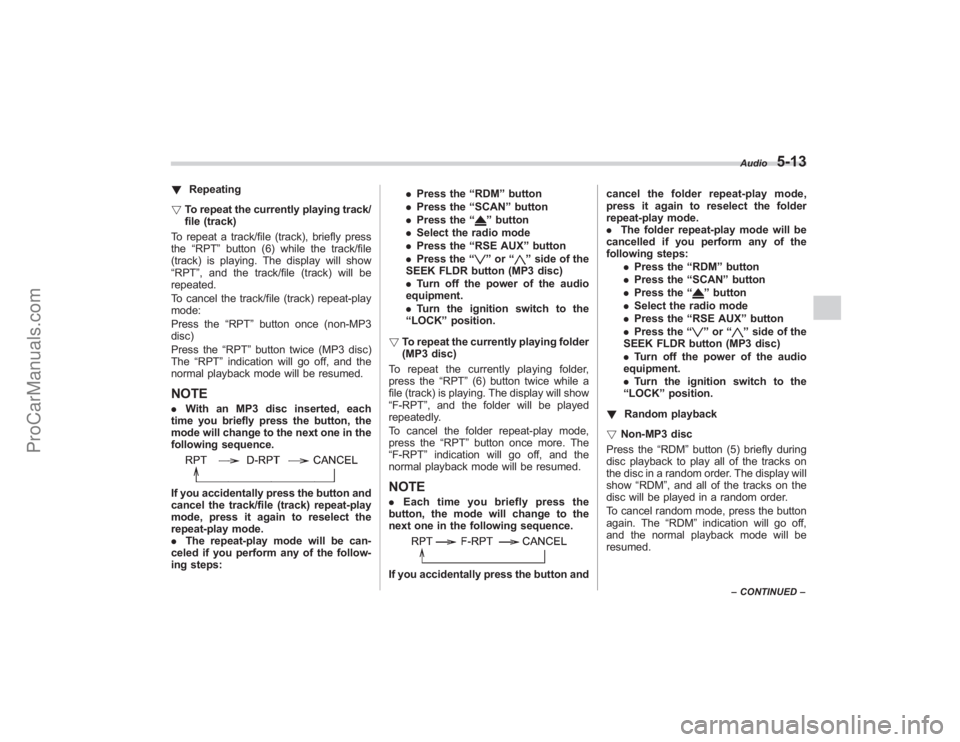
normal playback mode will be resumed.NOTE. With an MP3 disc inserted, each
time you briefly press the button, the
mode will change to the next one in the
following sequence.If you accidentally press the button and
cancel the track/file (track) repeat-play
mode, press it again to reselect the
repeat-play mode.
. The repeat-play mode will be can-
celed if you perform any of the follow-
ing steps: .
Press the “RDM ”button
. Press the “SCAN ”button
. Press the “
”button
. Select the radio mode
. Press the “RSE AUX ”button
. Press the “”or “
”side of the
SEEK FLDR button (MP3 disc)
. Turn off the power of the audio
equipment.
. Turn the ignition switch to the
“ LOCK ”position.
! To repeat the currently playing folder
(MP3 disc)
To repeat the currently playing folder,
press the “RPT”(6) button twice while a
file (track) is playing. The display will show
“F-RPT ”, and the folder will be played
repeatedly.
To cancel the folder repeat-play mode,
press the “RPT”button once more. The
“F-RPT ”indication will go off, and the
normal playback mode will be resumed.
NOTE. Each time you briefly press the
button, the mode will change to the
next one in the following sequence.If you accidentally press the button and cancel the folder repeat-play mode,
press it again to reselect the folder
repeat-play mode.
.
The folder repeat-play mode will be
cancelled if you perform any of the
following steps:
.Press the “RDM ”button
. Press the “SCAN” button
. Press the “
”button
. Select the radio mode
. Press the “RSE AUX ”button
. Press the “”or “
”side of the
SEEK FLDR button (MP3 disc)
. Turn off the power of the audio
equipment.
. Turn the ignition switch to the
“ LOCK ”position.
! Random playback
! Non-MP3 disc
Press the “RDM”button (5) briefly during
disc playback to play all of the tracks on
the disc in a random order. The display will
show “RDM ”, and all of the tracks on the
disc will be played in a random order.
To cancel random mode, press the button
again. The “RDM”indication will go off,
and the normal playback mode will be
resumed.Audio
5-13
– CONTINUED –
ProCarManuals.com
Page 190 of 409
5-14
Audio
NOTERandom playback will be cancelled if
you perform any of the following steps:
.Press the “RPT ”button
. Press the “SCAN ”button
. Press the “
”button
. Select the radio mode
. Press the “RSE AUX ”button
. Press the “”or “
”side of the
SEEK FLDR button
. Turn off the power of the audio
equipment.
. Turn the ignition switch to the
“ LOCK ”position.
! MP3 disc
Press the “RDM”button (5) during disc
playback to play all of the tracks in the
folder currently being played in random
order. Press the “RDM”button again to
play all of the tracks on the disc in random
order. The display will show “RDM”during
the random mode.
To cancel the random mode, press the
“ RDM ”button during “in-disc ”random
playback. The “RDM”indication will go
off, and the normal playback mode will be
resumed.
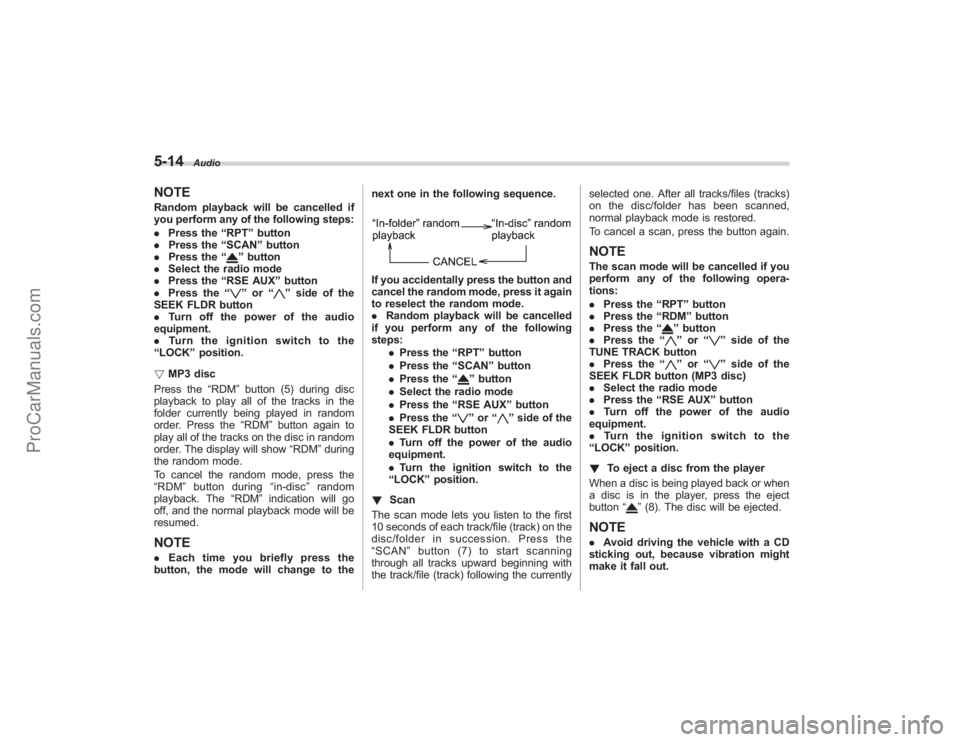
NOTE. Each time you briefly press the
button, the mode will change to the next one in the following sequence.
If you accidentally press the button and
cancel the random mode, press it again
to reselect the random mode.
.
Random playback will be cancelled
if you perform any of the following
steps:
.Press the “RPT ”button
. Press the “SCAN ”button
. Press the “
”button
. Select the radio mode
. Press the “RSE AUX ”button
. Press the “”or “
”side of the
SEEK FLDR button
. Turn off the power of the audio
equipment.
. Turn the ignition switch to the
“ LOCK ”position.
! Scan
The scan mode lets you listen to the first
10 seconds of each track/file (track) on the
disc/folder in succession. Press the
“ SCAN ”button (7) to start scanning
through all tracks upward beginning with
the track/file (track) following the currently selected one. After all tracks/files (tracks)
on the disc/folder has been scanned,
normal playback mode is restored.
To cancel a scan, press the button again.
NOTEThe scan mode will be cancelled if you
perform any of the following opera-
tions:
.
Press the “RPT ”button
. Press the “RDM ”button
. Press the “
”button
. Press the “”or “
”side of the
TUNE TRACK button
. Press the “
”or “
”side of the
SEEK FLDR button (MP3 disc)
. Select the radio mode
. Press the “RSE AUX ”button
. Turn off the power of the audio
equipment.
. Turntheignitionswitchtothe
“ LOCK ”position.
! To eject a disc from the player
When a disc is being played back or when
a disc is in the player, press the eject
button “
”(8). The disc will be ejected.
NOTE. Avoid driving the vehicle with a CD
sticking out, because vibration might
make it fall out.
ProCarManuals.com
Page 192 of 409
5-16
Audio
Type B audio set (if equipped)The audio set will operate only when the ignition switch is in the“Acc”or “ON ”positions.& Radio operation
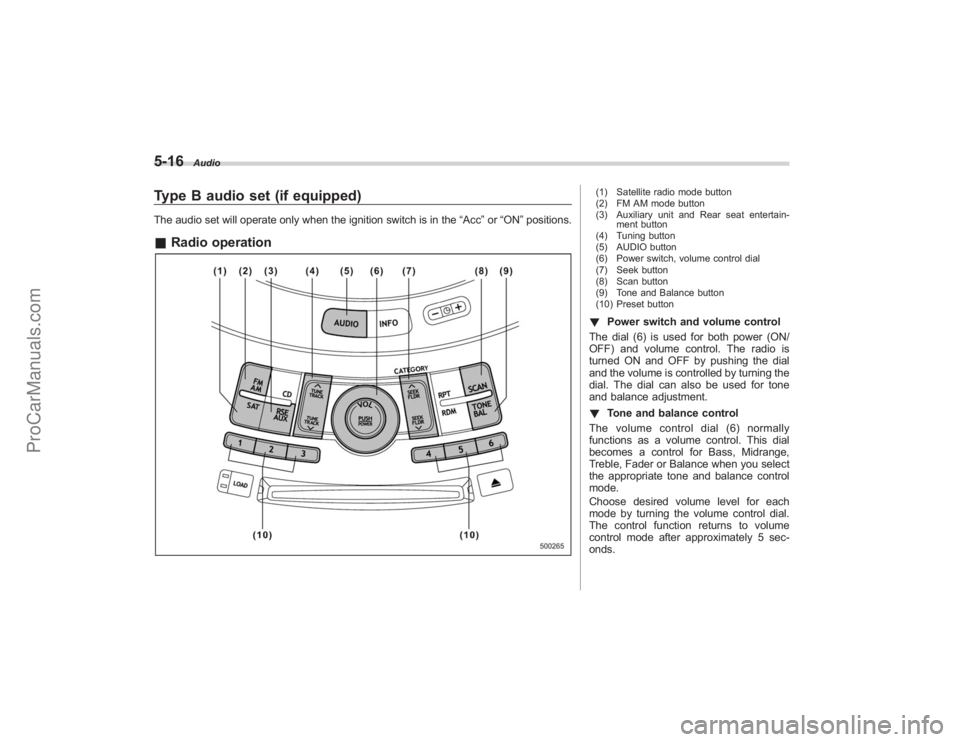
(1) Satellite radio mode button
(2) FM AM mode button
(3) Auxiliary unit and Rear seat entertain-
ment button
(4) Tuning button
(5) AUDIO button
(6) Power switch, volume control dial
(7) Seek button
(8) Scan button
(9) Tone and Balance button
(10) Preset button! Power switch and volume control
The dial (6) is used for both power (ON/
OFF) and volume control. The radio is
turned ON and OFF by pushing the dial
and the volume is controlled by turning the
dial. The dial can also be used for tone
and balance adjustment.
! Tone and balance control
The volume control dial (6) normally
functions as a volume control. This dial
becomes a control for Bass, Midrange,
Treble, Fader or Balance when you select
the appropriate tone and balance control
mode.
Choose desired volume level for each
mode by turning the volume control dial.
The control function returns to volume
control mode after approximately 5 sec-
onds.
ProCarManuals.com
Page 194 of 409
5-18
Audio
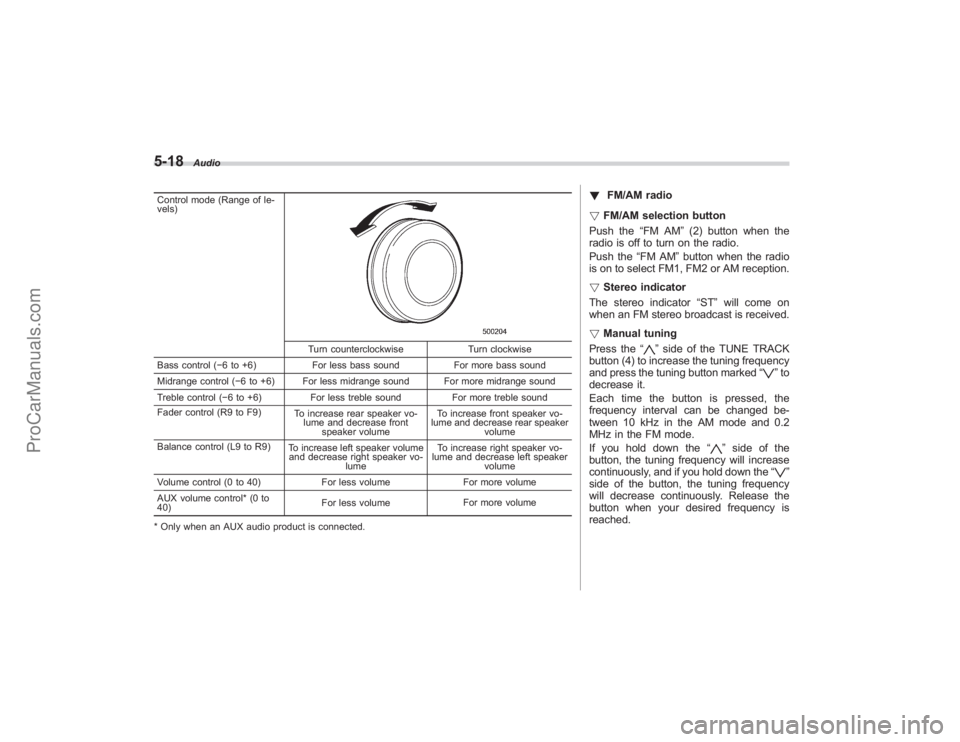
Control mode (Range of le-
vels)
Turn counterclockwiseTurn clockwise
Bass control ( −6 to +6) For less bass sound For more bass sound
Midrange control ( −6 to +6) For less midrange sound For more midrange sound
Treble control ( −6 to +6) For less treble sound For more treble sound
Fader control (R9 to F9) To increase rear speaker vo-
lume and decrease front speaker volume To increase front speaker vo-
lume and decrease rear speaker volume
Balance control (L9 to R9) To increase left speaker volume
and decrease right speaker vo-
lume To increase right speaker vo-
lume and decrease left speaker
volume
Volume control (0 to 40) For less volumeFor more volume
AUX volume control* (0 to
40) For less volume
For more volume
* Only when an AUX audio product is connected.
! FM/AM radio
! FM/AM selection button
Push the “FM AM”(2) button when the
radio is off to turn on the radio.
Push the “FM AM”button when the radio
is on to select FM1, FM2 or AM reception.
! Stereo indicator
The stereo indicator “ST”will come on
when an FM stereo broadcast is received.
! Manual tuning
Press the “
”side of the TUNE TRACK
button (4) to increase the tuning frequency
and press the tuning button marked “
”to
decrease it.
Each time the button is pressed, the
frequency interval can be changed be-
tween 10 kHz in the AM mode and 0.2
MHz in the FM mode.
If you hold down the “
”side of the
button, the tuning frequency will increase
continuously, and if you hold down the “
”
side of the button, the tuning frequency
will decrease continuously. Release the
button when your desired frequency is
reached.
ProCarManuals.com