2008 Lexus ES350 steering
[x] Cancel search: steeringPage 135 of 459

133
2-3. Operating the lights and windshield wipers
2
When driving
ES350_U_(L/O_0708)
AFS (vehicles with discharge headlights)AFS (Adaptive Front Lighting System) improves visibility at intersections
and on curves by automatically adjusting the direction of light axis of the
headlights according to vehicle speed and the degree of the tire angle
that are controlled by steering input.
Operates at speeds of 6 mph (10 km/h) or higher.
■ Deactivating AFS
Turn the switch OFF to deactivate
AFS.
OFF
ON
■Daytime running light system
To make your vehicle more visible to other drivers, the headlights turn on automati-
cally (at a reduced intensity) whenever the engine is started and the parking brake
is released. Daytime running lights are not designed for use at night.
■Headlight control sensor
The sensor may not function properly if an
object is placed on the sensor, or anything
that blocks the sensor is affixed to the wind-
shield.
Doing so interferes with the sensor detecting
the level of ambient light and may cause the
automatic headlight control system to mal-
function.
Page 152 of 459

150
2-4. Using other driving systems
ES350_U_(L/O_0708)
CAUTION
■When the radar sensor may not be correctly detecting the vehicle ahead
Apply the brakes as necessary when any of the following types of vehicles are in
front of you.
As the sensor may not be able to correctly detect these types of vehicles, the prox-
imity alarm (→P. 373) will not be activated, and an accident may result.
●Vehicles that cut in suddenly
●Vehicles traveling at low speeds
●Vehicles that are not moving
●Vehicles with small rear ends (trailers with no load on board etc.)
●Motorcycles traveling in the same lane
■Conditions under which the vehicle-to-vehicle distance control may not function
correctly
Apply the brakes as necessary in the following conditions as the radar sensor may
not be able to correctly detect vehicles ahead, and an accident may result.
●When water or snow thrown up by the surrounding vehicles hinders the function-
ing of the sensor
●When your vehicle is pointing upwards (caused by a heavy load in the trunk, etc.)
●When the road curves or when the lanes are narrow
●When steering wheel operation or your position in the lane is unstable
■To ensure the radar sensor functions correctly
Do not do the following to the sensor or grille cover as doing so may cause the sen-
sor not to function correctly and could result in an accident.
●Stick or attach anything to them
●Leave them dirty
●Disassemble, subject them to strong shocks
●Modify or paint them
●Replace them with non-genuine parts
Page 160 of 459

158
2-4. Using other driving systems
ES350_U_(L/O_0708)
■Sounds and vibrations caused by the ABS, brake assist, VSC and TRAC systems
●A sound may be heard from the engine compartment when the engine is
started or just after the vehicle begins to move. This sound does not indicate that
a malfunction has occurred in any of these systems.
●Any of the following conditions may occur when the above systems are operat-
ing. None of these indicates that a malfunction has occurred.
• Vibrations may be felt through the vehicle body and steering.
• A motor sound may be heard after the vehicle comes to a stop.
• The brake pedal may pulsate slightly after the ABS is activated.
• The brake pedal may move down slightly after the ABS is activated.
CAUTION
Any of the following conditions may result in an accident which could cause death or
serious injury:
■The ABS does not operate effectively when
●The limits of tire gripping performance have been exceeded.
●The vehicle hydroplanes while driving at high speed on the wet or slick road.
■Stopping distance when the ABS is operating will exceed that of normal condi-
tions
The ABS is not designed to shorten the vehicle’s stopping distance. Always main-
tain a safe distance from the vehicle in front of you in the following situations.
●When driving on dirt, gravel or snow-covered roads
●When driving with tire chains
●When driving over bumps in the road
●When driving over roads with potholes or roads with uneven roads
■TRAC may not operate effectively when
Directional control and power may not be achievable while driving on slippery road
surfaces, even if the TRAC system is operating.
Do not drive the vehicle in conditions where stability and power may be lost.
Page 167 of 459

165
2-5. Driving information
2
When driving
ES350_U_(L/O_0708)
CAUTION
■Storage precautions
●Do not place anything on the package tray behind the rear seatback.
Such items may be thrown about and possibly injure people in the vehicle during
sudden braking or in an accident.
●Do not drive with objects on top of the instrument panel.
They may interfere with the driver’s field of view or move during sharp accelera-
tion or turning, thus impairing the driver’s control of the vehicle. In an accident
they may injure the vehicle occupants.
●Secure all items in the occupant compartment, as they may shift and injure some-
one during an accident or sudden braking.
■Capacity and distribution
●Do not exceed the maximum axle weight rating or the total vehicle weight rating.
●Even if the total load of occupant's weight and the cargo load is less than the total
load capacity, do not apply the load unevenly.
Improper loading may cause deterioration of steering or braking control which
may cause death or serious injury.
Page 168 of 459

166
2-5. Driving information
ES350_U_(L/O_0708)
Vehicle load limits
■Total load capacity and seating capacity
These details are also described on the tire and loading information label.
( → P. 3 2 4 )
CAUTION
■Overloading the vehicle
Do not overload the vehicle.
It may not only cause damage to the tires, but also degrade steering and braking
ability, resulting in an accident.
Vehicle load limits include total load capacity, seating capacity, towing
capacity and cargo capacity.
■Total load capacity: 900 lb. (410 kg)
Total load capacity means the combined weight of occupants, cargo and
luggage.
■Seating capacity: 5 occupants (Front 2, Rear 3)
Seating capacity means the maximum number of occupants whose esti-
mated average weight is 150 lb. (68 kg) per person.
■Towing capacity: 1000 lb. (450 kg)
■ Cargo capacity
Cargo capacity may increase or decrease depending on the weight and
the number of occupants.
Page 179 of 459

177
2-5. Driving information
2
When driving
ES350_U_(L/O_0708)
Trailer towing tipsYour vehicle will handle differently when towing a trailer. The three main
causes of vehicle-trailer accidents are driver error, excessive speed and
improper trailer loading. Keep these in mind when towing.
● Before starting out, check the trailer’s lights and the vehicle-trailer
connections. Recheck after driving a short distance.
● Practice turning, stopping and rever sing with the trailer attached in an
area away from traffic until you become accustomed to the feel of the
vehicle.
● Reversing with a trailer attached is difficult and requires practice. Grip
the bottom of the steering wheel and move your hand to the left to
move the trailer to the left. Move your hand to the right to move the
trailer to the right. (This is generally opposite to reversing without a
trailer attached.) Avoid sharp or prolonged turning. Have someone
guide you when reversing to reduce the risk of an accident.
● As stopping distance is increased when towing a trailer, vehicle-to-
vehicle distance should be increased. For each 10 mph (16 km/h) of
speed, allow at least one vehicle and trailer length.
NOTICE
■Safety chain
A safety chain must always be used between the towing vehicle and the trailer.
Leave sufficient slack in the chain for turns. The chain should cross under the trailer
tongue to prevent the tongue from dropping to the ground in the case that it
becomes damaged or separated. For the correct safety chain installation proce-
dure, ask your Lexus dealer.
■Do not directly splice trailer lights
Directly splicing may damage your vehicle's electrical system and cause a malfunc-
tion.
Page 180 of 459

178
2-5. Driving information
ES350_U_(L/O_0708)●
Avoid sudden braking as you may sk id, resulting in jackknifing and loss
of control. This is especially true on wet or slippery surfaces.
● Avoid jerky starts or sudden acceleration.
● Avoid jerky steering and sharp turns, and slow down before making a
turn.
● Note that when making a turn, the trailer wheels will be closer than the
vehicle wheels to the inside of the turn. Compensate by making a
larger than normal turning radius.
● Crosswinds and rough roads will adversely affect handling of your
vehicle and trailer, causing sway. Periodically check the rear to prepare
for being passed by large trucks or buses, which may cause your vehi-
cle and trailer to sway. If swaying occurs, firmly grip the steering wheel,
reduce speed immediately but gradually, and steer straight ahead.
Never increase speed. If you make no extreme correction with the
steering or brakes, your vehicle and trailer will stabilize.
● Take care when passing other vehicles. Passing requires considerable
distance. After passing a vehicle, do not forget the length of your
trailer, and be sure you have plenty of room before changing lanes.
● In order to maintain efficient engine braking and electrical charging
performance, do not use overdrive. Transmission shift range position
must be in “4”, in the “S” mode.
● Due to the added load of the trailer, your vehicle's engine may over-
heat on hot days (at temperatures over 85°F [30°C]) when driving up
a long or steep grade. If the engine coolant temperature gauge indi-
cates overheating, immediately turn off the air conditioning (if in use),
pull your vehicle off the road and stop in a safe spot. See “If you vehicle
overheats”. ( →P. 403)
Page 183 of 459
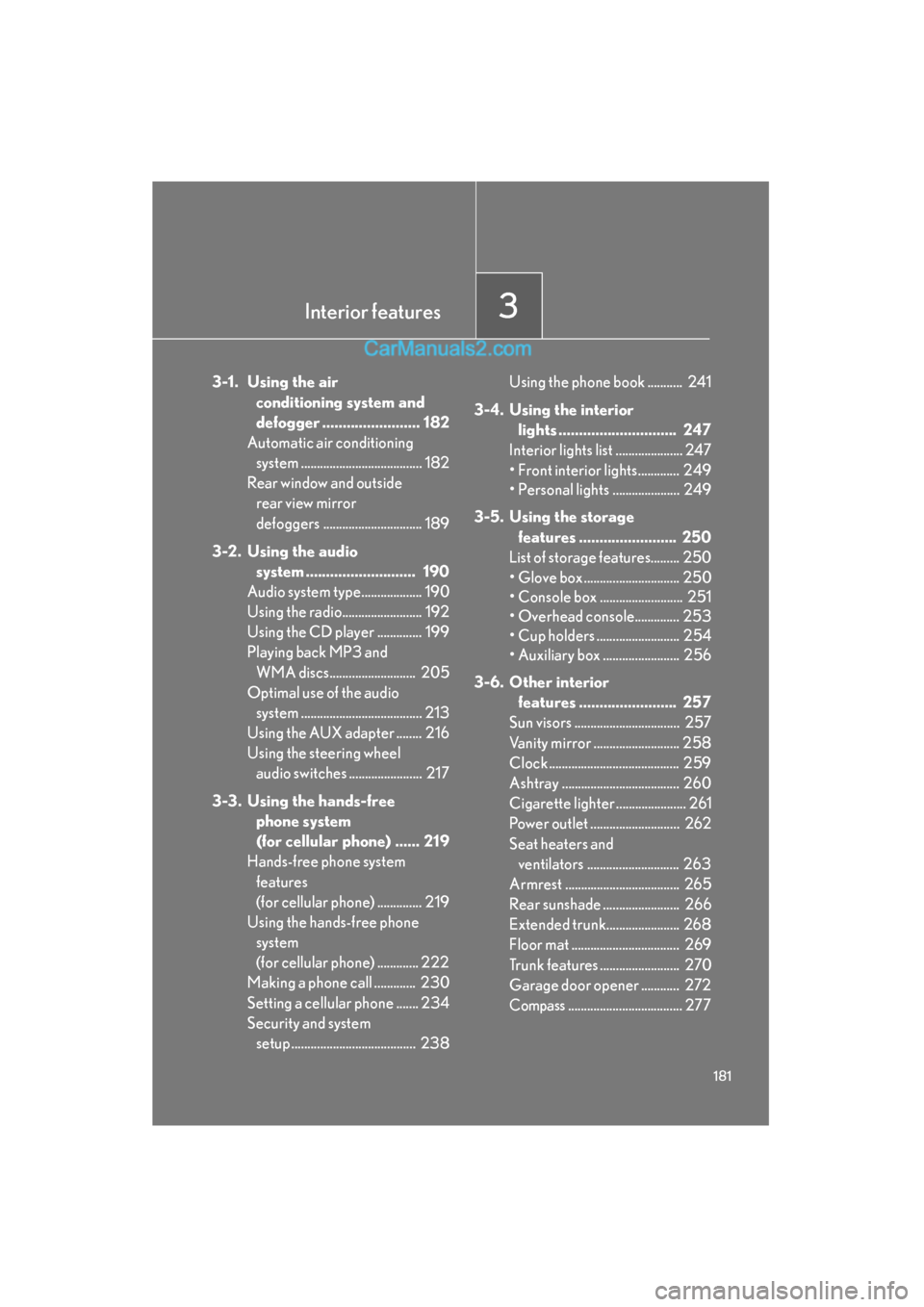
Interior features3
181
ES350_U_(L/O_0708)
3-1. Using the air conditioning system and
defogger ........................ 182
Automatic air conditioning
system ...................................... 182
Rear window and outside rear view mirror
defoggers ............................... 189
3-2. Using the audio system ........................... 190
Audio system type................... 190
Using the radio......................... 192
Using the CD player .............. 199
Playing back MP3 and
WMA discs........................... 205
Optimal use of the audio system ...................................... 213
Using the AUX adapter ........ 216
Using the steering wheel audio switches ....................... 217
3-3. Using the hands-free phone system
(for cellular phone) ...... 219
Hands-free phone system
features
(for cellular phone) .............. 219
Using the hands-free phone
system
(for cellular phone) ............. 222
Making a phone call ............. 230
Setting a cellular phone ....... 234
Security and system setup ....................................... 238 Using the phone book ........... 241
3-4. Using the interior lights ............................. 247
Interior lights list ..................... 247
• Front interior lights............. 249
• Personal lights ..................... 249
3-5. Using the storage features ........................ 250
List of storage features......... 250
• Glove box .............................. 250
• Console box .......................... 251
• Overhead console.............. 253
• Cup holders .......................... 254
• Auxiliary box ........................ 256
3-6. Other interior features ........................ 257
Sun visors ................................. 257
Vanity mirror ........................... 258
Clock ......................................... 259
Ashtray ..................................... 260
Cigarette lighter ...................... 261
Power outlet ............................ 262
Seat heaters and ventilators ............................. 263
Armrest .................................... 265
Rear sunshade ........................ 266
Extended trunk....................... 268
Floor mat .................................. 269
Trunk features ......................... 270
Garage door opener ............ 272
Compass.................................... 277