Page 73 of 438
Periodic Safety Checks You Should Make Outside
The Vehicle
Tires
Examine tires for excessive tread wear or uneven wear
patterns. Check for stones, nails, glass, or other objects
lodged in the tread. Inspect tread and sidewall for cuts or
cracks. Check wheel nuts for tightness and tires (includ-
ing spare) for proper pressure.
Lights
Have someone observe the operation of exterior lights
while you work the controls. Check turn signal and high
beam indicator lights on the instrument panel.
Fluid Leaks
Check the area under the vehicle after overnight parking
for fuel, engine coolant, oil or other fluid leaks. Also, if
gasoline fumes are detected or fuel, power steering fluid,
transmission fluid or brake fluid leaks are suspected, the
cause should be located and corrected immediately.
THINGS TO KNOW BEFORE STARTING YOUR VEHICLE 71
2
Page 76 of 438

�Seats................................109
▫Front Seat Adjustment..................109
▫Manual Seat Height Adjustment —
If Equipped.........................110
▫Manual Lumbar — If Equipped...........111
▫Driver’s Seatback Recline................112
▫Adjustable Head Restraints..............113
▫Heated Seats — If Equipped.............114
▫Fold-Flat Front Passenger Seat............115
▫Folding Rear Seat.....................116
▫Reclining Rear Seat — If Equipped.........117
�To Open And Close The Hood.............118�Lights...............................120
▫Map/Reading Lights...................120
▫Multifunction Control Lever..............121
▫Headlights, Parking Lights, Instrument Panel
Lights .............................121
▫Daytime Running Lights (DRL) —
If Equipped.........................122
▫Lights-On Reminder...................122
▫Fog Lights — If Equipped...............123
▫Turn Signals.........................123
▫Highbeam/Lowbeam Select Switch.........124
▫Passing Light........................125
▫Off-Road Lights — If Equipped...........125
74 UNDERSTANDING THE FEATURES OF YOUR VEHICLE
Page 99 of 438

send the corresponding phone number associated with
the phonebook entry, as tones over the phone.
NOTE:
•You may not hear all of the tones due to cellular phone
network configurations; this is normal.
•Some paging and voice mail systems have system time
out settings that are too short and may not allow the
use of this feature.
Barge In - Overriding Prompts
The “Voice Recognition” button can be used when you
wish to skip part of a prompt and issue your voice
recognition command immediately. For example, if a
prompt is asking�Would you like to pair a phone, clear
a�,�you could press the “Voice Recognition” button and
say,�Pair a Phone�to select that option without having to
listen to the rest of the voice prompt.
Turning Confirmation Prompts On/Off
Turning confirmation prompts off will stop the system
from confirming your choices (e.g., the UConnect�sys-
tem will not repeat a phone number before you dial it).
•Press the PHONE button to begin.
•After the�Ready�prompt and the following beep, say
�Setup Confirmations.�The UConnect�system will
play the current confirmation prompt status and you
will be given the choice to change it.
Phone and Network Status Indicators
If available on the radio and/or on a premium display
such as the instrument panel cluster, and supported by
your cell phone, the UConnect�system will provide
notification to inform you of your phone and network
status when you are attempting to make a phone call
using UConnect�. The status is given for roaming, net-
work signal strength, phone battery strength, etc.
UNDERSTANDING THE FEATURES OF YOUR VEHICLE 97
3
Page 116 of 438
Heated Seats — If Equipped
WARNING!
Persons who are unable to feel pain to the skin
because of advanced age, chronic illness, diabetes,
spinal cord injury, medication, alcohol use, exhaus-
tion or other physical condition must exercise care
when using the seat heater. It may cause burns even
at low temperatures, especially if used for long
periods of time. Do not place anything on the seat
that insulates against heat, such as a blanket or
cushion. This may cause the seat heater to overheat.
This feature heats the front driver’s and passenger’s seats.
The heated seat switches are located on the instrument
panel, below the radio. After turning on the ignition, you
may choose OFF, HIGH, or LOW heat settings. An indica-
tor on the switch shows which setting has been chosen.
•Pressing the switch once will select HIGH-
level heating.
•Pressing the switch a second time will select LOW-level
heating.
•Pressing the switch a third time will shut the heating
elements OFF.
When HIGH-level heating is selected, the heaters provide
a boosted heat level during the first four minutes of
operation after heating is activated. The heat output then
drops to the normal HIGH-level. If HIGH-level heating is
selected, the system will automatically switch to LOW-
level heating after about 30 minutes of continuous opera-
tion. At that time, the number of illuminated LEDs
changes from two to one, indicating the change. Opera-
tion on LOW-level heating also turns off automatically
after about 30 minutes.
114 UNDERSTANDING THE FEATURES OF YOUR VEHICLE
Page 123 of 438
Multifunction Control Lever
The Multifunction Control Lever controls the operation
of the headlights, parking lights, turn signals, headlight
beam selection, instrument panel light dimming, interior
lights, the passing lights, and the fog lights. The Multi-
function Control Lever is located on the left side of the
steering column.
Headlights, Parking Lights, Instrument Panel
Lights
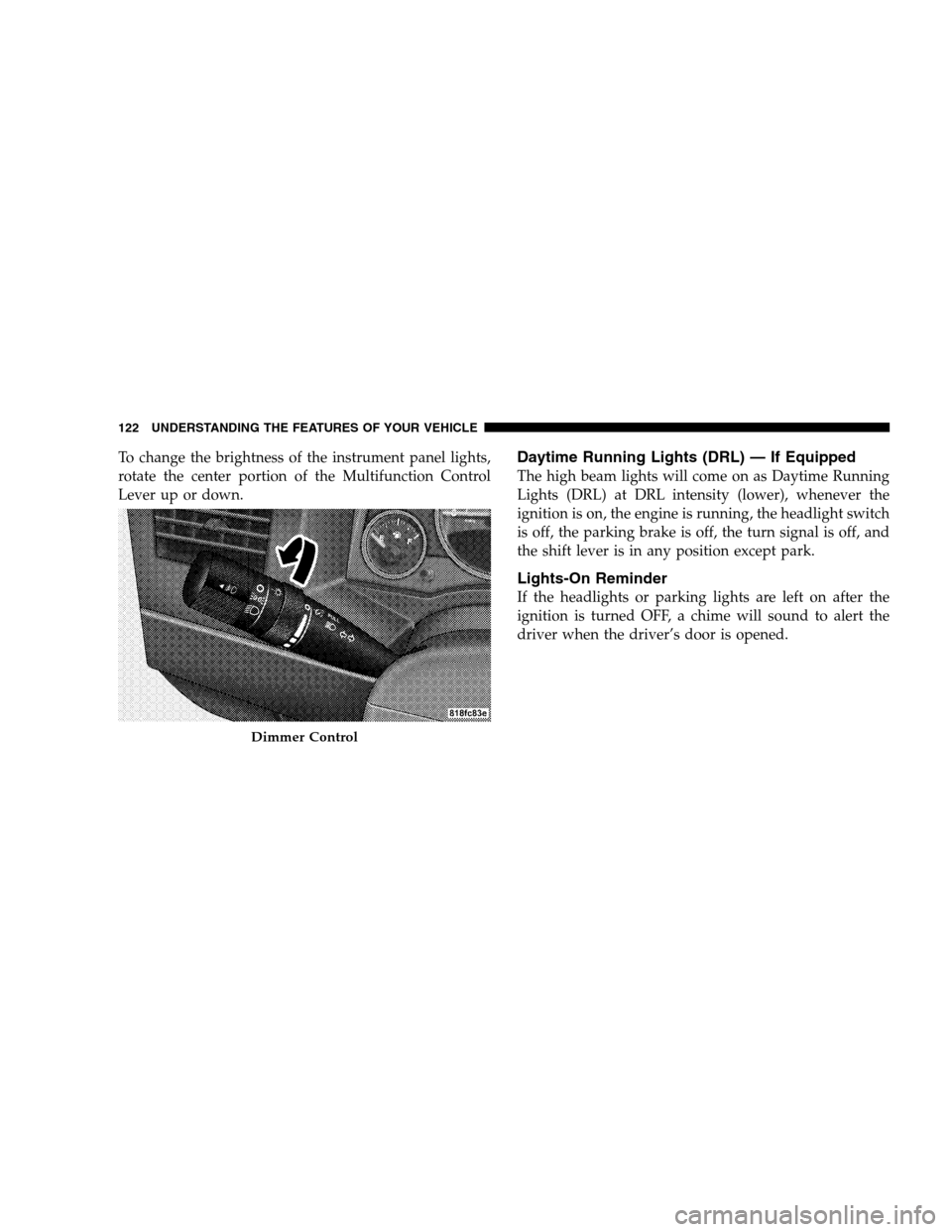
Turn the end of the Multifunction Control Lever to the
first detent for parking light operation. Turn to the
second detent for headlight operation.
Headlight Control
UNDERSTANDING THE FEATURES OF YOUR VEHICLE 121
3
Page 124 of 438
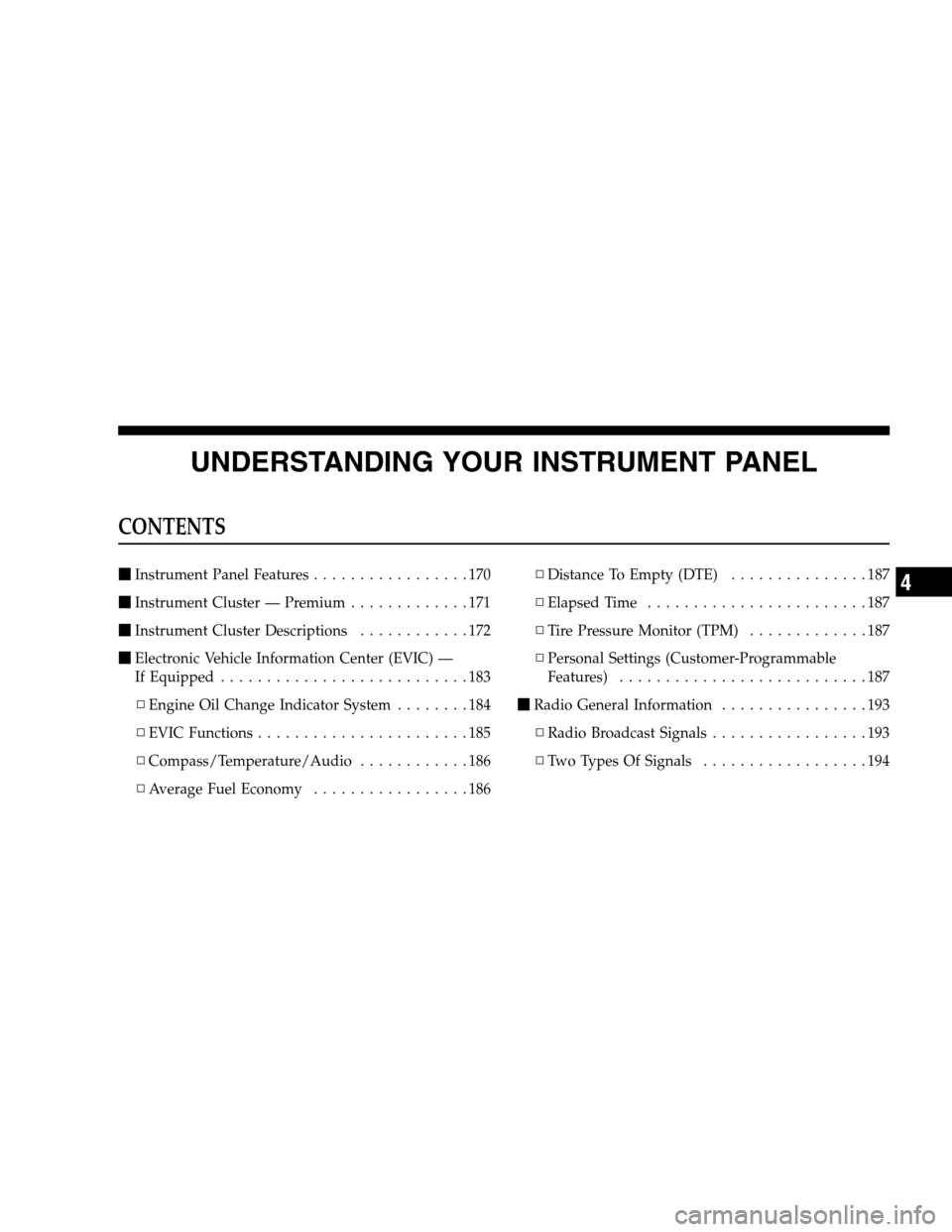
To change the brightness of the instrument panel lights,
rotate the center portion of the Multifunction Control
Lever up or down.Daytime Running Lights (DRL) — If Equipped
The high beam lights will come on as Daytime Running
Lights (DRL) at DRL intensity (lower), whenever the
ignition is on, the engine is running, the headlight switch
is off, the parking brake is off, the turn signal is off, and
the shift lever is in any position except park.
Lights-On Reminder
If the headlights or parking lights are left on after the
ignition is turned OFF, a chime will sound to alert the
driver when the driver’s door is opened.
Dimmer Control
122 UNDERSTANDING THE FEATURES OF YOUR VEHICLE
Page 154 of 438
Sunshade Operation
The sunshade can be opened manually. However, the
sunshade will open automatically as the sunroof opens.
NOTE:The sunshade cannot be closed if the sunroof is
open.
Wind Buffeting
Wind buffeting can be described as the perception of
pressure on the ears or a helicopter-type sound in the
ears. Your vehicle may exhibit wind buffeting with the
windows down, or the sunroof (if equipped) in certain
open or partially open positions. This is a normal occur-
rence and can be minimized. If the buffeting occurs with
the rear windows open, open the front and rear windows
together to minimize the buffeting. If the buffeting occurs
with the sunroof open, adjust the sunroof opening to
minimize the buffeting or open any window.
Sunroof Maintenance
Use only a non-abrasive cleaner and a soft cloth to clean
the glass panel.
Ignition Off Operation
The sunroof will also operate up to 45 seconds after the
ignition has been turned off. The sunroof operation will
be canceled if either of the front doors are opened during
the 45 second time period.
ELECTRICAL POWER OUTLETS — IF EQUIPPED
There is a standard 12 Volt power outlet in the instrument
panel and a 115 Volt (150 Watts Maximum) power outlet
in the center console on certain models for added conve-
nience. These outlets can power cell phones, electronics
and other low power devices.
NOTE:Due to overload protection the inverter will shut
down if the power rating is exceeded.
152 UNDERSTANDING THE FEATURES OF YOUR VEHICLE
Page 169 of 438
UNDERSTANDING YOUR INSTRUMENT PANEL
CONTENTS
�Instrument Panel Features.................170
�Instrument Cluster — Premium.............171
�Instrument Cluster Descriptions............172
�Electronic Vehicle Information Center (EVIC) —
If Equipped...........................183
▫Engine Oil Change Indicator System........184
▫EVIC Functions.......................185
▫Compass/Temperature/Audio............186
▫Average Fuel Economy.................186▫Distance To Empty (DTE)...............187
▫Elapsed Time........................187
▫Tire Pressure Monitor (TPM).............187
▫Personal Settings (Customer-Programmable
Features)...........................187
�Radio General Information................193
▫Radio Broadcast Signals.................193
▫Two Types Of Signals..................1944