Page 311 of 413
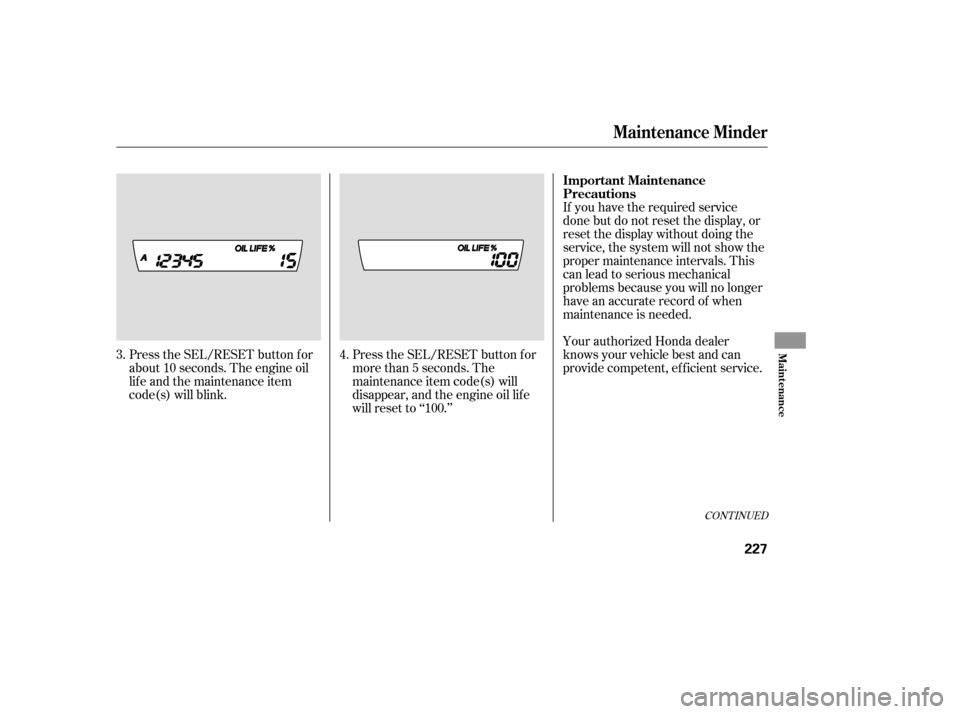
If you do not perf orm the indicated
maintenance, negative mileage is
displayed and begins to blink af ter
the vehicle has been driven 10 miles
(10 km) or more.
Negative mileage means your
vehicle has passed the maintenance
required point.
Immediately have the indicated
maintenance done by your dealer.
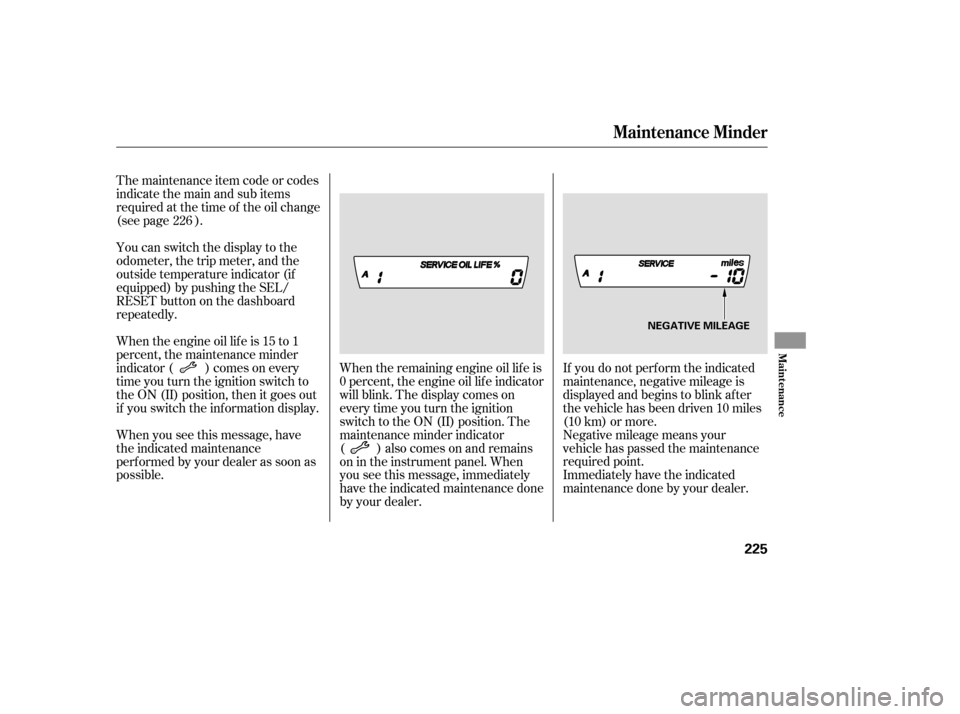
When the remaining engine oil lif e is
0 percent, the engine oil lif e indicator
will blink. The display comes on
everytimeyouturntheignition
switch to the ON (II) position. The
maintenance minder indicator
( ) also comes on and remains
on in the instrument panel. When
you see this message, immediately
have the indicated maintenance done
by your dealer.
The maintenance item code or codes
indicate the main and sub items
required at the time of the oil change
(see page ).
You can switch the display to the
odometer, the trip meter, and the
outside temperature indicator (if
equipped) by pushing the SEL/
RESET button on the dashboard
repeatedly.
Whentheengineoillifeis15to1
percent, the maintenance minder
indicator ( ) comes on every
time you turn the ignition switch to
the ON (II) position, then it goes out
if you switch the inf ormation display.
When you see this message, have
the indicated maintenance
perf ormed by your dealer as soon as
possible.
226
Maintenance Minder
Maint enance
225
NEGATIVE MILEAGE
�����—�����—�����y���
��
��������y���
�(�#���������y���������y
Page 312 of 413
Your dealer will reset the display
af ter completing the required
maintenance service. You will see
‘‘OIL LIFE 100%’’ on the inf ormation
display the next time you turn the
ignition switch to the ON (II)
position.
If maintenance service is done by
someone other than your dealer,
reset the maintenance minder as
f ollows:Turn the ignition switch to the ON
(II) position.
Press the SEL/RESET button
repeatedly until the engine oil lif e
indicator is displayed.
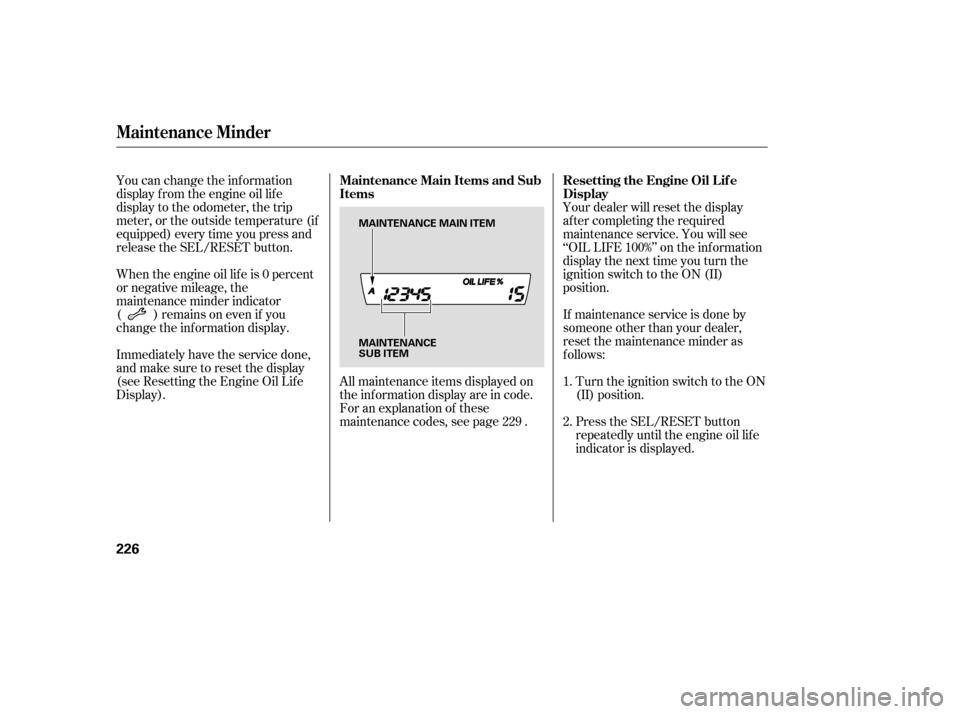
All maintenance items displayed on
the inf ormation display are in code.
For an explanation of these
maintenance codes, see page .
You can change the inf ormation
display f rom the engine oil lif e
display to the odometer, the trip
meter, or the outside temperature (if
equipped) every time you press and
release the SEL/RESET button.
When the engine oil lif e is 0 percent
or negative mileage, the
maintenance minder indicator
( )remainsonevenif you
change the inf ormation display.
Immediately have the service done,
andmakesuretoresetthedisplay
(see Resetting the Engine Oil Lif e
Display).
1. 2.
229
Maintenance Minder
Resetting the Engine Oil Lif e
Display
Maintenance Main Items and Sub
Items
226
MAINTENANCE
SUB ITEM
MAINTENANCE MAIN ITEM
�����—�����—�����y���
��
��������y���
�(�#���������y�������
�y
Page 313 of 413
CONT INUED
If you have the required service
done but do not reset the display, or
reset the display without doing the
service, the system will not show the
proper maintenance intervals. This
canleadtoseriousmechanical
problems because you will no longer
have an accurate record of when
maintenance is needed.
Your authorized Honda dealer
knows your vehicle best and can
provide competent, ef f icient service.
Press the SEL/RESET button f or
more than 5 seconds. The
maintenance item code(s) will
disappear, and the engine oil lif e
will reset to ‘‘100.’’
Press the SEL/RESET button f or
about 10 seconds. The engine oil
lif e and the maintenance item
code(s) will blink.
4.
3.
Maintenance Minder
Important Maintenance
Precautions
Maint enance
227
�����—�����—�����y���
��
��������y���
�(�#���������y���������y
Page 314 of 413

�µ�µ�µ
�µ
�µ
�µ
�Ì Engine oil level Check every
time you fill the fuel tank. See
page .
Engine coolant level Check the
radiator reserve tank every time
you f ill the f uel tank. See page .
Automatic transmission Check
the f luid level monthly. See page
.
Brakes Check the f luid level
monthly. See page .
Tires Check the tire pressure
monthly. Examine the tread f or
wear and foreign objects. See page .
Lights Check the operation of
the headlights, parking lights,
taillights, high-mount brake light,
and license plate lights monthly.
See page .
U.S. Vehicles:
According to state and federal
regulations, f ailure to perf orm
maintenance on the items marked
with will not void your emissions
warranties. However, all
maintenance services should be
perf ormed in accordance with the
intervals indicated by the
inf ormation display.
Youshouldcheckthefollowing
items at the specif ied intervals. If
you are unsure of how to perf orm
any check, turn to the appropriate
page listed.
However, service at a dealer is not
mandatory to keep your warranties
in effect. Maintenance may be done
by any qualif ied service f acility or
person who is skilled in this type of
automotive service. Make sure to
have the service f acility or person
reset the display as previously
described. Keep all receipts as proof
of completion, and have the person
who does the work f ill out your
Honda Service History or Canadian
Maintenance Log. Check your
warranty booklet f or more
inf ormation.
We recommend using Honda parts
and fluids whenever you have
maintenance done. These are
manuf actured to the same high
quality standards as the original
components, so you can be conf ident
of their perf ormance and durability.
183
185
240 242
254
244
Maintenance Minder
Maintenance,
replacement, or repair of
emissions control devices and
systems may be done by any
automotive repair establishment
or individual using parts that are
‘‘certif ied’’ to EPA standards.
Owner’s Maintenance Checks
228
�����—�����—�����y���
��
��������y���
�(�#���������y���������y
Page 315 of 413

�Î �Î
�Ì �Ì
�Ì
�Î
Maintenance Minder
229
:See information on maintenance and emissions warranty on page .
Independent of the maintenance minder display, replace the brake fluid
every 3 years.
Inspect idle speed every 160,000 miles (256,000 km).
Adjust the valves during services A, B, 1, 2, or 3 only if they are noisy.
If the message ‘‘SERVICE’’ does not appear more than 12 months after the
display is reset, change the engine oil every year.
NOTE: 228
1:
Maintenance Sub Items
Rotate tires
Replace air cleaner element If you drive in dusty conditions, replace
every 15,000 miles (24,000 km).
Replace dust and pollen filter If you drive primarily in urban areas that have high
concentrations of soot in the air from industry and
from diesel-powered vehicles, replace every 15,000
miles (24,000 km).
Inspect drive belt
Replace transmission fluid
Replace spark plugs
Inspect valve clearance
Replace engine coolant
Maintenance Main Items
Replace engine oil
Replace engine oil and oil filter
Inspect front and rear brakes
Check parking brake adjustment
Inspect these items:
Tie rod ends, steering gear box, and boots
Suspension components
Driveshaft boots
Brake hoses and lines (including ABS)
All fluid levels and condition of fluids
Exhaust system
Fuel lines and connections
AB
Symbol
Symbol
12 3 4 51 1
Maintenance Minder
�����—�����—�����y���
��
��������y���
�(�#���������y���������y
Page 355 of 413

�µIf your vehicle’s battery is
disconnected, or goes dead, the
audio system will disable itself . The
nexttimeyouturnontheradio,you
may see ‘‘CODE’’ in the f requency
display. Use the preset buttons to
enter the code (see page ).
The navigation system will also
disableitself.Thenexttimeyouturn
on the ignition switch, the system
will require you to enter a PIN
bef ore it can be used. Ref er to the
navigation system manual.
If you need to connect the battery to
a charger, disconnect both cables to
prevent damaging your vehicle’s
electrical system. Always disconnect
the negative ( ) cable first, and
reconnect it last.
If additional battery maintenance is
needed, see your dealer or a
qualif ied technician.
Battery posts,
terminals, and related accessories
contain lead and lead compounds. 173
On vehicles with navigation system
WARNING:
Wash your hands af ter handling.
Checking the Battery
262
The battery gives off explosive
hydrogen gas during normaloperation.
A spark or flame can cause the
battery to explode with enough
force to kill or seriously hurt you.
Wear protective clothing and a
face shield, or have a skilled
technician do the batterymaintenance.
�����—�����—�����y���
��
��������y���
�(�#���������y���������y
Page 377 of 413
If the driver’s power window f use is
removed, the AUTO function of the
driver’s window will be disabled. You
should reset the AUTO f eature, (see
page ).
If the radio f use is removed, the
audio system will disable itself . The
nexttimeyouturnontheradioyou
will see ‘‘ENTER CODE’’ in the
f requency display. Use the preset
buttons to enter the digit code (see
page ).
When the audio system is disabled,
the clock setting in the audio system
will be canceled. You will need to
reset the clock (see page ).100
174
173
All models except DX and Canadian
DX-G
Fuses
T aking Care of t he Unexpect ed
283
�����—�����—�����y���
�����������y���
�(�#���������y���������y