Page 1 of 256
Introduction 4
Instrument Cluster 10
Warning lights and chimes 10
Gauges 15
Entertainment Systems 17
Auxiliary input jack (Line in) 25
USB port 27
Satellite radio information 29
Climate Controls 32
Manual heating and air conditioning 32
Rear window defroster 34
Lights 35
Headlamps 35
Turn signal control 38
Bulb replacement 39
Driver Controls 44
Windshield wiper/washer control 44
Steering wheel adjustment 45
Power windows 46
Mirrors 47
Speed control 49
Moon roof 53
Message center 55
Locks and Security 62
Keys 62
Locks 62
Anti-theft system 71
Table of Contents
1
2008 Focus(foc)
Owners Guide (post-2002-fmt)
USA(fus)
Page 5 of 256
SAFETY AND ENVIRONMENT PROTECTION
Warning symbols in this guide
How can you reduce the risk of personal injury to yourself or others? In
this guide, answers to such questions are contained in comments
highlighted by the warning triangle symbol. These comments should be
read and observed.
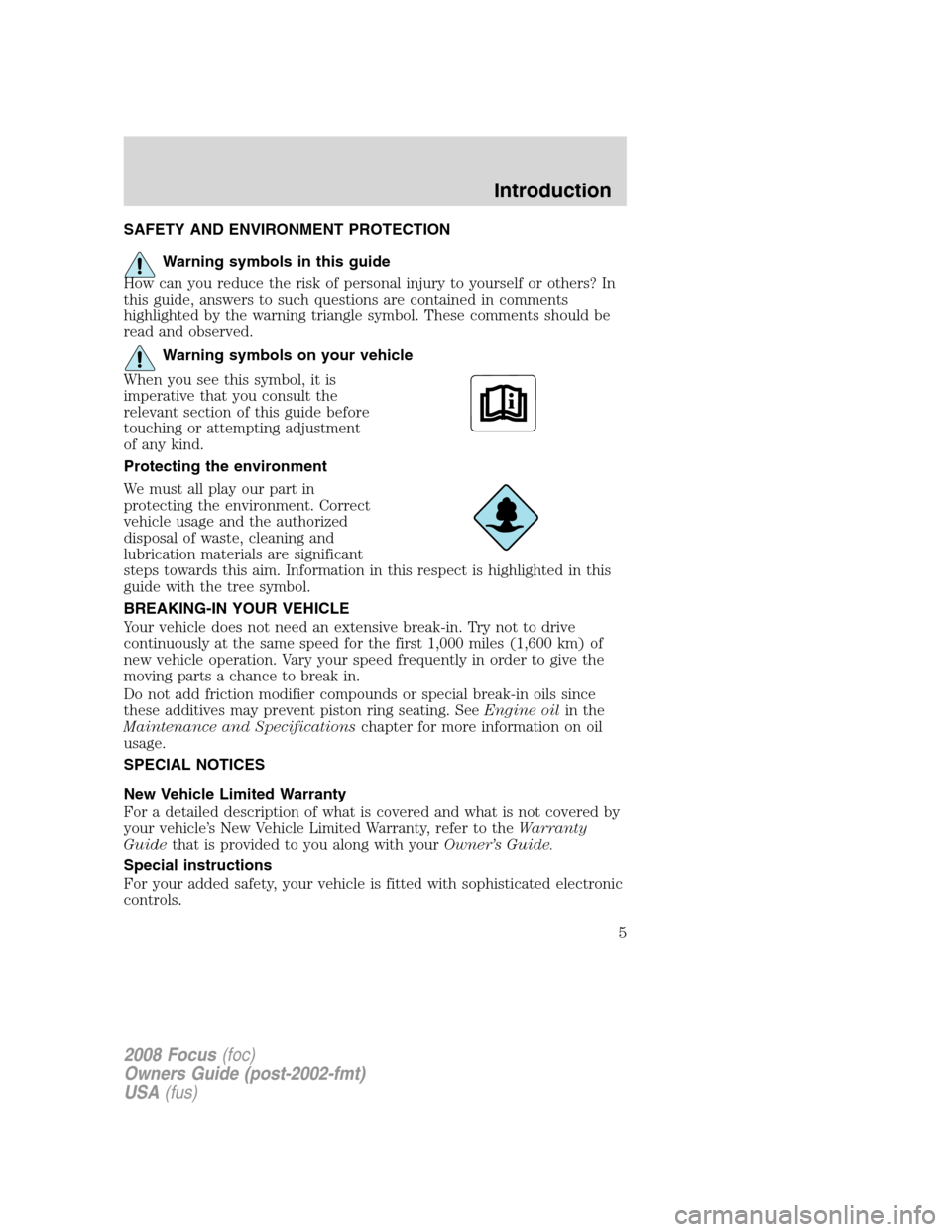
Warning symbols on your vehicle
When you see this symbol, it is
imperative that you consult the
relevant section of this guide before
touching or attempting adjustment
of any kind.
Protecting the environment
We must all play our part in
protecting the environment. Correct
vehicle usage and the authorized
disposal of waste, cleaning and
lubrication materials are significant
steps towards this aim. Information in this respect is highlighted in this
guide with the tree symbol.
BREAKING-IN YOUR VEHICLE
Your vehicle does not need an extensive break-in. Try not to drive
continuously at the same speed for the first 1,000 miles (1,600 km) of
new vehicle operation. Vary your speed frequently in order to give the
moving parts a chance to break in.
Do not add friction modifier compounds or special break-in oils since
these additives may prevent piston ring seating. SeeEngine oilin the
Maintenance and Specificationschapter for more information on oil
usage.
SPECIAL NOTICES
New Vehicle Limited Warranty
For a detailed description of what is covered and what is not covered by
your vehicle’s New Vehicle Limited Warranty, refer to theWarranty
Guidethat is provided to you along with yourOwner’s Guide.
Special instructions
For your added safety, your vehicle is fitted with sophisticated electronic
controls.
2008 Focus(foc)
Owners Guide (post-2002-fmt)
USA(fus)
Introduction
5
Page 8 of 256
These are some of the symbols you may see on your vehicle.
Vehicle Symbol Glossary
Safety Alert
See Owner’s Guide
Fasten Safety BeltAirbag - Front
Airbag - SideChild Seat Lower
Anchor
Child Seat Tether
AnchorBrake System
Anti-Lock Brake SystemParking Brake System
Brake Fluid -
Non-Petroleum BasedParking Aid System
Stability Control SystemSpeed Control
Master Lighting SwitchHazard Warning Flasher
Fog Lamps-FrontFuse Compartment
Fuel Pump ResetWindshield Wash/Wipe
Windshield
Defrost/DemistRear Window
Defrost/Demist
2008 Focus(foc)
Owners Guide (post-2002-fmt)
USA(fus)
Introduction
8
Page 13 of 256

Engine coolant temperature:
Illuminates when the engine coolant
temperature is high. Stop the
vehicle as soon as possible, switch off the engine and let cool. Refer to
Engine coolantin theMaintenance and Specificationschapter.
Never remove the coolant reservoir cap while the engine is
running or hot.
Anti-theft system:Flashes when
the SecuriLock™ Passive Anti-theft
System has been activated.
Overdrive off (if equipped):
Illuminates when the overdrive
function of the transaxle has been
turned off, refer to theDriving
chapter. If the light flashes steadily or does not illuminate, have the
transmission serviced soon, or damage may occur.
Speed control (if equipped):
Illuminates when the speed control
is activated. Turns off when the
speed control system is deactivated,
refer to theDriver Controls
chapter for more information.
Upshift (if equipped):
To
maximize fuel economy, this light
illuminates when the manual
transmission should be shifted to the
next highest gear. Refer to theDrivingchapter for more information.
Low tire pressure warning:
Illuminates when your tire pressure
is low. If the light remains ON at
start up or while driving, the tire
pressure should be checked. Refer
toInflating your tiresin theTires, Wheels and Loadingchapter. When
the ignition is first turned to ON, the light will illuminate for 3 seconds to
ensure the bulb is working. If the light does not turn ON or begins to
flash, have the system inspected by your authorized dealer. For more
information on this system, refer toTire pressure monitoring systemin
theTires, Wheels and Loadingchapter.
O/D
OFF
2008 Focus(foc)
Owners Guide (post-2002-fmt)
USA(fus)
Instrument Cluster
13
Page 15 of 256
GAUGES
Speedometer:Indicates the
current vehicle speed.
Engine coolant temperature
gauge:Indicates engine coolant
temperature. At normal operating
temperature, the needle will be in
the normal range.If it enters the
red section, the engine is
overheating. Stop the vehicle as
soon as safely possible, switch
off the engine and let the engine cool.If it enters the red section
and theService Engine Soonindicator light illuminates, refer toHow
fail safe cooling worksin theMaintenance and Specificationschapter.
Never remove the coolant reservoir cap while the engine is
running or hot.
2008 Focus(foc)
Owners Guide (post-2002-fmt)
USA(fus)
Instrument Cluster
15
Page 16 of 256
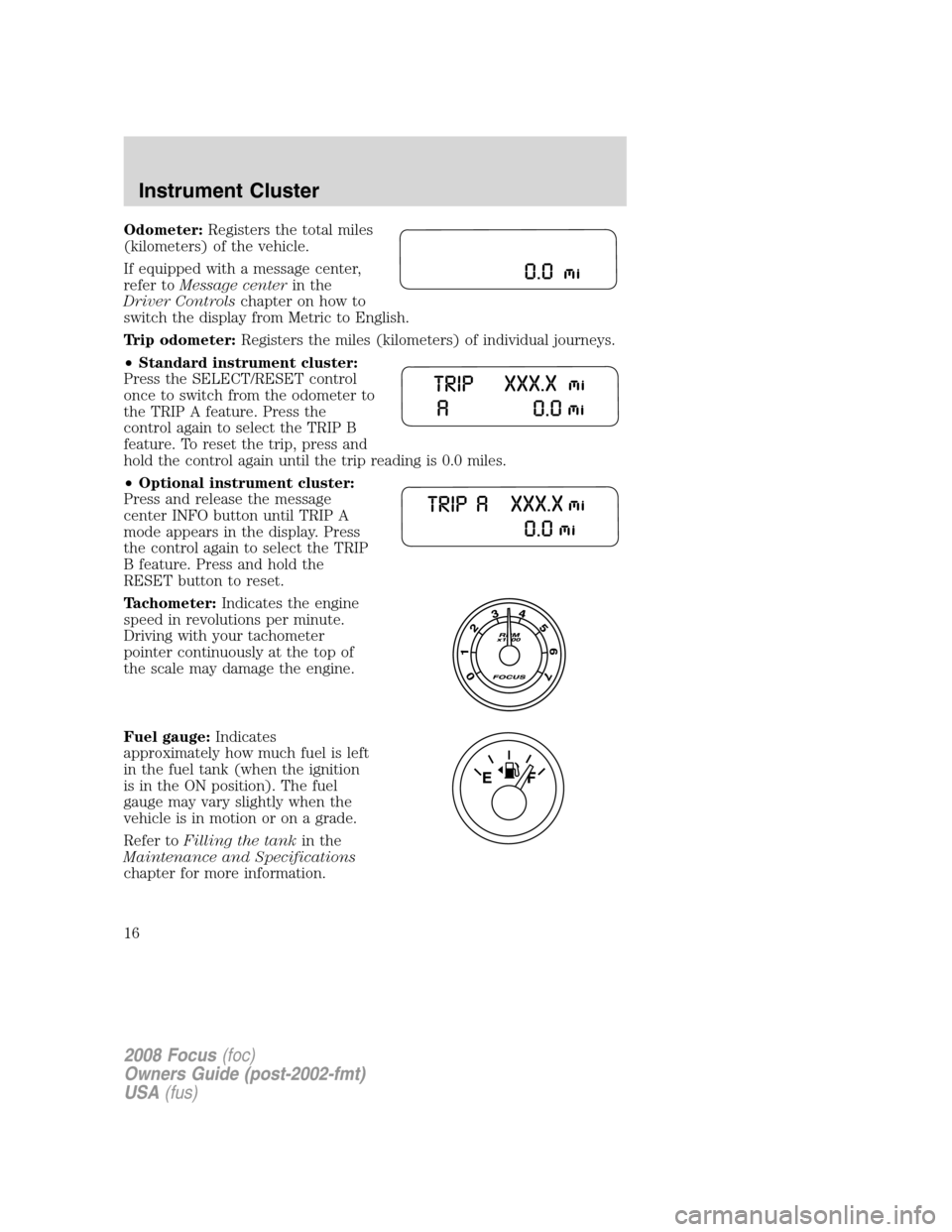
Odometer:Registers the total miles
(kilometers) of the vehicle.
If equipped with a message center,
refer toMessage centerin the
Driver Controlschapter on how to
switch the display from Metric to English.
Trip odometer:Registers the miles (kilometers) of individual journeys.
•Standard instrument cluster:
Press the SELECT/RESET control
once to switch from the odometer to
the TRIP A feature. Press the
control again to select the TRIP B
feature. To reset the trip, press and
hold the control again until the trip reading is 0.0 miles.
•Optional instrument cluster:
Press and release the message
center INFO button until TRIP A
mode appears in the display. Press
the control again to select the TRIP
B feature. Press and hold the
RESET button to reset.
Tachometer:Indicates the engine
speed in revolutions per minute.
Driving with your tachometer
pointer continuously at the top of
the scale may damage the engine.
Fuel gauge:Indicates
approximately how much fuel is left
in the fuel tank (when the ignition
is in the ON position). The fuel
gauge may vary slightly when the
vehicle is in motion or on a grade.
Refer toFilling the tankin the
Maintenance and Specifications
chapter for more information.
2008 Focus(foc)
Owners Guide (post-2002-fmt)
USA(fus)
Instrument Cluster
16
Page 19 of 256
TREBLE:Press SOUND repeatedly to reach the treble setting. Press
SEEK/TRACKto adjust the level of treble.
BALANCE:Press SOUND repeatedly to reach the balance setting.
Press
SEEK/TRACKto adjust the audio between the left (L) and
right (R) speakers.
FADE:Press SOUND repeatedly to reach the fade setting. Press
SEEK/TRACKto adjust the audio between the back (B) and
front (F) speakers.
SPEED COMPENSATED VOLUME (if equipped):Press SOUND
repeatedly to reach the SPEED COMPENSATED VOLUME setting. Radio
volume automatically gets louder with increasing vehicle speed to
compensate for road and wind noise. Use
SEEK/TRACKto
adjust.
The default setting isoff;increasing your vehicle speed will not change
the volume level.
Adjust1–7:Increasing this setting from 1 (lowest setting) to 7 (highest
setting) allows the radio volume to automatically change slightly with
vehicle speed to compensate for road and wind noise.
Recommended level is1–3;SPEED OFF turns the feature off and level 7
is the maximum setting.
ALL SEATS (Occupancy mode, if equipped):Press SOUND
repeatedly to reach the Occupancy mode setting. Press
SEEK/TRACKto select and optimize sound for ALL SEATS,
DRIVERS SEAT or REAR SEATS.
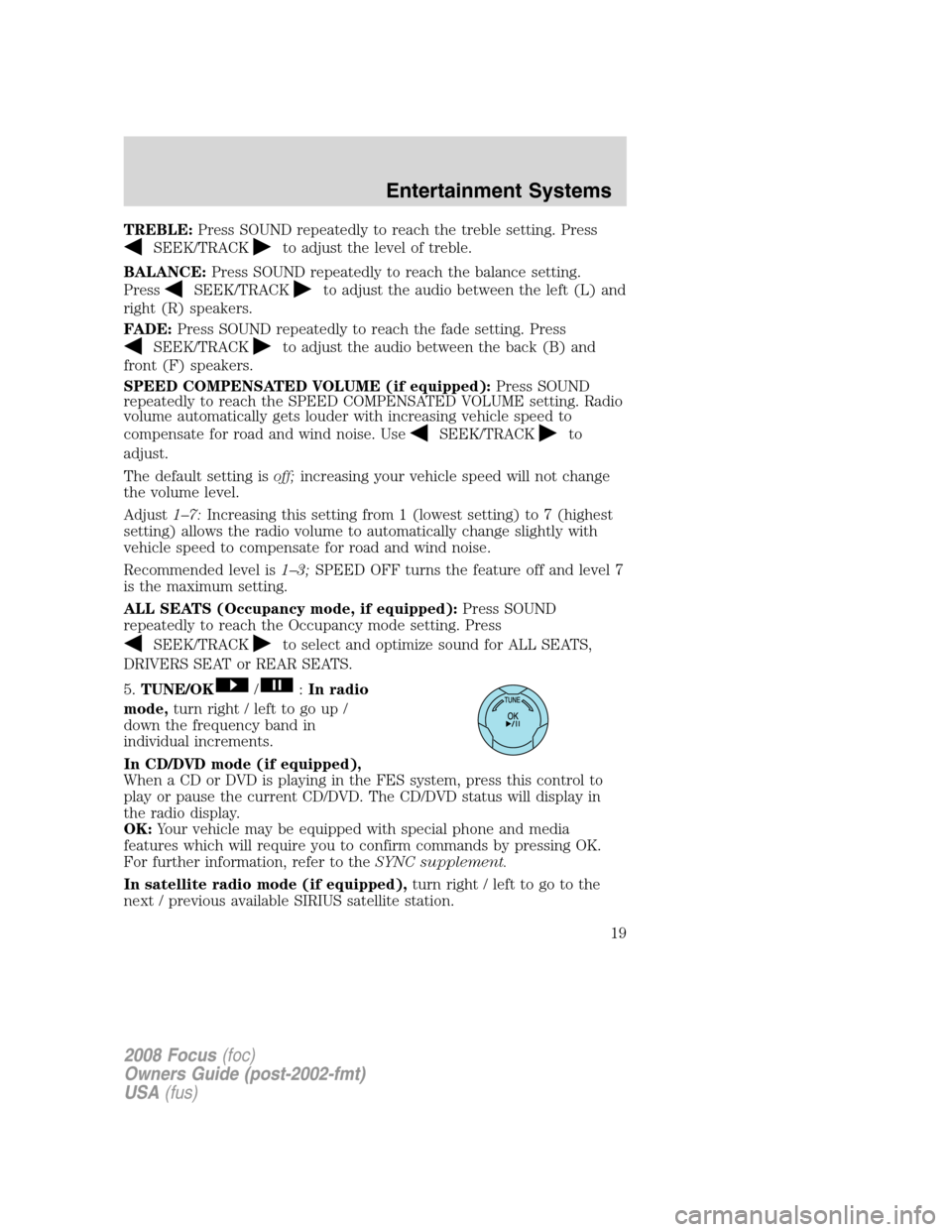
5.TUNE/OK
/:In radio
mode,turn right / left to go up /
down the frequency band in
individual increments.
In CD/DVD mode (if equipped),
When a CD or DVD is playing in the FES system, press this control to
play or pause the current CD/DVD. The CD/DVD status will display in
the radio display.
OK:Your vehicle may be equipped with special phone and media
features which will require you to confirm commands by pressing OK.
For further information, refer to theSYNC supplement.
In satellite radio mode (if equipped),turn right / left to go to the
next / previous available SIRIUS satellite station.
2008 Focus(foc)
Owners Guide (post-2002-fmt)
USA(fus)
Entertainment Systems
19
Page 32 of 256

MANUAL HEATING AND AIR CONDITIONING SYSTEM
1.
Fan speed adjustment:Controls the volume of air circulated in
the vehicle.
2.
RRear defroster:Press to activate/deactivate the rear window
defroster. Refer toRear window defrosterlater in this chapter for more
information.
3.
Defrost:Distributes outside air through the windshield defroster
vents and demister vents. Can be used to clear the windshield of fog and
thin ice. The system will automatically provide outside air to reduce
window fogging. Press this button again to return to the previous air flow
selection.
4.
:Distributes air through the windshield defroster vents, demister
vents, floor vents and rear seat floor vents. The system will automatically
provide outside air to reduce window fogging.
5.
Power:Press to activate/deactivate the climate control system.
When the system is off, outside air is prevented from entering the
vehicle.
6.
:Distributes air through the instrument panel vents.
7.
:Distributes air through the instrument panel vents, floor vents,
rear seat floor vents and demister vents.
8.
:Distributes air through the floor vents, rear seat floor vents and
demister vents.
2008 Focus(foc)
Owners Guide (post-2002-fmt)
USA(fus)
Climate Controls
32